
What you will learn
On this pageContentsCloseOpen
You shot every colorway properly. Front, back, detail, on-model. The shopper picks Blue, the hero image flips to Blue, and then the gallery keeps going: Red back, Red detail, Green on-model, all of it. On a product with six colors and five shots each that is thirty thumbnails, twenty-five of which are the wrong color.
Vendor blogs in this category tell you Shopify has no setting for this. That is not quite true, and the difference between what the setting does and what the apps do is the whole decision.
What Shopify actually lets you attach
The Help Center page on variant images is unusually blunt: "you can only add one image to each product variant." The same sentence rules out the other media types — "Product variants don't support other types of media, such as 3D models or videos."
Under the heading "Multiple images for a variant," Shopify then describes the native workaround, and it is worth reading as written because it is the entire native capability. Add all images for a variant to the media gallery, "Arrange the images in sequence so that related images appear together," and assign one image to the variant so that "When a customer selects the variant, the assigned image appears as the variant preview, and they can scroll the gallery to view the rest."
That is a sorting strategy, not a filter. The shopper still sees every image. They just see the right one first.
The page closes with Shopify's own escalation path: "If you need a specific group of images to appear automatically when a customer selects a particular option, then consider the Shopify Combined Listings app, available on the Shopify Plus plan and the Shopify Enterprise Commerce plan."
The setting the vendor blogs say does not exist
Rubik's June 2026 guide on this problem states: "There is no toggle in the theme customizer or product editor that hides the rest of the gallery per variant." Shopify's two flagship free themes both ship one.
In Dawn 16.0.0, the product section has a checkbox labeled "Hide other variant media after one is selected" (hide_variants, default off). In Horizon 4.1.5, the product media gallery block has "Hide unselected variant media" (hide_variants), and the default product template ships with it turned on.
What the setting does is visible in both themes' Liquid, and it is narrower than the label suggests. Both build a list of images that are attached_to_variant? — that is, every image currently assigned as the image of some variant — and skip any image on that list that is not the selected variant's featured media. Images that are not attached to any variant are never on the list, so they always render.
Walk that through with a real product. Blue has five photos and you can attach only one of them to the Blue variant. When the shopper selects Red, the theme hides the one Blue image and the one Green image. The other four Blue photos were never attached to anything, so they stay in Red's gallery. The setting cleans up exactly one image per competing variant and leaves the other twenty-two.
For a store with one photo per color it is the complete answer, free, and already on in Horizon. For a store with a photo set per color it barely moves the needle, and it is the reason the app category exists.
Combined Listings: the native answer, gated by plan
The Shopify Combined Listings app solves the gallery problem by changing the data model: each color becomes its own product with its own media gallery, linked under a parent. The Help Center states the plan requirement twice — "available only on Plus and enterprise commerce plans" — and adds a theme requirement: "Combined listings display on free Shopify themes in version 15.0.0 or later"; other themes "might require additional customization."
The ceilings are 60 products per combined listing, 3 parent options, and 2,000 option values across all children. The incompatibilities matter more: a combined listing "can't be added to a product bundle or added as a subscription product," child products "won't be included in the filter results" when filtering with Search & Discovery, and "Apps that display information on product pages in your online store might not be compatible."
We covered the structural difference between this native app and the third-party "combined listings" apps in a separate article. The short version for this decision: if you are on Plus and your colors could reasonably be separate products anyway, Combined Listings gives you real per-color galleries with no per-product app fee. If you are on any other plan, or your colors must stay as variants of one product, you are choosing an app.
Five apps, three billing meters
All five apps below do the same core thing: let you attach a set of media to each variant and hide the rest of the gallery when that variant is selected. All prices are USD, monthly, retrieved from the Shopify App Store on September 18, 2026.
| App | Meter | Free plan covers | First paid tier | Top tier | Trial | Built for Shopify |
|---|---|---|---|---|---|---|
| SA Variant Image Automator | Your Shopify plan | Partner, staff, and trial stores only | $14.90 (Basic) | $99.90 (Plus) | 30 days | Yes |
| Rubik Variant Images & Swatch | Products set up | 1 product | $25 (100 products) | $75 (unlimited) | 7 days | Yes |
| VIM: Variant Image Module | Products | 5 products | $10 (100 products) | $40 (unlimited) | 7 days | Yes |
| Nova Variant Images & Swatch | Products configured | 1 product | $9.99 (50 products) | $49.99 (1,000 products) | 3 days | Yes |
| Variant Image Wizard + Swatch | Theme type | 5 products, free Shopify themes only | $4.99 (unlimited, free themes only) | $7.99 (all themes) | 14 days | No |
Three meters are hiding in that table.
Shopify plan. SA Variant Image Automator's listing says "Pricing is based on your Shopify plan" and lists Pause & Build $5, Shopify Basic $14.90, Shopify Grow & Custom $29.90, Shopify Advanced $49.90, Shopify Plus $99.90. A Plus store with eight variant products pays the same $99.90 as a Plus store with eight thousand. The free tier is not a free plan for merchants — it lists "Shopify Partner Stores, Shopify Staff Stores, Merchant Trial Stores."
Product count. Rubik, VIM, and Nova all charge by how many products you have configured, but they draw the lines in different places. Rubik goes 1, 100, 1,000, unlimited at $0, $25, $50, $75. VIM goes 5, 100, 250, unlimited at $0, $10, $20, $40. Nova goes 1, 50, 130, 1,000 at $0, $9.99, $19.99, $49.99 — note there is no unlimited tier on the listing. A store with 120 variant products lands on Rubik's $50, VIM's $20, and Nova's $19.99 tiers; a store with 300 lands on $50, $40, and $49.99.
Theme type. Variant Image Wizard + Swatch is the cheapest app on the table and the only one whose meter is your theme. The Free and $4.99 Starter tiers are both labeled "Only Shopify free themes." "All themes" arrives at $7.99, along with "Videos & models" and "Variant images bulk edit." If you run a paid Theme Store theme, the real entry price is $7.99, not $4.99.
What the listings say about how they work
Two approaches are visible in the listing copy.
SA, Rubik, Nova, and Variant Image Wizard describe working inside the theme's existing gallery. SA: "inside your theme's own variant image gallery with image variant zoom kept." Rubik: "Preserve your theme's variant image gallery." Nova: "keep theme's variant image gallery layout." VIM takes the opposite approach and says so — "The, fully customizable, VIM Variant Gallery replaces the existing product gallery on your theme of choice." That is a different product: you get VIM's slider or grid, lookbook and shoppable hotspots, and you give up whatever your theme's gallery did.
On assignment, SA's pitch is that it "groups variant image sets, no manual tagging" once you "Organize product images by variant" — the same gallery-order discipline the Help Center's workaround already asks for. Rubik's listing adds "Auto-assign with AI or MCP" and meters it: 50 AI images per month on Free, 500 on Starter, 5,000 on Advanced, 50,000 on Premium. Nova and VIM list bulk assignment; Variant Image Wizard puts bulk edit on its $7.99 tier, and a 2023 one-star review complains that "Everything has to be done manually" on the lower tiers.
On media types, remember the Help Center rule: native variants take images only. Rubik's free plan lists "Video, 3D model support," Nova's lists "Image, Video, 3D model support," and Variant Image Wizard gates "Videos & models" to $7.99. If your Blue set includes a video, that is a plan-tier question, not just an app question.
What the reviews argue about
SA Variant Image Automator
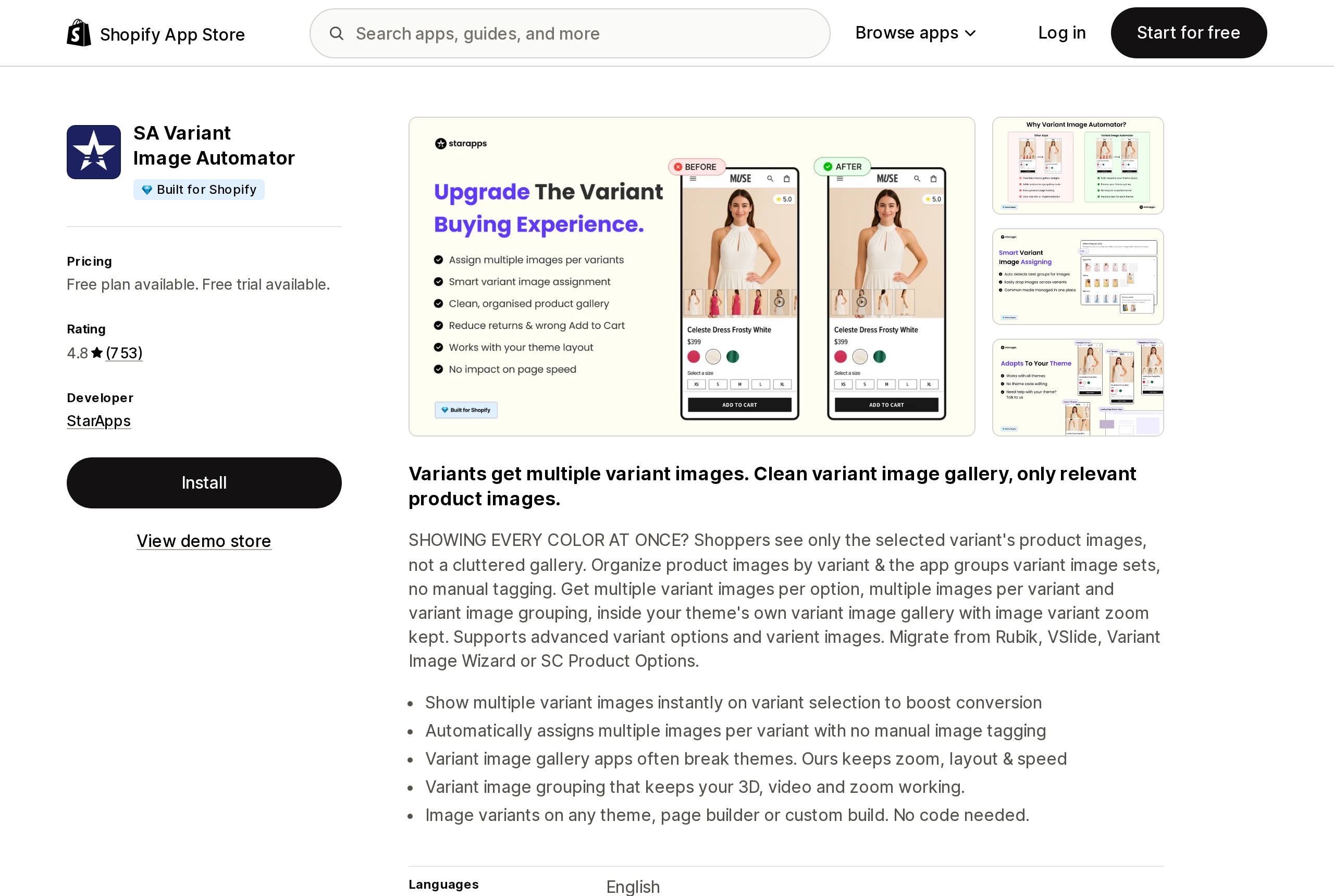
Source: Shopify App Store (SA Variant Image Automator), retrieved September 18, 2026
SA Variant Image Automator (4.8, 753 reviews, 18 one-star) has the longest review history and the most instructive failure modes. A February 26, 2026 one-star from a US store: the app "removed my customers ability to select variants that were out of stock in one location, but in stock in another location." A November 14, 2025 one-star from a two-year user: "this app doesn't work with the Instagram Shop." A July 23, 2025 review reports images failing "when a customer picks a combination that isn't available in the store." All three are about the app intercepting the variant picker, not about the gallery. The most recent review, from September 14, 2026, is five stars for the same reason: the merchant "migrated to Shopify's new variant-level publishing," which Shopify released on May 7, 2026, it broke variant images, and StarApps "had a solution in place the next day."
Rubik Variant Images & Swatch
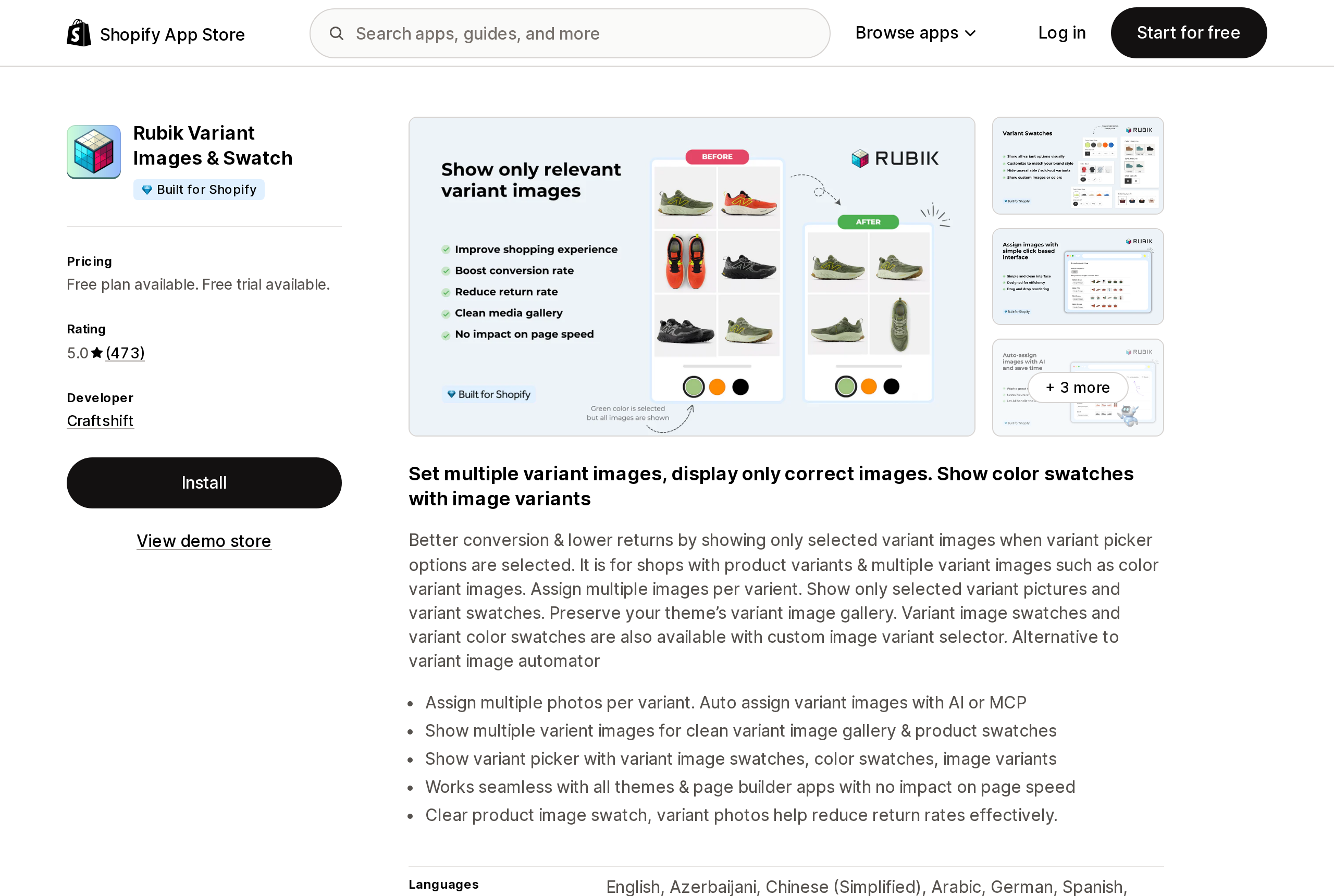
Source: Shopify App Store (Rubik Variant Images & Swatch), retrieved September 18, 2026
Rubik Variant Images & Swatch (5.0, 473 reviews) has exactly one one-star, from August 27, 2026, in which a US merchant reports that product options and variants disappeared on best-selling items after integration. The developer's reply opens: "I am sorry. You were right to be upset, and this was our mistake." An August 14, 2026 two-star is about the free plan covering one product; Craftshift's reply confirms that limit has "no time limit and no card."
Variant Image Wizard + Swatch
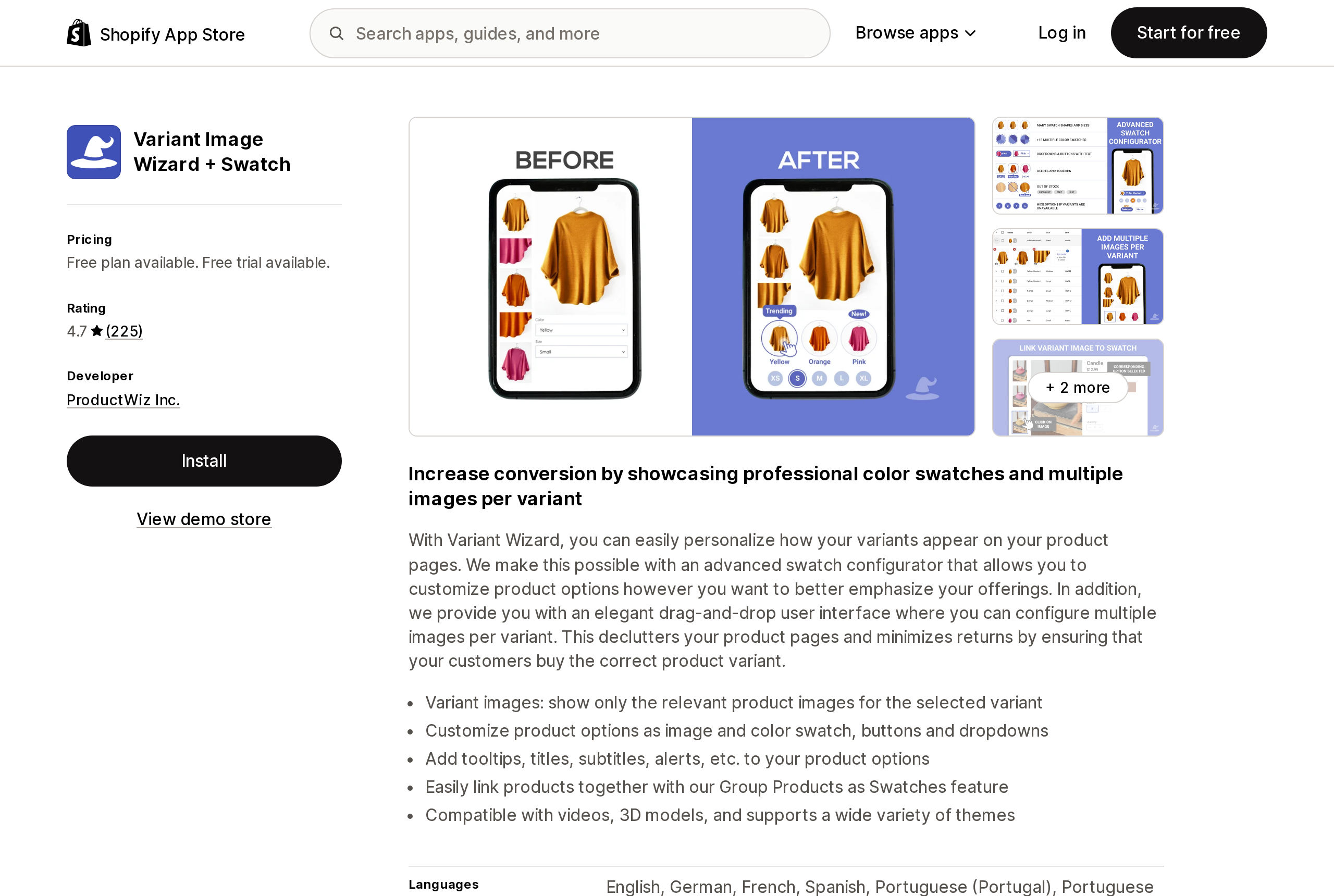
Source: Shopify App Store (Variant Image Wizard + Swatch), retrieved September 18, 2026
Variant Image Wizard + Swatch (4.7, 225 reviews) has two October 2025 one-stars about being billed after uninstalling. In both cases the developer replied with specifics — one subscription "was automatically cancelled after uninstalling our app on September 29th, 2025," the other was refunded "within two hours." A July 2025 one-star blames the app for breaking a Dawn theme; the developer's reply states the app "is built using Shopify's app embed system and doesn't modify your theme's code."
VIM: Variant Image Module
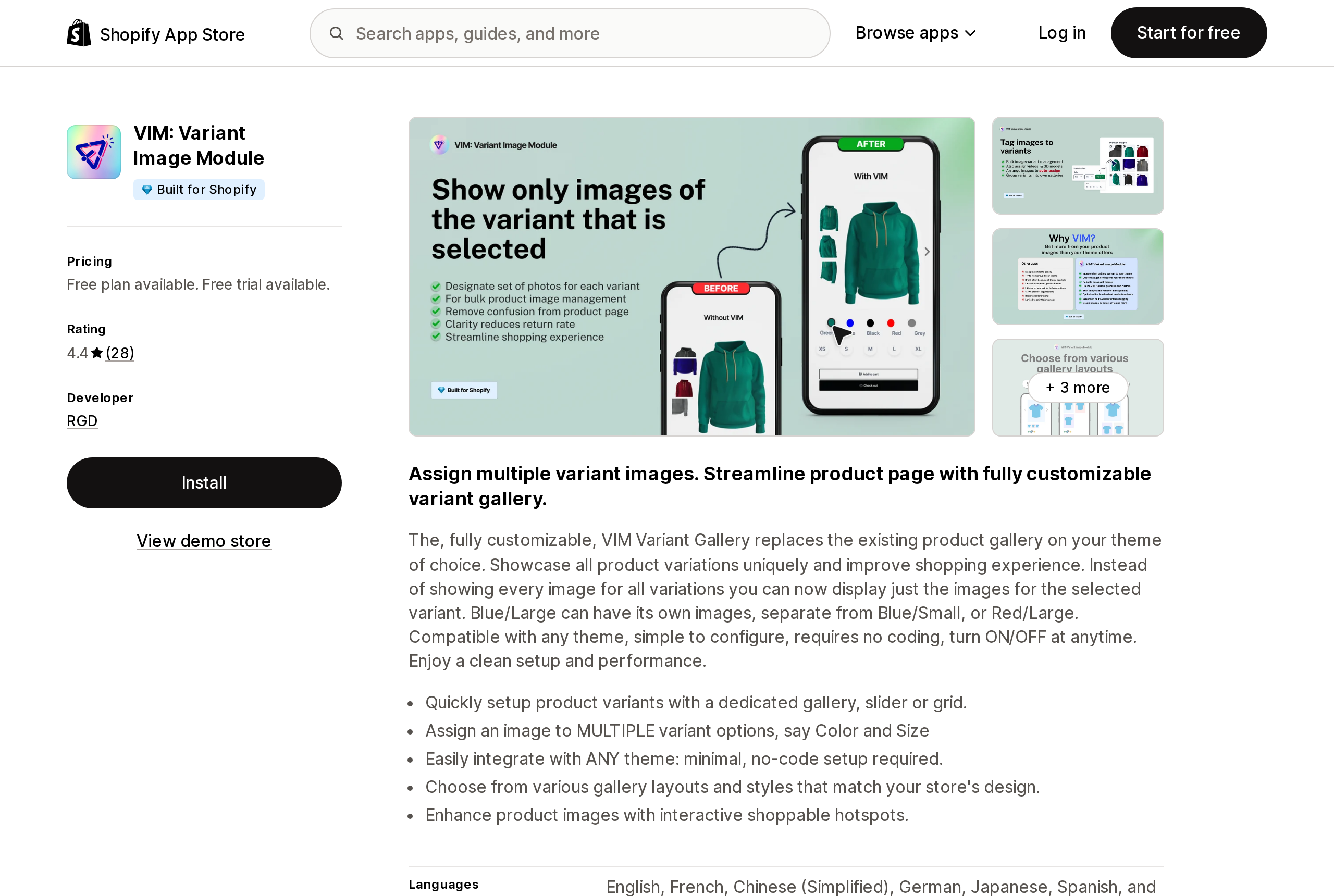
Source: Shopify App Store (VIM: Variant Image Module), retrieved September 18, 2026
VIM: Variant Image Module (4.4, 28 reviews) is the smallest sample and the weakest: an August 30, 2026 one-star says assignments "would be back to square one" at random, and a September 2025 one-star says it "Caused my variants not to work at all." Both got developer replies.
Nova Variant Images & Swatch
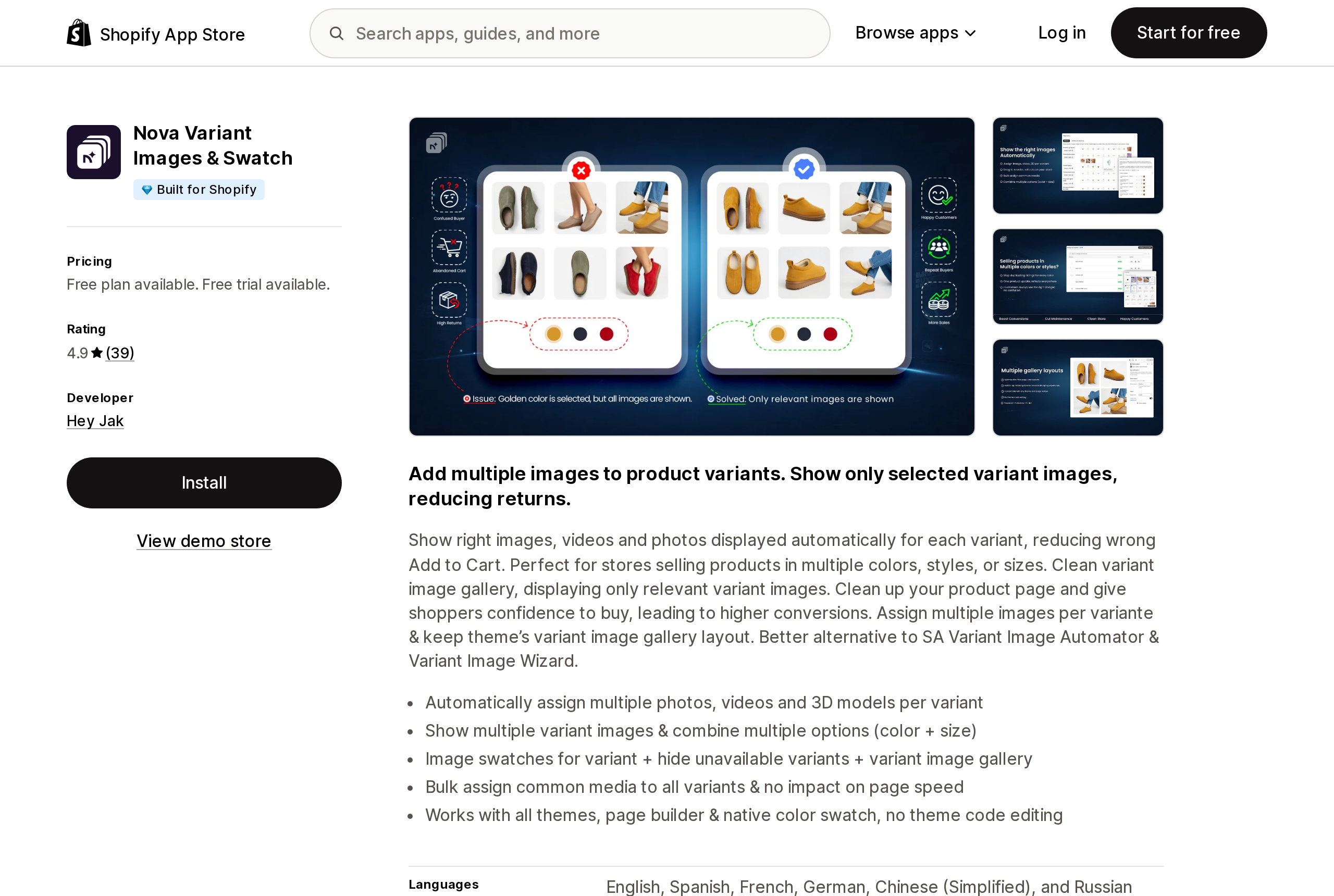
Source: Shopify App Store (Nova Variant Images & Swatch), retrieved September 18, 2026
Nova Variant Images & Swatch (4.9, 39 reviews) has no one- or two-star reviews at all. A September 11, 2026 five-star compares it directly to Rubik on interface and price. Thirty-nine reviews is thin evidence either way.
Choosing
Start with the count that matters: how many photos per color, not how many colors.
One photo per color, and you are on Dawn or Horizon. Turn on the native checkbox and stop. Horizon already did. The apps add nothing you need.
A photo set per color, on Plus, with colors that could be separate products. Try Combined Listings before paying a monthly fee — but read the bundle, subscription, and Search & Discovery filter exclusions first, and check your theme is a free theme at 15.0.0 or later.
A photo set per color, on any plan, with a small catalog. Nova's $9.99 for 50 products and VIM's $10 for 100 are the cheapest product-metered entries; Variant Image Wizard's $4.99 beats both if you are on a free Shopify theme, and $7.99 if you are not.
A large catalog on Plus. This is where the meters diverge most. SA's $99.90 is flat regardless of product count; Rubik's unlimited tier is $75; VIM's is $40. Nova tops out at 1,000 products on its listing.
You want your theme's gallery gone, not filtered. VIM is the only one of the five that replaces it; that is either the feature you wanted or the reason to skip it.
Whichever you pick, test with a variant that is out of stock at one location and in stock at another, and with an option combination that does not exist as a variant. Those are the two scenarios that show up repeatedly in one-star reviews across this category, because every one of these apps sits between the shopper and the variant picker.
Sources
- Adding images to product variants (Shopify Help Center)
- Combined listings (Shopify Help Center)
- Product media types (Shopify Help Center)
- Product Variant Publishing (Shopify Changelog, May 7, 2026)
- Dawn theme source,
sections/main-product.liquidandsnippets/product-media-gallery.liquid(GitHub, version 16.0.0) - Horizon theme source,
blocks/_product-media-gallery.liquidandsnippets/product-media-gallery-content.liquid(GitHub, version 4.1.5) - SA Variant Image Automator (Shopify App Store)
- Rubik Variant Images & Swatch (Shopify App Store)
- VIM: Variant Image Module (Shopify App Store)
- Nova Variant Images & Swatch (Shopify App Store)
- Variant Image Wizard + Swatch (Shopify App Store)
- Shopify shows all images for every variant? (Rubik Variant Images blog, June 3, 2026)
Shopify added a Bin name column to the inventory CSV on August 25, 2025. It holds one bin per variant per location, it is created only by CSV import, and it prints on Order Printer pick lists. What it does not do is leave Shopify. Shopify staff confirmed on the developer forum in October 2025 and again in January 2026 that there is no public API access to the field, and the developer forum was still reporting the gap in June 2026. That single fact shapes the whole category: EasyScan and iPacky store bins in metafields, Bins-USA and ShelfPilot store them in their own databases, and a free app called Simple Bin Locations copies metafield bins into order notes so packing slips can show them. Shopify's own multi-bin model, with per-bin quantities and an unbinnedQuantity field, exists today only as a feature preview on development stores. Pricing, plan gates, and where each app keeps the bin data, verified on the Shopify App Store, the Shopify Help Center, shopify.dev, and the Shopify community forums on September 18, 2026.