
What you will learn
On this pageContentsCloseOpen
Select 80 unfulfilled orders in your Shopify admin, choose Print with Order Printer, and Shopify will not print 80 packing slips. The Help Center says why, in one sentence: "You can print up to 50 orders at a time with the Shopify Order Printer app. To print more orders, consider exporting orders to a CSV file."
That second sentence is the part worth sitting with. Shopify's official remedy for needing more than 50 printed documents is a spreadsheet — a file with columns like Lineitem SKU and Shipping Zip, and no document in it at all.
So merchants go to the App Store — where the first suggestion under "More apps like this" on Shopify's own listing is a paid app with exactly the same 50-order ceiling, which its developer documents in public.
The short version
There are two different ceilings in this category, and they are both frequently written as "50." One is orders per print job. The other is orders per month. The first governs how many times a day you click Print. The second governs what you pay. Almost every listing advertises the second and stays quiet about the first.
Shopify's free app caps the batch at 50. Shopify Order Printer has no monthly limit at all — it is free at any volume — but it prints 50 orders at a time and no more.
Order Printer Pro: PDF Invoice has the same batch ceiling. Its developer's help center states that the app "can quickly create customer-related documents, up to 50 at a time." Its plans, meanwhile, are priced entirely on monthly order count: free to 50 orders a month, then $10, $20, and $40.
AG Order Printer ‑ PDF Invoice caps a batch at 30 — twenty fewer than the free first-party app — and sends you an emailed download link above that, per Avada's documentation. Its $15/month plan advertises "Unlimited to print bulk and draft orders," which refers to the monthly figure.
One app in this comparison actually raises the batch. Orderly Print ‑ Bulk Invoices selects and processes up to 500 orders at a time, starting at $29 a month. It is built by the same company as Order Printer Pro, and that company's help center is explicit about which app is for which job.
The native packing slip is a separate path from all of this, and the Help Center page for it documents no batch cap at all.
Shopify gives you three printing paths, not one
They are easy to confuse because two of them share a name.
Path 1: the native packing slip. From Orders, select orders and click Print > Print packing slips. This uses the packing slip template in Settings > Shipping and delivery, under Documents. The Help Center page for this path documents no per-batch limit. If your orders span multiple locations, Shopify asks you to pick a location before it generates the file.
What it cannot do is money. Shopify's packing slip variable reference lists store, address, order, customer and line item variables — and not one variable for price, tax, subtotal or total. That is why a packing slip is never an invoice, and why this path is no help if the document has to show what the customer paid.
Path 2: the Shopify Order Printer app. Free, published by Shopify, launched May 15, 2024. It prints pick lists, packing slips, invoices and receipts, with templates written in HTML, CSS and Liquid. It works in the Shopify admin and, with a tile added to the smart grid, in Shopify POS. Its listing states the ceiling directly in a feature bullet: "Print in bulk up to 50 orders without going into the app."
Path 3: the legacy Order Printer app. Same 50-order ceiling, and Shopify's own note on that page reads: the legacy app "has been deprecated and is no longer supported or maintained." If your store has been on Shopify for years, check which one you are running before you decide anything else in this article.
One more native constraint worth knowing: the admin selects 50 items per page, with Select all 50+ items and Select all results available on desktop. On mobile, Shopify documents a hard limit — "You can select up to 25 items at a time on a mobile device."
What the free app's reviews are actually about
Shopify Order Printer holds a 3.5 rating across 376 reviews, with a distribution that is unusual for a first-party app: 127 five-star and 173 one-star. That is not a distribution about pricing, because the app is free.
Reading the one-star reviews, the recurring subjects are template migration, rounding on invoice totals, no search inside the app, and print behavior changing without warning. The most operationally serious one comes from a US merchant in March 2025 reporting that documents print out of sequence, with the consequence spelled out: packing slips getting matched to the wrong shipping labels. Shopify's replies and fixes are not visible on the listing. Treat this as a sample of complaints, not a measured defect rate.
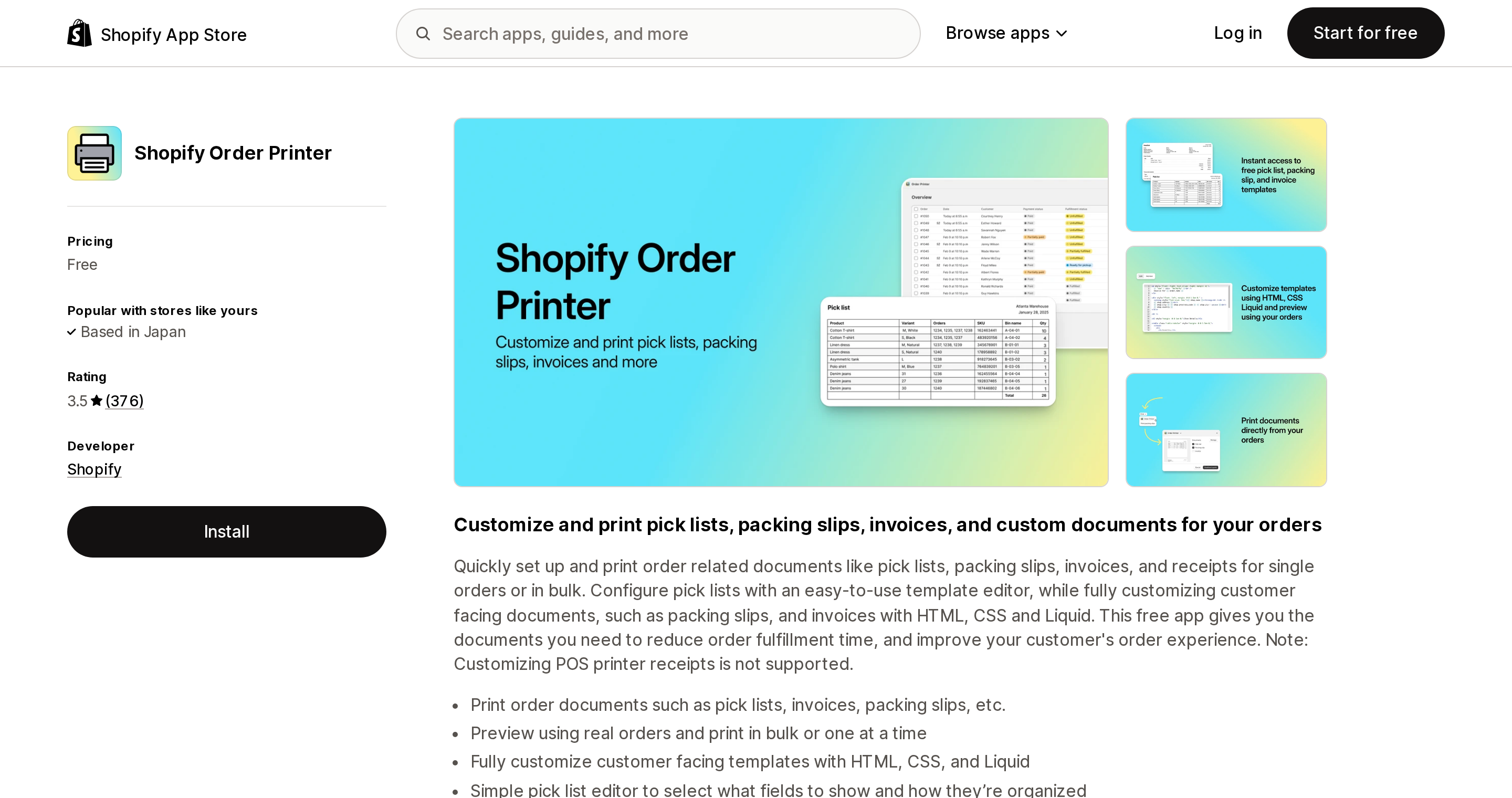
Source: Shopify App Store (Shopify Order Printer), retrieved September 14, 2026
The apps, and what each one's ceiling really is
Order Printer Pro: PDF Invoice
Built for Shopify, 4.9 across 2,892 reviews, on the App Store since December 2, 2014. It works with Checkout, customer accounts and Shopify POS, and it does the thing the free app does not: automatically email a PDF invoice when an order is placed, which is most of the reason merchants install it.
Pricing is banded by monthly order count. Free to install for up to 50 orders a month, with the listing noting "$10 after exceeding 50 monthly orders." STARTER is $10/month for 51 to 500 orders, GROWTH is $20/month for 501 to 5,000, and SCALE is $40/month for 5,001 and up. Paid plans carry a 14-day free trial. Feature lists are identical across all four bands — you are buying volume, not capability.
The batch ceiling is not on the listing. It is in the FORSBERG+two help center, in an article comparing their two apps, written by Bjorn Forsberg and dated November 27, 2023: "Order Printer Pro can quickly create customer-related documents, up to 50 at a time." The App Store lists this app's developer simply as "Order Printer"; the help center for it is FORSBERG+two's, and we found no more recent statement revising that figure.
So if you came to this app because 50 per batch was too few, you paid to stay at 50 per batch.
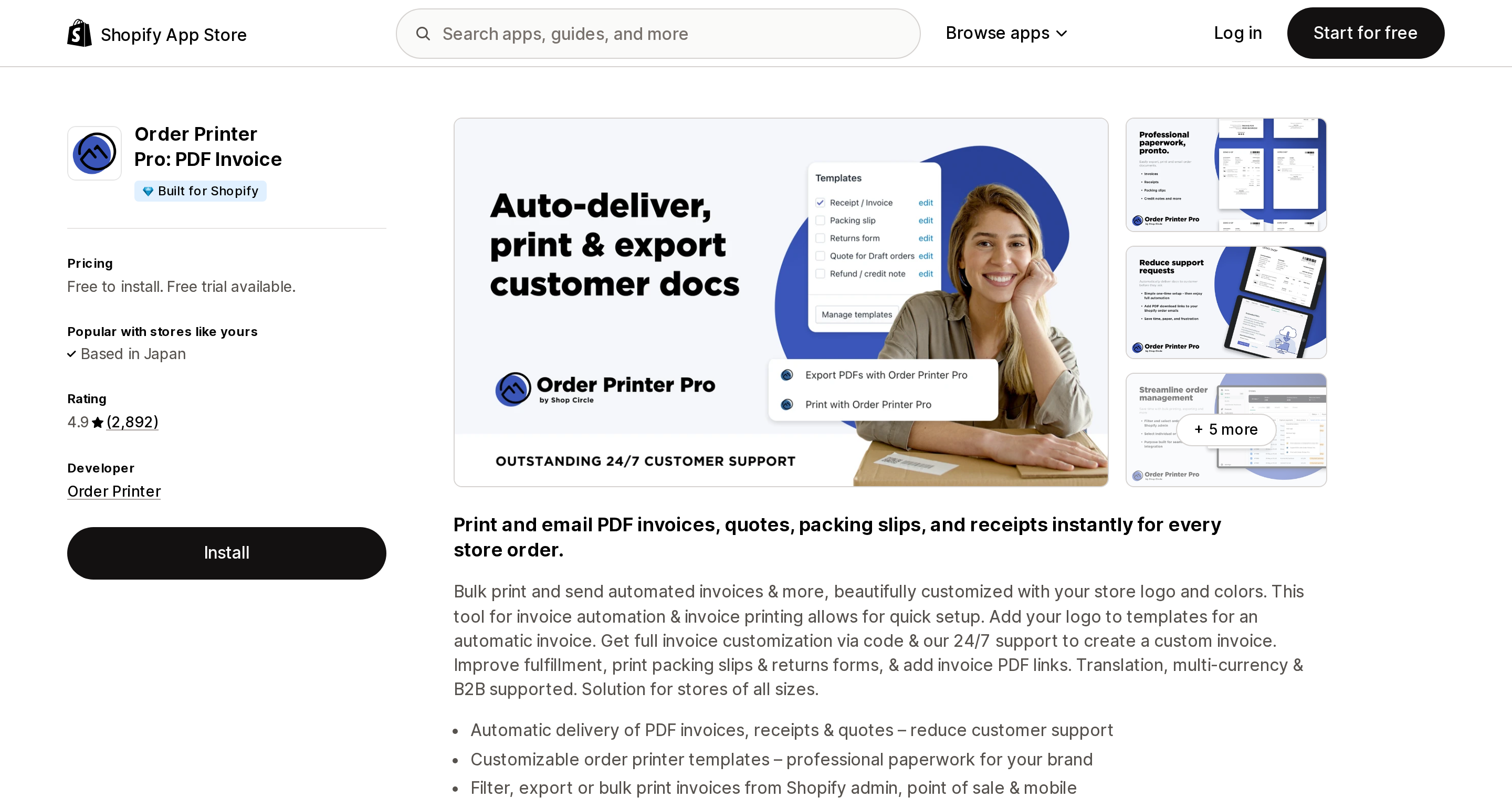
Source: Shopify App Store (Order Printer Pro: PDF Invoice), retrieved September 14, 2026
Orderly Print ‑ Bulk Invoices
Listed under FORSBERG+two ApS, the company whose help center also covers Order Printer Pro. 4.9 across 87 reviews. From $29/month with a 15-day free trial.
This is the only app here that sells the batch as the product. The listing's first feature bullet is "Packing and Invoices at scale – tag, filter, print & fulfill 500 orders at once," and the Standard plan's own feature list spells out both ceilings side by side: "Up to 1,000 orders /month" and "Select up to 500 orders at a time." The help center confirms it: "The app supports loading up to 500 orders at a time."
Plans: Standard $29/month up to 1,000 orders a month, Premium $49/month up to 3,000, Platinum $99/month up to 10,000. It also does pick lists, bulk fulfillment with tracking sync, address labels, and CSV/Excel export.
The developer draws the line between its own two apps more clearly than any comparison article would: OrderlyPrint is "designed for very high-volume stores, where they are processing hundreds of orders daily, maybe even thousands," while Order Printer Pro is "great for stores that are processing up to a hundred orders in a day."
One hundred orders a day is the threshold. Below it, two clicks of 50 is a non-problem. Above it, you are clicking Print twenty times before lunch.
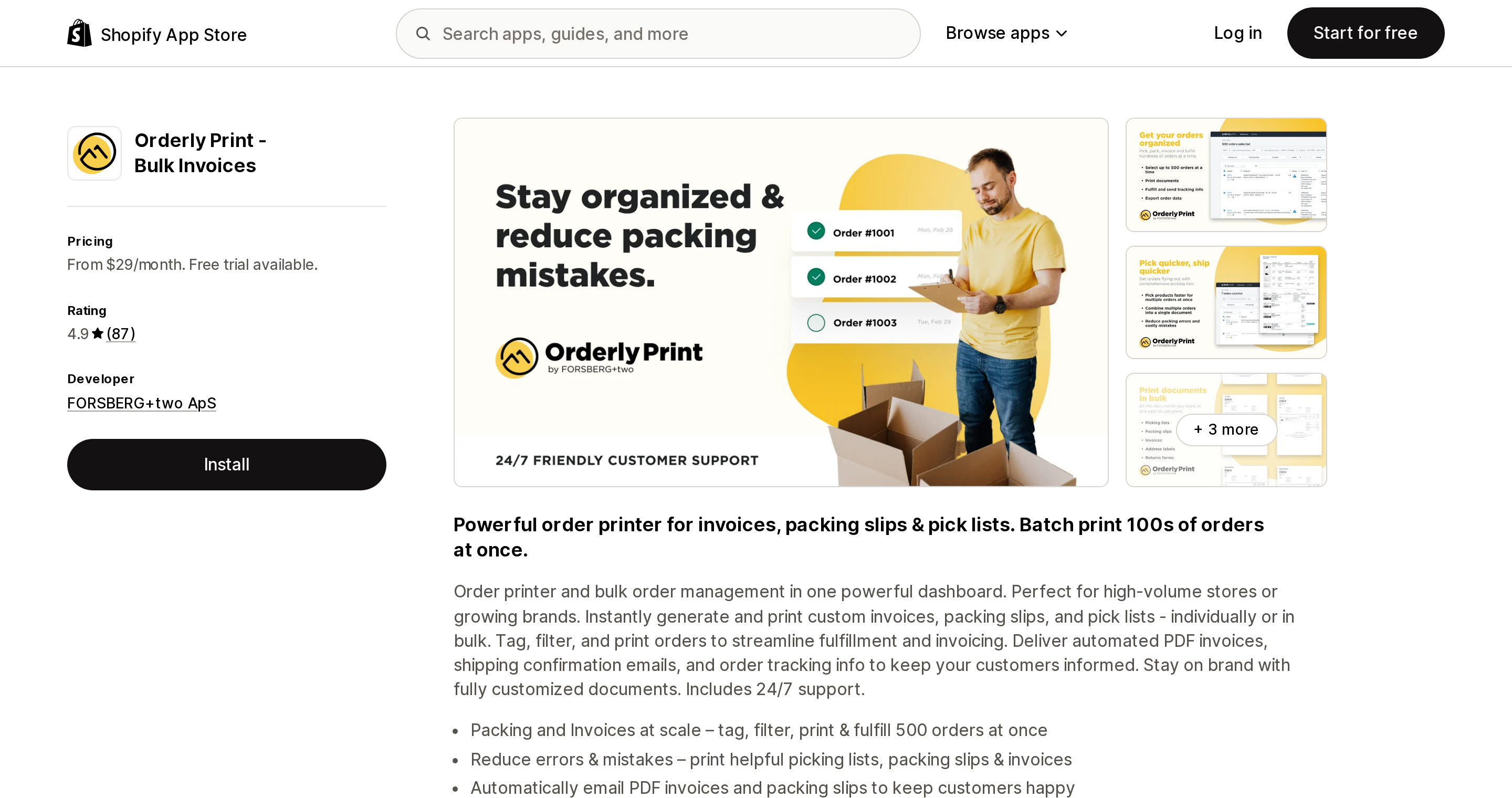
Source: Shopify App Store (Orderly Print ‑ Bulk Invoices), retrieved September 14, 2026
AG Order Printer ‑ PDF Invoice
Avada's app. Built for Shopify, 4.9 across 707 reviews, listed since December 3, 2019. Strong on document types — credit notes, quotes, refunds, B2B company orders, combined invoices — and on EU e-invoicing formats, which matters if you ship into Europe.
Free plan: "Print and export first 50 orders/month." Pro $15/month or $150/year. Ultimate $39/month. Wholesale $49/month. 7-day free trial on paid plans.
The Pro plan's headline feature reads "Unlimited to print bulk and draft orders," and it is easy to read that as unlimited batch size. Avada's documentation says otherwise: print "single document or up to 30 in one batch," and for more than 30 orders you use the bulk email flow, where "the system emails you a download link instead of printing inline."
Thirty is the lowest batch ceiling in this comparison, on a paid plan, from a Built for Shopify app. The emailed-link path is a reasonable design for monthly archives. It is a poor fit for a packing bench at 9am.
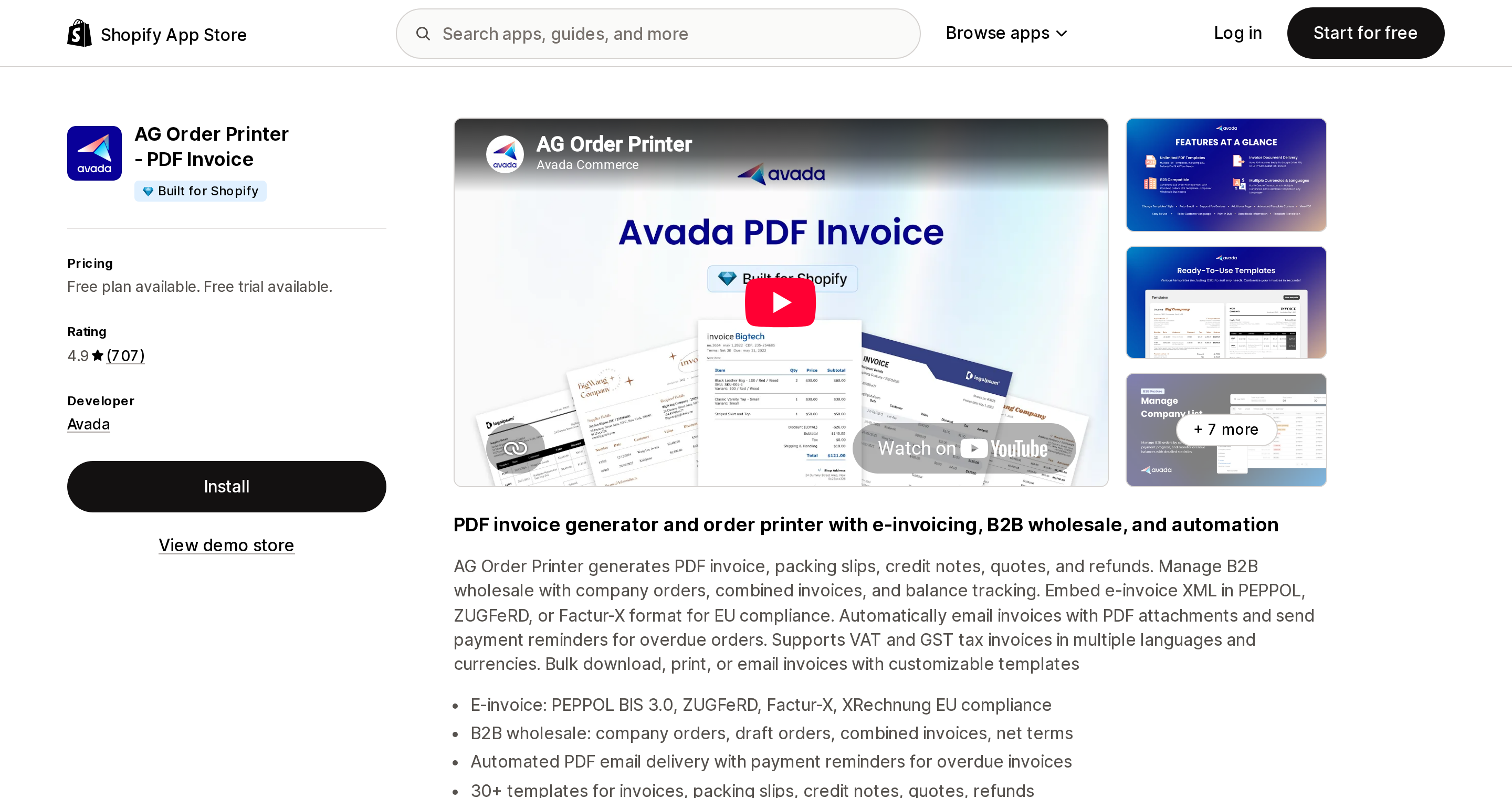
Source: Shopify App Store (AG Order Printer ‑ PDF Invoice), retrieved September 14, 2026
Two smaller options
Invoice Falcon is Built for Shopify, 4.8 across 329 reviews. Free for up to 50 orders or draft orders per month; Unlimited is $15/month with a 14-day trial. Its plans list "Print & export invoices in bulk" on the free tier, which is more than most free tiers here allow. A per-batch ceiling is not stated in its public documentation.
Printly ‑ Invoice Print is Built for Shopify, 4.8 across 25 reviews, listed since February 28, 2024, and the cheapest paid entry in the category: Basic $3/month, Advanced $7/month, Enterprise $20/month. Its free plan covers 30 order or draft order prints per month — and notably, the line "Bulk print or download support" appears on all three paid plans and not on the free one. A per-batch ceiling is not stated on the listing.
The comparison that matters
| Orders per batch | Orders per month | Entry price | Built for Shopify | |
|---|---|---|---|---|
| Shopify Order Printer | 50 | no limit | Free | No badge shown |
| Order Printer (legacy) | 50 | no limit | Free — deprecated | — |
| Native packing slip | not documented | no limit | Free | — |
| Order Printer Pro: PDF Invoice | 50 | 50 free, then $10 / $20 / $40 bands | Free to install | Yes |
| Orderly Print ‑ Bulk Invoices | 500 | 1,000 / 3,000 / 10,000 by plan | $29/month | No badge shown |
| AG Order Printer ‑ PDF Invoice | 30 | 50 free, unlimited on Pro | Free plan available | Yes |
| Invoice Falcon | not stated | 50 free, unlimited on $15 | Free plan available | Yes |
| Printly ‑ Invoice Print | not stated | 30 free, 100 on $3, unlimited on $7 | Free plan available | Yes |
"Not stated" means what it says: we could not find the figure in the app's own public documentation or listing, and we are not going to guess it.
What this costs at 3,000 orders a month
Assume you print one document per order, 3,000 orders a month, roughly 100 a day.
- Shopify Order Printer — $0 a month. 60 print actions a month, 2 per day.
- Order Printer Pro — $20 a month (GROWTH, 501–5,000 band). Still 60 print actions. You bought automated PDF invoice emails and better templates. You did not buy fewer clicks.
- AG Order Printer — $15 a month (Pro). 100 print actions at 30 per batch, or the emailed-link flow.
- Orderly Print — $49 a month (Premium, up to 3,000 orders). 6 print actions. Plus pick lists and bulk fulfillment with tracking sync.
The $29 difference between Order Printer Pro and Orderly Print buys 54 fewer trips through the print dialog every month, and a pick list. Whether that is worth $348 a year depends entirely on who is standing at the packing bench and what their hour is worth — which is a question about your warehouse, not about the apps.
How to choose
Under about 50 orders a day, and you only need packing slips: use the native packing slip from Orders > Print. No app, no batch ceiling documented, no monthly cap. It just cannot show prices.
Under about 50 orders a day, and customers ask for invoices: Shopify Order Printer is free and prints invoices, but you send them manually. If automated PDF invoice emails are the actual requirement, that is what the $10–$20 tiers of Order Printer Pro, the $15 tier of Invoice Falcon, or the $3–$7 tiers of Printly are for. Compare them on documents and automation, not on batch size — none of them changes the batch.
Around 100 orders a day or more: this is where the batch ceiling becomes the deciding factor, and Orderly Print is the only app here that documents a meaningfully higher one.
You ship into the EU, or you sell B2B: AG Order Printer's e-invoicing formats and company-order features are the differentiator, and the 30-per-batch ceiling is the price of that. Pair it with the native packing slip for the fulfillment side if your batches are large.
You are still on the legacy Order Printer: migrate your templates regardless. Shopify has said the app is no longer supported or maintained, and the 50-order ceiling is identical either way, so there is nothing to lose by moving.
What to check before you install anything
Open the app's own help center, not its App Store listing, and search for "at a time." In this category, the batch ceiling lives in developer documentation and almost never in the pricing table — and the number in the pricing table is a billing band, not a print limit. Two of the four ceilings documented in this article contradict the impression the listing gives, and one of them is lower than the free app.
Researched September 14, 2026. App pricing and plan bands change frequently; confirm on the listing before you install.
Sources
- Printing documents using the Shopify Order Printer app — Shopify Help Center
- Printing order documents using Order Printer app — Shopify Help Center
- Printing and editing packing slips — Shopify Help Center
- Using bulk actions in your Shopify admin — Shopify Help Center
- Exporting orders — Shopify Help Center
- Packing slip variable reference — Shopify Help Center
- Difference between OrderlyPrint and Order Printer Pro — FORSBERG+two Help
- Print PDF documents — Avada Docs
- Shopify App Store listings for Shopify Order Printer, Order Printer Pro: PDF Invoice, Orderly Print ‑ Bulk Invoices, AG Order Printer ‑ PDF Invoice, Invoice Falcon and Printly ‑ Invoice Print, all retrieved September 14, 2026
Shopify added a Bin name column to the inventory CSV on August 25, 2025. It holds one bin per variant per location, it is created only by CSV import, and it prints on Order Printer pick lists. What it does not do is leave Shopify. Shopify staff confirmed on the developer forum in October 2025 and again in January 2026 that there is no public API access to the field, and the developer forum was still reporting the gap in June 2026. That single fact shapes the whole category: EasyScan and iPacky store bins in metafields, Bins-USA and ShelfPilot store them in their own databases, and a free app called Simple Bin Locations copies metafield bins into order notes so packing slips can show them. Shopify's own multi-bin model, with per-bin quantities and an unbinnedQuantity field, exists today only as a feature preview on development stores. Pricing, plan gates, and where each app keeps the bin data, verified on the Shopify App Store, the Shopify Help Center, shopify.dev, and the Shopify community forums on September 18, 2026.