
What you will learn
On this pageContentsCloseOpen
Two questions show up on every Shopify billing thread. I uninstalled the app — why am I still being charged? And: I reinstalled it, so where did my free trial go?
Both answers are documented. They are just documented in two different places, neither of which is the app listing you read before installing.
Below: what the trial clock actually measures, what uninstalling does and does not stop, and who is legally on the hook for giving your money back. Verified September 13, 2026.
The short version
A trial is a budget, not a countdown. Shopify's developer documentation: "Shopify App Pricing tracks trial days over a 180-day period to prevent users from repeatedly reinstalling apps to exploit free trial periods."
The budget is per plan, not per app. Shopify's own worked example is a merchant who burns 12 of 15 trial days on a Pro Plan, uninstalls, reinstalls 90 days later, and still has exactly 3 trial days left — on that plan.
"Free plan available" and "Free trial available" are different labels. Matrixify's listing says the first and not the second. Loox's says both. They mean different things at checkout time.
Uninstalling stops the next cycle, not the charge already generated. And Shopify can't undo that one: "Shopify can't remove or cancel a pending third-party app charge after it has been added to your upcoming invoice."
Shopify does not decide your refund. "Refunds for third-party app charges are managed by the app developer, not Shopify." And: "Refund decisions are at the app developer's discretion."
The developer's hands are tied above $1,000. Apps can't refund charges higher than $1,000.00 USD, can't refund invoices older than 12 months, and on ACH-paid invoices can only refund charges less than 90 days old.
Part 1: What the trial clock actually measures
The mental model most merchants carry over from consumer software is a countdown: install, 14 days tick down, day 15 you get billed. Uninstall and reinstall and you get a fresh 14.
That is not how Shopify App Pricing works. Trial days are consumed, not elapsed, and the ledger survives the uninstall. Shopify's Offer free trials page is the authority here — written for developers, which is why merchants rarely see it. The mechanism has three parts.
A 180-day window. Trial days consumed on an app are remembered for 180 days. Uninstalling pauses the spend; reinstalling inside that window resumes it where you left off. The documented example: 12 of 15 days used on a Pro Plan, uninstall, reinstall 90 days later, "they'll still have 3 trial days left for the Pro Plan."
A per-plan ledger. Read that sentence again: for the Pro Plan. Shopify's wording attaches the budget to the plan you subscribed to, not to the app as a whole. That distinction has teeth when an app puts a trial on more than one tier. Loox ‑ Product Reviews App lists a 14-day free trial on its Convert plan at $49.99/month and, separately, a 14-day free trial on its Unlimited plan at $299.99/month — two allowances, not one pool, if the platform behaves the way its documentation describes.
Retroactive recalculation. If a developer changes the trial length, "previously consumed trial days are subtracted from the new totals." A developer who cuts a 30-day trial to 14 does not owe you the difference; a developer who extends 14 to 30 hands your existing account the remainder.
There is also a lever most merchants never ask for. Developers can grant trial extensions per store from the Partner Dashboard, in arbitrary day amounts, and Shopify emails you the confirmation — "The merchant doesn't need to re-subscribe to the plan." They can also apply per-store discounts, which take effect "starting on the next billing cycle." If a trial ran out while you were waiting on the developer's support team, asking for an extension is a documented, ordinary request, not a favor.
The three pricing labels, and why only one of them is a trial
The label at the top of an App Store listing is doing more work than it looks like. Three real apps, three different labels, three different experiences of "trying before you buy."
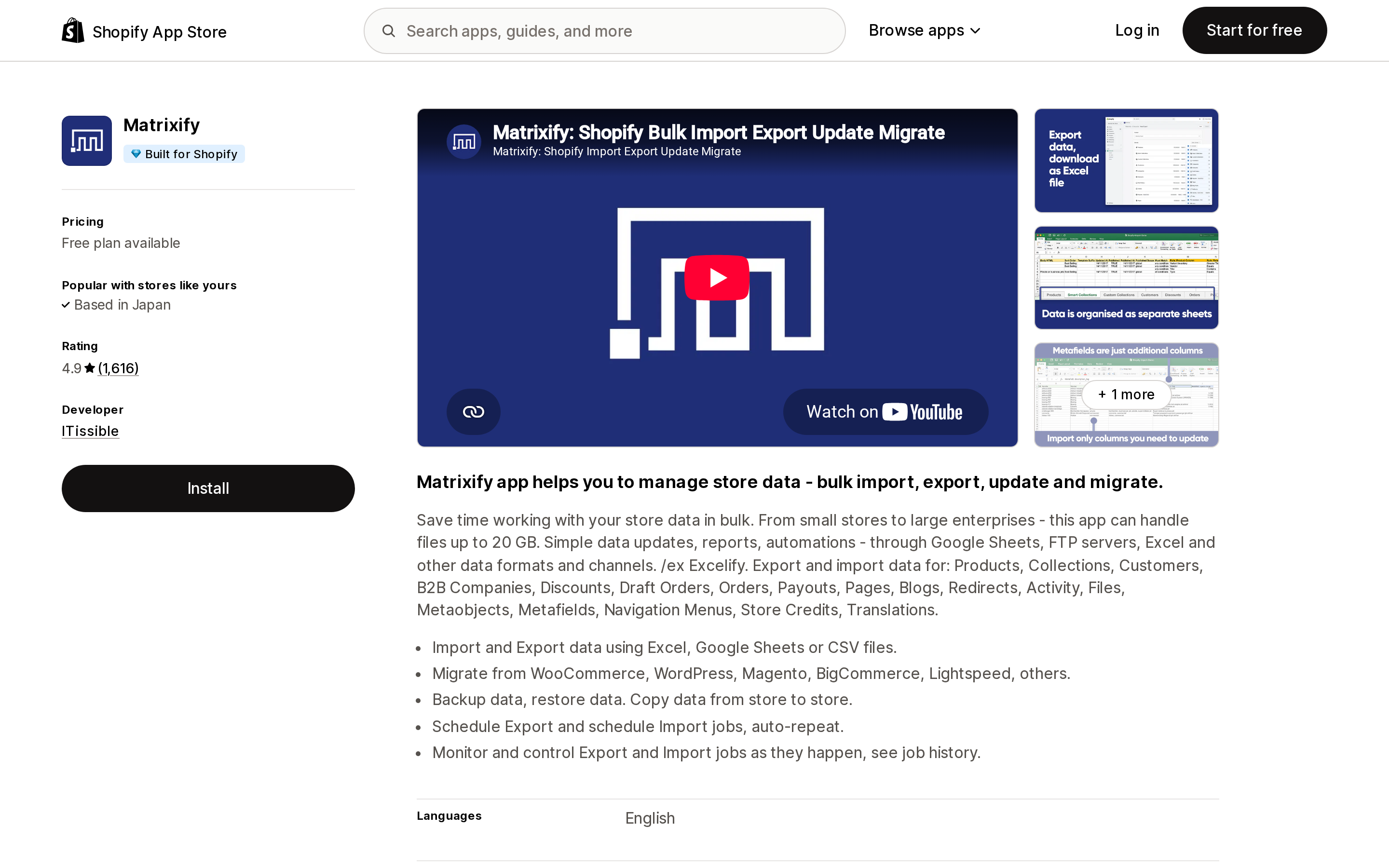
Source: Shopify App Store (Matrixify), retrieved September 13, 2026
Matrixify is labelled Free plan available, and its plan list shows why it is not labelled anything else: Demo (Free), Basic at $20/month, Big at $50/month, Enterprise at $200/month, and no free trial attached to any of them. The Demo plan works, but it is capped per file at 10 products, 10 customers, and 10 orders. For an app whose main job is a one-time store migration, that cap is the whole story. One 1-star review posted on August 27, 2026 makes the complaint directly, that the free version is limited "to nothing more than a few listings so you can't even trial it for real in the first place." That is a single review and should be read as one merchant's experience — but the plan structure behind it is exactly what the listing shows.
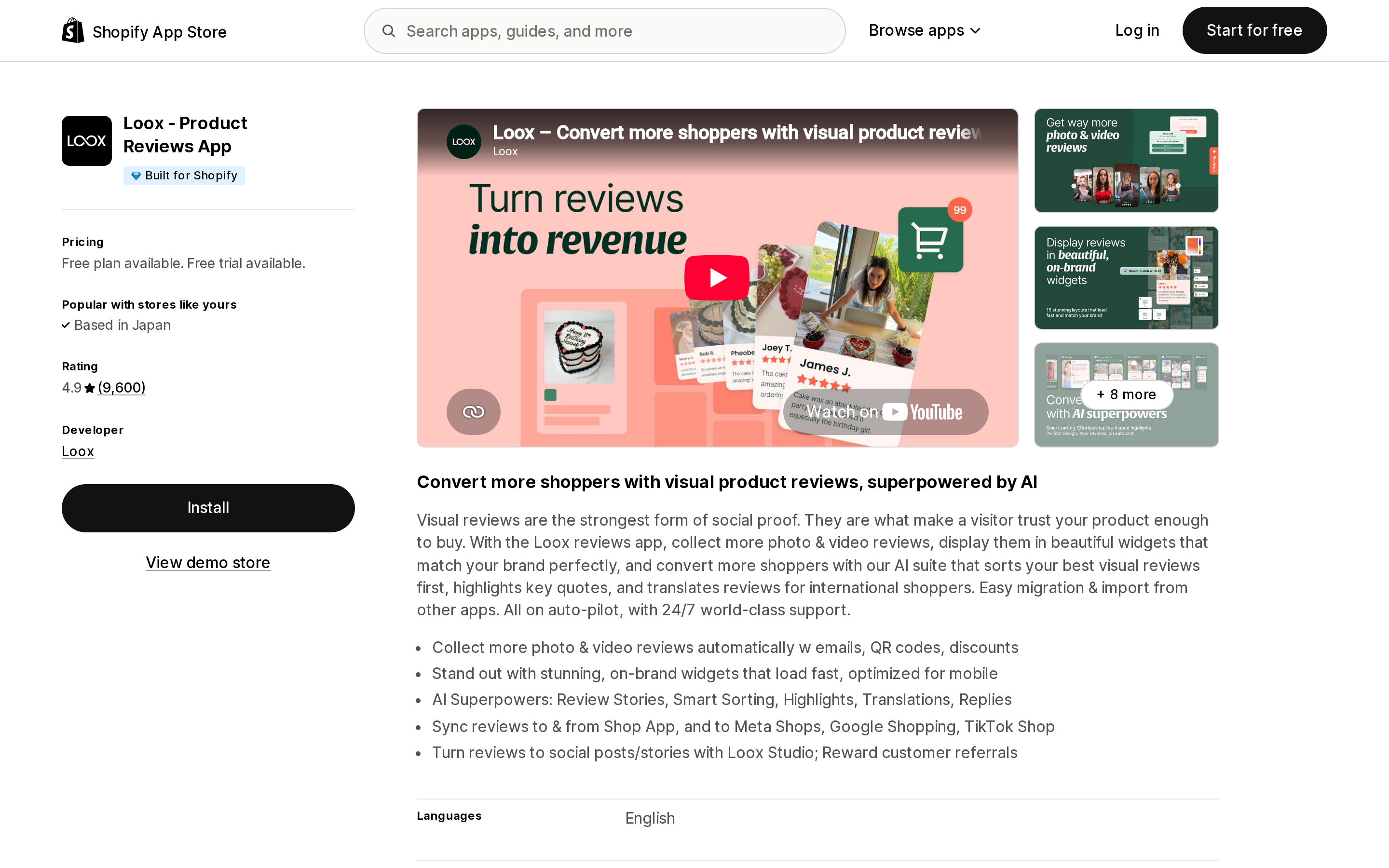
Source: Shopify App Store (Loox ‑ Product Reviews App), retrieved September 13, 2026
Loox carries both labels: Free plan available. Free trial available. The Beginner plan is free, with a listed ceiling of 500 orders. The two paid plans each carry their own 14-day trial. Note what happens after the trial on Convert: the plan includes 300 orders in the base price and adds $50 per additional 300 orders, so the $49.99 you agreed to during the trial is a floor, not a ceiling.
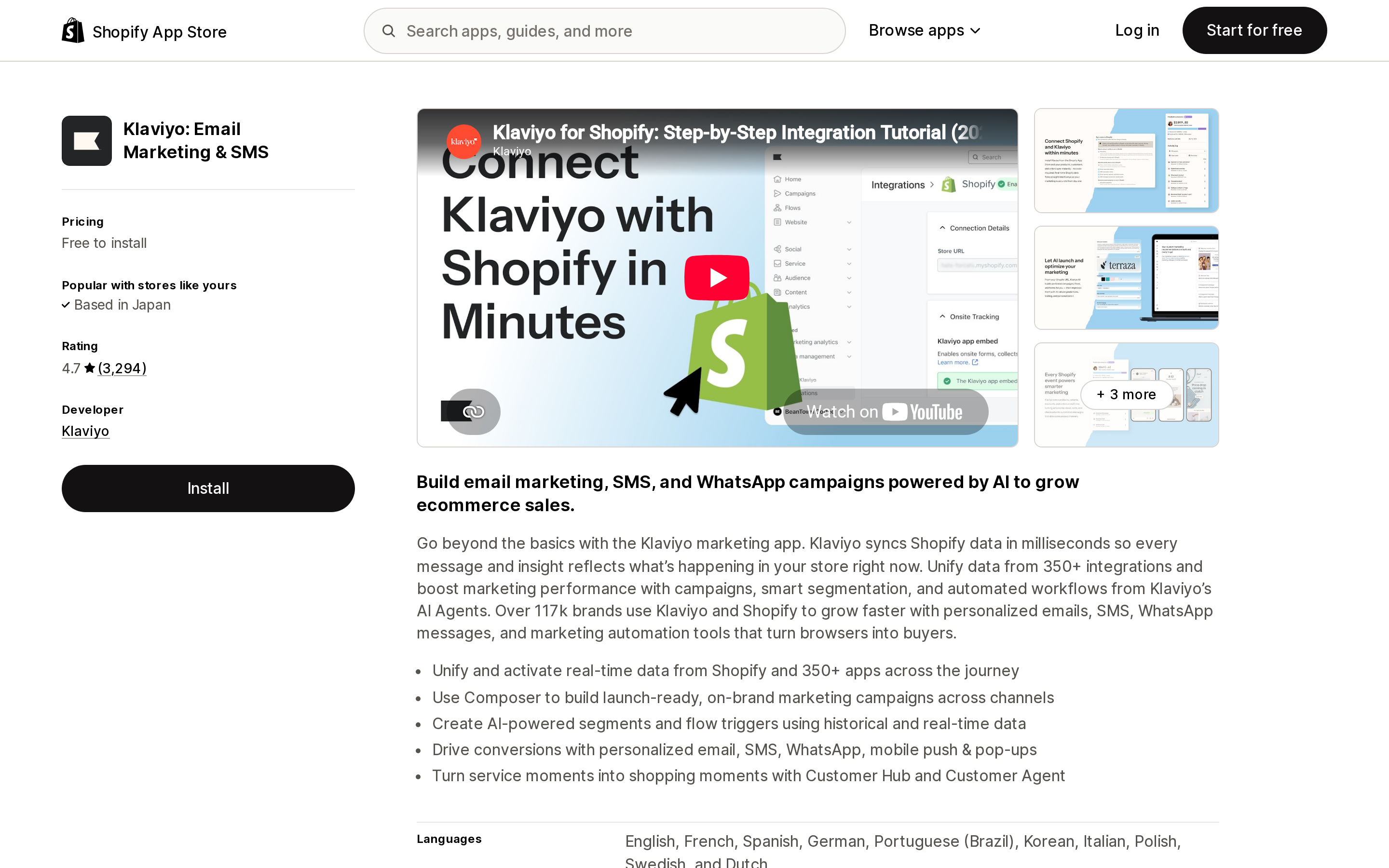
Source: Shopify App Store (Klaviyo: Email Marketing & SMS), retrieved September 13, 2026
Klaviyo: Email Marketing & SMS is labelled Free to install, which is the label that misleads most often. It does not mean free, and it does not mean trial. It means the install itself creates no recurring charge — the money arrives later, and in Klaviyo's case it arrives from somewhere else entirely. The pricing section carries a line that changes everything downstream: "External charges may be billed by Klaviyo separately from your Shopify invoice."
That line changes everything that follows. All of Part 2 and Part 3 below assumes Shopify is collecting the money. Where the developer bills you directly, none of it applies — not the cycle timing, not the credit-versus-refund distinction, and not Shopify's follow-up on your behalf.
Part 2: What uninstalling actually stops
The Help Center's App charges page is unusually blunt on this, and the sentence to memorize is this one:
"Uninstalling an app stops future billing cycles, but it doesn't remove a pending charge that has already been generated for your upcoming invoice."
App charges are generated at the start of the app's own 30-day cycle — which is not your Shopify cycle — and then wait for your next invoice. Uninstall in that gap and the charge is already in flight. The follow-up sentence is the one that closes the door: "Shopify can't remove or cancel a pending third-party app charge after it has been added to your upcoming invoice."
Two more traps live on the same page.
Cancelling inside the app is not uninstalling. "Canceling your subscription within an app or on the developer's website doesn't uninstall the app from your Shopify store. To stop Shopify billing, you must also uninstall the app from Settings > Apps." Merchants who cancel in the app's own dashboard and then watch a Shopify charge arrive have done half the job.
Deactivating the store settles the bill immediately. "If you cancel your Shopify subscription, then any outstanding app amounts are charged immediately." Externally billed apps are not covered — you have to cancel those with the developer yourself before deactivating.
If you are pausing rather than closing, the mechanics differ again, and we covered which store states actually stop app meters in Shopify has no vacation setting. The cycle timing that makes a charge land after you thought you were done is in why your app bill never matches the listing price.
Part 3: Who actually owes you the money
Here is where the platform's structure surprises people. The charge appeared on a Shopify invoice, paid to Shopify, on a Shopify-issued bill. Shopify still does not decide whether you get it back.
From Understanding Shopify's refund policy for plans, under What's not eligible for a refund: "Third-party app charges: Shopify can't refund charges from third-party apps." And from the App charges page: "Refunds for third-party app charges are managed by the app developer, not Shopify. Even though the charge is displayed on your Shopify bill, Shopify doesn't control refund decisions for third-party apps." The page closes with: "Shopify can't guarantee refunds for third-party app charges. Refund decisions are at the app developer's discretion."
Ask for the right thing, and the timing decides which
The Help Center splits the request in two, and using the wrong word slows it down:
- Before the invoice is paid — ask for a credit. A credit removes the amount from the upcoming bill before payment is collected. Shopify describes this as "the faster path if the developer agrees."
- After the invoice is paid — ask for a refund. The developer can only act once Shopify has actually collected.
This is not merchant-facing etiquette; it is a hard constraint on the developer's side. Shopify's Refund app charges documentation states it plainly: "You can only refund charges that the merchant has paid for. If an app charge hasn't been paid, then you can credit the charge to remove it from the merchant's bill."
The four ceilings on the developer's side
The same page lists limits that merchants almost never see, and they explain a lot of otherwise baffling support replies:
| Situation | What the developer can do |
|---|---|
| Charge not yet paid | Issue a credit, not a refund |
| Charge above $1,000.00 USD | Nothing directly — must escalate to Shopify Support |
| Invoice older than 12 months | Nothing directly — must escalate to Shopify Support |
| Invoice paid by ACH bank transfer | Refund only if the invoice is less than 90 days old |
If your disputed charge is a $2,400 annual plan or a usage bill that ran past $1,000, the developer telling you they have to involve Shopify is not a brush-off. It is the documented procedure. The May 1, 2023 developer changelog that moved refund requests to partners in the first place carried the same carve-out, listing "assistance with bulk refunds, refunds over $1,000, and refunds older than 12 months" among the things Shopify Support would keep handling.
One more asymmetry worth knowing: "Merchants don't receive an automatic notification of the refund status." A refund can be approved and processed without anything telling you. Check the invoice yourself.
What Shopify Support will and won't do
The 2023 changelog told partners that Shopify Support "will no longer reach out to partners on behalf of the merchant." The Help Center as it reads today is more generous than that: after you send your request through Settings > Apps > [app] > Get support, "Shopify contacts you after 3 days to ensure the app developer has helped to resolve your issue. If they haven't, then Shopify contacts them again on your behalf."
So Shopify will chase, verify that a charge came from a Shopify-billed app, and escalate above the developer's ceilings. What it will not do is overrule the developer's answer.
The exception: apps Shopify wrote itself
For apps developed by Shopify, a different rule applies: "refund requests may be considered if the app was uninstalled within 7 days of the start of the app's billing period."
That is a real window, but look at what it covers. The Apps by Shopify page lists 40 apps, and on the first page of 24, all but four are labelled simply Free — Shopify Flow, Shopify Forms, Shopify Search & Discovery, Shopify Bundles, Shopify Translate & Adapt, Shopify Order Printer and the rest. The four carrying any charge at all (Shopify Collabs, Shopify Messaging, Shopify SimGym, Shopify Bill Pay) are Free to install, which means whatever you owe is usage, not subscription. The more generous refund policy applies mostly to bills that were never going to arrive.
What to do, in order
- Read the pricing label before the plan list. Free plan available, Free trial available, and Free to install are three different promises. An app can carry one, two, or none.
- Look for the external-charges line. If the listing says charges may be billed separately from your Shopify invoice, uninstalling will not stop the money. Cancel with the developer too.
- Treat trial days as a budget with a 180-day memory. Reinstalling to reset a trial does not work, and the ledger is per plan.
- If you need more time, ask for a trial extension. Developers can grant them per store, and Shopify sends the confirmation email.
- Uninstall before the app's next cycle starts, not before your Shopify invoice date. They are different dates.
- Cancelling in the app's dashboard is not enough. Uninstall from Settings > Apps.
- Match your request to the timing. Unpaid charge, ask for a credit. Paid charge, ask for a refund.
- Send it through Settings > Apps > Get support, with the uninstall date, the charge amount and date, and the reason. If nothing comes back in 3 days, Shopify follows up.
- Above $1,000, or older than 12 months, go to Shopify Support — the developer cannot process it even if they want to.
- Check the invoice yourself. Nobody will tell you the refund landed.
What this article could not verify
Trial-day behavior is documented on the developer side of shopify.dev, not in a merchant-facing help page. We have quoted what Shopify tells developers the platform does; we could not test the 180-day ledger on a live store.
The three apps here were chosen because their listings carry three different pricing labels, not because they represent the App Store as a whole. None of the three publishes a refund policy on its Shopify listing, so we make no claim about how any of them handles an individual request.
The 2023 changelog and the current Help Center describe Shopify Support's role in different terms. We have quoted both rather than deciding which supersedes the other; the changelog was last updated December 13, 2024, and the Help Center is live. Pricing and plan structures change without notice, and every figure here is as displayed on September 13, 2026.
Sources
- App charges on your Shopify bills — Shopify Help Center
- Understanding Shopify's refund policy for plans — Shopify Help Center
- Offer free trials — shopify.dev
- Refund app charges — shopify.dev
- Changes to support requests for app charge refunds — Shopify developer changelog, May 1, 2023
- Apps by Shopify — Shopify App Store
- Shopify App Store listings for Matrixify, Loox ‑ Product Reviews App, and Klaviyo: Email Marketing & SMS, all retrieved September 13, 2026
Shopify's Help Center says it plainly: \"Shopify doesn't have a vacation setting.\" What you get instead are four different ways to stop selling — private mode, the $9/month Pause and Build plan, full deactivation, and the frozen state you land in when a bill goes unpaid — and each one does something completely different to your app bill. Pause and Build turns off checkout across every sales channel but leaves every app installed and billing: \"All your apps remain active after you pause your store.\" Deactivation force-uninstalls everything and charges your pending balance immediately. Missing a payment is the only state that freezes recurring app charges for you, and it costs you your admin and your storefront. Meanwhile listings like Klaviyo and Yotpo warn that charges may be billed outside your Shopify invoice, so uninstalling alone may not stop them. Researched September 6, 2026.