
What you will learn
On this pageContentsCloseOpen
If you are running one of Shopify's Horizon themes, you may already have a sticky add-to-cart bar and not know it. If you are on Dawn, you do not have one, and no setting will give you one. That single fact changes which apps, if any, are worth installing. This article walks through what the native Horizon bar does and does not do, verified against Shopify's theme source code, and then compares six sticky add-to-cart apps on the Shopify App Store by the one thing their listings disagree on most: what they count when they charge you.
What a sticky add-to-cart bar is, and why it is a theme question first
A sticky add-to-cart bar is a strip that stays fixed at the top or bottom of the screen after the shopper scrolls past the main Add to cart button on a product page. On mobile, where the buy button disappears after one swipe, it saves the shopper a scroll back up. That is the whole feature. Whether you need an app for it depends almost entirely on your theme.
Shopify's Horizon collection is described on the Theme Store as "One system. 10 new themes." All ten are free: Horizon, Tinker, Atelier, Savor, Dwell, Heritage, Pitch, Ritual, Fabric, and Vessel. They share one codebase, which Shopify publishes at github.com/Shopify/horizon. Because they share code, they share the sticky bar.
What the native Horizon bar does (verified in the theme source)
In the Horizon source, the Product information section has a checkbox setting with the id enable_sticky_add_to_cart, labeled "Sticky add to cart bar" in the theme editor, and its default value is true. So on a fresh Horizon-family store the bar is already on. If you do not see it, someone unchecked it in the theme editor under the Product information section.
When enabled, the bar renders these elements, in this order: the variant's featured image (falling back to the product image), the product title, the currently selected variant title, the price, and an Add to cart button. Clicking that button does not submit its own form; the JavaScript marks the main product form's button as a "puppet" and clicks it, so whatever the main form would add, the sticky bar adds.
The show and hide logic is also specific. The bar appears only after the buy-buttons block has scrolled above the viewport, not while it is still below. It hides again when the footer comes into view, and it stays hidden while Shopify's chat widget (shopify-chat) is active so the two do not overlap. It listens for the theme's variant-selection and quantity-selector events and updates the image, variant title, price, and a small quantity indicator in the button text to match.
What the bar does not contain is a variant selector or a quantity input. A shopper who scrolled past the options cannot change size or color from the bar; they can only add whatever is currently selected on the page. That gap was raised on Shopify's developer forum on December 12, 2025, in a thread titled "Horizon 3.2.0 // sticky ATC," describing that the bar "does not include variant selector" and "loads the first product selected or primary product." A second merchant added a +1 in February 2026. As of the theme's main branch on September 7, 2026 (theme version 4.1.5, last commit August 31, 2026), the bar's markup still has no selector.
One more thing the source makes clear: the bar has no settings of its own. There is no position, color, text, or device toggle for it in the section schema; it inherits the theme's popover color styling. It is either on with the theme's look, or off.
What Dawn has instead
Dawn, still the theme many stores launched on before Horizon, has no sticky add-to-cart bar. Dawn 16.0.0's main product section has a setting called "Sticky content" (enable_sticky_info), which pins the product information column while the gallery scrolls. Dawn's CSS applies that sticky positioning only at screen widths of 750px and up, so it is a different feature, and it does nothing on phones, where the sticky bar matters most. If you are on Dawn or on a Dawn-based free theme, a sticky bar means custom code or an app.
Premium third-party themes vary. Some include a sticky bar and some do not; check the theme's own documentation before installing anything.
When an app is still worth it
Based on what the native bar does, an app makes sense in four situations.
You are on Dawn or another theme without a bar. This is the most common case.
Your products have variants and you want the shopper to pick size or color inside the bar. The Horizon bar cannot do this.
You want the bar somewhere other than product pages, for example a Buy now button on the homepage or collection pages, or a floating cart icon. Several apps below bundle these.
You want per-bar analytics, a countdown, or design control beyond the theme's default.
If none of those apply and you are on a Horizon theme, the answer is to leave the checkbox on and install nothing.
The six apps, and what each one counts
All six apps below carry the Built for Shopify badge and were checked on the English Shopify App Store on September 7, 2026. The comparison axis that matters most is the pricing denominator, because it decides whether a "free plan" survives contact with real traffic.
| App | Developer | Rating (reviews) | Free tier | What paid tiers are metered on | Lowest paid price |
|---|---|---|---|---|---|
| STKY ‑ Sticky Add To Cart Bar | Codeinero | 4.9 (500) | Up to 25 add-to-cart clicks/month | Your Shopify plan (Basic / Grow / Advanced) | $6.99/month |
| Buy Me: Sticky Add To Cart Bar | MakeProSimp | 4.9 (170) | Up to 50 add to carts/month | Add-to-cart clicks per month | $2.95/month |
| EA • Sticky Add to Cart Drawer | EasyApps | 4.9 (213) | Everything (listing says only "Free") | No paid tier listed | — |
| Square: Sticky Add to Cart Bar | Square Apps | 5.0 (140) | Everything (listing says only "Free") | No paid tier listed | — |
| Buy Button: Sticky Add To Cart | GoodApps | 4.2 (49) | Development stores only | Shopify orders per month | $8/month (up to 30 orders) |
| Sticky Add To Cart ‑ TVARKA | MB Studija Tvarka | 5.0 (9) | 25 add to carts/month | Flat | $6.99/month |
Three different denominators appear in that table: add-to-cart clicks, Shopify orders, and your Shopify plan tier. Two apps list no price at all. Those differences matter more than the feature bullets, which are similar across the group.
STKY ‑ Sticky Add To Cart Bar (Codeinero)
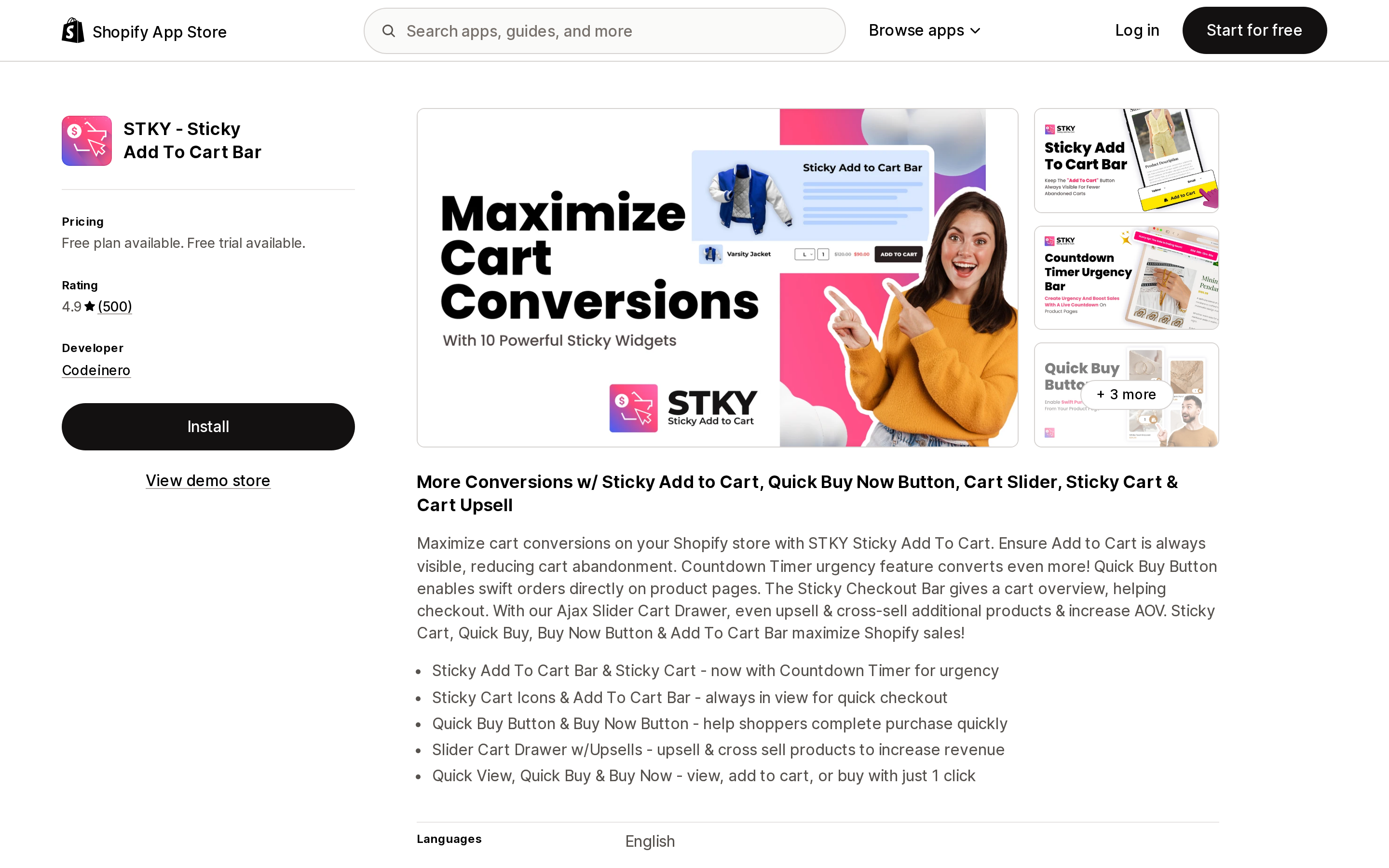
Source: Shopify App Store (STKY ‑ Sticky Add To Cart Bar), retrieved September 7, 2026
STKY is the longest-running app in this group, launched March 10, 2016, and has the largest review base at 4.9 from 500 reviews, with 4 one-star reviews. The listing bundles ten widgets: the sticky bar, a countdown urgency bar, floating cart icons, sticky cart and sticky checkout bars, quick view, quick buy and buy now buttons, and a slider cart drawer with in-cart upsell.
The FREE PLAN allows "UP TO 25 ADD-TO-CART CLICKS PER MONTH." Twenty-five clicks is a test budget, not an operating one; almost any live store will pass it in the first week. Paid tiers are priced by your Shopify plan rather than by usage: SHOPIFY BASIC $6.99/month (or $60/year), SHOPIFY GROW $11.99/month (or $100/year), and SHOPIFY ADVANCED $18.99/month (or $160/year), each with unlimited clicks and a 14-day free trial. The listing shows no tier for Shopify Plus. One 1-star review dated July 26, 2026 reports that after installing, the price offered "became $29.99/month." We could not confirm a Plus price from the listing itself, so if you are on Plus, check the price shown inside the app before activating.
Best fit: a Basic or Grow store that wants the bar plus quick-buy buttons and a cart drawer from one vendor at a flat price. Poor fit: anyone who expected the free plan to run a live store, and Plus merchants who want the price stated up front.
Buy Me: Sticky Add To Cart Bar (MakeProSimp)
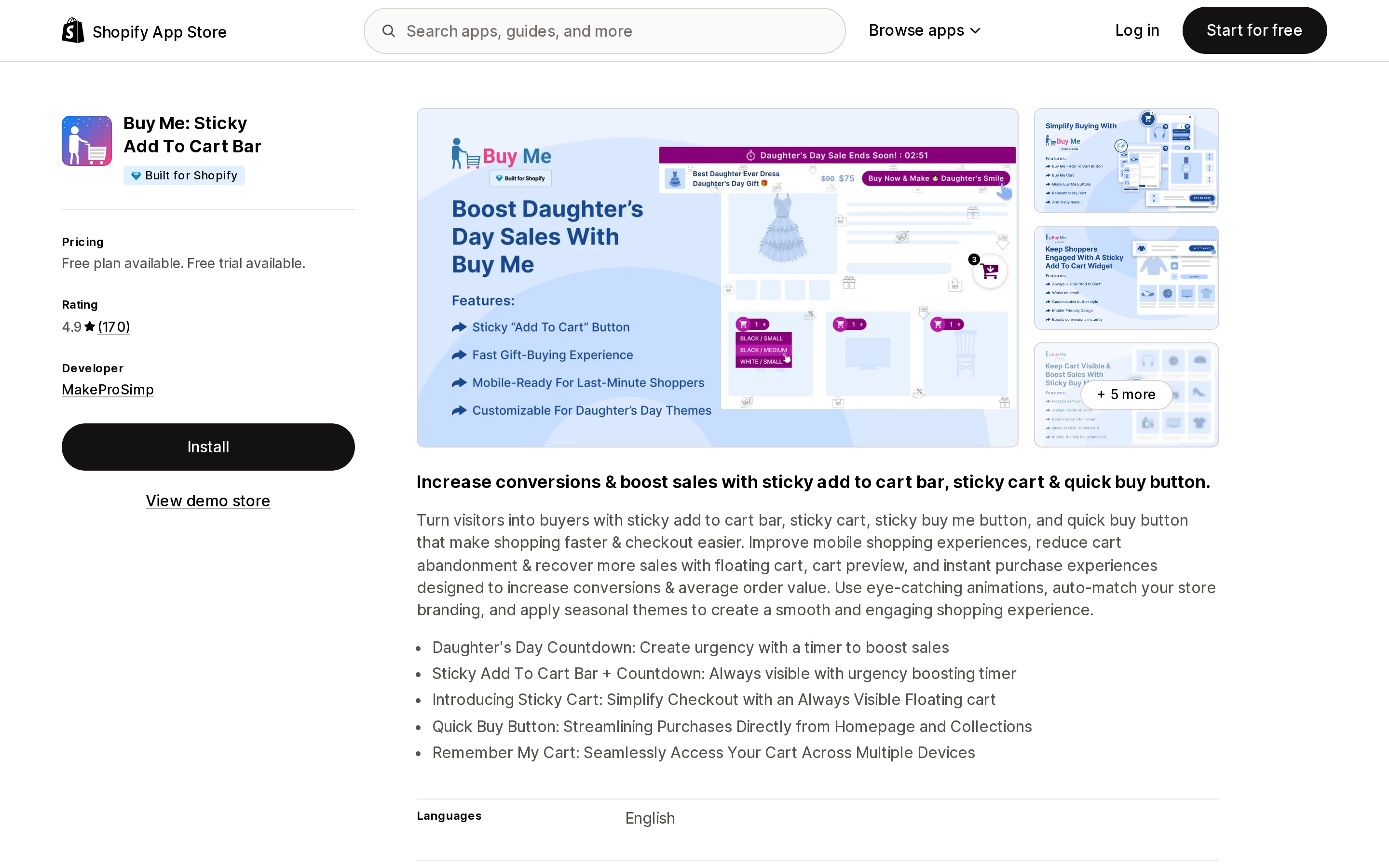
Source: Shopify App Store (Buy Me: Sticky Add To Cart Bar), retrieved September 7, 2026
Buy Me, launched May 4, 2017, holds 4.9 from 170 reviews. It meters every tier on add-to-cart clicks: the 100% FREE FOREVER plan allows up to 50 add to carts per month, Small is $2.95/month for up to 250, Medium is $4.95/month for up to 750, and Large is $6.95/month (or $58.38/year) for unlimited. The paid tiers carry a 14-day free trial. The free plan includes the sticky bar, a social sharing option, and a product-reviews display option; Small adds the floating "Buy Me Cart"; Medium adds quick-buy buttons on product listings.
The click-based ladder is the most transparent pricing in the group, and it is cheap at the low end. It also means the cost rises with engagement rather than revenue, so a store with many browsers and few buyers pays for clicks that never convert. The listing states "Shopify OS 2.0 Compatible." Two 1-star reviews and 16 four-star reviews exist; one January 2024 review found the dashboard cluttered when trying to edit the bar, and the developer replied acknowledging the point.
Best fit: small stores that can estimate monthly add-to-cart volume and want the lowest paid entry price. Poor fit: high-traffic stores with low conversion, where clicks outrun orders.
EA • Sticky Add to Cart Drawer (EasyApps)
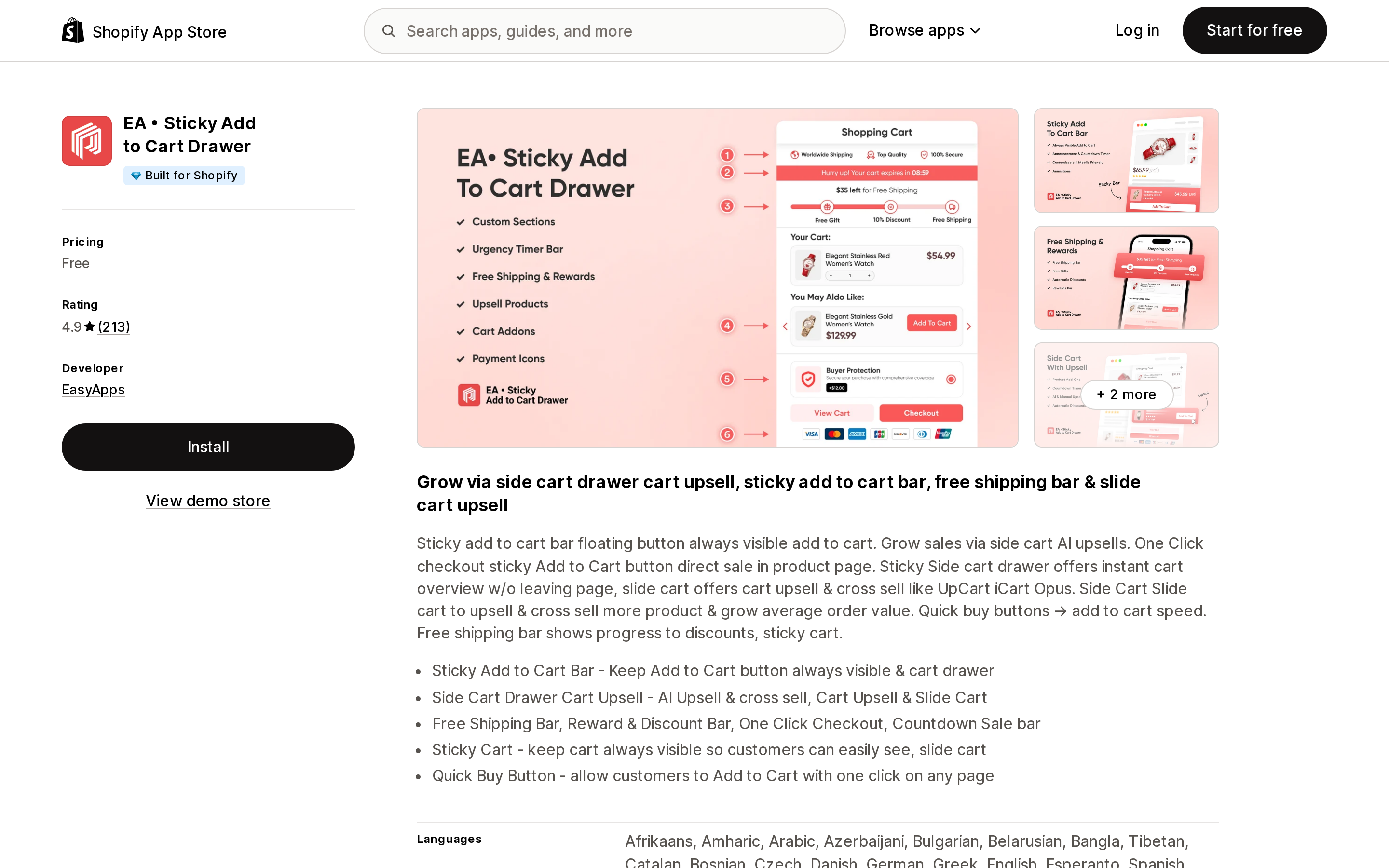
Source: Shopify App Store (EA • Sticky Add to Cart Drawer), retrieved September 7, 2026
EA, launched February 29, 2024, is rated 4.9 from 213 reviews. The pricing section of the listing contains one word: Free. There is no paid tier, no usage cap, and no stated business model on the listing. The app combines the sticky bar with a slide cart drawer, cart upsell, a free shipping bar, quick-buy buttons, and a one-click checkout button, and it lists Checkout, GemPages, and PageFly under "Works with."
The absence of a price is the main thing to think about. A free app that sits on your primary purchase path is a dependency on a vendor whose revenue source is not disclosed on the listing. The low-star reviews are few (2 one-star, 3 three-star) but recent ones are about usability: a June 30, 2026 review calls the UI "clunky," and a November 2025 review says it "doesn't always work how it should." The developer replied to each asking how to improve.
Best fit: stores that want the sticky bar and a cart drawer together for no money and are comfortable with an undisclosed model. Poor fit: stores that want a support contract or a stated roadmap behind a checkout-adjacent widget.
Square: Sticky Add to Cart Bar (Square Apps)
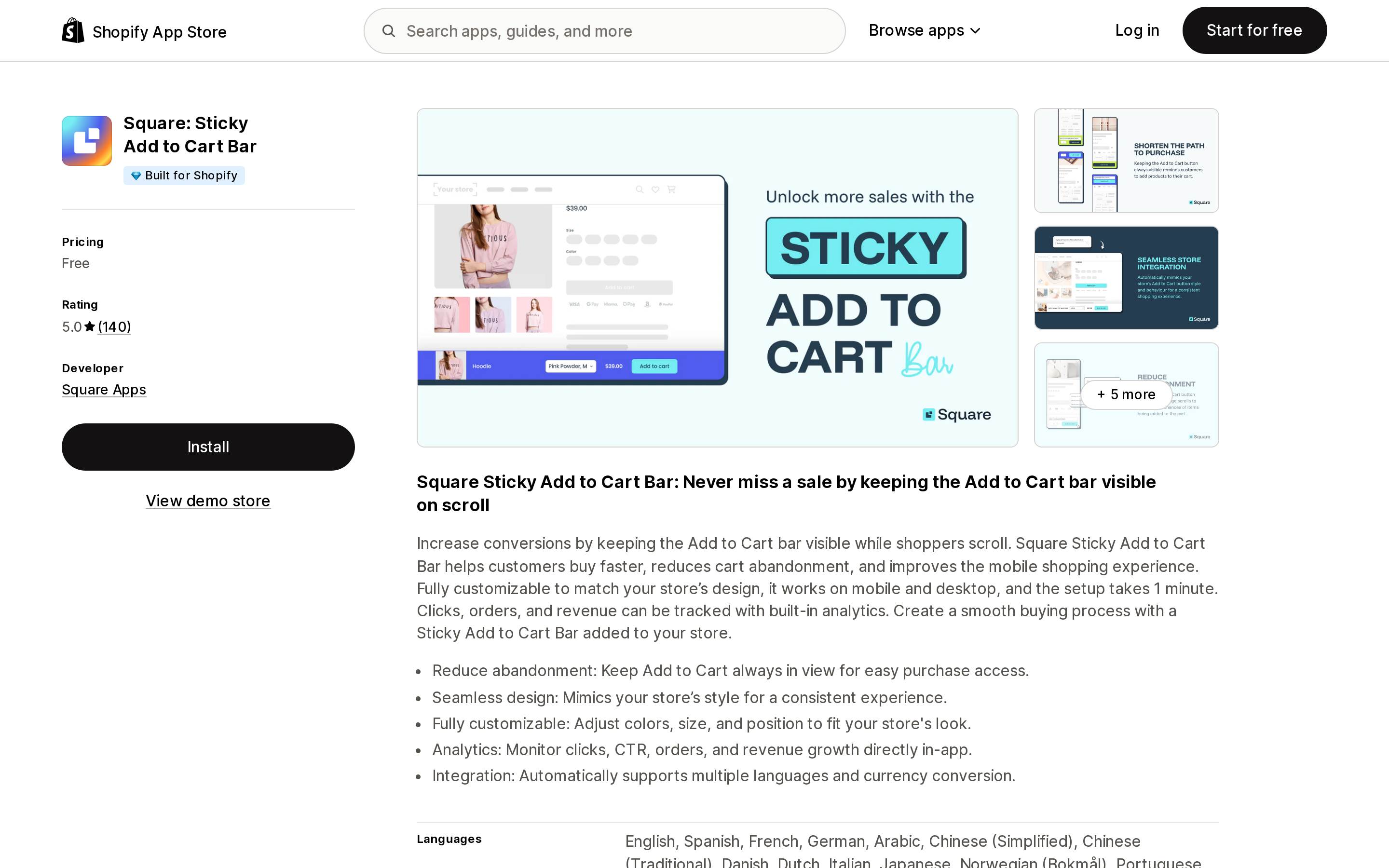
Source: Shopify App Store (Square: Sticky Add to Cart Bar), retrieved September 7, 2026
Square (the developer is listed as Square Apps; the listing does not indicate any connection to the payments company of the same name) launched March 22, 2024 and holds a 5.0 rating from 140 reviews, with no one-star or two-star reviews. Like EA, the listing's only price is Free. Unlike EA, it does one thing: a sticky bar with color, size, and position controls, built-in analytics for clicks, click-through rate, orders, and revenue, and automatic support for multiple languages and currency conversion.
The data-access section is worth reading. The app asks to view products, orders (all order history for the last 60 days), the theme, metaobjects, locales, translations, inventory, product tags, and selling plans. That is a reasonable set for an app that attributes orders to bar clicks, but it is broader than a bar strictly needs, and it is the price of the analytics.
Best fit: stores that want a single-purpose bar with order attribution and nothing else. Poor fit: stores that want quick-buy buttons on collections or a cart drawer from the same app.
Buy Button: Sticky Add To Cart (GoodApps)
Source: Shopify App Store (Buy Button: Sticky Add To Cart), retrieved September 7, 2026
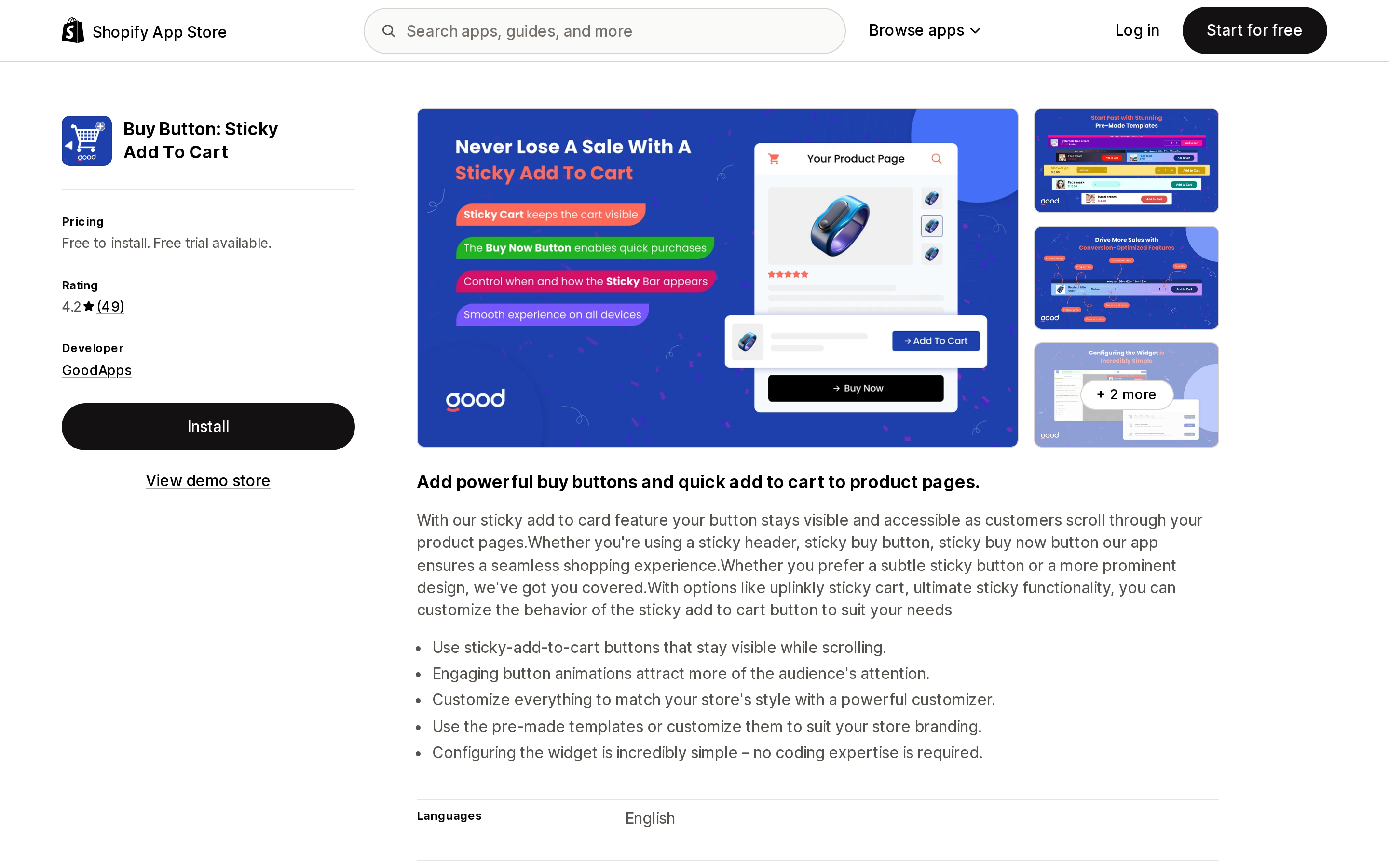
Buy Button, launched September 27, 2023, has the lowest rating in the group at 4.2 from 49 reviews, and the reviews explain why. The listing's price summary reads "Free to install," but the Free tier's description says "It is free for the development store." Every live store pays: Growth is $8/month for up to 30 Shopify orders per month, Growth 2 is $15/month for up to 100, and Growth 3 is $20/month for up to 200, each with a 7-day free trial. Three 1-star reviews from February, May, and June 2025 say some version of "not free" or "no free plan, even though it says free," and the developer's replies point back to the development-store wording and the 7-day trial. A March 2026 1-star review reports a charge the reviewer believed fell inside the trial; the developer replied that charges begin only after the trial ends.
The denominator here is "Shopify orders per month," not clicks. The listing does not say the cap counts only orders that came through the bar, so the plain reading is total store orders. A store doing 200 orders a month pays $20 for a widget; above 200, the listing shows no tier. Data access is the broadest in this group: edit customers, edit products, edit orders (including draft orders), edit web pixels, and edit Online Store pages, script tags, and theme.
Best fit: hard to identify at these prices given the alternatives. Poor fit: any store that read "Free to install" as a free plan, and any store above 200 orders a month.
Sticky Add To Cart ‑ TVARKA (MB Studija Tvarka)
Source: Shopify App Store (Sticky Add To Cart ‑ TVARKA), retrieved September 7, 2026
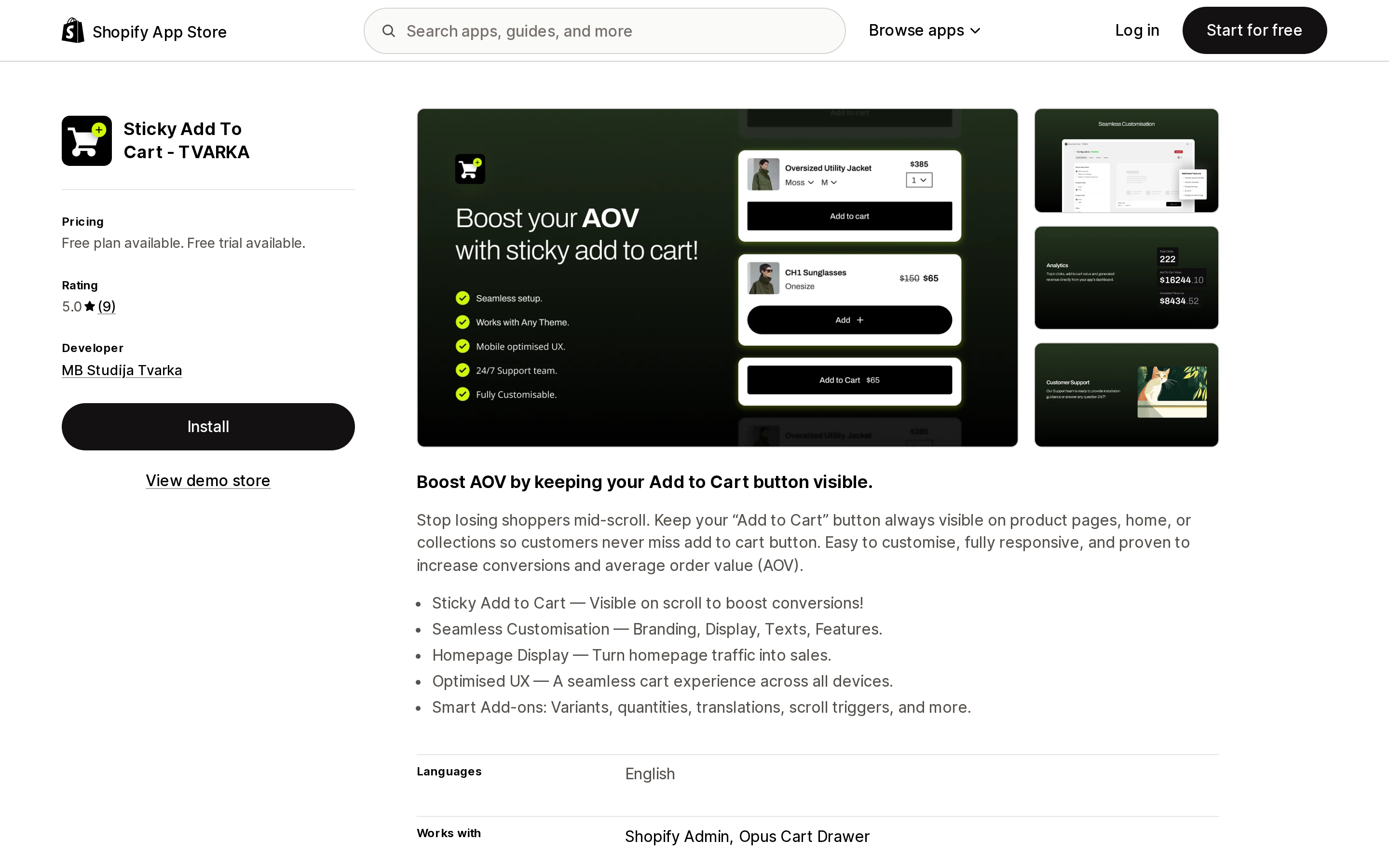
TVARKA, launched November 5, 2024, is the newest and least-reviewed app here at 5.0 from 9 reviews. Its Try Out Free plan allows 25 Add To Carts per month (unlimited on development stores), and its single paid plan, Pro, is $6.99/month with a 14-day free trial and no usage cap. The listing's feature bullets are the only ones in this group that explicitly name "Variants, quantities, translations, scroll triggers" as add-ons to the bar, which is the gap the native Horizon bar leaves open. It lists Opus Cart Drawer under "Works with."
The trade-off is track record: nine reviews is not enough to say much about reliability under BFCM traffic, and the free tier is a trial in all but name.
Best fit: a store that specifically needs variant and quantity selection in the bar at a flat price and is willing to be an early customer. Poor fit: stores that want a large review history before putting a vendor on the product page.
Two ways to get a bar without a dedicated app
Several cart-drawer apps include a sticky bar on their free plan, so if you are already shopping for a drawer you may not need a second app. Qikify Slide Cart Drawer (4.9 from 416 reviews) lists "Sticky add to cart" and a floating sticky cart button on its Free plan, with Premium at $14.99/month. We covered cart drawer apps in more depth in Shopify cart drawer apps vs. native theme cart drawers.
The other path is a few lines of theme code. Shopify Community threads asking how to add a sticky bar to Dawn go back to at least 2024, and the answers typically involve a fixed-position wrapper around the existing product form. That is free, adds no app script, and is worth considering if you have someone who can edit Liquid and you only need the bar, not analytics.
How to choose
Start with your theme. On any of the ten Horizon themes, open the theme editor, go to the Product information section, and confirm "Sticky add to cart bar" is checked. If your products have one variant, or shoppers reliably pick options before scrolling, stop there.
If you need a variant picker inside the bar, only TVARKA's listing names variants and quantities as bar add-ons; verify it on your theme during the trial, because nine reviews is thin evidence.
If you are on Dawn and want the cheapest paid bar with a clear cap, Buy Me's $2.95/month for 250 add-to-cart clicks is the lowest entry point, provided your click volume is predictable.
If you want a flat price regardless of traffic, STKY at $6.99/month on Basic or TVARKA Pro at $6.99/month both remove the meter; STKY brings ten widgets and 500 reviews, TVARKA brings variant selection and nine.
If you want to pay nothing, Square and EA are the two apps with no price on the listing. Square is single-purpose with order analytics and zero one-star reviews; EA adds a cart drawer but has recent usability complaints. In both cases, read the data-access section and decide whether an undisclosed business model on your buy button is acceptable.
Whichever you pick, the free tiers of STKY, Buy Me, and TVARKA are 25 to 50 add-to-cart clicks a month. Treat them as trials, not plans, and set a calendar reminder for the end of the trial period so the first paid charge is not a surprise, which is the most common complaint across every listing in this group.
Sources
- Shopify/horizon on GitHub —
sections/product-information.liquid(settingenable_sticky_add_to_cart, default true; bar markup),assets/sticky-add-to-cart.js(show/hide and variant/quantity sync),locales/en.default.schema.json(label "Sticky add to cart bar"),config/settings_schema.json(theme_version 4.1.5); main branch as of September 7, 2026 - Shopify/dawn on GitHub —
sections/main-product.liquid(settingenable_sticky_info, "Sticky content"), theme_version 16.0.0; main branch as of September 7, 2026 - Shopify Theme Store: Horizon themes collection (accessed September 7, 2026)
- Shopify Developer Community: Horizon 3.2.0 // sticky ATC (December 12, 2025; accessed September 7, 2026)
- STKY ‑ Sticky Add To Cart Bar — Shopify App Store listing and reviews (accessed September 7, 2026)
- Buy Me: Sticky Add To Cart Bar — Shopify App Store listing and reviews (accessed September 7, 2026)
- EA • Sticky Add to Cart Drawer — Shopify App Store listing and reviews (accessed September 7, 2026)
- Square: Sticky Add to Cart Bar — Shopify App Store listing (accessed September 7, 2026)
- Buy Button: Sticky Add To Cart — Shopify App Store listing and reviews (accessed September 7, 2026)
- Sticky Add To Cart ‑ TVARKA — Shopify App Store listing (accessed September 7, 2026)
- Qikify Slide Cart Drawer — Shopify App Store listing (accessed September 7, 2026)
Shopify added a Bin name column to the inventory CSV on August 25, 2025. It holds one bin per variant per location, it is created only by CSV import, and it prints on Order Printer pick lists. What it does not do is leave Shopify. Shopify staff confirmed on the developer forum in October 2025 and again in January 2026 that there is no public API access to the field, and the developer forum was still reporting the gap in June 2026. That single fact shapes the whole category: EasyScan and iPacky store bins in metafields, Bins-USA and ShelfPilot store them in their own databases, and a free app called Simple Bin Locations copies metafield bins into order notes so packing slips can show them. Shopify's own multi-bin model, with per-bin quantities and an unbinnedQuantity field, exists today only as a feature preview on development stores. Pricing, plan gates, and where each app keeps the bin data, verified on the Shopify App Store, the Shopify Help Center, shopify.dev, and the Shopify community forums on September 18, 2026.