
What you will learn
On this pageContentsCloseOpen
If you pay your retail team on commission, Shopify looks like it has you covered. Staff get credited on sales at the register, there is a report called POS total sales by staff member, and as of this summer the crediting happens on its own without anyone tapping anything.
Then payroll comes around, and you open a spreadsheet anyway. Because a report that says Marcus sold $11,400 last month is not a commission — it is the raw input to one. Shopify has no field for a commission rate, no concept of a payout, no way to split a sale between the associate who worked the floor and the one who rang it up, and no staff attribution whatsoever on your online orders.
This article covers what Shopify POS actually credits in September 2026, the four limits that decide whether a spreadsheet is still fine, and how five App Store apps price the gap — on five genuinely different denominators, one of which flips cost order entirely once your reps are moving real volume.
What Shopify does natively
More than it did a year ago, and the change is recent enough that it is worth knowing exactly when it landed.
Sales attribution in Shopify POS lets you credit a full sale to one staff member, or credit individual line items to different staff members. Per the Shopify Help Center, you can add staff from the cart or from the Smart Grid, edit the credited staff on completed orders (with the Manage sales attribution for orders permission set to Allowed), and see who was credited in the Staff section of the order details page, including during a return or exchange.
The Shopify Changelog entry of June 22, 2026 then changed the default. POS v11.9 shipped a redesigned staff picker and new Staff Attribution reports inside POS Analytics, and starting July 6, 2026 sales are automatically attributed to the staff member who is pinned in, with no extra taps at checkout. Shopify turned this on for eligible shops that had not customized their attribution settings. One side effect worth checking on your own terminals: attribution no longer appears on each line item by default — you now tap the line item and choose Attribute staff in the cart tray.
On the reporting side, Shopify's retail sales reports give you four staff-relevant views: POS total sales by staff member (staff credited with line items), POS staff sales total and POS staff daily sales total (the staff member at the register who processed the sale), and Total sales by POS location. The daily reports also carry a Rate of staff-assisted sales metric — the percentage of sales that had at least one staff member credited — which is the closest thing Shopify gives you to a data-quality check on your own attribution.
Orders sent from a retail store through Email cart are handled properly too: after the customer completes checkout online, the sale is attributed to the POS channel and the retail location, and credited to the staff member.
The four limits
1. Attribution is a POS Pro feature, priced per location
Add staff to sale appears in the POS feature comparison table with a ✘ under the in-person selling features included with paid plans, and a ✔ under Shopify POS Pro. So does Retail staff permissions and management and Unlimited POS-only staff.
POS Pro is $89 USD/month per location as an add-on to any Shopify plan; the pricing FAQ quotes that figure billed yearly. On Shopify Plus the first 20 POS Pro locations are included, and if you exceed 20 locations while using Shopify Payments as the primary payment provider for retail, the cost is waived for your first 200 retail locations.
The arithmetic matters before you shop for an app. A three-store retailer is paying $267/month for the layer that produces the numbers, and several of the commission apps below cost less than that.
2. It is point of sale only
The retail sales reports state it plainly: they include only sales that were made at a POS location, and other sales are excluded.
If your reps take orders over the phone, by email, from a trade show floor, or through a B2B portal, none of that revenue reaches the staff reports. There is no native equivalent of "this online order belongs to Priya." That single gap is why two of the five apps below are not POS apps at all.
3. A sales report is not a commission calculation
Shopify stores who was credited and what they sold. The Help Center is explicit about where that leaves you: if you offer commission to your staff, you can track it in the report. Nothing in the admin holds a commission rate, a tier, a product-level exception, a team split, a target-based bonus, a paid/unpaid flag, or a payout record. Every one of those lives in your spreadsheet or in an app.
This is also where returns get awkward. The reports work in net quantity — items sold minus items returned — but whether last month's paid-out commission gets clawed back when a customer returns in October is a policy question Shopify has no field for.
4. "Credited" and "at the register" are two different numbers
Notice that Shopify ships both. POS total sales by staff member counts line items credited to someone. POS staff sales total counts the person who processed the transaction at the register. On a busy Saturday those diverge constantly.
The July 2026 automatic attribution defaults to the staff member who is pinned in. That is the right answer in a one-person shop and the wrong one in a store where a floor associate spends forty minutes on a fitting and a cashier rings it up. If you pay commission, decide which of the two numbers your policy means before you accept the new default, and use the Add staff to sale settings in the admin — which let you require manual attribution instead — if the answer is the floor associate.
What the apps are actually charging for
Five apps, five denominators. This is the comparison that decides your bill, more than any feature list.
| App | Denominator | Entry price (USD) | Free trial | Built for Shopify | Rating (reviews) |
|---|---|---|---|---|---|
| POS Staff Commission Tracker | Flat, unlimited staff | $20/month | 7 days | No | 5.0 (1) |
| Easyteam POS Time Clock In | Per staff member | $30/month ($5/staff, $30 minimum) | 14 days | Yes | 4.9 (313) |
| ManageMate Commissions & POS | Per team member | $1.99/member/month (Lite) | 30 days | No | 2.9 (7) |
| Sales Reps Commission Manager | Plan tier by rep count | $15/month | 14 days | No | 2.8 (25) |
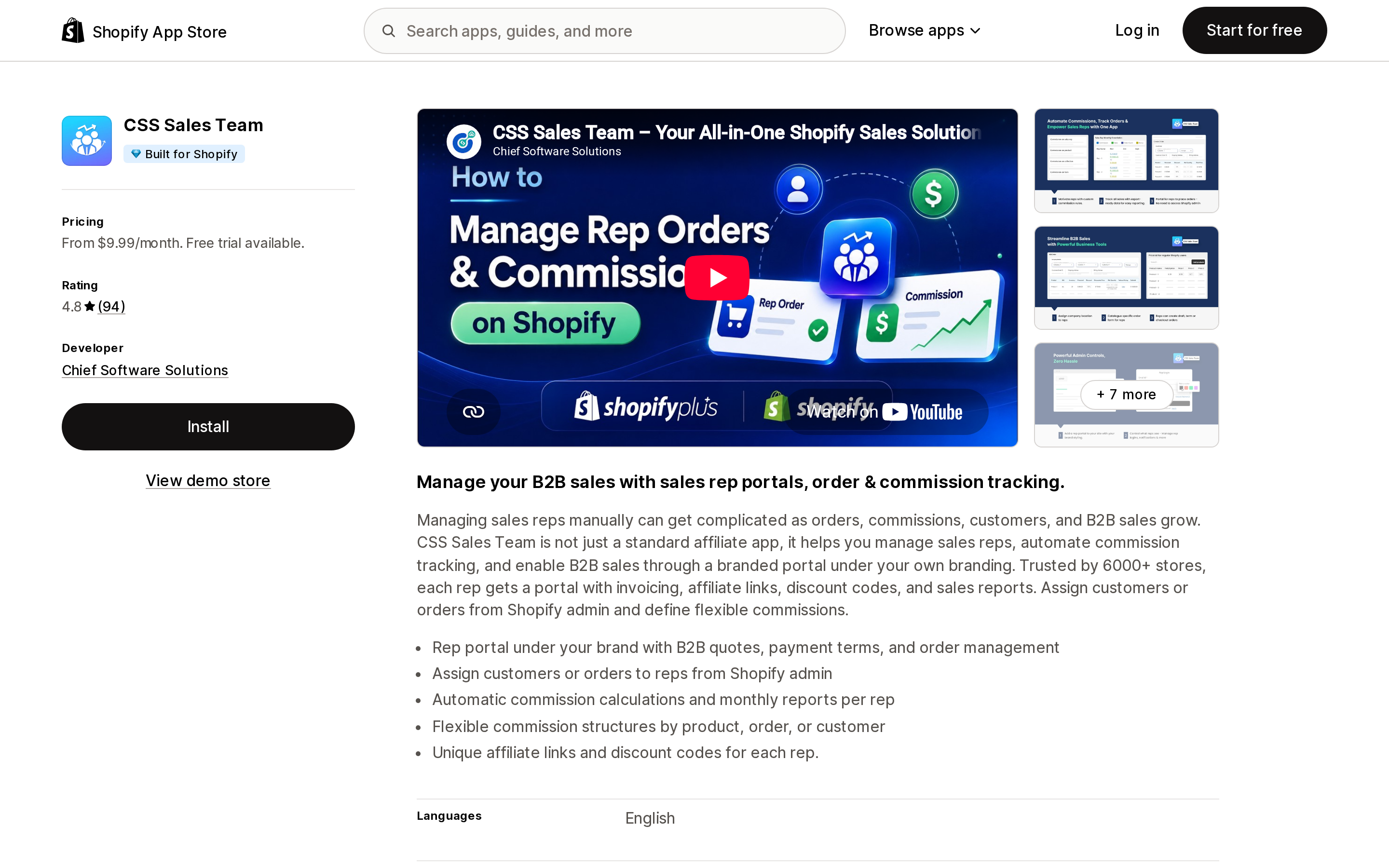
| CSS Sales Team | Base + % of tracked sales + seats | $9.99/month + 0.5% of tracked sales | 14 days | Yes | 4.8 (94) |
All charges on these listings are billed in USD every 30 days.
POS Staff Commission Tracker
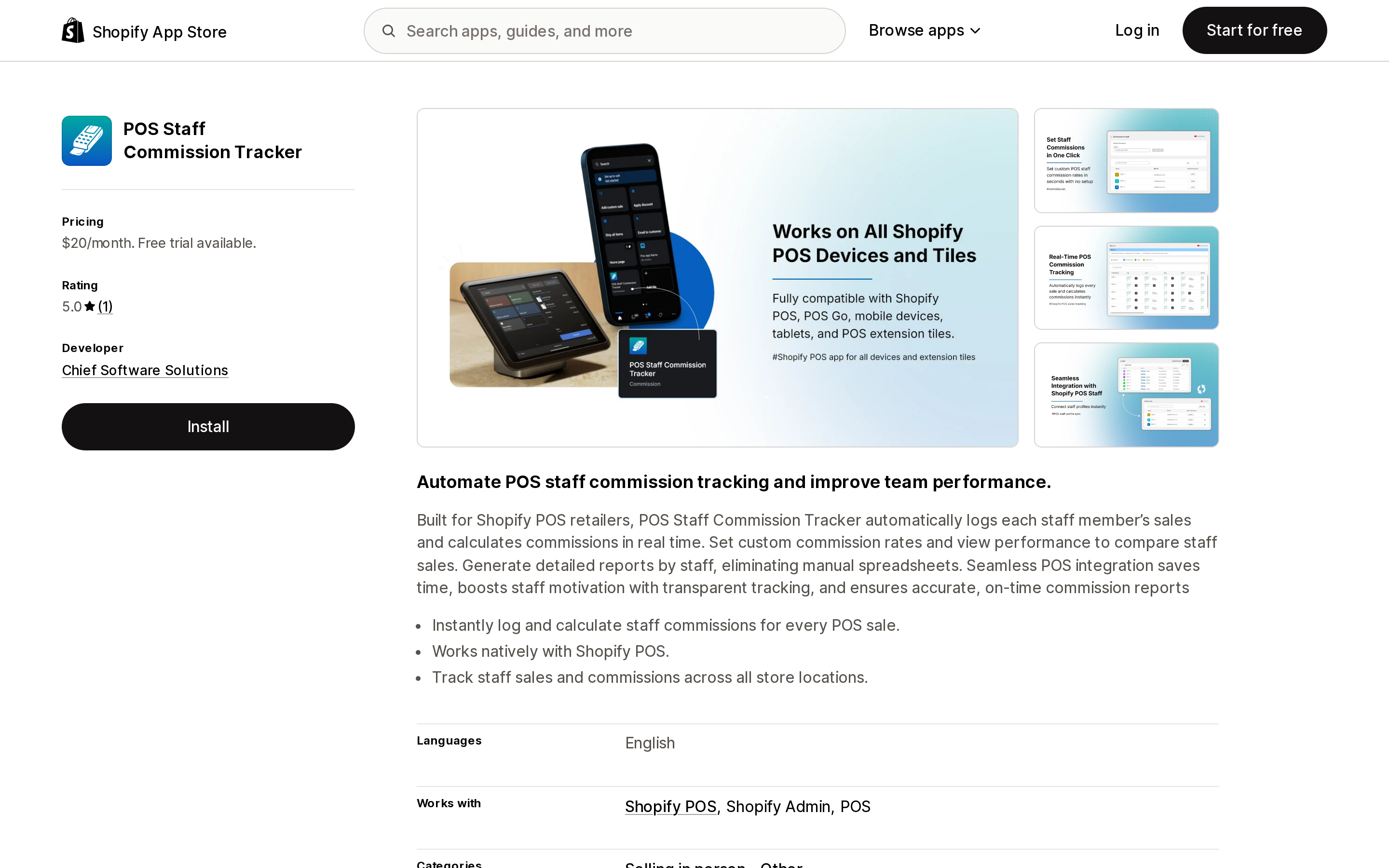
Source: Shopify App Store (POS Staff Commission Tracker), retrieved September 5, 2026
The narrowest tool here, and the only one with a flat price. One Pro Plan at $20/month covers commission setup per staff, unlimited staff, monthly payout reports, and commission and sales insights surfaced inside Shopify POS. It works with Shopify POS and Shopify Admin, and tracks staff sales and commissions across all store locations.
The caveat is age and evidence. Chief Software Solutions launched it on December 18, 2025, and the listing carries a single review — 5.0, from an Australian merchant in August 2026 after about two months of use. There is no free plan, and the listing does not state how the app handles refunds against previously calculated commissions.
Fits: a multi-location retailer with a large floor team that wants POS commissions and nothing else, where per-seat pricing would be punishing. Poor fit: anyone who needs online-order attribution, or who wants an established review base before trusting payroll inputs to an app.
Easyteam POS Time Clock In
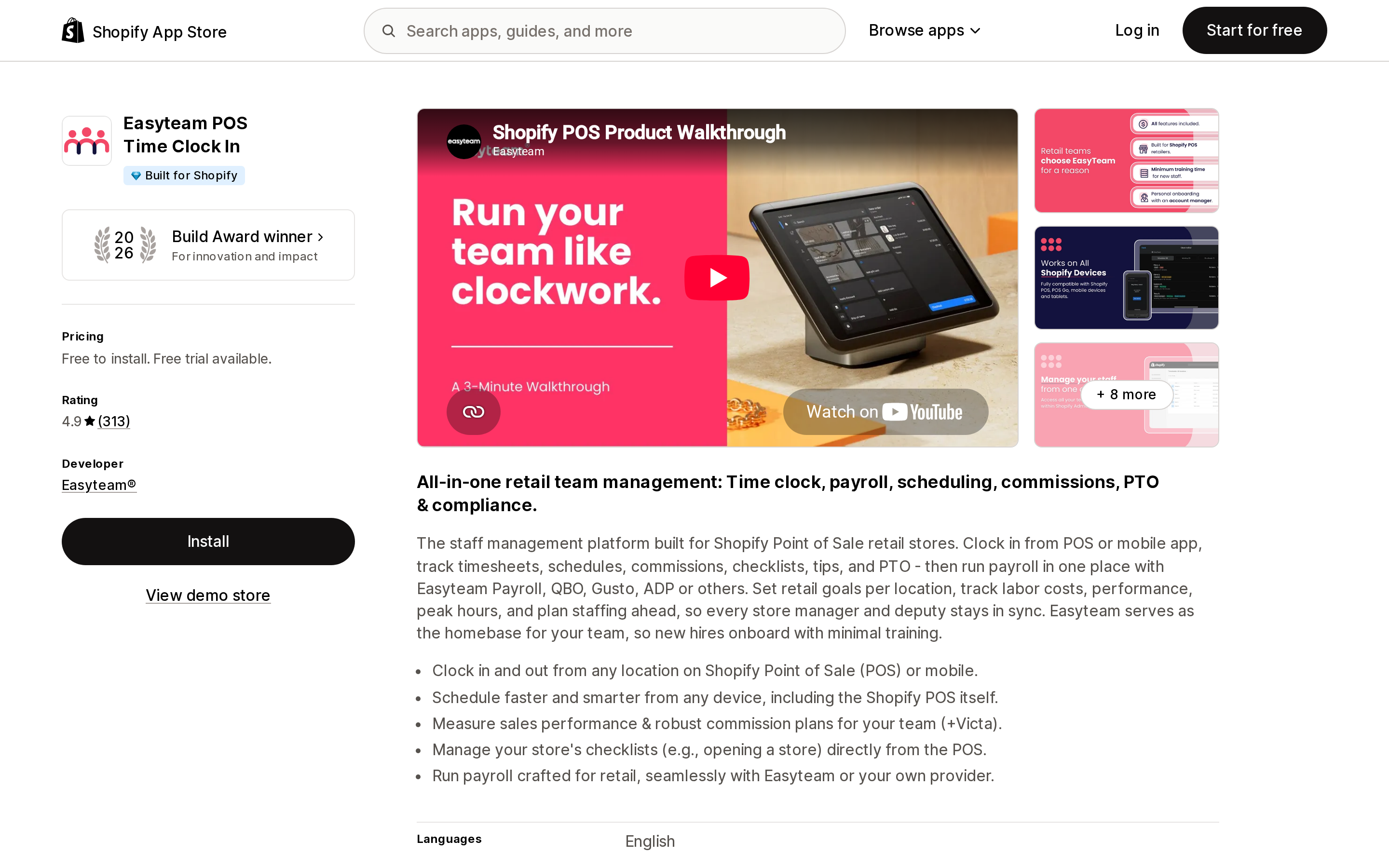
Source: Shopify App Store (Easyteam POS Time Clock In), retrieved September 5, 2026
Commissions here are one module in a retail staff platform: time clock from POS or mobile, scheduling, checklists, tips, PTO and break policies, labor cost tracking, and automated commission calculations. It holds Built for Shopify status and is a 2026 Shopify Build Award winner, with 4.9 across 313 reviews, 96% of them five-star. The three most recent reviews shown on the listing are all from US retailers and all cite support responsiveness.
Pricing is free to install, with Easyteam Core at $30/month, described on the listing as $5/month per staff member with a $30 minimum. So the minimum absorbs your first six people and every one after that adds $5. Enterprise starts at $490/month for 100+ employees. A payroll add-on runs $45/month plus $6 per employee and is US and Canada only.
Two things to check against your own setup. The listing's data access section says the app views order history for the last 60 days, which is a shorter window than some commission audits want. And the value here is bundled — if you already run scheduling and time tracking elsewhere, you are paying for a platform to get a commission engine.
Fits: US brick-and-mortar retailers who want commissions, timesheets, and payroll prep in one place and have fewer than roughly 25 staff before the per-seat math gets heavy. Poor fit: commission-only needs, or teams large enough that $5/head outruns a flat-rate competitor.
ManageMate Commissions & POS
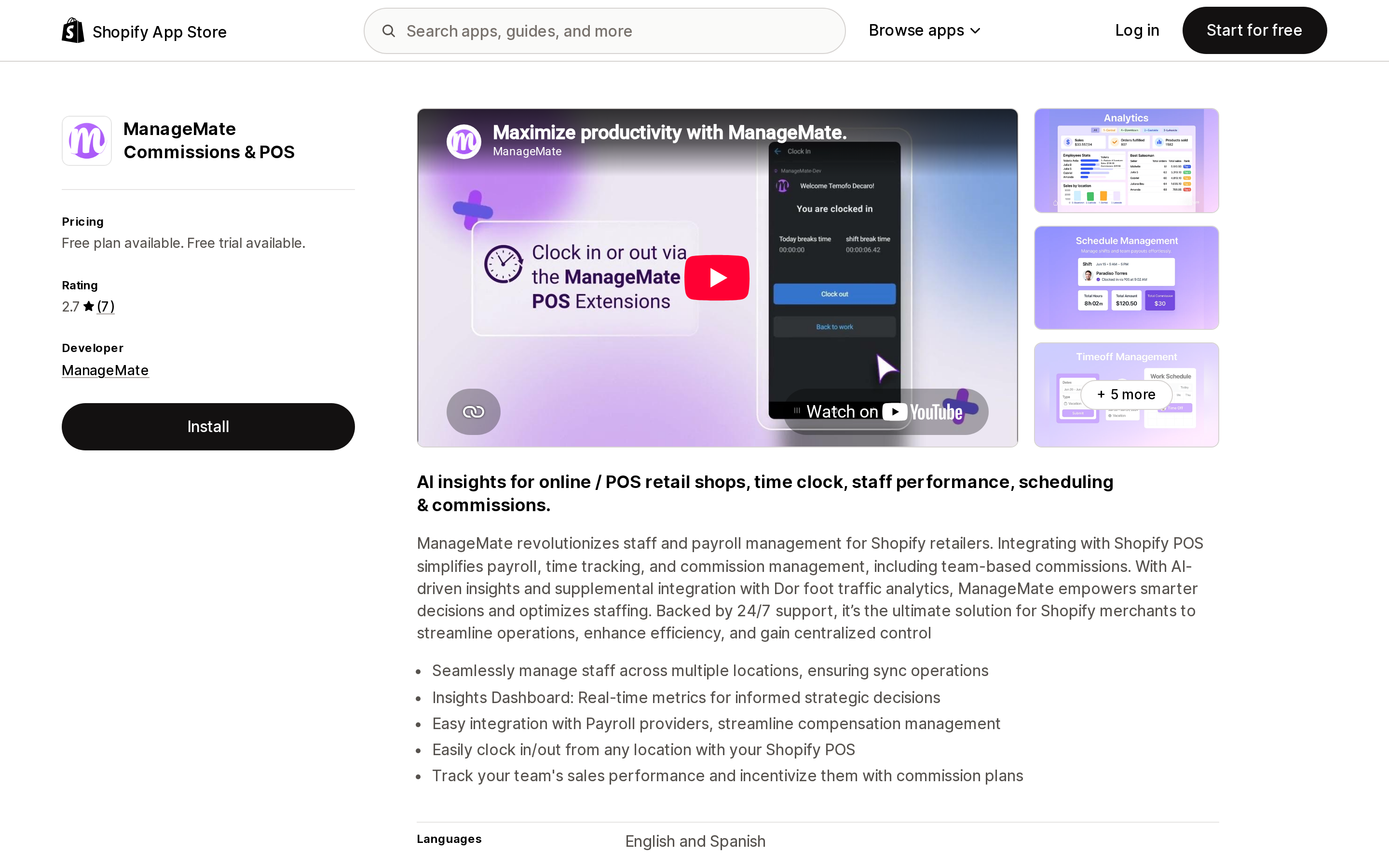
Source: Shopify App Store (ManageMate Commissions & POS), retrieved September 5, 2026
The most granular pricing ladder, and the only one where the commission type is gated by plan. A free Personal plan covers one team member. Lite is $1.99 per team member per month and is limited to 20 team members, including commissions and bonuses, POS time clock, scheduling, and payroll exports. Standard at $3.99 per member adds an AI dashboard and commission analytics. Enterprise at $8.99 per member is where team commissions, location commissions, and promoter commissions live, along with inventory browsing and transfers.
That gating is the thing to read carefully: if your compensation plan pays a store-level or team-level bonus rather than an individual rate, you are on the $8.99 tier, not the $1.99 one. Interface languages are English and Spanish, and the developer is based in Cali, Colombia.
The review picture is thin and polarized — 2.9 from 7 reviews, 71% five-star and 29% one-star. One 2025 one-star review from a US merchant objects to the vendor declining to identify its team; the developer's public reply disputes the account. Seven reviews is not a sample you can generalize from in either direction.
Fits: stores that need team, location, or promoter-level commission structures, which most of this category does not offer. Poor fit: merchants who want an established track record, or anyone above roughly 20 staff on Enterprise, where per-head pricing compounds fast.
Sales Reps Commission Manager
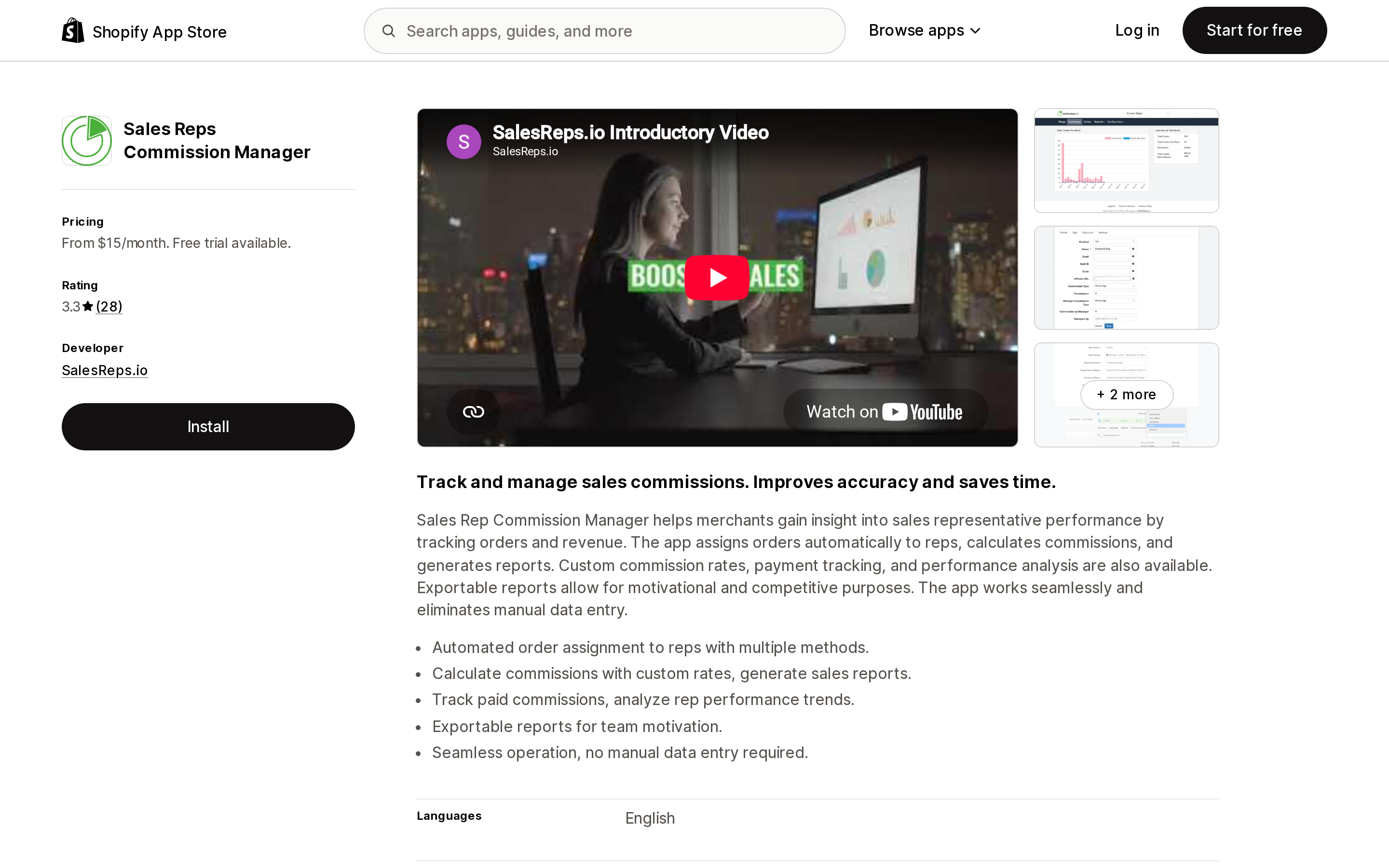
Source: Shopify App Store (Sales Reps Commission Manager), retrieved September 5, 2026
This one starts from the opposite end: it is built around orders and reps, not registers. It assigns orders to reps automatically through multiple methods, calculates commissions with custom rates, tracks which commissions have been paid, and exports reports. Listed by SalesReps.io and launched September 3, 2014, it is the oldest app in this group.
The plan ladder is Starter at $15/month, Professional at $30/month for more representatives, and Enterprise at $60/month for unlimited reps and POS support. Read that last item closely — POS support sits on the top tier, so a retail store using this for floor commissions starts at $60/month, not $15.
The reviews are the reason for caution: 2.8 overall from 25 reviews, with 60% five-star and 20% one-star. Two separate 2026 reviews from US merchants describe support going unanswered — one in April, one in July. The developer replied publicly to both, attributing the April case to a technical fault with incoming support email and the July case to a reply sent to an address the merchant was not monitoring. The functional praise in those same reviews is specific and useful, though: one merchant notes it was the app they found that calculates commission on subtotal and lets accounting mark commissions as paid.
Fits: online and phone-order businesses paying reps on subtotal, where paid/unpaid tracking matters more than POS integration. Poor fit: stores that need responsive support during a payroll cycle, and POS-first retailers who would be paying $60/month for a feature others include at $20.
CSS Sales Team
Source: Shopify App Store (CSS Sales Team), retrieved September 5, 2026
The heaviest of the five, and the only one that gives reps their own front end. Each rep gets a branded portal to create orders, send quotes, manage assigned customers, and use rep-specific affiliate links and discount codes; admins assign customers or orders to reps from Shopify admin and define commission structures by product, order, or customer. It carries Built for Shopify status, holds 4.8 from 94 reviews, and is filed under Affiliate programs rather than Retail — a signal about where its center of gravity sits. It is from Chief Software Solutions, the same developer as POS Staff Commission Tracker.
The pricing has three moving parts. Pay As You Go is $9.99/month plus a 0.5% fee on tracked sales, for up to 10 reps, with extra seats at $5/rep/month. Growth is $89.99/month for up to 30 reps with no fee on tracked sales. Enterprise is $299.99/month for up to 100 reps, extra seats at $3/rep, and adds B2B ordering for reps, a dedicated rep cart, and target-based bonuses.
That percentage is the single most consequential number in this article. Pay As You Go and Growth cross over at exactly $16,000 of tracked sales per month: below it the 0.5% is cheaper than the $80 difference in base price, above it you are overpaying by $5 for every additional $1,000 your reps sell. A team tracking $100,000/month on Pay As You Go would pay $509.99 where Growth costs $89.99.
Fits: B2B and wholesale operations with outside reps who need to place orders themselves, and where rep-level quoting and payment terms matter. Poor fit: a retail floor team — the portal is overhead you will not use — and anyone who leaves the app on Pay As You Go as volume grows.
What this costs in two real shapes
A single store, 4 sales associates, $60,000/month in POS revenue. POS Pro is already $89. On top of that: ManageMate Lite $7.96, POS Staff Commission Tracker $20, Easyteam $30 (the minimum, not 4 × $5), Sales Reps Commission Manager $60 (POS needs Enterprise), CSS Sales Team $309.99 on Pay As You Go if all revenue is tracked. The spread between the cheapest and the most expensive workable option is roughly 40x, for the same commission math.
Three stores, 25 sales staff, $400,000/month. POS Pro is $267. Then: POS Staff Commission Tracker still $20, Sales Reps Commission Manager $60, CSS Sales Team Growth $89.99, ManageMate Standard $99.75 — or $224.75 on Enterprise if you need team or location commissions — Easyteam Core $125. Flat pricing wins decisively at scale; per-head pricing wins under about six people, where Easyteam's $30 minimum and ManageMate's $1.99 tier are hard to beat for what they include.
Run your own version of this before you install anything. The ranking inverts between the two scenarios for three of the five apps.
Choosing
- Fewer than about six staff, POS only, and you want time clock and scheduling too — Easyteam. The $30 minimum is the whole bill at that size, and it is the highest-rated of the five apps here.
- A large floor team, POS only, commissions and nothing else — POS Staff Commission Tracker, with the caveat that you would be an early adopter of a December 2025 app with one review.
- Team, location, or promoter-level commission structures — ManageMate Enterprise, the only listing here that names those.
- Online, phone, or trade-show orders and no POS — Sales Reps Commission Manager at $15–$30, if you can tolerate the support risk the reviews describe.
- Outside reps who place orders on behalf of customers, B2B quoting, payment terms — CSS Sales Team, on a plan chosen against the $16,000 crossover rather than by default.
- One or two staff, or commissions paid on a simple percentage of an existing report — no app. Export POS total sales by staff member monthly and multiply. Shopify's automatic attribution has made that export more reliable than it was before July.
Before you install
- Confirm which number your commission policy means — line items credited, or the person at the register. Shopify reports both, and the new default credits whoever is pinned in.
- Audit your attribution rate first. The Rate of staff-assisted sales field in the POS staff daily sales total report tells you what share of sales is even attributable. Below about 90%, fix the register workflow before you automate the math on top of it.
- Add POS Pro to the total. At $89 per location per month, the prerequisite frequently costs more than the app.
- Ask each vendor, in writing, how refunds affect an already-calculated commission. None of the five listings state it.
- Price the app against next year's headcount and volume, not this month's. Three of these five change rank between the two scenarios above.
- Check what happens to your history on uninstall. These apps hold your payout records, and the listings do not describe export on cancellation.
Sources
- Shopify Help Center — Adding staff to a sale in Shopify POS
- Shopify Help Center — Retail sales reports
- Shopify Help Center — Managing your POS app subscription
- Shopify — POS pricing
- Shopify Changelog — Staff attribution improvements in POS (June 22, 2026)
- Shopify App Store — POS Staff Commission Tracker
- Shopify App Store — Easyteam POS Time Clock In
- Shopify App Store — ManageMate Commissions & POS
- Shopify App Store — Sales Reps Commission Manager
- Shopify App Store — CSS Sales Team
All pricing, ratings, and review counts were read from the English (US) App Store listings on September 5, 2026 and change without notice.
Shopify added a Bin name column to the inventory CSV on August 25, 2025. It holds one bin per variant per location, it is created only by CSV import, and it prints on Order Printer pick lists. What it does not do is leave Shopify. Shopify staff confirmed on the developer forum in October 2025 and again in January 2026 that there is no public API access to the field, and the developer forum was still reporting the gap in June 2026. That single fact shapes the whole category: EasyScan and iPacky store bins in metafields, Bins-USA and ShelfPilot store them in their own databases, and a free app called Simple Bin Locations copies metafield bins into order notes so packing slips can show them. Shopify's own multi-bin model, with per-bin quantities and an unbinnedQuantity field, exists today only as a feature preview on development stores. Pricing, plan gates, and where each app keeps the bin data, verified on the Shopify App Store, the Shopify Help Center, shopify.dev, and the Shopify community forums on September 18, 2026.