
What you will learn
On this pageContentsCloseOpen
Shopify caps Sidekick at 20 apps for each user on a store. That number appears in a Limits callout in the developer documentation: "Sidekick currently supports integrations with up to 20 apps for each user on a store."
Shopify's own merchant guide, Apps that work with Sidekick, lists 18 apps.
You are not going to hit the cap. The constraint is supply, and understanding why supply is this thin tells you more about what Sidekick can actually do with your app stack than any of the launch coverage does.
The short version
- Sidekick app extensions became available to all developers on June 17, 2026, with eighteen launch partners already live. Shopify's merchant-facing guide, published the same day, lists 18 apps.
- There are two kinds. App data extensions let Sidekick search your app's records. App actions take you to the right page in the app. They are not the same capability and only one of them is common.
- App actions do not commit anything. Shopify's own end-to-end walkthrough finishes: "Click Save in the form. The change is committed by your app, not by Sidekick." The tool response carries a note telling Sidekick "the change is staged, not saved."
- App actions only exist for 13 declared intent types. Ten
application/*types supportcreateandedit; threeshopify/*types supportimportandimport+bulk. Declaring anything else fails at deploy — the docs say "There's no silent fallback." - Four of those 13 types have no matching app on Shopify's list. Shopify defined intent types for FAQ, B2B quotes, support tickets, and shipments. No helpdesk, FAQ, quote, or tracking app appears on the guide.
- Data extensions are read-only by rule. "Your app extension must only be used for retrieving data from your app." Mutations belong in action extensions, where you confirm.
- Three build requirements explain the short list. Existing MCP servers "can't be reused directly with Sidekick." Apps must use Shopify managed install and token exchange, "not the legacy OAuth install flow." And every app is capped at 5 intents, 20 tools, a 4,000-token response, and a 1-second response time for data tools.
- No app listing tells you it has a Sidekick extension. Judge.me, Smile, and Seguno all show "Works with" lists on their App Store pages, and none of the three includes Sidekick. Seguno solved this by putting the word Sidekick-able into its 62-character tagline.
What "Sidekick can use your apps" means in practice
Two extension types shipped, and the difference matters.
An app data extension is headless and read-only. Sidekick calls it, your JavaScript runs in Shopify's sandboxed browser environment, and it returns JSON. Ask "show me my best-performing campaigns from last month" and the email app answers. Shopify is explicit about the boundary: "Keep data extensions read-only. Mutations belong in action extensions, where the merchant confirms the change."
An app action extension is a deep link with context. It declares an intent, Sidekick fills placeholders in a URL from the merchant's request, and the merchant lands on that page inside the app with fields pre-filled. Shopify's step-by-step verification checklist for developers ends this way:
- With the editor open, ask Sidekick to change something about the design (for example, "switch this to the two-column layout"). Sidekick invokes
design_email; the change appears staged in the form.- Click Save in the form. The change is committed by your app, not by Sidekick.
This is consistent with how Sidekick behaves elsewhere in the admin. The Help Center says Sidekick "can't make changes to your store without your approval, and will only present options for you to review and approve." Order editing works the same way — Sidekick navigates to the order edit page, highlights the fields it touched in purple, and the order updates only after you click Update order.
There is a second approval layer specific to apps. The Help Center states that "before Sidekick uses an installed app, it asks for your approval," and that once approved, "the app is activated for the current conversation only." Approval does not persist across chats.
The 18 apps
Shopify groups them into five sections. Ratings, review counts, developers, and pricing lines below were read from each app's own App Store listing on September 8, 2026 — not from the guide's cards, for a reason covered right after the table.
| Section | App | Rating | Reviews | Pricing on the listing | Developer |
|---|---|---|---|---|---|
| Marketing | Klaviyo: Email Marketing & SMS | 4.7 | 3,281 | Free to install | Klaviyo |
| Marketing | TikTok | 4.8 | 15,897 | Free to install. Additional charges may apply. | TikTok Inc. |
| Marketing | Seguno Email Marketing | 4.8 | 725 | Free to install. Free trial available. | Seguno |
| Marketing | Mailchimp Email SMS Marketing | 4.8 | 1,443 | Free plan available | Intuit Mailchimp |
| Marketing | Checkout Links | 5.0 | 37 | $25/month. Free trial available. | Checkout Links |
| Marketing | Bloomreach: Loomi AI | 2.5 | 6 | From $22,500/year | Bloomreach |
| Customers | Loop Returns & Exchanges | 4.6 | 442 | Free plan available | Loop |
| Customers | AfterShip Returns & Exchanges | 4.7 | 1,538 | Free plan available. Free trial available. | AfterShip |
| Customers | Judge.me Product Reviews App | 5.0 | 46,536 | Free plan available. Free trial available. | Judge.me |
| Customers | Smile: Loyalty Program Rewards | 4.9 | 4,563 | Free plan available. Free trial available. | Smile.io |
| Customers | Yotpo: Product Reviews App | 4.8 | 4,633 | Free plan available | Yotpo |
| Promotions | Abra Promotions | 5.0 | 60 | Free plan available. Free trial available. | Abra |
| Promotions | Discount Kit | 4.9 | 95 | From $49.99/month. Free trial available. | Optizio |
| Promotions | Kitenzo ‑ Bundle Builder | 4.3 | 264 | $299/month. Free trial available. | Kitenzo |
| Products | Printful: Print on Demand | 4.8 | 3,841 | Free to install | Printful Latvia AS |
| Products | Syncee Premium AI Dropshipping | 4.1 | 543 | Free plan available. Free trial available. | Syncee |
| Store operations | Matrixify | 4.9 | 1,596 | Free plan available | ITissible |
| Store operations | Avia ‑ POS Traffic Counter | 5.0 | 8 | Free to install. Usage charges apply. | Retailogists |
The guide's own cards understate two of these prices. The card for Discount Kit reads "Free trial available," and so does the card for Kitenzo ‑ Bundle Builder. On their listings, Discount Kit starts at $49.99/month and Kitenzo ‑ Bundle Builder is $299/month — the highest recurring monthly price of any app on the guide. The card for Avia ‑ POS Traffic Counter reads "Free to install"; the listing adds "Usage charges apply." Read the listing, not the card.
Eleven of the eighteen carried the Built for Shopify badge on Shopify's guide page. Review counts run from 6 to 46,536, and five of the eighteen have fewer than 100 reviews. The most expensive app on the guide by annual price, Bloomreach: Loomi AI at "From $22,500/year," also has the lowest rating on it: 2.5 stars across 6 reviews.
What is absent is more informative. There is no subscriptions app, no inventory app, no SEO app, no page builder, no helpdesk, no shipping-label app, and no analytics app other than an in-store foot-traffic counter. If your stack is built around Recharge, Klaviyo, Gorgias, and a page builder, exactly one of those four is on the list.
The 13 intent types are the real ceiling
An app data extension can expose anything the app can query. An app action extension cannot. Every action has to declare an intent type from a fixed list.
| Type | Covers | Supported actions |
|---|---|---|
application/ad | Ad campaigns | create, edit |
application/campaign | Marketing campaigns | create, edit |
application/email | Email campaigns | create, edit |
application/faq | FAQ management | create, edit |
application/loyalty-program | Loyalty programs | create, edit |
application/quote | Quotes for B2B quote and negotiation apps | create, edit |
application/return | Returns management | create, edit |
application/review | Product reviews | create, edit |
application/shipment | Shipment tracking | create, edit |
application/ticket | Support tickets | create, edit |
shopify/customer | Shopify customers | import, import+bulk |
shopify/order | Shopify orders | import, import+bulk |
shopify/product | Shopify products | import, import+bulk |
Map that list against the app list and the gaps line up. Email, campaigns, ads, loyalty, returns, and reviews all have apps on the guide. FAQ, quote, ticket, and shipment do not — Shopify built the intent type before anyone shipped an app against it. The three shopify/* types are import-only workflows, which is what a bulk data tool does; Matrixify sits in the Store operations section for exactly that reason.
If a developer picks a type that isn't on this list, shopify app deploy rejects the extension with Intent is invalid: type '<value>' is not supported. The documentation adds: "There's no silent fallback." Shopify also warns against picking an unrelated type as a placeholder, and points developers to a public repository to propose new ones.
There is one more structural constraint worth knowing as a merchant. An intent is bound to exactly one pathname, and Shopify closes the intent modal whenever navigation changes that pathname. A multi-page setup flow cannot be driven through a single Sidekick action.
Why only 18 apps, when the CLI scaffolds one in minutes
Shopify's changelog says the CLI can produce a functional extension in minutes. Three requirements in the documentation explain why most apps haven't.
Existing MCP servers don't transfer. The docs are blunt: "Existing MCP servers can't be reused directly with Sidekick. Tools must run in Shopify's sandbox and use Shopify authentication. The tools schema follows MCP-like patterns but is Shopify-specific." An app that already exposed itself to AI agents through Storefront MCP or a hosted MCP server starts over.
Legacy OAuth is excluded. Apps must "authenticate with Shopify managed install and token exchange, not the legacy OAuth install flow." Older apps that never migrated their install flow have to do that work first, before writing a single tool.
The runtime budget is tight. Every app gets 5 intents and 20 tools total across all its extensions. A tool response must fit in 4,000 tokens — roughly 16,000 characters — or it is rejected and, in Shopify's words, "the merchant won't see any results." The published response-time limits are 1 second for app data and 3 seconds for app actions, and the docs warn that data extensions consistently over that threshold "may be skipped by Sidekick." The extension description gets 256 tokens; the instructions file gets 2,048.
Add a Shopify CLI 3.90.0 minimum and a CORS allowlist entry for extensions.shopifycdn.com, and the "minutes" figure describes the scaffold, not the migration.
Four listings, and the word that appears on only one
The Shopify App Store shows a "Works with" list on every app page — Checkout, Customer accounts, Shopify POS, Shopify Flow, Shopify Admin, and named third-party integrations. Sidekick is not one of the entries on any of the pages below. Shopify's guide page is the only merchant-facing index.
Seguno Email Marketing
Source: Shopify App Store (Seguno Email Marketing), retrieved September 8, 2026
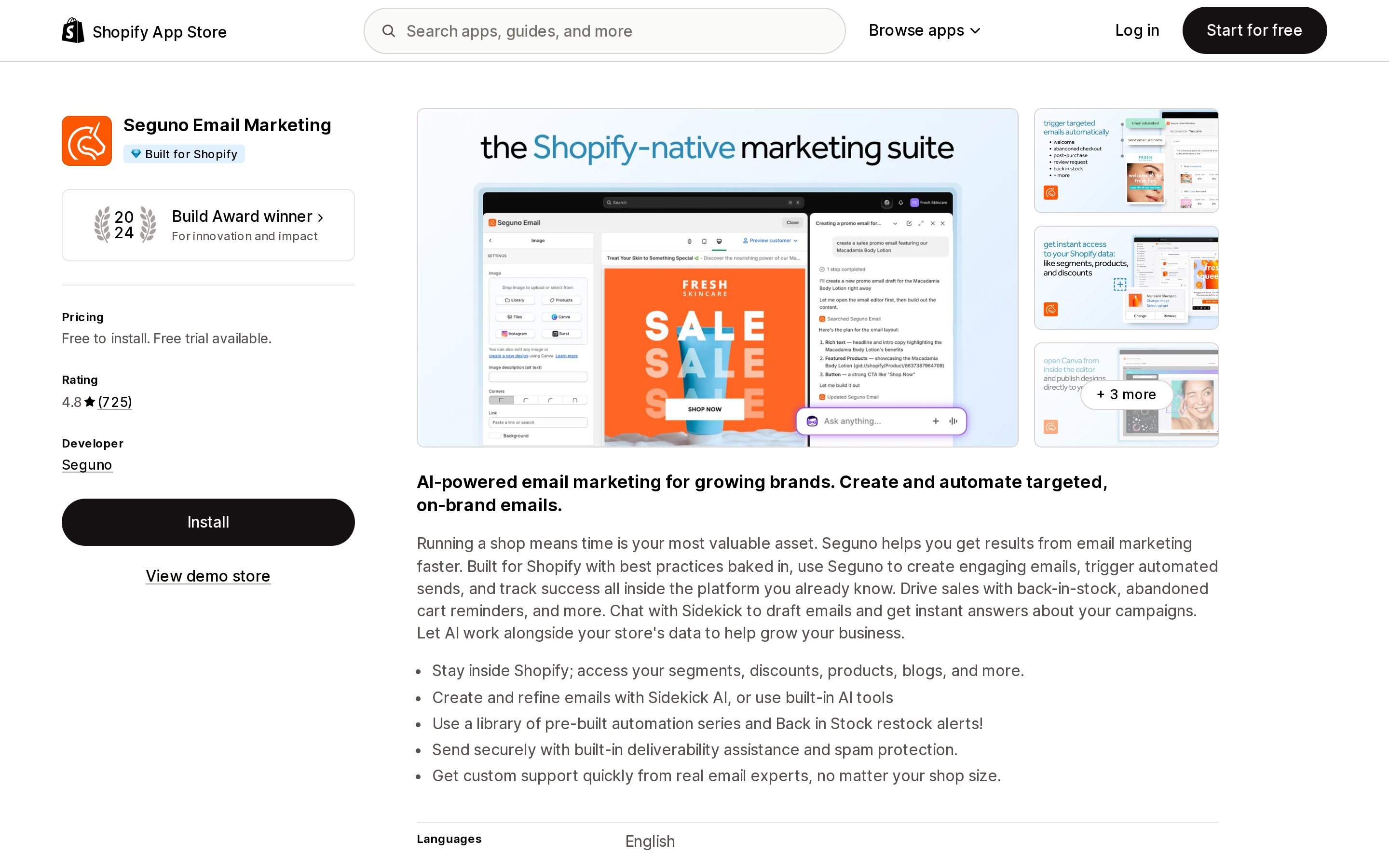
Seguno Email Marketing is the one app that put Sidekick in its own metadata. The listing tagline reads "Canva & Sidekick-able email marketing newsletters & automation," and the feature bullets include "Create and refine emails with Sidekick AI, or use built-in AI tools." Its "Works with" list names Shopify POS, Shopify Flow, Shopify Admin, Canva, Klaviyo, Mailchimp, and Postscript — but not Sidekick. Free to install, free for up to 250 subscribers; Standard is $35/month including 2,500 subscribers, Pro is $215/month including 25,000.
Judge.me Product Reviews App
Source: Shopify App Store (Judge.me Product Reviews App), retrieved September 8, 2026
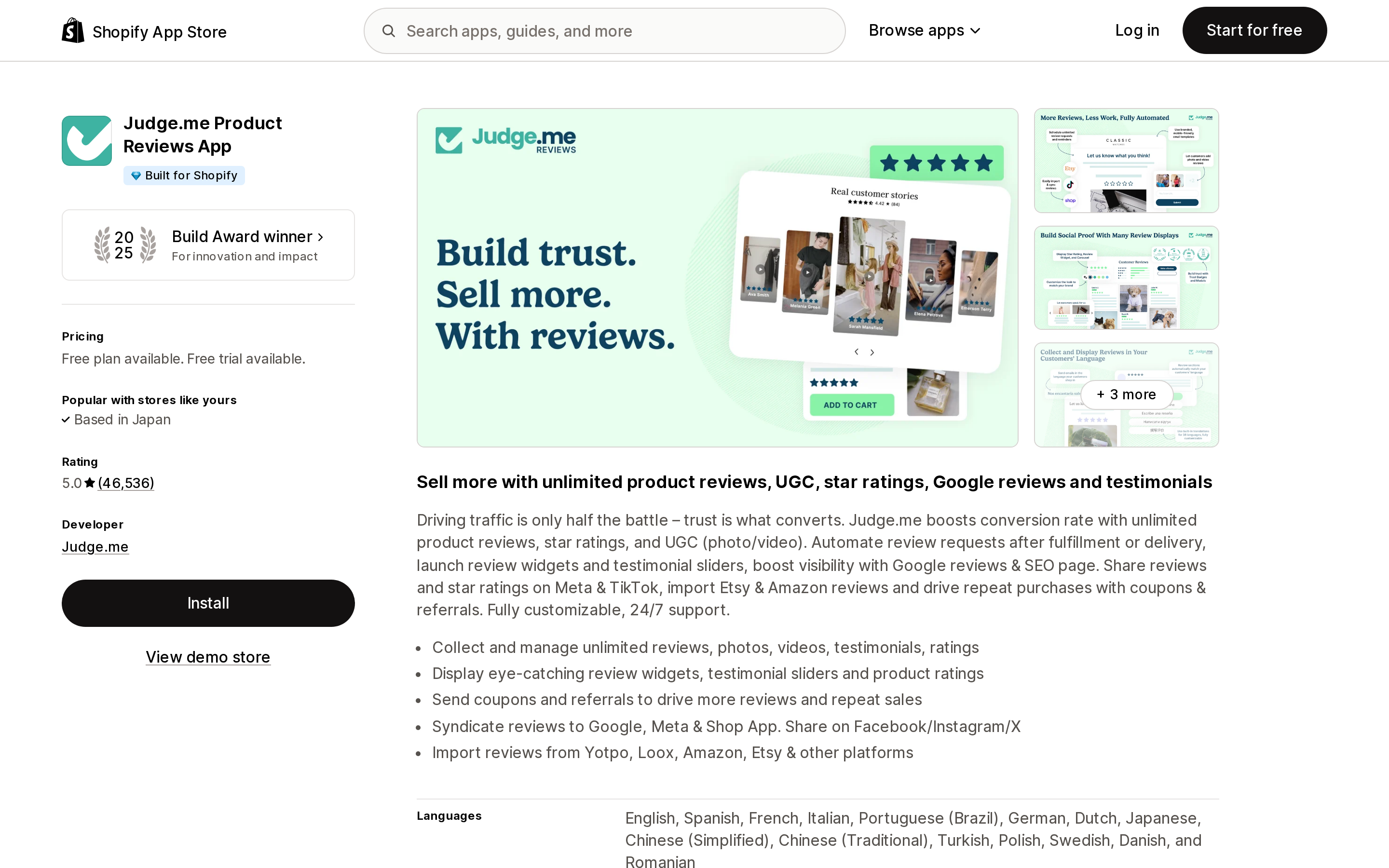
Judge.me Product Reviews App is one of the three apps the Help Center names by hand when it explains third-party app support, alongside Klaviyo and Seguno. It maps to application/review, the intent type for product reviews. Free plan available; the Awesome plan is $15/month with a 15-day free trial. Nothing on the listing mentions Sidekick.
Checkout Links
Source: Shopify App Store (Checkout Links), retrieved September 8, 2026
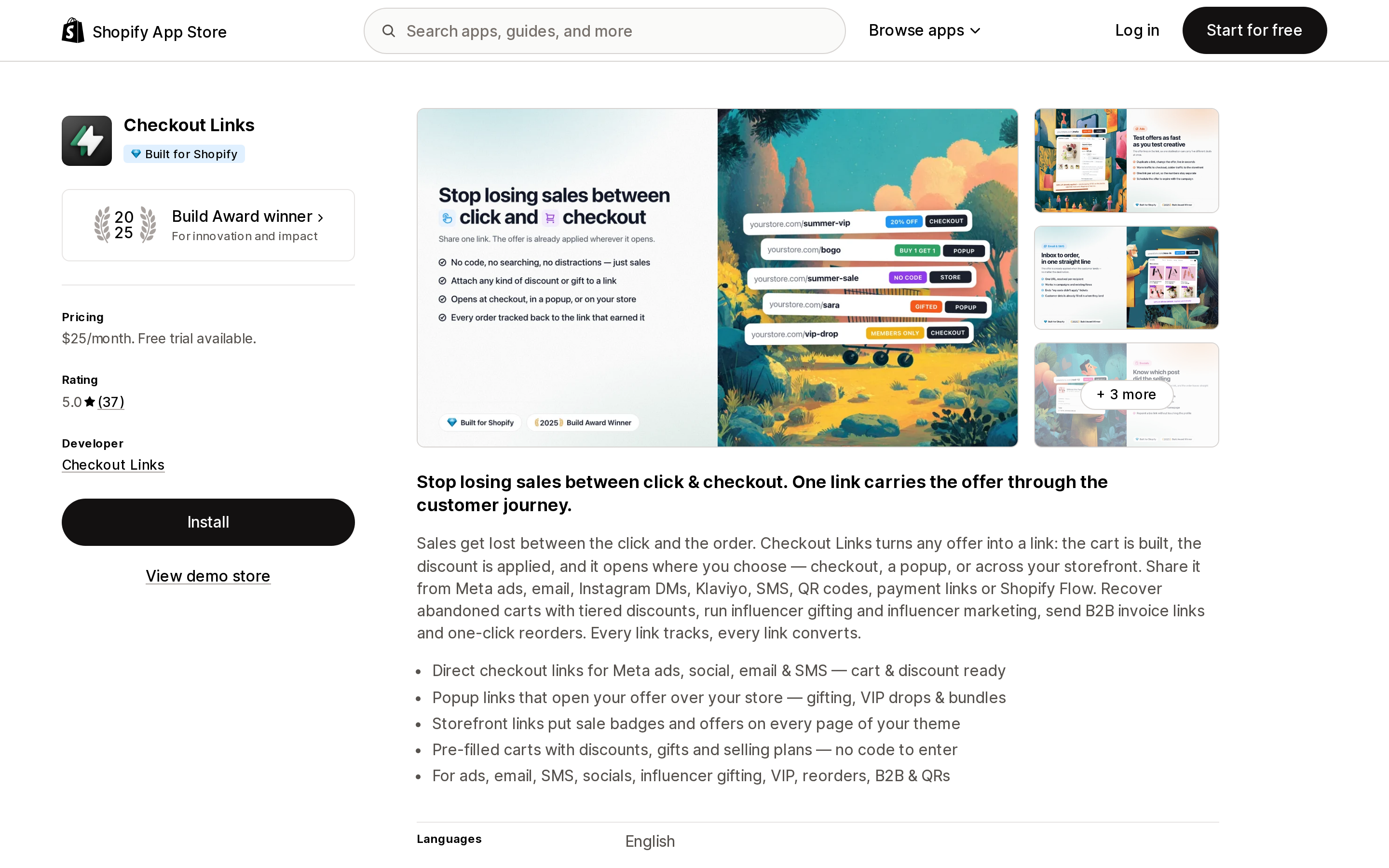
Checkout Links is a 2025 Build Award winner with 37 reviews, priced at $25/month with a free trial. It sits in the Marketing section of the Sidekick guide. It is a useful reminder that presence on this list is not a proxy for scale — the guide mixes a 46,536-review app with a 37-review one and a 6-review one.
Matrixify
Source: Shopify App Store (Matrixify), retrieved September 8, 2026
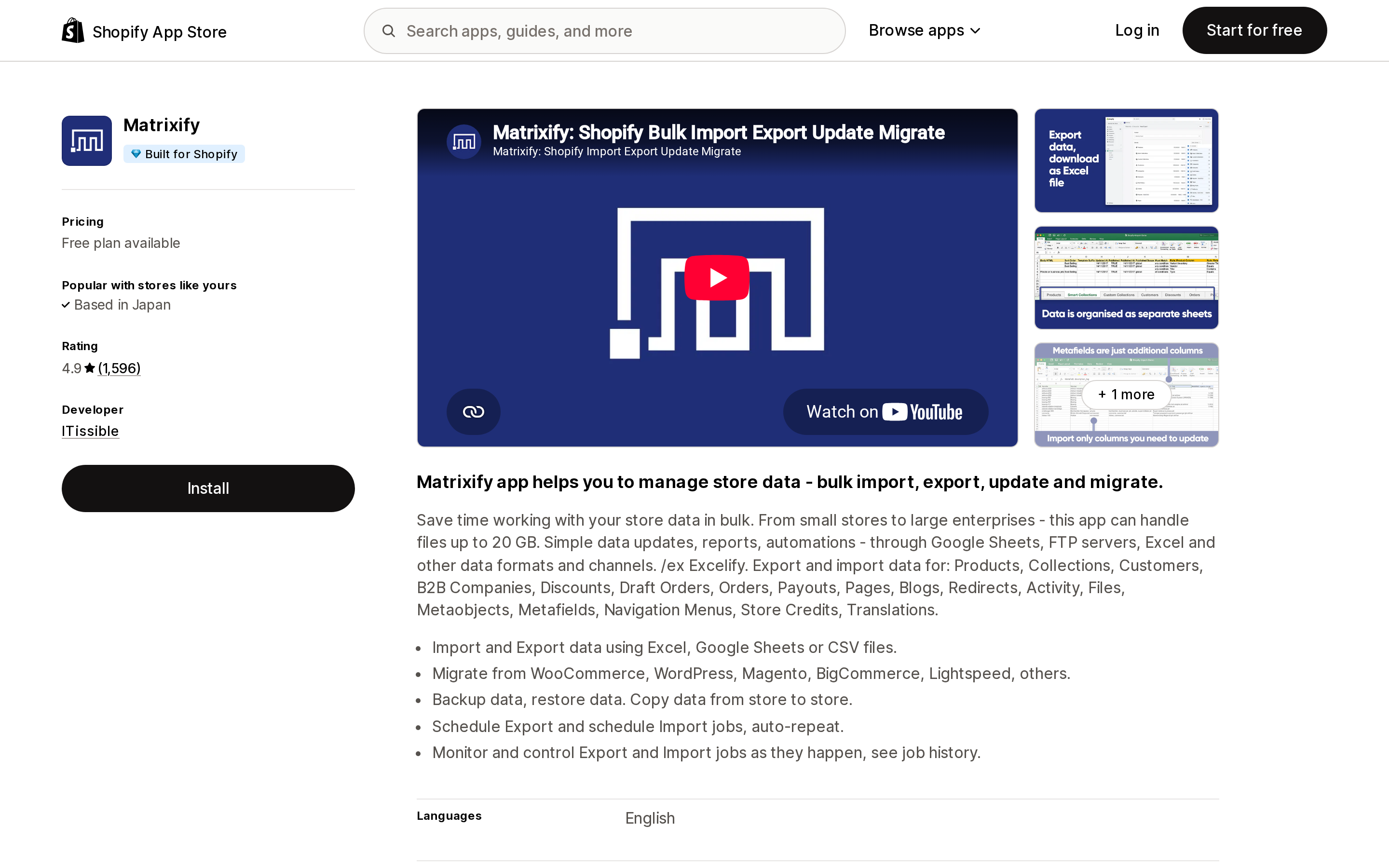
Matrixify is the bulk import, export, update, and migrate tool, and the only Sidekick-integrated app whose natural home is the three shopify/* import intent types. It is also the app most often named when Shopify's own migration guide sends merchants to a third party for orders, blogs, and gift cards. Free plan available; developer ITissible.
Two rules Shopify added on the same day
On June 17, 2026 — the same day the surface opened — Shopify added two App Store requirements that apply only to Sidekick extensions.
2.2.8 requires that Sidekick extensions "operate within the scope of your app's core functionality," and that the extension configuration, the public App Store listing, and the actual runtime execution be "materially consistent."
2.2.9 is the one merchants will feel: "Don't use Sidekick app extensions to promote your app, promote related apps, or request reviews."
The developer documentation backs this with scanning at two points — extension descriptions and schemas are validated at deploy, and the data your tools return is checked at runtime before Sidekick uses it. Blocked extensions simply don't appear, and the developer gets an email. The prohibited list names upsells, plan-upgrade nudges, competitor comparisons, false urgency, and fabricated endorsements. Shopify separately tightened its App Store review-integrity rules in July 2026, so the ban on soliciting reviews inside Sidekick fits a pattern rather than standing alone.
How this should change what you install
Don't treat Sidekick support as a selection criterion yet. Eighteen apps across five categories is not enough coverage to build a stack around, and the App Store gives you no way to filter for it. Choose the app on its own merits and check the guide page afterward.
Check the intent type, not the marketing. If a category has no matching type in the table above — subscriptions, inventory, SEO, shipping rates, page building — an app in that category cannot ship an app action today, no matter what its listing says about AI.
Expect a deep link, not an agent. For the ten application/* types, the realistic outcome is that Sidekick finds the record, opens the right page, fills the fields, and stops. Every mutation still needs your click. If your reason for wanting this is to remove clicks from a workflow, count how many clicks it actually removes.
Remember the approval is per conversation. The app is activated for the current chat only. A recurring weekly task means re-approving every week.
Sidekick's own boundaries still apply. It can't talk to customers or handle support conversations. It isn't available in the Shopify admin in a mobile browser — you need the Shopify app. And on Apple Watch it can answer questions but can't make changes or navigate the admin. None of that changes because an app extension is installed.
This is the first version of a surface Shopify plainly intends to grow, and the intent type list is published with an open repository for proposals. But the version shipped in June 2026 is narrower than the announcement reads, and the honest summary is the one in Shopify's own developer walkthrough: Sidekick stages, and you save.
Sources
- Sidekick app extensions — shopify.dev
- Use extensions to surface app data — shopify.dev
- Use extensions to surface app actions — shopify.dev
- Sidekick app extensions available today — Shopify developer changelog, June 17, 2026
- New App Store requirements for Sidekick app extensions — Shopify developer changelog, June 17, 2026
- Apps that work with Sidekick — Shopify App Store
- Getting help and guidance from Sidekick — Shopify Help Center
- Getting started with Sidekick — Shopify Help Center
App list, ratings, review counts, and pricing verified on the Shopify App Store on September 8, 2026.
Shopify Magic's own media generation tools cover background removal, logo generation, and hero banners — images only, per Shopify's Help Center. There is also an unrelated app literally named 'Magic: Product Photos & Videos' that charges $19.99–$49.99/month and has nothing to do with Shopify. Meanwhile, eight real AI product-video apps bill on five incompatible units: credits, videos, points, a flat $1 per video, and one-time packs with no subscription at all. Normalized to a real cost per finished video, the spread runs from about $0.04 to $1.29 — roughly 32x — and one app's $39–$99/month plans don't disclose a video quota at all. Researched September 6, 2026.