
What you will learn
On this pageContentsCloseOpen
Open any free theme's page on the Shopify Theme Store and scroll to the Features list. Under Merchandising you will almost certainly find the word "Lookbooks". Dawn has it. Horizon has it. Twenty-two of the twenty-three free themes have it.
Now look for "Image hotspot". You will not find it on any of them.
That single missing tag is the reason "shop the look" apps exist, and also the reason merchants install them when they did not need to.
Two tags, two definitions
The Theme Store feature tags are not marketing copy. Shopify publishes the definitions theme developers must apply, in its Theme Store listing guidelines. The two that matter here sit next to each other in the Merchandising table:
- lookbooks — "Display a portfolio of images that feature a product line or collection"
- image hotspot — "Tag images with interactive hotspots for popups or additional information"
A third one lives in the Marketing and conversion table: cross-selling (complete the look) — "Show products commonly purchased together".
So "Lookbooks" means a gallery. It does not mean a shoppable gallery. A theme can be tagged with it because it has a collage section and an image-with-text section, and every free Shopify theme does.
There is also nowhere to filter for the tag that would actually answer the question. The Theme Store's browse page offers 20 feature filters — Age verifier, Countdown timer, Mega menu, Quick view, Stock counter and so on. Neither "Image hotspot" nor "Lookbooks" is among them. To find out whether a theme tags images, you open its listing page and read the list.
What the 23 free themes actually say
I checked every listing in the Theme Store's free-themes collection on September 18, 2026.
| Theme family (version) | Themes | "Lookbooks" tag | "Image hotspot" tag |
|---|---|---|---|
| Dawn (16.0.0, August 10, 2026) | Dawn, Ride, Sense, Taste, Refresh, Craft, Publisher, Colorblock, Origin, Trade, Studio, Spotlight | 11 of 12 (Trade has neither) | 0 of 12 |
| Dawn (15.4.1, December 5, 2025) | Crave | Yes | No |
| Horizon (4.1.5, August 31, 2026) | Horizon, Tinker, Savor, Heritage, Ritual, Dwell, Pitch, Vessel, Fabric, Atelier | 10 of 10 | 0 of 10 |
Paid themes are a different picture. Prestige ($400, version 11.4.1 dated September 14, 2026) and Impact ($400) both list "Lookbooks" and "Image hotspot". Those are the themes whose sections let you pin products onto a photograph without an app.
But the listing tag turns out to be an unreliable witness, in one direction.
Horizon has the section. Its listing doesn't say so.
The Shopify/horizon repository, at theme version 4.1.5, contains a section file called sections/product-hotspots.liquid and a block called blocks/_hotspot-product.liquid. In the theme editor the section is named Product hotspots. Its preset ships with a static heading block whose default text, in the theme's own en.default.schema.json, is <h2>Shop the look</h2>, plus two hotspot blocks placed at 40/40 and 60/60 percent of the image.
Each hotspot block has exactly three settings: a product picker, a horizontal position (0–100) and a vertical position (0–100). Clicking a pin opens a popover with the product title and price and a quick-add button; the section's own CSS carries a comment that on mobile the dialog is hidden and "hotspot opens quick-add modal instead". The section takes one image, and the schema sets no max_blocks, so the platform default of 50 blocks per section applies.
That is a working shop-the-look section, in a free theme, and it is not tagged as one. The ten free themes at version 4.1.5 share Horizon's version number; if yours is one of them, look for "Product hotspots" in the Add section list before you go anywhere near the App Store.
Shopify/dawn at 16.0.0 has no equivalent. Its sections directory contains collage.liquid, image-banner.liquid, image-with-text.liquid, multirow.liquid and slideshow.liquid — galleries, in other words, which is exactly what "Lookbooks" is defined to mean — but nothing that places a product pin on an image. Twelve of the 23 free themes are on Dawn 16.0.0, and Crave is on 15.4.1.
What the native section does not do
Horizon's section stops at one product per pin. Reading the section source, there is no control that adds every pinned product to the cart together, no discount for buying the set, no analytics, and no way to attach a look to a specific product page so that it changes with the product. The section is a homepage or landing-page element with a fixed image chosen in the editor.
That gap is the actual product the apps sell. Look at where the App Store files them: Byte, Ace and FourCore are categorized under Upsell and cross-sell, not under galleries. Their lead feature is "add the whole look to cart in one click", followed by a discount for completing the look, followed by a dashboard that attributes revenue to each look. Lookfy and Nitro are filed under Image gallery and lead with layouts and photo volume, with hotspots as one feature among several.
If all you wanted was pins on a photograph, Horizon already has it. If you are on Dawn, or you want the outfit to sell as a set, keep reading — and read the free-plan line carefully, because none of these apps meter the same thing.
Five apps, five units
| App | Built for Shopify | Rating (reviews) | Free plan ceiling | Entry paid price | What the plans meter |
|---|---|---|---|---|---|
| Byte Lookbook & Shop The Look | Yes | 5.0 (119) | 1 lookbook | $19/month or $150/year | Lookbooks (unlimited on paid) |
| Ace ‑ Shop the look | Yes | 5.0 (35) | 5 looks, app branding shown | $7.99/month | Looks: 5 / 30 / 100 / unlimited |
| Lookfy Lookbook: Image Gallery | Yes | 4.8 (220) | 1 gallery, 50 photos, uploaded images only | $5.99/month or $53.91/year | Galleries, photos per gallery, image source |
| Nitro Lookbook & Image Gallery | No | 5.0 (39) | 1 active lookbook, unlimited tagged products | $5.59/month or $55.90/year | Active lookbooks |
| AI Shop the Look & Lookbooks | No | 5.0 (8) | 2 looks in 1 lookbook | $8.99/month or $86.30/year | Looks and lookbooks, counted separately |
All prices are the USD amounts shown on the App Store listings on September 18, 2026.
Byte Lookbook & Shop The Look
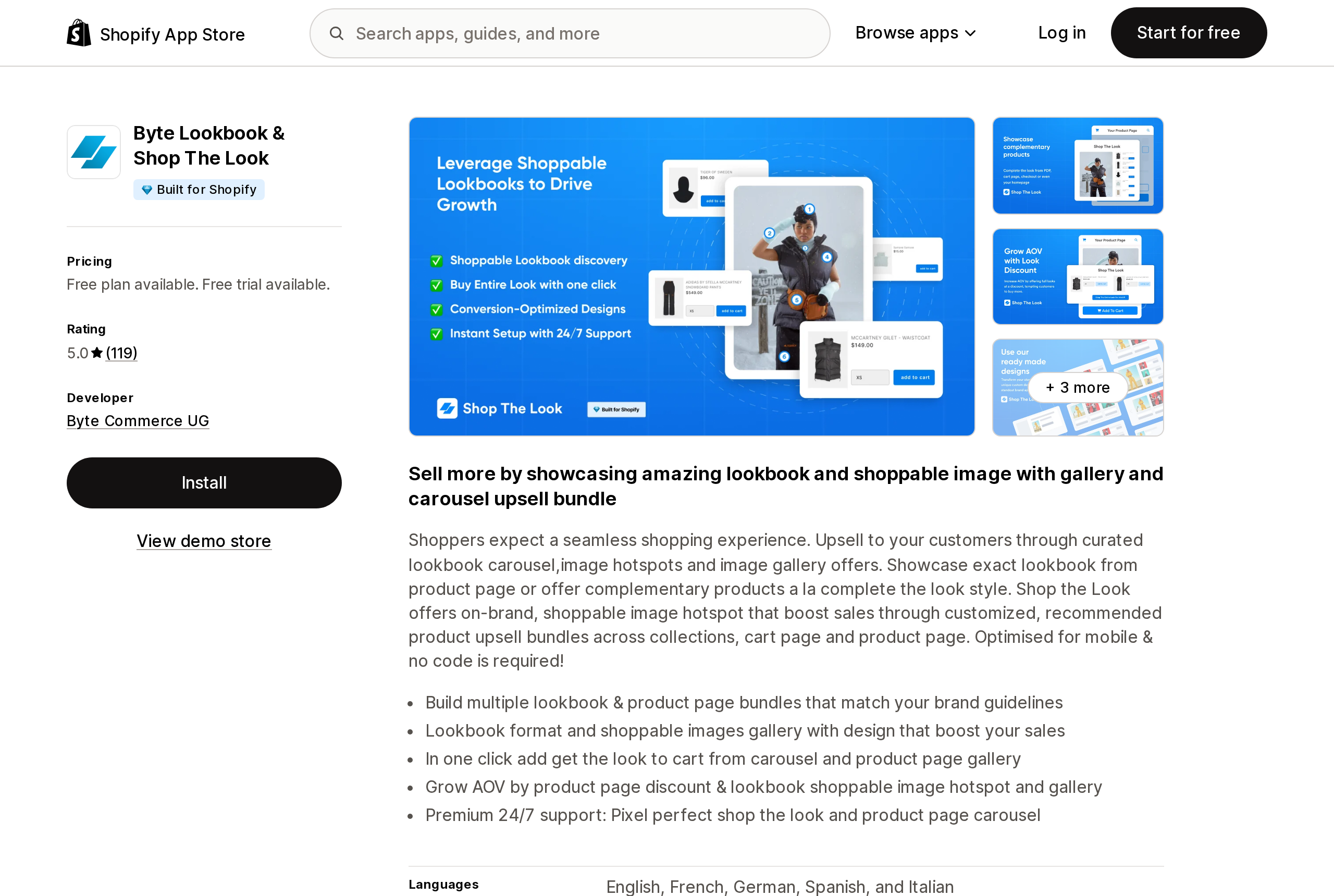
Source: Shopify App Store (Byte Lookbook & Shop The Look), retrieved September 18, 2026
Byte Commerce UG, based in Berlin, launched this app on November 20, 2017, which makes it the oldest of the five. The listing's Free plan says "Create 1 Lookbook"; the developer's own pricing overview page says the free plan lets you "create 1 look and make it live to test the app". The two words mean the same thing here, and the first-time user guide shows what one is: you choose a main product, then choose the individual products or a collection to offer alongside it, and the look is placed on that product's page through an app block ("Add Theme Extension"). Vintage themes without app blocks use a Layout → Placement setting instead.
Growth is $19/month, or $150/year, for unlimited lookbooks, custom designs, an onboarding call and analytics, with a 7-day trial. The documentation lists a "Complete Look" discount, cart-page placement, and a checkout-page placement whose documentation URL ends in "shopify-plus-only". The listing is filed under both Upsell and cross-sell and Image gallery, and states language support for English, French, German, Spanish and Italian.
Ace ‑ Shop the look
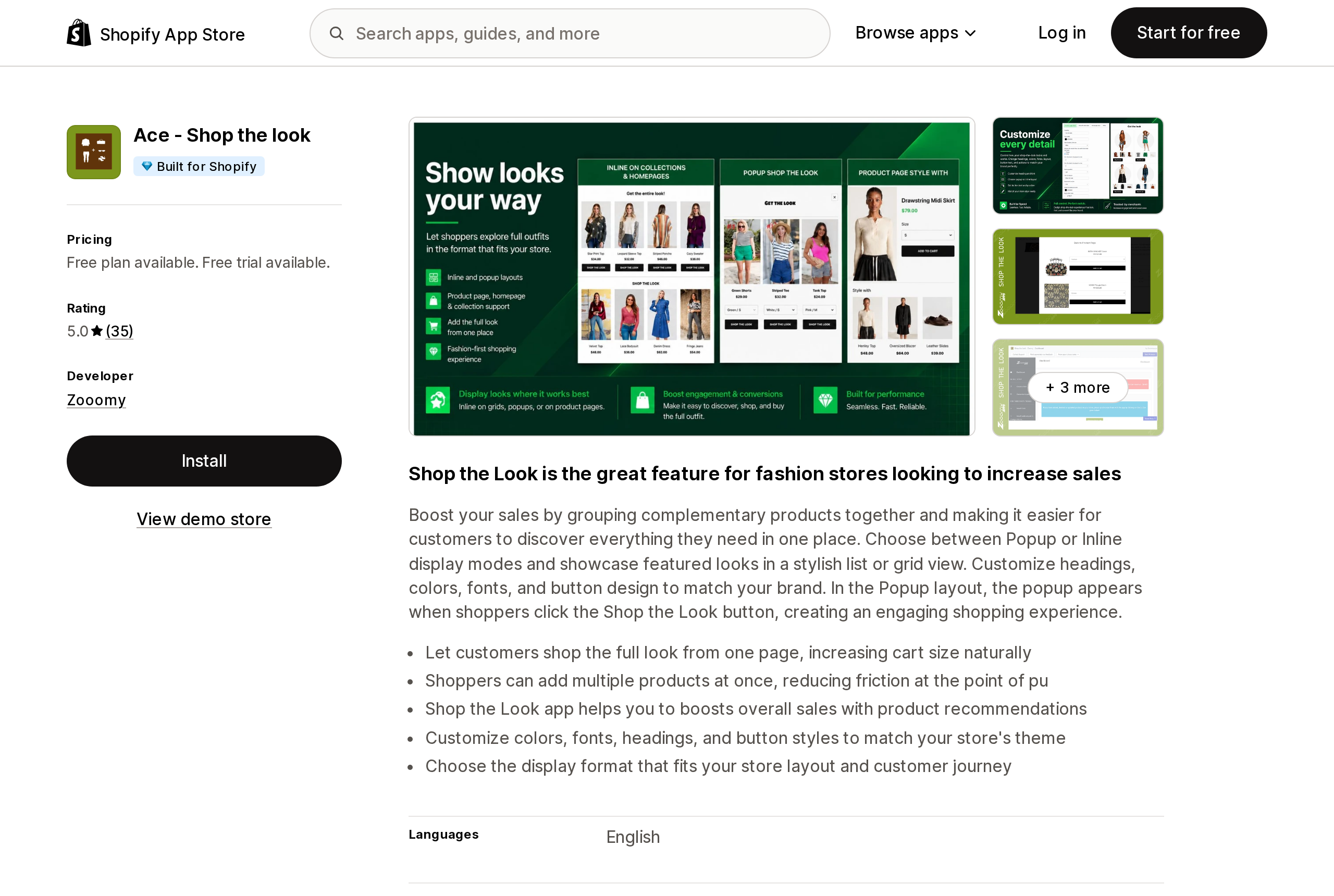
Source: Shopify App Store (Ace ‑ Shop the look), retrieved September 18, 2026
Ace, from Zooomy in Columbus, Indiana, launched September 26, 2018, meters the cleanest unit of the five: looks. Free gives you five with the app's branding visible; Basic at $7.99/month gives 30 and removes the branding; Pro at $14.99/month gives 100; Business at $29.99/month is unlimited. Every paid tier has a 7-day trial. Looks display either as a popup triggered by a "Shop the Look" button or inline in a list or grid, and shoppers can add multiple items at once.
Two things on the listing are worth reading before installing. The data-access section says the app reads "All order history for the last 60 days" and edits web pixels — presumably what powers the "No. of clicks and Add to cart" analytics that start on the Basic plan. And the free plan's image-upload feature is listed on Free and Pro but not on Basic.
Lookfy Lookbook: Image Gallery
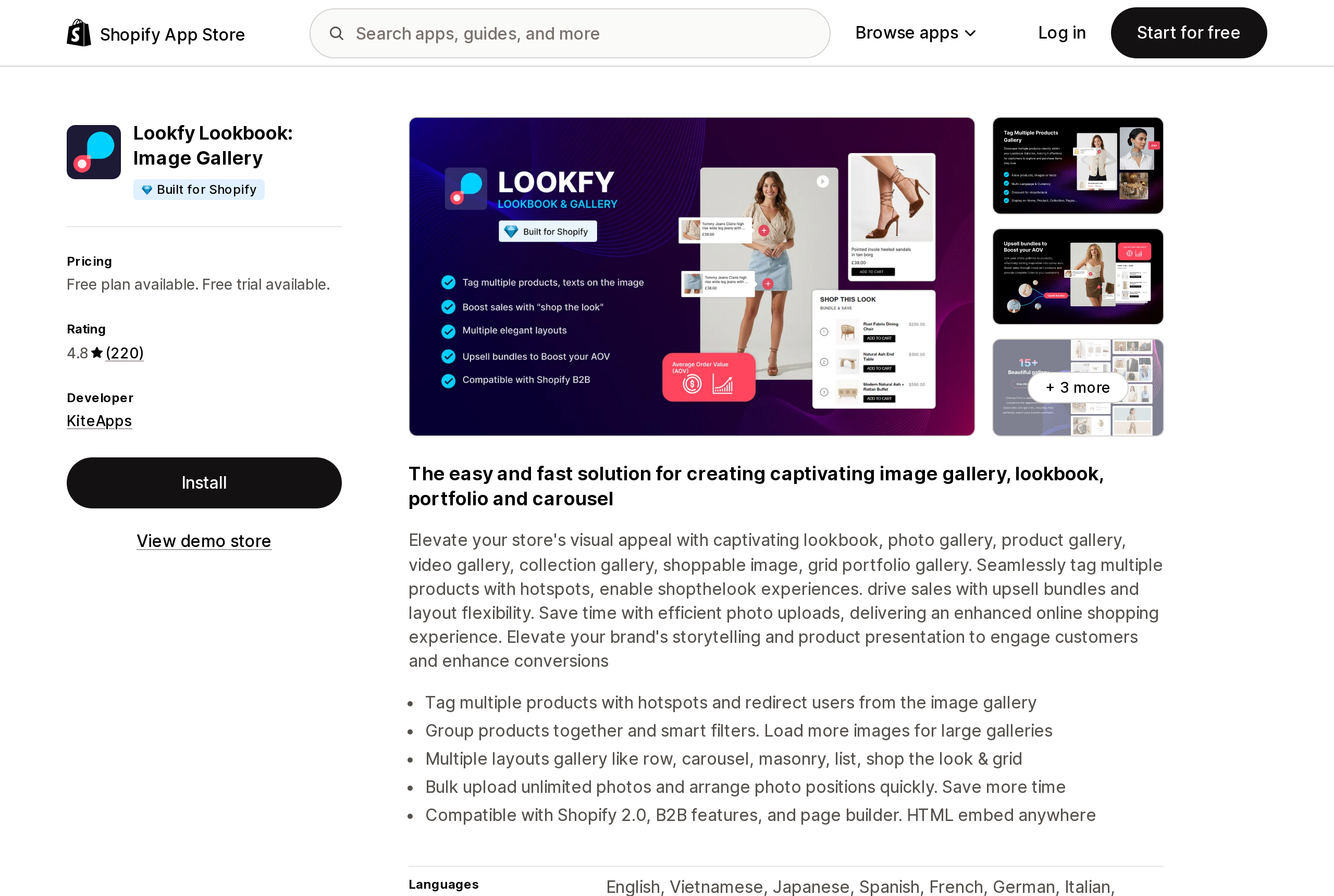
Source: Shopify App Store (Lookfy Lookbook: Image Gallery), retrieved September 18, 2026
Lookfy, from KiteApps in Vietnam (launched October 9, 2023), has the most reviews of the five and the most complicated meter. The Free plan allows one gallery of up to 50 photos, but the image source is "Images" only — uploads. Pulling a gallery from products or collections needs Starter, at $5.99/month or $53.91/year, which allows 10 galleries of 250 photos. Growth at $12.99/month allows 25 galleries and adds the lightbox, load-more and full customization. Enterprise at $34.99/month is unlimited.
The line that matters for larger stores appears on the App Store listing, twice: the Starter and Growth plans are marked "Not available in shopify plus", and Enterprise is described as for "High-volume & Shopify Plus stores". The developer's own pricing page at lookfy.app does not repeat that restriction, so a Plus store should confirm which plans it can actually select before budgeting $5.99. The same pricing page answers the downgrade question that the others leave open: galleries over the new plan's limit become drafts, and the published ones "still work as normal".
Nitro Lookbook & Image Gallery
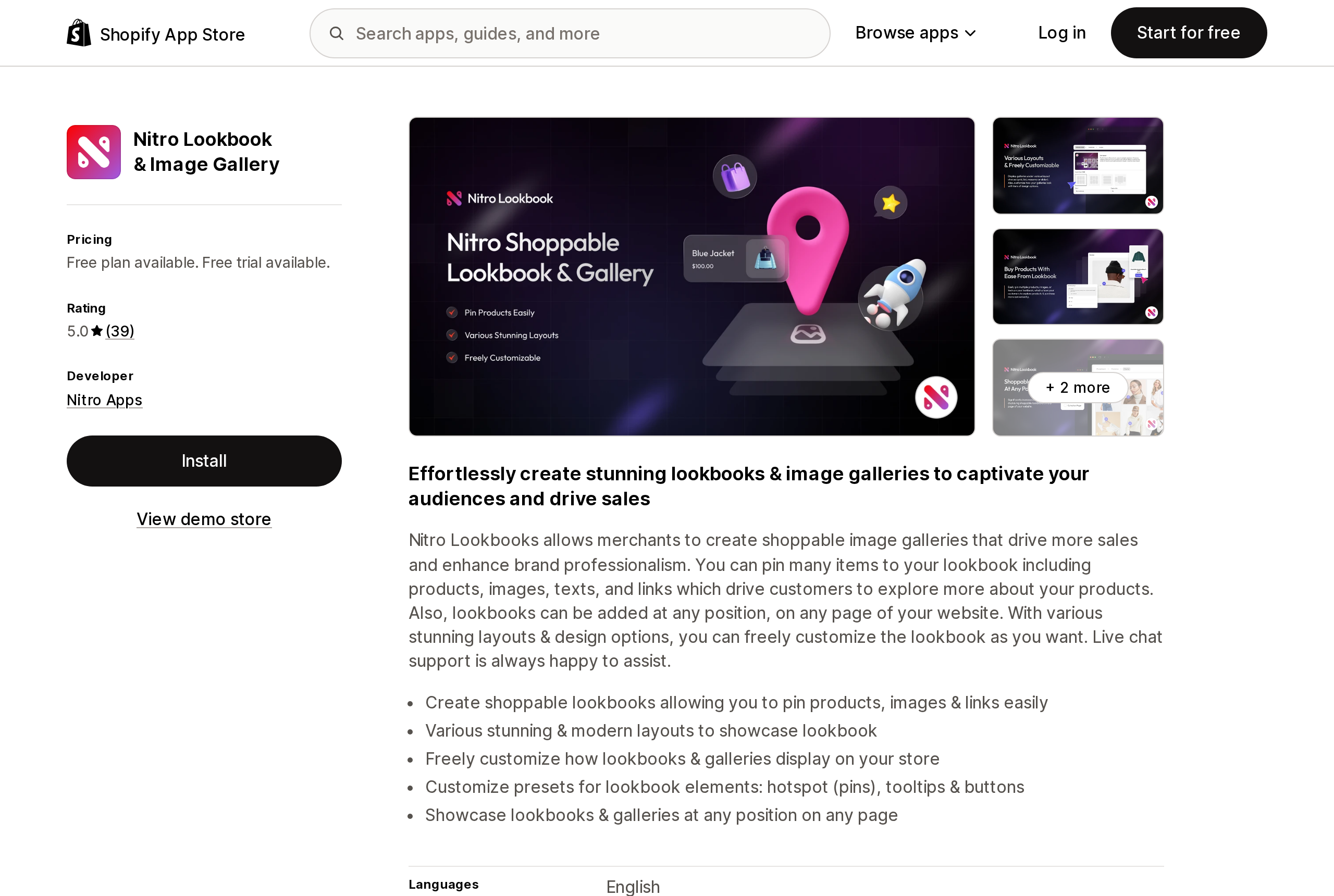
Source: Shopify App Store (Nitro Lookbook & Image Gallery), retrieved September 18, 2026
Nitro Apps' lookbook (launched July 2, 2024) is the cheapest way to unlimited: Pro is $5.59/month or $55.90/year, with a 7-day trial, and it adds translation, live chat and removes the brand mark. Free allows one active lookbook, but that one lookbook can tag unlimited products and can be sourced from images, products or collections — which is more than Lookfy's free tier allows. It and FourCore are the two of the five without the Built for Shopify badge.
Its data-access list is worth a glance for a different reason: it asks to edit metaobjects and metaobject definitions. That is a reasonable way to store looks as structured Shopify data rather than in the app's own database, but it also means the app's definitions will sit in your Settings → Custom data after uninstall unless you remove them.
AI Shop the Look & Lookbooks
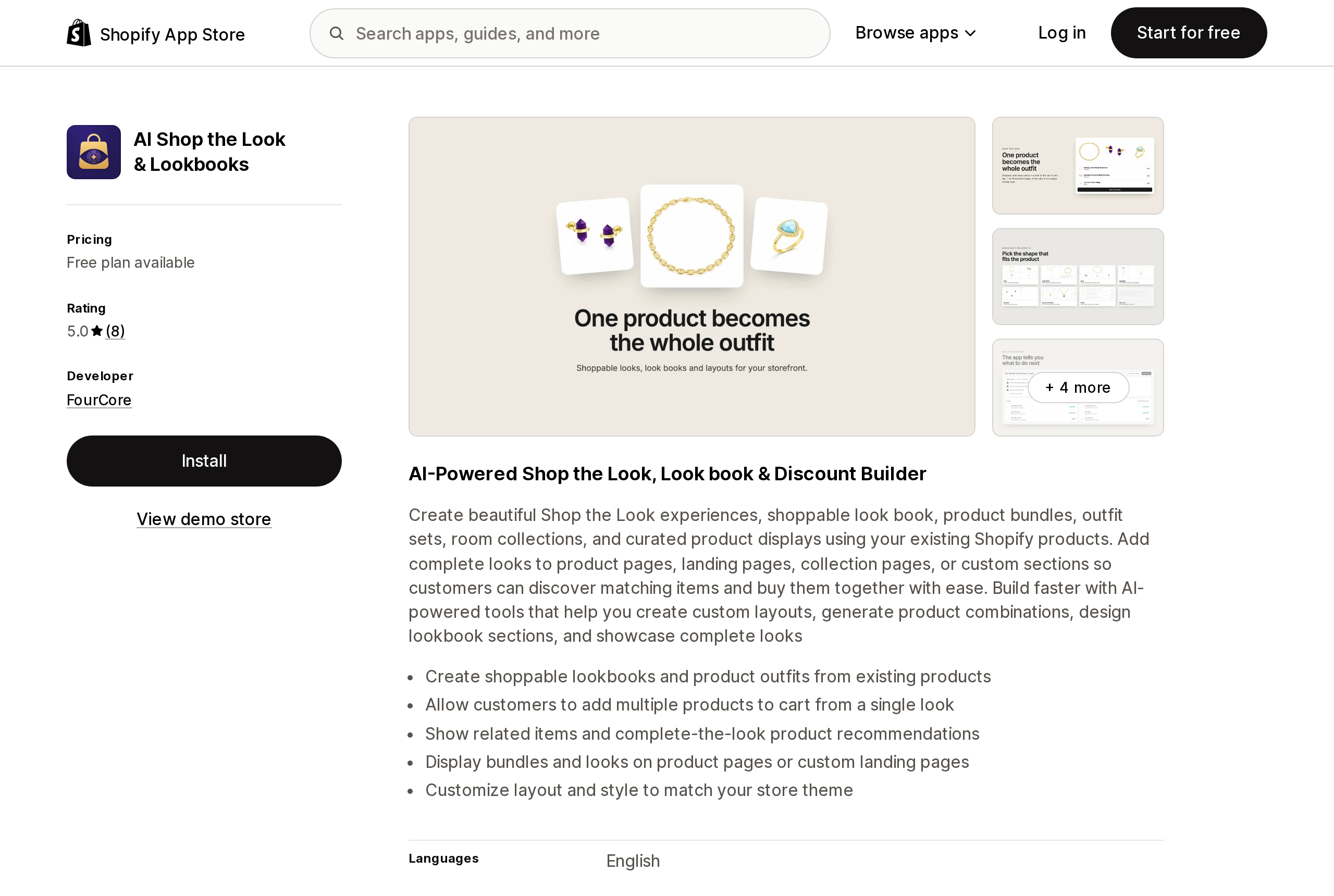
Source: Shopify App Store (AI Shop the Look & Lookbooks), retrieved September 18, 2026
FourCore's app is four months old (launched May 5, 2026) with 8 reviews, and it is the one that makes the vocabulary problem explicit by metering both units at once. Free: up to 2 looks and up to 1 lookbook. Starter at $8.99/month: 30 published looks and 3 lookbooks. Pro at $14.99/month: 150 looks and 6 lookbooks, plus a cart-drawer widget and popup triggers. Advance at $24.99/month: unlimited. Drafts are "always unlimited". The listing states no free trial, and the Starter and Pro tiers list "Claude Integration" and an AI-generated image option — the "AI" in the name refers to layout and combination generation rather than to anything in the storefront.
Like Nitro, it asks to edit metaobjects and metaobject definitions.
Read the unit before the price
Put the five free plans side by side and they are not comparable on their face:
- Byte: 1 lookbook — which, per its docs, is one look attached to one product.
- Ace: 5 looks, with branding.
- Lookfy: 1 gallery of up to 50 photos, uploads only, no product or collection source.
- Nitro: 1 active lookbook, unlimited tagged products, any source.
- FourCore: 2 looks, 1 lookbook.
A store with 20 outfits on the homepage needs 20 looks (Ace Basic at $7.99), or one gallery with 20 tagged photos (Nitro Free, or Lookfy Starter at $5.99 if the photos should come from products). A store that wants a "complete the look" block on every product page needs a look per product, which is Byte's unit, and Byte's free plan allows one — so the real entry price there is $19/month.
How to choose
- You are on Horizon or another 4.1.5 free theme and want pins on a homepage image — add the Product hotspots section. It is free, it is native, and it already says "Shop the look".
- You are on Dawn and want the same thing — Nitro's free plan (one lookbook, unlimited tags) or Lookfy's free plan (one gallery, uploaded images). Nitro is cheaper to grow into; Lookfy has the larger review base and the Built for Shopify badge.
- You want an outfit to sell as a set, with a discount, on the product page — Byte at $19/month is the one built around that. Ace at $7.99–$29.99 does multi-add and metering by looks without the per-product framing.
- You are on Shopify Plus — confirm Lookfy's plan availability before choosing it; the listing excludes Plus from the $5.99 and $12.99 tiers.
- You want photo galleries first and shopping second — Lookfy or Nitro, both filed under Image gallery rather than Upsell.
Before you install
Check the theme editor before the App Store, and if you are on a paid theme, check its Theme Store page for the "Image hotspot" tag — Prestige and Impact both carry it. If your theme has the section, the only question left is whether you need the set-to-cart, the discount and the attribution, and that is the question the app pricing pages are answering when they count looks instead of images.
Sources
- shopify.dev — Theme Store listing page, Theme features table (definitions of "lookbooks", "image hotspot", "cross-selling (complete the look)")
- Shopify Theme Store — Browse all themes (feature filter list) and Free themes (23 listings, all retrieved September 18, 2026)
- Shopify/horizon —
sections/product-hotspots.liquid,blocks/_hotspot-product.liquid,locales/en.default.schema.jsonandconfig/settings_schema.json(theme version 4.1.5) - Shopify/dawn —
sections/and the Dawn v16.0.0 release (published August 10, 2026) - Byte — First-time User Guide and Shop the Look Pricing Overview
- Lookfy — Pricing
- Shopify App Store listings for Byte Lookbook & Shop The Look, Ace ‑ Shop the look, Lookfy Lookbook: Image Gallery, Nitro Lookbook & Image Gallery, and AI Shop the Look & Lookbooks (all retrieved September 18, 2026)
Shopify added a Bin name column to the inventory CSV on August 25, 2025. It holds one bin per variant per location, it is created only by CSV import, and it prints on Order Printer pick lists. What it does not do is leave Shopify. Shopify staff confirmed on the developer forum in October 2025 and again in January 2026 that there is no public API access to the field, and the developer forum was still reporting the gap in June 2026. That single fact shapes the whole category: EasyScan and iPacky store bins in metafields, Bins-USA and ShelfPilot store them in their own databases, and a free app called Simple Bin Locations copies metafield bins into order notes so packing slips can show them. Shopify's own multi-bin model, with per-bin quantities and an unbinnedQuantity field, exists today only as a feature preview on development stores. Pricing, plan gates, and where each app keeps the bin data, verified on the Shopify App Store, the Shopify Help Center, shopify.dev, and the Shopify community forums on September 18, 2026.