
What you will learn
On this pageContentsCloseOpen
Open the Shopify App Store, go to Store design → Content → Blogs, and use the feature filter on the left. Tick Related posts. The page reports 235 apps. Clear it and tick Internal linking instead. 235 apps. Tick AI generation. 235 apps.
The Blogs category contains 235 apps in total.
I checked the rendered results, not just the counter. With the Related posts filter applied, the first ten apps returned are StoreSEO, SEOWILL, AI Blog Agent, Auto Blogs Agent, Avada's blog SEO app, Tapita SEO AI Blog Builder, Soro, Recipe Kit, Essential AI SEO, and autoBlogger — nine AI blog-writing or SEO apps and one that publishes recipe cards. The Internal linking filter returns the same apps in the same order. Not one of them is a related-posts app, and neither of the two apps in the store whose entire product is related posts appears on the first page of a filter named after them.
(A minor aside that tells you something about this category: two of those ten listings were displaying different titles within the same hour I checked them.)
The SEO category behaves identically: 1,108 apps total, and the Broken links and Redirects feature filters each return 1,108. The only control that actually narrows either category is the Built for Shopify program toggle — 19 apps in Blogs, 104 in SEO.
So you cannot shop this category by feature. You have to arrive already knowing what you want. This article is the map: what Shopify does and does not give you natively, why "internal linking" describes two unrelated jobs, and the four apps that actually do them.
All counts, prices, and ratings verified on September 9, 2026, on the en-US Shopify App Store. Prices are USD.
Shopify has a recommendation engine. It is product-shaped.
Shopify does run a real recommendation system. It is worth being precise about what it can see, because the boundary explains everything downstream.
The Ajax Product Recommendations API is a single endpoint, GET /{locale}/recommendations/products.json. Its documentation is explicit about the input: product_id is the only required parameter, and omitting it returns a 422 with the message A product_id value is missing. The intent parameter accepts exactly two values, related and complementary, and anything else is rejected. limit runs from 1 to 10.
Behind it, the Shopify Search & Discovery app lets you override the generated results. You can select up to 10 complementary products and up to 10 related products per product, and Shopify's Help Center names the three strategies it uses to generate the rest: purchase history, product description similarity (available only to merchants with an English storefront), and related collections. Those manual selections are stored in three Shopify standard metafields — Related products, Related products settings, and Complementary products.
Every noun in that system is a product. The Ajax API reference documents no article equivalent of that endpoint, there is no article equivalent of those three metafields, and Shopify's Search & Discovery documentation describes product recommendations only.
The Liquid article object has no relationship to another article
The gap is visible one level down, in the theme layer. The Liquid article object exposes these properties:
author, comment_post_url, comments, comments_count, comments_enabled?, content, created_at, excerpt, excerpt_or_content, handle, id, image, metafields, moderated?, published_at, tags, template_suffix, title, updated_at, url, user.
Twenty-one properties, and exactly two of them can express a relationship to other content: tags and metafields. There is no related_articles, no recommendations, and no article-scoped equivalent of the recommendations.products object that themes use on product pages.
This is the sentence worth carrying out of the article: every related-posts feature you will ever see on a Shopify storefront is built on tag overlap, on text similarity computed on a vendor's own servers, or on a list you maintain by hand. None of it is fed by Shopify. Product recommendations get purchase history. Blog articles get your tagging discipline.
That has a practical consequence most merchants discover late. If your article tags are inconsistent — six posts tagged skincare, four tagged skin care, eleven tagged nothing — then the free tier of every app in the next section degrades at the same rate, because they are reading the same field.
"Internal linking" describes two different jobs
The App Store filter lumps them together, which is part of why it is useless. In practice merchants want one of two things, and the apps that do one generally do not do the other.
Job 1 — a block under the article. Three or four cards at the end of a post, pointing at other posts. Article to article. This is what "related posts" normally means.
Job 2 — anchor text inside the body copy. Turning a phrase you already wrote into a link. On a commerce site the destination is usually a collection or a product, not another article.
An app that does Job 2 will not put a related-posts block on your blog post template. An app that does Job 1 will not turn words in your paragraphs into links. Buying the wrong one is the most common failure mode here, and the App Store's own taxonomy actively encourages it.
Job 1: apps that put a block under the post
Digital Darts: Related Posts
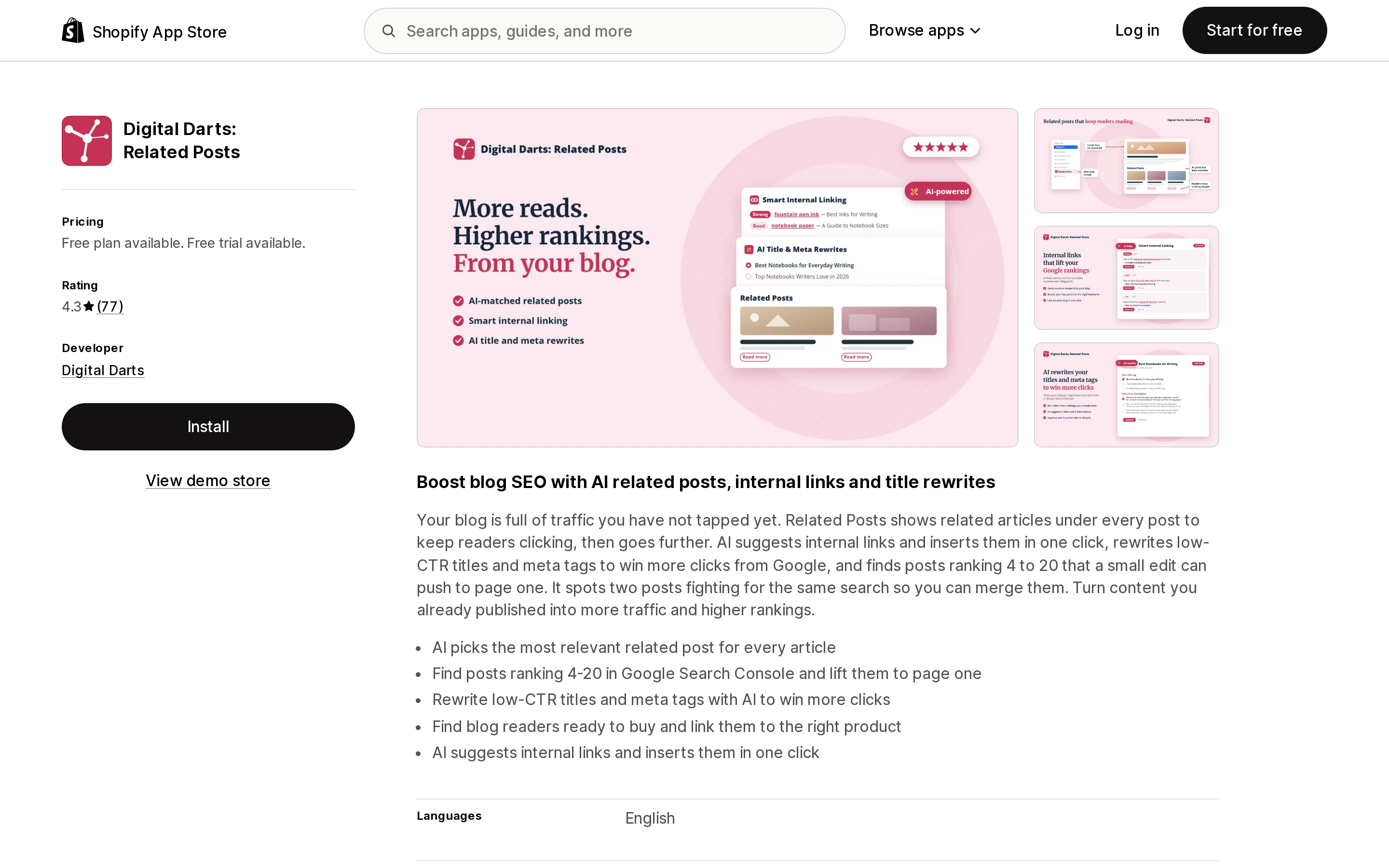
Source: Shopify App Store (Digital Darts: Related Posts), retrieved September 9, 2026
Digital Darts: Related Posts is the oldest app in this comparison — the listing gives a launch date of October 13, 2015 — and has the largest review base of the four: 4.3 from 79 reviews, 87% five-star and 9% one-star.
The Free plan covers the actual related-posts block on article pages plus appearance customization. The Pro plan is $14.99/month, or $149.50/year (a 17% saving), with a 14-day free trial. Pro is where the SEO tooling lives: AI selection of the best post per article, one-click AI internal link suggestions, topic clusters, and a set of Google Search Console features — surfacing posts ranking 4 to 20, flagging low-CTR titles and cannibalized pages, and finding posts with no product link. The listing names Shopify Admin and Google Search Console as its integrations.
Two things to weigh. It does not carry the Built for Shopify badge. And its one-star reviews cluster around the block simply not rendering — one 2024 review reports trying random and author matching with nothing appearing, another from 2023 reports a load failure — with developer replies stating the app has since been rebuilt. The most recent review quoted on the listing, from May 2026, describes it working in the background without manual setup. Its data access request is limited to Online Store pages and theme.
Better Related Blog Posts
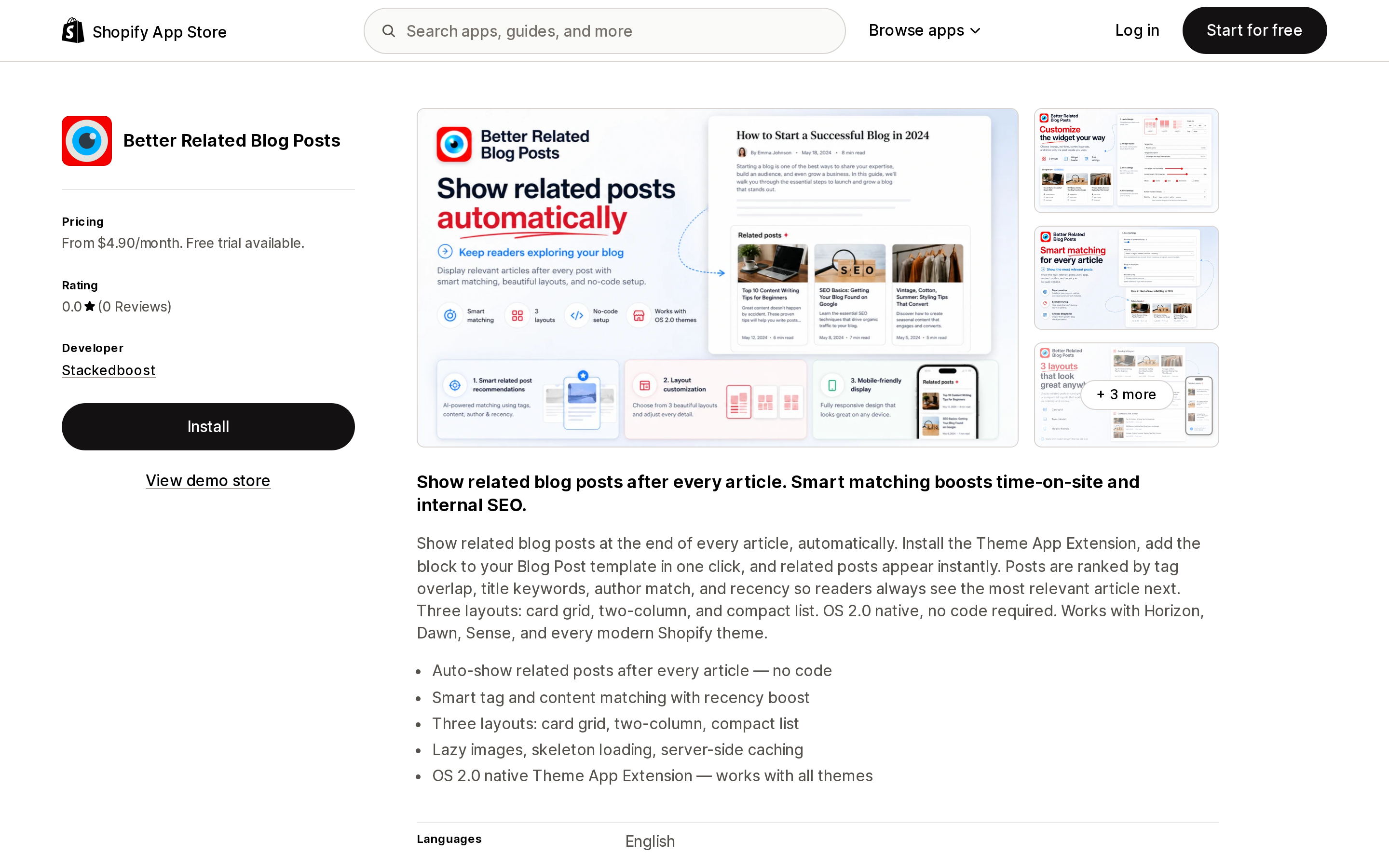
Source: Shopify App Store (Better Related Blog Posts), retrieved September 9, 2026
Better Related Blog Posts from Stackedboost is the cheapest way to buy this feature: Starter at $4.90/month, Pro at $12.90/month, each with a 7-day free trial. There is no free plan.
It ships as a Theme App Extension block you add to the Blog post template, and the listing describes ranking by tag overlap, title keywords, author match, and recency, in three layouts. It names Horizon, Dawn, and Sense specifically — worth noting given how many blog apps still assume a pre-Horizon theme.
The Pro plan adds AI selection of related posts, internal link suggestions you approve individually, and view/click/click-rate reporting.
The limitation is not a feature gap. The listing shows a 0.0 rating and zero reviews. There is nothing to check the marketing copy against — no merchant reporting whether the matching is any good, no support response record, no evidence of behaviour under load. Its data access request also includes Online Store script tags, which the two-app comparison below returns to.
Job 2: apps that link words inside your copy
Automatic Linking ‑ InterLinks
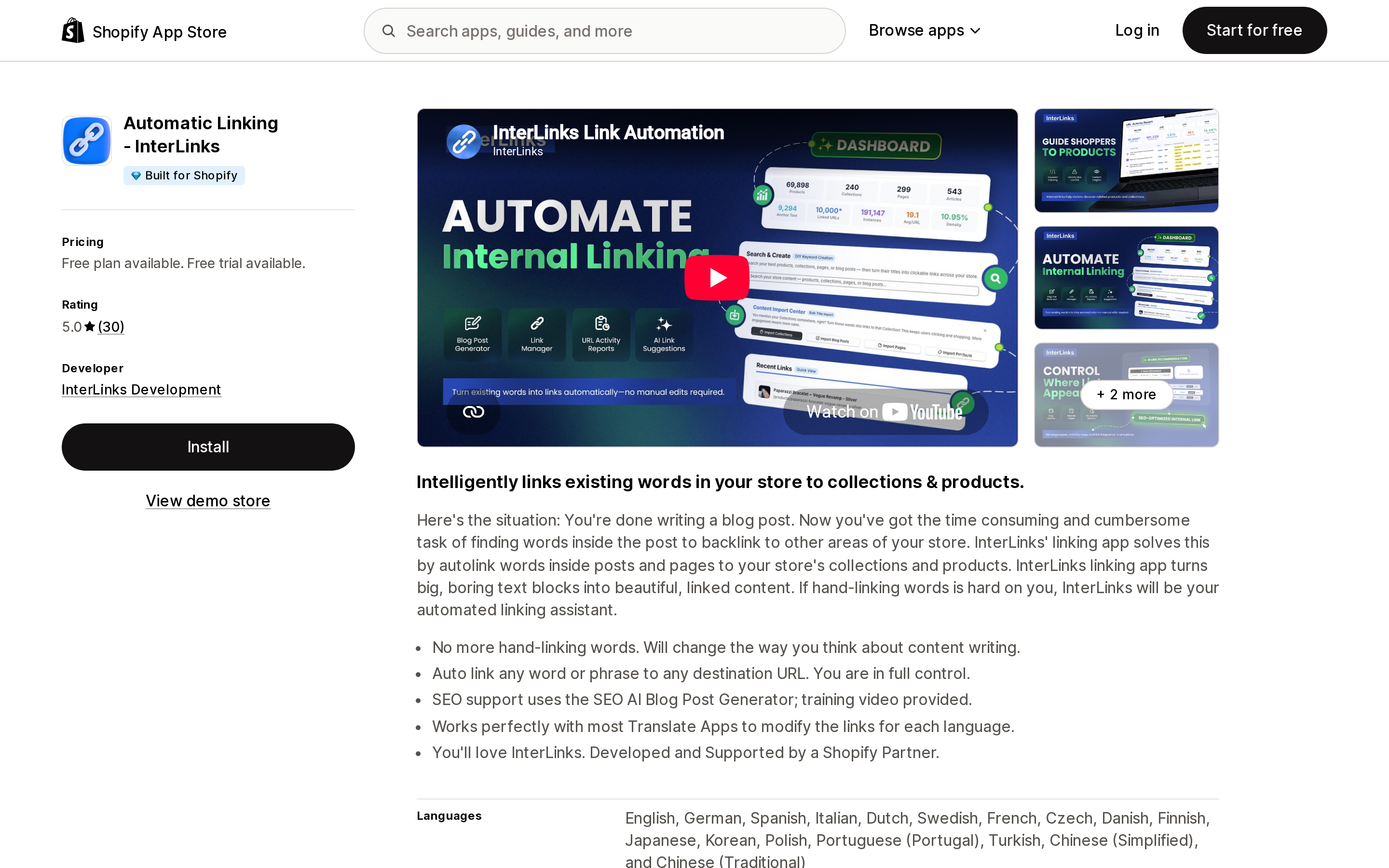
Source: Shopify App Store (Automatic Linking ‑ InterLinks), retrieved September 9, 2026
Automatic Linking ‑ InterLinks is the only app here carrying the Built for Shopify badge, and it holds 5.0 from 30 reviews. Its own summary is precise about the destination: it "intelligently links existing words in your store to collections & products."
The Demo plan is free and gives you one link, editable forever — a functional trial rather than a usable free tier. Professional is $19/month, or $180/year (a 21% saving), with a 7-day free trial, a stated capacity of 5,000 active keywords, and a bundle of the developer's three apps (AutoLinker, AI SEO Blogger, 404 Redirect). The listing interface is available in 17 languages and names Google Analytics and Google Search Console among the tools it works with.
Its data access request is the broadest in this group: products, product listings and collections; Online Store pages, theme and script tags; and metaobjects and metaobject definitions.
If you want a related-posts block, this is the wrong app. If you have a hundred published articles that never link to a collection, it is aimed squarely at that problem.
Link Whisper
Source: Shopify App Store (Link Whisper), retrieved September 9, 2026
Link Whisper is a single plan at $7/month with a 7-day free trial and no free tier. It offers context-based link suggestions across Products, Collections, Pages, and Blog Posts, keyword-based automatic linking, URL updating, broken link scanning, and click tracking — a wider destination set than InterLinks, which targets collections and products.
The review record is the thing to read before you install. 3.6 from 13 reviews, with 46% of them one star. Merchants report a blank screen on load and permissions not being set correctly on install, and more than one contrasts the Shopify app unfavourably with the same brand's WordPress plugin. The developer replied to three of those reviews on February 27, 2026, acknowledging that the Shopify version "hasn't always gotten the same level of attention as WordPress" and stating that stability fixes had shipped. That is a candid reply, and it may well be resolved. Thirteen reviews is a thin base for a judgement in either direction.
The one that is not in the App Store: LinkStorm
LinkStorm publishes a page titled "Shopify Automatic Internal Linking App" describing AI link suggestions across products, collections, and blog posts, one-click insertion, a full automation mode, and Google Search Console prioritization.
It is not a Shopify App Store listing. apps.shopify.com/linkstorm did not resolve to a listing when I checked on September 9, 2026, and a store-scoped search returned nothing. Its own three-step install reads: "Install the App – Add the LinkStorm snippet of code."
That is a different product shape, with three consequences worth knowing before you evaluate it:
- No App Store review record. Nothing equivalent to the star ratings above exists to check claims against.
- Billing sits outside Shopify. It will not appear on your Shopify invoice and is not governed by App Store billing rules.
- A storefront code snippet is not a theme app extension. Shopify's developer changelog states that script tags stop running on March 1, 2027, with the create and update mutations rejecting new script tags from October 1, 2026. I could not determine from LinkStorm's public pages which injection method its snippet uses, so treat this as a question for their support rather than a defect — but ask it.
That same deadline is why the data access lines above matter. Better Related Blog Posts and InterLinks both request Online Store script tag permissions; Digital Darts: Related Posts requests only Online Store pages and theme. Requesting the permission does not prove an app depends on script tags for the front-end block, and none of the three listings states which method it uses. It is one more question worth asking before a multi-year commitment.
Comparison
| App | What it links | Free plan | Starting price | Free trial | Built for Shopify | Rating (reviews) | Requests script tag access |
|---|---|---|---|---|---|---|---|
| Digital Darts: Related Posts | Article → article | Yes (block included) | $14.99/month for Pro | 14 days | No | 4.3 (79) | No |
| Better Related Blog Posts | Article → article | No | $4.90/month | 7 days | No | 0.0 (0) | Yes |
| Automatic Linking ‑ InterLinks | Body text → collections, products | 1 link | $19/month | 7 days | Yes | 5.0 (30) | Yes |
| Link Whisper | Body text → products, collections, pages, posts | No | $7/month | 7 days | No | 3.6 (13) | Not stated on the listing |
What you get before you install anything
Two of these problems are solvable at zero cost, and it is worth checking whether yours is one of them.
Tags are the whole substrate. Because article.tags is one of only two relationship primitives Shopify stores, an afternoon spent normalizing tags across your published posts improves the output of every Job 1 app in this list — and is a prerequisite for the free tiers, which have no other signal to work with.
A theme loop is enough for a small blog. Nothing stops a theme section from iterating blog.articles and filtering on shared tags. It filters rather than ranks, so it will not be as good as a vendor's similarity model on a large archive. On forty posts with clean tags, that difference is mostly theoretical.
Article metafields let you curate by hand. article.metafields is available in Liquid, so a per-post list of chosen related articles can be stored and rendered without an app. It is manual and it is exact — a reasonable trade for a small number of high-value posts.
How to choose
- You want a block under your posts and a review record to check. Digital Darts: Related Posts, starting on the Free plan. The block is the free tier, so you can judge the matching before paying.
- You want that block plus Search Console-driven prioritization. Digital Darts Pro at $14.99/month is the only app here bundling related posts with rank and CTR diagnostics.
- You want the cheapest paid block and can accept an unproven app. Better Related Blog Posts at $4.90/month, with the caveat that zero reviews means zero external evidence. Use the 7-day trial deliberately.
- Your problem is blog posts that never link to anything you sell. InterLinks at $19/month if you want the Built for Shopify badge and a clean review record; Link Whisper at $7/month if the wider destination set matters more than the review history.
- Your blog is small and your tags are clean. A theme-level tag loop, at no cost.
And regardless of which you pick: none of these apps is being fed by Shopify. The quality of your related posts is the quality of your tags, or the quality of a third party's model running on their servers. Shopify's own recommendation engine, the one with the purchase history behind it, will not be looking at your blog.
Sources
- Product Recommendations API reference — Shopify.dev
- Liquid objects: article — Shopify.dev
- Customize product recommendations with Shopify Search & Discovery — Shopify Help Center
- Script tags are deprecated and will stop running on March 1, 2027 — Shopify developer changelog
- All blog apps and all SEO apps — Shopify App Store
- App Store listings for Digital Darts: Related Posts, Better Related Blog Posts, Automatic Linking ‑ InterLinks, and Link Whisper
- Shopify Automatic Internal Linking App — LinkStorm
Shopify's free link-in-bio page, Linkpop, retired on July 7, 2025 — linkpop.com now redirects to shopify.com. On August 15, 2026 Shopify's Help Center began saying the $5 Starter plan, the plan built around sharing product links on social, isn't available to new stores. And Shopify's own July 21, 2026 blog post on link-in-bio tools links to exactly two Shopify App Store listings: LinkShop, and Linktree — an app in the Marketplaces category, billed outside your Shopify invoice, rated 3.6 across 18 reviews. We priced seven link-in-bio apps on September 18, 2026. The dimension that matters isn't the monthly fee, which runs from $0 to $15. It's where the page lives: four apps serve it from your own storefront through a Shopify app proxy, which means it sits behind your store password — and on the new $0 Agentic plan, that password never comes off. Verified against the Shopify Help Center, shopify.dev, the Shopify App Store, and live store pages.