
What you will learn
On this pageContentsCloseOpen
Shopify has a category for this. Store design → Product display → Product comparison, 223 apps deep, which sounds like a mature market with obvious leaders. Open it and the first seven results are size charts and AI virtual try-on. The first app that actually builds a comparison table sits in eighth place.
That is not a ranking quirk. It is what the category contains.
The short version
- The Product comparison category holds 223 apps. Count the names containing size, fit, try-on, sizing, sizer, measure, mirror, stylist, visualizer, trialroom, or wear and you get 149. Another 28 are product quizzes, wishlists, room visualizers and assorted tools.
- 46 apps have compare, spec, versus, vs, or table in the name — and even that count includes a before/after image wipe: Compare Star: Image Comparison, $1/month, whose own description is about skincare glow-ups and toned abs.
- Those 46 apps hold 297 reviews between all of them. Kiwi Size Chart & Recommender, one app in the same category, has 1,197. Twenty-three of the 46 have no reviews at all.
- Every native Shopify thing named "compare" is something else. Liquid's
product.compare_at_priceis a strikethrough price. Horizon 4.1.5'scomparison-sliderblock takes abefore_imageand anafter_image. Horizon'sproduct-custom-propertyblock is a text box the buyer fills in. - Native metafields will render one product's spec table with no app at all. What they will not do is put two products side by side — and if you hand-build that in Liquid,
all_productscaps you at 20 unique handles per page. - If you name a metafield key
size,first, orlast, dot notation silently returns the wrong thing.product.metafields.specs.sizegives you the number of metafields in the namespace, not the size. - The 46 apps do two unrelated jobs — merchant-authored tables, and shopper-driven compare — and they are priced on six different meters: flat fee, feature gate, catalogue size, metafield connections, storefront views, and table count. Headline prices run from $1 to $98.99/month.
- Equate ‑ Product Compare shows "Free plan available" on the App Store. The plan's first feature line reads "Free for your development store." On a live store it is $8.99/month.
- CN Comparison Tables sells "Ads Removal" as a paid feature. Its free plan is 300 views, and it puts ads on your product page.
What Shopify calls "compare"
Before the apps, the vocabulary — because three separate native things use the word and none of them compares products.
product.compare_at_price. This is the crossed-out "was $99" price. It compares a product to its own former price. Merchants searching their theme for "compare" find this first and conclude the theme has something.
Horizon's comparison-slider block. Horizon 4.1.5 ships blocks/comparison-slider.liquid, and it is the only block in the theme with "comparison" in the name. Its schema:
{
  "name": "t:names.comparison_slider",
  "settings": [
    { "type": "image_picker", "id": "before_image", "label": "t:settings.image_1" },
    { "type": "image_picker", "id": "after_image", "label": "t:settings.image_2" },
    { "type": "select", "id": "slider_style", "options": [
      { "value": "horizontal" }, { "value": "vertical" } ] },
It is a draggable wipe between two photos. Before and after, not product A and product B. The App Store makes the same mistake, incidentally: Compare Star: Image Comparison is filed under Product comparison and is a before/after slider for skincare and fitness results, at $1/month.
Horizon's product-custom-property block. The name suggests a place to declare product properties for a spec table. The Liquid says otherwise:
assign property_name = 'properties[custom-property]' | replace: 'custom-property', property_key
That renders a properties[...] form input on the buy form — an engraving message, a gift note. It captures input from the buyer; it does not display data about the product.
taxonomy_category. Shopify's product taxonomy assigns every product a category, and the admin then offers category-specific attributes. Reasonable to assume a theme could read them. In Liquid, the taxonomy_category object exposes exactly four properties — ancestors, gid, id, and name:
{
  "ancestors": [],
  "gid": "gid://shopify/TaxonomyCategory/hb-1-9-6",
  "id": "hb-1-9-6",
  "name": "Vitamins & Supplements"
}
The category name, and nothing the category knows about the product. For attribute values on the storefront you are back to metafields. (We covered where the taxonomy's own limits bite in Shopify's product taxonomy and category metafields.)
Neither Dawn 16.0.0 nor Horizon 4.1.5 contains a product comparison feature of any kind.
What native metafields actually get you
The honest native answer splits in two, and the split is what decides whether you need an app.
A spec table on one product page: yes, natively, no app. Define metafields for the attributes you care about, then bind them to theme settings through dynamic sources. Dawn's product section also carries a custom_liquid block and Horizon ships a custom-liquid block, so if you are willing to write Liquid you can loop a namespace and emit a proper <table>. Merchants with a handful of technical products and a developer on call do exactly this. Metafields themselves cannot be created in Liquid — they come from the admin or an app — but reading and rendering them is free.
Two products side by side on one page: technically possible, practically capped. Liquid's all_products object reaches any product by handle, so a hand-built comparison table is not impossible. The documentation states the constraint plainly: all_products has a limit of 20 unique handles per page. For a fixed "compare our three mattresses" block that is plenty. For a shopper who picks any four items out of a 900-SKU catalogue, it is not a solution at all — the handles are chosen at runtime, not at build time.
And one landmine worth knowing before you start. Shopify's own metafield documentation flags it:
If a metafield key is
size,first, orlast, then use square bracket notation to access it.
size, first, and last are Liquid filters. Write product.metafields.specs.size and Liquid applies the size filter to the namespace, returning the count of metafields in that namespace rather than the value. It does not error. It renders a small number that looks almost plausible in a spec row. Use product.metafields.specs["size"] instead — and note that "size" is the single most likely key name in a spec table.
Two jobs, one category
The 46 apps are not competing with each other. They split into two groups that solve unrelated problems, and a merchant who buys from the wrong group gets an app that cannot do the thing they wanted.
Job A — merchant-authored tables. You write the table. Either a specification table for one product, or an "us vs them" advantage table that puts your brand against unnamed competitors. The shopper reads it. Nothing is selected, nothing is dynamic. Us vs Them ‑ Comparison Tables, Pretty Comparison Tables and POWR: Pricing Table Comparison sell only this — and POWR is not comparing products at all, but pricing plans and service packages. Its free plan displays three plans with POWR branding attached; $7.04/month removes the branding, and its Business plan is $98.99/month, the highest price we found in the category.
Job B — shopper-driven compare. Compare checkboxes on product cards, a floating tray, a side-by-side view of whatever the shopper picked. The table is generated from product data at runtime. Compareder ‑ Product Compare, Snap Compare: Compare Products, CompareXpert ‑ Product Compare, Comparable ‑ Compare Products and Equate are built around this.
A few apps do both — and in those, dynamic comparison is usually the upsell. TableFlow Specification Table sells specs at $6/month and puts "Comparison tables" behind the $9 Advanced plan. Bear Specs & Compare puts "dynamic comparison" and "variant table comparison" on its $9.99 Pro plan, not the $6.99 Starter.
Six pricing meters
Ten apps, verified on the App Store on September 8, 2026. The headline prices are not comparable to each other, because none of them measure the same thing.
| App | Entry price | What you are actually paying per | Free tier |
|---|---|---|---|
| Us vs Them ‑ Comparison Tables | $3.99/month | Nothing — flat, unlimited tables and views | None (3-day trial) |
| Tably Comparison & Spec Tables | $6.99/month | Nothing — one plan, everything included | None (14-day trial) |
| TableFlow Specification Table | $6/month | Feature gate: comparison tables cost $9 | None (14-day trial) |
| Bear Specs & Compare | $6.99/month | Feature gate: dynamic comparison costs $9.99 | None (14-day trial) |
| Equate ‑ Product Compare | $8.99/month | Nothing — one paid plan, all features | Development stores only |
| Compareder ‑ Product Compare | Free / $4.99 / $8.99 | Feature gate: metafields and filters at $8.99 | Yes |
| Snap Compare: Compare Products | Free / $4.99 / $9.99 | Feature gate: free caps you at 3 products | Yes, up to 3 products |
| Comparable ‑ Compare Products | $9 / $19 | Catalogue size: 1,000 then 5,000 products | None (21-day trial) |
| Easy Specs | Free / $12 / $17 / $47 | Metafield connections: 3, then 20, then unlimited | Yes, 1 chart |
| CN Comparison Tables | Free / $5 / $10 / $15 | Storefront views: 300, 2,000, 100,000, 3,000,000 | Yes, with ads |
Two of these deserve their own paragraph.
Easy Specs meters on metafield connections. Free gives you one chart and three connections; $12 gives you twenty; unlimited connections is $17, and there is a $47 Scale plan. A ten-row spec table needs ten connections, so the free plan is a demo. Every other app in the table above starts under $10.
CN Comparison Tables meters on views — the only one that does. Free is 300 views, 2 tables, 10 rows and 6 columns. Then $5 for 2,000 views, $10 for 100,000, $15 for 3,000,000. Read the feature lists and something else appears: "Ads Removal" is listed as a benefit of every paid plan. The free tier serves ads inside a table on your product page.
The free plans that are not free plans
Five of these ten carry a "Free plan available" badge on the App Store. One of the five is not a free plan at all.
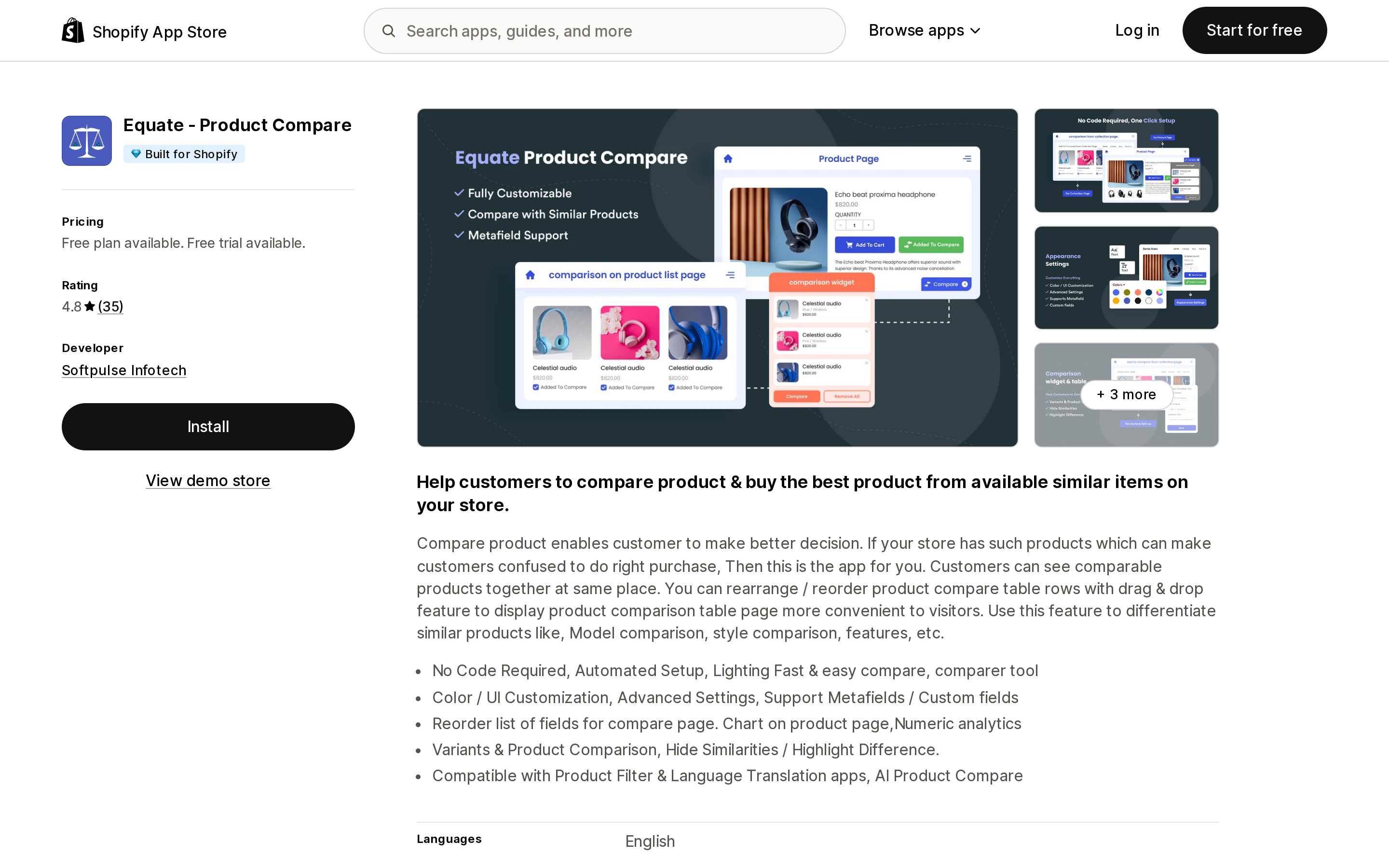
Source: Shopify App Store (Equate ‑ Product Compare), retrieved September 8, 2026
Equate ‑ Product Compare, from Softpulse Infotech, launched July 8, 2014, and the badge on its listing says "Free plan available." The plan is called "Free to install," and its feature list reads, in full:
Setting up your store? Free for your development store All Features Included No additional Cost
That is a development-store plan. On a live store there is one price: $8.99/month, with a 30-day trial. The badge is technically accurate and practically misleading, and the App Store's trust signals do not distinguish between the two. Us vs Them does the same thing more honestly — its single $3.99 plan simply lists "Free for development store" as one of its features.
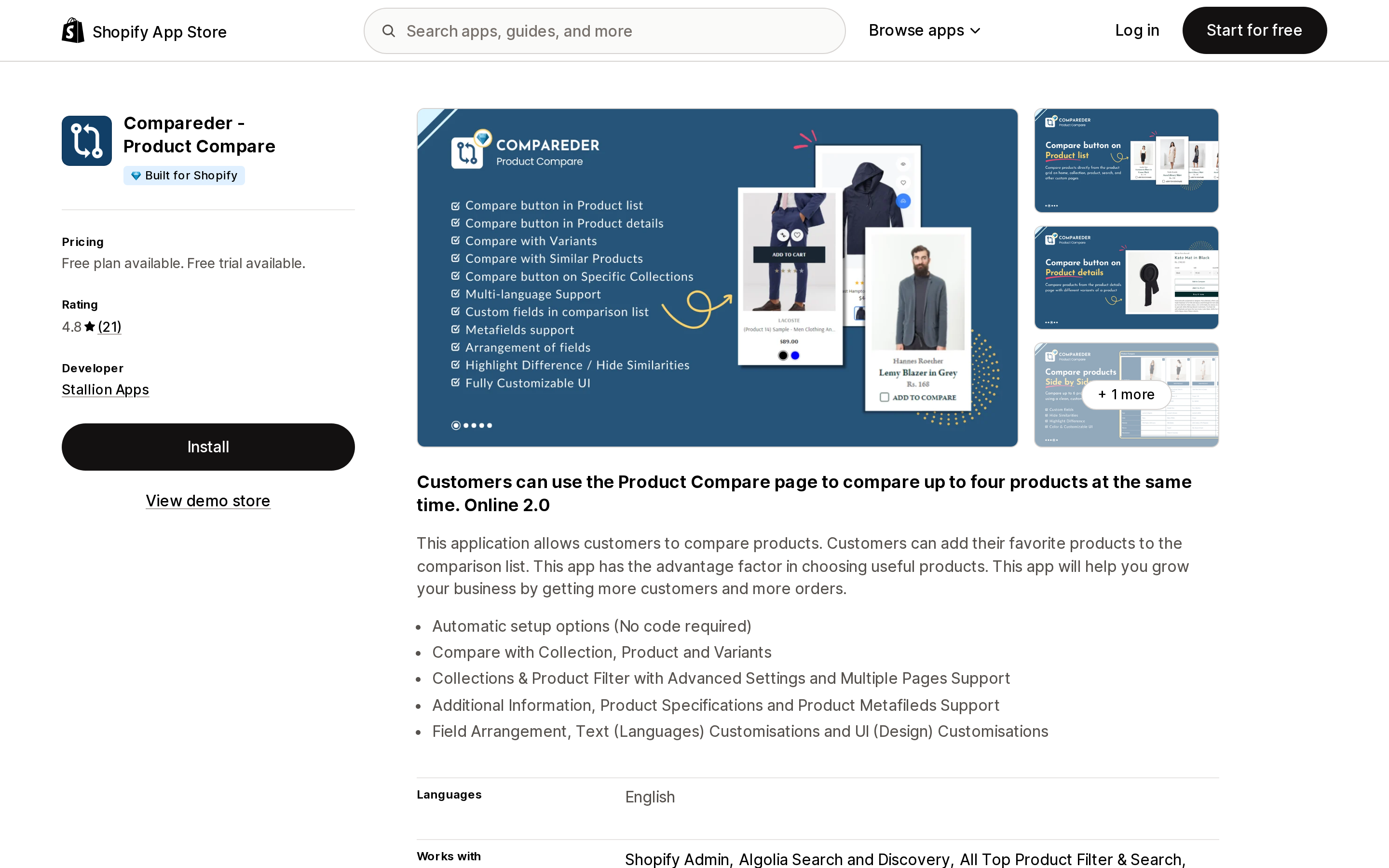
Source: Shopify App Store (Compareder ‑ Product Compare), retrieved September 8, 2026
Compareder ‑ Product Compare has a real free plan — auto setup, compare buttons on product lists and product pages, variant comparison, and, listed as a feature, "Unlimited products." Its $8.99 Enterprise plan then lists "Unlimited products" again as a premium feature. The actual gates between the tiers are metafield support, collection and product filters, unlimited translations, and 30 days of analytics rather than 14. Paying $8.99 does not raise a product ceiling, because the free plan never had one.
Snap Compare: Compare Products caps its free tier at three products per comparison and puts custom metafield attributes, attribute grouping, and shareable comparison URLs on the $4.99 plan. CompareXpert ‑ Product Compare keeps a free ESSENTIAL plan but attaches a "Powered by HelpToChoose" tag to it — and, oddly, lists "Up to 4 Products Comparison" as a $3.99 PRO feature, which reads as a limit rather than an upgrade.
What the roundups are still recommending
The reason this category is worth writing about is that the published lists have drifted badly from the App Store.
DelightChat's page, titled "3 Best Product Compare Apps for Shopify in 2026," recommends three apps. Checked against the App Store on September 8, 2026:
| Listed as | Actual listing today |
|---|---|
| Product Compare, by Softpulse Infotech, 4.8 (29), from $8.99/month | Equate ‑ Product Compare, 4.8 (35) |
| Product Differentiator, by Webkul, from $14/month | Webkul Product Compare, 3.5 (2), $14/month |
| Quick Compare, by PotaBox, Free | NML Product Compare, by NoMoLo, $5/month, 7-day trial |
All three have been renamed. One has changed developer name. The one presented as free costs $5/month. And the second recommendation on a 2026 "best of" list is a 3.5-star app with two reviews.
Other roundups list Comparely as a top pick. It exists — launched October 21, 2025, developer YeDigital — and it has zero reviews. Its free Basic plan excludes metafields, difference highlighting, and Shopify Flow; those are $7.99.
Renaming is common enough here that two apps in this article carry slugs that no longer match: TableFlow Specification Table lives at apps.shopify.com/product-info-table, and Easy Specs at apps.shopify.com/specification-charts. If a roundup links a slug, check the name it lands on.
The apps worth a closer look
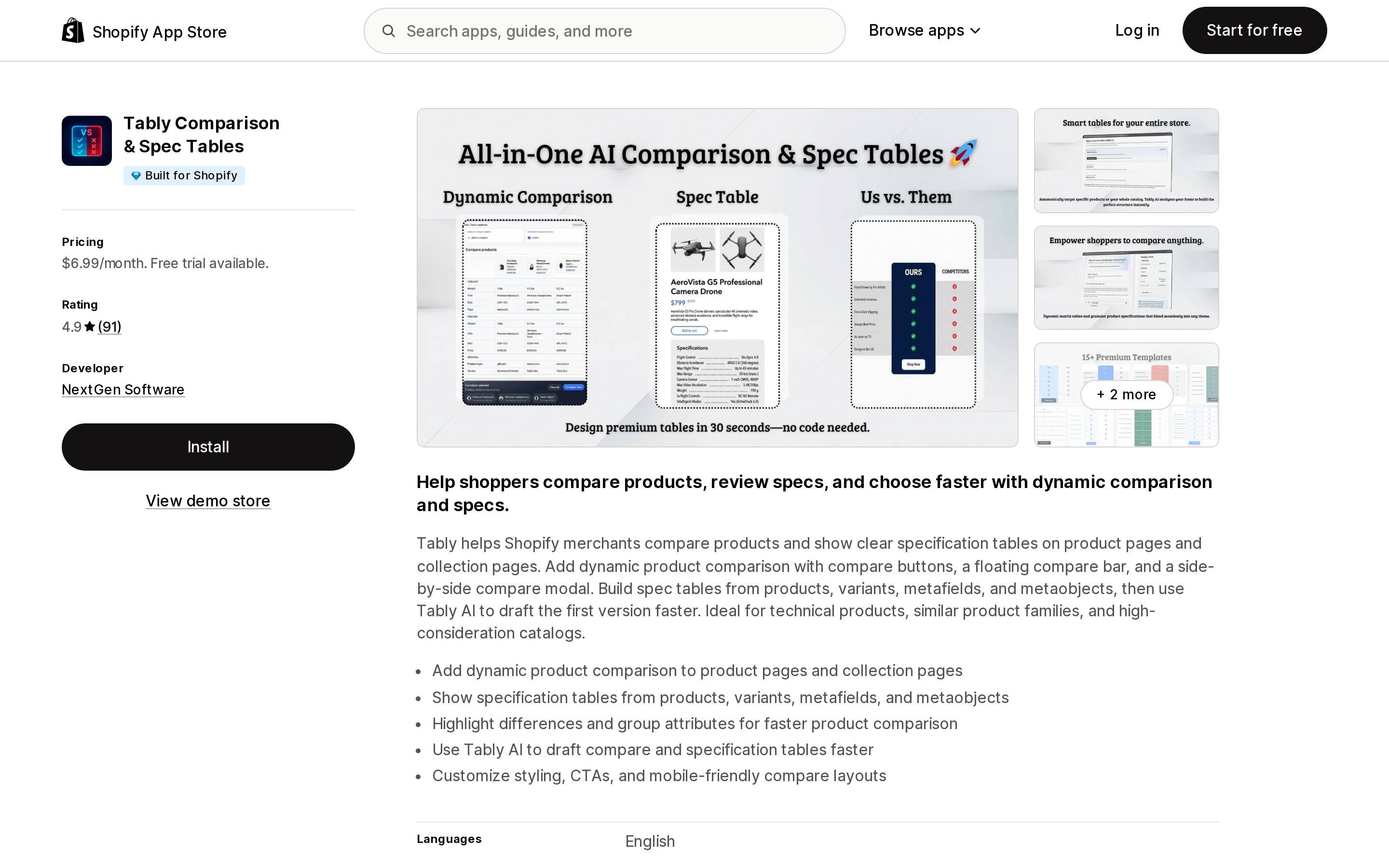
Source: Shopify App Store (Tably Comparison & Spec Tables), retrieved September 8, 2026
Tably Comparison & Spec Tables (NextGen Software) has 91 reviews at 4.9 — nearly a third of the entire cohort's review volume — from an app that launched on October 8, 2025. It carries Built for Shopify, and it is the only app profiled here that covers both jobs on a single plan at $6.99/month: dynamic comparison on product and collection pages, spec tables from variants, metafields and metaobjects, "Us vs Them" advantage tables, and shareable compare links. Its data access request covers Products and Online Store, and nothing else.
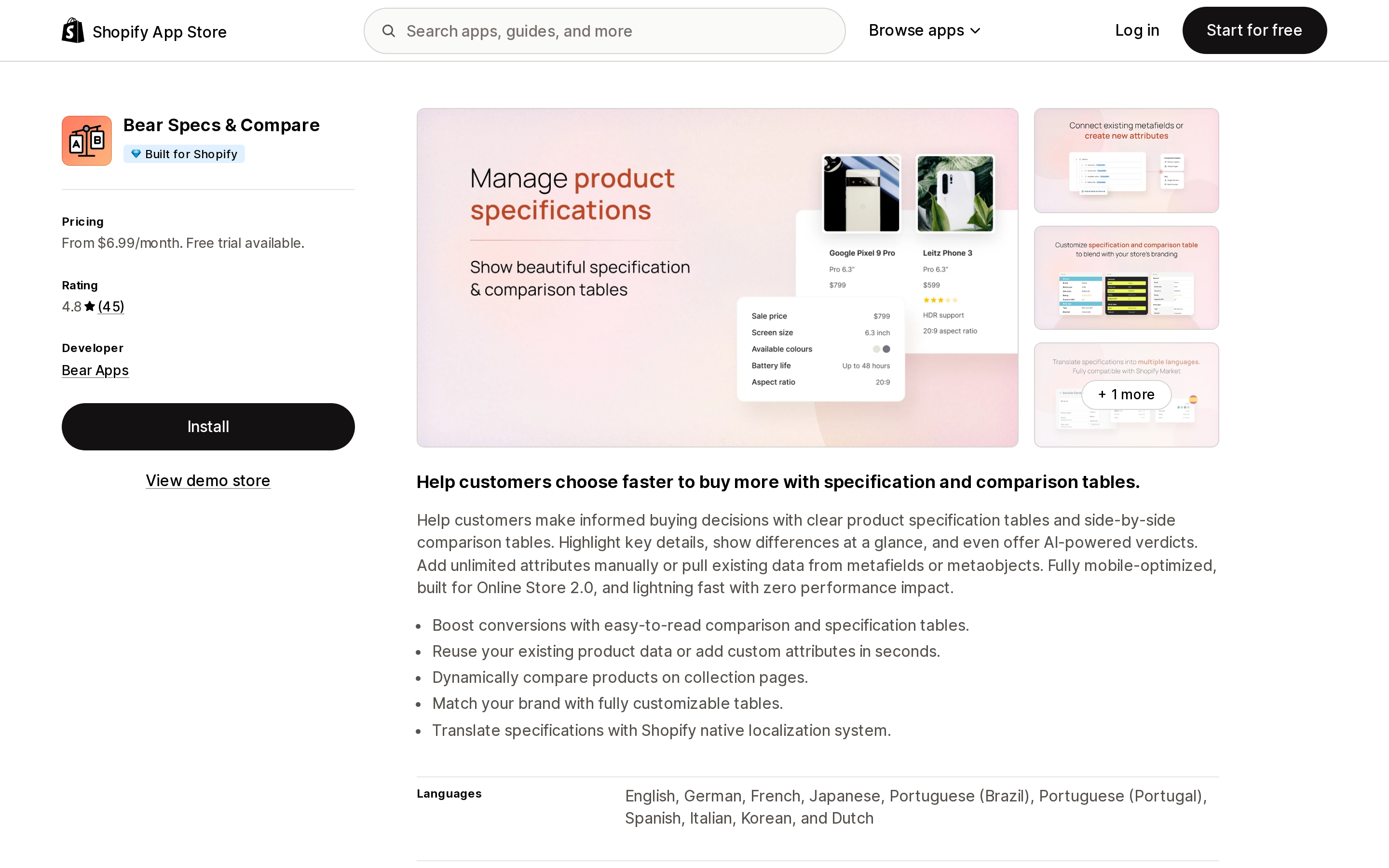
Source: Shopify App Store (Bear Specs & Compare), retrieved September 8, 2026
Bear Specs & Compare (Bear Apps) is the deepest on structured data. Its listing declares support for collection, product and variant metafields, metaobjects, and every metafield type from booleans and dimensions through JSON and references — the only app profiled here whose listing enumerates that surface. It also handles translations through Shopify's native localization rather than its own string table. Specs are $6.99; dynamic comparison, variant table comparison and AI verdicts are $9.99.
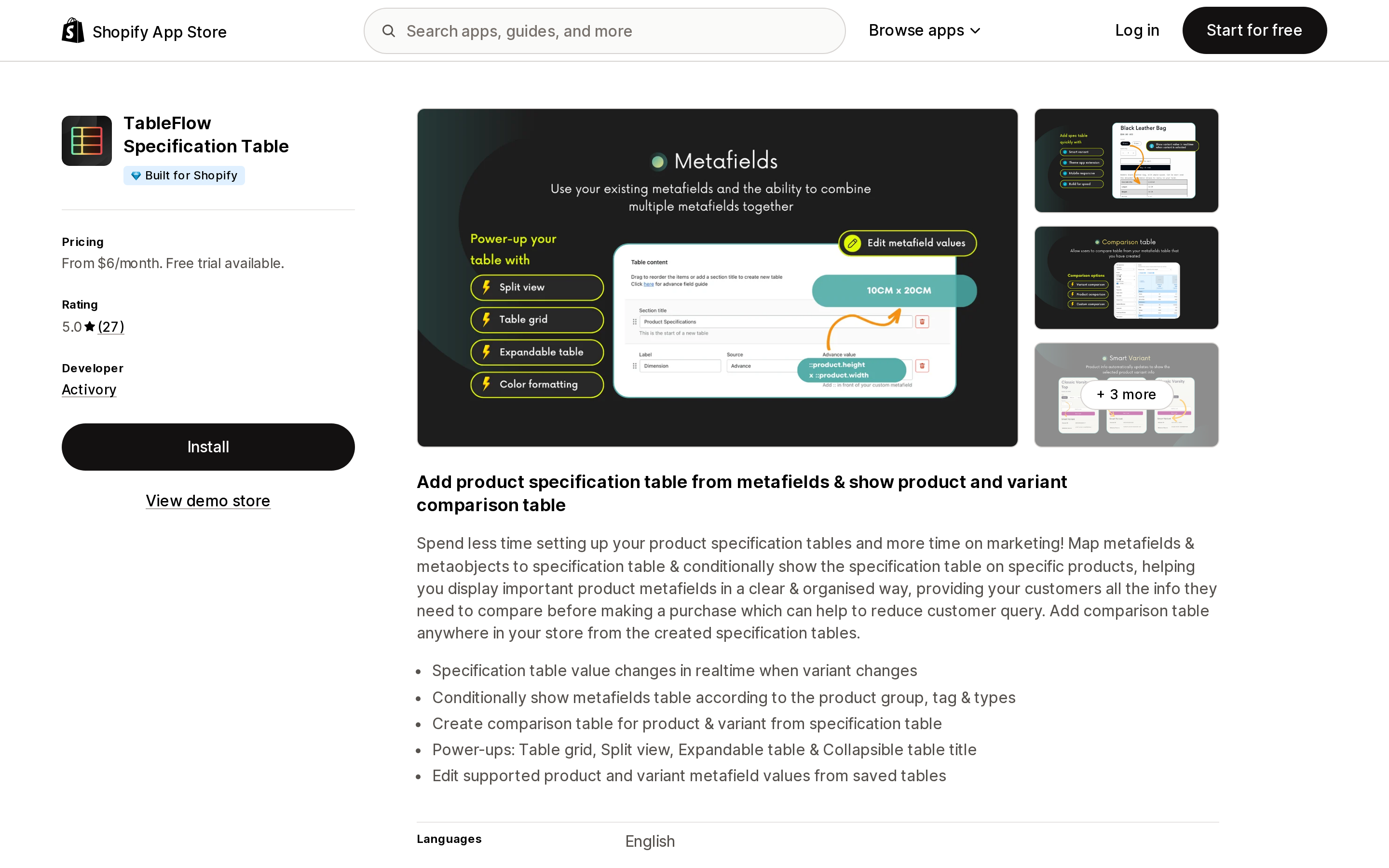
Source: Shopify App Store (TableFlow Specification Table), retrieved September 8, 2026
TableFlow Specification Table (Activory) is priced for catalogues rather than pages: $6 Core covers unlimited products and up to 200 table groups with display logic, which matters when different product types need different spec layouts. Comparison tables and a table-scoped metafield value editor are the $9 Advanced plan.
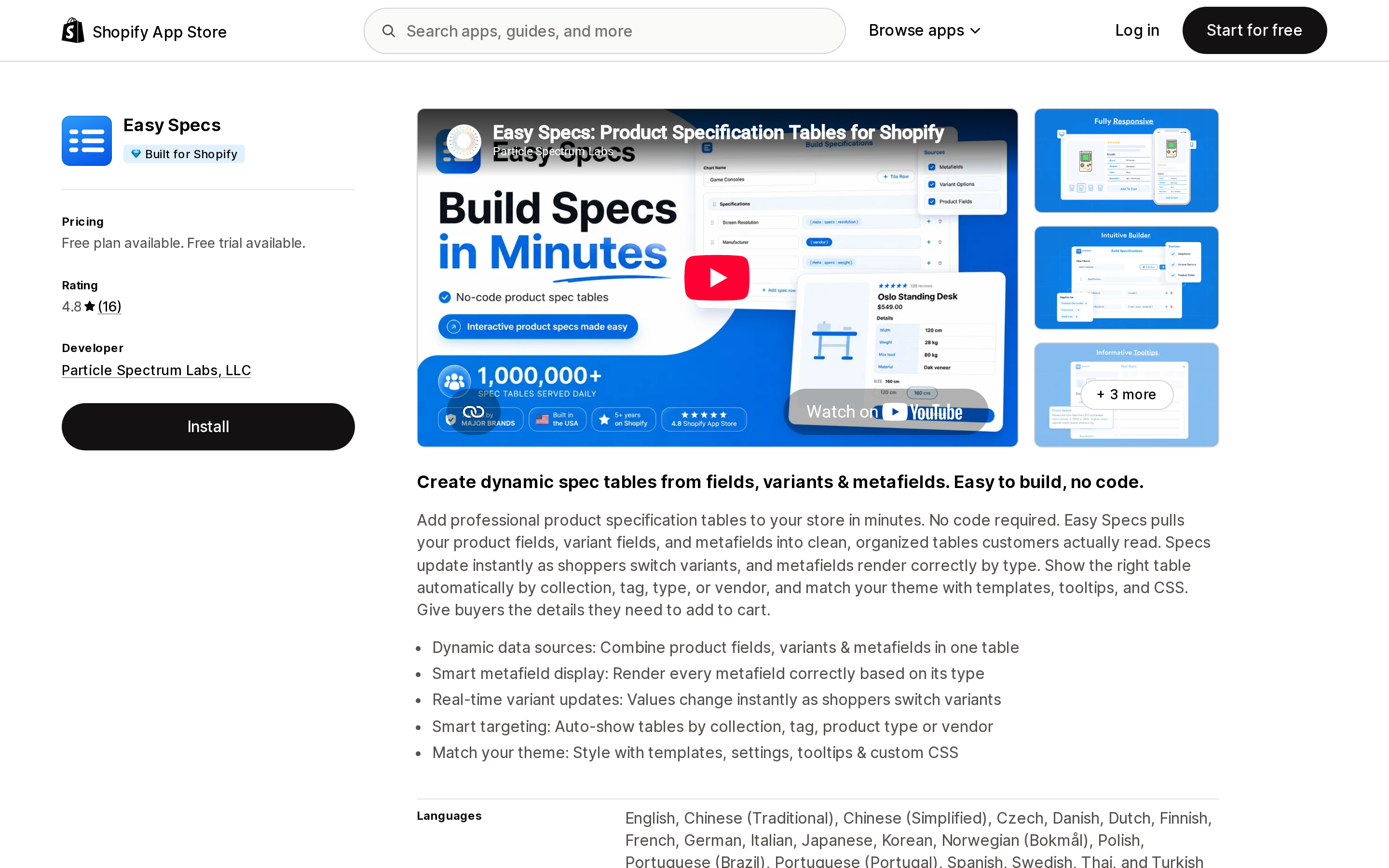
Source: Shopify App Store (Easy Specs), retrieved September 8, 2026
Easy Specs (Particle Spectrum Labs, LLC) is spec tables only — no shopper-driven compare — with live variant updates and smart display rules. Judge it on the connection count you need, not the entry price.
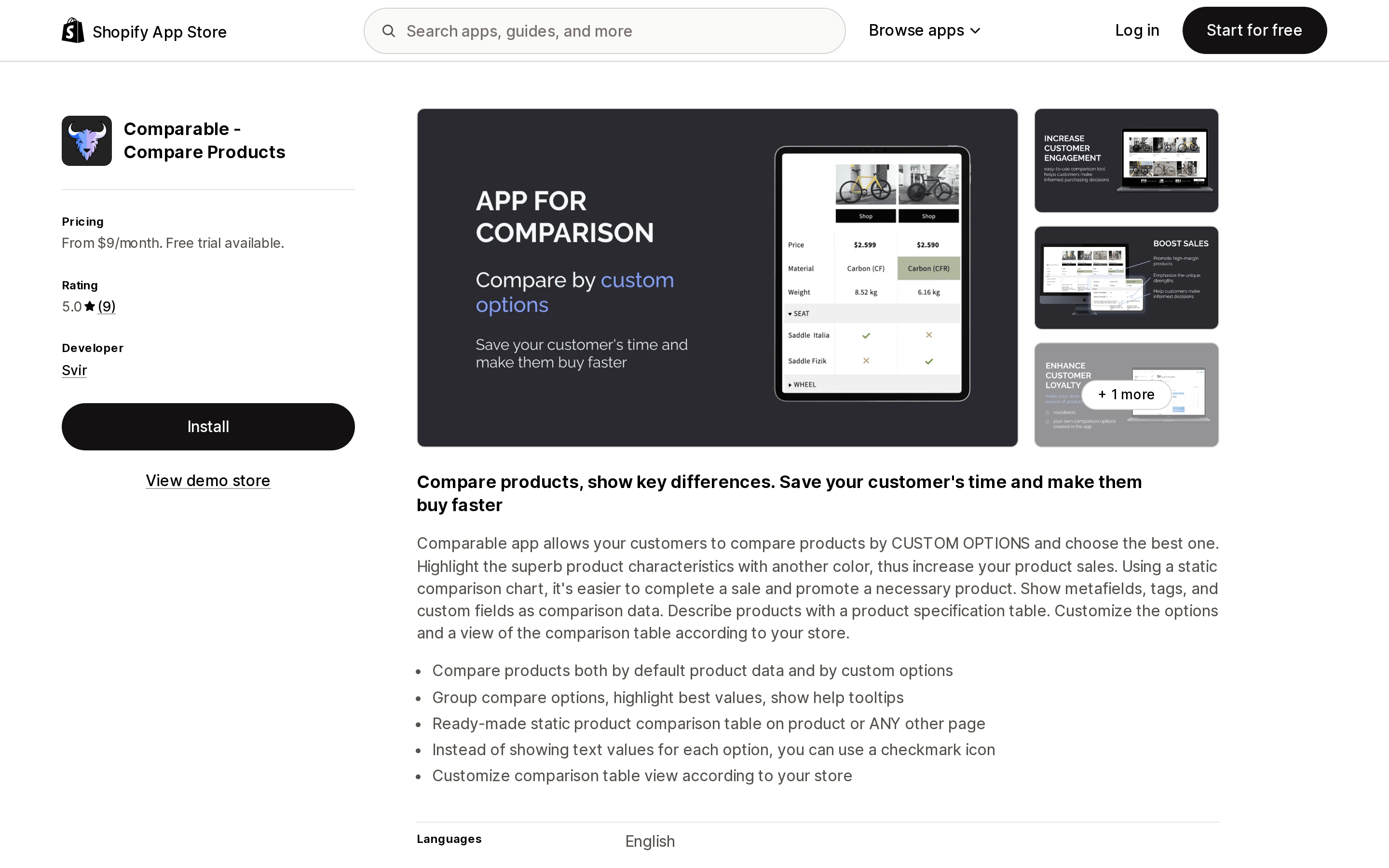
Source: Shopify App Store (Comparable ‑ Compare Products), retrieved September 8, 2026
Comparable ‑ Compare Products (Svir) is the one app that charges by catalogue size — $9 for up to 1,000 products with compare options, $19 for up to 5,000. If you only need compare options on a 200-SKU subset of a large catalogue, that meter is cheap. If you need them catalogue-wide on 8,000 SKUs, no published plan covers you.
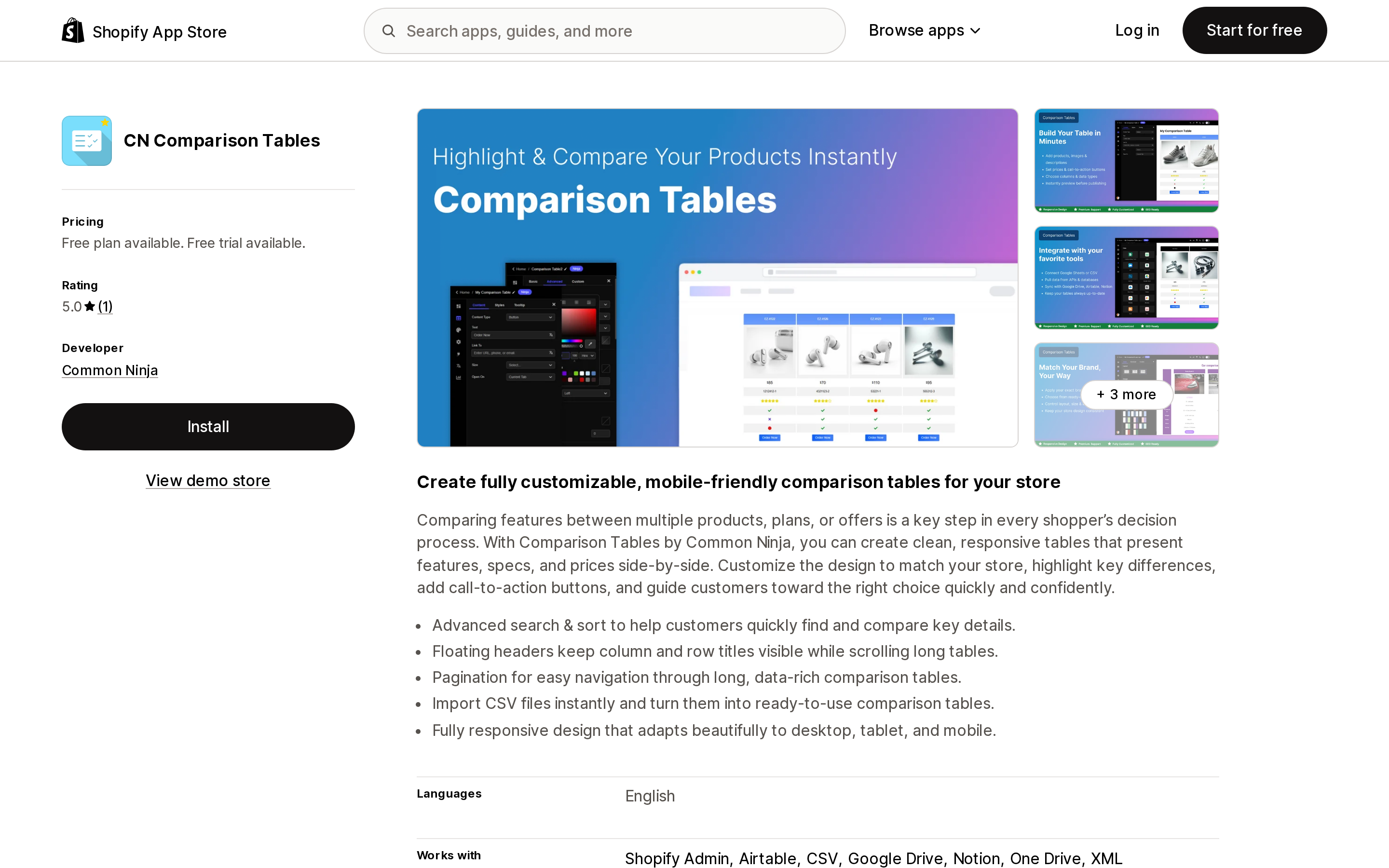
Source: Shopify App Store (CN Comparison Tables), retrieved September 8, 2026
CN Comparison Tables (Common Ninja) is the outlier in every respect: view-metered, CSV import from Airtable, Google Drive, Notion and OneDrive, and ads on the free plan. It is a generic table widget adapted to Shopify rather than an app built on product data — there is no metafield support in its feature list.
Two things to check before you install
Data access. These are widgets that render a table, and their scope requests vary more than the job does. Tably and Us vs Them ask for Products and Online Store. Compareder and Iconic Product Comparison add "custom data" and "Shopify admin." Snap Compare asks for products, orders, Online Store, custom data, Shopify admin, and customer "Device and activity data." Analytics on which products get compared is a real feature and needs real data — but it is worth deciding whether you want that before you install, not after. Our guide to what app data access requests actually mean covers how to read those lines.
Generated URLs. Shareable compare links and pre-built comparison pages are a selling point for Tably, Snap Compare and CompareXpert — the last of which explicitly markets "SEO-Boosted Content," "increase organic traffic," and a "Comparison Custom article" on its $7.99 tier. Any feature that mints storefront URLs from parameter combinations raises the same crawl questions as filter URLs do. Decide up front whether those pages should be indexed; the reasoning is the same as in faceted navigation and filter URLs.
How to choose
- You want a spec table on one product page, you have metafields, and you have Liquid access. No app. Bind metafields to theme settings through dynamic sources. Just do not key anything
size,first, orlastwithout square brackets. - You want spec tables across a catalogue and don't want to maintain Liquid. TableFlow Specification Table at $6, or Bear Specs & Compare at $6.99 if your data lives in metaobjects and complex metafield types.
- You want an "us vs them" advantage table on a landing page and nothing else. Us vs Them at $3.99/month flat, or Pretty Comparison Tables at $4.90 if five tables and ten rows are enough.
- You want shoppers to pick products and compare them. Compareder's free plan is a genuine trial of the mechanic. Snap Compare at $4.99 if you need metafields and shareable links. Tably at $6.99 if you want both jobs on one bill.
- Your compare set is a fixed subset of a large catalogue. Comparable's per-product meter is worth pricing out; check your SKU count against the 1,000 and 5,000 tiers first.
- You are considering the free tier of CN Comparison Tables. Read the "Ads Removal" line first.
- Your catalogue is apparel and the real question is fit. You are in the wrong 46. The other 149 apps in this category exist for a reason — start with size charts and what native metafields already do.
One last note on the review counts. Twenty-three of the 46 comparison apps have no reviews, and the whole cohort holds 297 between them. This is not a mature market with settled winners; it is a thin one where a 91-review app looks dominant. Weigh the Built for Shopify badge and the developer's response history accordingly — what the badge does and does not certify is worth reading before you treat it as a shortlist.
Sources
- Shopify App Store — Product comparison category
- Shopify.dev —
all_productsLiquid object - Shopify.dev —
metafieldLiquid object - Shopify.dev —
taxonomy_categoryLiquid object - Shopify.dev —
productLiquid object - Shopify/horizon on GitHub (theme version 4.1.5)
- Shopify/dawn on GitHub (theme version 16.0.0)
- App Store listings for Tably Comparison & Spec Tables, Bear Specs & Compare, TableFlow Specification Table, Easy Specs, CN Comparison Tables, Equate ‑ Product Compare, Compareder ‑ Product Compare, Snap Compare: Compare Products, CompareXpert ‑ Product Compare, Comparable ‑ Compare Products, Us vs Them ‑ Comparison Tables, Pretty Comparison Tables, POWR: Pricing Table Comparison, Compare Star: Image Comparison, Iconic Product Comparison, Kiwi Size Chart & Recommender, NML Product Compare, Webkul Product Compare and Comparely, all retrieved September 8, 2026
- DelightChat — "3 Best Product Compare Apps for Shopify in 2026", retrieved September 8, 2026
Shopify added a Bin name column to the inventory CSV on August 25, 2025. It holds one bin per variant per location, it is created only by CSV import, and it prints on Order Printer pick lists. What it does not do is leave Shopify. Shopify staff confirmed on the developer forum in October 2025 and again in January 2026 that there is no public API access to the field, and the developer forum was still reporting the gap in June 2026. That single fact shapes the whole category: EasyScan and iPacky store bins in metafields, Bins-USA and ShelfPilot store them in their own databases, and a free app called Simple Bin Locations copies metafield bins into order notes so packing slips can show them. Shopify's own multi-bin model, with per-bin quantities and an unbinnedQuantity field, exists today only as a feature preview on development stores. Pricing, plan gates, and where each app keeps the bin data, verified on the Shopify App Store, the Shopify Help Center, shopify.dev, and the Shopify community forums on September 18, 2026.