
What you will learn
On this pageContentsCloseOpen
A corporate customer wants 40 gift boxes sent to 40 employees on one invoice. You open a test cart, look for the second address field, and it is not there — not behind a setting, a theme, or a plan upgrade.
Shopify checkout accepts one shipping address per order. Every app here that documents how it works does not touch checkout at all; it splits the checkout into several orders behind the scenes. That mechanism is the whole story of this category. It explains why per-destination sales tax works, why discount codes start behaving strangely, why a refund takes two steps on two orders, and why some customers get an "Order Canceled" notice for an order nobody canceled.
Shopify checkout accepts one shipping address per order
Shopify publishes no single declarative sentence to this effect. The rule falls out of the data model, which is more durable evidence than a help article anyway.
In the Storefront API, CartDeliveryGroup groups cart lines that share a delivery destination. More than one group can exist — but the axis Shopify splits them on is documented plainly: items are grouped "by merchandise type (one-time purchase vs subscription)," so each group can take a different delivery method. The split axis is merchandise type, not destination. And each group's deliveryAddress is a singular, non-null MailingAddress!. There is nowhere to put a second ship-to address.
A reply on the Shopify Community said the same thing on November 14, 2023: "Currently, there is not a way to ship one order to multiple addresses." That reply is nearly three years old and comes from a community responder rather than official documentation, so treat it as corroboration of the data model rather than the primary evidence.
Three things that look like multi-address support and are not
The cart can now hold 20 delivery addresses. The newest and most convincing-looking trap. Storefront API 2026-07 includes cartDeliveryAddressesAdd, documented as: "A cart can have up to 20 delivery addresses. One address can be marked as selected for checkout." Read the second sentence. Twenty addresses can sit on the cart; exactly one goes to checkout. That is a saved address book, not split shipping.
Shopify Plus and B2B do not unlock it. A Community post from May 9, 2024 claims multi-address shipping is built into Plus. It is not, and Shopify's B2B documentation contradicts it: "Only one shipping address can be saved to a company location." Enabling shipping to any address gives the buyer a single one-time address, "applied only to the specific order the customer adds it to."
Splitting across locations splits origins, not destinations. Order routing does split one order, assigning lines to fulfillment locations with rules that "ship from the closest location to reduce delivery times." Two warehouses, two packages, one order — and both arrive at the same address. Keep this sentence handy: Shopify can split one order across multiple origins. It cannot split one order across multiple destinations.
Nor can you extend your way out at checkout. Shopify's checkout UI extension docs for shipping targets state that "shipping data at these targets is read-only," and the property exposed to extensions is shopify.shippingAddress — singular. On Shopify Functions, this research found no documented API for adding destinations; "not documented" is the honest phrasing, not "impossible."
Why the obvious workaround fails in the United States
The design most merchants reach for first is to keep one order, stash each recipient's address in line item properties, and fulfill by hand. Shopify will store that text. It will not treat it as an address — not for rates, not for labels, and critically not for tax.
US sales tax is mostly destination-sourced. Shopify's tax reference states that "typically, sales are taxed in the destination state of the sale," and that in a destination state "the sales tax you charge is based on the address of your customer." Most states are destination-sourced and also levy local taxes, so two ZIP codes inside one state can carry different rates. A Shopify order holds its tax lines at the order level, computed against its one shipping address, so a $50 shipment to Austin and a $50 shipment to Seattle in the same order have no correct value to store. That is why every app here splits the order instead of annotating it.
The actual mechanism: a parent order and child orders
Giftship, from Gist, documents its implementation in more detail than anyone else here, and the shape it describes is the shape the category uses.
The customer builds a cart, clicks a "Ship to Multiple Addresses" call to action, assigns products to addresses, and selects a rate per destination. Then, per Giftship's guide: "Clicking Continue to Payment creates a draft order." Once paid, that draft becomes a live parent order. Behind the scenes:
"A parent order is created, tagged with
ms_order, and payment is captured on this order. The parent order is then automatically canceled and archived. Child orders are created for each shipping address, tagged withms_fulfillment_orderandcreated_from_order_number."
The draft order exists because of the tax problem above: Giftship's documentation says the process "relies on Shopify's Draft Order Checkout to add multiple tax and shipping rates to a single order" — and, in the same breath, that "the Draft Order Checkout does not support discount codes."
Other vendors describe the same architecture. Send To Many says it "creates a parent order (for revenue) and individual recipient orders (for fulfillment)." MultiShip Address Checkout says each destination "becomes a child order per destination to fulfil independently." But only Giftship documents the cancel-and-archive step. Send To Many says the parent order captures the revenue without saying what happens to it afterwards, and MultiShip Address Checkout does not address the parent at all. That is silence, not a difference — do not assume another app leaves the parent alone.
The consequence common to all of them: your order count goes up. One payment becomes many orders, and that flows into app billing, 3PL per-order fees, and your order metrics.
What breaks, and how to plan for it
Discounts are evaluated per destination. Giftship states it flatly: "Minimum Purchase Amount: Applies individually to each destination, not to the customer's total purchase amount." Minimum quantity behaves the same way, "one use per customer" lands on only one destination per order, and Buy X Get Y "applies before the customer reaches the Multiship flow and is not compatible with Multiship." Since Draft Order Checkout does not accept codes, codes must be entered on the rate-selection page beforehand. In plain terms: your free-shipping-over-$100 threshold is judged against each box, not the basket. Send To Many documents the same per-recipient application, off by default.
Refunds split into two steps on two orders. Giftship: "The parent order is the only one that actually collects payment — child orders never hold a real transaction, they just carry the real line items for fulfillment." You refund money on the parent, where the line items are placeholders and ticking Restock does nothing to inventory, then issue a $0.00 refund on the child order purely to return stock.
Customers can see an "Order Canceled" notice. With the parent canceled, Shopify's cancellation email is suppressed, but the customer still receives the parent confirmation, whose "View Order" button leads to a canceled order. Classic customer accounts can hide canceled parent orders with Liquid conditionals; for new customer accounts, the documentation states the method "is restricted by Shopify and does not allow hiding parent orders."
Analytics double counting: verify it, do not assume it is fixed. Gist's documentation carries an update dated October 2024 saying Shopify "has recently corrected this, so canceled orders are no longer included in reports." On the Community, a merchant wrote on December 6, 2024 about "deposits compared to sales being off by $30,000," and another wrote on December 1, 2024 that it was "still an issue." Those reports postdate the vendor's fix note, and this article cannot settle it — reconcile your own Total sales against your payouts. Gist's workarounds are still published: filter Analytics on "Cancelled is not Yes," or on Shopify Basic, export from Orders with NOT tag:"ms_order".
The split can fail silently on a modern theme. Giftship names the most common cause as a checkout button outside the cart page: "If a checkout button is visible on any page, aside from your cart page, it should be removed, or changed to a link to your cart." Cart drawers, popup carts, header buttons and a missing giftship.liquid snippet all break it. Send To Many takes the opposite approach, documenting drawer coexistence with examples for Dawn and Horizon.
You probably do not need an app
If you only need to ship from several warehouses, stop here — order routing already does that at no cost, and the destination stays single.
If this happens a handful of times a year, do it by hand: separate orders, or a draft order per destination with an emailed invoice. Be honest about the arithmetic, though. On our own estimate of three to five minutes per manually entered order, twenty destinations a month is roughly 60 to 100 minutes against about $10 on a pay-per-destination plan, so the app usually wins on labor cost before it wins on convenience. The genuine no-app case is a few orders a year, not a few a month.
If it is one gifting season a year, refuse the fixed monthly fee — two apps below are free to install and bill only per destination. And if the buyer does not know the recipients' addresses, common in corporate gifting, a digital gift claim flow removes the problem entirely.
Price the destination, not the month
Every app here charges a monthly fee plus a per-unit fee, and the unit differs: per destination for Multiship and MultiShip Address Checkout, per order for Giftship, per child order for Send To Many, per gift recipient for Giftnote.
Two scenarios, applying each vendor's published tiers and overage rates. These are our calculations, not vendor quotes. Scenario A is year-round: ten gift orders a month at 12 recipients each, so 120 destinations every month. Scenario B is seasonal: 240 destinations in one month, nothing the rest of the year.
| App | Cheapest plan at 120 destinations/month | Cheapest plan at 240 destinations in one month |
|---|---|---|
| Multiship (Gist) | $54.99 (Basic $24.99 + 120 at 25¢) | $84.99 (Basic $24.99 + 240 at 25¢) |
| Giftship: Gift, Bundle & Ship (Gist) | $59.99 (Essential, below the 500-order allowance) | $59.99 (Essential, below the 500-order allowance) |
| MultiShip Address Checkout (Pasilobus) | $18.99 (Growth $14.99, 100 included + 20 at 20¢) | $42.99 (Growth $14.99, 100 included + 140 at 20¢) |
| Send To Many Bulk Order Import | $83.75 (Starter $50, 75 included + 45 at 75¢) | $124.00 (Growth $100, 200 included + 40 at 60¢) |
| Giftnote: Gift Message Engine | $219.00 (Corporate Gifting $99 + 120 at $1) | $339.00 (Corporate Gifting $99 + 240 at $1) |
Per-unit rates span 10¢ to $1.00 here, a tenfold spread that swamps the monthly fee at volume. Giftship's flat behavior at these volumes is real, but you pay $59.99 for twelve months to get it — in Scenario B that is $719.88 a year against $42.99 for one month elsewhere. All prices, ratings and review counts below were verified on the Shopify App Store (en-US) on September 3, 2026.
The apps, one at a time
One naming trap first. Multiship and Giftship: Gift, Bundle & Ship are both from Gist. MultiShip Address Checkout is a different app from a different developer, Pasilobus. The names are nearly identical; the products are unrelated.
One app is named here only to be set aside. MultiRoute is a real listing at $25/month with no usage charges, which would look attractive at high destination counts, but it carries a 0.0 rating with zero reviews since launching March 19, 2024, links no documentation, FAQ or tutorial, and states nothing about tax handling — which for a US merchant is a blocker rather than an unknown (verified September 3, 2026).
Multiship (Gist)
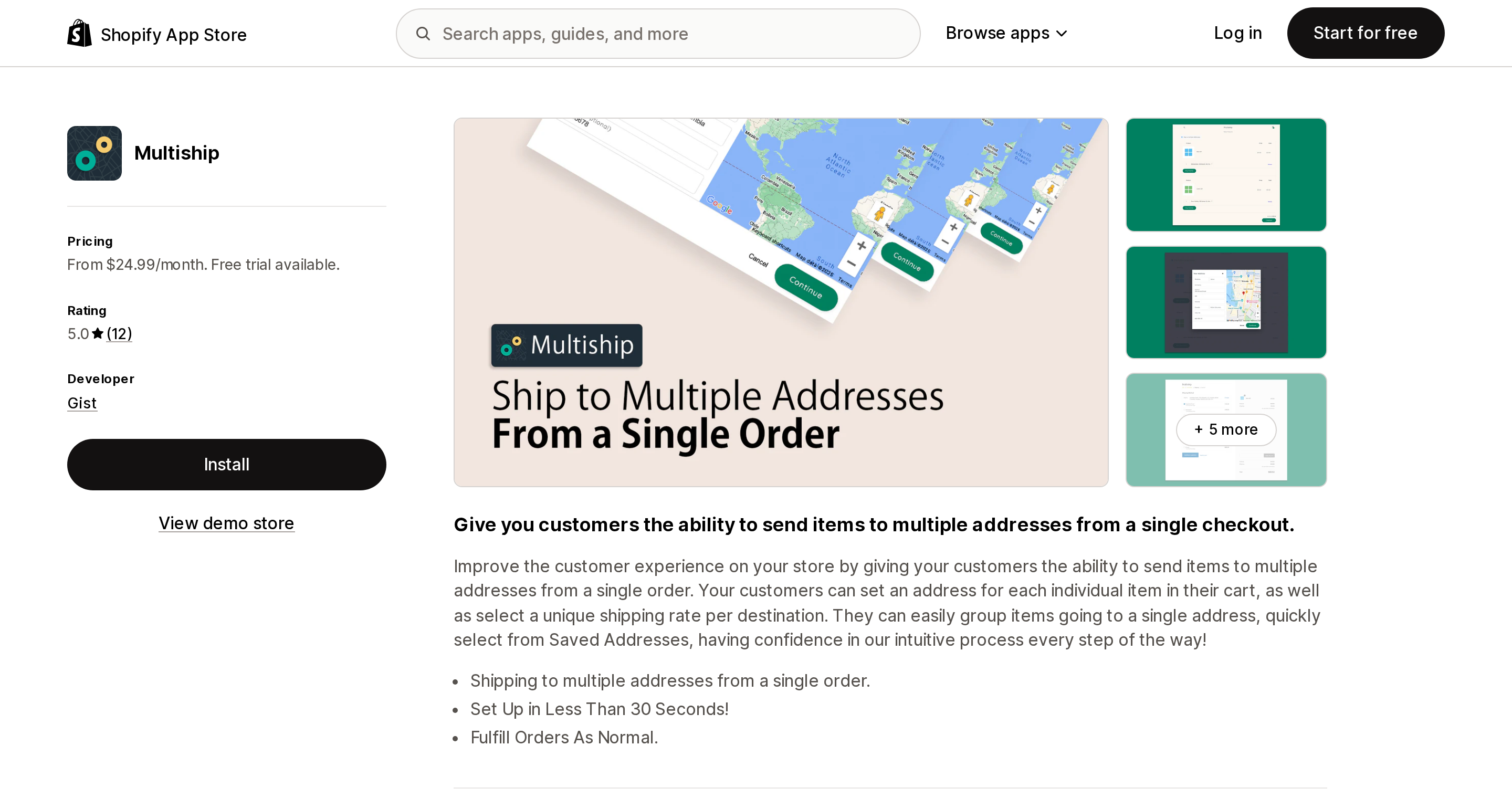
Source: Shopify App Store (Multiship), retrieved September 3, 2026
The oldest option here, launched July 21, 2017, built around item-level address assignment: three bottles to one recipient, two to another, from one cart. Rated 5.0 across 12 reviews (verified September 3, 2026) — a thin base for an app this old. Basic is $24.99/month at 25¢ per destination, Standard $59.99 at 20¢, Business $99.99 at 15¢, Enterprise $299.99 at 10¢, with a 14-day free trial and no free plan (verified September 3, 2026). Plans differ only in the monthly-versus-per-destination trade.
TaxJar-based sales tax calculation is listed on every plan rather than gated to a higher tier, which matters for US merchants. The listing has no Data access section at all — an absence of disclosure, not evidence that the app requests fewer permissions than the others here. One review praises that "our free shipping threshold is based per destination and not the total amount of the ticket," which is the discount behavior above seen as a feature.
Giftship: Gift, Bundle & Ship (Gist)
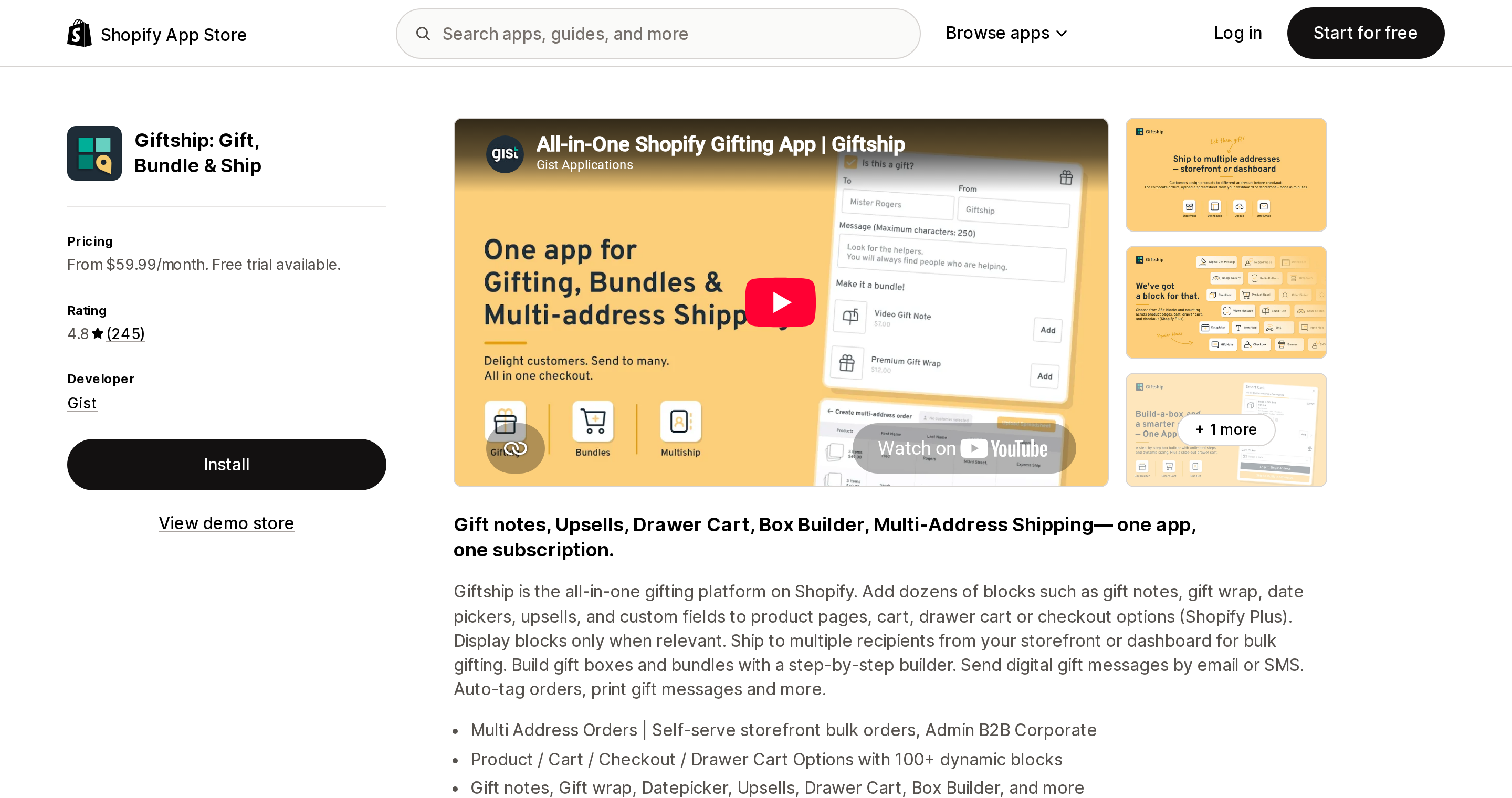
Source: Shopify App Store (Giftship: Gift, Bundle & Ship), retrieved September 3, 2026
The most documented implementation in the category, and the source of nearly every mechanism quote above. Multi-address is one part of a gifting stack that also includes gift messages, a box builder, a drawer cart, date pickers and an order printer, so it tends to replace subscriptions rather than add one.
Essential is $59.99/month with $0.10 per order above 500, Plus $149.99 with $0.05 above 1,000, Enterprise $399.99 with $0.01 above 2,500; 7-day trial, no free plan. Rated 4.8 across 245 reviews, including seven 1-star reviews (verified September 3, 2026). Note how the allowance meets the mechanism: 500 orders sounds generous until multi-address orders generate one child order per destination. Read the documented side effects as a reason to trust the vendor rather than avoid it; the real deployment risk is the requirement to remove checkout buttons outside the cart page.
MultiShip Address Checkout (Pasilobus)
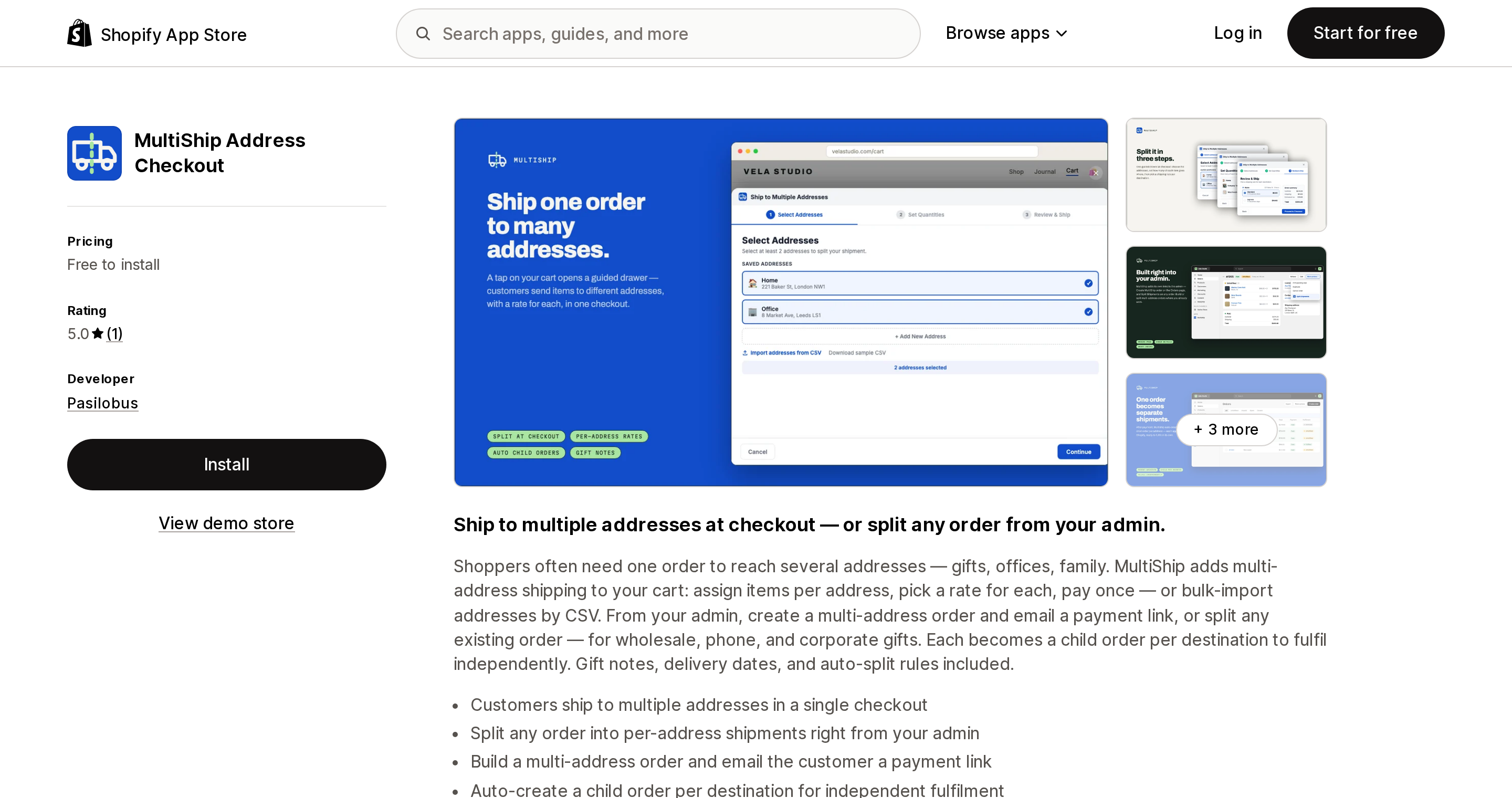
Source: Shopify App Store (MultiShip Address Checkout), retrieved September 3, 2026
The lowest-cost entry point and the newest app here, launched March 24, 2026 from Seattle. Free to install at 50¢ per destination, then Starter $4.99/month with 50 destinations included and 30¢ after, Growth $14.99 with 100 and 20¢ after, Business $49.99 with 1,000 and 15¢ after (verified September 3, 2026). Automated tax calculation, per-destination shipping rates and address autocomplete are on every plan. Rated 5.0 from 1 review (verified September 3, 2026) — a single review is not an evidence base, and the app has not been through a Q4.
Among the apps compared here it is the one whose listing advertises splitting an existing order from the admin, which suits phone and wholesale orders arriving outside the storefront. CSV address import and auto-split rules are listed, and order access is limited to "all order history for the last 60 days." What the documentation does not cover is the side-effect surface: discounts, refunds, analytics and the fate of the parent order are all unstated.
Send To Many Bulk Order Import (Even Better Apps, Inc.)
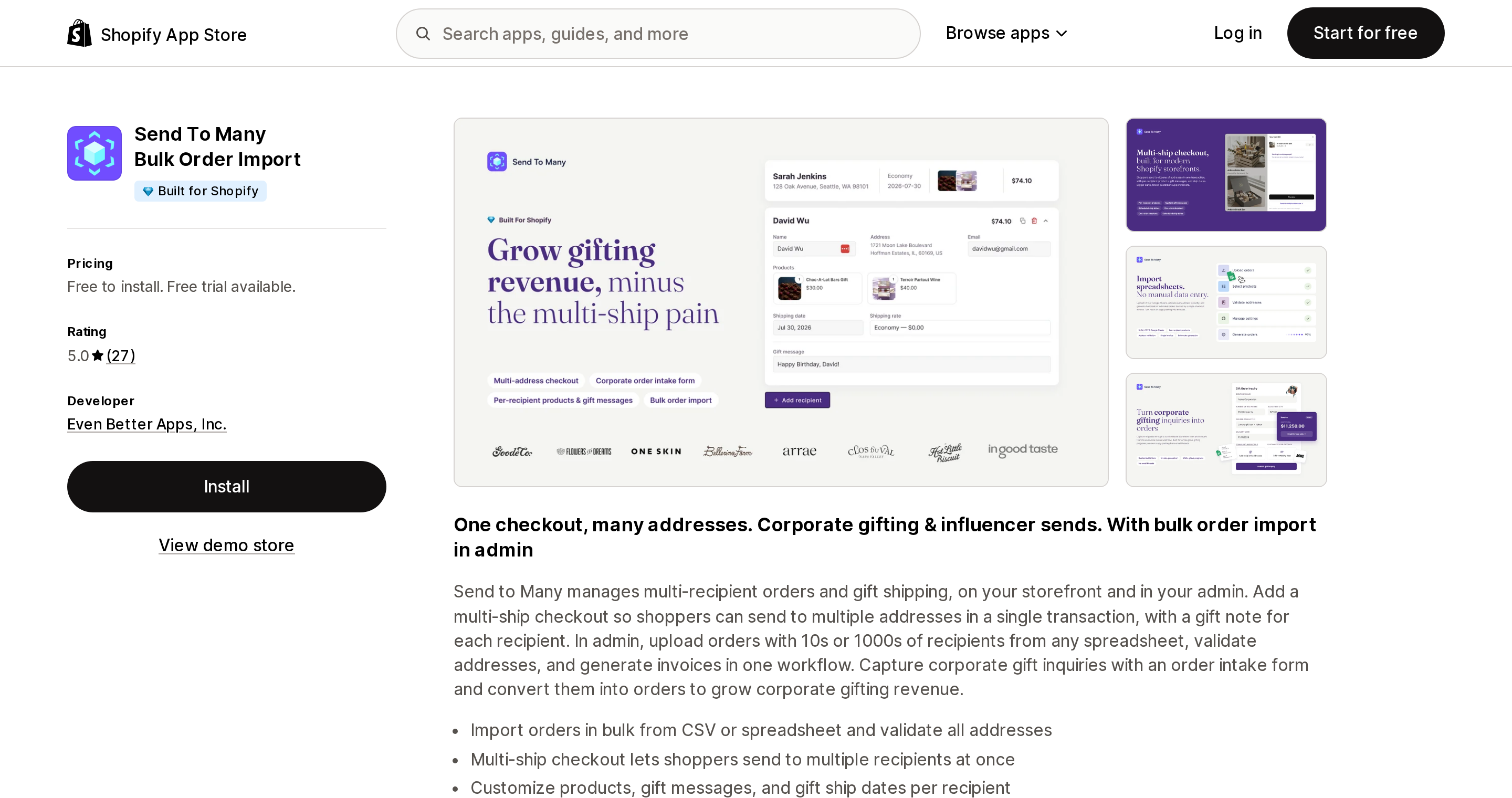
Source: Shopify App Store (Send To Many Bulk Order Import), retrieved September 3, 2026
The admin-first option, and among the apps compared here the only one carrying a Built for Shopify badge in its listing header. Launched December 6, 2024, rated 5.0 across 27 reviews (verified September 3, 2026). Free to install with 25 child orders a month and $1 per order after; Starter $50/month includes 75 then $0.75; Growth $100 includes 200 then $0.60; Pro $250 includes 800 then $0.40 (verified September 3, 2026). The plan gates are steeper than the prices suggest: storefront multi-recipient checkout starts at Starter, delivery dates via Zapiet or Bird at Growth, Shopify B2B support at Pro.
Its strengths are operational: spreadsheet import with address validation as a first-class feature, a per-recipient product picker so recipients can get different items, and real-time inventory reconciliation while a long recipient list is built. The checkout is a theme app block that "stays within Shopify with no off-site redirects or separate payment flow." Tax handling detail, what happens to the parent order after payment, and analytics impact are not stated in its documentation.
Giftnote: Gift Message Engine
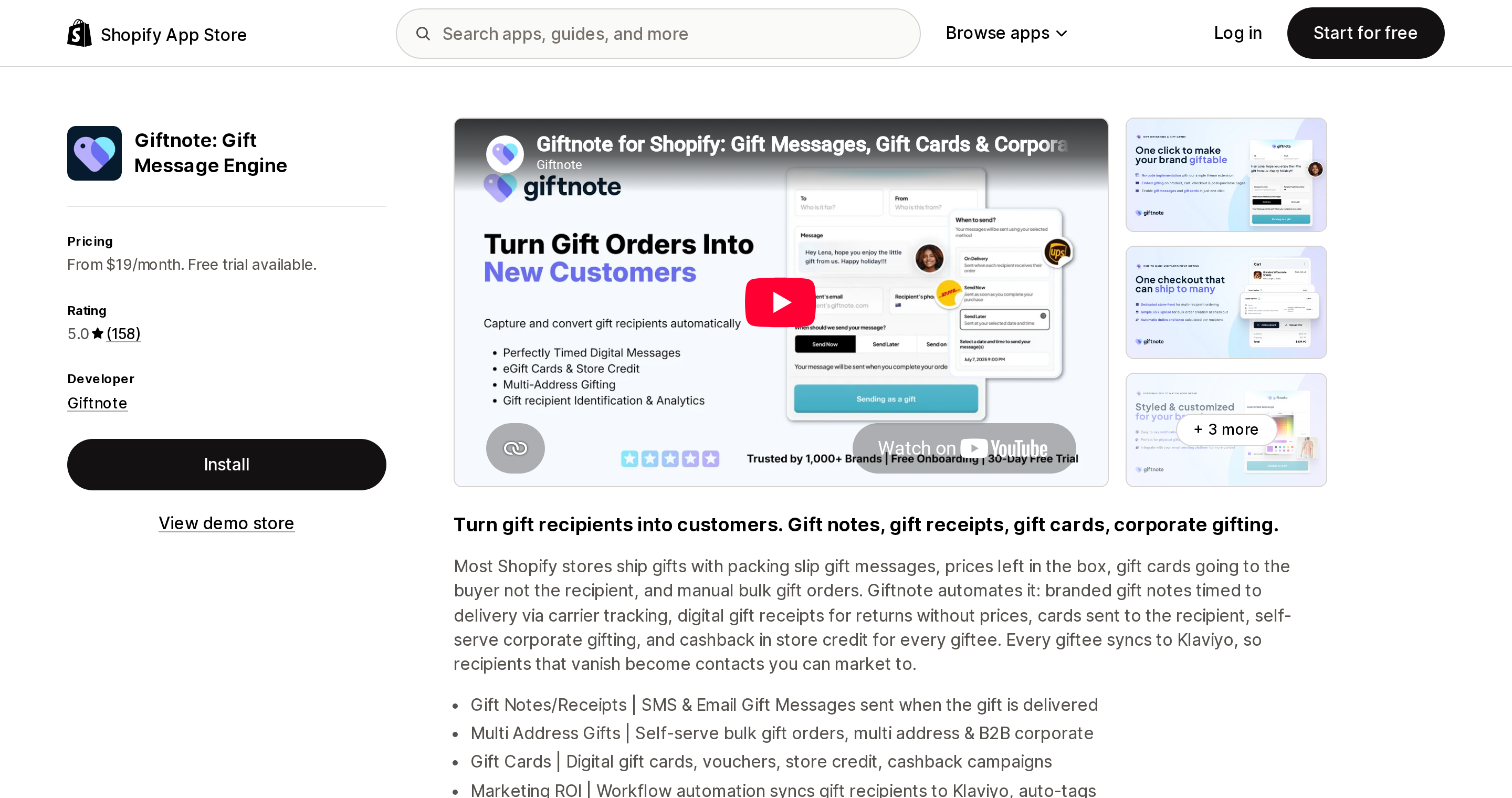
Source: Shopify App Store (Giftnote: Gift Message Engine), retrieved September 3, 2026
A gifting engine first, with multi-address inside the higher plan. Core Gifting is $19/month and Corporate Gifting $99/month, both plus $1 per gift recipient, with a 30-day free trial — the longest here — and no free plan (verified September 3, 2026). Multi-address gifting, the multi-gift portal, bulk gift orders and automatic shipping and tax on bulk gifts are Corporate Gifting features; the $19 plan does not include them.
The app is rated 5.0 across 158 reviews (verified September 3, 2026), and that number needs careful reading. Displayed reviews are dominated by gift notes, receipts and gift cards, and one states the merchant has not fully used the multi-ship features yet, adding that other apps for corporate and multi-ship "might be a little more polished." Treat 5.0 / 158 as a rating of the gifting product, not of the multi-address feature.
Its distinct angle is marketing: every gift recipient syncs to Klaviyo, so people who would otherwise vanish become contacts. Two facts to weigh against that. The multi-address mechanism is not documented publicly, so the parent-and-child question, discounts, refunds and analytics impact are unknown. And Giftnote requests the broadest data access in this set — gift cards, store credit, Shopify Markets settings, inventory, all order history and Online Store script tags. That breadth matches its feature set; decide whether it fits your permissions policy.
Choosing by situation
| Your situation | Where to look |
|---|---|
| You only need to ship from more than one warehouse | Nothing to buy. Shopify order routing already does this |
| A handful of multi-recipient orders per year | Manual separate orders, or a draft order and invoice per destination |
| One gifting season a year, no fixed fee wanted | MultiShip Address Checkout, free to install at 50¢ per destination |
| Hundreds of recipients as spreadsheets, plus invoiced corporate gifting | Send To Many Bulk Order Import, free for admin import, Starter for storefront checkout |
| Phone or wholesale orders that need splitting after the fact | MultiShip Address Checkout, which lists admin-side splitting of any order |
| Gift notes, gift wrap, box builder and multi-address in one subscription | Giftship: Gift, Bundle & Ship, with theme work and parent-order behavior planned for |
| Destination-based US sales tax included in the base price | Multiship, which lists TaxJar calculation on every plan |
| Gift recipients should become marketable contacts | Giftnote: Gift Message Engine, Corporate Gifting plan, with the broad permissions accepted |
| A cart drawer or slide cart you cannot remove | Send To Many, which documents drawer coexistence rather than requiring removal |
| Accounting accuracy is the top constraint | Any of them, but only after you run the checks below yourself |
Seven things to test before your gifting season, not during it
- Ship to three destinations, two in different states and one in a county with local tax, and confirm each carries the correct rate.
- Confirm a different rate is selectable per destination, and whether free-shipping thresholds are judged per destination or per order.
- Apply a discount code and count how many destinations it lands on.
- Read the confirmation email and the customer account view as a customer, looking for a cancellation notice.
- Compare Analytics Total sales against what you actually banked.
- Refund and restock one destination end to end, noting which order each step happens on.
- Confirm how the app counts your bill: 12 recipients means 12 destinations, 12 child orders, or 12 gift recipients.
If your theme has a checkout button anywhere other than the cart page, test with that button present. That is the failure mode most likely to surface on your busiest day.
Sources
- Shopify.dev — Storefront API
CartDeliveryGroup: https://shopify.dev/docs/api/storefront/latest/objects/CartDeliveryGroup - Shopify.dev — Storefront API
cartDeliveryAddressesAddmutation: https://shopify.dev/docs/api/storefront/latest/mutations/cartDeliveryAddressesAdd - Shopify.dev — Checkout UI extensions, shipping targets: https://shopify.dev/docs/api/checkout-ui-extensions/latest/targets/checkout/shipping
- Shopify Help Center — Managing checkout settings in B2B: https://help.shopify.com/en/manual/b2b/checkout-and-orders/checkout-settings
- Shopify Help Center — US taxes reference: https://help.shopify.com/en/manual/taxes/us/us-tax-reference
- Shopify Help Center — Order routing: https://help.shopify.com/en/manual/fulfillment/setup/order-routing
- Shopify Help Center — Locations: https://help.shopify.com/en/manual/fulfillment/setup/locations
- Shopify Help Center — Creating draft orders: https://help.shopify.com/en/manual/fulfillment/managing-orders/create-orders
- Shopify Community — Shipping to multiple addresses for holiday gift giving: https://community.shopify.com/t/shipping-to-multiple-addresses-for-holiday-gift-giving/268578
- Giftship docs — Introduction guide to multishipping: https://docs.giftship.app/article/introduction-guide-to-multishipping/
- Giftship docs — Refunding orders with multiple shipping addresses: https://docs.giftship.app/article/refunding-orders-or-parts-of-orders-with-multiple-shipping-addresses/
- Giftship docs — Discount codes on multiple shipping address orders: https://docs.giftship.app/article/how-to-ensure-your-discount-codes-are-enabled-on-multiple-shipping-address-orders/
- Giftship docs — Viewing reports with multiple shipping address orders: https://docs.giftship.app/article/viewing-reports-with-multiple-shipping-address-orders/
- Giftship docs — Orders are not splitting: https://docs.giftship.app/article/orders-are-not-splitting-for-multiple-shipping-address-orders/
- Giftship docs — Additional usage charges: https://docs.giftship.app/article/giftship-billing-additional-usage-charges/
- Send To Many docs — How multi-recipient checkout works: https://docs.sendtomany.com/checkout/how-multi-recipient-checkout-works/
- Send To Many docs — Drawer and slide cart setup: https://docs.sendtomany.com/checkout/drawer-slide-cart-setup/
- Shopify App Store listings, all retrieved September 3, 2026: Multiship, Giftship: Gift, Bundle & Ship, MultiShip Address Checkout, Send To Many Bulk Order Import, Giftnote: Gift Message Engine, MultiRoute
All pricing, ratings and review counts verified on the Shopify App Store (en-US) on September 3, 2026. Terms in this category change often, and two of these apps launched within the last two years — confirm on the listing before committing.
Shopify added a Bin name column to the inventory CSV on August 25, 2025. It holds one bin per variant per location, it is created only by CSV import, and it prints on Order Printer pick lists. What it does not do is leave Shopify. Shopify staff confirmed on the developer forum in October 2025 and again in January 2026 that there is no public API access to the field, and the developer forum was still reporting the gap in June 2026. That single fact shapes the whole category: EasyScan and iPacky store bins in metafields, Bins-USA and ShelfPilot store them in their own databases, and a free app called Simple Bin Locations copies metafield bins into order notes so packing slips can show them. Shopify's own multi-bin model, with per-bin quantities and an unbinnedQuantity field, exists today only as a feature preview on development stores. Pricing, plan gates, and where each app keeps the bin data, verified on the Shopify App Store, the Shopify Help Center, shopify.dev, and the Shopify community forums on September 18, 2026.