
What you will learn
On this pageContentsCloseOpen
Shopify has expanded Multi-Currency Payouts three times in the last ninety days. US merchants became eligible for the first time on June 13, 2026. The 8-currency ceiling came off on July 27. Australia and France were added on September 11.
The pitch is the same each time: get paid in the currencies you sell in, skip the conversion. Shopify's Help Center puts it plainly — Multi-Currency Payouts let you "add multiple bank accounts to receive payouts in different currencies and avoid currency exchange fees."
Scroll down that same page and there is a table titled Multi-Currency Payout fees.
Both statements are true. They are just describing different fees, and the gap between them is the entire economic case for turning this on. Below: who is eligible, what it actually costs, and what your accounting stack has to absorb afterwards. Verified September 13, 2026.
The short version
Three plans are excluded outright. Shopify's eligibility table lists Basic, Grow and Shopify as "No, domestic currency only." Only Advanced and Shopify Plus qualify.
The fee is real and it is published. For US stores it is 1% on Advanced and 0.75% on Plus. Everywhere else it is 1.5% on Advanced and 1% on Plus, except Canada, where Plus pays 1.25%.
What you are escaping is smaller than it looks. The currency conversion fee is 1.5% in the United States and 2% in France and every other Shopify Payments region. Net saving: half a percentage point for a US store on Advanced.
The fee follows the currency, not the conversion. Shopify is explicit: "Even if a customer pays in USD and you receive a payout in USD, the fee applies if USD isn't your domestic currency."
US stores can never move off USD. USD "is always your default payout currency and can't be changed." You can add AUD, CAD, EUR and GBP as secondary accounts. That is the whole list.
Each currency needs its own bank account, in the right country. A US merchant taking EUR payouts needs a SEPA IBAN. Monaco, San Marino, Andorra and Vatican City IBANs are excluded.
Switching it on pauses everything. Adding a bank account more than 24 hours after Shopify Payments setup pauses payouts for 3–5 business days — and the pause hits all your payout accounts, not just the new one.
No app changes any of this. Currency converter apps change what the price says. They have never had anything to do with which bank account the money lands in.
The plan gate comes first
Everything else is downstream of one table in the Help Center.
| Plan | Multi-Currency Payouts |
|---|---|
| Basic | No, domestic currency only |
| Grow | No, domestic currency only |
| Shopify | No, domestic currency only |
| Advanced | Yes, one bank account per supported payout currency |
| Shopify Plus | Yes, one bank account per supported payout currency |
If you are on Basic, Grow or Shopify, you can still sell in as many currencies as Markets allows. Every one of those orders is converted to your domestic currency and charged a conversion fee. There is no workaround, no app, and no setting.
One narrow exception exists: a Canadian store on Basic or Grow can pick USD as its default payout currency instead of CAD, with a 1.5% payout fee. That is a different mechanism from Multi-Currency Payouts — you are choosing one currency, not adding a second.
What US merchants actually got
The June 13 changelog entry is worth reading literally. US merchants can receive payouts in "CAD, EUR, AUD and GBP." Four currencies, and USD stays fixed underneath them as the default that cannot be changed.
For contrast, the September 11 expansion gave Australian merchants 13 payout currencies and French merchants 18. Australia's additional list runs CAD, CHF, DKK, EUR, GBP, HKD, JPY, NOK, NZD, SEK, SGD and USD. If your mental model of this feature came from a European or Australian write-up, the US version is considerably narrower.
France is also flagged as early access in the Help Center and "aren't available to all merchants," despite the changelog announcement.
The fee the feature charges
Here is the table that sits below the marketing sentence.
| Region | Advanced plan | Shopify Plus plan |
|---|---|---|
| Global regions | 1.5% | 1% |
| Canada | 1.5% | 1.25% |
| United States | 1% | 0.75% |
Payouts into your domestic currency account are free. Every non-domestic payout is charged.
And then the note that catches people: the fee is "based on the payout currency, not whether a currency conversion occurs." Shopify's own example is a customer paying in USD into a USD payout account — no conversion happens anywhere in that transaction, and the fee still applies if USD is not your domestic currency. A Canadian store taking USD payouts is paying for a conversion that did not happen.
So what do you actually save?
Set the two fees side by side. The currency conversion fee you avoid is documented separately, on Shopify's international fees page.
| Store location | Conversion fee (no MCP) | MCP fee, Advanced | Net saving | MCP fee, Plus | Net saving |
|---|---|---|---|---|---|
| United States | 1.5% | 1% | 0.5 pts | 0.75% | 0.75 pts |
| France | 2% | 1.5% | 0.5 pts | 1% | 1.0 pts |
| Canada | 2% | 1.5% | 0.5 pts | 1.25% | 0.75 pts |
| All other regions | 2% | 1.5% | 0.5 pts | 1% | 1.0 pts |
Half a percentage point is the typical answer. On Advanced, in every region, it is exactly half a point.
That is not nothing — on $100,000 a month of EUR sales, half a point is $500 a month — but it is a long way from "avoid currency exchange fees." If your non-domestic volume is $10,000 a month, you are saving $50, and you are doing it in exchange for opening a foreign bank account and adding a second payout stream to your books.
The Shopify Changelog, to its credit, is more careful than the Help Center. The July 27 entry says plainly that "fees apply to payouts you receive in non-domestic currencies." It is the Help Center's own opening paragraph and setup section that promise no FX fees and then contradict themselves two screens later.
The bank account requirement is the real blocker
For most merchants this is where the plan stops being theoretical.
US merchants need non-US bank accounts. Shopify is direct about it: non-USD payouts "require a bank account outside the United States in the corresponding currency's region." EUR payouts need an IBAN from a supported SEPA country, and IBANs issued in Monaco, San Marino, Andorra and Vatican City are explicitly excluded.
Singapore and Hong Kong work the opposite way. Every payout currency — including EUR, GBP and JPY — must go to a domestic bank account. Foreign IBANs are not supported for Singapore accounts at all.
Adding an account freezes your cash flow. If you add a payout bank account more than 24 hours after finishing Shopify Payments setup, payouts pause for 3–5 business days. The pause is not scoped to the new account: it applies to all of them. Replacing an existing account does the same thing. Do not do this in the week before Black Friday.
Currencies you don't hold an account for still get converted. Multi-Currency Payouts does not switch conversion off across the board. An order in a currency with no matching bank account is converted into your default account's currency, and the ordinary conversion fee applies. You only escape the conversion on the currencies you actually banked.
Refunds and chargebacks split by currency too. A refund is deducted from the bank account matching the original order's currency. If that account does not exist — or you deleted it after the order was placed — it comes out of your default account instead, and a conversion fee may apply to the chargeback path.
What an app can and cannot do here
Search the Shopify App Store for "currency converter" and you will get thousands of results. BUCKS Currency Converter PRO++ and Nova: Multi Currency Converter both hold Built for Shopify badges and sit above 1,000 and 750 reviews respectively.
None of them touch your payout currency. A converter app changes the number a shopper sees. Which bank account Shopify deposits into, and which fee it charges on the way, is decided in Settings → Payments and nowhere else. We covered where the display layer genuinely breaks down in our piece on local currency and Markets.
What Multi-Currency Payouts actually changes for apps is downstream: one payout stream becomes several, each in a different currency, each carrying its own fee line. That lands squarely on whatever reconciles your books.
A2X Sync for QuickBooks & Xero
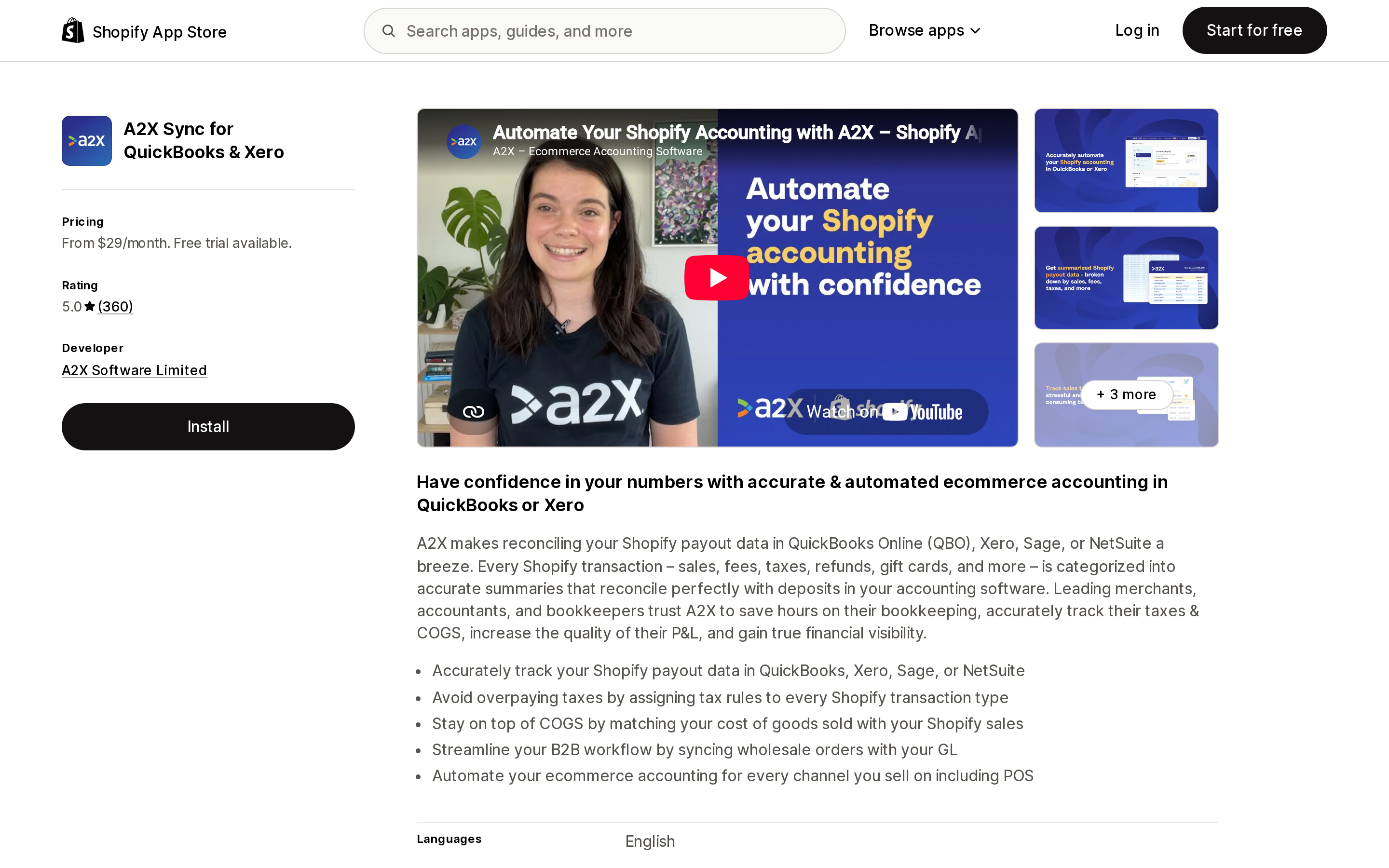
Source: Shopify App Store (A2X Sync for QuickBooks & Xero), retrieved September 13, 2026
A2X Sync for QuickBooks & Xero, from A2X Software Limited, is the one listing here built around payout reconciliation specifically. Its feature list names Multi-currency under financial operations and Payouts and Bank reconciliation under data sync — the three capabilities this feature actually stresses.
It is also the only paid option of the three. Mini is $29/month for up to 200 orders a month; Basic is $45/month and adds COGS plus 500 orders; Professional is $79/month for 2,000 orders; Advanced is $115/month for 5,000. All plans carry a 30-day free trial and all charges are billed in USD. Note that these are billed by A2X separately from your Shopify invoice.
The listing holds a 5.0 rating across 360 reviews. The most recent reviews at the time of checking single out onboarding and named support staff rather than the software itself, which is a reasonable signal for a product where the setup — mapping accounts and tax rules — is most of the work.
QuickBooks Online
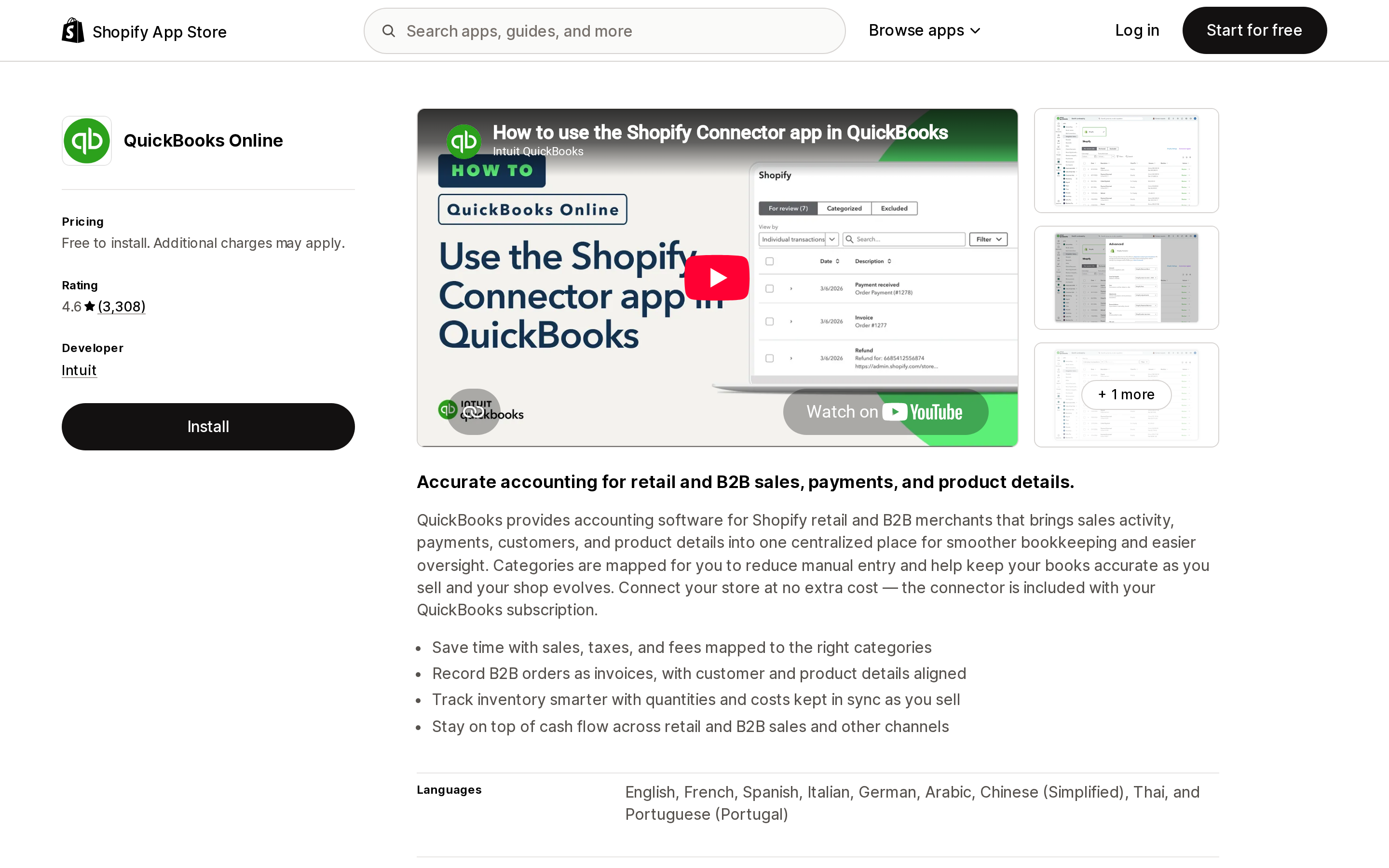
Source: Shopify App Store (QuickBooks Online), retrieved September 13, 2026
Intuit's own QuickBooks Online connector is free to install, with additional charges applying on the QuickBooks side. Its feature list also names Multi-currency and Payouts, and it reconciles up to 12 months of history.
It carries a 4.6 rating across 3,308 reviews — but the reviews posted in the days before we checked were markedly negative, and consistently about one thing: a migration to a new connector. Merchants writing on September 10 and 11, 2026 describe lost store connections, tax codes being created unexpectedly, and the loss of the ability to distinguish transactions by class and payment method. Several are long-tenured users of four or more years.
That is a cluster of recent reviews, not a verdict on the product, and it may well be resolved by the time you read this. But if you are about to add three new payout currencies to your ledger, the timing is worth knowing about.
Xero
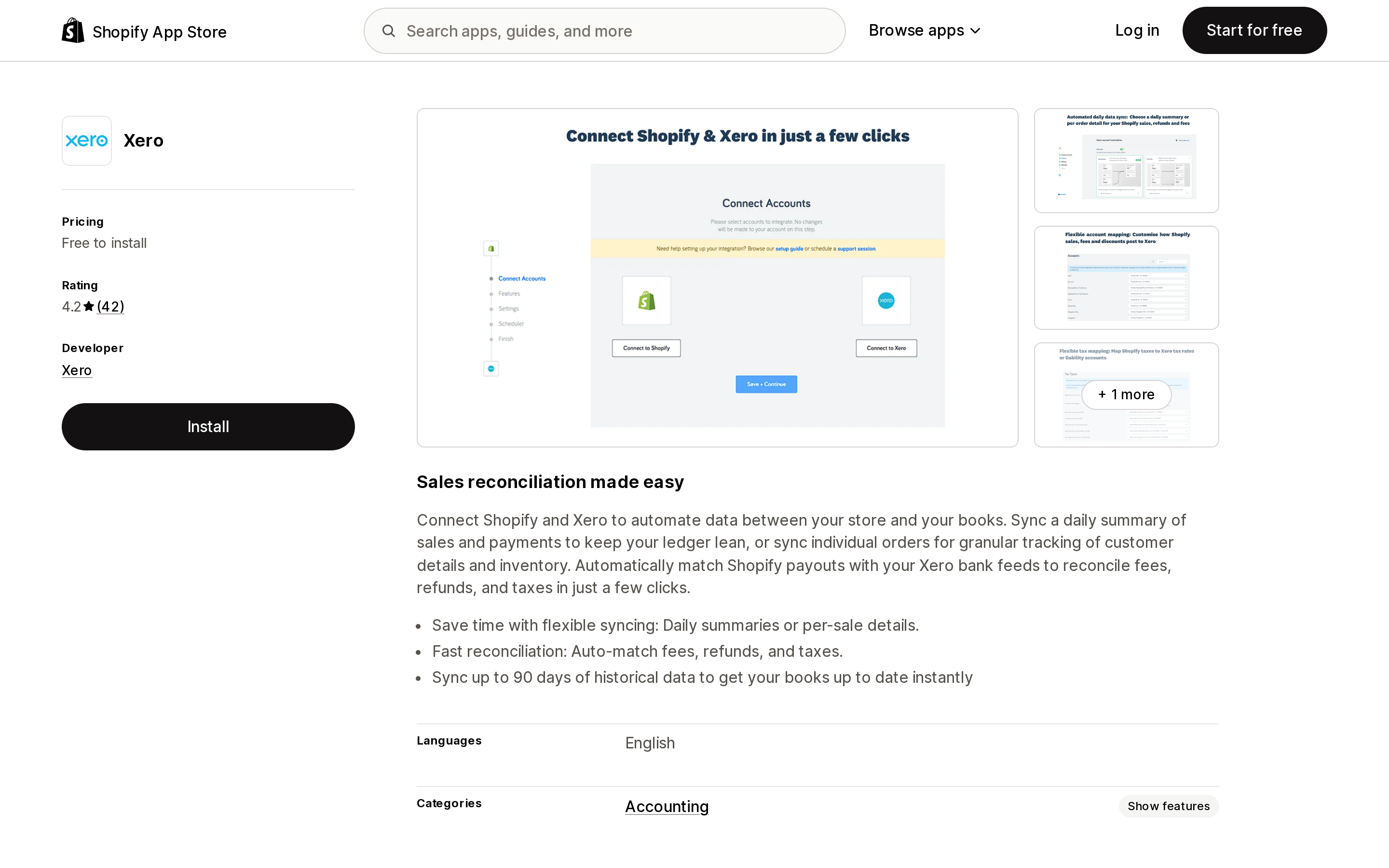
Source: Shopify App Store (Xero), retrieved September 13, 2026
Xero's official listing launched on March 24, 2026 and is the newest of the three, with a 4.2 rating from 42 reviews. Free to install, with a 100%-off-Xero-for-six-months offer attached.
Its feature list is the short one. Under automated data sync, the listing names a single capability: Daily sales summary. Payouts, bank reconciliation and multi-currency are not listed, and historical sync is capped at 90 days. If you are running several payout currencies and need each payout matched to its own deposit, check that against your own requirements before assuming parity with the other two — the listing does not claim it.
The comparison
| A2X Sync for QuickBooks & Xero | QuickBooks Online | Xero | |
|---|---|---|---|
| Developer | A2X Software Limited | Intuit | Xero |
| Price | From $29/month | Free to install | Free to install |
| Free trial | 30 days | — | — |
| Rating | 5.0 (360) | 4.6 (3,308) | 4.2 (42) |
| Multi-currency listed | Yes | Yes | Not listed |
| Payouts listed | Yes | Yes | Not listed |
| Bank reconciliation listed | Yes | Yes | Not listed |
| Historical import | Listed | Up to 12 months | Up to 90 days |
| Listing launched | July 12, 2019 | February 23, 2015 | March 24, 2026 |
Choosing by situation
On Basic, Grow or Shopify. Multi-Currency Payouts is not available to you. Budget the conversion fee — 1.5% in the US, 2% elsewhere — as a cost of selling internationally, and spend your attention on pricing and rounding rules instead.
On Advanced, with modest cross-border volume. Do the arithmetic before opening a foreign bank account. At a 0.5-point saving, $20,000 a month of non-domestic sales returns $100. Weigh that against the account, the 3–5 day payout pause, and a second reconciliation stream.
On Advanced or Plus with real foreign volume, and foreign costs. This is the case the feature is built for. The saving compounds when you are also paying suppliers, staff or taxes in that currency — you skip a second conversion Shopify never charged you for but your bank did.
On Plus outside the US. The widest gap in the table: 2% down to 1%, a full point.
Before you switch it on
- Confirm your plan. Advanced or Plus, nothing below.
- Check which currencies your region actually supports. US merchants get four.
- Confirm you can open a compliant bank account in the right country, with a supported IBAN if it is EUR.
- Multiply your non-domestic monthly volume by 0.005. That is the honest saving on Advanced.
- Schedule the bank account addition away from any peak trading period, and expect 3–5 business days of paused payouts across every account.
- Check that whatever reconciles your books handles payout-level, multi-currency data before you create three more payout streams.
The bottom line
Multi-Currency Payouts is a real improvement and the expansion is genuine. It is not the elimination of FX cost that Shopify's own opening paragraph implies. It is a discount of roughly half a percentage point, available only on the two most expensive plans, conditional on foreign banking, and charged on the currency rather than the conversion.
That is worth having if you are moving six figures a month across borders. Below that, read the fee table before you open the bank account.
Sources
- Managing Multi-Currency Payouts with Shopify Payments — Shopify Help Center
- Supported payout currencies — Shopify Help Center
- Fees and costs — Shopify Help Center
- Currency conversions and exchange rates — Shopify Help Center
- Multi-currency payouts now available in Australia and France — Shopify Changelog, September 11, 2026
- Add a bank account for every payout currency in Shopify Payments — Shopify Changelog, July 27, 2026
- Expanded multi-currency payout support in US, HK and SG — Shopify Changelog, June 13, 2026
- Shopify App Store listings for A2X Sync for QuickBooks & Xero, QuickBooks Online and Xero, en-US, retrieved September 13, 2026
Shopify added a Bin name column to the inventory CSV on August 25, 2025. It holds one bin per variant per location, it is created only by CSV import, and it prints on Order Printer pick lists. What it does not do is leave Shopify. Shopify staff confirmed on the developer forum in October 2025 and again in January 2026 that there is no public API access to the field, and the developer forum was still reporting the gap in June 2026. That single fact shapes the whole category: EasyScan and iPacky store bins in metafields, Bins-USA and ShelfPilot store them in their own databases, and a free app called Simple Bin Locations copies metafield bins into order notes so packing slips can show them. Shopify's own multi-bin model, with per-bin quantities and an unbinnedQuantity field, exists today only as a feature preview on development stores. Pricing, plan gates, and where each app keeps the bin data, verified on the Shopify App Store, the Shopify Help Center, shopify.dev, and the Shopify community forums on September 18, 2026.