
What you will learn
On this pageContentsCloseOpen
Most "how to migrate to Shopify" articles open by recommending an app. Shopify's own Migrate to Shopify guide does something more useful: it prints a table of six data types and lists, per row, which bulk methods actually exist.
Two rows have a CSV option. Four don't.
That table is the whole decision. Moving a catalog and a customer list, Shopify's free tools cover you and an app is a convenience. Moving order history, gift cards, a blog, or content pages, Shopify's own documentation says your bulk options are a migration app or the Admin API — there is no import screen waiting for you.
This article reads that table, then prices the four options US merchants actually reach for. Their feature lists overlap heavily. Their billing units do not, so their headline prices are not comparable numbers.
The short version
- Shopify's migration table gives products and customers a CSV import path. Historical orders, gift cards, blogs, and pages are listed with migration apps and the API only.
- Shopify Store Migration is free, built by Shopify, and covers eight source platforms — but its App Store listing describes it as moving product and customer data, and it holds a 3.1 rating across 74 reviews.
- Matrixify bills $20 / $50 / $200 per 30 days, and its limits are per job, not per month. Cancel after one migration and you have paid once.
- LitExtension Store Migration and Cart2Cart charge once, by entity count rather than by month. LitExtension starts at $59; on its self-service tier, SEO URL migration and 301 redirects are paid add-ons.
- Cart2Cart publishes no price table at all — the number only exists inside its estimator.
- No app can lift Shopify's variant upload rate limit. Nearly every guide still quotes the old threshold; the current Help Center number is ten times higher.
- Importing historical orders sends a new-order notification email to every staff member subscribed to them, unless you turn that off first.
What Shopify's table actually says
The relevant column is "Bulk migration options." Here is what Shopify lists, verbatim in substance:
| Data | Bulk options Shopify lists |
|---|---|
| Products | Product CSV import/export, migration apps |
| Customers | Customer CSV import/export, migration apps, Customer API |
| Historical orders | Migration apps, Order API, Transaction API |
| Gift cards, certificates, store credits | Migration apps, GiftCard API |
| Blogs | Migration apps, Blog API, Blog Article API |
| Pages | Migration apps, Page API |
The four bottom rows are the ones that decide whether you pay anything. There is no order CSV importer in the Shopify admin, no gift card importer, no blog importer. Shopify's answer for all four is an app or code.
This is the same boundary we found when we looked at what Shopify's CSV exports can and cannot restore: what you can get out of Shopify as a CSV and what you can put back in are not the same list.
Shopify also flags an ordering constraint most guides skip. Import products first, then customers, then historical orders, so orders can attach to the right records. Get that backwards and you get orders with orphaned line items.
Shopify Store Migration: free, eight platforms, product and customer data
Source: Shopify App Store (Shopify Store Migration), retrieved September 7, 2026
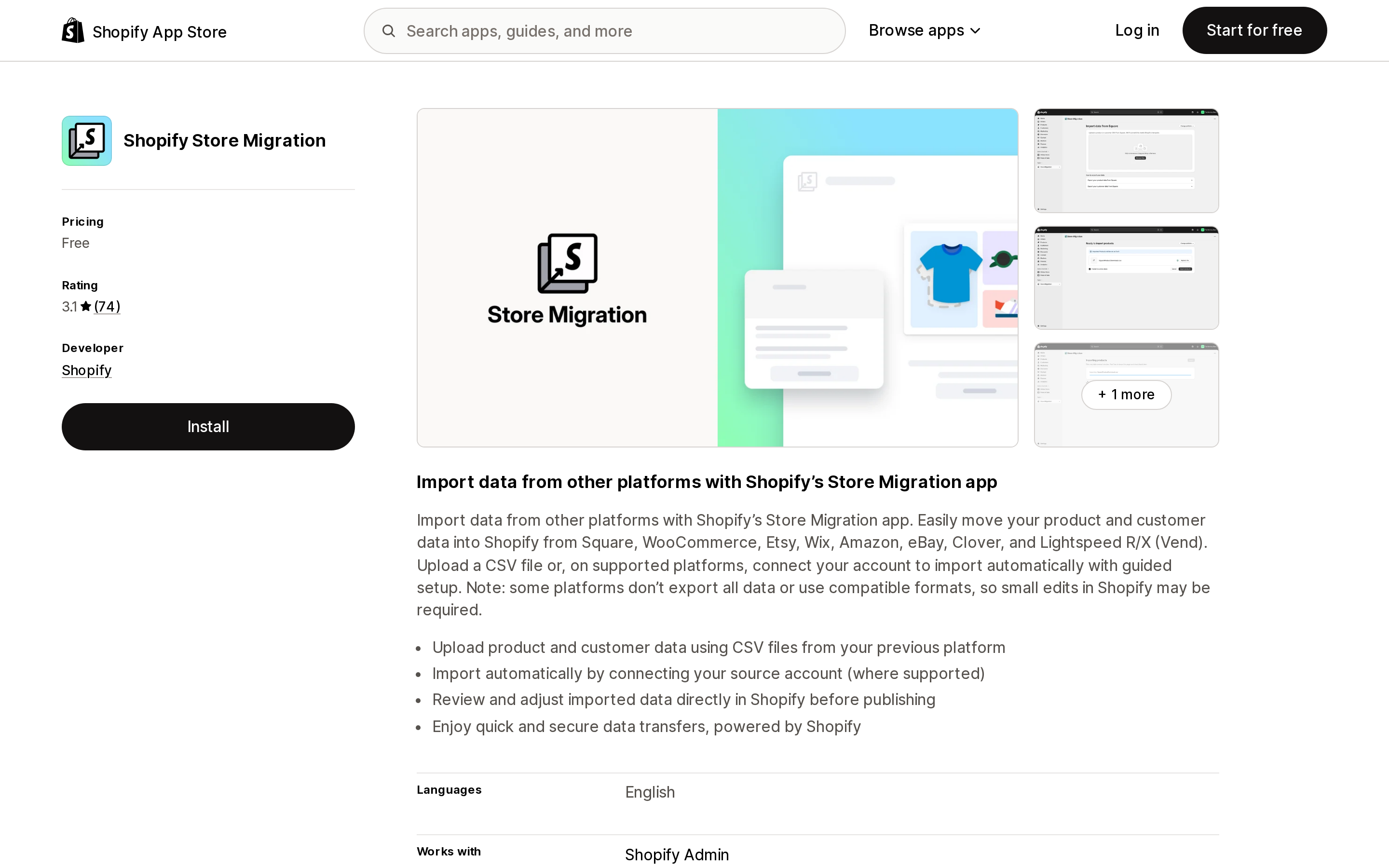
Shopify Store Migration is Shopify's own app, launched July 17, 2024, and free. Its listing names the supported sources: Square, WooCommerce, Etsy, Wix, Amazon, eBay, Clover, and Lightspeed R/X (Vend). You either upload a CSV from the old platform or, on supported platforms, connect the account for a guided import.
Two things in the listing are worth reading closely.
First, the scope sentence. Shopify describes the app as moving "your product and customer data" — the same two rows that already have a CSV path. Its own caveat follows: "some platforms don't export all data or use compatible formats, so small edits in Shopify may be required."
Second, the data access block. The app requests "All order history for the last 60 days." That is a 60-day order window, not a history importer.
The rating is 3.1 across 74 reviews as of September 7, 2026, and 20 of those 74 are one star. The recent one-star reviews are specific rather than vague. One US merchant reports an eBay import that "only transferred the titles. No images, descriptions, or prices." Another, migrating from Square, reports that "Import CSV doesn't grab inventory." Those are individual reports, but they line up with the app's own caveat about incomplete platform exports.
The honest read: if your source is one of those eight platforms and you are moving a catalog and a customer list, start here, because it costs nothing to try. If it stalls, you have lost an afternoon, not $59.
Matrixify: monthly price, per-job limits
Source: Shopify App Store (Matrixify), retrieved September 7, 2026
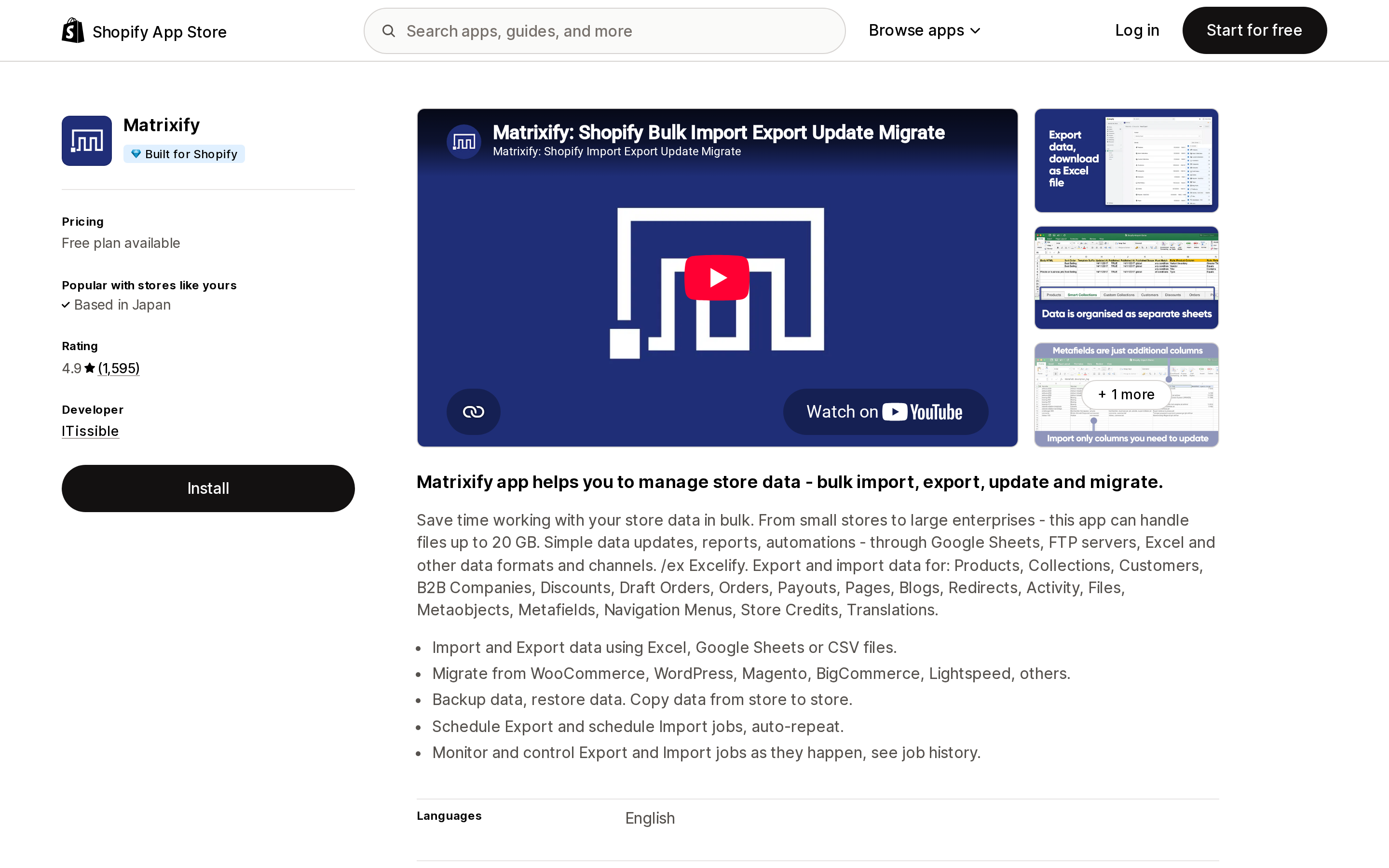
Matrixify is built by ITissible, launched July 7, 2017, carries the Built for Shopify badge, and holds 4.9 across 1,595 reviews. It is the only one of the four that bills through Shopify on a subscription.
Its pricing page publishes exact per-entity caps:
| Per job | Demo (Free) | Basic ($20 / 30 days) | Big ($50 / 30 days) | Enterprise ($200 / 30 days) |
|---|---|---|---|---|
| Products | 10 | 5,000 | 50,000 | Unlimited |
| Customers | 10 | 2,000 | 20,000 | Unlimited |
| Orders | 10 | 1,000 | 10,000 | Unlimited |
| Pages | 10 | 50 | 500 | Unlimited |
| Blog posts | 10 | 50 | 500 | Unlimited |
| Redirects | 10 | 10,000 | 100,000 | Unlimited |
| Collections | 10 | 600 | 6,000 | Unlimited |
The sentence that changes the math is on the same page: limits apply "on each import/export individually, there are no total or monthly imported item limits." So 6,000 orders on the Basic plan is not a $50 upgrade — it is six jobs of 1,000 at $20. Whether that is worth your time is a judgment call, but it is a choice the entity-priced services do not offer.
Two caveats. Redirects are generous (10,000 on Basic), which matters because URL structures change during replatforming and Shopify's redirect importer takes a CSV. But blog posts and pages cap at 50 per job on Basic — a content-heavy store moving 400 articles is running eight jobs or paying $50. We covered Matrixify's day-to-day bulk-editing behavior separately in our look at Shopify's CSV editing limits; this article is only about the migration case.
LitExtension Store Migration: one-time, priced by entity count
Source: Shopify App Store (LitExtension Store Migration), retrieved September 7, 2026
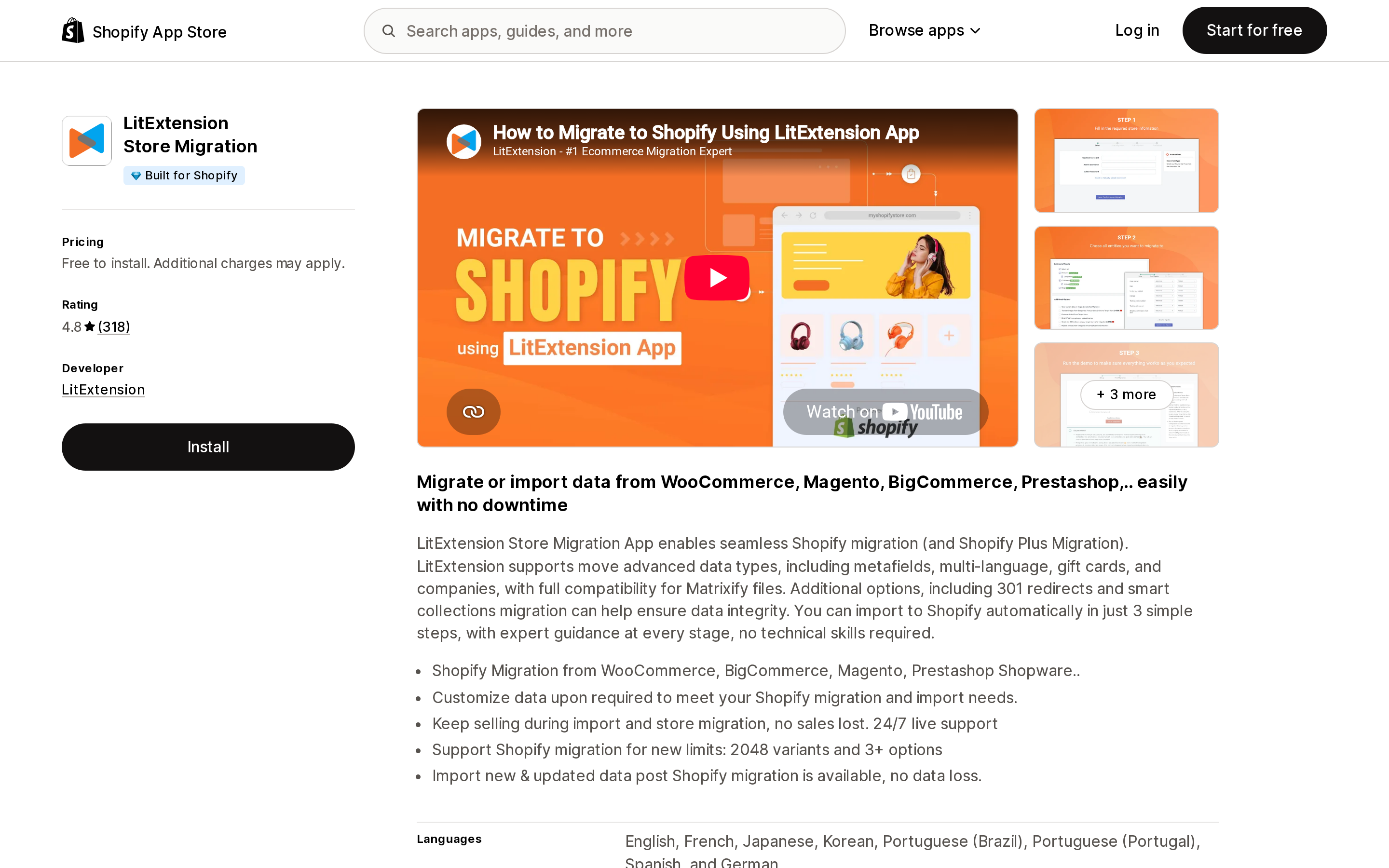
LitExtension Store Migration launched November 27, 2019, carries Built for Shopify, and holds 4.8 across 318 reviews. Its App Store price is "Free to install. Additional charges may apply," because the charge happens on LitExtension's side, not Shopify's.
The pricing page states the model plainly: pricing "starts from $59 and depends on the number of entities you want to migrate," where entities are products + orders + customers + blog posts. The company's FAQ confirms these are one-time purchases, not subscriptions.
There are two tiers: Automated Migration, which you run yourself through a three-step wizard, and the All-in-One Migration Service, run by LitExtension staff with a personal assistant and their own QA testing.
The line worth reading before you compare $59 to $20 is in LitExtension's own FAQ. On the Automated tier, you pay extra for "certain additional options such as Customer Password Migration, SEO URLs Migration, and 301 Redirect, as well as special data customizations." Post-migration reruns — Re-migration, Recent Migration, Smart Update — "may require extra fees." The comparison table lists the Automated tier as including free "up to 6 Additional Options (Save $50–$150)," so some of that is bundled; the All-in-One tier includes all of them.
Translated: the two things a migration is supposed to protect — your search rankings and your customers' ability to log in — are priced as options on the cheaper tier. Both tiers include unlimited free demo migrations, 60-day technical support, and a 30-day money-back guarantee.
One operational note for US merchants: LitExtension bills through PayPal, Skrill, wire transfer, and crypto, not through your Shopify invoice.
Cart2Cart: one-time, and the price only exists in the estimator
Source: Shopify App Store (Cart2Cart Migration/Replatform), retrieved September 7, 2026
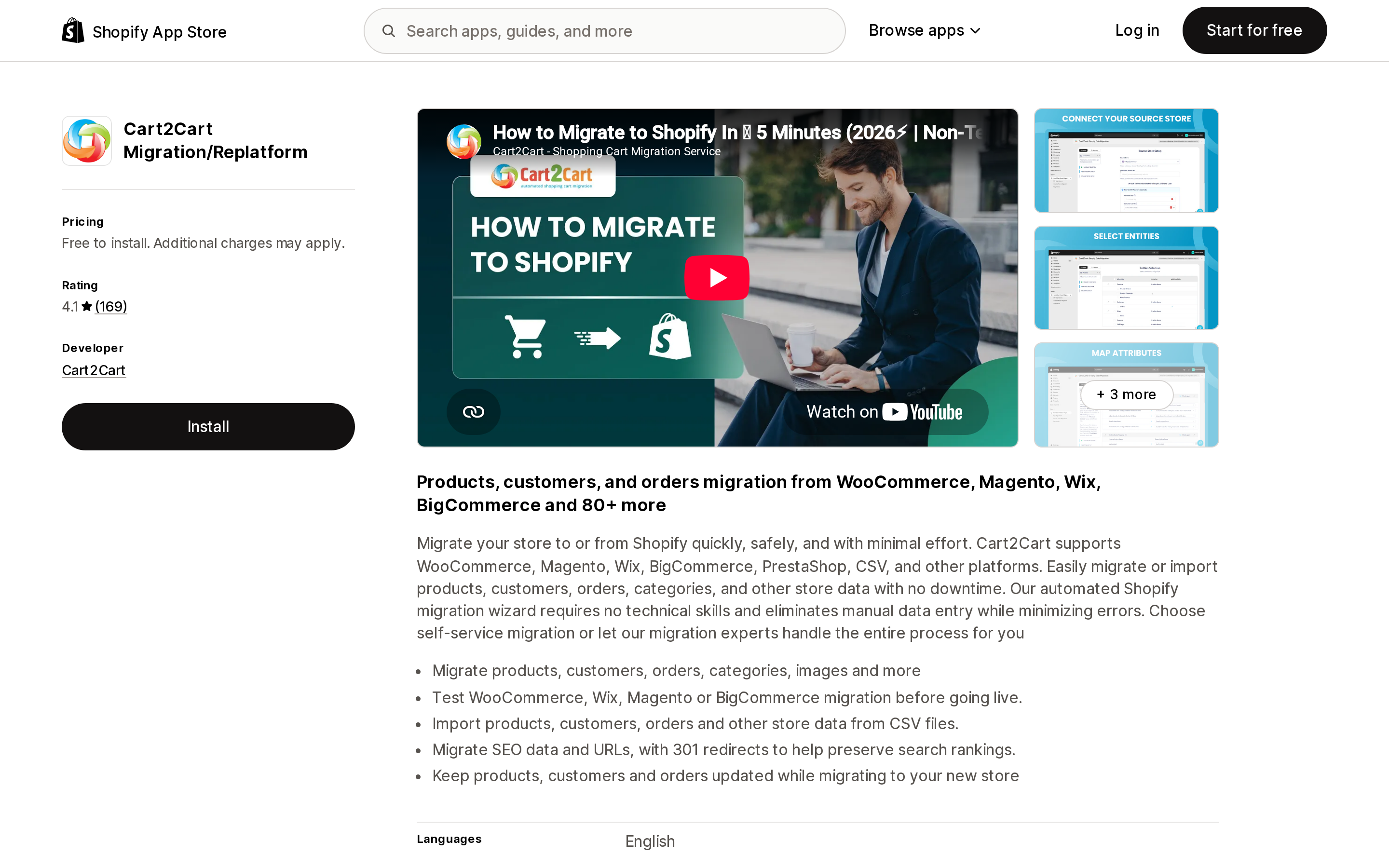
Cart2Cart Migration/Replatform is the oldest of the four, launched November 12, 2014, developed by Cart2Cart out of San Diego. It holds 4.1 across 169 reviews — 76% five-star and 18% one-star, a split worth noticing. It does not carry the Built for Shopify badge.
Its listing claims 80+ platforms (85+ on the company site), naming Magento, PrestaShop, OpenCart, Volusion, and Shopware — the legacy platforms neither Shopify's own app nor a plain CSV workflow will help you with. That is broad, though LitExtension claims a larger number; treat both figures as vendor claims and check your specific source platform on each site.
Two features are listed on the App Store page rather than sold as separate line items: SEO data and URL migration "with 301 redirects to help preserve search rankings," and a Recent Data Migration pass that pulls only new orders and customers so the old store can keep selling during cutover. Note that the same listing says price varies by "selected migration options," so confirm in the estimator whether redirects are inside your quote.
Its App Store data access request is the broadest of the four: all order history (not 60 days), gift cards, companies, Online Store pages, files, translations, locales, and price rules. That breadth is consistent with what it claims to move. It is also worth understanding before you approve it — the same reasoning we applied to app data access scopes generally.
The price is where it differs from everyone else. The App Store listing says only that "additional fees apply based on store size, entities migrated, and selected migration options." Its pricing page has no table — it has a calculator. As of September 7, 2026 there is no published figure to compare against LitExtension's $59 floor without running an estimate for your specific store.
Four options, four different billing units
| Shopify Store Migration | Matrixify | LitExtension Store Migration | Cart2Cart | |
|---|---|---|---|---|
| Developer | Shopify | ITissible | LitExtension | Cart2Cart |
| Billing unit | None (free) | Per 30 days, capped per job | One-time, by entity count | One-time, by entities + options |
| Entry price (USD) | $0 | $0 (Demo) / $20 | From $59 | Estimator only |
| Source platforms | 8 named | Any, via file | 140+ claimed by vendor | 80+ claimed by vendor |
| Historical orders | 60-day access scope | Yes (1,000/job on Basic) | Yes (counts as entities) | Yes (all order history scope) |
| Blogs and pages | Not stated | Yes (50/job on Basic) | Blog posts count as entities | Online Store pages in scope |
| 301 redirects / SEO URLs | Not stated | Redirects as an entity type | Paid add-on on Automated tier | Listed as a migration feature |
| Built for Shopify | No | Yes | Yes | No |
| Rating (Sept 7, 2026) | 3.1 (74) | 4.9 (1,595) | 4.8 (318) | 4.1 (169) |
Two scenarios make the units concrete.
A 2,000-product WooCommerce store with 4,000 orders and a 40-post blog. Matrixify Basic at $20 handles the products in one job and the orders in four jobs of 1,000; the blog fits under the 50-post cap. Total: $20, cancelable after 30 days. LitExtension prices roughly 6,040 entities in one purchase starting from its $59 floor, with 301 redirects quoted on top unless they fall inside the free-options allowance.
A 12,000-product Magento store with 60,000 orders and 800 blog posts. Shopify's free app does not list Magento. Matrixify needs the Big plan at $50 for the product volume, and 800 blog posts means two jobs even there. LitExtension and Cart2Cart both price this as a large one-time migration.
The real dividing line is whether you would rather pay once and hand off the work, or pay $20–$50 for one month and drive it yourself.
The limit no app can lift — and the number everyone quotes is wrong
Every migration guide, including some app vendors' own documentation, repeats a Shopify variant rate limit at 50,000 variants and 1,000 new variants per day.
Shopify's current Adding variants page says something different:
If you have 500,000 or more variants in your store, then you're subject to a daily rate limit for uploading variants by using an app or CSV file import. You can add up to 10,000 new variants in a day before the limit is reached.
Both numbers are ten times the widely repeated figure. The page also confirms the limit does not apply to Shopify Plus stores.
Practically, this removes a scare that shows up in most replatforming checklists. Almost no store crosses 500,000 variants. But if yours does, it is a Shopify-side rate limit — paying for a faster migration app does not raise it.
Three other ceilings from the same page are worth writing down before you map your catalog: 2,048 variants per product, three options per product, and 250 media items per product.
Three things Shopify documents that migration guides skip
Importing orders emails your staff. Shopify's guide is explicit: when you migrate historical orders, "any staff member, including the account owner, that is set to receive new order notifications will receive a new order email for each imported order." Deactivate new-order notifications before the import, reactivate after. Skipping this is how a 4,000-order import becomes 4,000 emails.
Your URLs will not match. Shopify's own example: a policy page at example.com/policies/shipping-policy on the old platform becomes example.com/pages/shipping-policy on Shopify. The guide recommends building redirects before you move the domain, and Shopify supports importing redirects from a CSV. This is why the redirect line in the comparison table above matters more than it looks — it is the difference between a $0 task and a paid add-on. We went deeper on Shopify's redirect handling in the URL redirect limits article.
Imported products can arrive unpublished. Shopify's post-import checklist lists this as a common error: products import successfully but stay hidden until you make them available to your sales channels. Products missing a variant option value fail to import entirely.
How to choose
Your source is Square, WooCommerce, Etsy, Wix, Amazon, eBay, Clover, or Lightspeed R/X, and you only need products and customers. Try Shopify Store Migration first. It is free. Verify inventory quantities and images specifically — those are what the recent one-star reviews name.
You are comfortable in a spreadsheet and want the lowest cost. Matrixify Basic at $20 for 30 days. Per-job limits mean volume is a matter of splitting files, not upgrading plans. Budget more time than money.
You have order history, gift cards, or a real blog to move, and want it done once. LitExtension at $59 and up. Price the SEO URLs and 301 Redirect options into your quote before comparing — on the Automated tier they are not automatically free.
Your source is Magento, PrestaShop, OpenCart, Volusion, or Shopware. Shopify's free app does not list any of them. Both LitExtension and Cart2Cart name them; Cart2Cart is the older service and the one whose App Store data access already covers all order history, gift cards, and Online Store pages. Run its estimator before assuming it is expensive, and read that access request before approving it.
You are on Shopify Plus. The variant rate limit does not apply to you, and both entity-priced services sell managed migrations with their own QA — usually the cheaper path once staff time is counted.
Whatever you choose, test before you commit. Shopify Store Migration is free outright, Matrixify's Demo plan runs 10 items per job, and LitExtension and Cart2Cart both advertise a free demo migration.
Sources
- Migrate to Shopify — Shopify Help Center
- Adding variants — Shopify Help Center
- Shopify Store Migration — Shopify App Store
- Matrixify — Shopify App Store
- Matrixify pricing
- LitExtension Store Migration — Shopify App Store
- LitExtension migration pricing
- Cart2Cart Migration/Replatform — Shopify App Store
- Cart2Cart migration pricing
All pricing, ratings, and review counts were verified against the en-US Shopify App Store and the vendors' own pages on September 7, 2026. App Store ratings change continuously; check the listing before you decide.
Shopify added a Bin name column to the inventory CSV on August 25, 2025. It holds one bin per variant per location, it is created only by CSV import, and it prints on Order Printer pick lists. What it does not do is leave Shopify. Shopify staff confirmed on the developer forum in October 2025 and again in January 2026 that there is no public API access to the field, and the developer forum was still reporting the gap in June 2026. That single fact shapes the whole category: EasyScan and iPacky store bins in metafields, Bins-USA and ShelfPilot store them in their own databases, and a free app called Simple Bin Locations copies metafield bins into order notes so packing slips can show them. Shopify's own multi-bin model, with per-bin quantities and an unbinnedQuantity field, exists today only as a feature preview on development stores. Pricing, plan gates, and where each app keeps the bin data, verified on the Shopify App Store, the Shopify Help Center, shopify.dev, and the Shopify community forums on September 18, 2026.