
What you will learn
On this pageContentsCloseOpen
Switching loyalty apps is not like switching review apps. If a review import drops 200 photos, your product pages look thinner. If a loyalty import drops 200 point balances, 200 customers log in, see zero where 4,000 used to be, and email you the same afternoon.
Every vendor in this category publishes a migration guide. All of them describe how to get data in. Almost none of them describe what doesn't come with it.
The short version
- There is no native Shopify loyalty program. No points, no tiers, no referrals. Every balance you hold lives inside a third-party app's database, and its portability is whatever that vendor decided to build.
- The common denominator is two columns. LoyaltyLion Loyalty Program specifies "Column A - email, Column B - points" for Shopify imports. Smile: Loyalty Program Rewards requires a CSV containing only the headers
emailandpoints. That is the floor of this entire category. - Smile.io documents the losses plainly, and they are the losses you should expect anywhere. Points history doesn't transfer. VIP tier history doesn't transfer. Unused discount codes don't transfer.
- Self-serve is not the norm. Smile.io and Rivo let you upload the file yourself. LoyaltyLion tells you to send it to your onboarding manager or support. BON Loyalty's team runs the import manually, on purpose. Joy Loyalty Program Rewards has a self-serve wizard, but the migration feature is available only on its Essential, Advanced, and Ultimate plans.
- Two apps publish API-based migrations, and only for two sources. Rivo: Loyalty Program, Rewards has automated flows for Yotpo and LoyaltyLion that pull points history, activity entries, and redemption history — not just balances. Everything else in this article is a spreadsheet.
- Tiers are the second bill. Importing a tier doesn't help if the destination charges for the tier engine. On Smile.io, VIP tiers and points expiry start at the Growth plan, $199/month. On Rivo, VIP Tiers and Points Expiry start at Scale, $49/month. On BON Loyalty Program & Rewards, VIP tiers start at Growth, $129/month. On Joy Loyalty, VIP tiers start at Advanced, $129/month.
- Your customers may not be notified at all. Smile.io's documentation states outright that customers receive no email notification for a CSV import — the only exception being VIP tier-change emails, if tiers are enabled and those emails are on. None of the other four vendors document customer-facing notification behavior for an import either way.
- Shopify's native store credit is the one balance the platform actually accounts for. It's activated by default, works as a checkout payment method for signed-in customers, and produces an Outstanding store credit balance report in your admin. It also caps at under $15,000 USD per customer account and can only be applied in full.
All pricing, ratings, and review counts were verified on the Shopify App Store in the en-US locale on September 9, 2026.
Start by naming what you're actually moving
A loyalty program is not one dataset. It's at least seven, and they have wildly different portability:
| Data | Portability |
|---|---|
| Current points balance | Universally supported. This is the one thing every vendor imports. |
| Email / customer identity | Universally supported, and the join key for everything else. |
| VIP tier (current) | Supported by most, often as a separate file or a paid feature. |
| Birthday | Supported by Joy Loyalty, Rivo, and Smile.io (via a separate CSV). |
| Points earning and redemption history | Rarely. Rivo's automated Yotpo and LoyaltyLion flows carry it. CSV paths do not. |
| Points expiry dates | Effectively never. A balance import has no per-transaction expiry attached. |
| Unredeemed discount codes | Never imported. They stay in Shopify or die with the old app. |
| Referral links and referral relationships | Not documented as importable by any vendor in this set. |
The distinction that matters most operationally is the last four rows. Those are the ones that generate support tickets, and they're the ones the migration guides skip.
Why the two-column CSV is the industry floor
Smile.io's import documentation is the clearest published statement of what a loyalty CSV import actually is. The file "must include only the following two column headers: email, points." Points values must be entered without commas — 52620, not 52,620 — because a comma corrupts the imported number. Files exported from Mac Numbers don't work at all. And the operation is one-way: "CSV imports are not reversible. Once you have imported your data, the changes made will be permanent."
Matching is by email only. Customers without an email address on their Shopify profile cannot be updated this way, and "rows with an email that doesn't match an existing customer are skipped." Skipped silently, in bulk, in a file you may not have reconciled.
LoyaltyLion's Shopify path is the same two columns — "Column A - email, Column B - points" — but you don't run it. You "send this file to your onboarding manager or [email protected] to import." On their small business or classic plans, you contact support directly. Tier position, if you want it, "requires a separate file."
BON Loyalty asks for three fields: Shopify Customer IDs, customer emails, and points as whole, rounded numbers. Its team runs the import rather than exposing an upload button, and the documentation explains why: "Points are important customer data and should be handled with accuracy. That's why our team manages the import process for you to ensure the file is correctly formatted, preventing any unexpected mismatches or inconsistencies."
That's a defensible position. It's also a dependency. A support-run import happens on the vendor's schedule, not yours.
Smile.io
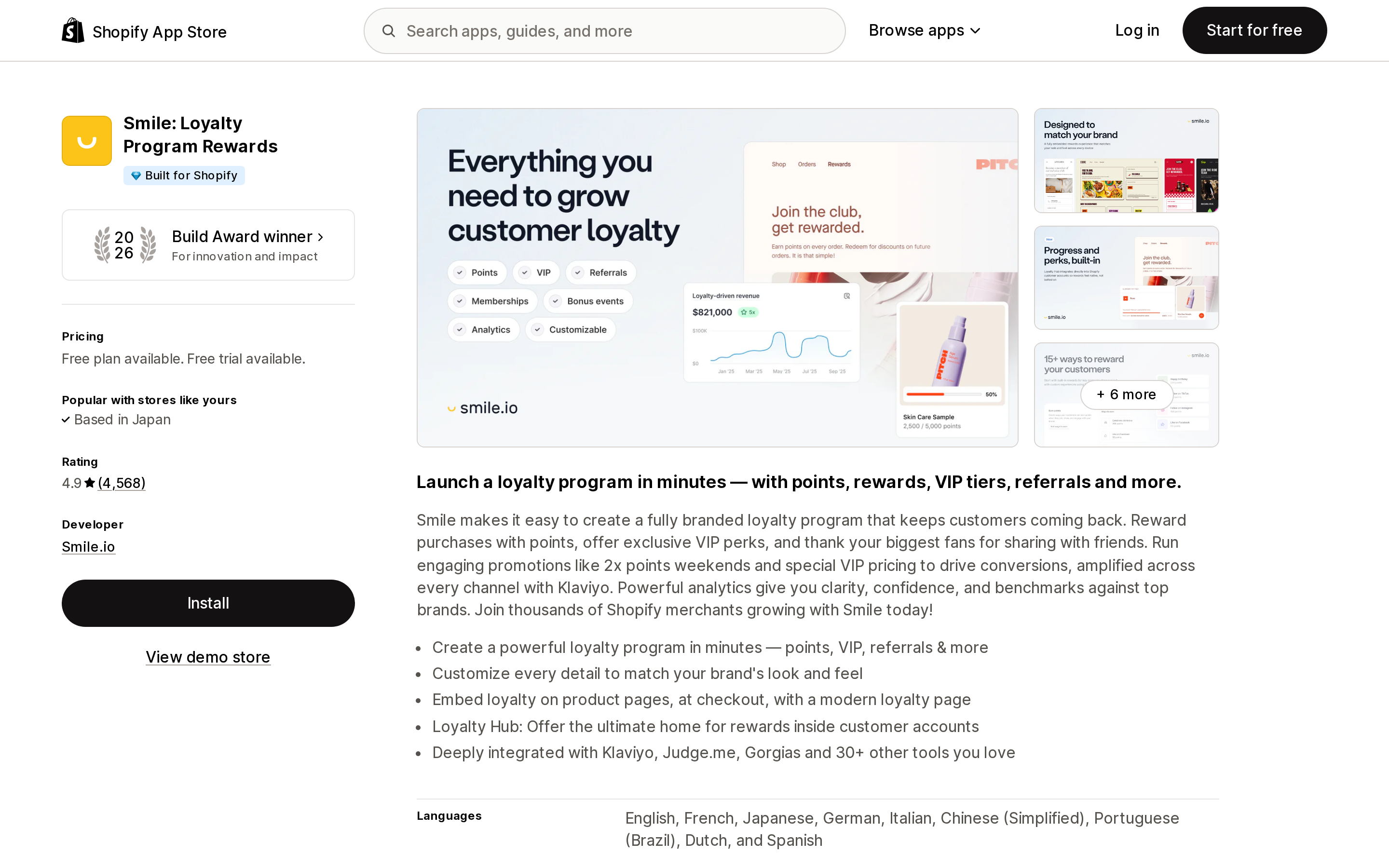
Source: Shopify App Store (Smile: Loyalty Program Rewards), retrieved September 9, 2026
Rated 4.9 from 4,562 reviews, carries the Built for Shopify badge, launched December 2, 2014. Free plan up to 200 monthly orders; Essential $15/month (500 orders); Standard $79/month (1,000 orders); Growth $199/month (2,500 orders, then $20 per additional 100 orders).
Leaving Smile.io is the well-lit path. Its documentation tells you to export customers and points balances from the Customers page, which produces "a CSV file containing your customers' email addresses and points balances." That file is what Rivo, BON Loyalty, LoyaltyLion, and Joy Loyalty all expect you to arrive with.
Arriving at Smile.io is self-serve: Customers → Adjust points totals, then choose Add points to existing customer balances or Reset existing customer balances. Reset is the one you want for a migration; Add is how you double everyone's balance by accident.
Smile.io publishes the three specific losses, and they generalize across the category:
- "Points history doesn't transfer." Only current balances move. The customer's earning and redemption record is gone.
- "VIP tier history doesn't transfer." You can import a customer's current tier, but not how or when they earned it.
- "Unused discount codes don't transfer." If you're moving between stores on the same platform, existing codes may keep working until they expire, depending on your expiry settings. Smile.io's advice — export the List of discounts created by Smile report filtered to Unused before you move — is the only vendor guidance in this set that addresses outstanding codes at all, and the same precaution applies no matter which direction you're going.
Two second-order effects worth planning for. First, if your VIP program uses points earned as the milestone type, a points adjustment can push customers into a new tier and trigger that tier's entry reward. Second, customers receive no notification from a CSV import — except VIP tier-change emails, when tiers and those emails are both on. So the same import that stays silent for most of your list can fire a burst of tier emails at the rest.
One more thing to price before you commit: on Smile.io, VIP tiers and Points expiry are Growth-plan features at $199/month. Importing a tier column into a plan that can't run tiers accomplishes nothing.
LoyaltyLion
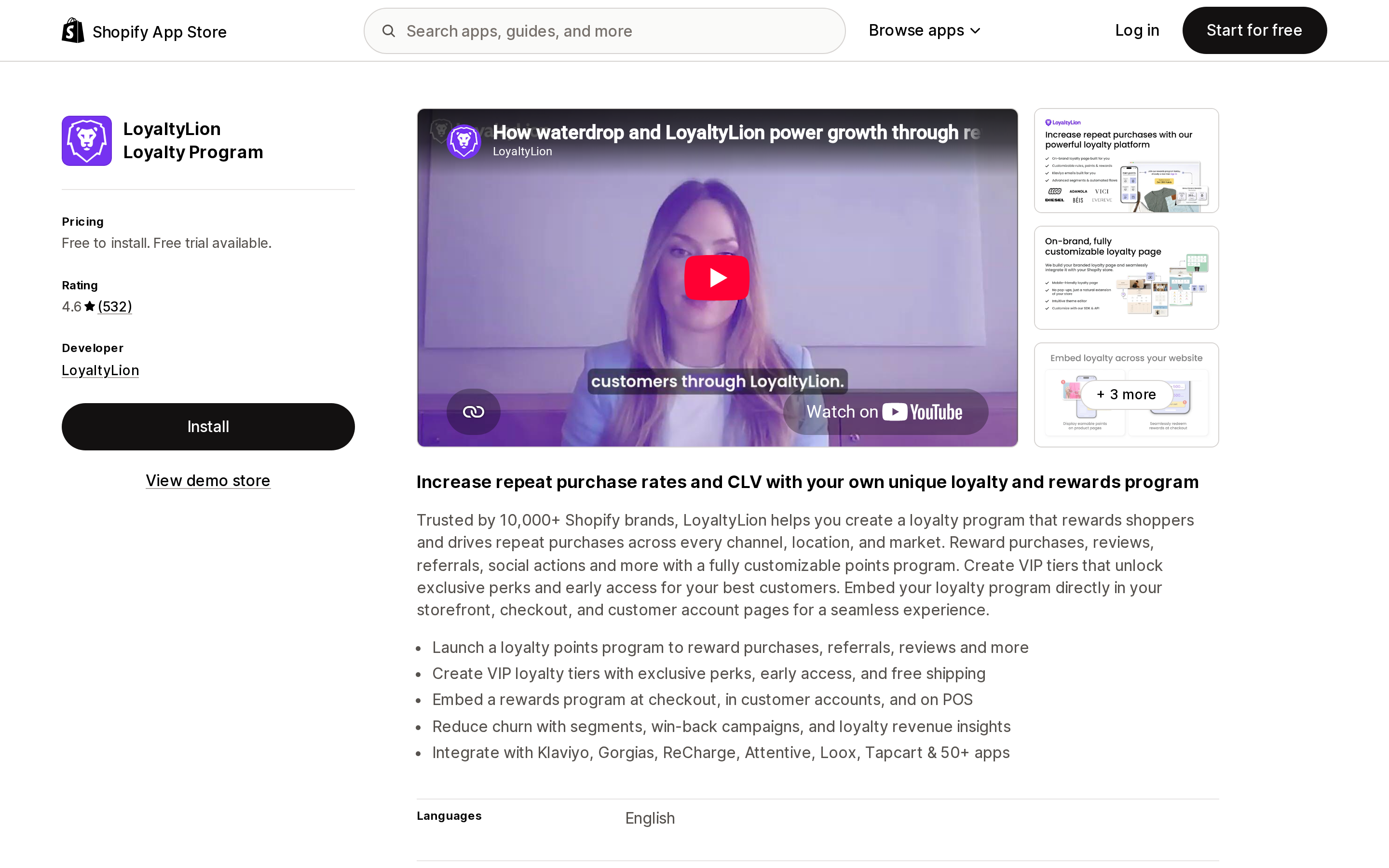
Source: Shopify App Store (LoyaltyLion Loyalty Program), retrieved September 9, 2026
Rated 4.6 from 532 reviews, launched July 7, 2014, listed as Free to install. The paid Classic plan is $199/month; the free tier covers 400 monthly orders, and above 500 orders per month the listing directs you to a custom quote for Advanced or Plus.
LoyaltyLion is the most assisted migration in this set and the least self-serve. You confirm with your onboarding manager that you're ready to launch, export from your old program, build the two-column file, and send it in. On the small business or classic plans, support handles it.
The FAQ contains the constraint nobody advertises: "We can import customers' emails, points and tiers. Unfortunately, we can't import customers' historic orders. LoyaltyLion will start tracking your customers' order history once you launch the program."
Read that as a warning about tier thresholds. If your tiers are defined by lifetime spend, and LoyaltyLion's lifetime-spend clock starts at launch, then every customer's tier has to be imported explicitly — because the platform cannot recompute it from history it doesn't have. That's why tier position is a separate file, and why skipping it quietly demotes your best customers to entry level.
The documentation is also candid that the import is the small part: rules, rewards, tiers, point multipliers, redemption options, and any SDK customizations all have to be rebuilt by hand.
Rivo
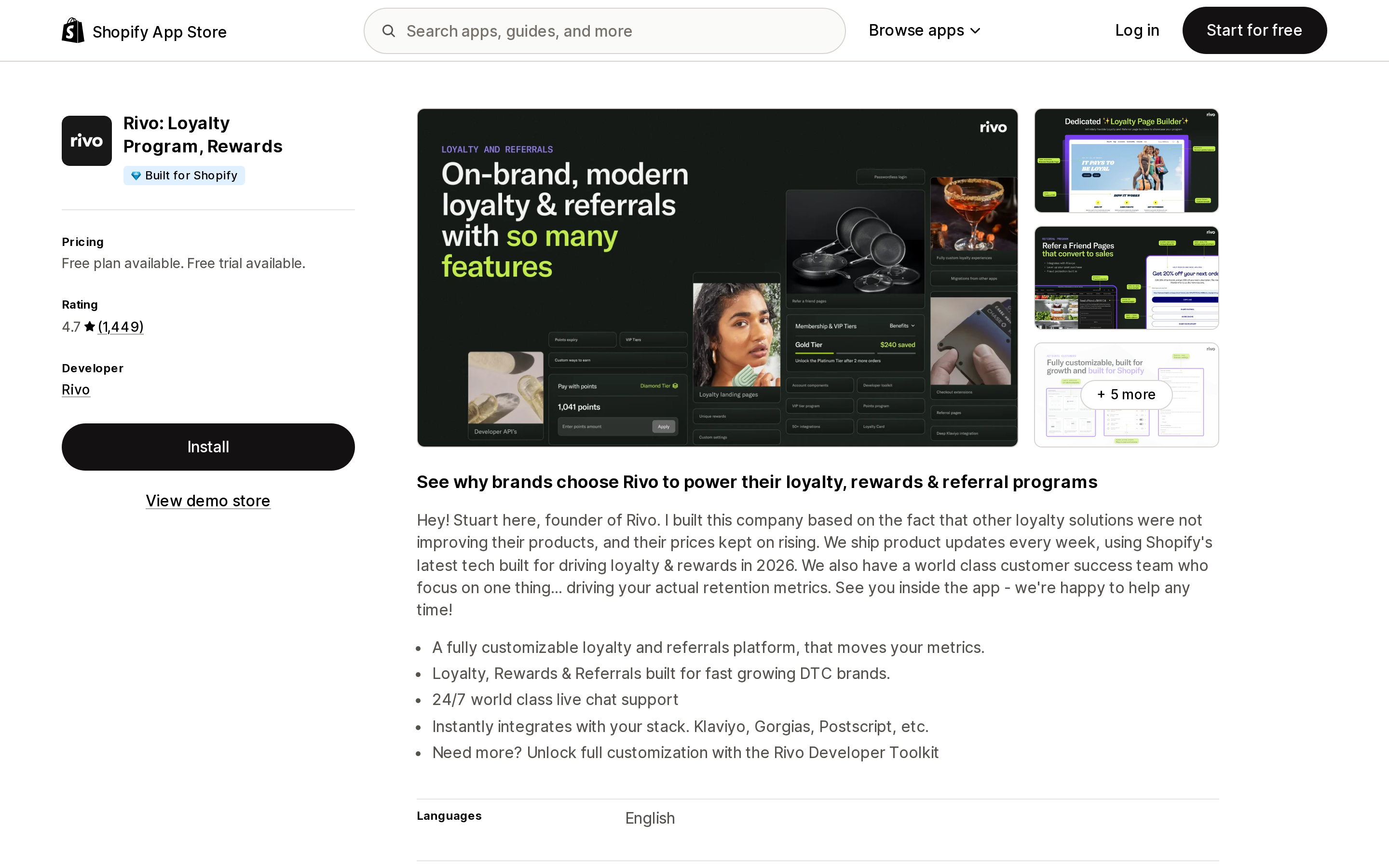
Source: Shopify App Store (Rivo: Loyalty Program, Rewards), retrieved September 9, 2026
Rated 4.7 from 1,448 reviews, carries the Built for Shopify badge, launched January 18, 2021. Free plan up to 200 monthly orders; Essential $15/month (500 orders); Scale $49/month (400 orders included, then $20 per 100, capped at $499/month); Plus $499/month (2,500 orders). The order allowances are listed exactly as published — Scale includes fewer orders than Essential but adds overage capacity and the tier engine.
Rivo is the only app in this set that publishes API-based automated migrations, and they exist for exactly two sources: Yotpo and LoyaltyLion. You supply credentials — a Loyalty GUID and Loyalty API Key for Yotpo, an API Token and Secret or API Key for LoyaltyLion — and the import runs in the background.
What the Yotpo flow carries is a different category of thing from a CSV:
- Customer loyalty records and history
- Points balances and point history
- Historical activity entries, which keep Yotpo's original wording rather than being rewritten
- VIP tier memberships, when tier names match in Rivo
- Birthday and enrollment dates when available
- Reward redemption history where possible
- A post-migration comparison of points balances, VIP tiers, and redemptions
- Optional expiration for migrated points, if you set a date in advanced settings
That last item is the only mechanism in this entire article that addresses expiry on migrated balances. Everywhere else, imported points arrive with a clean slate and no expiry — which quietly extends your liability.
The conditions are specific. Conversion into production data can begin once your remaining customer count drops below 100, and for Yotpo "your loyalty and VIP programs must be disabled first." Tier name mismatches block conversion until resolved. Practically: create your Rivo tiers with byte-identical names before you start, or the tier data won't land.
Rivo's CSV fallback is explicitly weaker, and the help center says so: it imports balances, store credit, birthday, enrollment date, VIP tier name, and loyalty status, but "does not import the full Yotpo history or redemption history that the automated migration can bring over." Rivo also asks you to keep CSV uploads under 50MB for best performance, and says uploads may take up to an hour depending on file size.
Note that VIP Tiers and Points Expiry begin at Rivo's Scale plan, $49/month — the cheapest tier engine of the five apps here.
BON Loyalty
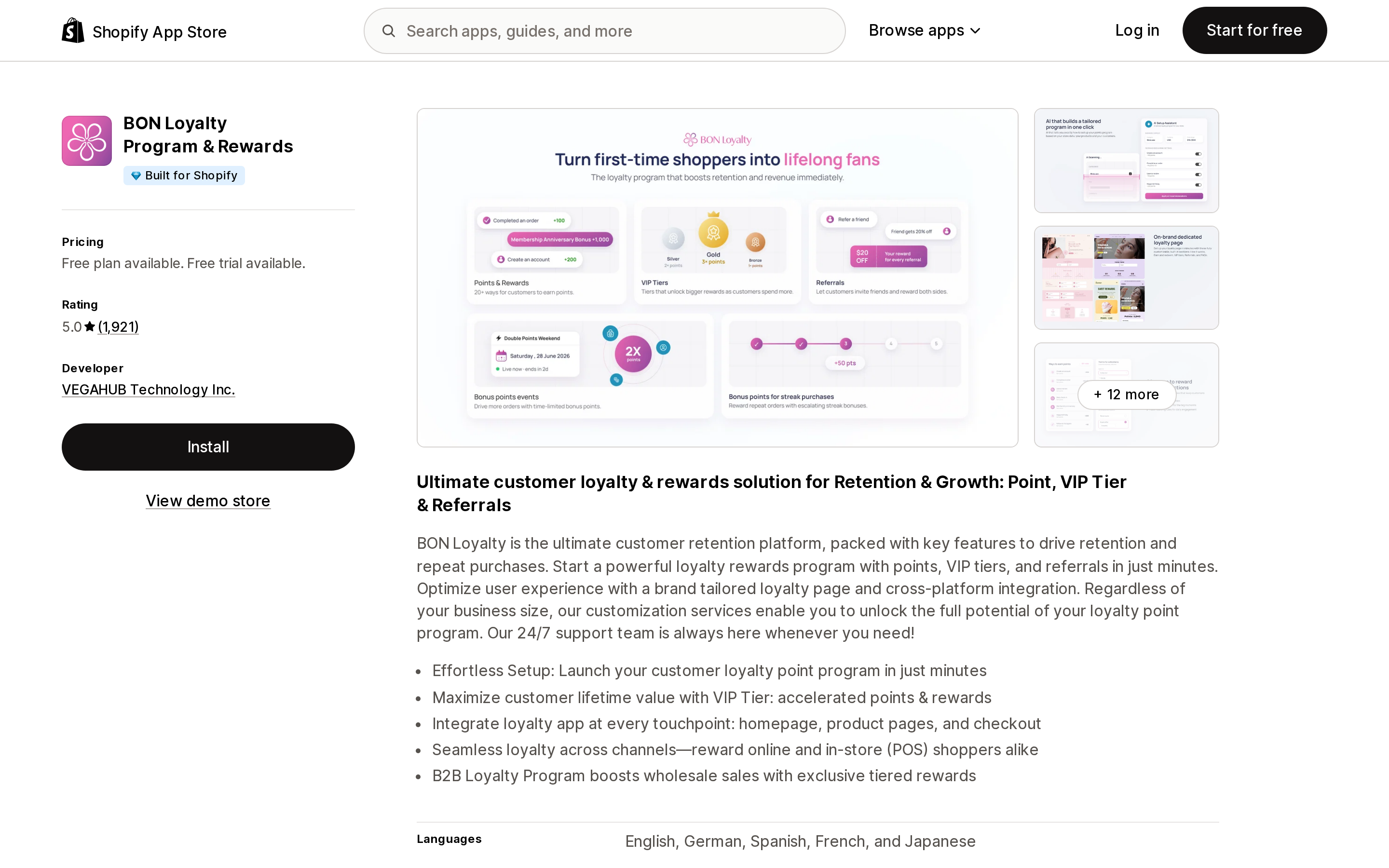
Source: Shopify App Store (BON Loyalty Program & Rewards), retrieved September 9, 2026
Rated 5.0 from 1,921 reviews, carries the Built for Shopify badge, developed by VEGAHUB Technology Inc., launched August 16, 2021. Free plan up to 150 monthly orders; Starter $15/month (300 orders); Basic $29/month (500 orders, or $324/year); Growth $129/month (unlimited monthly orders, or $1,236/year).
BON Loyalty's import is deliberately not self-serve. You navigate to Customer Data → Import data, select the app you're coming from, and then contact support by live chat or email to have the file processed. Support confirms data mapping before the transfer runs, and notifies you by chat or email when it completes.
The required CSV is three fields — Shopify Customer IDs, customer emails, and whole-number points — with a documented caveat that email alone is sufficient and the Shopify ID is optional but speeds things up. Their guidance for stranded data is honest: "If you're unable to export the points balance, please contact the support team of your previous app to assist with the export."
One App Store review from August 17, 2026 describes what an assisted migration of this size actually feels like. The merchant, Regency Spices, wrote: "We have migrated over from Smile with ~30,000 customers rather than a fresh setup so it was definitely complex." The same review notes needing the support team's help throughout setup. That is a single review and shouldn't be read as a general benchmark — but it is a useful calibration on effort for a five-figure member list.
BON Loyalty's VIP tiers and B2B tier program start at the Growth plan, $129/month.
Joy Loyalty
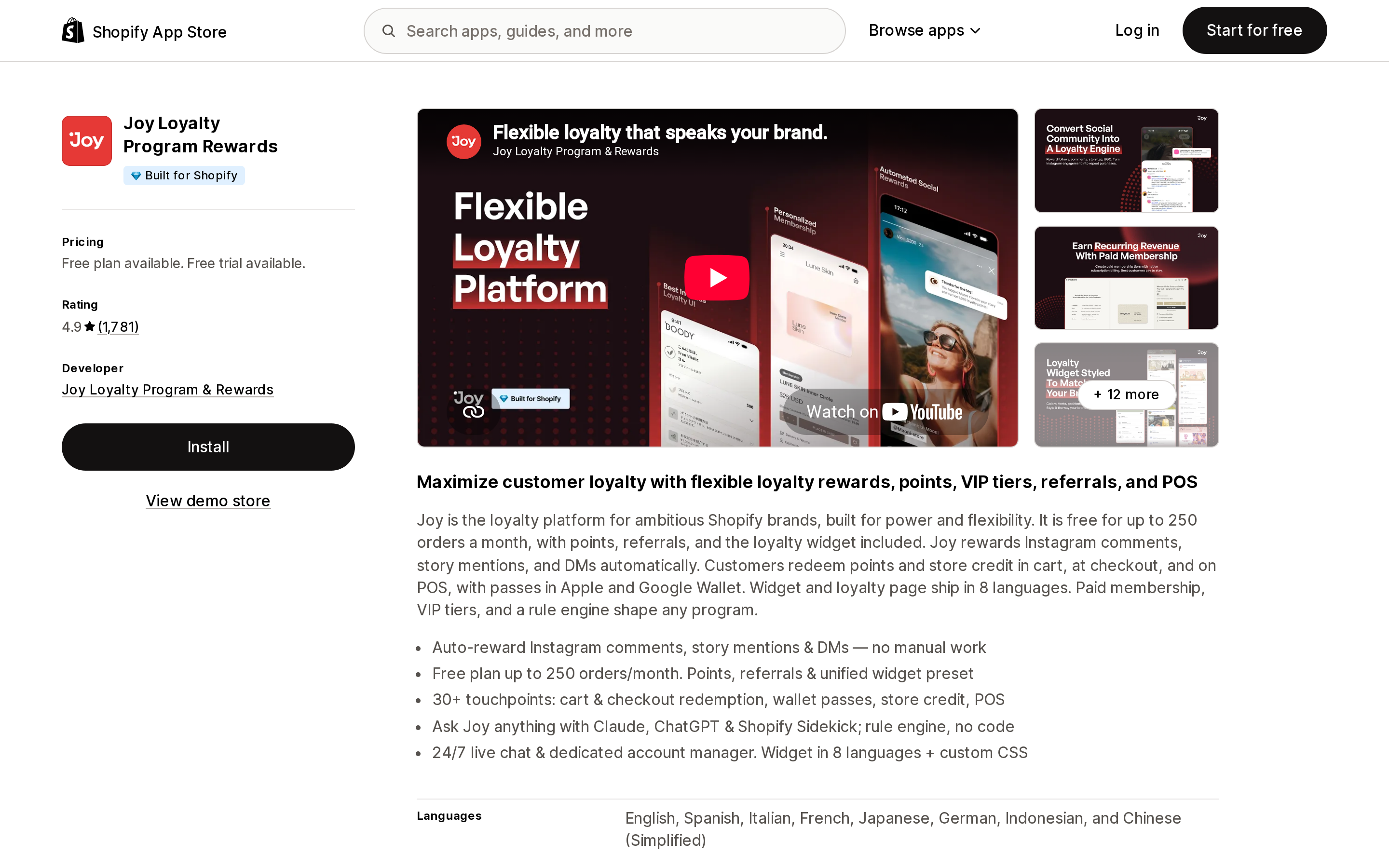
Source: Shopify App Store (Joy Loyalty Program Rewards), retrieved September 9, 2026
Rated 4.9 from 1,783 reviews, carries the Built for Shopify badge, developed by Joy Loyalty Program & Rewards (Avada Group), launched June 28, 2021. Starter plan free up to 250 monthly orders; Essential $29/month (500 orders, then +$15 per 100); Advanced $129/month (2,000 orders, then +$10 per 100); Ultimate $499/month (7,000 orders, then +$5 per 100).
Joy Loyalty documents the most detailed self-serve migration UI in this set — and it's the only one that's a paid feature. Its documentation states the migration feature "is available for: Essential, Advanced and Ultimate plans." The free Starter plan can't run it.
There's a second gate inside the feature. Joy's own tier documentation draws the line: "Your basic customer import feature is only available for importing points and Birth dates. Contact our Customer Success Agents to enable the advanced migration features." So tier migration is paid and gated behind a support request.
Once enabled, the flow is genuinely better than a blind upload. You pick your source app from a list — Smile, Rivo, Yotpo, Stamped, LoyaltyLion, BON Loyalty, Appstle Loyalty & Rewards — upload the file, map your columns to Joy attributes, set VIP tier rules and thresholds, and run it. The published field list is the widest in this article: customer name, VIP tier, birth date, email, customer status, points balance, and phone.
The part worth copying regardless of which app you choose is the error handling. Joy reports successful and failed import counts, and produces a downloadable failed_import file with a Status column and per-row error messages, which you correct and re-upload. Joy's documentation puts tier sync at 5–6 minutes on average, up to 20 minutes.
Joy also flags something the others don't: from its Smile migration guide, "If the customer list exported from the loyalty program managed by Smile is missing the VIP tier field, you can contact Smile's team for support in exporting the customer file with all necessary fields." The self-serve export may not contain everything the destination can accept.
VIP tiers and B2B/wholesale tiers start on Joy's Advanced plan, $129/month.
Migration capability, side by side
| Smile.io | LoyaltyLion | Rivo | BON Loyalty | Joy Loyalty | |
|---|---|---|---|---|---|
| Import method | Self-serve CSV | Send file to onboarding manager / support | Automated API (Yotpo, LoyaltyLion) + self-serve CSV | Support-run import | Self-serve wizard with column mapping |
| Required fields | email, points only | email, points | Varies by flow; CSV fallback available | Shopify Customer ID, email, points (whole numbers) | Mapped from your file |
| Current points balance | Yes | Yes | Yes | Yes | Yes |
| VIP tier (current) | Yes, separate CSV | Yes, separate file | Yes, when tier names match | Not stated in the app's official documentation | Yes, advanced migration must be enabled by support |
| Birthday | Yes, separate CSV | Not stated | Yes, when available | Not stated | Yes |
| Points / earning history | No | No | Yes, via automated flows only | Not stated | Not stated |
| Redemption history | No | No | Where possible, automated flows only | Not stated | Not stated |
| Expiry on migrated points | Not stated | Not stated | Optional, set in advanced settings | Not stated | Not stated |
| Unused discount codes | Explicitly no | Not stated | Not stated | Not stated | Not stated |
| Migration available on free plan | Yes | Free to install; support-assisted | Yes | Yes | No — Essential and above |
| Documented error reporting | Progress bar and email confirmation | Onboarding manager confirms | Migration Status page; CSV import status | Support notifies by chat or email | Downloadable failed_import file |
| Tier engine starts at | Growth, $199/month | Classic, $199/month | Scale, $49/month | Growth, $129/month | Advanced, $129/month |
"Not stated" means the vendor's public documentation does not address it, which is not the same as "no." Ask before you commit.
The three things that break after a clean import
Assume the numbers land correctly. Three problems still arrive.
Unredeemed discount codes outlive the app. Most loyalty apps issue redemptions as Shopify discount codes. Those codes are Shopify objects, not app objects. When you uninstall, Smile.io documents that codes may continue to work until they expire, depending on your expiry settings. So a customer who redeemed 2,000 points last week still has a working code — and their 2,000 points also just landed in the new app, because the export captured the post-redemption balance but not the outstanding code. You've paid twice. Export the unused-discount report before you leave, and decide deliberately whether to honor those codes or delete them in Shopify.
Expiry resets, and your liability grows. If your old program expired points after 12 months, that clock lived in per-transaction records. A balance-only import produces one fresh number with no history and no expiry. Every dormant balance you were about to expire is now permanent. Rivo's optional migrated-points expiration is the only documented remedy; otherwise, this is a decision to make in the spreadsheet — before import, not after.
Customers find out on their own. With no notification firing, your first signal that the balance mapping was wrong will be a support ticket. Send a scheduled email before the cutover explaining the change and the date, and spot-check real customer accounts immediately after the import rather than trusting a row count.
Where Shopify's native store credit changes the calculation
Shopify does not offer a native loyalty program. It does offer native store credit, and for some stores that reframes the problem entirely.
Store credit is activated by default and controlled from Settings → Customer accounts. Once issued, customers apply it at checkout when signed in through customer accounts or using Shop Pay, and it works on the online store, Shopify POS, and the Shop channel. Crucially, it produces an Outstanding store credit balance report in your admin — a liability number the platform maintains, not one you have to trust an app to hand back.
The constraints are real and worth knowing before you build a program on it:
- Only the full store credit amount can be applied to an order. Customers can't spend part of a balance.
- You can issue less than $15,000 USD on a single customer account.
- It can't be used on draft orders or edited orders. To let a customer spend credit on an admin-created order, send a checkout link.
- It isn't available for legacy customer accounts.
- For stores created on or after May 12, 2025, orders paid with store credit incur third-party transaction fees on the store-credit portion — waived on Shopify Plus with Shopify Payments active.
- Expiry is set per issuance. There is no store-wide default expiry and no built-in automation, unlike gift cards.
- Customers can use store credit on the initial purchase of a subscription, but not on recurring bills.
Several apps here can issue Shopify store credit as a reward — the App Store lists store credit as a reward type for Rivo, Joy Loyalty, and LoyaltyLion, and both Smile.io and Joy Loyalty request the "Edit store credit" permission on their listings.
Rivo publishes a documented path for converting an existing points program to store credit, and it's instructive because it's blunt about the cost. Balances reset to $0.00, the Points tab disappears from customer profiles, the activity table is cleared, and analytics counters are reset. Rewards history, sent emails, and VIP tier statuses survive — the last of those "unless you modify the tier thresholds or use Points earned as the entry method." The process is a full export-convert-reimport cycle Rivo says can take up to an hour, and it leaves you to rewrite every reference to "points" across emails, translations, and widgets by hand. There is also no way back: "There isn't a supported revert path from store credit back to points."
If you're already planning a migration and have been considering currency-denominated rewards, doing both at once is worth costing out — you're paying the disruption tax either way. But it is a one-way door.
How to choose
Coming from Yotpo or LoyaltyLion, and history matters: Rivo is the only app here with a documented automated flow for those two sources, carrying point history, activity entries, and redemption history rather than a balance snapshot. Create your tiers with exactly matching names first.
You want to run the import yourself, on your schedule: Smile.io and Rivo both expose upload UIs on their free plans. Joy Loyalty does too, but only on Essential ($29/month) and above — and tier migration needs Customer Success to enable it.
Large member list, messy data, no internal appetite for CSV surgery: BON Loyalty and LoyaltyLion both run the import for you and confirm mapping before it executes. You trade schedule control for a second pair of eyes on a file that isn't reversible.
You need per-row error reporting: Joy Loyalty's downloadable failed_import file with per-row error messages is the most explicit reconciliation tool documented in this set.
Budget is the constraint and you need tiers: Rivo's Scale plan at $49/month is the cheapest published entry point for VIP Tiers and Points Expiry among these five. Smile.io's tier engine starts at $199/month.
Your program is really a store-credit program wearing a points costume: price out moving to Shopify's native store credit instead of a fifth points ledger. You'll get a platform-maintained liability report and checkout-native redemption — at the cost of partial redemption, draft orders, and a $15,000 per-account ceiling.
Before you export anything
- Export your current balances and the unused-discount-code report from the app you're leaving.
- Reconcile the total points liability to a number you can check against after import.
- Confirm in writing what the destination will and won't carry — particularly tiers, expiry, and history — since most of it isn't in public documentation.
- Create tiers in the destination with names that match the source exactly.
- Decide what happens to outstanding discount codes: honor or delete.
- Decide whether migrated points expire, and set it during import if the destination supports it.
- Email your members before the cutover.
- Spot-check real accounts after import. Row counts don't catch a decimal error.
The most consequential fact in this article is the shortest one, and it's Smile.io's: CSV imports are not reversible. Whatever you get wrong on the first pass, you'll be correcting one customer at a time.
Sources
- Move a Smile loyalty program to a new eCommerce platform — Smile.io Help Center
- Import points via CSV file — Smile.io Help Center
- Migrating from a different loyalty program — LoyaltyLion Help Center
- Migrating from another app? Start here — Rivo Help Center
- Migrating from Yotpo — Rivo Help Center
- Migrating from Loyalty Lion — Rivo Help Center
- Migrating from Smile.io — Rivo Help Center
- Migrating from points to store credit — Rivo Help Center
- Moving from Other Loyalty Apps to BON — BON Loyalty Docs
- Import data — BON Loyalty Docs
- Migration — Joy Loyalty Help Center
- Migration from Smile to Joy Loyalty — Joy Loyalty Help Center
- Migrate Tiers — Joy Loyalty Help Center
- Store credit — Shopify Help Center
- Smile: Loyalty Program Rewards — Shopify App Store
- LoyaltyLion Loyalty Program — Shopify App Store
- Rivo: Loyalty Program, Rewards — Shopify App Store
- BON Loyalty Program & Rewards — Shopify App Store
- Joy Loyalty Program Rewards — Shopify App Store
Shopify added a Bin name column to the inventory CSV on August 25, 2025. It holds one bin per variant per location, it is created only by CSV import, and it prints on Order Printer pick lists. What it does not do is leave Shopify. Shopify staff confirmed on the developer forum in October 2025 and again in January 2026 that there is no public API access to the field, and the developer forum was still reporting the gap in June 2026. That single fact shapes the whole category: EasyScan and iPacky store bins in metafields, Bins-USA and ShelfPilot store them in their own databases, and a free app called Simple Bin Locations copies metafield bins into order notes so packing slips can show them. Shopify's own multi-bin model, with per-bin quantities and an unbinnedQuantity field, exists today only as a feature preview on development stores. Pricing, plan gates, and where each app keeps the bin data, verified on the Shopify App Store, the Shopify Help Center, shopify.dev, and the Shopify community forums on September 18, 2026.