
What you will learn
On this pageContentsCloseOpen
You have a few thousand Shopify customers and a sales team that lives in a CRM. Connecting the two sounds simple, but you hit three unknowns at once: which objects actually move across, which direction they move, and what the connector costs once real order volume hits it.
That last one is the messiest, because every app in this category meters something different. One bills per order synced per month. One bills per successful automation task. One is a flat $4.99. HubSpot does not bill on Shopify volume at all — it bills on your contact tier, which raises the question merchants are actually worried about: does pushing 40,000 Shopify customers into HubSpot blow up the bill?
Below: what Shopify gives you without any app, the documented answer to that HubSpot question, a field-level map of what its sync does and does not carry, and eight CRM connector apps compared on price, billing denominator, and stated object coverage. Prices, ratings, and review counts are as of September 3, 2026, in USD.
What Shopify gives you natively, and where it stops
Shopify's Customers area is a customer record system. It creates a profile when someone signs up for the mailing list, creates an account, places an order, or starts a checkout and abandons it. Each profile carries addresses, tags, a free-text Customer Note that is staff-only, and a timeline of store events.
You also get customer segments — "dynamic, rule-based customer lists" built with ShopifyQL, with membership that updates automatically — plus bulk edit, CSV import and export, profile merge, and, on plans that support B2B, companies and company locations with their own tax IDs, catalogs, payment terms, and contacts. Shopify even provides Company ID and Location ID fields for external system IDs: "You can add an existing external ID if you're syncing B2B data in Shopify to other systems, such as ERP, or create your own unique ID."
If you only need to segment and market to people who already bought from you, that is genuinely enough, and a connector adds cost without adding capability.
What Shopify's Customers documentation does not cover is the object set a sales team needs. No deal or opportunity, no pipeline stage, no forecast. No task object and no rep-owned activity log — the timeline records store events, not outbound sales activity. No lead object either: a record only becomes a Shopify customer through signup, an account, an order, or an abandoned checkout, so a cold prospect from a trade show list has no home.
One native constraint matters directly for CRM hygiene: a customer profile cannot be deleted if the customer is associated with any order, which is most of them, and orders can never be reassigned between profiles because "Orders are permanently associated with the customer account that placed them." Merge is the only cleanup path, and it is irreversible.
Every CRM connector has to clear protected customer data review
This is the shared precondition for all eight apps below. Reading customer name, address, phone, or email puts a public app at Level 2 under Shopify's protected customer data rules: a request through the Partner Dashboard, compliance with both Level 1 and Level 2 requirements, and participation in data protection reviews. The protected data types Shopify enumerates include Customers, Orders, Checkout, shipping rates, shipping and fulfillment, webhooks and metafields, Online Store comments, and gift cards.
The failure mode is quiet. Shopify's documentation states that requests to unapproved types return an HTTP 200 response with an error message in the errors hash, and that for approved types, "Responses will include only approved fields, and unapproved fields will be redacted" — its own examples show a redacted field arriving as null inside that 200. A connector without approval for a field does not fail loudly, it hands back empty values. If a newly installed connector is producing contacts with blank phone numbers, check this first.
The billing fact most comparisons miss
If you have hesitated to connect Shopify to HubSpot because a bulk customer import might push you into a higher contact tier, HubSpot's knowledge base answers that directly, and the answer is no — not by default.
Marketing Hub bills on a contact tier measured in marketing contacts: "Only marketing contacts count toward your contact tier and impact the cost of your subscription. Any contacts you don't plan on marketing to can be set as non-marketing contacts, which don't count toward your contact tier, and you aren't charged for them."
Then the specific rule for integrations: "Any integration or API sets contacts as non-marketing by default." A companion article restates it in app terms: "When you install an app that syncs contacts to HubSpot, it'll set these contacts as non-marketing by default."
So syncing Shopify customers into HubSpot does not by itself move your bill. What moves it is a per-app opt-in toggle at Settings, then Integrations, then Marketing Contacts — and "only contacts created after the toggle has been switched on will be created as marketing contacts." If you have been quoting a contact-tier increase as the cost of connecting Shopify, that line item is probably not real until someone turns that toggle on.
What actually syncs: HubSpot's published object map
HubSpot is the one app in this set that publishes a dated, field-level sync specification, which makes it a good illustration of how partial these integrations are. Its knowledge base article was last updated June 22, 2026.
| HubSpot object | Direction | Shopify object |
|---|---|---|
| Contacts | Two-way | Customers |
| Companies | Two-way | Companies |
| Products | Two-way | Products |
| Orders | Shopify to HubSpot only | Orders |
| Carts | Shopify to HubSpot only | Abandoned Checkouts |
The documented gaps are as important as the map:
- Metafields are excluded. "Shopify meta fields are not supported for sync via the Shopify Data Sync app." If you model business-critical data in metafields, it does not travel.
- Product variants cannot sync. "Shopify product variants can't sync to HubSpot." Variant-level CRM reporting is off the table.
- Companies require Shopify Plus. "Company sync is only available for Shopify Plus subscriptions." Matching is by normalized company name.
- Latency has a floor. "After the initial sync is complete, records will sync within 10 minutes of a change." Not real time.
- Deletions do not propagate. For contacts HubSpot documents both directions: deleting a HubSpot contact created from Shopify will not delete the Shopify customer, and deleting a Shopify customer will not delete the HubSpot contact. For companies and products it documents only one direction each — deleting in HubSpot does not delete in Shopify, and a product deleted in Shopify is not deleted in HubSpot. Either way, a CCPA or CPRA erasure needs a separate step on the CRM side. Shopify does forward its own erasure requests to installed apps, but that is a redaction request, and how each app honors it is not visible from a listing.
- Orders and carts do not dedupe. "Order sync doesn't automatically identify or merge duplicate records," and turning sync on re-runs everything matching your filter, which can duplicate records you already imported. Contacts dedupe by email address; products by normalized name.
One install-time side effect: "By installing the Shopify (Data Sync) integration, the HubSpot tracking code will be added to your Shopify store automatically."
Eight CRM connector apps compared
None of these eight listings carries a Built for Shopify badge as of September 3, 2026. Review volume here is thin enough that ratings carry almost no information: three apps have zero reviews, two have one, one has two, HubSpot has six, and only Zapier's 56 is a sample worth characterizing. Ratings below are reported with their counts for that reason, not as a ranking.
| App | Entry price | Top listed tier | Billing denominator | Free plan | Free trial | Rating (reviews) |
|---|---|---|---|---|---|---|
| HubSpot | Free | $4,700/month (Enterprise) | HubSpot subscription tier / marketing contacts | Yes | — | 1.0 (6) |
| CRM Perks: Salesforce Sync | $19/month | $39/month (1,000 orders) | Orders/month plus published overage | No | 7 days | 5.0 (2) |
| Zoho Sync by CRM Perks | $19/month | $39/month (1,000 orders) | Orders/month; overage not stated | No | 7 days | 1.0 (1) |
| Skylio ‑ CRM Connector | $9.99/month | $24.99/month (unlimited orders) | Orders/month plus custom-field count | No | 7 days | 5.0 (1) |
| Pipedrive connector | $4.99/month | $4.99/month (only tier) | Flat monthly; no cap stated | No | 14 days | 0.0 (0) |
| Shophop: Salesforce Sync | $50/month | $50/month (only tier) | 1,000-order blocks | No | None listed | 0.0 (0) |
| Zapier: Workflow Automation | $29.99/month | $103.50/month (Team) | Tasks (successful actions) | Yes, but not usable with Shopify | 14 days | 3.7 (56) |
| Zoho Packages | Free | Free | None stated | Yes | — | 0.0 (0) |
Stated object coverage, taken from each listing or vendor documentation. A dash means the listing is silent, which is not the same as unsupported.
| App | Customers | Orders | Abandoned checkouts | Products | Variants | B2B companies | Direction |
|---|---|---|---|---|---|---|---|
| HubSpot | Yes | Yes | Yes (as Carts) | Yes | Cannot sync | Yes (Plus only) | Two-way for contacts, companies, products |
| CRM Perks: Salesforce Sync | Yes | Yes | — | — | — | — | One-way to Salesforce |
| Zoho Sync by CRM Perks | Yes | Yes | — | — | — | — | One-way to Zoho |
| Skylio ‑ CRM Connector | Yes | Yes | — | Yes | Feature tag claims it | — | Not stated |
| Pipedrive connector | Yes | Not offered | Not offered | Not offered | Not offered | — | To Pipedrive |
| Shophop: Salesforce Sync | Yes (batch) | Yes (real-time) | Yes | Yes | — | — | Not stated |
| Zapier: Workflow Automation | Depends on the Zap | Depends on the Zap | — | — | — | — | Depends on the Zap |
| Zoho Packages | Yes | Yes | — | Yes | — | — | One-way to Zoho |
What the same order volume costs on different apps
Because the denominators differ, headline prices are not comparable. Two worked examples using the published rates:
| Scenario | App and plan | Calculation | Monthly total |
|---|---|---|---|
| 1,500 orders/month | CRM Perks: Salesforce Sync, Personal | $19 + (1,400 × $0.07) | $117 |
| 1,500 orders/month | CRM Perks: Salesforce Sync, Developer | $39 + (500 × $0.02) | $49 |
| 3,500 orders/month | Shophop: Salesforce Sync, Accelerate | $50 + (3 × $50) | $200 |
| 3,500 orders/month | Skylio ‑ CRM Connector, SKYLIO - UNLIMITED | flat | $24.99 |
Two caveats. On the CRM Perks rows, picking the wrong tier costs more than the gap between the tiers — $117 versus $49 for identical volume. And the Shophop and Skylio rows are not like-for-like: Shophop's listing names abandoned carts and Salesforce Marketing Cloud, which Skylio's does not. Whether a partial order block rounds up is not stated, so treat $200 as the upper reading.
The eight apps, one by one
HubSpot
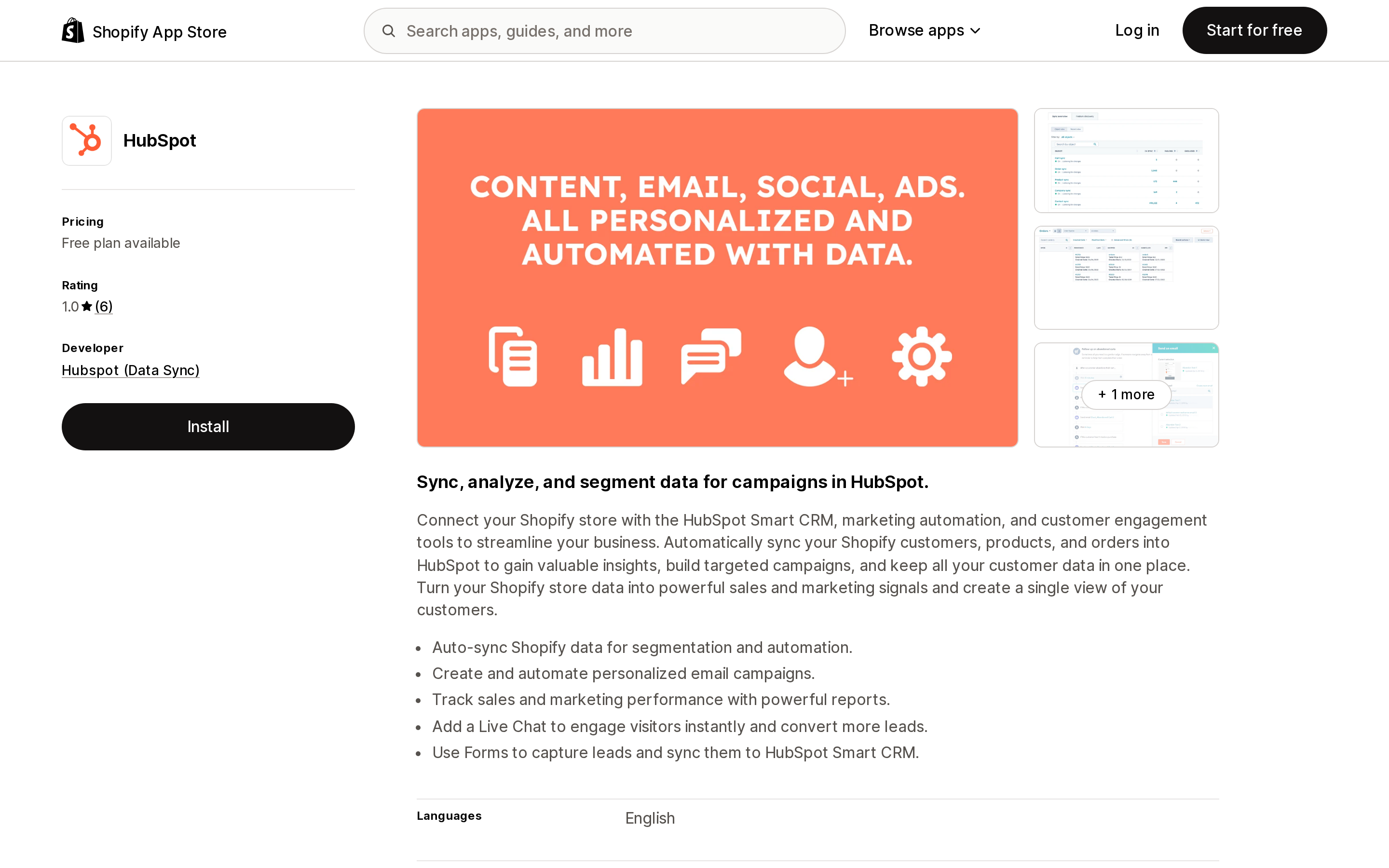
Source: Shopify App Store (HubSpot), retrieved September 3, 2026
Published by Hubspot (Data Sync) out of Cambridge, MA, launched October 10, 2023. Among these eight it is the one with documented two-way sync and the one that syncs Shopify B2B companies, subject to the Plus requirement above. The listing shows Free, Starter at $10/month, Professional at $1,450/month, and Enterprise at $4,700/month without naming which HubSpot hub those tiers correspond to, and warns that "External charges may be billed by Hubspot (Data Sync) separately from your Shopify invoice." Custom field mappings require at least a Data Hub Starter subscription. Its data access panel is the broadest in this set, with edit scopes for customers, products, orders, discounts, companies, store analytics, and the Online Store including theme and script tags — consistent with the automatic tracking-code injection.
The listing carries a 1.0 rating from 6 reviews — five 1-star and one 5-star. The three visible ones (July 20, 2026, US; October 23, 2025, UK; August 14, 2025, Sweden) each describe a connection or setup failure within hours of install rather than a data-quality problem. Six reviews at that usage length is not a basis for a verdict on the underlying integration, which HubSpot documents as current.
CRM Perks: Salesforce Sync
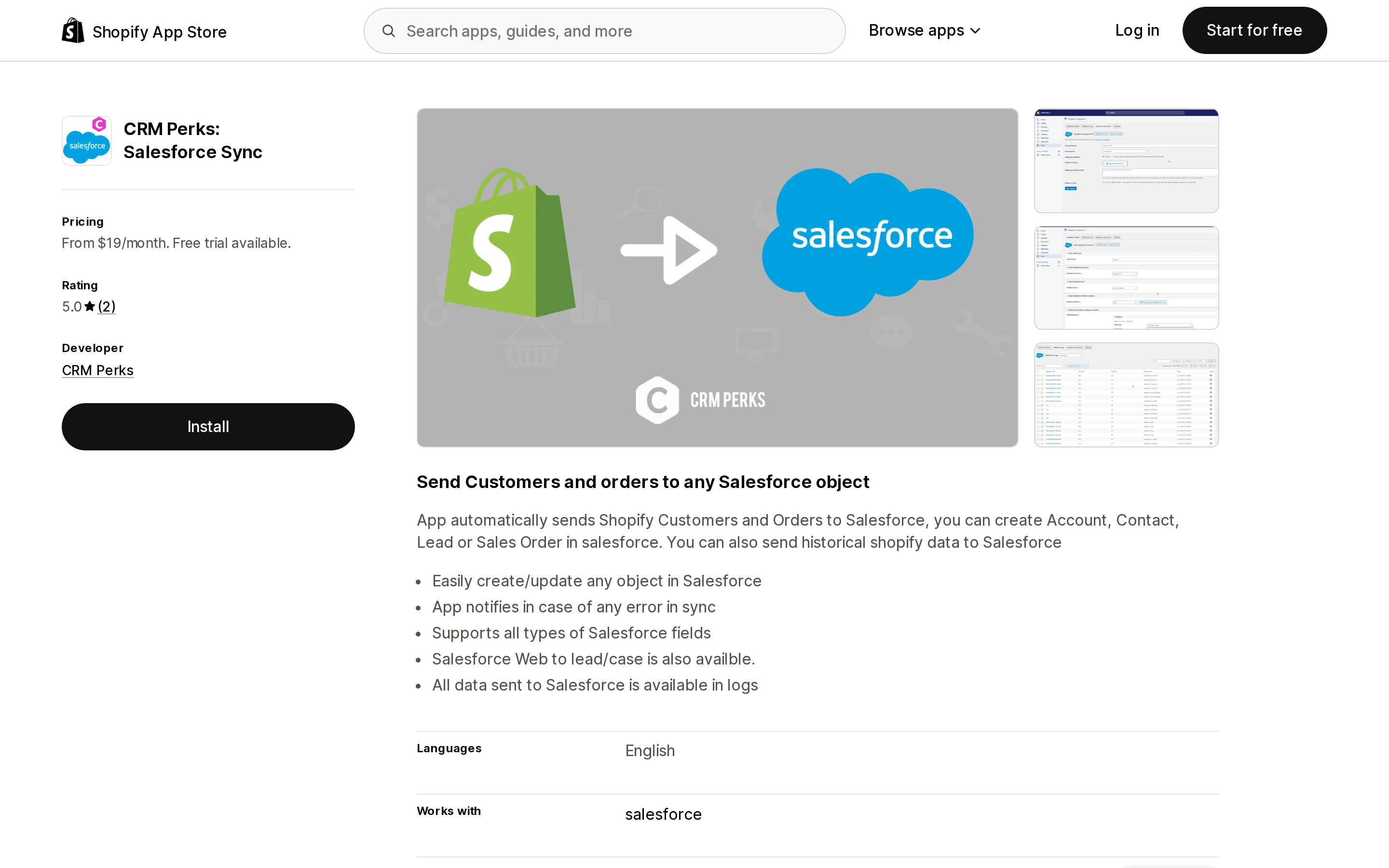
Source: Shopify App Store (CRM Perks: Salesforce Sync), retrieved September 3, 2026
From CRM Perks in Dearborn, MI, launched September 1, 2020. It sends Shopify customers and orders to Salesforce and can create an Account, Contact, Lead, or Sales Order, with a field mapping UI, historical backfill, per-record logs, and error notification. Personal is $19/month for 100 orders, Professional $29/month for 300, Developer $39/month for 1,000 — with published per-order overage of $0.07, $0.05, and $0.02. Among the eight apps here, this is the only listing that publishes a per-order overage rate; Shophop publishes a per-1,000-order block rate instead, and the other six publish nothing about what happens past the cap. That is what makes the cost table above possible.
Its data access panel requests view scopes only, with no edit scope on any store object. That is readable proof of one-way sync before you install, and a check worth running on any connector that publishes the panel. Two reviews, most recent February 14, 2024, both from outside the US; too few to characterize.
Zoho Sync by CRM Perks
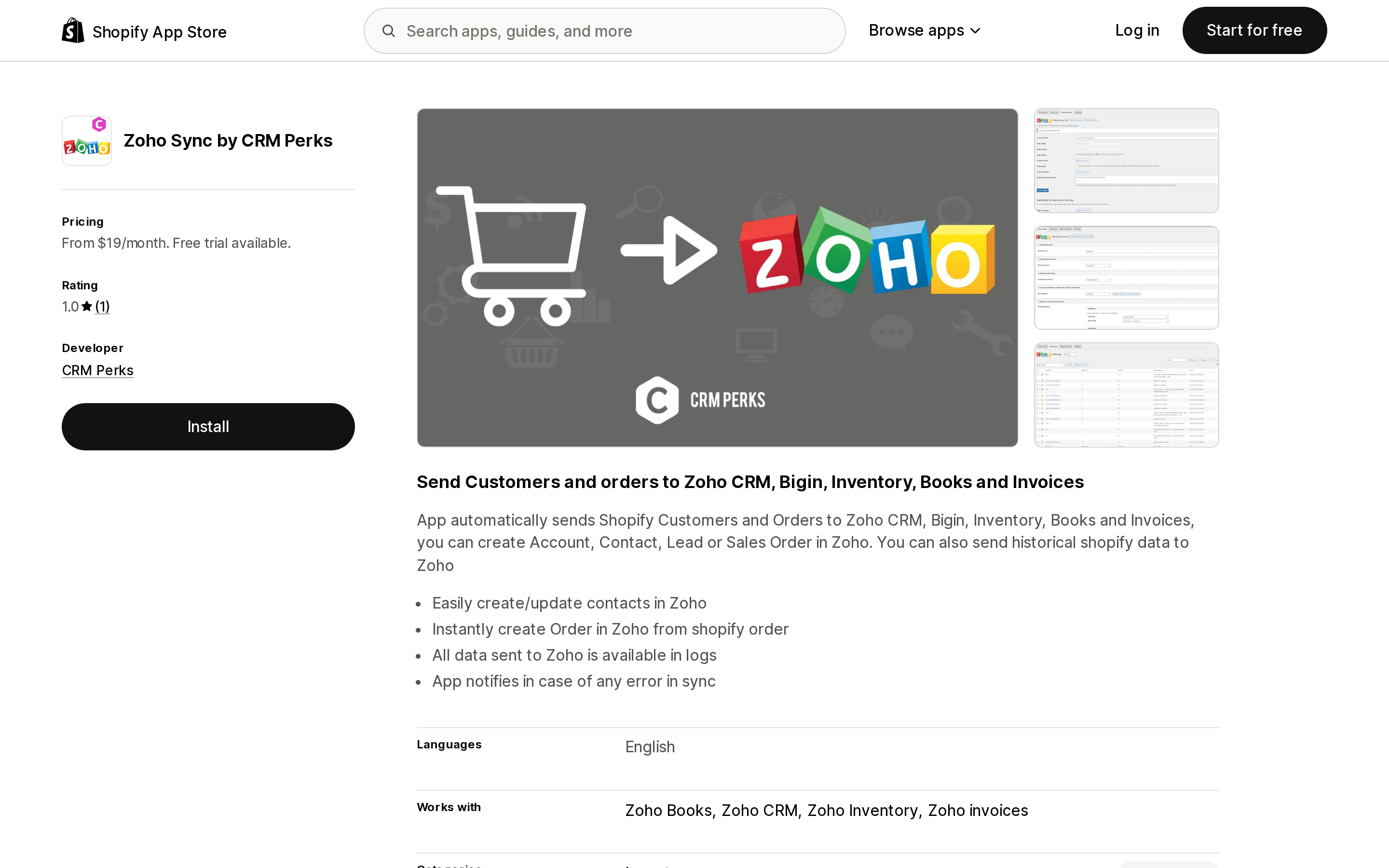
Source: Shopify App Store (Zoho Sync by CRM Perks), retrieved September 3, 2026
Same developer, launched February 21, 2024, reaching Zoho CRM, Bigin, Inventory, Books, and Invoices from one app. Price points and order caps mirror the Salesforce sibling — Basic $19, Professional $29, Advanced $39, for 100, 300, and 1,000 orders per month — but the overage rate is not stated on this listing. What happens past the cap is unpublished, so get it in writing from CRM Perks before you commit.
Its data access panel is narrower than its sibling's — view customers and view orders only — and again view-only. Bulk sync is tagged as a supported sync type here, which the Salesforce app does not claim. One review, December 17, 2025, 1-star, from a US store reporting slow support and that it could not create a note in Zoho per order; that is a merchant's account, not a confirmed limitation.
Skylio ‑ CRM Connector
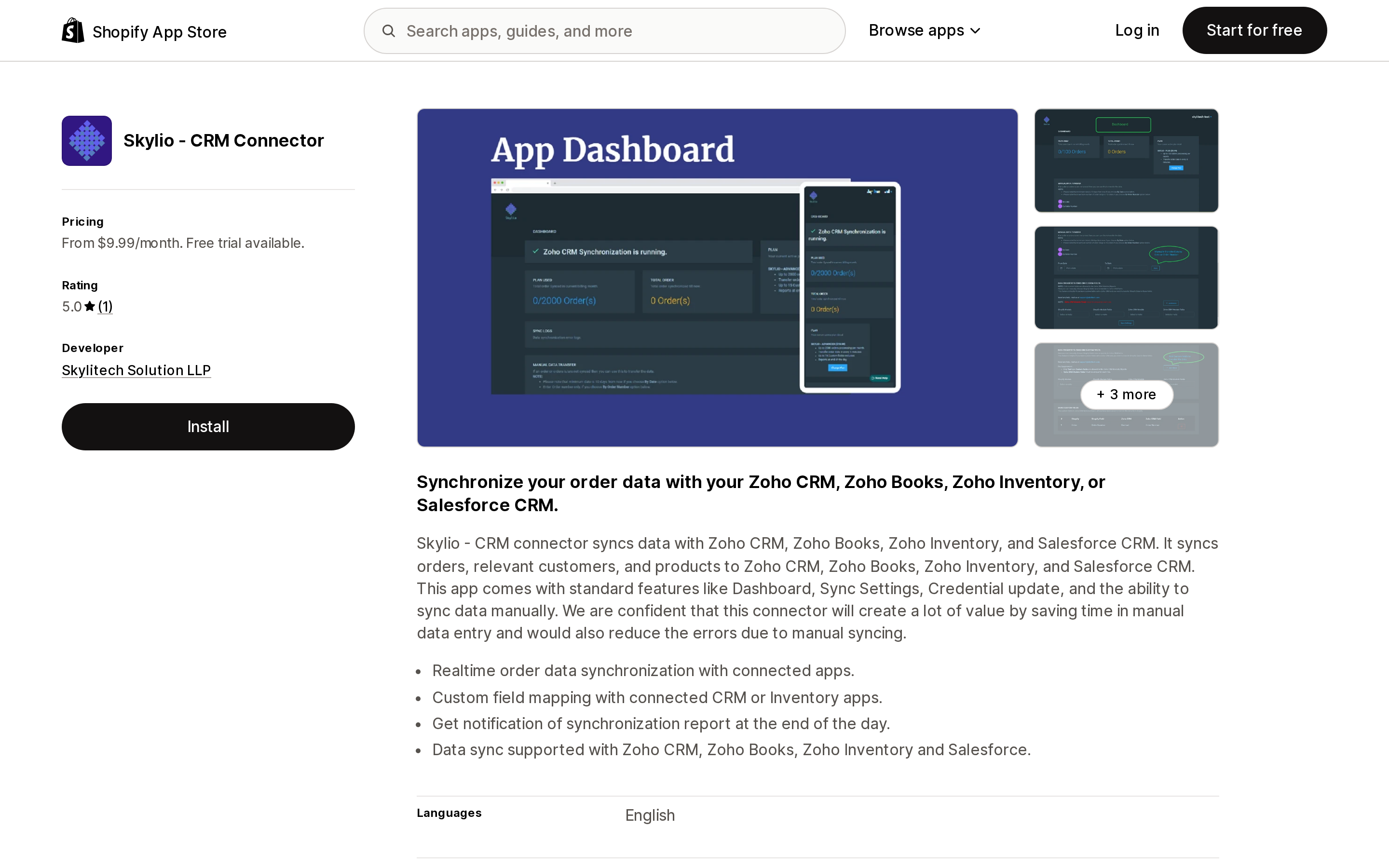
Source: Shopify App Store (Skylio ‑ CRM Connector), retrieved September 3, 2026
From Skylitech Solution LLP in Hampton, GA, launched March 12, 2020, targeting Zoho CRM, Zoho Books, Zoho Inventory, or Salesforce CRM. Its denominator has two axes: orders per month and the number of custom field mappings. SKYLIO - PLUS is $9.99/month for 100 orders; PRO $14.99 for 500 orders and 5 custom fields; ADVANCED $19.99 for 2,000 orders and 15; UNLIMITED $24.99 for unlimited orders and 30. Among the eight apps here, that $24.99 tier is the lowest-priced plan whose listing explicitly states unlimited orders. Pipedrive connector at $4.99 and the free Zoho Packages are cheaper, but neither states a cap either way, which is not the same as stating there is none.
Two things to weigh. The listing contradicts itself on cadence, claiming "Realtime order data synchronization" while three of the four priced tiers state "Sync order every 5 minutes"; the defensible reading is a five-minute polling interval. And it publishes no data access section, so you will not see the scope request until the install consent screen. It is the one listing here whose feature tags claim variant sync, and manual re-sync by date range or order number is a useful repair tool. Its single review is from August 31, 2020 — six years old.
Pipedrive connector
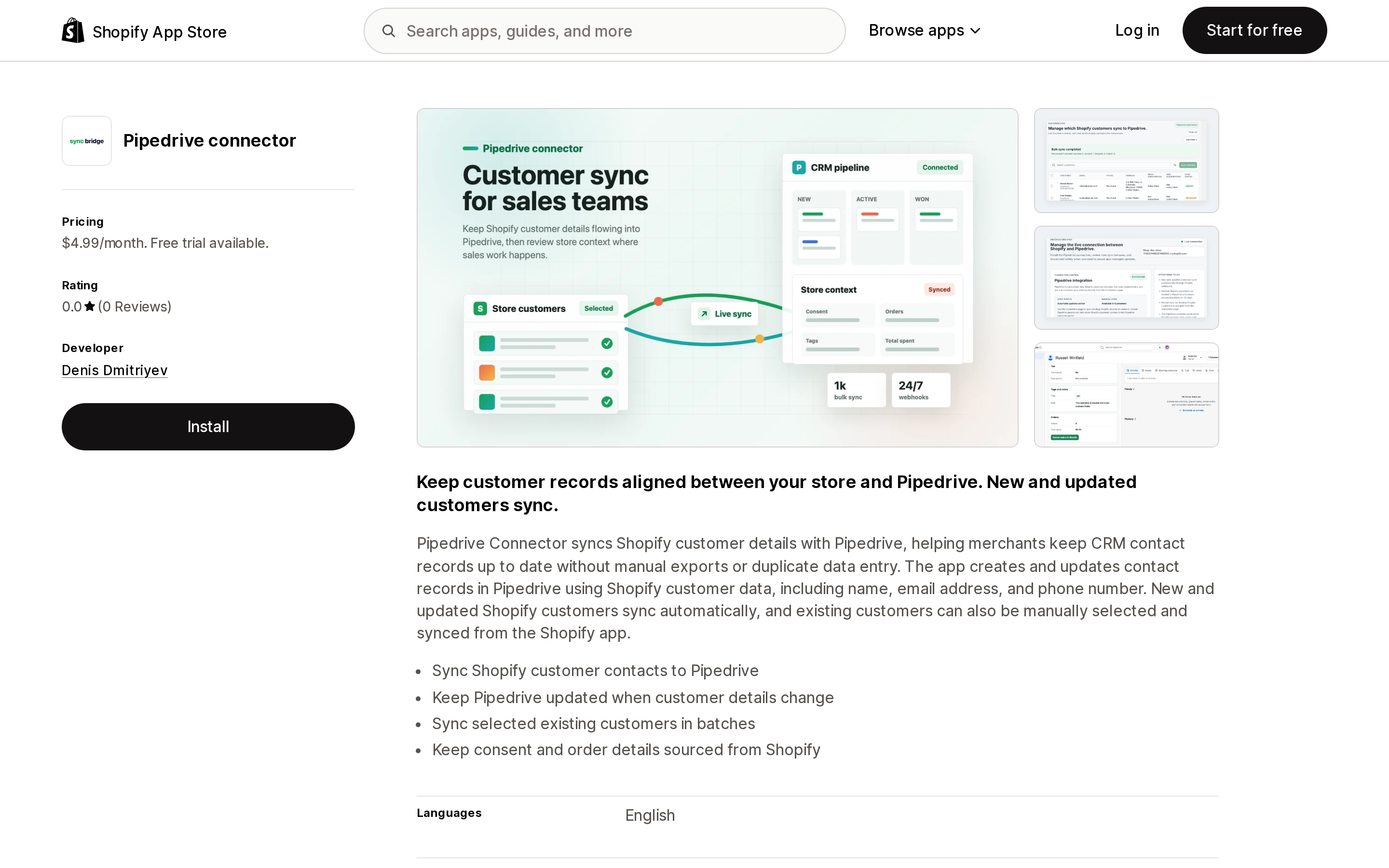
Source: Shopify App Store (Pipedrive connector), retrieved September 3, 2026
Be precise about what this is: published by Denis Dmitriyev, an individual developer in Viimsi, Estonia, launched August 26, 2026 — about a week before this research — with no reviews as of September 3, 2026. Core is $4.99/month or $49/year, with a 14-day trial and no volume cap stated on the listing.
It syncs contact records: name, email address, and phone number. New and updated customers sync automatically, and existing ones can be selected and synced in batches. There is no order sync, no deal creation, no abandoned carts, no products. If your reason for connecting Shopify to Pipedrive is turning orders into deals — the usual reason — this app does not do that. One oddity to flag rather than explain: its data access panel requests an Edit customers scope despite describing a push out of Shopify, and the listing does not say what is written back.
Shophop: Salesforce Sync
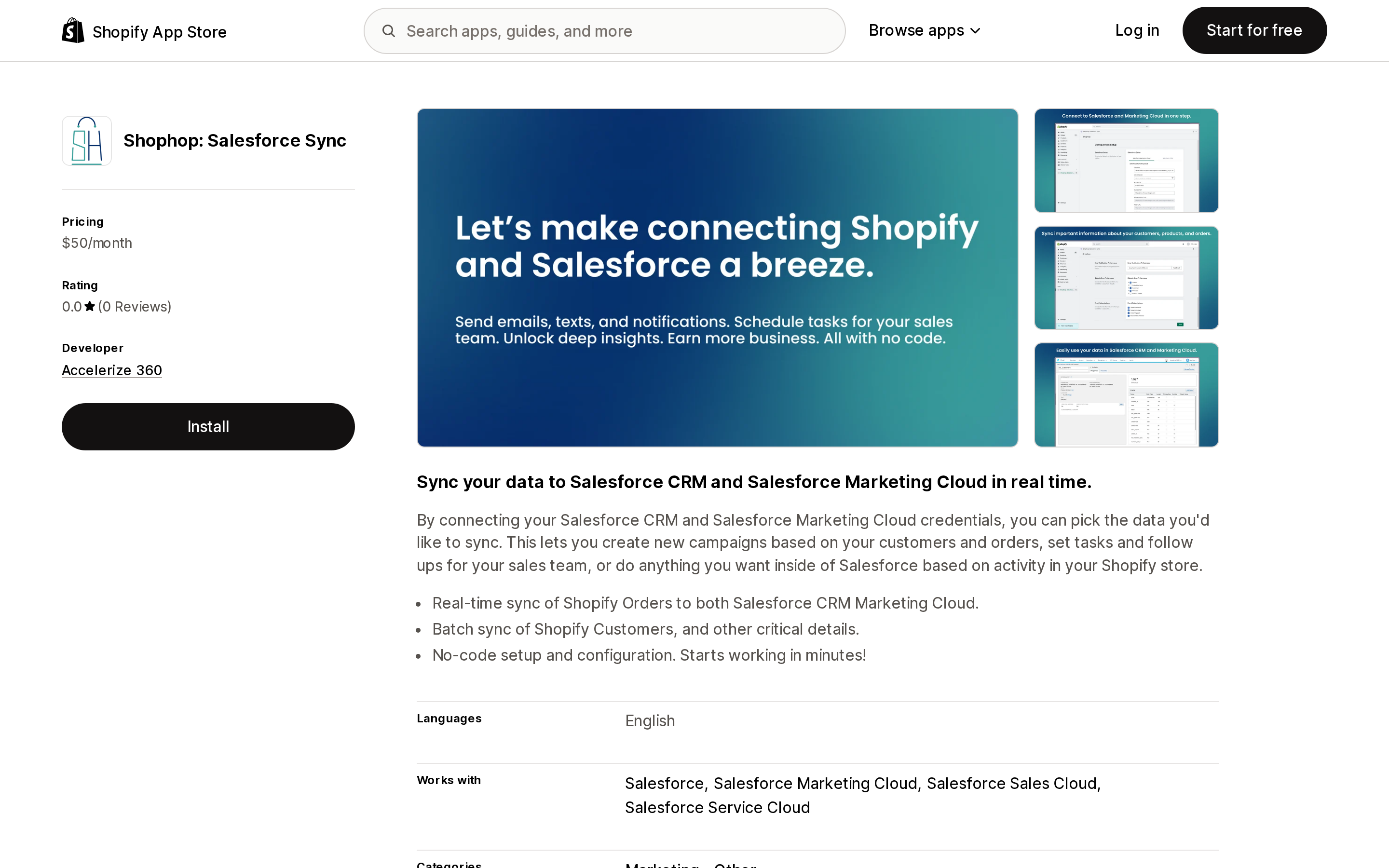
Source: Shopify App Store (Shophop: Salesforce Sync), retrieved September 3, 2026
From Accelerize 360 in Dallas, TX, launched July 27, 2023. A single Accelerate plan at $50/month covers orders, abandoned carts, customers, and products to the Salesforce platform and Salesforce Marketing Cloud, with 1,000 orders included and "$50 per additional 1,000 orders." Order sync is described as real-time and customer sync as batch, with no batch interval stated. Among the non-HubSpot apps here, this is the one whose listing names abandoned carts and Marketing Cloud, which is the reason to pay its floor. Against that: no free trial listed, block pricing that scales poorly, no data access section published, and no reviews as of September 3, 2026, three years after launch.
Zapier: Workflow Automation
Source: Shopify App Store (Zapier: Workflow Automation), retrieved September 3, 2026
From Zapier Inc in Sunnyvale, CA, on the App Store since April 26, 2012. This is the route to a CRM with no dedicated Shopify connector, and the route to Pipedrive deals given what the dedicated Pipedrive app covers.
Two things merchants get wrong. First, the Free plan cannot be used with Shopify — the first line of the Free plan's own feature list on the Shopify listing reads * Shopify requires a paid Zapier plan. Second, the denominator is tasks, not orders: "Tasks are used when a Zap successfully moves data or completes an action for you automatically." Triggers and polling are free — "Zapier never charges you a task to check for new data" — and Zapier's own list of steps that do not count as a task includes Filter, Formatter, Paths, Delay, Looping, and Digest. But a multi-step Zap consumes one task per successful action, so a single order can burn several. What happens at the cap depends on a setting: with pay-per-task billing on, Zapier switches you to it "at a higher per-task rate than your base subscription tasks"; with it off, your Zaps pause until the next usage period.
Sync freshness is plan-gated by polling interval: 15 minutes on Free, 2 minutes on Professional, 1 minute on Team and Enterprise. The listing shows Professional at $29.99/month and Team at $103.50/month, with roughly a third off annually. The available Shopify triggers and actions are not enumerated on the listing, so verify object coverage on Zapier's side first.
At 3.7 from 56 reviews (79% 5-star, 13% 1-star), this is the app here with enough reviews to read patterns from. Two of the three visible reviews, from May and June 2024, describe Shopify-to-Zapier authorization and reconnection failures, one explicitly confirming the other.
Zoho Packages
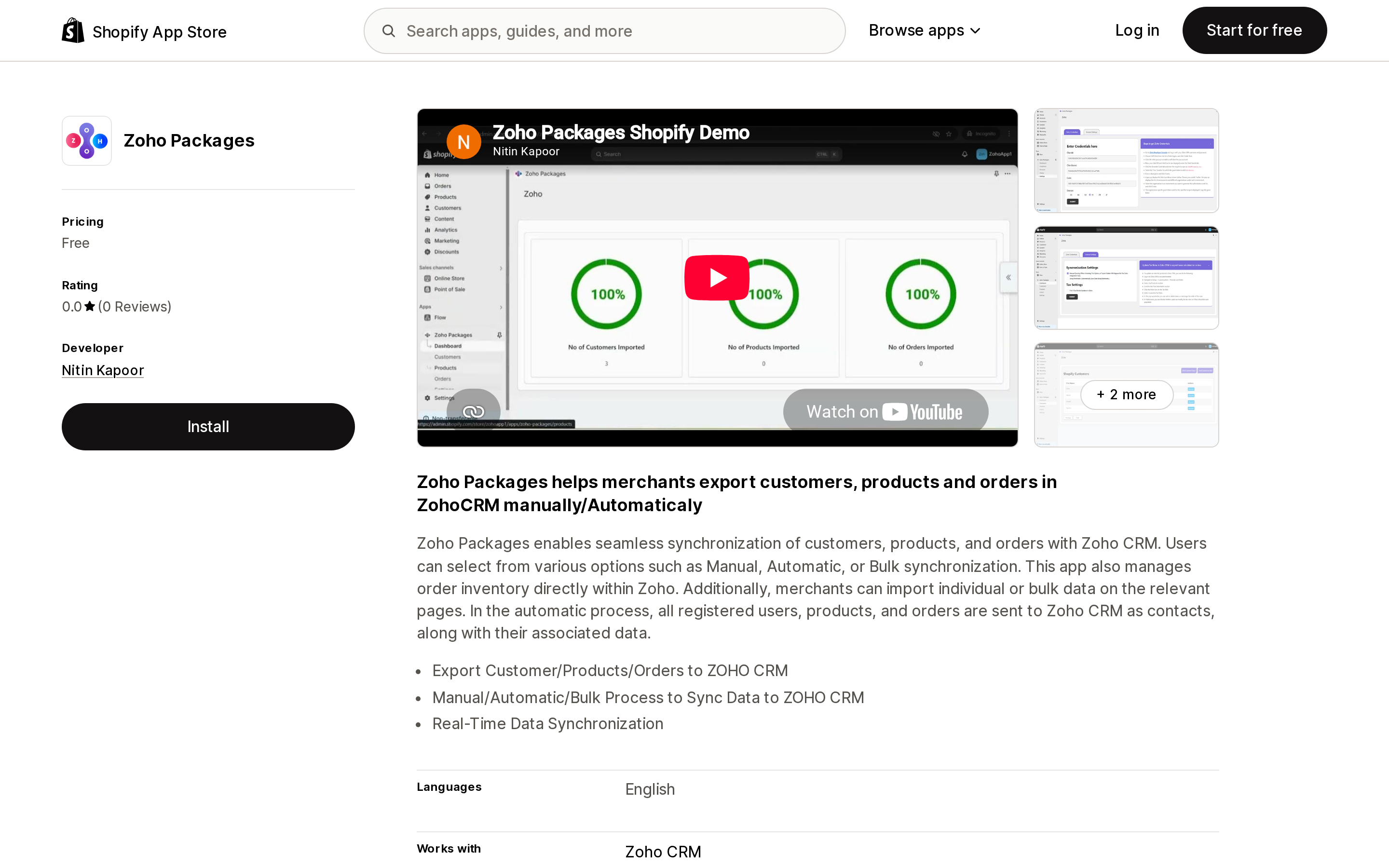
Source: Shopify App Store (Zoho Packages), retrieved September 3, 2026
Published by Nitin Kapoor in Mohali, India, launched October 15, 2024. Free, with no stated record or order cap, exporting customers, products, and orders to Zoho CRM through manual, automatic, and bulk processes — a zero-cost way to test whether Shopify-to-Zoho sync solves your problem before paying for CRM Perks or Skylio.
The listing describes automatic mode as sending "all registered users, products, and orders" to Zoho CRM "as contacts," which is ambiguous enough that you should not plan a Zoho-side object model around it. It claims real-time synchronization without stating a mechanism, publishes no data access section, and has no reviews nearly two years after launch.
How to choose
| Your situation | Pick | Accept |
|---|---|---|
| Only segmenting and marketing to existing buyers | Shopify native | No deals, pipeline, or tasks |
| Already on HubSpot | HubSpot | No metafields, no variants, 10-minute floor, deletions do not cascade |
| Salesforce, under ~1,000 orders/month, need a cost ceiling | CRM Perks: Salesforce Sync | One-way only; no free plan |
| Salesforce, need Marketing Cloud or abandoned carts | Shophop: Salesforce Sync | $50 floor, block pricing, no trial listed |
| Above ~2,000 orders/month, cost-sensitive | Skylio ‑ CRM Connector, UNLIMITED | ~5-minute cadence; no data access panel published |
| On Zoho, testing the idea | Zoho Packages (free) | No reviews; ambiguous Zoho-side mapping |
| On Zoho, need Bigin/Books/Inventory or error logs | Zoho Sync by CRM Perks | Overage rate not published — ask first |
| On Pipedrive, contacts only | Pipedrive connector | No orders, no deals; app is weeks old |
| On Pipedrive and need orders as deals | Zapier: Workflow Automation | Paid plan required; task-based billing |
| Shopify Plus with B2B companies | HubSpot | Company sync is Plus-only |
Whichever you pick, do two things before installing: open the listing's data access panel if it publishes one and confirm the direction matches what you were told, and check the first week of synced records for null fields, which is what an incomplete protected customer data approval looks like from the merchant side.
Sources
- Shopify: Work with protected customer data
- Shopify Help Center: Managing customers
- Shopify Help Center: Customer segmentation
- Shopify Help Center: Creating and managing B2B customers using companies
- HubSpot: Connect HubSpot and Shopify (Data Sync)
- HubSpot: Marketing contacts
- HubSpot: Default marketing statuses for created contacts
- HubSpot: Manage marketing contacts settings for your integrations
- Zapier: Plans and pricing
- Shopify App Store listings for all eight apps, linked in the comparison table above.
Shopify Magic's own media generation tools cover background removal, logo generation, and hero banners — images only, per Shopify's Help Center. There is also an unrelated app literally named 'Magic: Product Photos & Videos' that charges $19.99–$49.99/month and has nothing to do with Shopify. Meanwhile, eight real AI product-video apps bill on five incompatible units: credits, videos, points, a flat $1 per video, and one-time packs with no subscription at all. Normalized to a real cost per finished video, the spread runs from about $0.04 to $1.29 — roughly 32x — and one app's $39–$99/month plans don't disclose a video quota at all. Researched September 6, 2026.