
What you will learn
On this pageContentsCloseOpen
Open Shopify's admin and look for the setting that adds a fee to an order. A tariff surcharge. A $3 handling fee. A 3% credit card fee. A bottle deposit.
It is not there. Not in Settings → Checkout, not in Settings → Payments, not in Markets. Shopify has a Products object, a Discounts object, a Shipping rate object and a Taxes engine. It has no fee object.
That single absence explains everything that follows — why fee apps cost what they cost, why half of them put payment-method fees behind Shopify Plus, why percentage fees behave strangely, and why a merchant can install one of these apps, watch it work perfectly for a month, and still find that a whole class of their orders was never charged.
The only native markup Shopify has, and where it hides
There is exactly one place in Shopify where you can add money to an order without an app, and it is not where anyone looks.
Under third-party carrier-calculated shipping, Shopify lets you mark up a live carrier rate by a flat amount, a percentage, or both. Shopify's help documentation frames it exactly as a cost-recovery tool: if the carrier rate "is too low to cover your packaging and handling costs, you can increase it."
Three things make this a poor general-purpose fee:
It has a plan requirement. Shopify states that carrier-calculated shipping "is available on Shopify Advanced and Shopify Plus plans," and that "Shopify Grow stores can add CCS for an additional monthly fee or by switching to annual billing." Basic stores cannot use it at all.
It only marks up calculated rates. It does nothing to flat rates, free shipping, or local pickup. A customer who selects free shipping pays no handling fee.
It is invisible. The buyer sees one shipping total. There is no line that says "handling fee," which is a problem if your reason for charging the fee is that you have to disclose it.
For a per-product bottle deposit, a tariff pass-through, or a payment surcharge, this native path does not apply at all. Which is why the App Store has a whole category of apps for it.
What every one of these apps is actually doing
The apps do not add a fee, because Shopify has nothing to add. They add a product.
Five of the six apps we checked request the Cart transforms permission in their App Store data-access panel — Shopify's Cart Transform Function API, a server-side function that runs inside checkout. (The exception is Dotstore Extra Fees Manager, whose listed permissions include no Shopify Functions at all and instead include editing the Online Store checkout page.) The API has three operations — lineExpand (split one cart line into several), linesMerge (combine lines into one), and lineUpdate (override a line's price, title, or image). A fee app uses lineExpand to turn one product line into "the product plus a fee line," or lineUpdate to reprice a line upward.
Two consequences fall straight out of the documentation.
First, arbitrary repricing is a Plus feature. Shopify's docs carry the note twice: "Only development stores or stores on a Shopify Plus plan can use apps with lineUpdate operations," and the same restriction on update operations. A non-Plus store's app can add a fee line, but it cannot freely override a price.
That is why percentage fees get weird. If you cannot set an arbitrary amount, you do quantity math against a fixed-price fee variant. A 2022 one-star review of Upcharge Surcharge Fees Tariff describes the result: the app created a $0.01 product and added 600 of them to charge a 3% fee on a $200 order, so "the customer's cart says 601 items in the cart." The developer's public reply confirms the mechanic and describes shipping a "Fee Increment" setting to reduce the quantity by a factor of 10 or 100. In a later reply the same developer wrote that they were "actively working on integrating the Cart Transform API to significantly improve how fees are applied."
A merchant reviewing FeeBee ‑ Bottle Deposit Fees in August 2026 puts the current version of the same trade-off plainly: they were "slightly concerned about the way the fee is bundled rather than calculated dynamically," though in practice it worked for them over seven months.
Second, and more important: fees inherit the Cart Transform API's compatibility table. This is the part no comparison article mentions, and it is published on shopify.dev.
The five places your fee does not get charged
Shopify lists surface-by-surface compatibility for the Cart Transform Function API. Reading it as a merchant rather than a developer:
| Surface | Cart Transform support | What it means for your fee |
|---|---|---|
| Cart, Storefront | Supported | Fee applies |
| Storefront Accelerated Checkout | Supported | Shop Pay, Apple Pay, Buy it now do get the fee |
| Draft Order (Admin and Checkout) | Supported | Fee applies |
| B2B | Supported | Fee applies |
| Checkout | Partially supported | Rejected when a selling plan is present |
| POS | Partially supported | Needs ProductVariant.requiresComponents set to true |
| Subscription (Recurring Orders) | Not supported | Renewals are never charged the fee |
| Pre-order and Try Before You Buy | Not supported | Deferred-payment orders skip it |
| Order Edit (Admin and Checkout) | Not supported | Editing an order does not recalculate it |
| Create Order API | Not supported | Orders written by ERP, marketplace or headless integrations skip it |
The accelerated-checkout row is genuinely good news, and it is the one thing that makes Cart Transform apps better than the older generation. Fee logic that lives in theme JavaScript or a cart attribute gets walked past by a Buy it now click — the same failure mode that breaks terms-and-conditions checkboxes. A Cart Transform function runs on Shopify's servers, so Shop Pay and Apple Pay orders carry the fee. FeeBee's listing states this directly: fees "work with Express Checkout, Shopify POS, and draft orders."
The four "Not supported" rows are the ones to plan around. If you sell subscriptions, your surcharge applies to the first order and to nothing after it. If you run pre-orders, deferred orders skip it. If your support team edits an order, the fee does not recalculate. If an ERP or marketplace connector writes orders through the Create Order API, those orders have no fee at all.
None of this is an app bug, and no vendor can fix it. It is where Shopify has drawn the line. But a merchant who reads a listicle, installs an app, and tests one normal order will not discover it — they will discover it in a reconciliation. One Upcharge reviewer in May 2026 reported the app "worked for approximately 30 days, but then started glitching and stopped working," and that they "lost hundreds of dollars in non-applied taxes." Whatever the cause in that case, fees that silently do not apply are the characteristic failure of this category, and they are hard to notice.
Why payment-method fees cost extra everywhere
Now the second structural fact. If you want a fee that depends on how the buyer pays — a credit card surcharge, a COD fee, a PayPal fee — you need to know the payment method. Shopify exposes that through the Payment Customization Function API.
Read Shopify's own description of what that API does: it lets you "reorder, rename, hide payment methods, set payment terms, and add a review requirement in checkout." Every documented use case is about showing methods differently — hide a method above a cart value, reorder by preference, hide by country, set net terms for a buyer.
There is no operation that adds money. Shopify's payment API cannot charge a surcharge. It can only hide, rename, reorder, and gate.
So a payment-method fee has to be assembled: detect the method with one function, add or validate a fee line with another, and use a checkout validation function to stop the buyer completing an order in a state where the fee is missing. It is a multi-function build that only fully works on the checkout pages — which is why the pricing pages of these apps look the way they do.
Of the six apps we checked, four gate payment-method fees behind a plan that requires Shopify Plus:
| App | Plan that unlocks payment-method fees | Price |
|---|---|---|
| Upcharge Surcharge Fees Tariff | Shopify Plus Plan | $29.99/month |
| Magical Surcharge + Extra Fees | Plus (for PayPal, Shop Pay and COD fees) | $29/month |
| VOL ‑ Surcharge & Product Fees | Plus | $35/month |
| Dotstore Extra Fees Manager | Shopify Plus Plan | $19.99/month |
Four independent vendors converging on the same paywall is not a coincidence, and it lines up with a constraint we have documented before: a non-Plus store in the US and Canada cannot hide, rename, or reorder the credit card field at all. If your plan is to charge American buyers a card surcharge on Basic or Grow, that is the wall you are walking into.
The exception is Surchify: COD & Payment Fees, which states it "works on all Shopify plans." Its approach is different by design: rather than detecting the method and repricing silently, it shows a consent checkbox at checkout and, in its own words, "buyers must accept the fee before completing their order." That is a buyer-consent flow, not an automatic surcharge — a meaningful distinction both operationally and, in the US, legally.
Before you charge a card surcharge in the United States
This is the part where the app is the easy problem.
Shopify's own guidance on passing credit card fees to customers, published September 26, 2025, sets out obligations that have nothing to do with which app you install:
- Notification. Visa, Discover and Mastercard require written notification at least 30 days before you start surcharging. American Express does not require advance notice.
- Disclosure in three places. At the point of entry (the first page of your website), at the point of sale (your checkout page), and as an itemized surcharge line on the customer's receipt.
- Credit only. All states prohibit surcharging debit or prepaid debit cards, including when a debit card is run as a signature transaction without a PIN.
- Caps. The maximum is your actual cost of accepting credit cards. Visa caps surcharges at 3%; Mastercard at 4%; Shopify's guidance also cites a 4% federal limit. The most restrictive applicable limit governs.
- One rate per brand or per product type. You must choose brand-level or product-level surcharging. You cannot charge a base fee for all cards and then add more for expensive card products.
Then the line that matters most for an online store, and that no fee app will handle for you:
If you sell online and your state allows surcharges, you'll need to follow the laws in the state or territory where the customer is located.
Every app in this comparison applies a fee by rule. Several support location conditions. But "legal in the buyer's state, at the cap that state allows" is not a rule any of them ship pre-configured, and Shopify's guidance notes that three states — Connecticut, Maine and Massachusetts — banned surcharges as of 2025, while California, Colorado, Georgia, Kansas, Minnesota, New York, New Jersey, South Dakota and Texas allow them with restrictions. A single flat 3% card fee applied to all US buyers is very unlikely to be compliant.
Shopify's article opens by telling merchants to "consult with an attorney first." That is the right order of operations here: this is one of the few areas in Shopify operations where it is worth paying a lawyer before paying $29/month. Nothing in this article is legal advice. Check your state and your customers' states, read your Shopify Payments Terms of Service, and complete the card network notification before you switch the rule on.
A tariff surcharge, a handling fee, or a bottle deposit carries none of this baggage. Those are just prices. If the fee you need is not tied to a payment method, you have avoided both the Plus paywall and the regulatory problem, and you should be looking at the cheap tier of any of these apps.
The six apps, priced
All prices are billed in USD. Ratings and review counts retrieved September 9, 2026.
| App | Developer | Built for Shopify | Free plan | Entry price | Payment-method fees | Rating |
|---|---|---|---|---|---|---|
| Upcharge Surcharge Fees Tariff | UC Lab LLC | Yes | Dev stores only | $9.99/mo | Plus, $29.99/mo | 4.7 (182) |
| Magical Surcharge + Extra Fees | Magical Apps | Yes | Dev stores only | $9/mo | Card fees in Starter; wallets/COD on Plus, $29/mo | 4.9 (115) |
| VOL ‑ Surcharge & Product Fees | VOL Apps | Yes | Yes, 10 orders/mo | $15/mo | Plus, $35/mo | 5.0 (63) |
| FeeBee ‑ Bottle Deposit Fees | codelayer GmbH | Yes | Dev stores only | $9.99/mo | Not offered | 5.0 (25) |
| Dotstore Extra Fees Manager | Thedotstore | No | No | $11.99/mo | Plus, $19.99/mo | 1.5 (3) |
| Surchify: COD & Payment Fees | Codersy | No | Yes, 50 fee orders/mo | $9.95/mo | All plans, with consent checkbox | No reviews |
Upcharge Surcharge Fees Tariff
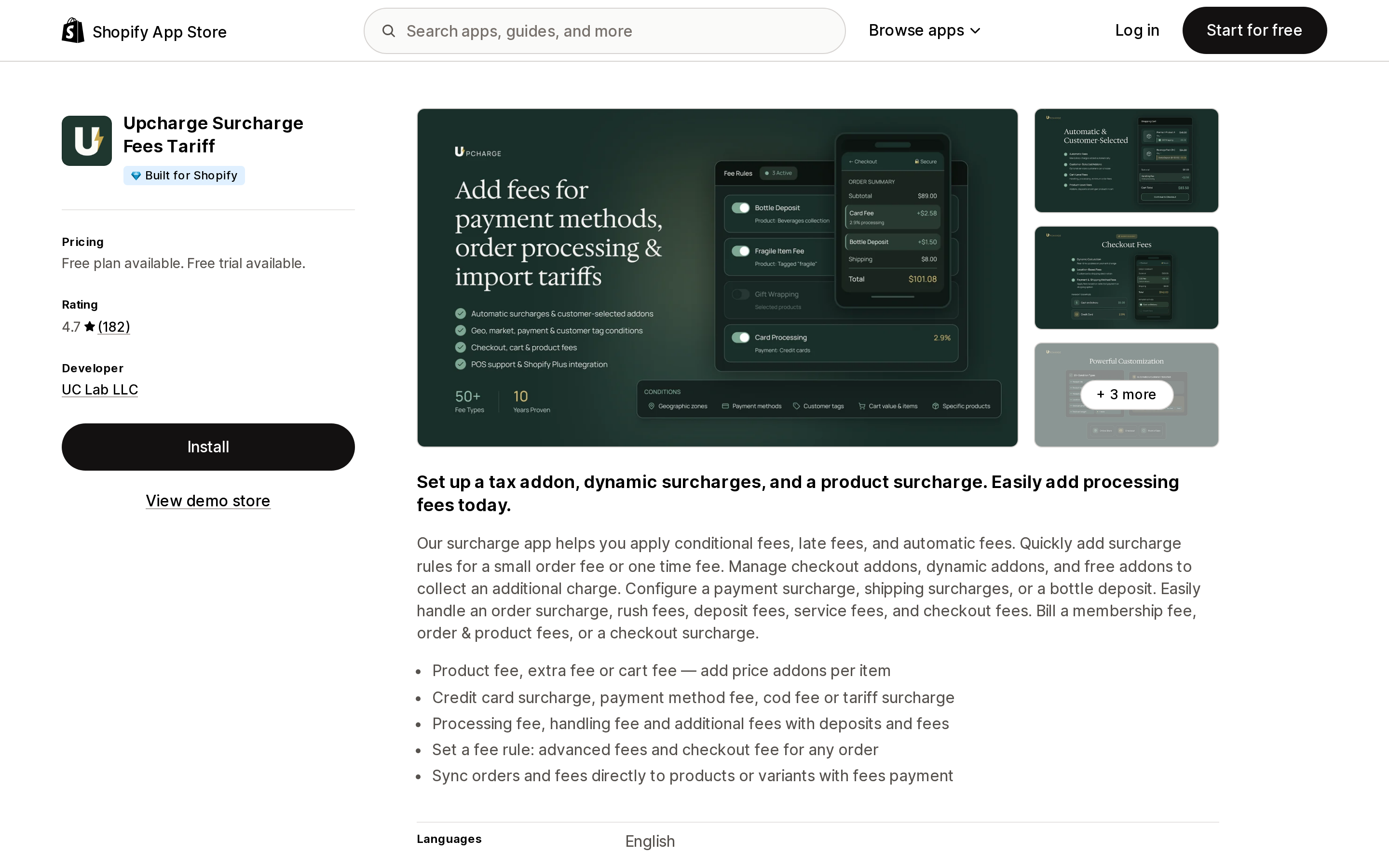
Source: Shopify App Store (Upcharge Surcharge Fees Tariff), retrieved September 9, 2026
The oldest app in the category — the listing gives a launch date of January 22, 2016 — and the one with the most reviews. Basic Plan at $9.99/month covers unlimited fees, fixed and percentage, international tariffs and duties, Markets and location conditions, customer tag conditions, and POS. The Shopify Plus Plan at $29.99/month adds checkout fees, payment- and shipping-method fees, and shipping country and state conditions.
Its 4.7 rating hides the most informative negative reviews in the category: 14 one-star reviews out of 182, and the ones worth reading are about the penny-product mechanic, theme integration failures, and a fee that quietly stopped applying. The free plan is development stores only, which the developer has had to explain in public replies more than once.
Longest track record, most publicly documented failure modes. Both are useful.
Magical Surcharge + Extra Fees
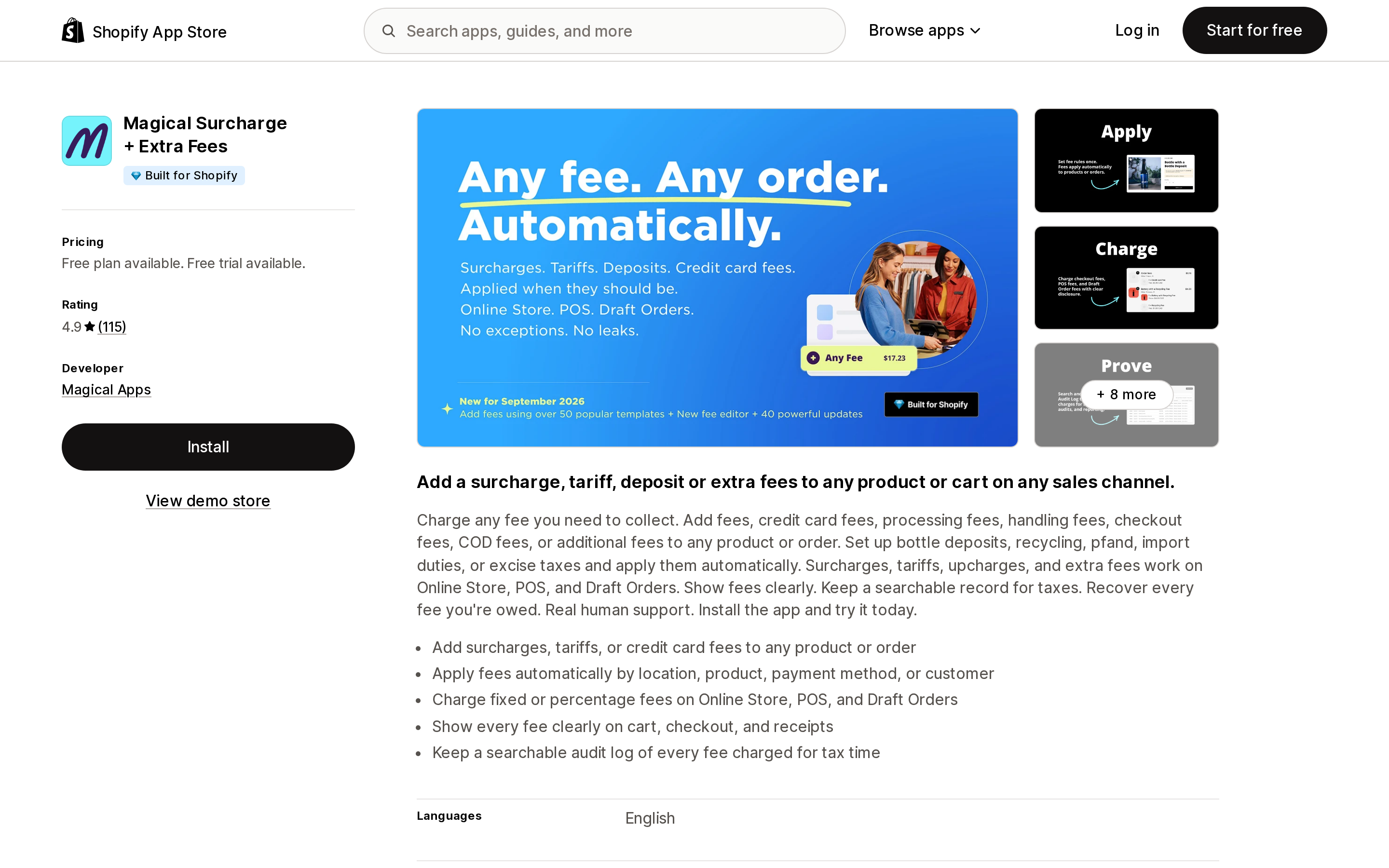
Source: Shopify App Store (Magical Surcharge + Extra Fees), retrieved September 9, 2026
The only app here whose non-Plus tier lists credit card transaction fees. Starter at $9/month ($85/year) covers fixed and percentage fees on product and order subtotal, Online Store, POS and draft orders, credit card transaction fees, customer location conditions, min/max limits on percentage fees, and 60 days of fee history. Plus at $29/month adds fees on the full order total, PayPal, Shop Pay and COD transaction fees, customer tag conditions, and checkout fee display via UI extension. Plus + Compliance at $79/month adds unlimited history and fee export.
That $79 compliance tier is a tell. If you are charging a fee you may have to justify to an auditor or a tax authority, exporting the record is a separate purchase. Note also that the fee-history limit on Starter is 60 days.
Recent reviews are dominated by tariffs — one Canadian merchant describes using it "to add US section 338 tariffs on to products affected by the new tariffs," another calls the tariff situation "brutal." This is the app the tariff wave found first.
VOL ‑ Surcharge & Product Fees
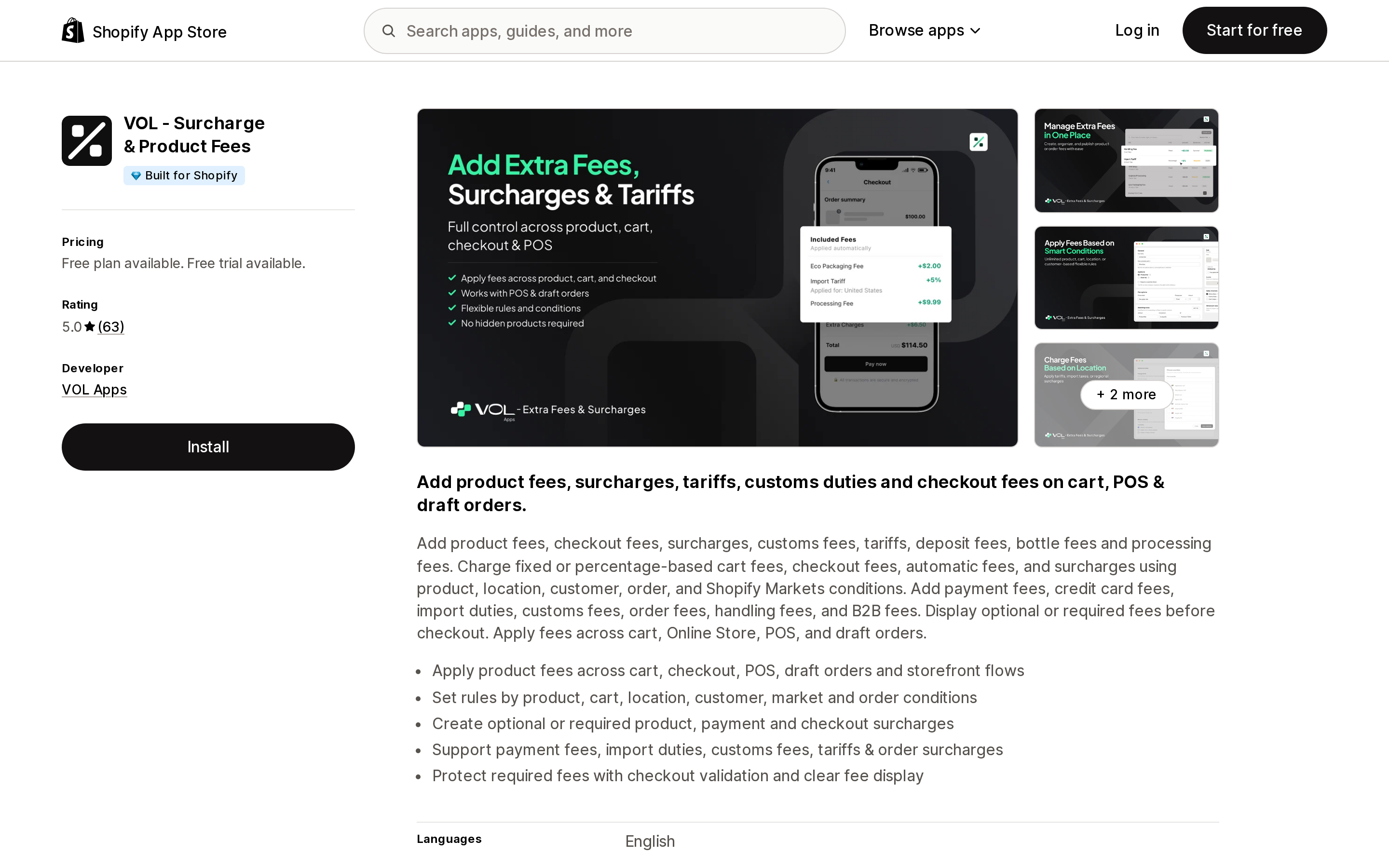
Source: Shopify App Store (VOL ‑ Surcharge & Product Fees), retrieved September 9, 2026
The newest of the established options — launched March 23, 2026 — and the only one with a genuinely usable free tier: 10 orders with fees per month, online store only, fixed and percentage, product and cart conditions, location rules. That is enough to test the mechanic on a real storefront before paying, which none of the others allow outside a development store.
Pro at $15/month adds POS, draft orders, required fees with validation, country and location rules, and Shopify Markets fee support. Plus at $35/month — the most expensive Plus tier here — adds payment and shipping fee rules, customer tag and B2B rules, and checkout payment fee rules.
63 reviews, all of them five stars. The recent ones we read were written by merchants who had been using the app for hours or days rather than months, which is what you would expect six months after launch. A clean record on a new app is not the same evidence as a clean record on a ten-year-old one.
FeeBee ‑ Bottle Deposit Fees
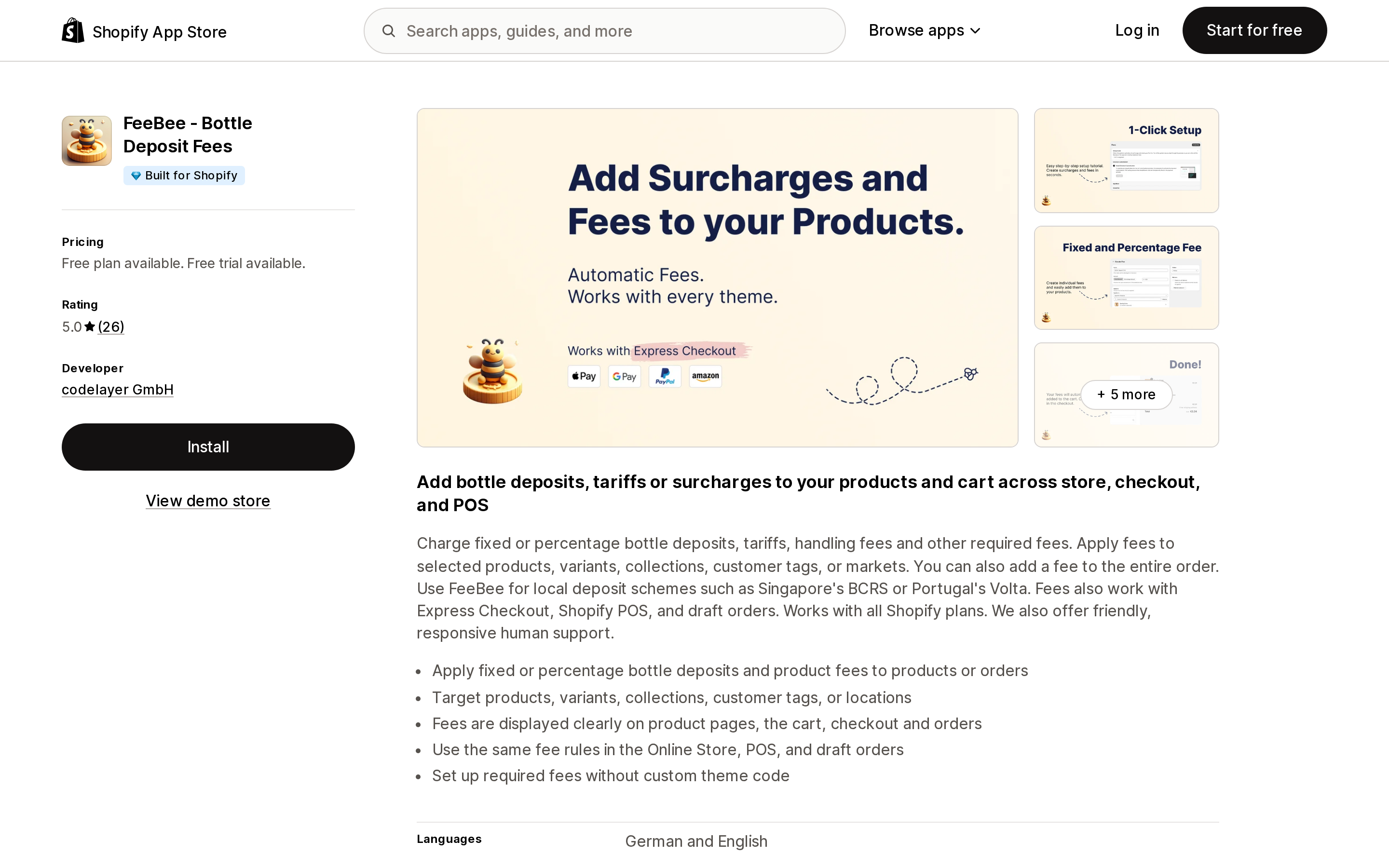
Source: Shopify App Store (FeeBee ‑ Bottle Deposit Fees), retrieved September 9, 2026
The narrowest and the most honest about it. One plan, $9.99/month, on all Shopify plans, no Plus tier — because it does not do payment-method fees at all. Its App Store data-access panel requests Cart transforms and nothing else under Shopify Functions, where the other apps request cart transforms, payment customizations, and validations.
What it does: fixed or percentage deposits and product fees on products, variants, collections, customer tags or markets, plus whole-order fees, across Online Store, POS and draft orders. Built for regulated deposit schemes — the listing names Singapore's BCRS and Portugal's Volta.
For a US merchant the fit is bottle bills, recycling fees, and tariff pass-throughs. The seven-month review quoted earlier is the most detailed operational account in this entire category and is worth reading before you choose anything else.
Dotstore Extra Fees Manager
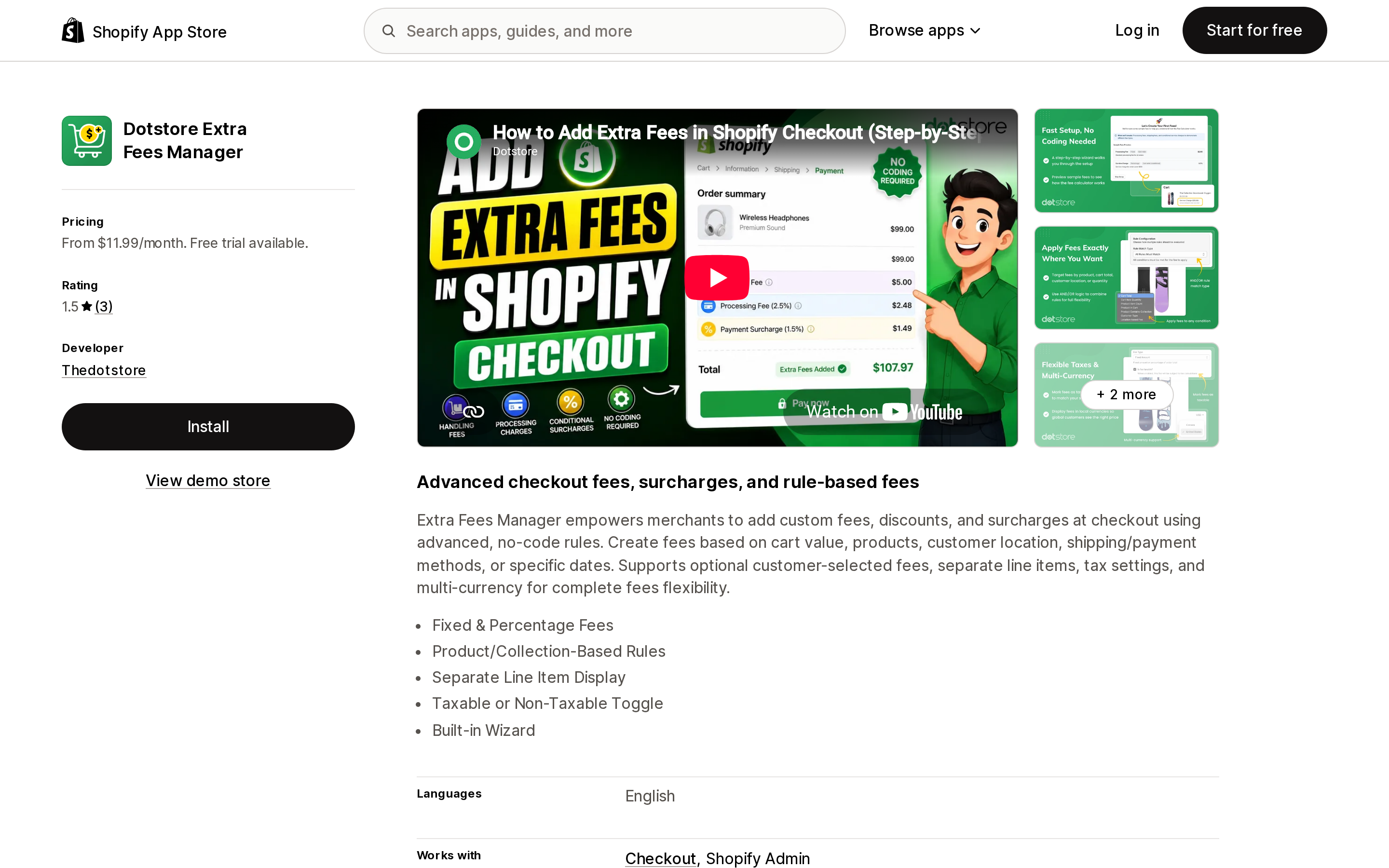
Source: Shopify App Store (Dotstore Extra Fees Manager), retrieved September 9, 2026
Included because its plan split is the clearest illustration of the Plus boundary, not as a recommendation. Pro at $11.99/month covers cart and order fees with multi-condition AND/OR logic, location rules, and weekend and holiday fees. The Shopify Plus Plan at $19.99/month adds required order fees at checkout, required product fees at checkout, and payment- and shipping-method fees — the cheapest Plus tier in this comparison.
Two features stand out on the feature list and appear nowhere else so explicitly: separate line item display, and a taxable/non-taxable toggle. Whether a fee is taxable is a real US sales tax question and most listings say nothing about it.
Its listed data access is also the odd one out: no Shopify Functions permissions at all, but "Edit Online Store: Checkout page." How it delivers payment-method fees is not stated in the listing.
Against that: three reviews, a 1.5 rating, no Built for Shopify badge, and a launch date of November 14, 2025. Two of the three reviews are about support responsiveness and free-tier confusion. That is not enough evidence to install on a store that takes real money.
Surchify: COD & Payment Fees
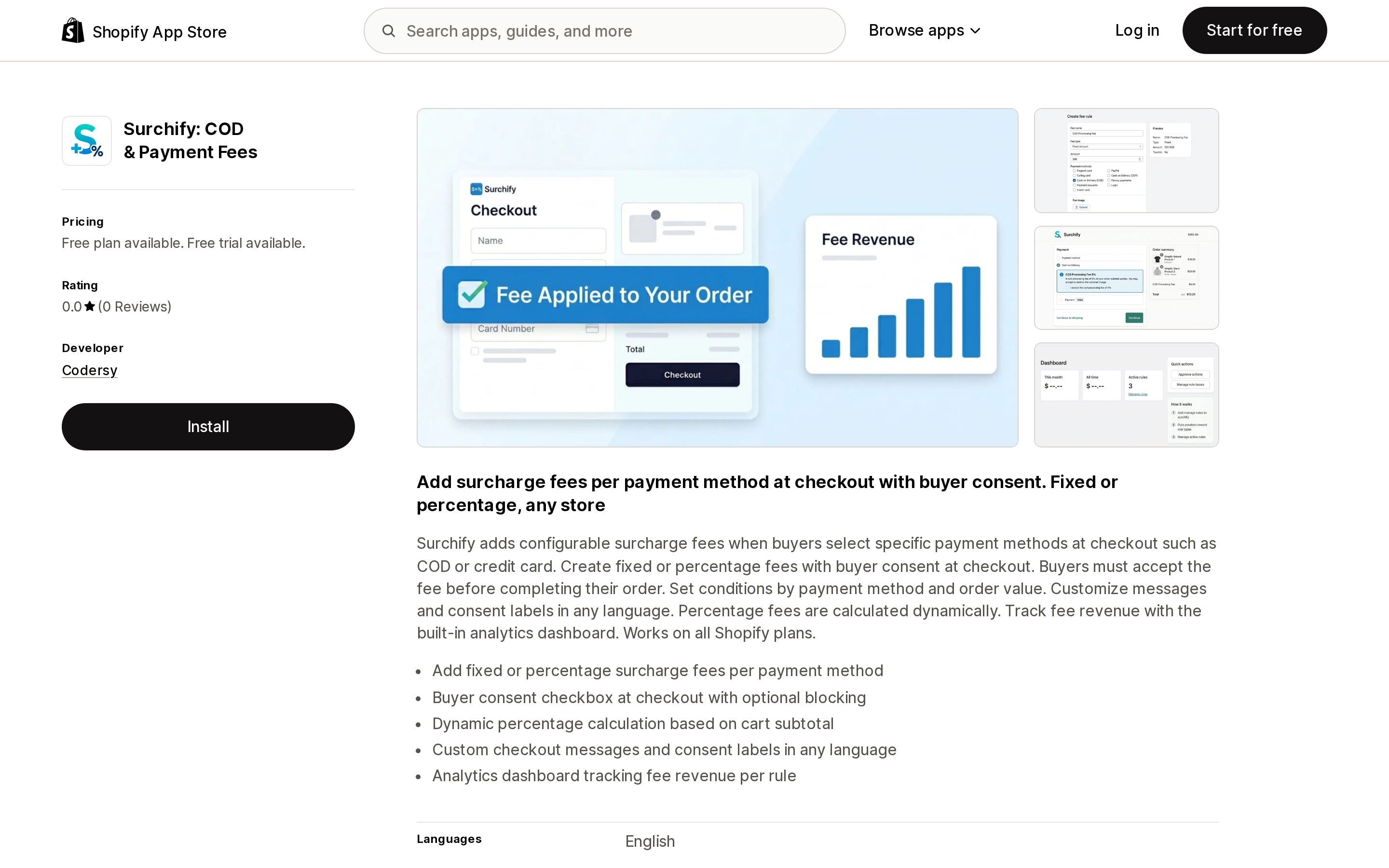
Source: Shopify App Store (Surchify: COD & Payment Fees), retrieved September 9, 2026
The one that breaks the pattern, and the one to watch. Free plan: one fee rule, fixed amounts only, 50 fee orders per month, COD and credit card targeting, order value thresholds, custom checkout messages, analytics. Essential at $9.95/month ($95/year) adds unlimited rules, percentage fees calculated dynamically on subtotal or total, and per-rule analytics.
The design decision that lets it work without Plus is the consent checkbox: the buyer is shown the fee and has to accept it. That is a heavier checkout experience than a silent surcharge, and it will cost some conversion. It is also, for a US credit card surcharge, closer to what the card networks want than an amount that appears without acknowledgement.
Launched May 7, 2026 by Codersy, which lists a Serbian address, with zero reviews at the time of writing. It also carries no Built for Shopify badge. Promising architecture, no track record. Do not run this on Black Friday without testing it in September.
How to choose
You do not need any of these if your fee can be a shipping markup and you are on Advanced or Plus. Use the native handling fee on carrier-calculated rates and save the subscription.
You need a tariff, deposit, handling or service fee, not tied to payment method. Start with the free tier of VOL ‑ Surcharge & Product Fees to confirm the mechanic works with your theme and your order flow, then move to Magical Surcharge + Extra Fees at $9/month or Upcharge at $9.99/month for the deeper history and rule engine. If your fee is a regulated deposit, FeeBee at $9.99/month is purpose-built.
You need a credit card or COD surcharge and you are on Shopify Plus. Dotstore Extra Fees Manager is cheapest at $19.99/month but has almost no reviews; Magical at $29/month and Upcharge at $29.99/month have the track record; VOL at $35/month has the newest engine. Resolve the state law, the buyer-state rule and the card network notification before you compare apps at all — the compliance work is larger than the software work.
You need a payment-method surcharge and you are not on Plus. Surchify is the only current path, and it works by asking the buyer to consent rather than by charging silently. Test it against your real checkout before committing.
You sell subscriptions, pre-orders, or try before you buy. Read the compatibility table again. Your fee will not apply to those orders, no app will fix it, and you should price the product accordingly instead.
Whatever you install, place one test order through Shop Pay, one through a normal card checkout, one through POS if you use it, and — if you sell subscriptions — one renewal. The fee that shows up in three of those four and not the fourth is the expensive kind of bug.
Sources
- Cart Transform Function API — shopify.dev
- Payment Customization Function API — shopify.dev
- About cart and checkout validation — shopify.dev
- Third-party carrier-calculated shipping — Shopify Help Center
- Passing on Credit Card Fees to Customers — Shopify
- App Store listings and reviews for Upcharge Surcharge Fees Tariff, Magical Surcharge + Extra Fees, VOL ‑ Surcharge & Product Fees, FeeBee ‑ Bottle Deposit Fees, Dotstore Extra Fees Manager, Surchify: COD & Payment Fees
Shopify added a Bin name column to the inventory CSV on August 25, 2025. It holds one bin per variant per location, it is created only by CSV import, and it prints on Order Printer pick lists. What it does not do is leave Shopify. Shopify staff confirmed on the developer forum in October 2025 and again in January 2026 that there is no public API access to the field, and the developer forum was still reporting the gap in June 2026. That single fact shapes the whole category: EasyScan and iPacky store bins in metafields, Bins-USA and ShelfPilot store them in their own databases, and a free app called Simple Bin Locations copies metafield bins into order notes so packing slips can show them. Shopify's own multi-bin model, with per-bin quantities and an unbinnedQuantity field, exists today only as a feature preview on development stores. Pricing, plan gates, and where each app keeps the bin data, verified on the Shopify App Store, the Shopify Help Center, shopify.dev, and the Shopify community forums on September 18, 2026.