
What you will learn
On this pageContentsCloseOpen
Open a Shopify store on one of Shopify's free themes, add something to the cart, and you get one line under the subtotal: Taxes and shipping calculated at checkout. That is the whole native answer. There is no field for a ZIP code, no rate list, no estimate.
Search for a fix and you land on shipping calculator apps — a handful of them, all $4 to $20 a month, all showing near-identical screenshots of a rate list sitting in a cart drawer. The obvious question is which one is best.
That is the wrong question. Shopify exposes exactly one storefront mechanism for pricing shipping before checkout, and every one of these apps calls it. What separates them is not the rate lookup. It is what happens when that shared endpoint changes underneath all of them at once — which it did twice in 2026, and which it is scheduled to do again starting October 1.
What Shopify actually gives you
The Cart Ajax API documents three endpoints for shipping rates:
| Endpoint | Method | What Shopify says |
|---|---|---|
/{locale}/cart/prepare_shipping_rates.json | POST | Initiates rate calculation for the cart given a destination. Response is null. |
/{locale}/cart/async_shipping_rates.json | GET | Returns the rates once calculation finishes. Returns null if not ready. |
/{locale}/cart/shipping_rates.json | GET | Returns estimated rates directly. Shopify labels it "subject to throttling." |
Shopify's own recommendation is the two-step async pair, "because it might take a while for shipping rates to be returned."
So the capability exists. What does not exist is any theme UI that uses it. Shopify's published tutorial for adding a calculator to the cart page opens with a caution that it is an advanced tutorial, "not supported by Shopify," requiring HTML, CSS, JavaScript, and Liquid.
Three constraints in that tutorial carry over to every app in this category, because they come from the endpoint rather than the implementation:
- The estimate is an approximation by design. Only country, province or state, and postal code are sent — not the full address. Shopify's wording: "The exact rates are given at checkout."
- There is no tax equivalent. Applicable taxes are added at checkout, so any in-cart total is partial.
- The official snippet only works on
/cart. Shopify states it "will not work in a cart drawer or a cart popup." Apps are how you get the estimate into a drawer, which is where most 2026 themes put the cart.
That gap is what the app category exists to fill. A developer said as much in Shopify's own forum in July 2026, responding to the market-driven shipping preview: exposing market rates in Liquid "would mean we can actually display shipping rates in the cart without workarounds." Today it is workarounds.
Related reading: carrier-calculated shipping and its plan requirements and shipping options by market versus shipping apps.
The single point of failure, on the record
Because every calculator sits on the same endpoints, a change to those endpoints is a category-wide outage. This is documented, not theoretical.
January 27, 2026. A developer filed a bug report on the Shopify developer forum: prepare_shipping_rates returned 202 with an empty body, and async_shipping_rates then threw errors. Other developers confirmed within hours. One noted a caching side effect — after visiting checkout and returning to the cart, the cart returned the checkout's rates regardless of the destination entered. A Shopify staff member confirmed on January 28 that the team "identified a change that was causing the 422 errors" and rolled it back.
February 3, 2026. The same reporter flagged that it had recurred. On February 6, Shopify confirmed the underlying change "has been rolled back again."
The reporter's follow-up is the part worth reading twice. Many affected stores were not running an app at all — they were running the legacy snippet from Shopify's own forum, whose error handler runs eval over the raw response body. Per the reporter, the code expects the literal string null; when the body came back blank instead, it threw. His words: these merchants "may have had these snippets included with a theme, or put in by a developer when they setup their site," and "otherwise have no ongoing development support."
You can see the merchant side of this in the App Store. A US merchant reviewing Dr Cart Shipping Rates & Rules on January 28, 2026 wrote that the app "just stopped working (cart estimates)," that the developer identified it as a Shopify API issue, and that the fix came from Shopify the next day.
The practical takeaway: an in-cart estimate is a display layer on a Shopify endpoint that carries no uptime commitment to your storefront. Budget for it degrading, and make sure it degrades quietly rather than blocking the checkout button.
What changes on October 1, 2026
Shopify is moving merchant shipping configuration out of delivery profiles and into Markets. This is called market-driven shipping. Per Shopify's developer changelog entry of July 1, 2026, it starts rolling out to merchants on October 1, 2026, and all merchants will be on it by July 1, 2027. Shopify's stated goal is that it "makes checkout rate behavior more predictable and easier to understand."
Three parts of it matter for anything that quotes rates in the cart.
Rates combine differently. Under the new model, rates inside a single shipping option take the highest match; rates across separate options add together. Shopify's example: a $10 all-products rate and a $15 fragile-products rate produce $25 as two options, or $15 as two rate groups inside one option. Shopify says migration will preserve current behaviour by mapping profiles into the summing configuration — but merchants who then restructure will change what the cart quotes.
Migration creates collections in your store. Because product conditions target collections, Shopify will create unpublished collections on merchants' behalf, named [SHIPPING] plus the original profile name — for example [SHIPPING] Fragile. Expect them to appear.
The Cart API endpoints had preview bugs against it. On September 2, 2026 a developer reported that with market-driven shipping enabled, checkout displayed rates correctly while prepare_shipping_rates, async_shipping_rates, and shipping_rates.json returned "Country/region not supported" for the same address. Shopify replied that the issue was fixed in production and backfilled the preview shop's data on September 3. On September 7 the same developer reported the same symptom for a country with no provinces. As of this writing that follow-up has no reply.
None of this makes cart calculators unusable. It does mean that if you are installing one in the next few months, the estimate you validate today is not guaranteed to be the estimate you get after your store moves.
Two different products get called "shipping calculator"
This is the most common selection error in the category, and it costs merchants a month of subscription before they notice.
Cart estimators read your existing shipping configuration and render a rate list in the cart or cart drawer. They do not create rates. If your Shopify rates are wrong, the estimate is confidently wrong.
Rate engines create or modify the rates themselves — by weight, dimensions, ZIP, distance, product, customer — and deliver them at checkout. Many of them never touch the cart page at all.
Some apps do both. Buying the wrong half is easy because both are listed under "Shipping rates" and both use the word calculator.
Comparison
Pricing and ratings below were read from each App Store listing on September 9, 2026. All charges are billed in USD.
| App | Starting price | Free tier | In-cart display | Creates rates | Built for Shopify | Rating |
|---|---|---|---|---|---|---|
| CBB Shipping Rates Calculator | $4.99/month | No — 14-day trial | Yes | No | Yes | 4.7 (240) |
| Dr Cart Shipping Rates & Rules | $3.99/month | No — 14-day trial | Yes | Yes, from $8.99 | Yes | 5.0 (67) |
| FP1 ‑ Cart Shipping Calculator | Free / $4.99/month | Yes — 40 calculations | Yes | No | No | No reviews yet |
| SMART Shipping Rates & Rules | $9.99/month | Development stores only | No | Yes | Yes | 5.0 (402) |
CBB Shipping Rates Calculator
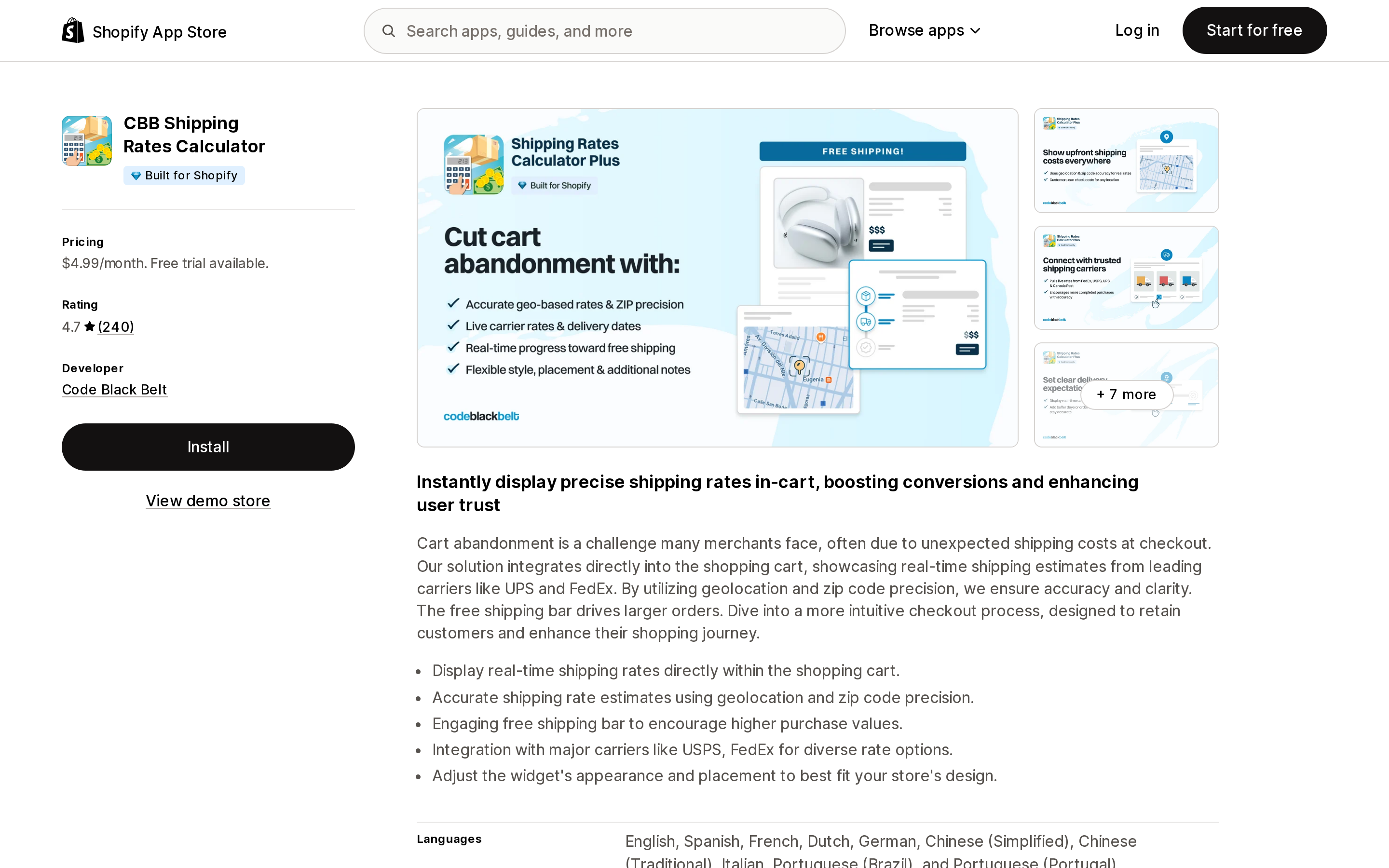
Source: Shopify App Store (CBB Shipping Rates Calculator), retrieved September 9, 2026
From Code Black Belt, launched March 8, 2017. One plan: Professional at $4.99/month, or $49.90/year, with a 14-day free trial. It carries the Built for Shopify badge and rates 4.7 across 240 reviews.
It is a pure display layer — rate list in cart, geolocation and ZIP precision, free shipping bar, widget styling. The listing names Canada Post, FedEx, UPS, and USPS. Note the listing name changed: the ja-locale App Store page still shows the older "Shipping Rates Calculator Plus."
The limitation worth knowing before you install is in a June 22, 2026 review: the free shipping progress bar does not read your Shopify shipping zones. Code Black Belt confirmed this in its reply and framed it as a design decision — the bar is "fully controllable by merchants" with thresholds set inside the app. If you already run a free shipping bar app, you would be configuring the same threshold in two places.
Data access is narrow: device and activity data, order shipping information, theme, and Markets settings. No customer PII.
Dr Cart Shipping Rates & Rules
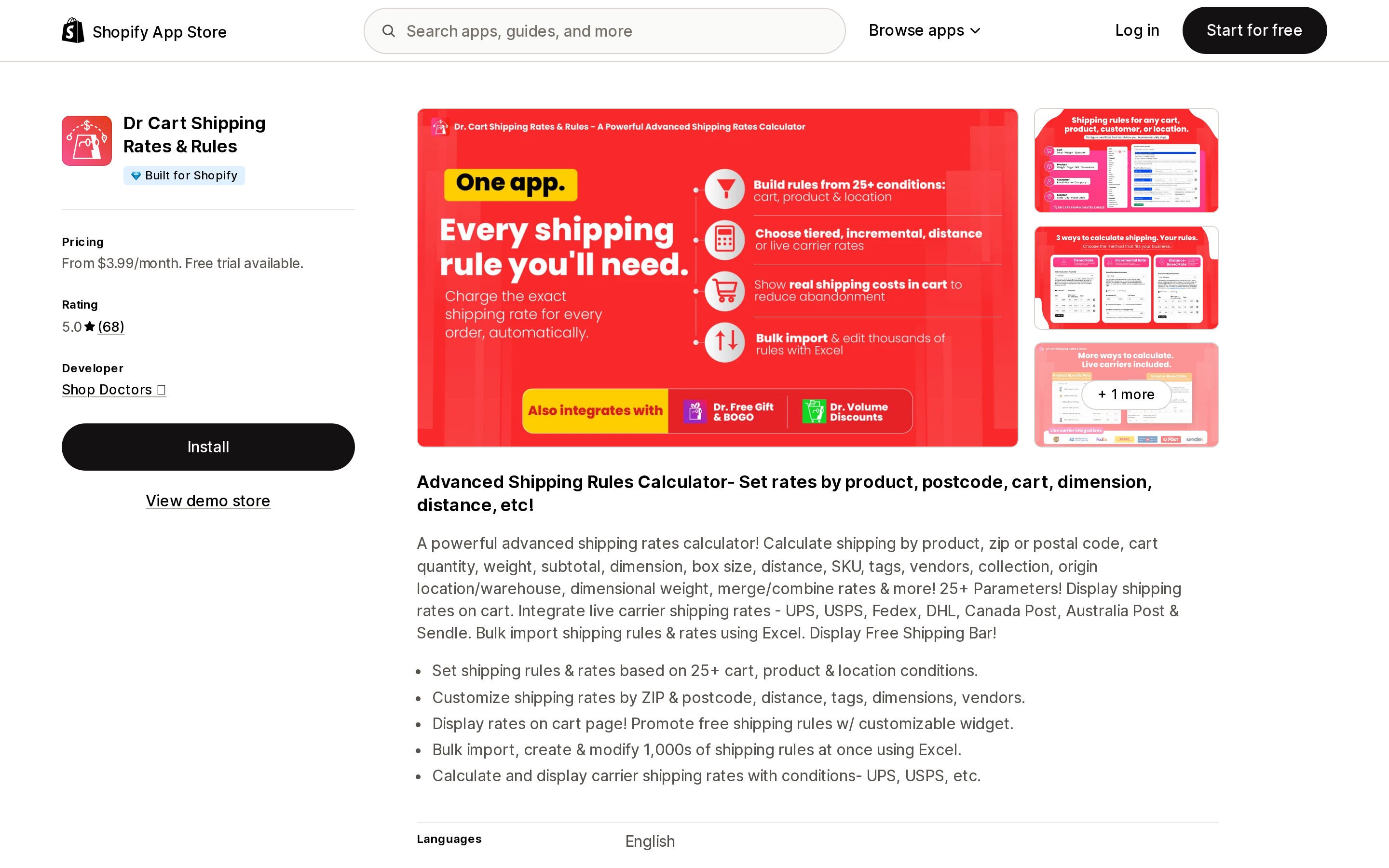
Source: Shopify App Store (Dr Cart Shipping Rates & Rules), retrieved September 9, 2026
From Shop Doctors, based in Redmond, WA, launched April 21, 2021. Built for Shopify, 5.0 across 67 reviews. Four tiers, all with a 14-day trial:
| Plan | Price | What it adds |
|---|---|---|
| Cart Calculator | $3.99/month | In-cart rates, free shipping bar, IP geolocation |
| Premium | $8.99/month | Custom rules, tiered and incremental rates, distance-based, Excel bulk import |
| All Features | $13.99/month | Carrier-based rates (UPS, USPS, FedEx, Canada Post), product-specific and volume-based rates, rate merging |
| Shopify Plus | $18.99/month | Required for Shopify Plus stores; load-balanced architecture, priority support |
Annual billing saves 10% on each tier. The Plus tier is a plan requirement, not an upsell you can decline — worth building into the budget if you are on Plus.
This is the only app here that spans both categories at a low entry price: $3.99 buys display only, and you climb when you need the rate engine.
Two things to check. First, the listing's data access includes editing Online Store script tags — relevant given Shopify's script tag deadline and the app embed migration. Second, a January 2025 review describes switching from a competitor whose IP geolocation auto-filled an approximate postal code that carried into checkout and caused misdirected parcels; the reviewer's reason for switching was the option to turn geolocation off and require manual entry. Geo-IP prefill is a convenience feature with a delivery-accuracy cost, and whether you can disable it is a real selection criterion.
FP1 ‑ Cart Shipping Calculator
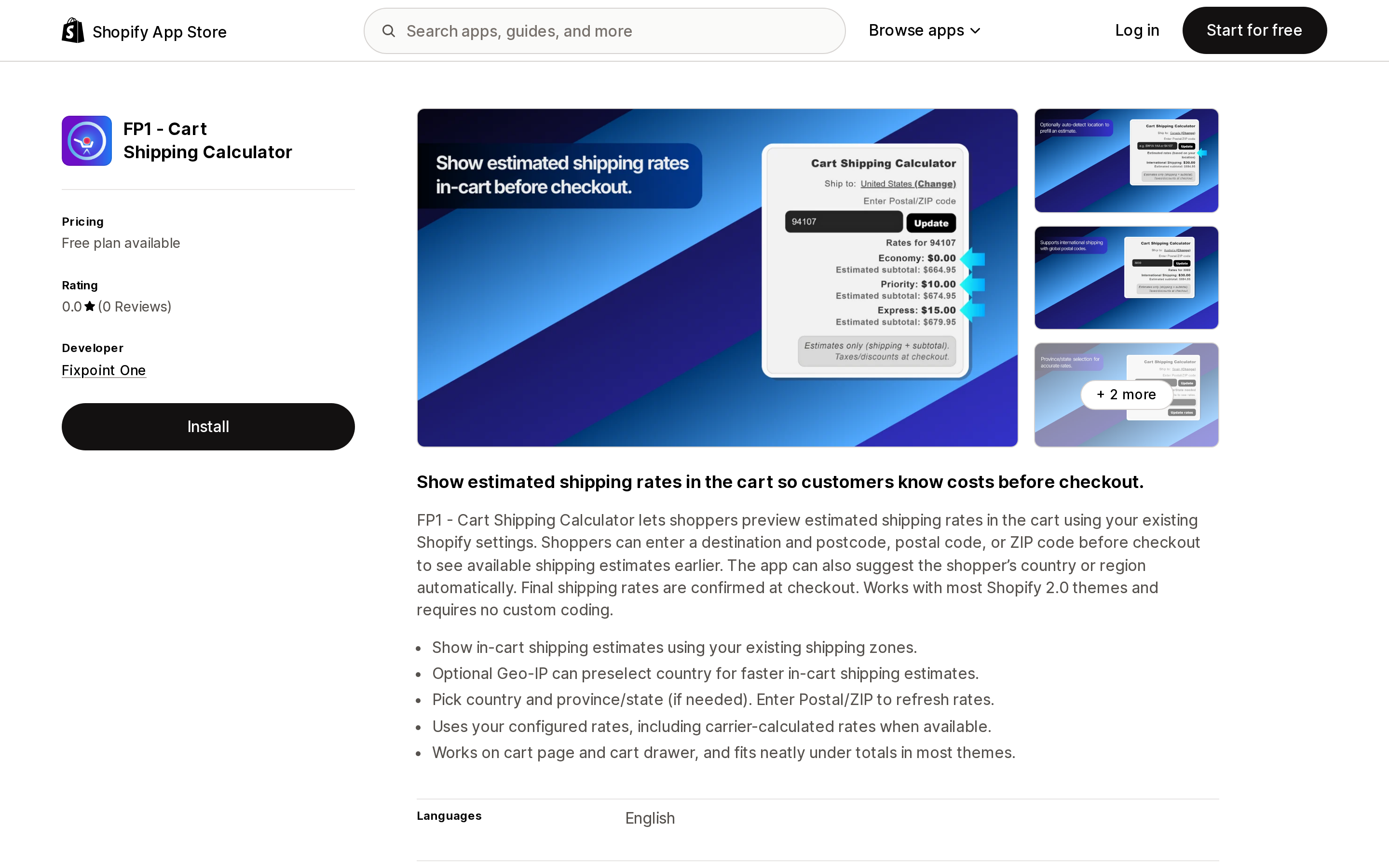
Source: Shopify App Store (FP1 ‑ Cart Shipping Calculator), retrieved September 9, 2026
From Fixpoint One, launched December 31, 2025. The only genuinely free production option here: the Free plan includes 40 shipping calculations with no time limit; Unlimited is $4.99/month. No Built for Shopify badge, and no reviews yet.
It is display-only and explicit about it — the listing states it uses your existing Shopify settings including carrier-calculated rates where available, and that "Final shipping rates are confirmed at checkout." It works on the cart page and in cart drawers, and offers optional Geo-IP to preselect a country.
The 40-calculation free tier is genuinely useful: it is enough to confirm the widget renders correctly in your theme and that your rates resolve, before you commit $4.99/month anywhere. The tradeoffs are the ones you would expect from a listing published nine months ago — no review history, no independent signal on support responsiveness, and no Built for Shopify assessment.
SMART Shipping Rates & Rules
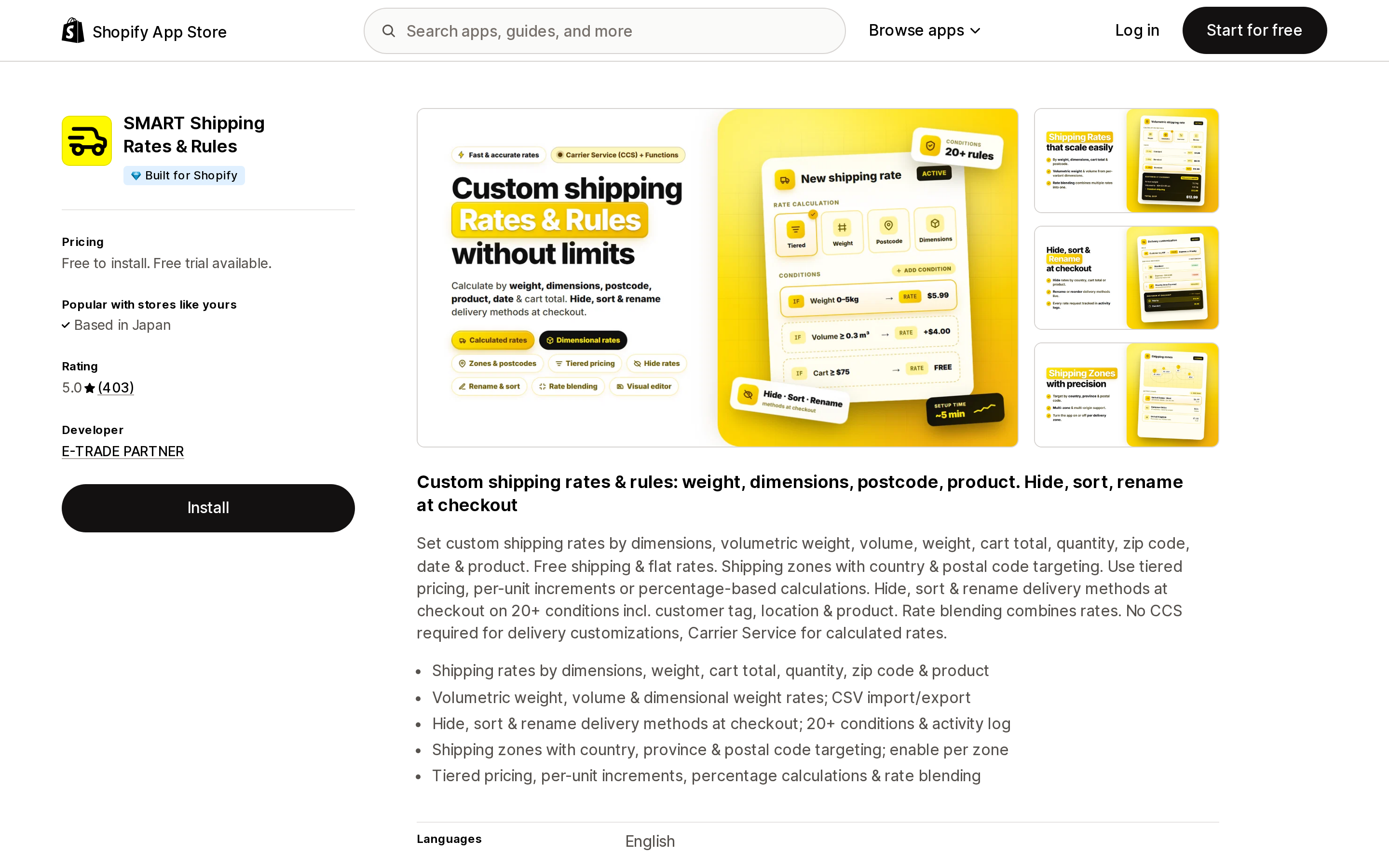
Source: Shopify App Store (SMART Shipping Rates & Rules), retrieved September 9, 2026
From E-TRADE PARTNER, launched June 14, 2024. Built for Shopify, 5.0 across 402 reviews. Lite is $9.99/month, Pro is $19.99/month, both with a 7-day trial and 20% off annually. The "Free to install" tier is for development stores only.
This one is in the table specifically because it is not a cart estimator. Its features are rate calculation and checkout-side delivery customization: hide, sort, and rename delivery methods, rates by dimensions and volumetric weight, rate blending, zones with postal-code targeting. It integrates with Checkout, Carrier Service (CCS), Delivery Customizations, and Functions. The Lite plan explicitly "works on Basic plan, no CCS needed" — which matters because carrier-calculated shipping is otherwise a plan-gated feature.
If your actual complaint is that checkout shows the wrong rates, or too many rates, this class of app fixes the cause. A cart estimator would only have displayed the wrong number earlier.
Its data access is the broadest of the four: customer PII, products, draft orders and 60 days of order history, discount codes, and Shopify Functions delivery customizations. That is proportionate to what it does, but it is worth a look before installing — see how to read Shopify app data access permissions.
How to choose
- Your Shopify rates are correct and you only want them visible earlier. Start with FP1 ‑ Cart Shipping Calculator's free 40 calculations to confirm the widget fits your theme, then move to CBB Shipping Rates Calculator at $4.99/month for the longer track record, or stay on FP1 Unlimited at the same price.
- You want in-cart display and rules Shopify cannot express. Dr Cart Shipping Rates & Rules, starting at $3.99 for display and $8.99 or $13.99 once you need rules or carrier rates. Budget $18.99 if you are on Shopify Plus.
- Checkout is showing wrong, duplicated, or unwanted rates. SMART Shipping Rates & Rules, or another rate engine. A cart calculator will not help.
- You are on a theme with a working legacy snippet. You already have this feature. Confirm it survived the January and February 2026 endpoint changes before paying for a replacement — and confirm it fails silently rather than blocking checkout.
- You are mid-migration to market-driven shipping. Wait. Validate rates at checkout under the new model first, then add the cart layer on top of numbers you trust.
Before you install
- Confirm your checkout rates are correct first. An estimator inherits every error in your configuration and shows it one step earlier.
- Decide whether Geo-IP prefill can be turned off. If a guessed postal code can reach the checkout address fields, it becomes a fulfillment problem, not a display problem.
- Check whether the free shipping bar reads your shipping zones or a separate threshold you have to maintain by hand.
- Test the cart widget's failure mode. Disconnect it and confirm the checkout button still works.
- If you are on Shopify Plus, check for a Plus-tier price before you compare monthly costs.
- Watch for
[SHIPPING]-prefixed collections after your store moves to market-driven shipping. They are expected, unpublished, and created by Shopify.
Sources
- Cart API reference — Generate shipping rates, Shopify
- Issue with ajax cart API async_shipping_rates.json, Shopify Developer Community Forums
- Market-driven shipping is now in feature preview — action may be required for your app, Shopify Developer Community Forums
- Endpoints failing with Market-driven shipping model — fix required, Shopify Developer Community Forums
- Market-driven shipping now available in feature preview, Shopify developer changelog
- Cart - Add a shipping rates calculator to your cart, Shopify Community
- Shopify App Store listings for CBB Shipping Rates Calculator, Dr Cart Shipping Rates & Rules, FP1 ‑ Cart Shipping Calculator, and SMART Shipping Rates & Rules, all retrieved September 9, 2026
Shopify added a Bin name column to the inventory CSV on August 25, 2025. It holds one bin per variant per location, it is created only by CSV import, and it prints on Order Printer pick lists. What it does not do is leave Shopify. Shopify staff confirmed on the developer forum in October 2025 and again in January 2026 that there is no public API access to the field, and the developer forum was still reporting the gap in June 2026. That single fact shapes the whole category: EasyScan and iPacky store bins in metafields, Bins-USA and ShelfPilot store them in their own databases, and a free app called Simple Bin Locations copies metafield bins into order notes so packing slips can show them. Shopify's own multi-bin model, with per-bin quantities and an unbinnedQuantity field, exists today only as a feature preview on development stores. Pricing, plan gates, and where each app keeps the bin data, verified on the Shopify App Store, the Shopify Help Center, shopify.dev, and the Shopify community forums on September 18, 2026.