
What you will learn
On this pageContentsCloseOpen
You turned on a browse abandonment flow three weeks ago. Analytics says several thousand people viewed product pages. The flow has sent forty-one emails.
Nothing is broken. Two separate things are going on, and neither is in any app listing. The first is that "browse abandonment" names at least three different funnel stages depending on which vendor's documentation you are reading — and Shopify itself now ships an automation for one of them. The second is that every one of these automations, native and app alike, only fires for a visitor the system has already identified by email. Product-page traffic is not the denominator. Identified product-page traffic is, and on most stores that is a small fraction of it.
Below: what Shopify covers natively, the stage each vendor actually means, the identification requirement in each vendor's own words, and the one option that sidesteps it. Verified against primary sources on September 12, 2026.
The short version
Shopify has a native product-browse automation. Shopify Messaging ships a Convert abandoned product browse template for email and SMS, on Basic plan and up. It "sends a marketing message to customers who view at least one product, but don't add it to their cart or make a purchase before leaving your store." It runs on the Flow trigger Customer left online store without making a purchase, which exposes the Abandonment GraphQL object — whose abandonmentType enum has exactly three values: BROWSE, CART, CHECKOUT.
The word "browse" is doing different work in different products. Klaviyo's browse abandonment flow triggers on Viewed Product — the same stage as Shopify's. Omnisend splits the territory in two: Product Abandonment on Viewed Product, and Browse Abandonment on Viewed page, one stage earlier. Earlier is not better: by Omnisend's own documentation, Browse Abandonment "does not capture information about what a contact viewed," and "no return URL is available."
All of it is gated on identification, not on traffic. Omnisend: the automation "only fires for identified contacts — visitors whose email address is linked to a tracking cookie in their browser," and will not trigger "even if their email exists in your Omnisend contact list." Klaviyo tracks "the browsing activity of identifiable browsers." Shopify's own object tracks "a customer's incomplete shopping journey" — a Customer record, not a session.
One channel escapes the requirement. Web push subscribes anonymously, so Brevo PushOwl's Browse Abandonment reaches shoppers who never gave you an email address. It is on the Power Bundle, $79/month.
What Shopify actually covers now
It is still common to read that Shopify has no native browse abandonment. That is out of date. Shopify Messaging's automation library sorts templates into four groups, and the first group — Recover site visitors — contains three:
| Automation | Fires when | Channels |
|---|---|---|
| Convert abandoned product browse | Customer views at least one product, doesn't add to cart or purchase, leaves | Email, SMS |
| Recover abandoned cart | Customer adds products to cart, doesn't start checkout | Email, SMS |
| Recover abandoned checkout | Customer starts checkout, doesn't complete the order | Email, SMS |
Three stages, three templates, one native app. The requirements are modest: Basic plan or higher, the Shopify Flow app installed "for full functionality," and a staff member holding both Marketing and Flow App permissions.
Two constraints matter more than the setup.
The template has a built-in 14-day suppression. Shopify's Flow reference describes the Convert abandoned product browse template as excluding "customers who received an abandoned checkout, cart, or product browse email in the last 14 days." The three native automations do not compete with each other, which is a real advantage — but it also means a browsing customer who got a checkout email twelve days ago is silently skipped.
The send is metered, and this one is not free. Shopify Messaging gives every store on Basic and up 10,000 free emails at the start of each month, then $1 USD per 1,000 up to 300,000. Abandoned checkout automation emails "are always free and don't count towards the monthly limit." Product browse and cart emails get no such exemption — they count. Since browse-stage volume is by nature higher than checkout-stage volume, the free automation is the one you are least likely to send for free.
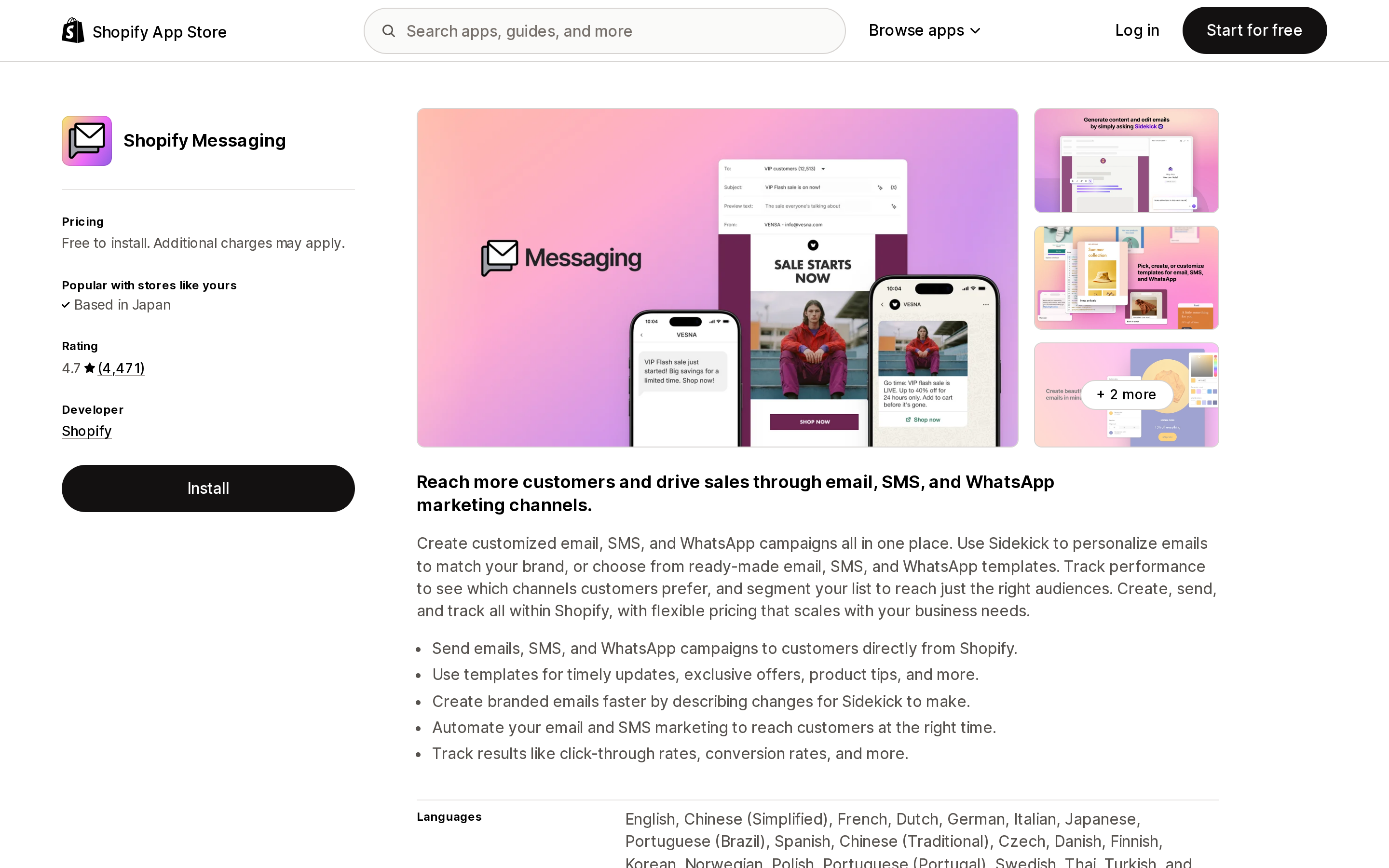
Source: Shopify App Store (Shopify Messaging), retrieved September 12, 2026
The stage mismatch, laid out
This is the part that makes vendor comparisons misleading. Line the four funnel stages up against what each product calls them:
| Stage | Signal | Shopify Messaging | Klaviyo | Omnisend | Brevo PushOwl |
|---|---|---|---|---|---|
| Visited a page, viewed no product | Page view / Active on Site | — | Abandoned site flow (build your own, Active on Site metric) | Browse Abandonment | — |
| Viewed a product, no add to cart | Viewed Product | Convert abandoned product browse | Browse abandonment flow | Product Abandonment | Browse Abandonment |
| Added to cart, no checkout | Added to Cart | Recover abandoned cart | Abandoned cart flow | Abandoned Cart | Abandoned Cart (Plus Bundle) |
| Started checkout, no order | Started Checkout | Recover abandoned checkout | Abandoned checkout flow | Abandoned Checkout | — |
— means no automation at that stage was found in the vendor documentation reviewed for this article, not that the vendor has publicly ruled it out.
Read the second row. Four products, four names, one stage. A comparison that scores Omnisend higher because it has "both browse and product abandonment" while Shopify "only has product browse" is telling you that Omnisend adds a page-view-stage automation — not that it does the product-view stage better.
And the page-view stage comes with a specific cost. Omnisend's documentation is unusually direct about it: Browse Abandonment "does not capture information about what a contact viewed," which means no product names, images or prices can be pulled into the email dynamically, and "there is no variable equivalent to [[event.raw.abandoned_checkout_url]] for Browse Abandonment." You cannot send the shopper back to the page they were on. Omnisend's own recommendation is to fall back to bestsellers, a discount code, or a link to whichever collection your trigger URL matched — and to point the trigger at /collections/ or /sale rather than /products/, because Product Abandonment already covers product pages.
Why your flow barely sends
Every option on this page — including Shopify's — depends on knowing who the visitor is before they browse. The vendors document this clearly; it just never makes it into the feature lists.
Omnisend, twice, in bold: Browse Abandonment and Product Abandonment "only fire for identified contacts — visitors whose email address is linked to a tracking cookie in their browser." A cookie is placed when a contact signs up via an Omnisend Signup Form, clicks a link in an Omnisend email, or submits their email at checkout. Anyone who has done none of those three "cannot be tracked, and the automation will not trigger for them — even if their email exists in your Omnisend contact list." Omnisend's FAQ answers the question directly: Why isn't Browse Abandonment triggering even though I have thousands of contacts?
Klaviyo says the same thing in different words. Onsite tracking records "the browsing activity of identifiable browsers (i.e., browsers who have visited or engaged on your site, submitted a form through a certain action … or have been identified or 'cookied')." Its browse abandonment flow triggers on the Viewed Product metric, which requires Viewed Product tracking — enabled on Shopify by Klaviyo's app embed.
Shopify's own data model carries the constraint at the platform level. The Abandonment object "tracks a customer's incomplete shopping journey" and is queried alongside the Customer object. And Shopify Messaging automations are "sent only to customers who are subscribed to marketing" — with one documented exception, the abandoned checkout automation, where you can switch the To: field to All customers in the editor. That exception does not extend to the product browse automation.
The practical consequence: the lever that raises browse abandonment volume is not the app you choose but how many visitors are identified before they browse. Omnisend's own list of fixes is a list of list-growth tactics — send campaigns regularly so email clicks drop cookies, and run active signup forms. If you have no popup and have not emailed in two months, no app on the App Store will change your send volume.
If you sell into Europe there is a second suppressor. Klaviyo documents that "based on your Customer Privacy settings in Shopify, Klaviyo may not track onsite events for visitors to your Shopify store in the EU, EEA, UK and Switzerland, unless they have provided consent. Thus, your browse abandonment flow will not include non-consented individuals." For a US-only store that is noise; for a US store with EU traffic it is an invisible reduction on top of the identification requirement.
Klaviyo: the deepest targeting, and two extra Shopify-only flows
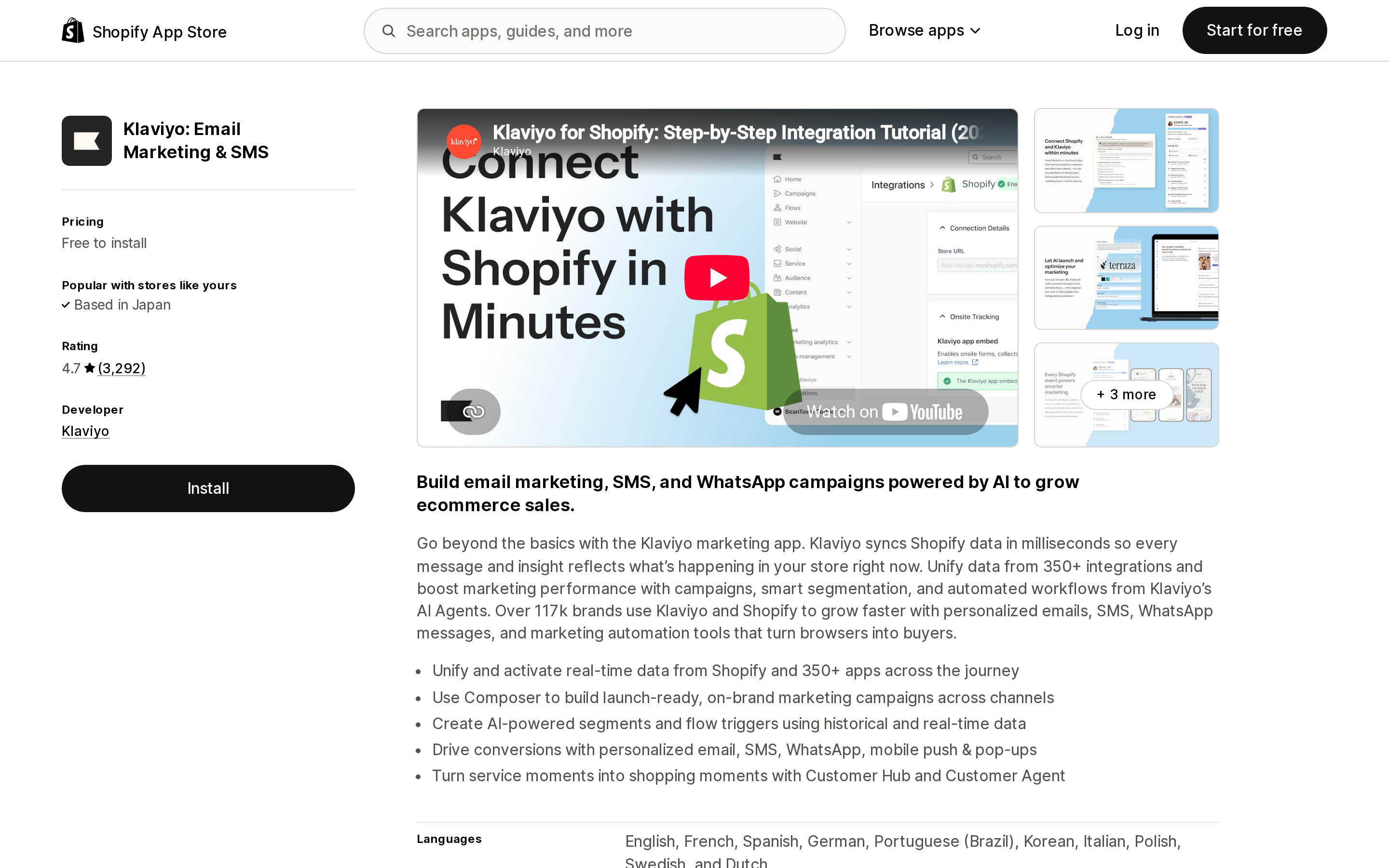
Source: Shopify App Store (Klaviyo: Email Marketing & SMS), retrieved September 12, 2026
Klaviyo: Email Marketing & SMS rates 4.7 from 3,292 reviews and is Free to install, with external charges billed separately from your Shopify invoice. The Free plan covers email for up to 250 contacts; the Email plan is $20/month for 251–500 contacts, and the SMS plan is $15/month for up to 1,250 SMS/MMS credits including carrier fees.
What you get at the browse stage that the native automation does not offer:
Two additional Shopify-only triggers. Beyond browse abandonment, Klaviyo states that for Shopify it "also offer[s] an abandoned collection flow and an abandoned search flow." A shopper who searched and left is a different intent signal from one who viewed a product, and neither native Shopify nor the other apps here expose it.
Profile filters as the branching mechanism. Klaviyo's documented build adds Placed Order zero times since starting this flow, Started Checkout zero times, Added to Cart zero times, and hasn't been in this flow in the last 30 days. From there you can split by purchasers versus non-purchasers or product category — or require that someone view at least Z products before the flow fires, which turns a single product view into a browsing-session signal.
One editor detail that breaks flows. Klaviyo is explicit that you must not clone your abandoned cart email for browse abandonment — the cart block is Dynamic, the browse block must be Static, and switching block types erases the tags.
None of the three apps on this page carries a Built for Shopify badge on its listing. Klaviyo's rating distribution is worth reading before you commit: 88% five stars, but 8% one star — 259 reviews — a higher one-star share than either Omnisend (5%, 158 reviews) or Brevo PushOwl (1%, 31 reviews). All figures as of September 12, 2026.
Omnisend: the page-view stage, priced by contacts
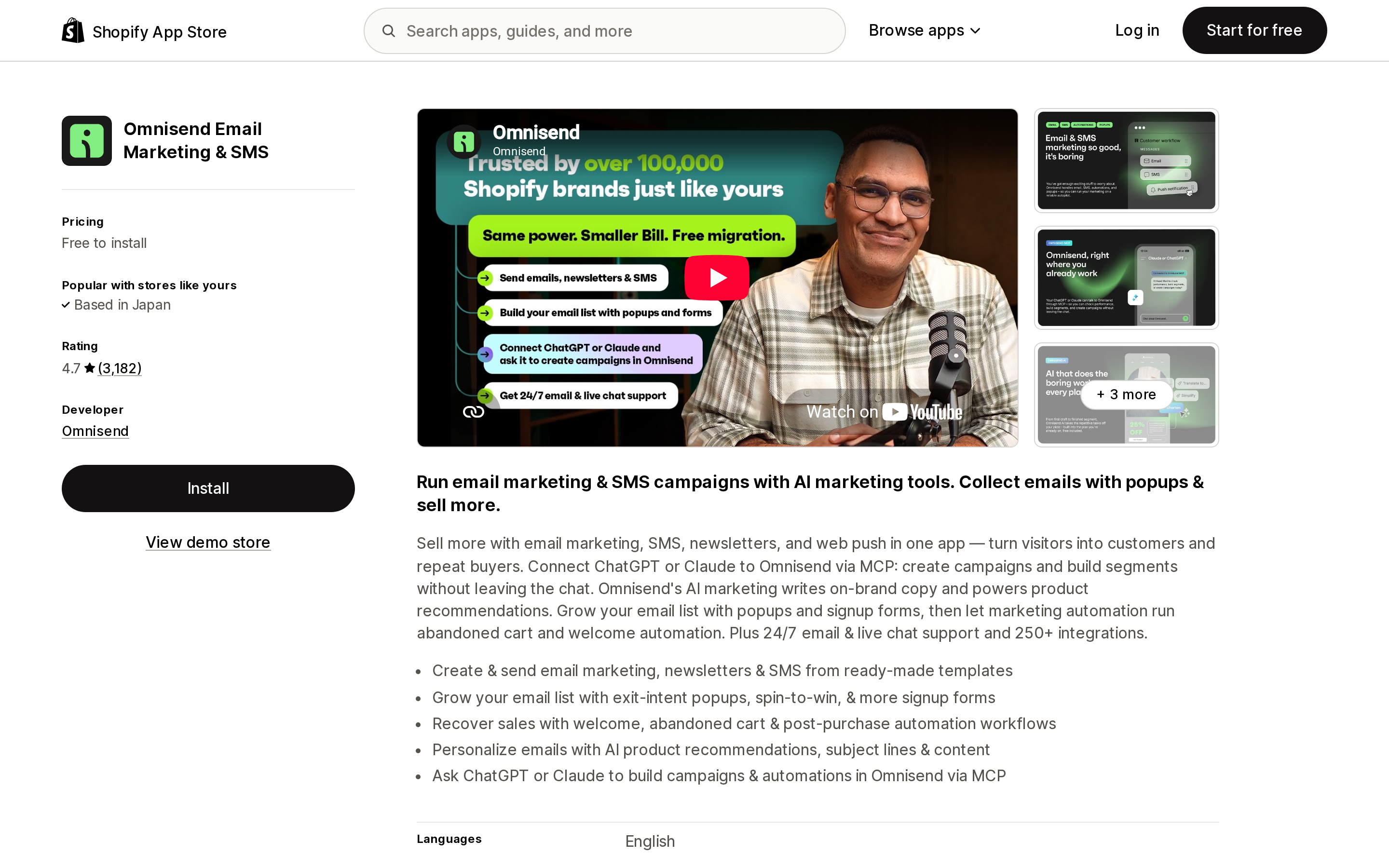
Source: Shopify App Store (Omnisend Email Marketing & SMS), retrieved September 12, 2026
Omnisend Email Marketing & SMS rates 4.7 from 3,183 reviews, Free to install, external charges billed separately. Three published tiers, as listed on September 12, 2026:
| Plan | Price | Contacts | Email volume | Web push |
|---|---|---|---|---|
| Free | Free to install | up to 250 | 500 emails/month | 500/month |
| Standard | $16/month | from 500, rises with list size | 6,000 emails/month | Unlimited |
| Pro | $59/month | from 2,500, rises with list size | Unlimited | Unlimited |
Automation Workflows are available on all Omnisend plans, including Free — so unlike PushOwl, the browse-stage automation is not itself the thing you are paying to unlock. What you pay for is contacts and send volume.
Two operational details that affect results more than the price:
Neither browse-stage workflow can be triggered retrospectively. Turning the automation on does not reach back to yesterday's browsers, so your first days of data are genuinely empty rather than misconfigured.
Product Abandonment shows exactly one product, by design. Omnisend's FAQ addresses merchants who set the Abandoned Products block to four and receive one: "The Abandoned Products block always shows the last product viewed by the contact, regardless of the 'Number of products to show' setting." To show more you add a Personalized Product Recommender block. The trigger also defaults to requiring the product be in stock, and Omnisend recommends a minimum delay of 2 hours — longer than its other workflows — so the shopper has time to add to cart unprompted.
Running more than one abandonment workflow needs both of Omnisend's throttles: Frequency (recommended at 10–15 days) limits re-entry to the same workflow, and Skip Contacts excludes anyone already in a higher-priority flow.
Brevo PushOwl: the one option that does not need an email address
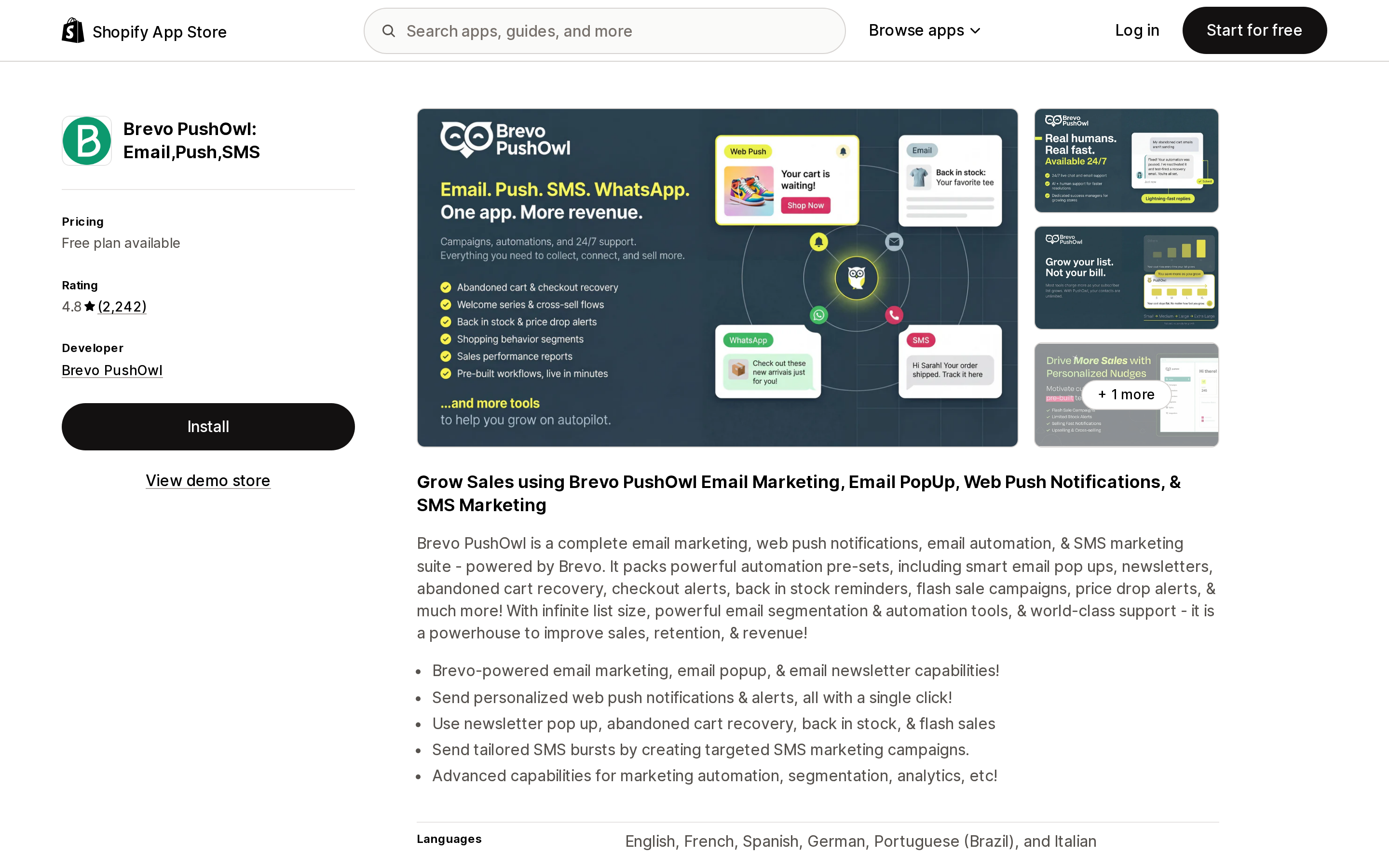
Source: Shopify App Store (Brevo PushOwl: Email,Push,SMS), retrieved September 12, 2026
Brevo PushOwl: Email,Push,SMS rates 4.8 from 2,240 reviews as of September 12, 2026, Free plan available. It is the structural exception on this page: a web push subscriber opts in with a browser permission prompt and no email address, so the identification requirement that throttles every email flow above does not apply in the same way.
The trade is that everything else about it is tightly constrained. From PushOwl's own documentation:
- The sequence is 3 reminders, each showing a different product the shopper viewed — but which products appear is decided for you, "based on the most expensive products that the shopper viewed," with ties broken at random
- Only products in stock are sent, and the sequence does not run if all the viewed products are free
- A subscriber receives at most five browse abandonment notifications per 30 days, and none if they received one in the last 24 hours
- It does not fire if the shopper added an item to cart — that is the separate Abandoned Cart automation — and cancels on purchase
- Default wait time is 20 minutes
Note a documentation conflict. PushOwl's help article — written September 15, 2023 — calls Browse Abandonment "an Enterprise feature." The current App Store listing places it in the Power Bundle at $79/month (or $852/year), above the Plus Bundle at $19/month, which gets Abandoned Cart Recovery but not browse. Treat the listing as current and confirm in-app before planning around it.
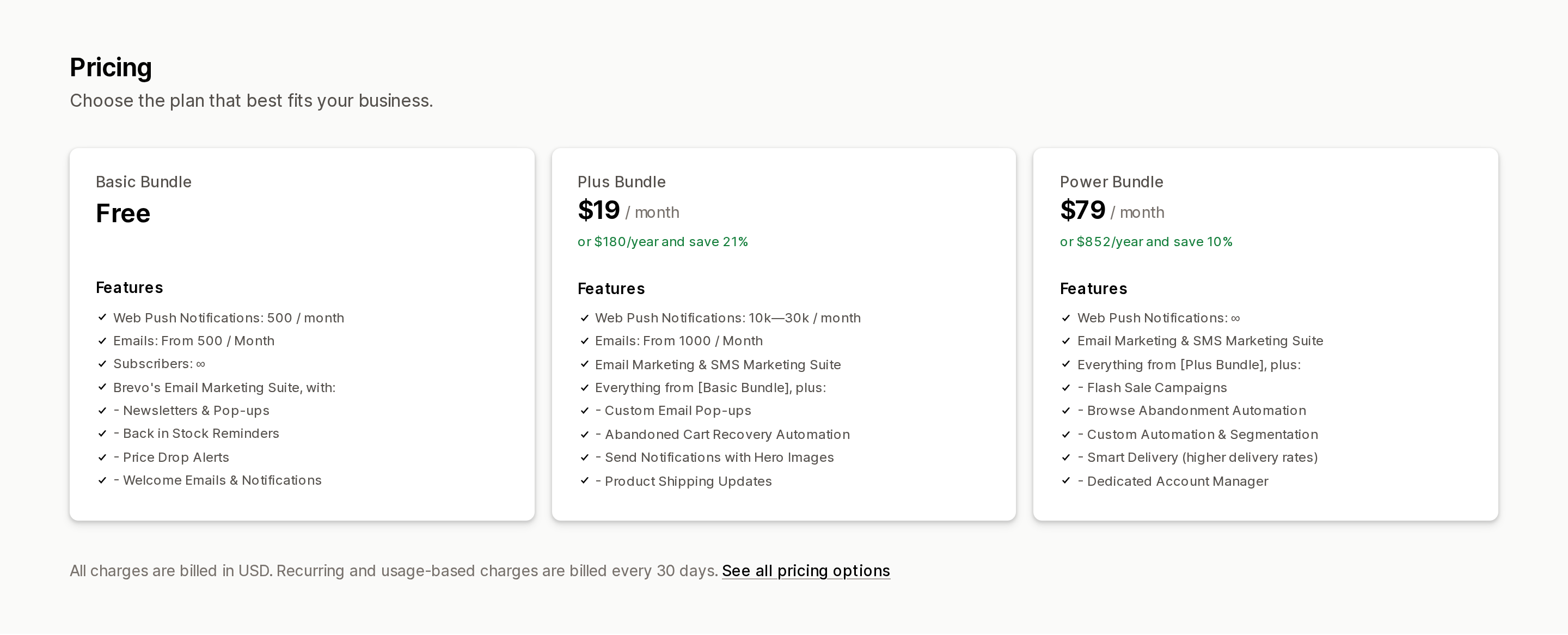
Source: Shopify App Store (Brevo PushOwl: Email,Push,SMS), retrieved September 12, 2026
Before you treat push as free reach, read the channel's own ceiling: on iPhone and iPad, web push only works for sites the shopper has added to their Home Screen, which is covered in our write-up of the native web push gap.
The App Store's Browse abandonment tag is not a shortlist
The Shopify App Store has a Browse abandonment feature filter inside the Email marketing category. As of this research, 402 apps carry it.
Filter by it and page one returns Klaviyo, Omnisend and Shopify Messaging — and also Shopify Forms, Shopify Flow, two wishlist apps, two product review apps and five popup-and-spin-wheel apps. Those are not all wrong. Shopify Flow genuinely supplies the trigger; a popup app genuinely grows the identified-contact pool browse abandonment depends on. But the tag is self-declared, and it tells you nothing about which funnel stage an app fires on, whether it captures the product viewed, or whether the feature sits behind a $79 tier.
Which is the whole problem in miniature: the tag that looks like the shortlist is the one piece of data that cannot produce one.
How to decide
If you are not already running the three native automations, start there. Convert abandoned product browse, Recover abandoned cart and Recover abandoned checkout cover the same three stages the paid apps cover, on Basic and up, with no separate vendor bill and no cross-flow collision to configure. Budget for the email cost: browse-stage sends count against your 10,000, unlike checkout sends.
If your flow sends almost nothing, do not switch apps. Fix identification first — an active signup form and a regular campaign cadence are what place the cookies these automations require. Changing vendors moves the same small denominator to a new dashboard.
If you want branching by intent, Klaviyo is the substantive upgrade. Profile filters, purchaser-versus-non-purchaser splits, an at least Z products viewed threshold, and the Shopify-only abandoned collection and abandoned search flows are things the native automation does not have. Price it on contacts: Free to 250, $20/month at 251–500.
If you want the page-view stage specifically, Omnisend is the one that ships it — with the caveat that it carries no product data and no return URL, so the message is a brand or offer email, not a product reminder. Automation Workflows are on every plan including Free, so you can validate the stage before paying.
If most of your traffic will never give you an email address, push is the only channel that routes around that. Brevo PushOwl's Browse Abandonment is $79/month on the Power Bundle, capped at five notifications per subscriber per 30 days, with product selection by highest price rather than your choice — plus an iOS reach ceiling that has nothing to do with the app.
Whichever you pick, decide the stage before you compare the apps. "Browse abandonment" is a product name, not a specification. Two vendors using it are frequently describing different events, and the one that sounds earlier in the funnel is usually the one that knows the least about the shopper.
Sources
- Creating and managing marketing automations in Shopify Messaging — Shopify Help Center
- Requirements and considerations for creating marketing automations — Shopify Help Center
- Shopify Messaging email pricing — Shopify Help Center
- Customer left online store without making a purchase — Shopify Help Center
- AbandonmentAbandonmentType — shopify.dev GraphQL Admin API
- How to create a browse abandonment flow — Klaviyo Help Center
- How to create an abandoned site flow with email and SMS — Klaviyo Help Center
- Browse Abandonment Automation — Omnisend Help Center
- Product Abandonment Automation — Omnisend Help Center
- Browse Abandonment — PushOwl Help Center
- Klaviyo: Email Marketing & SMS — Shopify App Store
- Omnisend Email Marketing & SMS — Shopify App Store
- Brevo PushOwl: Email,Push,SMS — Shopify App Store
- Shopify Messaging — Shopify App Store
- Email marketing apps with Browse abandonment features — Shopify App Store
Shopify's free link-in-bio page, Linkpop, retired on July 7, 2025 — linkpop.com now redirects to shopify.com. On August 15, 2026 Shopify's Help Center began saying the $5 Starter plan, the plan built around sharing product links on social, isn't available to new stores. And Shopify's own July 21, 2026 blog post on link-in-bio tools links to exactly two Shopify App Store listings: LinkShop, and Linktree — an app in the Marketplaces category, billed outside your Shopify invoice, rated 3.6 across 18 reviews. We priced seven link-in-bio apps on September 18, 2026. The dimension that matters isn't the monthly fee, which runs from $0 to $15. It's where the page lives: four apps serve it from your own storefront through a Shopify app proxy, which means it sits behind your store password — and on the new $0 Agentic plan, that password never comes off. Verified against the Shopify Help Center, shopify.dev, the Shopify App Store, and live store pages.