
What you will learn
On this pageContentsCloseOpen
Open Content → Blog posts → Add blog post in your Shopify admin, put the cursor on a line, and click the Formatting button.
Shopify's rich text editor documentation lists what you get: Paragraph, Heading (1-6), and Blockquote, plus bold, italic, underline, lists, indent, alignment, and text color. Six heading levels. No field, button, or menu anywhere that gives a heading an id.
That single missing attribute is the entire table of contents app category.
Pricing, review counts and listing text were verified on the en-US Shopify App Store on September 10, 2026. All prices are in USD.
What Shopify documents, and what it doesn't
Shopify's Help Center page for adding and managing blog posts is thorough. It documents the title limit (255 characters), the author dropdown, the blog selector, the featured image, the excerpt, tags, theme templates, the search engine listing, and scheduled visibility.
It never uses the words "table of contents," "anchor," or "heading."
The rich text editor page does tell you how to reach the HTML — click the Edit code button, or Show HTML — and you can hand-write <h2 id="shipping"> in there. Two things in that same page complicate it:
Content limit: There's a hard limit of 64 KB for content entered into the rich text editor. This applies to Pages, Blog posts, and additional scripts.
HTML sanitization: TinyMCE provides content filtering logic that automatically corrects HTML formatting to prevent storefront malfunctions and security risks. Although you can manually edit HTML back to its original form, it's recommended that you work with these automated changes.
So hand-written anchors are possible, not documented, and subject to an editor that Shopify openly says will rewrite your markup and that you should let it. Shopify's own closing advice in that section is to solve the problem in your theme instead:
If you're attempting to achieve specific goals by writing HTML that the CDN is trying to correct, then consider whether there are more ideal ways of reaching those goals, such as making changes to your theme code that support the expected HTML formatting.
What live stores actually look like
We fetched three long-form articles from Beardbrand, a US Shopify store that has been publishing editorial content for years, and counted <h2> and <h3> elements in the served HTML.
| Article | h2 + h3 elements | Elements with an id |
|---|---|---|
/how-to-grow-long-hair-men | 20 | 3 |
/buzz-cut | 24 | 3 |
/mustaches | 9 | 3 |
Three on every page, the same three on every page. Printing them out explains why: they are the footer accordion headings — <h3 tabindex="0" id="footer-heading-dadcc981-…" aria-expanded="false">, generated by the theme.
Article body headings with an id: zero, on all three pages. A 24-heading article with no linkable sections is the normal state of a Shopify blog, not a neglected one.
What the apps actually do
Next we took the demo article for one of these apps — Smart Table of Contents — and looked at the same page twice.
Fetching the raw HTML the server sends, the string id="toc- appears zero times, and the article's <h2> tags are bare <h2>. Reading the same page in a browser after JavaScript has run, 9 of 9 article headings carry an id: toc-what-is-a-table-of-contents-and-why-does-it-matter, toc-why-doesnt-shopify-include-a-toc-by-default, and so on.
That is the architecture of this whole category, and it is worth stating plainly because no listing does: the anchors your table of contents links to do not exist in your page. They are created in each reader's browser, on each page load, every time. One merchant describes the mechanism accurately in a 2023 review of another app in this category: "Must be dynamically scanning the page, and then dynamically adding the 'IDs' in the headings - before creating the TOC."
Three practical consequences follow, and none of them is a reason to avoid these apps — they are the things to plan around.
The id is derived from the heading text. toc-why-doesnt-shopify-include-a-toc-by-default is the heading, slugified. Edit the heading and the anchor changes. Any deep link you shared, or that anyone else shared, now lands at the top of the page.
Anything reading your HTML without running JavaScript sees no anchors. Browsers run JavaScript, and Google documents that Googlebot renders JavaScript, so the reader experience and Google's view are generally fine. But the section-level addressability you think you added isn't in the document that other fetchers receive, and whether any given fetcher executes JavaScript is not something the app's listing can tell you.
Uninstalling can leave the markup behind. See the Jump Links section below, where the developer says so themselves.
A note on "Google jump-link schema"
Two of these apps sell schema output as a reason to pay. Easy Table of Contents 2.0 lists "Automated SEO Schema: Built-in JSON-LD for Google Jump-to eligibility" as a feature, puts "Full SEO JSON-LD Schema" in its Free plan, and then puts 'Google SEO "Jump-Link" Schema' in the $1.99/month Essential plan — the same idea, on two tiers, in one listing.
Google's list of structured data features does not contain a table of contents or jump links type. The closest Search result is a sitelink, and Google's sitelinks documentation is direct about how those are produced:
At the moment, sitelinks are automated.
Its best-practice list is about informative headings, logical structure, and concise internal anchor text — page structure, not markup you can add. A table of contents is a genuinely good reason to structure an article well. There is no documented schema type that makes Google render one.
Where the app is allowed to sit
One more constraint decides more than the pricing does, and it lives in your theme rather than in the app.
In September 2025 an app developer opened a thread on Shopify's developer forum: in the Horizon theme, dropping an app block into the Blog post section doesn't work — the block is moved into a new section below the article, "meaning the app block won't display within/alongside the article content." Dawn allowed it; Horizon did not. A Shopify staff member escalated it, then reported in March 2026 that Shopify "do not actually review or approve contributions to Horizon at this time," and in June 22, 2026 confirmed: "this has now been resolved with version 4.0.0 of Horizon." Nine months. In the same thread, in May 2026, a second app developer reported hitting the same limit on Horizon, Sense and Refresh, and shipping a separate section under the article body as the workaround.
Before you compare plans, check two things: your theme, and its version. If an app's only placement mechanism is a theme app block and your theme won't accept one inside the article section, you get a table of contents under your article instead of above it.
Five apps, five different deals
| App | Free plan | Paid from | Trial | Built for Shopify | Rating (reviews) | Beyond blog posts |
|---|---|---|---|---|---|---|
| Easy Table of Contents 2.0 | Yes, top position only | $1.99/mo | 30 days | No | 4.8 (13) | Pages, collections, products on $3.99 |
| RuffRuff Table of Contents | Yes, with branding | $3.99/mo | 3 days | Yes | 4.8 (17) | Products, collections, pages on $9.99 |
| Smart Table of Contents | Free only | — | — | No | 5.0 (1) | Blog articles only |
| Jump Links ‑ Table of Contents | No | $1.99/mo | 7 days | No | 2.5 (4) | Related products on $9.99 |
| Auto Table of Contents | Free only | — | — | No | 0.0 (0) | Pages and blog posts |
Thirty-five reviews across the five. For scale, on September 10, 2026 the App Store's Blogs category listed 234 apps — and filtering that category by the "Table of contents" feature returned the same 234, so the filter is not a shortlist. (We found the same thing about the category's "Related posts" filter.)
Easy Table of Contents 2.0
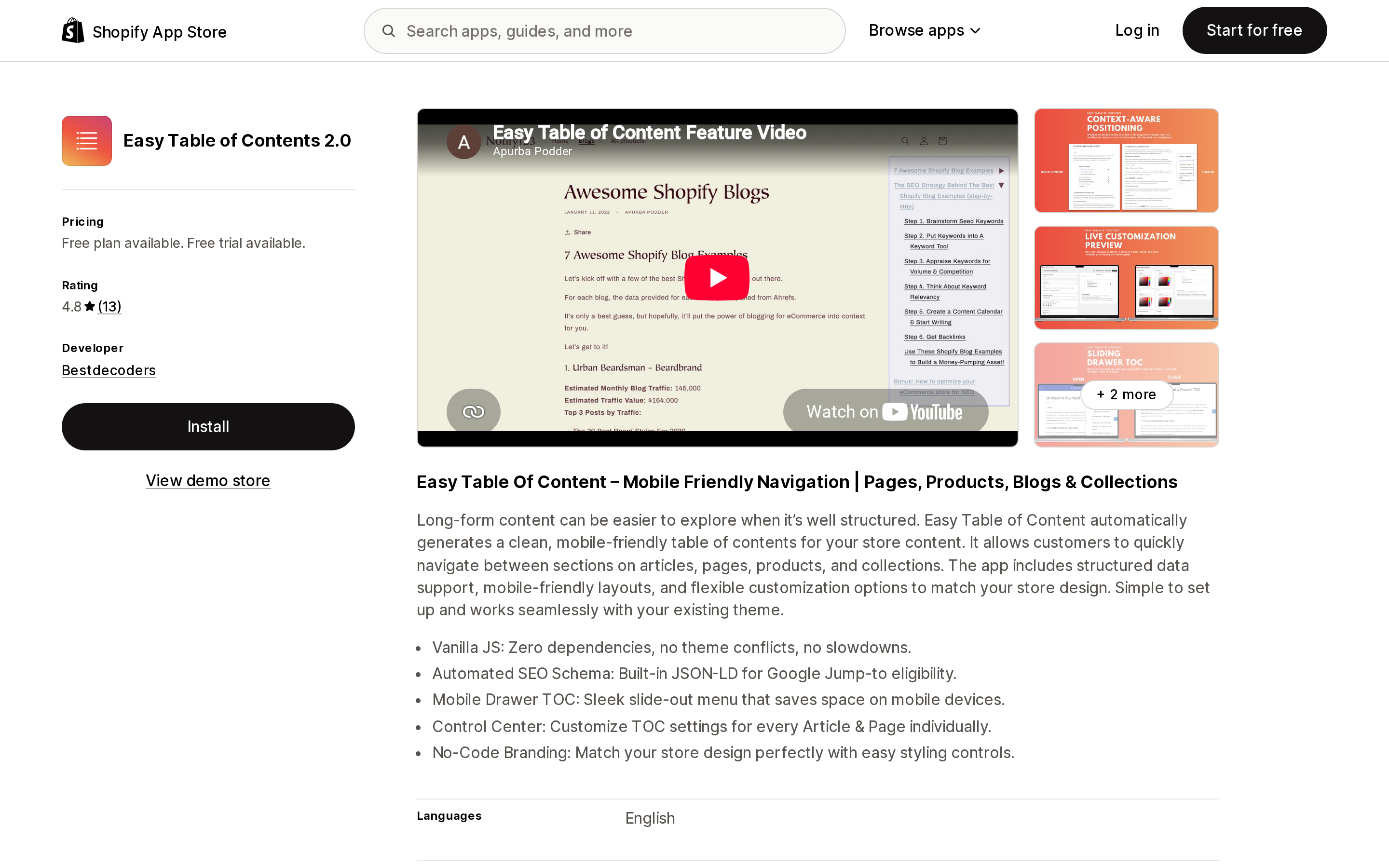
Source: Shopify App Store (Easy Table of Contents 2.0), retrieved September 10, 2026
By Bestdecoders, launched January 18, 2022. The longest trial here at 30 days, and four price points: Free, Essential $1.99/month, Extended $3.99/month, and Extended Yearly $39.99/year.
The free plan generates a TOC on unlimited articles but is restricted to Fixed Top Position Only. Position control, the mobile slide-out drawer, bullets and indentation, and per-page settings are all on Essential.
Two things to weigh. Its rating is 4.8 across 13 reviews, but every one of those ratings is at an extreme: 11 five-star and 2 one-star, with nothing at four, three or two. One reviewer mentions having been "put off with the 1 star reviews by others below for a while." And its data access request is the broadest of the five: store owner name, email, phone and physical address, plus blog contributor email, IP address, browser and operating system.
RuffRuff Table of Contents
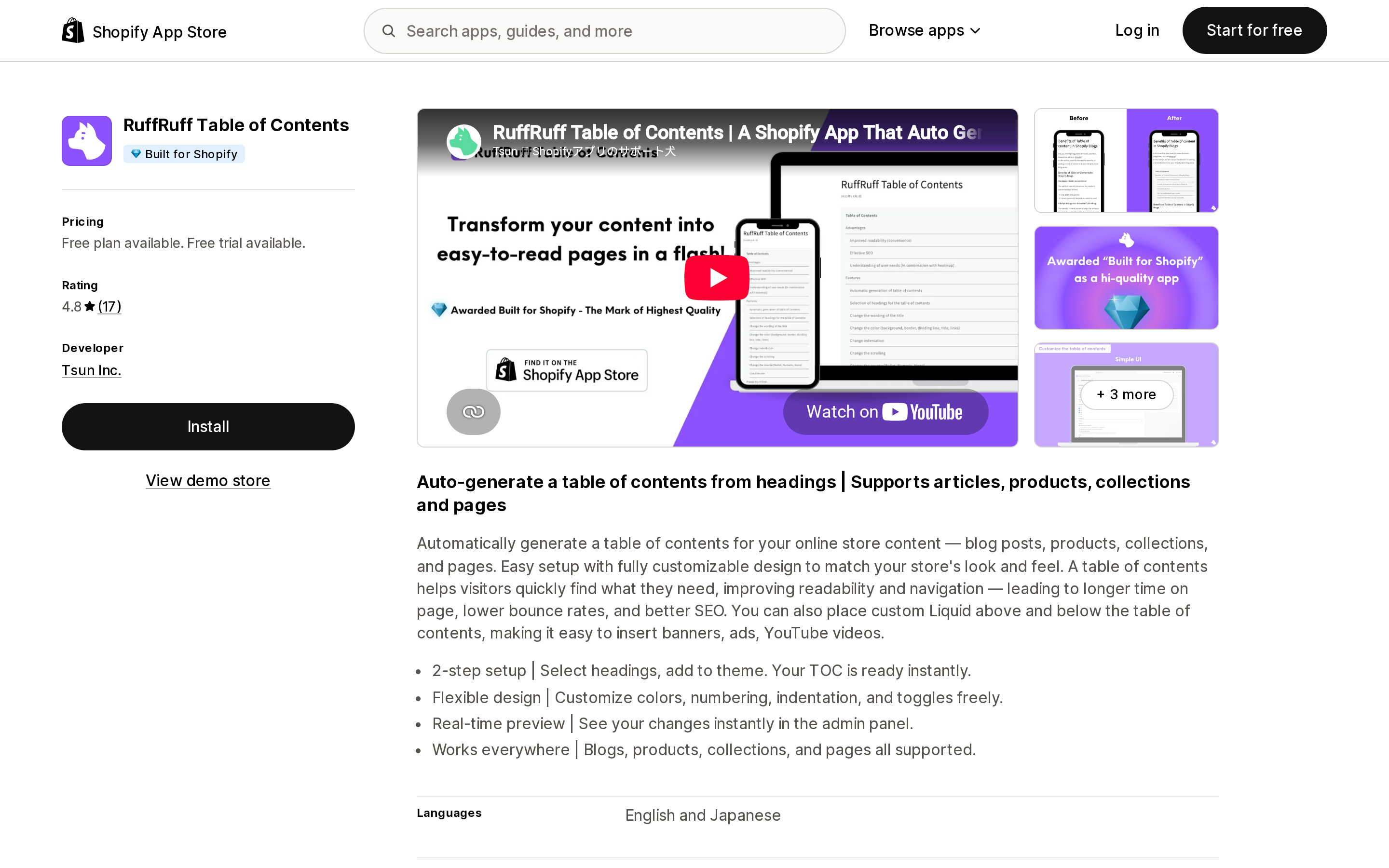
Source: Shopify App Store (RuffRuff Table of Contents), retrieved September 10, 2026
By Tsun Inc., launched December 5, 2022, and the only app here carrying the Built for Shopify badge. Light $3.99/month or $39.60/year; Regular $9.99/month or $99.60/year, which adds products, collections and pages. The trial is 3 days.
Read the Light plan feature list closely, because it tells you what the free plan is. Light adds "Anchor Link Generation from Headings" and "No branding." Both are worth knowing before you install: the free tier displays vendor branding, and heading-derived anchor generation — the thing the rest of this article is about — is listed as a paid feature rather than a baseline one.
Light also unlocks custom Liquid above and below the table of contents, which is the most open-ended customization on offer in this group.
Smart Table of Contents
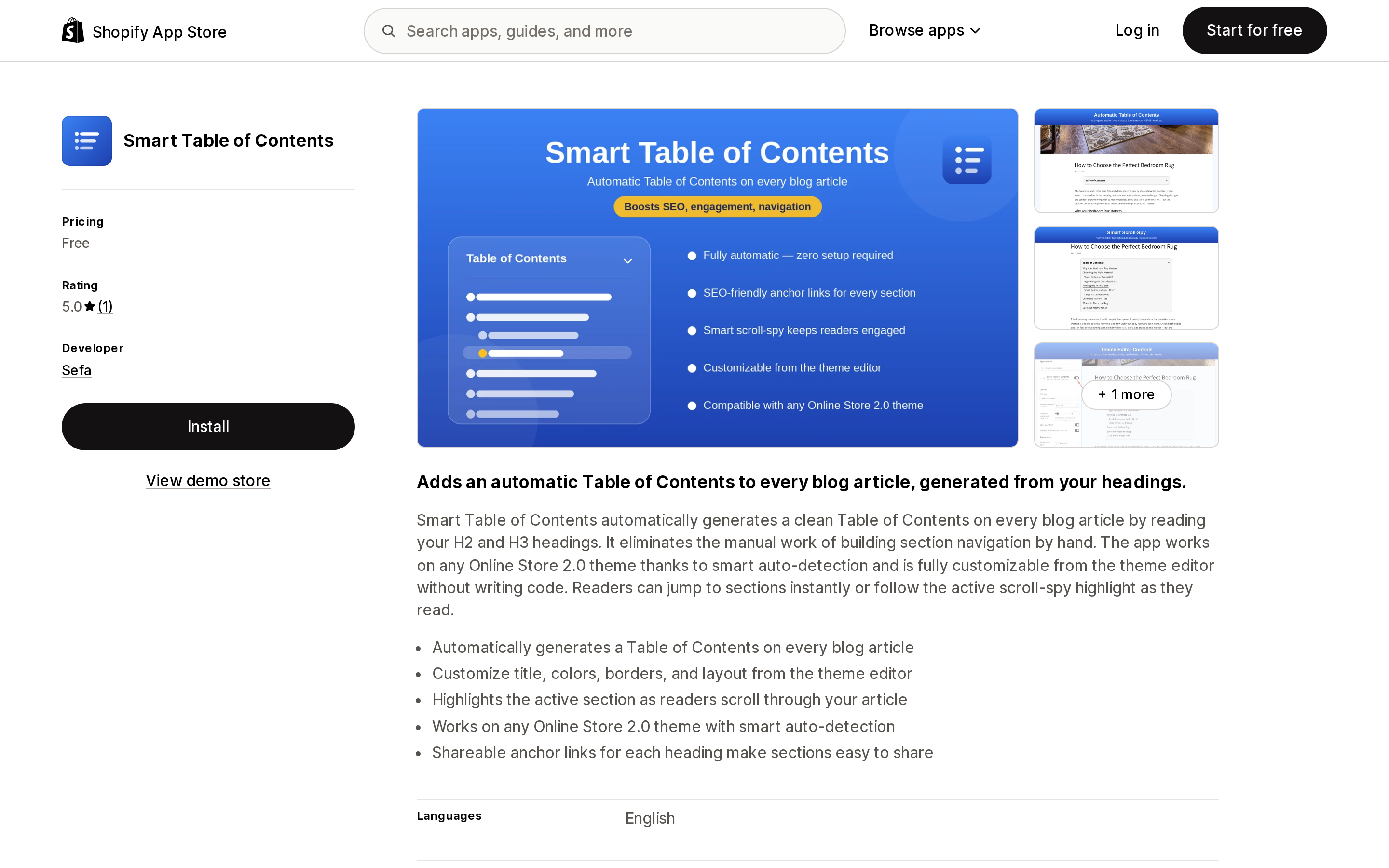
Source: Shopify App Store (Smart Table of Contents), retrieved September 10, 2026
By Sefa, launched May 19, 2026. Free, with no paid tier at all. It reads H2 and H3 headings, is configured from the theme editor rather than an app dashboard, adds scroll-spy highlighting of the active section, and states support for "any Online Store 2.0 theme."
It is also the app whose demo article we tested above, so its mechanism is the one we can describe from observation rather than from a listing.
The caveat is evidence, not features: one review, dated June 10, 2026, from a store that had the app installed for 7 minutes. Launched less than four months before our check, with a single review, is not a track record. Its data access request is the narrowest of the five — store owner details only.
Jump Links ‑ Table of Contents
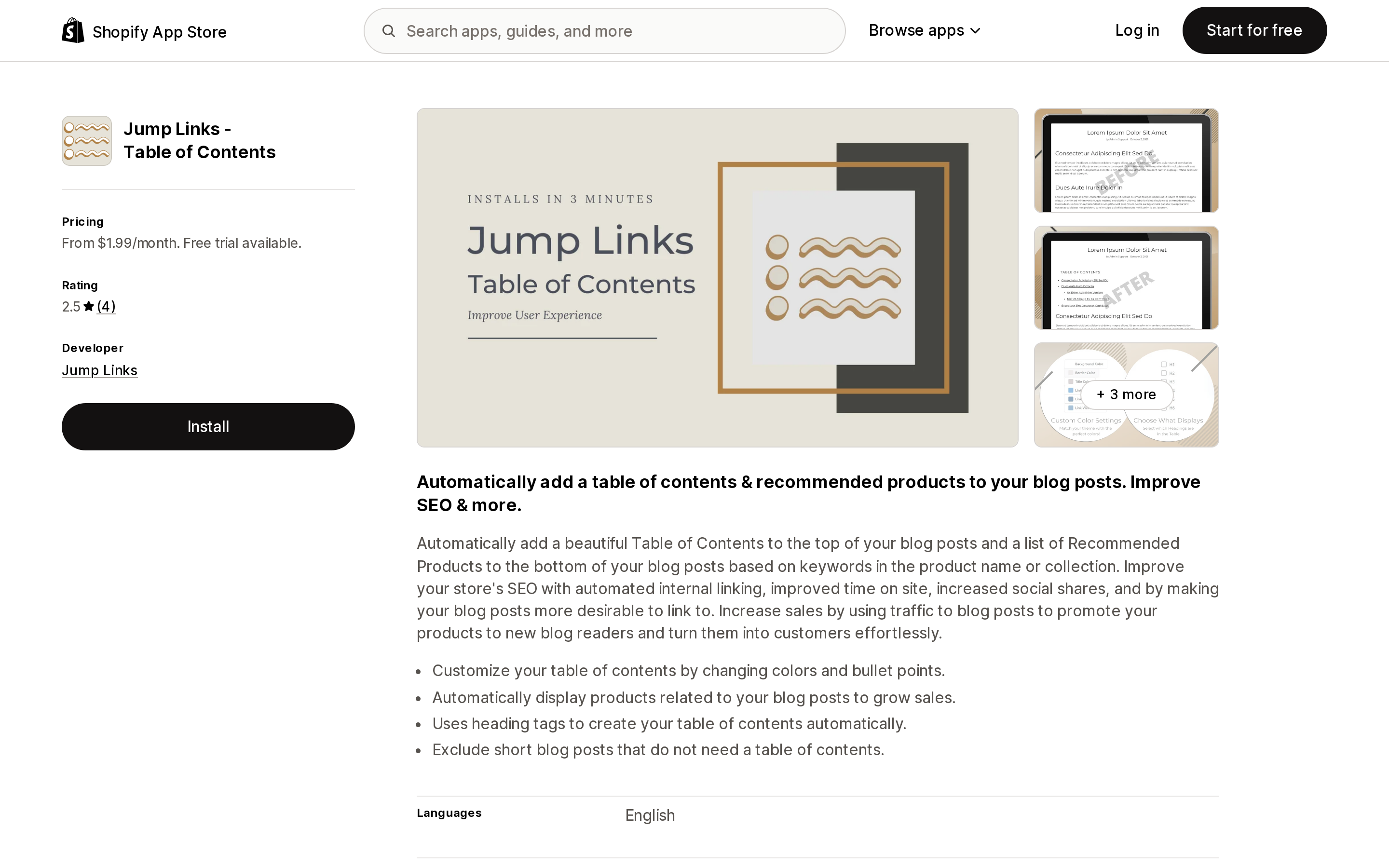
Source: Shopify App Store (Jump Links ‑ Table of Contents), retrieved September 10, 2026
By Jump Links, of Dallas, Texas, launched April 29, 2021 — the oldest app here. Full Access $1.99/month; Premium $9.99/month adds automatic related-product blocks at the bottom of posts. 7-day trial, no free plan.
Its rating is 2.5 from 4 reviews: one four-star, one three-star, one two-star, one one-star, and no five-stars at all. Those four reviews are the most useful documentation in this category, so read them rather than the listing.
A February 2023 reviewer reported two problems: load time, and leftover code on uninstall. The developer's public reply disputes the first and confirms the second:
The app does unfortunately leave some code behind when it is removed. As stated in our support response to you when you reached out about this issue, this is a known bug we are working to fix and you should be able to remove that code soon.
That reply is three and a half years old and still the current public record. On load time, two separate reviewers independently describe "an extra 2 seconds"; the developer calls that "an outrageous lie with zero evidence" and cites GTmetrix page loads of 498 ms from London and 357 ms from Vancouver. What the exchange does establish is architectural: the developer explains that the app uses AWS "to generate a table of contents," so unlike the client-side apps it involves a server round trip. Two of the four reviews describe support that did not answer. The most recent, from August 2024, reads in full: "Stopped working long time back and their support never answers." An earlier one, edited May 2023, reads: "I'm back to being seriously disappointed by ZERO communication" — the developer replied that the merchant's emails had been caught by their spam system.
If you uninstall anything in this category, it's worth checking your article HTML afterwards — app uninstalls leave more behind than most merchants expect.
Auto Table of Contents
Source: Shopify App Store (Auto Table of Contents), retrieved September 10, 2026
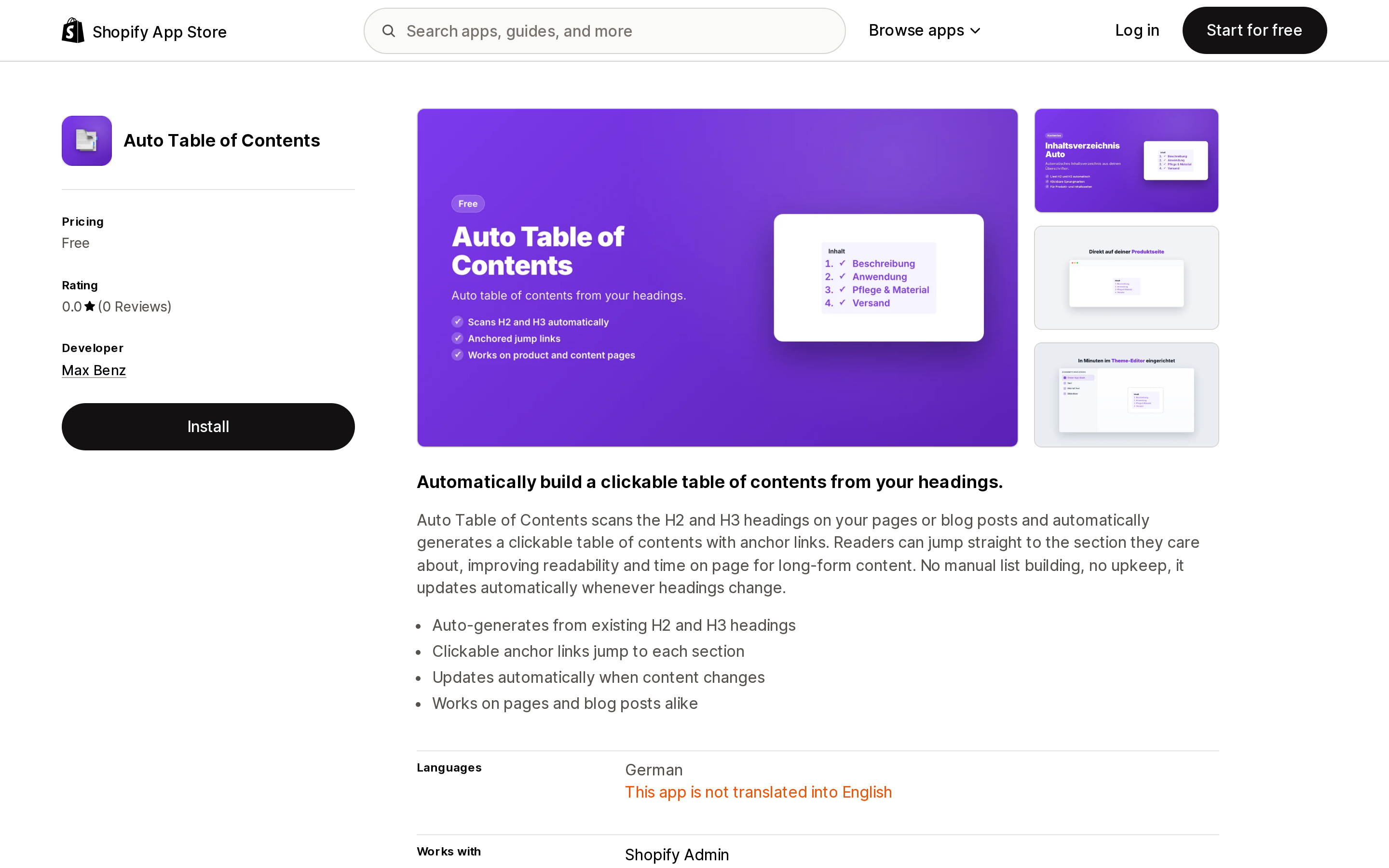
By Max Benz, of Dresden, launched July 16, 2026 — under two months before our check. Free, with no reviews. It scans H2 and H3 headings on pages and blog posts and generates anchor links, updating when headings change.
One line on the listing decides this for most US merchants. Under Languages it says German, followed by: "This app is not translated into English." Its listing copy, meta description included, is in German. That is a statement about the app's admin interface, not necessarily its storefront output, but it is the kind of thing to check before you install rather than after.
How to choose
If you publish a handful of long articles a year, do nothing first. Open one in a browser, count the headings, and ask whether a reader would actually use a jump list. A 900-word post with three headings does not need one.
If you want no monthly fee and are on an Online Store 2.0 theme, Smart Table of Contents is the cleanest free option with an English admin — with the understanding that its evidence base is one review.
If you want the strongest platform signal, RuffRuff Table of Contents is the only Built for Shopify app here. Budget for Light at $3.99/month; the free tier carries branding and lists heading anchor generation as a paid feature.
If you need a TOC on product or collection pages too, compare Easy Table of Contents 2.0 at $3.99/month against RuffRuff's Regular at $9.99/month. Easy Table of Contents 2.0 is cheaper for that scope; RuffRuff has the badge and the longer review history.
If you want related-product blocks under your posts from the same app, that is Jump Links' Premium tier at $9.99/month. Weigh it against a 2.5 rating and a developer-confirmed uninstall-leftover bug.
If your theme is Sense, Refresh, or a Horizon older than 4.0.0, settle placement before you settle on pricing.
The bottom line
Shopify gives you six heading levels and no way to address any of them. Every app in this category closes that gap the same way — by writing the id attributes into the DOM in your reader's browser — and then charges differently for position control, mobile layout, scope beyond blog posts, and in one case for the anchor generation itself.
The questions that actually separate them are not in the feature lists: what your theme lets the app do, how much evidence exists that the app still works, and what it leaves behind when you remove it.
Sources
- Shopify Help Center — Using the rich text editor for content
- Shopify Help Center — Adding and managing blog posts
- Shopify Developer Community — Horizon + Shopify theme devs: Please allow apps to insert blocks into the Blog Post section
- Google Search Central — Sitelinks
- Google Search Central — All structured data features
- Shopify App Store listings, retrieved September 10, 2026: Easy Table of Contents 2.0, RuffRuff Table of Contents, Smart Table of Contents, Jump Links ‑ Table of Contents, Auto Table of Contents
Shopify's free link-in-bio page, Linkpop, retired on July 7, 2025 — linkpop.com now redirects to shopify.com. On August 15, 2026 Shopify's Help Center began saying the $5 Starter plan, the plan built around sharing product links on social, isn't available to new stores. And Shopify's own July 21, 2026 blog post on link-in-bio tools links to exactly two Shopify App Store listings: LinkShop, and Linktree — an app in the Marketplaces category, billed outside your Shopify invoice, rated 3.6 across 18 reviews. We priced seven link-in-bio apps on September 18, 2026. The dimension that matters isn't the monthly fee, which runs from $0 to $15. It's where the page lives: four apps serve it from your own storefront through a Shopify app proxy, which means it sits behind your store password — and on the new $0 Agentic plan, that password never comes off. Verified against the Shopify Help Center, shopify.dev, the Shopify App Store, and live store pages.