
What you will learn
On this pageContentsCloseOpen
Open a Shopify store on the Basic plan, go to Content → Blog posts → Add blog post, and look at the Author dropdown in the Organization section.
There is one name in it. Yours.
That is not a bug, and it is not a rendering delay. It is the arithmetic of two Shopify rules that were written in different places and never reconciled.
Pricing, review counts, and listing details were verified on the en-US Shopify App Store on September 9, 2026. All prices are in USD.
The rule Shopify writes down
The Help Center page on adding and managing blog posts is unusually direct about the Author field:
Author: From the drop-down menu, select the name of the person writing the post. You can only select the name of the store owner or a staff member with admin access. POS-only staff and collaborators won't appear in the list.
The same page adds a note for merchants who expect to see someone and don't:
Blog post authors must be store staff members, so guest authors or external contributors need to be added as staff to appear in the author dropdown.
There is a second gate underneath that one. The note also says that a staff member needs both Blog posts and pages and Home permissions before they show up in the list at all. A writer with content permissions but no Home access is invisible to the dropdown.
So the byline is not a text field. It is a pointer to an account.
What a byline costs, counted in seats
Shopify publishes the seat ceilings on a dedicated Help Center page:
| Pricing plan | Maximum user accounts |
|---|---|
| Pause and Build | 1 |
| Starter | 0 |
| Basic | 0 |
| Grow | 5 |
| Advanced | 15 |
| Shopify Plus | Unlimited |
The store owner is exempt from that count — one per store — which is why a Basic store still has a working Author dropdown containing exactly one entry. The page states the constraint plainly: "Users are available only on the Grow plan and higher."
Now read the exemptions table on that same page. Collaborators are unlimited. POS-only staff are unlimited. Both are free of the seat cap.
Those are precisely the two account types the blog editor refuses to list.
The uncapped account types cannot hold a byline, and the account type that can hold a byline is the one Shopify meters. That is the shape of the problem, and it explains why the workaround market exists.
The cost that matters here is not the plan upgrade. It is the access grant. A byline requires a staff account with admin access — a real login to your Shopify admin. Crediting five freelance writers on a Grow plan means issuing five admin logins to people who only ever needed to write prose. That trade is worse than it first sounds, and it does not get better on Advanced.
The Admin API never got the memo
Here is where the two rules stop agreeing.
In the GraphQL Admin API, Article.author is an ArticleAuthor object. The documented example for the articleCreate mutation passes it like this:
{
  "article": {
    "blogId": "gid://shopify/Blog/389767568",
    "title": "New Article Title",
    "author": { "name": "Test User" },
    "body": "This is the content of the article."
  }
}
"Test User" is a string, not a reference to an account, and Shopify's own sample response echoes it back as the article's author. articleUpdate accepts the same input, so bylines on already-published posts can be rewritten the same way. The mutations require write_content or write_online_store_pages — scopes any content app already holds.
The apps below confirm this works in practice rather than only on paper. Hyve's listing states the outcome directly: "Add additional authors to blog articles above your store's staff account limit."
The admin UI enforces a staffing rule. The API underneath it does not appear to.
Every app in the rest of this article is built on that single gap. Understanding it is what lets you evaluate the apps on what they add on top of a free API call, rather than on the API call itself.
What the byline actually renders as
Two Liquid objects are involved, and only one of them is doing any work in practice.
article.author is documented as "the full name of the author of the article." A string. That is what an app writes to.
article.user is the richer one — it exposes bio, homepage, image, first_name, last_name, email, and account_owner. It looks like the author-profile object a blog needs. Shopify's documentation includes one detail that undercuts that:
The information returned by the
userobject can be edited on the Account page of the Shopify admin.
That is the staff member's own account settings page, not the blog editor. The bio that would appear under your posts is edited in a settings screen owned by the individual, and a writer's bio can only be maintained by that writer, from their own login. There is no editorial control over it.
It is also, in the default theme, never displayed. In Dawn's sections/main-article.liquid, the title block renders this and nothing else:
{%- if block.settings.blog_show_author -%}
  <span class="caption-with-letter-spacing">
    <span>{{ article.author }}</span>
  </span>
{%- endif -%}
article.user does not appear anywhere in the file. And the setting that wraps the byline, blog_show_author, has "default": false in the section schema. On a fresh Dawn store, there is no byline on your blog posts at all until someone ticks a box in the theme editor.
Worth confirming that before you pay a monthly fee to change a name that isn't being displayed.
The schema gap, and an honest limit
Dawn emits structured data for articles with one line: {{ article | structured_data }}, and Shopify's filter documentation confirms article objects are output as a schema.org Article. The documentation's only worked example is for a product, so it does not publish what the filter emits for an article's author.
So I read the rendered JSON-LD on two live Shopify storefronts instead — the demo article on lowfruitsolutions.com and the preview store authorrank-seo-geo.myshopify.com. Neither is using the bare filter output; both themes build their own Article block. Both landed on the same author shape:
"author": { "@type": "Person", "name": "Ian Brian Masters" }
Name only. No url, no sameAs, no jobTitle. Two independent themes, two identical gaps — which makes sense, because a string is all article.author has to give them.
Google's Article structured data documentation has a section titled "Author markup best practices," and its guidance on this exact point is: "To help Google better understand who the author is, we strongly recommend using the type and url (or sameAs) properties." The url should point to "a web page that uniquely identifies the author" — and if it is an internal profile page, Google recommends marking that page up with profile page structured data.
Now the part the app listings tend to skip. Google's Article documentation states there are no required properties, and describes the payoff as better "title text, images, and date information" in results. It does not document an author rich result, and it does not describe a ranking effect for author markup. An app that adds Person schema is closing a documented best-practice gap, which is a legitimate thing to buy. It is not a ranking product, and a listing that implies otherwise is promising something Google has not published.
Six apps, two different jobs
The apps that address this split cleanly in two, and the split matters more than price:
Job A — rewrite the byline string. Write an arbitrary name into article.author through the API. The existing theme renders it with no code changes, because the theme was already printing that string.
Job B — render a profile. Store bios, photos, links and credentials somewhere Shopify does not provide a field for, then render an author box, a profile page, or Person schema through a theme extension.
Some apps do one. Some do both, at different price points.
Custom Authors
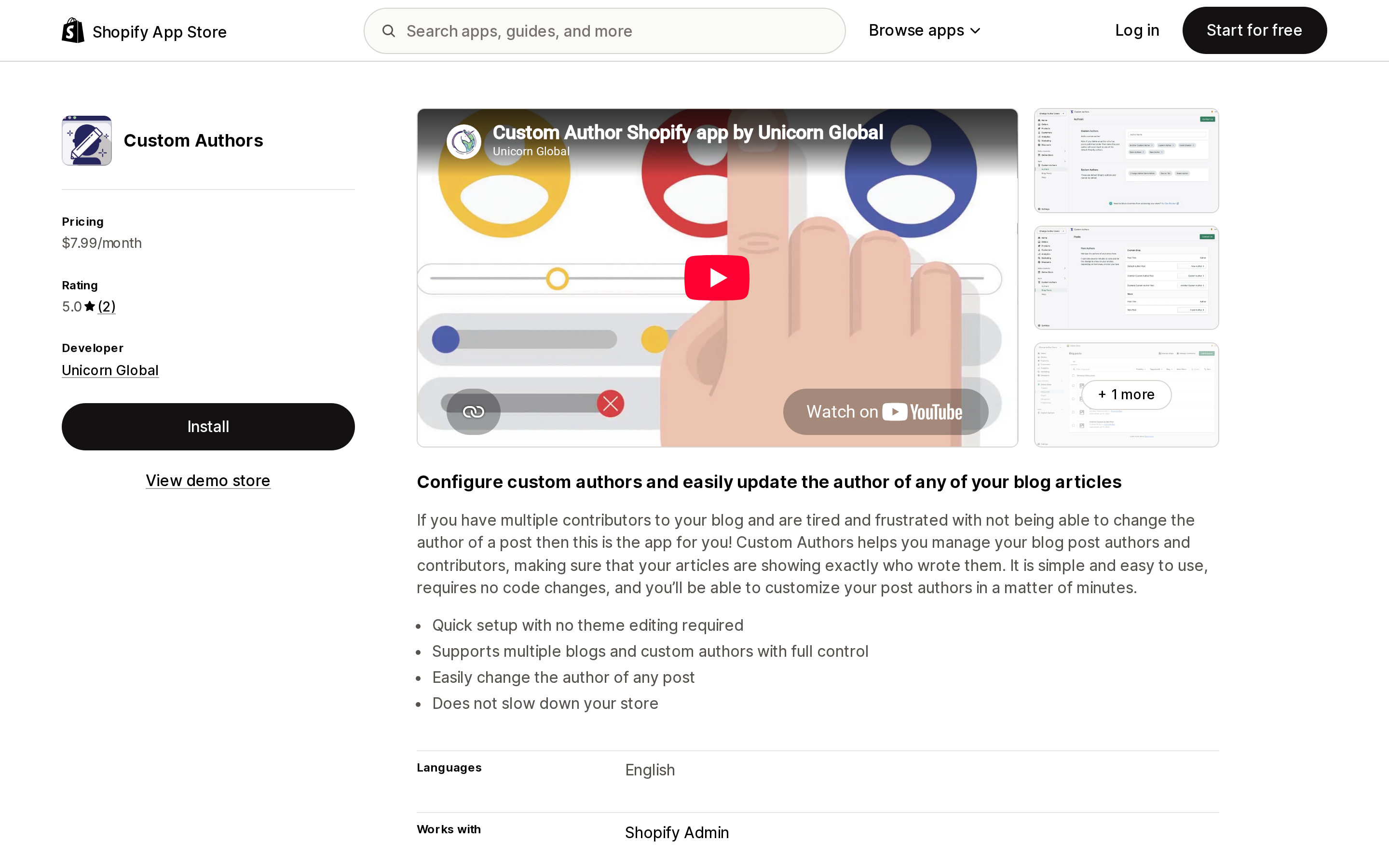
Source: Shopify App Store (Custom Authors), retrieved September 9, 2026
Custom Authors by Unicorn Global is the plainest expression of Job A. One plan, $7.99/month, covering unlimited authors, unlimited blogs and unlimited changes. No free plan and no trial are listed. It launched September 4, 2019 and is filed under the Blogs category, with Shopify Admin as its only listed integration.
Its rating is 5.0 from two reviews, both from UK merchants, and the most recent is dated January 17, 2022. One of them states the use case better than the listing does: "if you use guest authors and specialists to write content for your site like us, then it's essential to be able to display the actual authors."
A newest review from early 2022 is not evidence of a problem. It is an absence of evidence, and you should price that in.
Hyve ‑ Custom Blog Authors
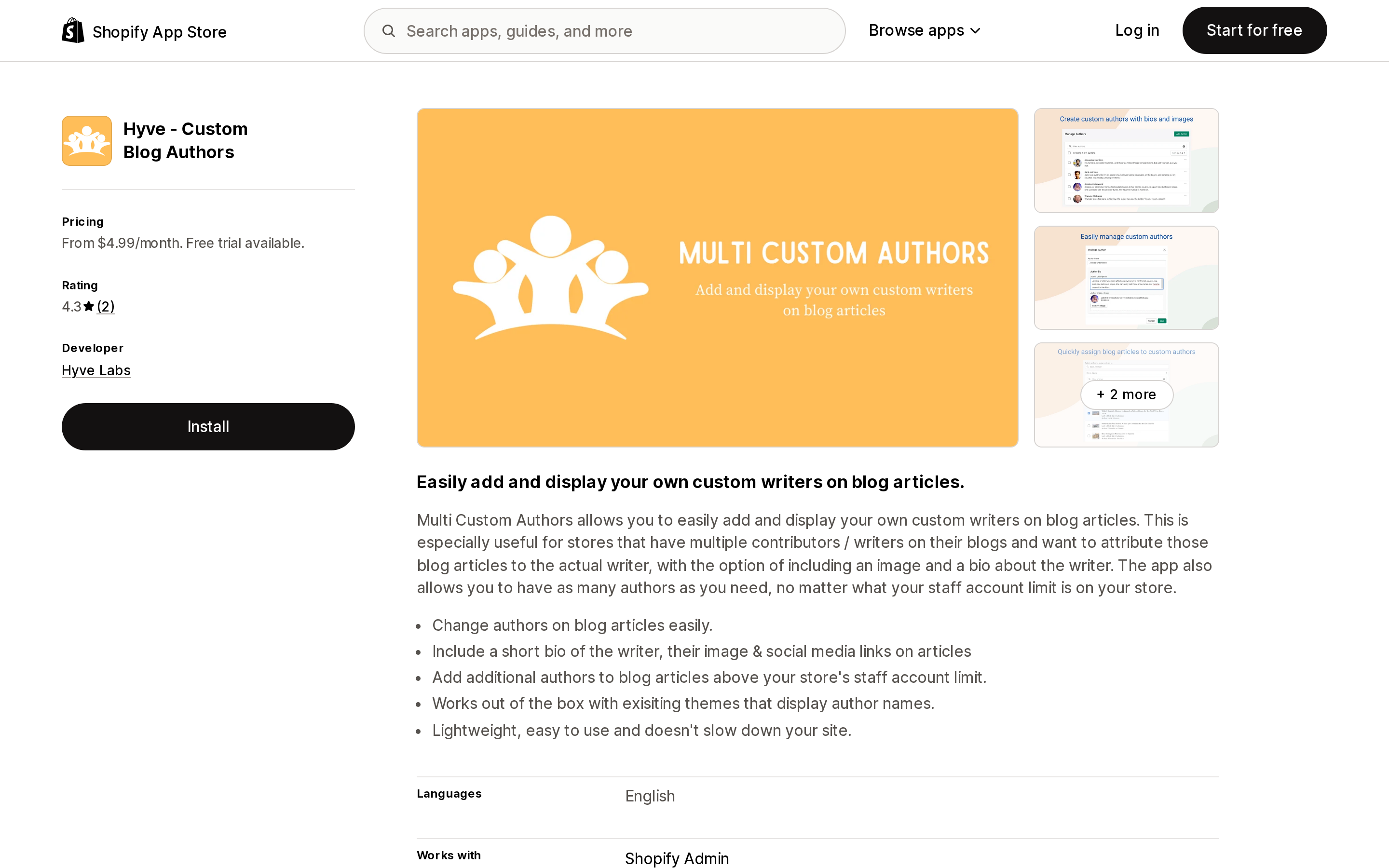
Source: Shopify App Store (Hyve ‑ Custom Blog Authors), retrieved September 9, 2026
Hyve ‑ Custom Blog Authors by Hyve Labs is the only listing that names the constraint outright. Its feature list includes: "Add additional authors to blog articles above your store's staff account limit."
It splits the two jobs across two plans, which makes it the cleanest illustration of the difference:
- Basic, $4.99/month — unlimited custom authors, articles and blogs, with "No custom bios (able to change author name on articles)." Job A only.
- Pro, $9.99/month — adds custom bio, image and social media links per author. Job A plus Job B.
Both carry a 7-day free trial. It launched April 14, 2021 and is filed under both Blogs and Metafields.
Two things to check before installing. Its App Store data-access disclosure includes Online Store script tags. Shopify's developer changelog entry of August 24, 2026 sets out the timeline: on October 1, 2026, scriptTagCreate and scriptTagUpdate "will return an user error," and on March 1, 2027, "Shopify will stop injecting script tags into storefronts." Requesting the scope is not proof an app depends on it — plenty of apps carry legacy scopes they no longer exercise, and the deprecation only affects script tags with a display_scope of online_store — but it is a fair question to put to the developer.
Second, a US merchant's April 2024 review reads: "Not the most straightforward app, but it gets the job done. Visiting the app's 'Help Center' is almost a requirement to use the app properly." The developer replied acknowledging it. Budget setup time.
LFS Author Signature
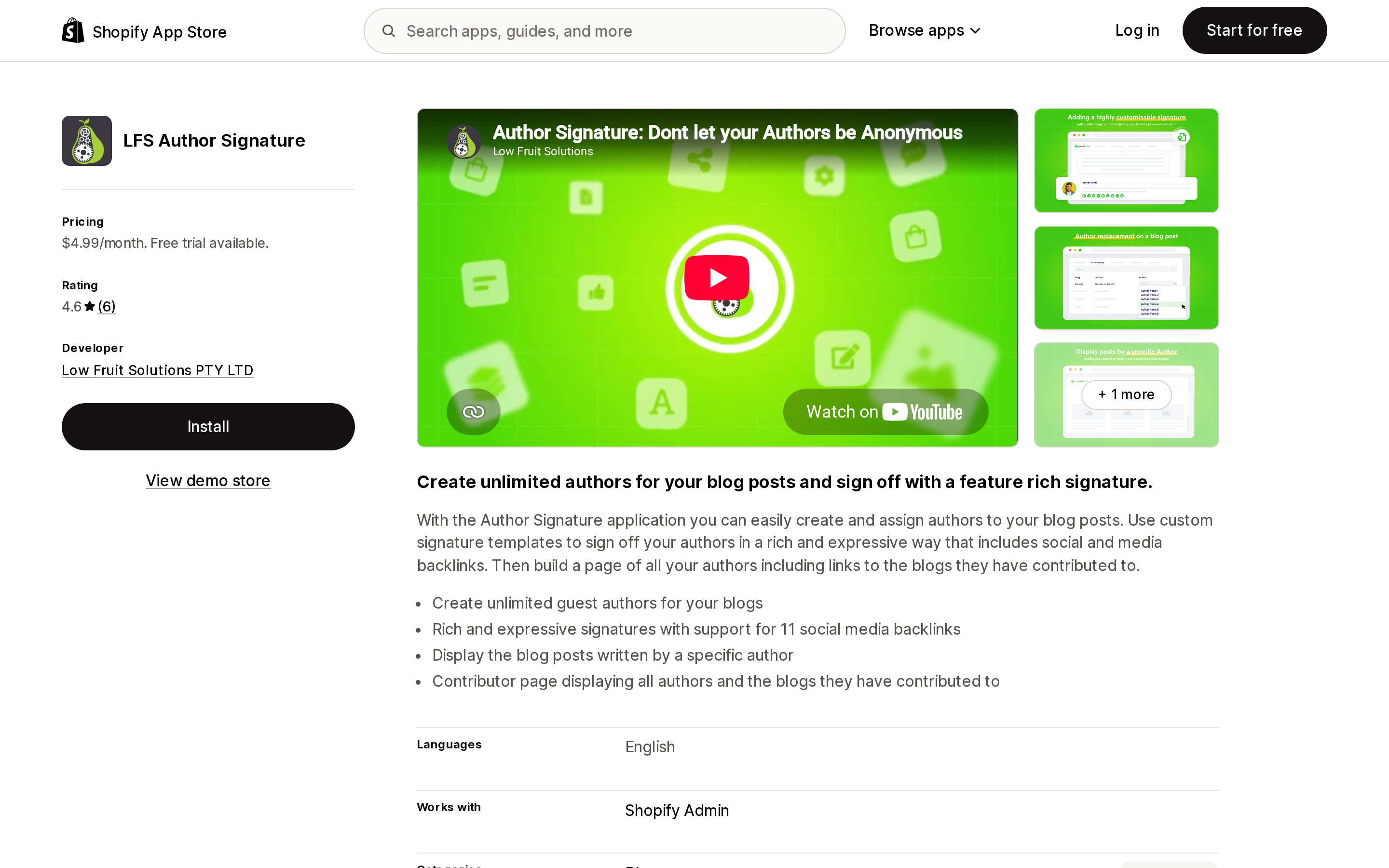
Source: Shopify App Store (LFS Author Signature), retrieved September 9, 2026
LFS Author Signature by Low Fruit Solutions PTY LTD launched September 26, 2018, making it the oldest app here. $4.99/month with a 10-day free trial, and the widest set of listed outputs at that price: unlimited guest authors, signature templates supporting 11 social media backlinks, a "Posts By Author" blog template, and a contributor page listing every author and the blogs they have written for.
That last pair matters more than it looks. Google's guidance is to point author.url at a page that uniquely identifies the author — and an author listing page plus a posts-by-author template is what such a page is made of. This is the only app in the set whose listed features include both.
Its 4.6 rating comes from six reviews, and the distribution is worth reading rather than averaging: five 5-star and one 3-star. The 3-star, from a US merchant in September 2023, is a single line — "Not able to access the app, getting an error message" — with a developer reply the next day asking them to check their spam folder for an existing response. A 2021 review from a New Zealand merchant describes the outcome most people are actually shopping for: displaying author bios "without upgrading our shopify plan."
AuthorCraft | Author Signature
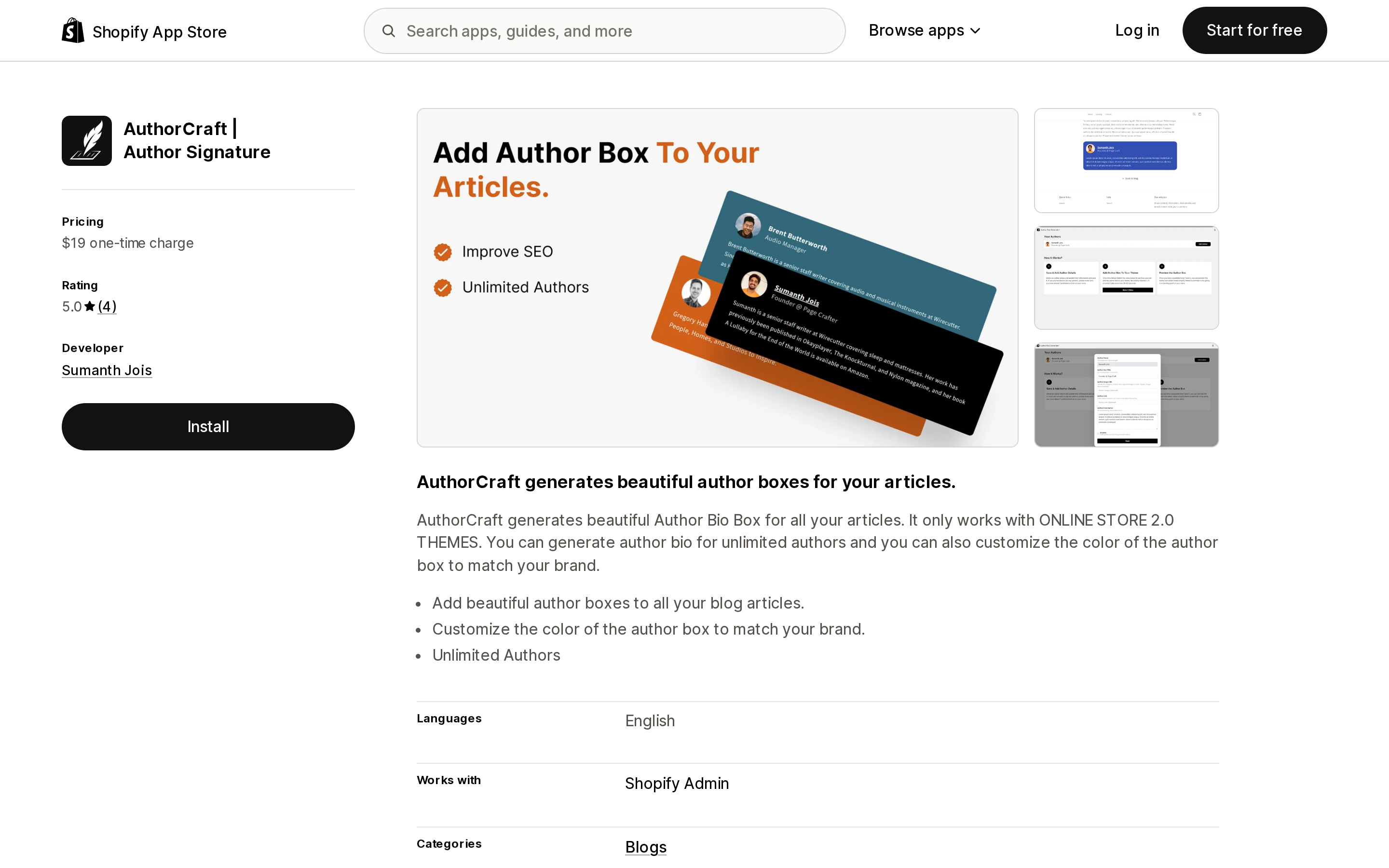
Source: Shopify App Store (AuthorCraft | Author Signature), retrieved September 9, 2026
AuthorCraft | Author Signature by Sumanth Jois is the only app in this set with no recurring charge: $19 one-time. It launched March 11, 2024 and generates author bio boxes for unlimited authors with a customizable box color.
It carries one hard constraint, stated in capitals in its own listing: "It only works with ONLINE STORE 2.0 THEMES." If you are still on a vintage theme, this app is out.
Its four reviews average 5.0, and one from a US merchant in June 2024 states the requirement in the exact terms of this article: "I needed a solution that would allow me to credit dozens of guest bloggers without needing to add them as staff." All three reviews displayed on the listing describe the developer implementing requested changes within a day or two — which is a genuine strength at this scale, and also a dependency on one person.
At $19 once, the arithmetic against a $4.99/month subscription is four months. That is a short payback for anything that keeps working.
Impulsafy ‑ EEAT Author
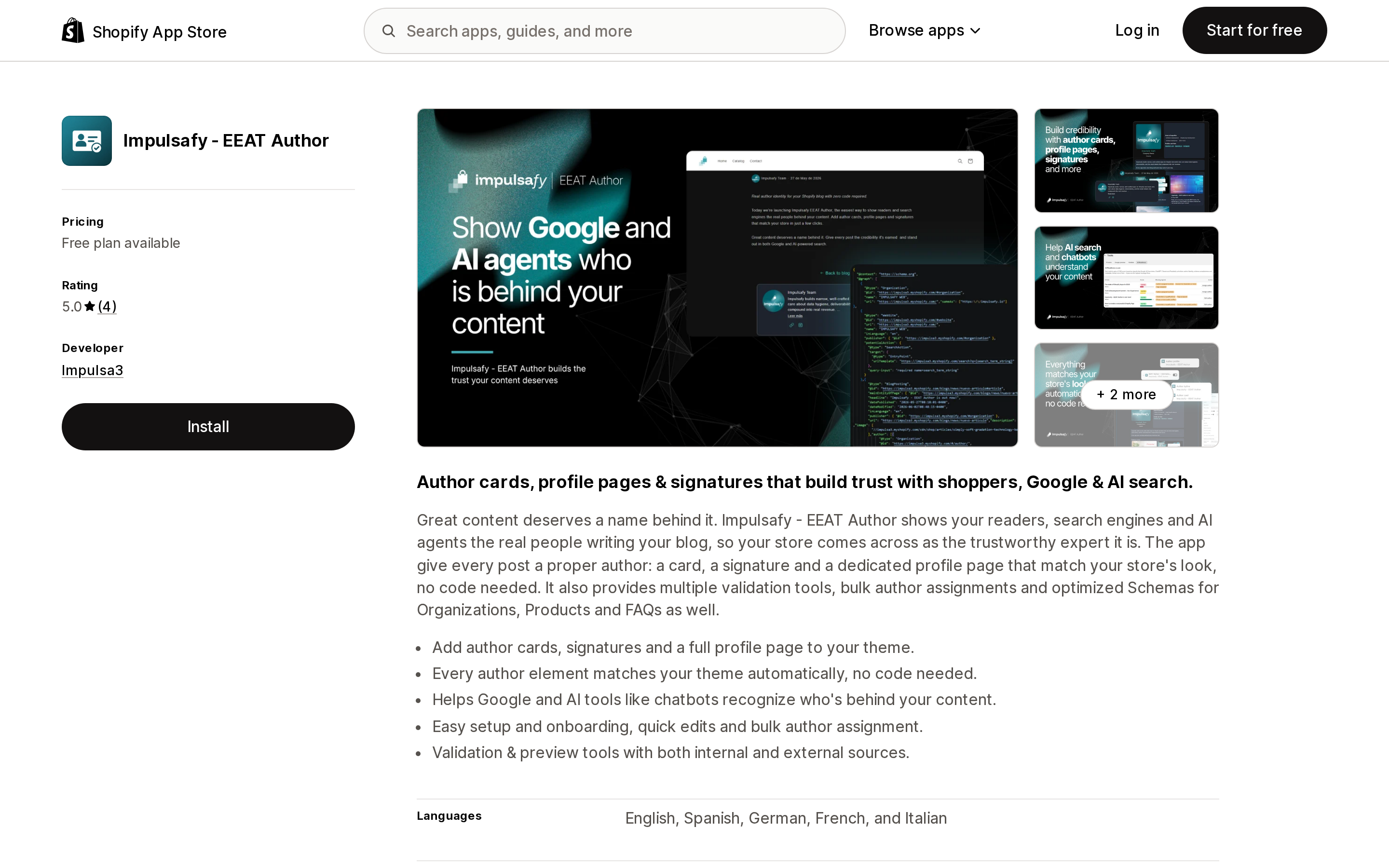
Source: Shopify App Store (Impulsafy ‑ EEAT Author), retrieved September 9, 2026
Impulsafy ‑ EEAT Author by Impulsa3 launched June 3, 2026 and is the only app here with a free plan. It is filed under SEO rather than Blogs, and its listed integrations are Shopify Admin, Google Rich Results and Schema.org.
Four tiers, all billable in USD, with the paid plans offering annual billing that the listing describes as saving 20%:
- Free — 1 author, Blog & Articles SEO
- Starter, $9.99/month — up to 10 authors, authority profiles
- Pro, $19.99/month — unlimited authors, co-authorship, no branding
- Business, $29.99/month — adds Product schema, FAQ schema, and "Reviewers (YMYL)"
Two features are worth singling out. Co-authorship on the Pro plan is the only listed support in this set for multiple authors on one post — and Google's author markup best practices explicitly tell you to list each author in their own author field rather than merging names into one string, which is impossible with Shopify's single article.author value. The Business tier's Reviewers (YMYL) aims at content where a named reviewer is distinct from the writer.
Its rating is 5.0 from four reviews; the three shown on the listing are all from Spanish merchants and dated July 2026. Its data access is the broadest here: theme edit, Metaobjects, Files, and locales and translations.
The free plan's 1-author limit means it does not solve the guest-contributor problem for free. It solves the schema problem for free, on a single byline.
JSON‑LD Author Schema & Bios
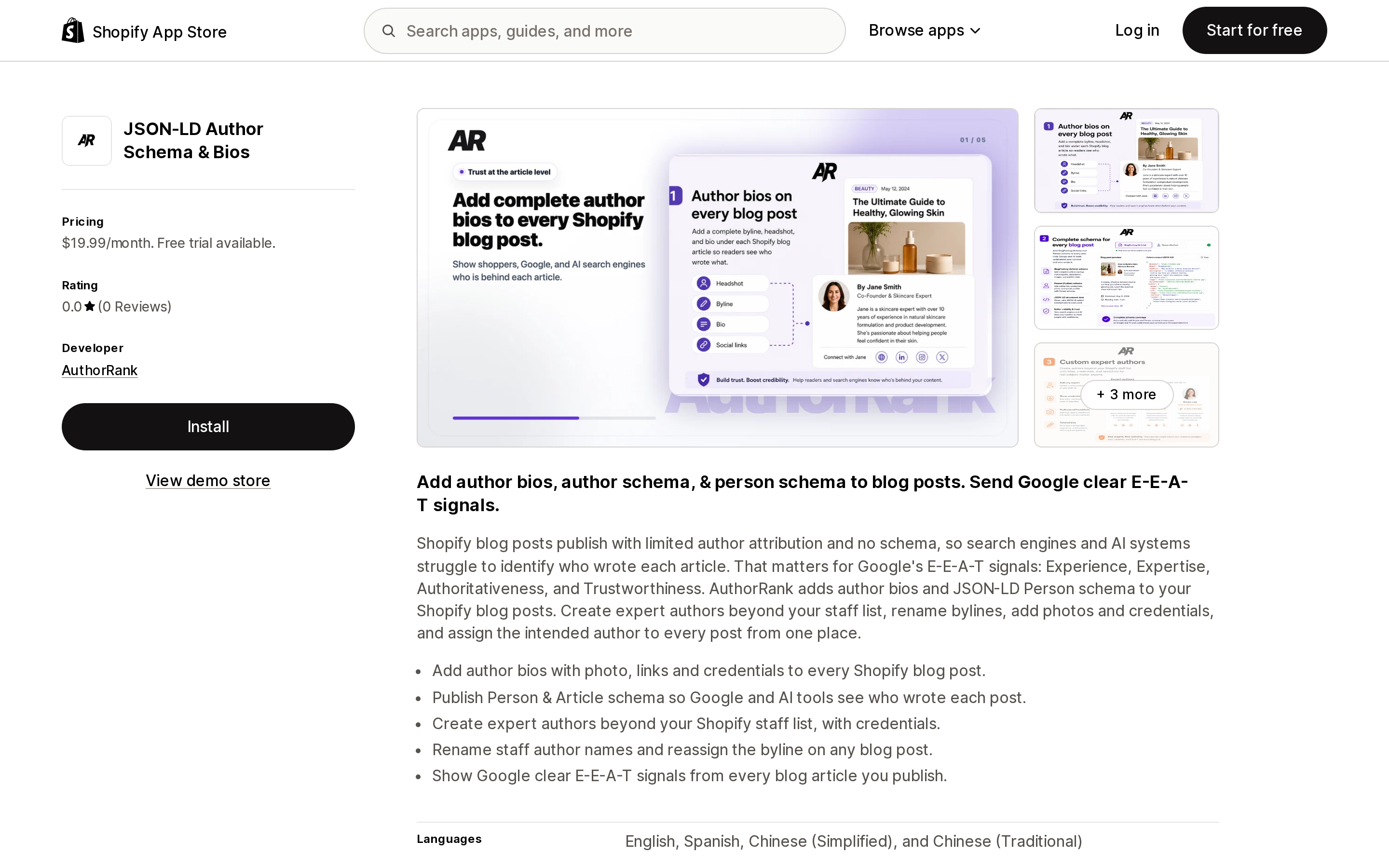
Source: Shopify App Store (JSON‑LD Author Schema & Bios), retrieved September 9, 2026
JSON‑LD Author Schema & Bios by AuthorRank, based in Los Angeles, launched July 7, 2026 and has zero reviews. Its listing shows one plan on the App Store page — Growth, $19.99/month, with a 7-day free trial — alongside a "See all pricing options" link pointing to the developer's own site, so the App Store page may not be the full price list.
The Growth plan lists: create custom expert authors, rename public author display names, and bulk transfer blog post ownership. That last one is the only bulk reassignment feature in this set, which matters if you are retrofitting an archive of posts that all carry the store owner's name. Its listed integration is Google Search Console.
Its own listing describes the problem accurately: "Shopify blog posts publish with limited author attribution and no schema."
Zero reviews means zero external evidence of anything. The 7-day trial is the only due diligence available, and at $19.99/month it is the most expensive way to find out.
Compared on the same axes
| App | Starting price (USD) | Free plan | Free trial | Renames byline | Bio / profile output | Person schema in listing | Reviews | Launched | Main constraint |
|---|---|---|---|---|---|---|---|---|---|
| Custom Authors | $7.99/mo | No | Not listed | Yes | Listed feature: Author bio | Not stated | 5.0 (2) | Sep 4, 2019 | Newest review is Jan 2022 |
| Hyve ‑ Custom Blog Authors | $4.99/mo | No | 7 days | Yes | Pro $9.99/mo only | Not stated | 4.3 (2) | Apr 14, 2021 | Requests Online Store script tags |
| LFS Author Signature | $4.99/mo | No | 10 days | Yes | Signatures, author listing page | Not stated | 4.6 (6) | Sep 26, 2018 | No schema claim in listing |
| AuthorCraft | Author Signature | $19 one-time | No | Not listed | Not stated | Author bio box, unlimited authors | Not stated | 5.0 (4) | Mar 11, 2024 | Online Store 2.0 themes only |
| Impulsafy ‑ EEAT Author | Free / $9.99/mo | Yes (1 author) | Not listed | Yes | Cards, signatures, profile page | Yes | 5.0 (4) | Jun 3, 2026 | Free plan is 1 author |
| JSON‑LD Author Schema & Bios | $19.99/mo | No | 7 days | Yes | Bios with photo, links, credentials | Yes | 0.0 (0) | Jul 7, 2026 | No review record |
"Not stated" means the App Store listing does not claim it. It is not a finding that the app lacks the capability.
What the review record tells you
Six apps. Eighteen reviews between them.
For scale, Judge.me Product Reviews — an app solving a different problem on the same platform — has 46,608. This category has not consolidated around anyone. Whichever you choose, you are choosing a small app, in most cases from a solo developer or a two-person shop.
The launch dates fall into two clear waves. Four apps arrived between 2018 and 2024, and all four are framed around blog mechanics: change the author, sign the post, add a bio. Two arrived in mid-2026 — Impulsafy on June 3 and AuthorRank on July 7 — and both are framed around E-E-A-T, schema and AI search, and both are filed under SEO rather than Blogs.
The underlying Shopify limitation has not moved in either period. What changed is the reason merchants started searching for a fix.
One practical consequence: across most of these listings, the reviews that exist say more about the developer's responsiveness than about the product's behavior. At this scale, support is the differentiator merchants actually experience — and the two 2026 apps have barely any track record of it yet.
Before you install anything
Check whether the byline is rendering at all. Dawn's blog_show_author defaults to false. If your theme has that box unticked, no app will make a name appear.
Read the data access list, not the feature list. Hyve requests Online Store script tags. Impulsafy and AuthorRank request theme edit. Impulsafy additionally requests Metaobjects, Files, and locales and translations. None of these is disqualifying; all of them are worth understanding before granting.
Ask what survives uninstall. This is the question with the sharpest split in this category. A byline written into article.author through the Admin API is stored on the article and persists after the app is gone. A bio box rendered by a theme app extension disappears the moment you uninstall. Most of these apps do both things, which means half your work survives and half does not. Get the developer to tell you which half.
If you are on a vintage theme, AuthorCraft is out by its own listing, and you should confirm theme compatibility with each of the others before subscribing.
How to choose
- Two people write everything, and both already hold admin-access staff accounts on Grow or higher. Native is enough. Tick
blog_show_authorin the theme editor and stop. - You only need the correct name on the post, at the lowest recurring cost. Hyve ‑ Custom Blog Authors Basic at $4.99/month.
- You want a bio box and you would rather not pay monthly. AuthorCraft | Author Signature at $19 one-time, if you are on an Online Store 2.0 theme. It pays for itself against a $4.99/month plan in four months.
- You want bios plus a real author landing page for
author.urlto point at. LFS Author Signature at $4.99/month is the only one listing both a contributor page and a posts-by-author template. - Your driver is structured data, and you want to see it working before paying. Impulsafy ‑ EEAT Author's free plan, which gives you one author with schema. Move to Pro at $19.99/month when you need more than one, or if you need co-authorship.
- You are retrofitting a large archive that all carries the store owner's byline. JSON‑LD Author Schema & Bios is the only listing offering bulk transfer of post ownership — with the caveat that it has no reviews, so use the 7-day trial deliberately.
- You already have a developer, or you publish through a script.
articleCreateacceptsauthor: { name }directly. If bylines are your only requirement and something in your stack is already calling the Admin API, the correct spend here is zero.
The last option is worth sitting with. Shopify built an author field that points at a staff account, then shipped an API that accepts any string. Six developers noticed. What most of them charge for is not the write — it is the bio storage, the theme rendering, and the schema that Shopify never gave the article object a place to hold.
Decide which of those three you actually need, and the price range in this category stops looking arbitrary.
Sources
- Adding and managing blog posts — Shopify Help Center
- Maximum number of users for each pricing plan — Shopify Help Center
- Article object and articleCreate mutation — Shopify.dev, GraphQL Admin API
- Liquid objects: article, Liquid objects: user, and Liquid filters: structured_data — Shopify.dev
- Dawn
sections/main-article.liquid— Shopify on GitHub - Script tags are deprecated and will stop running on March 1, 2027 — Shopify developer changelog
- Article (Article, NewsArticle, BlogPosting) structured data — Google Search Central
- App Store listings for Custom Authors, Hyve ‑ Custom Blog Authors, LFS Author Signature, AuthorCraft | Author Signature, Impulsafy ‑ EEAT Author, and JSON‑LD Author Schema & Bios
Shopify's free link-in-bio page, Linkpop, retired on July 7, 2025 — linkpop.com now redirects to shopify.com. On August 15, 2026 Shopify's Help Center began saying the $5 Starter plan, the plan built around sharing product links on social, isn't available to new stores. And Shopify's own July 21, 2026 blog post on link-in-bio tools links to exactly two Shopify App Store listings: LinkShop, and Linktree — an app in the Marketplaces category, billed outside your Shopify invoice, rated 3.6 across 18 reviews. We priced seven link-in-bio apps on September 18, 2026. The dimension that matters isn't the monthly fee, which runs from $0 to $15. It's where the page lives: four apps serve it from your own storefront through a Shopify app proxy, which means it sits behind your store password — and on the new $0 Agentic plan, that password never comes off. Verified against the Shopify Help Center, shopify.dev, the Shopify App Store, and live store pages.