
What you will learn
On this pageContentsCloseOpen
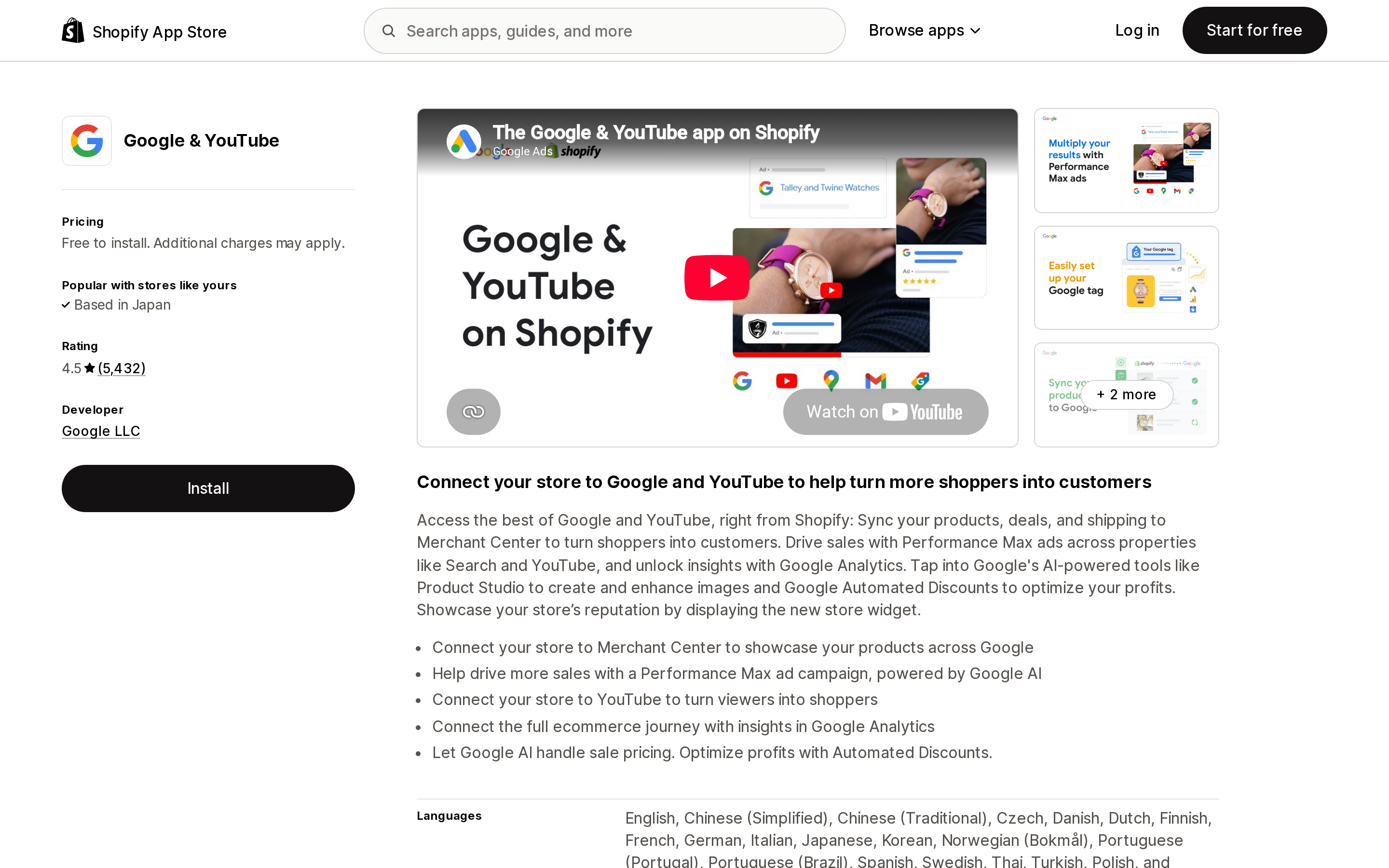
The Google & YouTube app costs nothing to install. It is published by Google LLC, not Shopify, and it carries a 4.5 rating across 5,432 reviews. Install it, connect Merchant Center, and your catalog is on YouTube.
That last sentence is where the trouble starts. "YouTube Shopping" on Shopify is not one feature. It is two separate programs with two separate eligibility lists that have almost nothing in common — and a merchant who qualifies for one can be locked out of the other.
Below: what each door actually asks for, the one requirement that contradicts itself across the two, what silently disqualifies you after setup, and what to do if neither door opens. Verified September 13, 2026.
The short version
Door one is your own channel. You tag your own products in your own videos. Shopify's requirement list has nine items on it. None of them is a Shopify plan.
Door two is the affiliate program. Other people's creators tag your products and earn a commission. Google's merchant eligibility list contains no YouTube channel requirement at all — but it does require Shopify Advanced or Plus. Advanced is listed at $299/mo on Shopify's US pricing page.
Door two is US-only in four separate ways. Merchant Center target country set to the United States, store currency set to US dollars, a US billing address, and a valid billing profile on file.
A feed app can disqualify you. Google's requirement is that you "use the automated product sync on the Google & YouTube app." Google states that most third-party feed providers "are currently not eligible for the program," with Feedonomics handled through a separate form.
Headless stores are excluded from door two by name. So are stores that switch the Google & YouTube app to manual sync.
The two doors disagree about musicians. Shopify's own-channel list says a music channel "must be marked as an Official Artist Channel." Google's affiliate creator rules say the channel must not be an Official Artist Channel. Both are current.
Source: Shopify App Store (Google & YouTube), retrieved September 13, 2026
Door one: tagging your own products on your own channel
This is the path Shopify documents in its Help Center under YouTube Shopping. You connect the Google & YouTube sales channel, link your YouTube channel, and products appear on your videos' watch pages and live streams.
Shopify lists nine requirements. Two of them are plumbing, and they trip people up more than the famous ones:
- Your YouTube channel account email address must have owner or manager access to the YouTube channel.
- That same email address must match a staff account with full permissions in your Shopify admin.
If the person who runs the YouTube channel is not the person who owns the Shopify store — a common split once a brand hires a video producer — this is a real blocker, and it is not solved by inviting them as a limited-permission staff member.
Then the audience gates:
- Minimum 1,000 subscribers.
- The channel must be approved for monetization.
- You must be located in a supported country for the YouTube Partner Program.
And four exclusions:
- A music channel must be marked as an Official Artist Channel.
- The channel can't be marked as Made for Kids, or carry a significant number of videos marked Made for Kids.
- It can't carry a significant number of videos that violate monetization policies.
- It can't have any strikes under YouTube's Hate Speech Community Guidelines.
Nothing on that list mentions Basic, Grow, Advanced or Plus. Door one is open to a $29/mo Basic store with a monetized channel, and closed to a Plus store whose founder has 900 subscribers.
The in-app checkout is a third thing again
Outside the United States, clicking a tagged product sends the viewer to your online store in their device's browser. Inside the United States, eligible merchants get an embedded checkout: the purchase completes in the YouTube app, and the video keeps playing until checkout starts.
To turn it on you submit support contact details, either through the sales channel or through Merchant Center. Remove them later and customers silently go back to being redirected.
The exclusions here are product-level, and they are the ones worth reading before you plan a launch video:
- Personalized items, product bundles and subscriptions aren't supported in the in-app checkout.
- Products marked as excluded for checkout in Merchant Center aren't supported.
- Product descriptions can't exceed 60,000 characters.
Shopify also documents why individual products keep redirecting even with the checkout switched on: images in the rich product description pending crawl or throwing crawl errors, missing shipping settings in Merchant Center, or a missing support contact email. That last one is circular — the thing you configured to enable the checkout is also the thing whose absence disables it per-product.
Door two: letting other creators sell for you
The YouTube Shopping affiliate program is the one merchants actually ask about, because it does not require you to be a YouTuber. Eligible creators tag your products in their videos, Shorts and live streams; checkout happens on your site; you pay a commission only on a completed purchase. Google handles creator onboarding, link management, conversion tracking and billing.
The eligibility list is entirely different from door one, and it is where the money is:
| Requirement | Detail |
|---|---|
| Shopify plan | Advanced or Plus |
| Merchant Center target country | United States |
| Store currency | US dollars |
| Billing address | United States |
| Product sync | Automated sync on the Google & YouTube app |
| Merchant Center account | Connected, and can't be disconnected or changed while the program is active |
| Tracking | Conversion tracking and auto-tagging turned on |
| Storefront | Not using Shopify's headless commerce solution |
| Billing profile | Credit card or monthly invoicing |
Shopify's US pricing page lists Advanced at $299/mo and Plus from $2,300/mo. Grow, at $79/mo, does not qualify. Neither does Basic at $29/mo. For a store doing enough volume that creator affiliates are interesting, $299 may be noise — but it is a genuine gate, and it is documented in Google's help center rather than Shopify's, which is why it rarely shows up in "how to sell on YouTube" posts.
Google adds a note to the eligibility section: "We are working on expanding eligibility to the program in the future." Treat the current list as a snapshot.
The commission clock
Two settings decide when money actually leaves you, and both have defaults you can change:
- Pending period — how long a commission stays pending and gets reversed on a return or cancellation. Default 30 days, adjustable between 30 and 50 days, and Google's advice is to match it to your return window.
- Attribution period — the window in which a sale is credited to the creator after a click on their product tag. Set to a recommended 30 days.
On the creator side, YouTube pays commissions through AdSense for YouTube 60 to 120 days after purchase, to absorb returns. Google also states that it is currently running a temporary incentive in which 100% of commissions from affiliate merchants go to creators, with at least 30 days' notice before that ends.
Newly added products need approval for free listings first; Google says approved products appear for creators to tag within 24 to 48 hours.
The feed app trap
This is the requirement that catches established stores, and it is worth stating plainly.
Door two requires you to "use the automated product sync on the Google & YouTube app on Shopify." Google's own note underneath: "Most third-party feed providers are currently not eligible for the program." Merchants on Feedonomics are directed to a separate form for instructions.
Meanwhile, the Google & YouTube app itself offers a manual sync option — Google recommends automatic, but manual is a supported choice, and choosing it means you send product data to Merchant Center yourself. That is exactly the configuration the affiliate program excludes.
So a store that moved its Merchant Center feed to a dedicated feed app for good reasons — attribute rules, multi-country data sources, custom labels, supplemental feeds — has, without being told, closed door two.
Source: Shopify App Store (Simprosys Google Shopping Feed), retrieved September 13, 2026
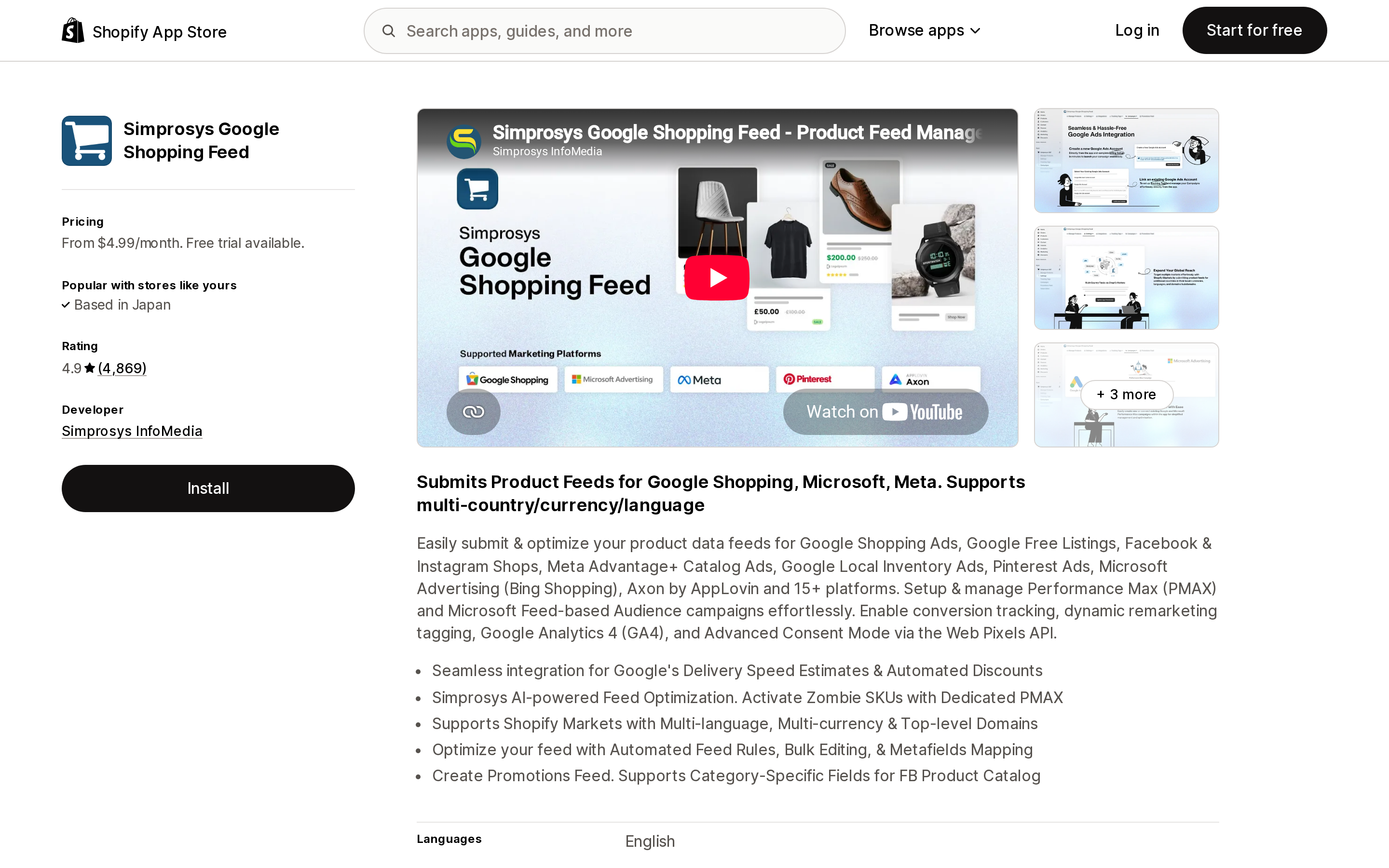
Simprosys Google Shopping Feed, from Simprosys InfoMedia, carried the highest review count of any feed app returned by an en-US App Store search for "google shopping feed" — 4.9 across 4,869 reviews — and prices by catalog size: $4.99/month up to 500 products, $8.99/month for 501–1,000, $13.99/month for 1,001–5,000, with a 21-day free trial. It is a reasonable tool. It is also, on Google's current wording, incompatible with the affiliate program.
There is no partial credit here. If you want creators tagging your products, the feed has to run through Google's own sync. If your feed genuinely needs what an app gives you, door two is closed and you should plan around that rather than discover it during onboarding. We have covered what the native channel does and does not let you control in Shopify's free Google channel overwrites the feed you already have and what the native channels won't let you change.
The Official Artist Channel contradiction
Read the two requirement lists side by side and one line does not reconcile.
Shopify's YouTube Shopping requirements, for tagging on your own channel: "If your YouTube channel is a music channel, then your channel must be marked as an Official Artist Channel."
YouTube's creator eligibility for the affiliate program: the channel "is not a music channel, an Official Artist Channel, or associated with music partners."
Both pages are live. They are not contradicting each other so much as describing opposite sides — door one is about your channel, door two is about the creators who might tag you — but the practical result for a music brand is odd. An artist selling merch can tag products on their own Official Artist Channel. The same artist, as a creator, cannot join the affiliate program to tag anyone else's.
If you sell merchandise for musicians, that asymmetry decides which door you build around.
If neither door opens
Plenty of stores fail both lists: under 1,000 subscribers, or on Grow, or running a feed app they will not give up. The honest answer is that there is no app that grants you YouTube Shopping eligibility — the gates belong to Google and YouTube, not to Shopify's app ecosystem.
What you can do is run creator relationships yourself, with your own commission terms, on any Shopify plan. Two apps on the en-US App Store bracket the price range:
Source: Shopify App Store (Refersion Affiliate Marketing), retrieved September 13, 2026
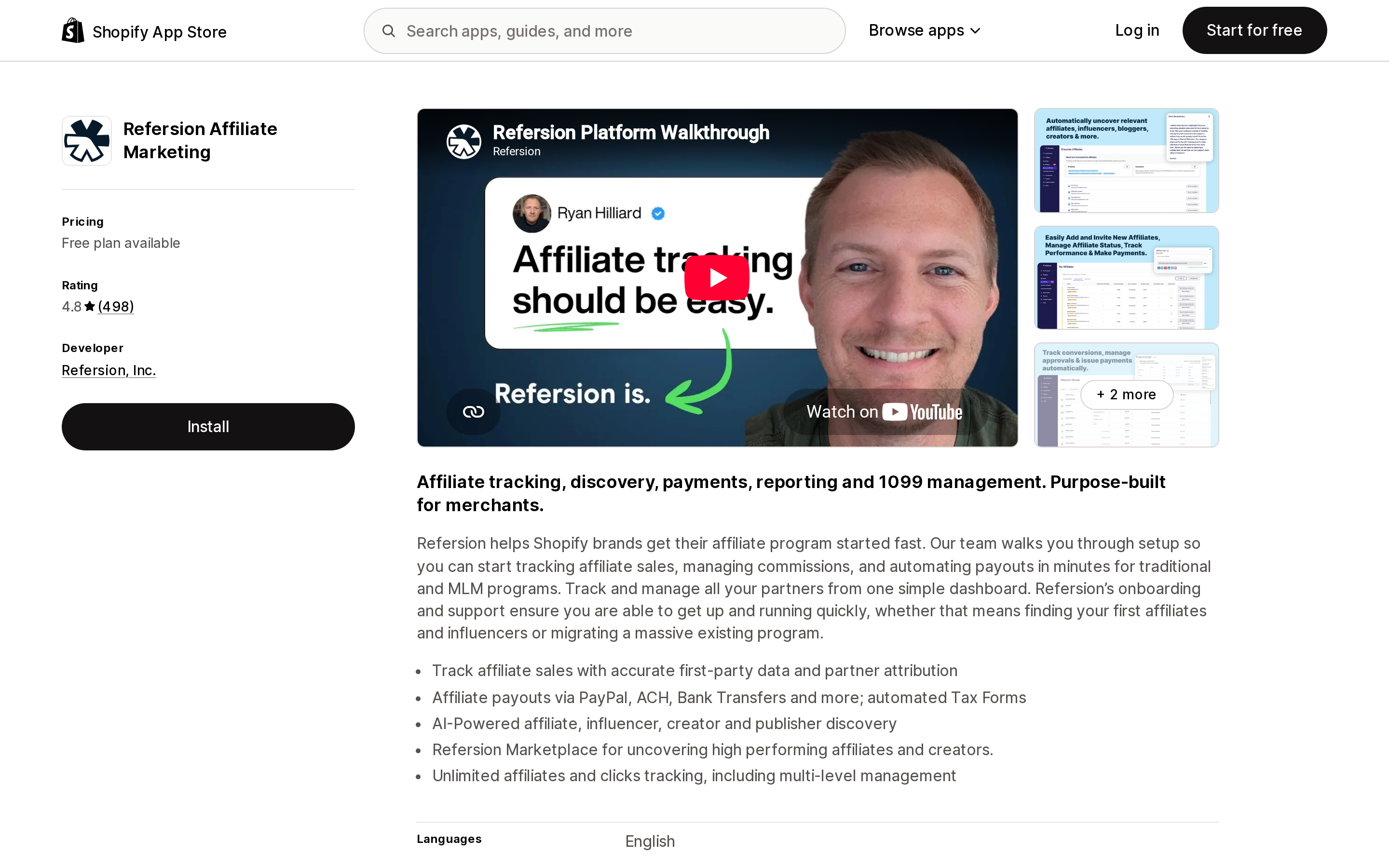
Refersion Affiliate Marketing, from Refersion, Inc., rates 4.8 across 498 reviews and charges on two axes at once. The Marketplace plan is free but only lists an offer for affiliates to find. Launch is $39/month plus 3% of affiliate-generated sales; Growth is $199/month plus 2%. The percentage is the part to model — it sits on top of whatever commission you pay the creator, so a 10% creator commission on the Launch plan costs you 13% of that order before product cost.
Source: Shopify App Store (BixGrow Affiliate Marketing), retrieved September 13, 2026
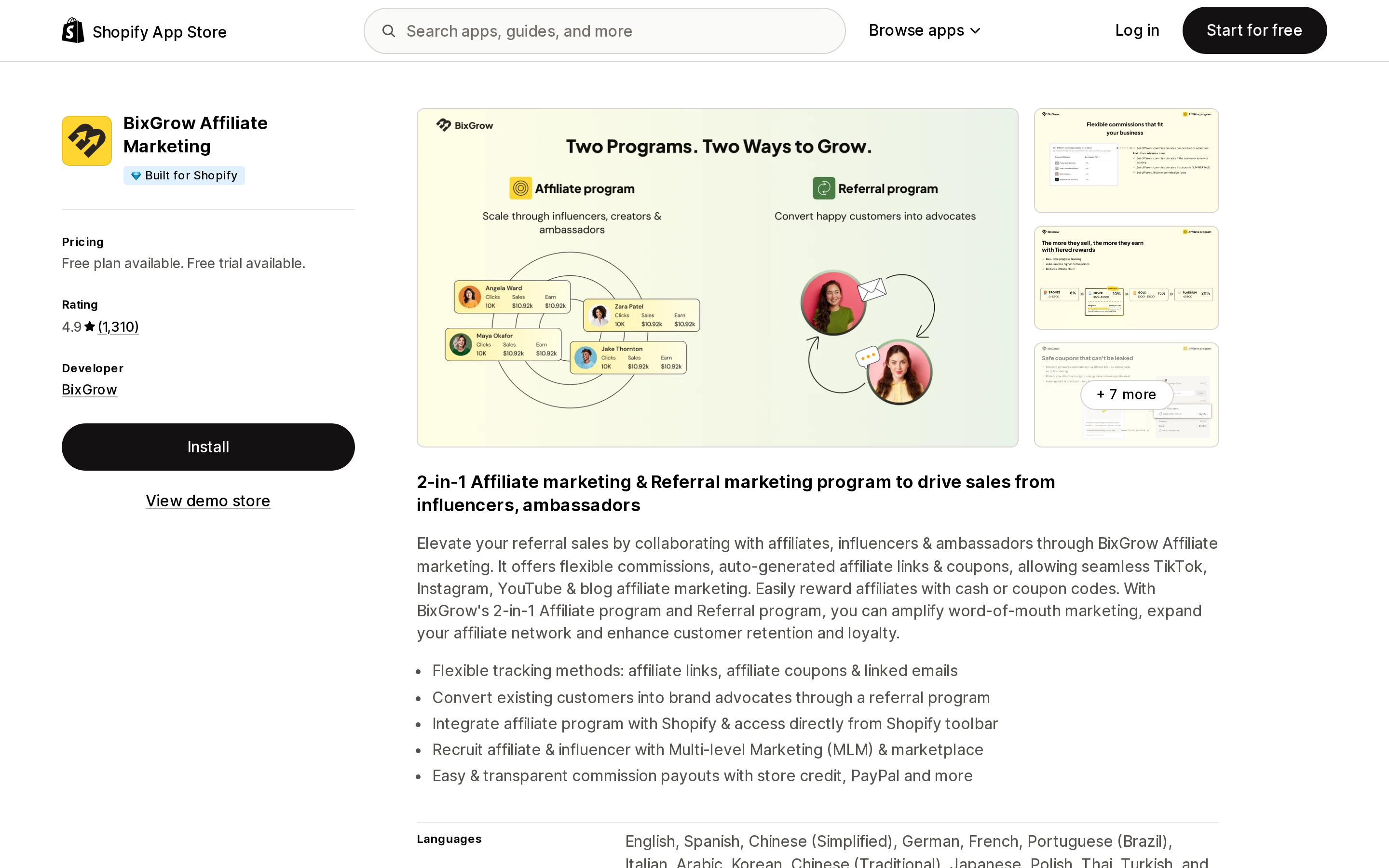
BixGrow Affiliate Marketing carries the Built for Shopify badge and rates 4.9 across 1,310 reviews. Its Starter plan is free but metered — 50 referral orders per month and up to 30 affiliates. Scale is $19.99/month, Pro $29.99/month, Advanced $49.99/month, each with a 14-day free trial, and none of the paid tiers takes a percentage of sales.
The trade-off against YouTube's program is real in both directions. YouTube brings creator discovery you do not have to do and charges only commission; an app charges you monthly but leaves the commission rate, the attribution window and the payout rail entirely in your hands. We compared how affiliate apps structure those charges in Shopify affiliate apps and their billing models.
Decide in this order
- Do you have a monetized YouTube channel with 1,000+ subscribers? If yes, door one is likely open regardless of plan. Check the staff-account email match before anything else — it is the requirement people miss.
- Are you on Advanced or Plus, US-based, billing in USD? If no, door two is closed today. Stop reading Google's affiliate documentation.
- Does your Merchant Center feed run through a third-party app, or through manual sync? If yes, door two is closed until you move back to automated sync on the Google & YouTube app.
- Are you headless? Door two is closed by name.
- Selling music merch? Decide which door matters, because the Official Artist Channel requirement points opposite ways.
- Failed both? Run your own affiliate program on any plan, and price it against the commission you would have paid YouTube.
What this article could not verify
We did not test either onboarding flow on a live store. Everything above is what Shopify, Google Merchant Center Help and YouTube Help publish; the Google & YouTube sales channel is, in Shopify's words, "managed by Google," and the affiliate eligibility list lives in Google's documentation rather than Shopify's.
Shopify's US pricing page displays a "Pay yearly" control, and the figures quoted here — Basic $29/mo, Grow $79/mo, Advanced $299/mo, Plus from $2,300/mo — are what the page rendered on September 13, 2026. Monthly-billing rates may differ, and we did not toggle the control.
We could not confirm whether Feedonomics currently has a Shopify App Store listing, so we have only reported Google's instruction to use its form. App ratings, review counts and prices move constantly; every figure here is as displayed on September 13, 2026.
Sources
- YouTube Shopping — Shopify Help Center
- Get started with the YouTube Shopping affiliate program (for Shopify merchants) — Google Merchant Center Help
- YouTube Shopping affiliate program overview & eligibility — YouTube Help
- Syncing your products — Google Merchant Center Help
- About commission eligibility: pending period and attribution period — Google Merchant Center Help
- Shopify pricing — Shopify
- Shopify App Store listings for Google & YouTube, Simprosys Google Shopping Feed, Refersion Affiliate Marketing and BixGrow Affiliate Marketing, all retrieved September 13, 2026
Shopify's free link-in-bio page, Linkpop, retired on July 7, 2025 — linkpop.com now redirects to shopify.com. On August 15, 2026 Shopify's Help Center began saying the $5 Starter plan, the plan built around sharing product links on social, isn't available to new stores. And Shopify's own July 21, 2026 blog post on link-in-bio tools links to exactly two Shopify App Store listings: LinkShop, and Linktree — an app in the Marketplaces category, billed outside your Shopify invoice, rated 3.6 across 18 reviews. We priced seven link-in-bio apps on September 18, 2026. The dimension that matters isn't the monthly fee, which runs from $0 to $15. It's where the page lives: four apps serve it from your own storefront through a Shopify app proxy, which means it sits behind your store password — and on the new $0 Agentic plan, that password never comes off. Verified against the Shopify Help Center, shopify.dev, the Shopify App Store, and live store pages.