
What you will learn
On this pageContentsCloseOpen
On September 8, 2026, Shopify published two posts about the same feature.
The merchant one ends reassuringly: "your labels, sales channel feeds, and apps keep working exactly as they do today."
The developer one has a subheading that reads "Be aware of potential silent truncation."
Neither is wrong. They are describing the same mechanism from opposite ends.
What actually shipped
Until September, a Shopify product variant held exactly one barcode. If the same item arrived with a manufacturer's UPC on the carton, your own private-label EAN on the shelf tag, and an ASIN on a marketplace listing, you picked one and kept the rest in a spreadsheet.
The merchant changelog describes the fix in one line: "Now you can add up to 20 barcodes to a variant, and any of them identifies the product."
The developer changelog carries two flags Shopify reserves for changes that need attention — Deprecation announcement and Action required — against API version 2026-10. A new barcodes connection appears on ProductVariant. ProductVariant.barcode, the singular field integrations have read for years, moves into the "Deprecated fields" list.
Shopify has not set a removal date. The post says only that one will be announced "with a full API version of notice before the field goes away."
The limits are documented and worth knowing before you start filling the field in. A variant takes up to 20 barcodes, each up to 255 characters, and the Help Center adds that "the same barcode value can't be used twice on the same product or variant."
Validation is real, and it is off by default
The merchant post sells the typing feature on accuracy: give each barcode a type "and we'll check the value against that standard's format, so a mistyped digit gets caught as you enter it."
That is accurate, with a condition attached that the same paragraph mentions only in passing. You can also select Custom for internal codes, and per the Help Center, Custom is the default barcode type.
The API says the same thing in schema terms. BarcodeType has exactly five values — ASIN, EAN, GTIN, ISBN, UPC — and no Custom among them, because Custom is not a type. It is the absence of one:
If no
BarcodeTypeis provided, then no standard was declared and the value is stored as entered.
So a merchant who pastes twenty numbers into the new field and never touches the type dropdown gets twenty unvalidated strings. The check-digit validation Shopify is advertising only runs on barcodes you explicitly classify.
When you do classify them, the length rules per the Help Center are:
| Type | Accepted length |
|---|---|
Custom (default) | Any value, up to 255 characters |
GTIN | 8, 12, 13 or 14 digits |
UPC | 8 or 12 digits |
EAN | 8 or 13 digits |
ISBN | 10 or 13 characters, may include the letter X |
ASIN | 10 letters or digits |
One more wrinkle the API documentation names directly: "A single value can satisfy more than one standard, so declare the standard that the merchant or supplier assigned." A 12-digit UPC is also a GTIN-12. Shopify is asking you to record provenance, not format.
Position one is the entire compatibility story
Here is the sentence in the merchant post that does all the work, stated as a feature: "Channels continue to read the first barcode provided."
And the developer version of the same fact:
The first barcode you send is what the existing
barcodefield returns, and it sorts first in thebarcodesconnection.
Everything that has not migrated — sales channels, label printers, ERP connectors, supplier feeds, marketplace apps — still reads one value. Which value depends entirely on ordering. Then the warning:
Once a second barcode is added to a variant, an integration reading only
barcodesees one of them with no signal that others exist.
There is no error, no flag, no count. The read succeeds and returns a string. That is what makes the truncation silent, and it is why "nothing breaks today" and "watch out" are both accurate statements: nothing breaks on September 8 because no variant has a second barcode yet. The risk starts the first time someone adds one.
A few more behaviours worth pinning down before you bulk-edit anything:
- Writing
barcodesreplaces the whole set. Per the developer post, "Sendingbarcodesreplaces the variant's entire set, so include the barcodes you want to keep." - A single variant input can't set both
barcodeandbarcodes. An app that has partially migrated and sends both fields gets a rejection, not a merge. - Blanking
barcodepromotes the next one. Sending an empty value "clears the first barcode and replaces it with the next barcode in the set until there are no barcodes remaining." An old integration that writes an empty barcode does not clear the variant. It shifts what every other integration sees. - Search got better, not worse. The
barcodefilter on theproductsandproductVariantsqueries now matches any barcode on a variant.
Where an ASIN in position one goes wrong
Take the exact scenario Shopify uses to sell the feature: manufacturer UPC, private-label EAN, marketplace ASIN, all on one variant. Now consider what Google expects.
Google's GTIN specification lists the identifier types that qualify: UPC (GTIN-12), EAN (GTIN-13), JAN, ISBN, ITF-14. ASIN is not among them. The format limits are "0, 8, 12, 13, or 14 digits," and Google requires a correct GS1 check digit. An ASIN is 10 letters or digits and satisfies none of that.
Google's own guidance is blunt about guessing: "Don't submit a GTIN for a product that doesn't have one." Submitting an Amazon identifier as a gtin value is not a gap — it is a wrong value, and Google's troubleshooters treat invalid GTINs as a visibility problem.
There is a second mismatch worth noticing. Google's gtin attribute is a repeated field, up to 10 values. Google will accept several identifiers per product. Shopify's channels read the first one. The platform that now stores twenty identifiers hands over exactly one to a system that would have taken ten.
The CSV column that fails the import
The product CSV is where most merchants will actually meet this change, and the Help Center column reference has been rewritten for it.
The old Barcode column is now Barcodes. Multiple values are separated by semicolons, and a type is declared with a prefix and a colon:
gtin:00012345678905; upc:012345678905; INTERNAL-123
Untyped values — INTERNAL-123 above — import as Custom. To use a backslash, semicolon or colon inside a value, escape it as \\, \; or \:.
Two lines in that entry deserve to be read twice.
First: "If you previously used a CSV file that had the old singular Barcode column, then it's updated to Barcodes on the next occasion that you export a products CSV file." Your export template changes shape without you asking.
Second: "Your CSV file can't have both the Barcode column and the Barcodes column. A file that has both columns fails to import."
That is the realistic failure. A team keeps a saved template, a supplier sheet, or a script that emits Barcode. Someone pastes a fresh export — now carrying Barcodes — into the same workbook. The import fails outright. That is the good outcome, because the failure is loud.
The quieter hazard is the general CSV overwrite rule, unchanged but now much more expensive: "If a non-required column in the import CSV file is blank, then the matching value in the product list is overwritten as blank." A blank Barcodes cell used to cost you one identifier. It now costs you up to twenty.
What the apps are actually reading
This is the part no changelog answers: your installed apps read barcode or barcodes, and you cannot tell from the listing page. Two apps with thousands of App Store reviews show what the migration gap looks like in public documentation as of September 16, 2026.
Matrixify
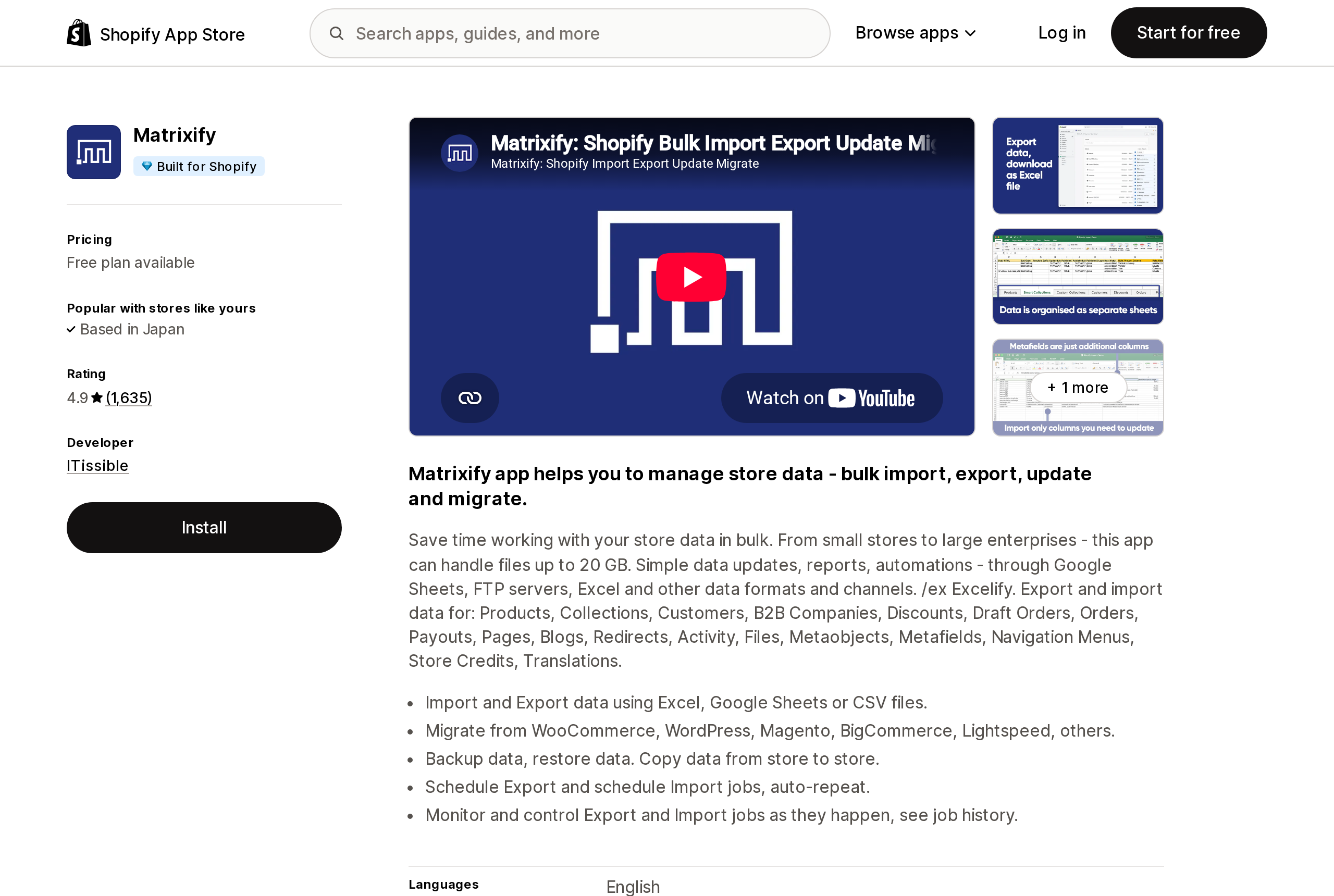
Source: Shopify App Store (Matrixify), retrieved September 16, 2026
Matrixify, built by ITissible, is a bulk import/export app for stores that need more than the native product CSV. Its App Store listing shows a Built for Shopify badge, a 4.9 rating from 1,635 reviews, and plans at Free, $20/month, $50/month and $200/month.
Its Products documentation still describes a single column called Variant Barcode, with this note: "Shopify officially supports UPC or ISBN barcode types, but you can put here any other barcode format." There is no Variant Barcodes column and no type prefix in the documented format.
The more consequential detail is that Matrixify uses the barcode as an identifier. Its Variant Command values — MERGE, UPDATE, DELETE — all find the target variant by Variant ID, Variant SKU, Variant Barcode, or option values. On a store where variants now carry several barcodes, which value a barcode-keyed update matches, and what a REPLACE does to the rest of the set, is not something the current documentation answers. That is a question to put to support before running a barcode-keyed import, not something to assume.
Shopify Marketplace Connect
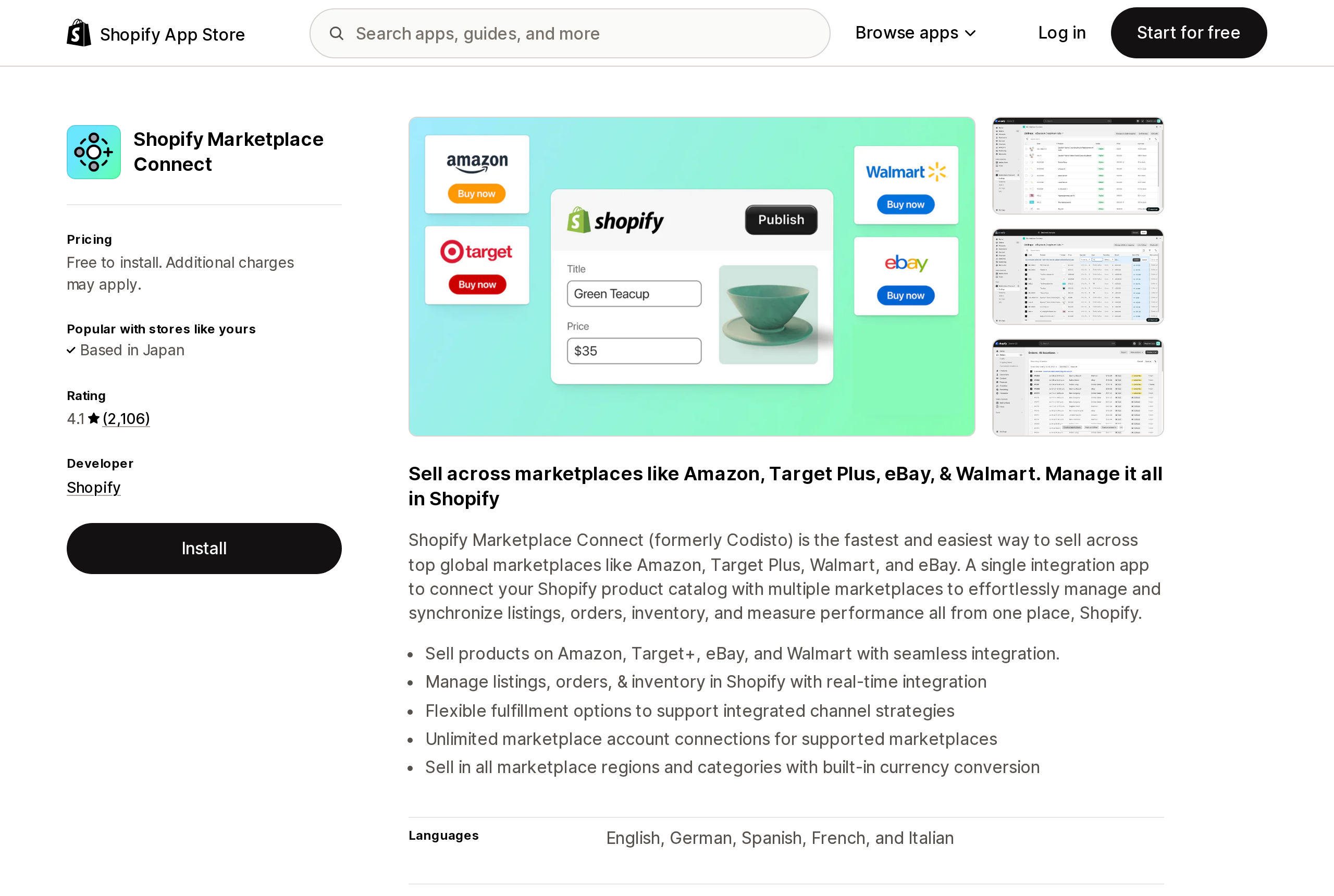
Source: Shopify App Store (Shopify Marketplace Connect), retrieved September 16, 2026
Shopify Marketplace Connect, formerly Codisto and developed by Shopify itself, syncs listings to Amazon, Target Plus, eBay and Walmart. It is free to install; the listing states the first 50 marketplace-synced orders per month are free, with a 1% fee per additional synced order, capped at $99/month. Its rating is 4.1 from 2,106 reviews.
Its help centre article on product identifiers gives merchants a clear instruction, written for a world with one field: "it is important that you upload your codes to Shopify into the 'barcode' field. This ensures Shopify continues to be the 'source of truth' of your product data."
The same article explains why the field matters on Amazon: "Without a GTIN/product identifier on Amazon, you will not be able to list your products unless you successfully apply for a GTIN exemption." So the identifier that reaches Amazon decides whether a listing exists — and on a multi-barcode variant, that identifier is whichever one happens to sort first.
Neither app is behaving badly here. Both are documenting a field that was, until eight days before this research date, the only one there was.
POS is the one surface that already handles it
Worth noting, because it is the exception. Shopify POS shipped multi-barcode scanning on September 1, a week ahead of the API, in POS v11.14: staff can scan or search "using any of its associated barcodes, including identifiers such as GTIN, EAN, ASIN, or SKU-based codes," and POS resolves to the correct variant regardless.
POS reads the set. Channels read position one. That difference is the whole migration, in miniature.
What to do
Decide position one deliberately, per product type. This is now a routing decision, not a data-entry detail. If the variant goes to Google Shopping, the first barcode should be a GS1 identifier that satisfies Google's format — not an ASIN, not an internal code. Everything that has not migrated inherits whatever you put there.
Type your barcodes instead of leaving them Custom. The default gives you a 255-character text field with no validation. Declaring GTIN, UPC, EAN, ISBN or ASIN is what turns on the length and check-digit rules, and it is also the only machine-readable record of which standard a value came from.
Fix your CSV workflow before your next bulk edit. Export a products CSV, confirm the header now reads Barcodes, and update any template, script or supplier sheet that still emits Barcode. A file with both columns fails to import. A blank Barcodes cell wipes the whole set.
Ask your feed, ERP and marketplace apps one question. Not "do you support multiple barcodes" — ask whether they read ProductVariant.barcode or the barcodes connection, and what happens on write. An app that still writes barcode updates position one and leaves the rest intact; an app that writes barcodes replaces everything. Those are very different behaviours to discover after the fact.
Add the second barcode to one variant first. Then check what actually reached Google Merchant Center, your marketplace listings, and your label template. Shopify's guarantee that nothing changes holds precisely until a variant has two barcodes, and its documentation describes no notification for the moment that happens.
The feature is genuinely good — the multi-identifier problem it solves is real, and POS already reads the new data properly. But Shopify shipped the storage layer on day one and left the read layer for later, then described that gap to merchants as continuity and to developers as a hazard. Both audiences are being told the truth. Only one of them is being told to check.
Sources
- Variants now support multiple barcodes — Shopify developer changelog, September 8, 2026
- Product variants now support multiple barcodes — Shopify Changelog, September 8, 2026
- Scan and search variants with multiple barcodes — Shopify Changelog, September 1, 2026
BarcodeType,ProductVariantBarcode,ProductVariant— GraphQL Admin API 2026-10- Product details page — Shopify Help Center
- Using CSV files to import and export products — Shopify Help Center
- GTIN
[gtin]— Google Merchant Center Help - Shopify Products import / export template & guide — Matrixify documentation
- Product Identifiers: UPCs, EANs, ISBNs, GTINs and ASINs — Amazon by Codisto help centre
- Matrixify, Shopify Marketplace Connect — Shopify App Store, retrieved September 16, 2026
Shopify added a Bin name column to the inventory CSV on August 25, 2025. It holds one bin per variant per location, it is created only by CSV import, and it prints on Order Printer pick lists. What it does not do is leave Shopify. Shopify staff confirmed on the developer forum in October 2025 and again in January 2026 that there is no public API access to the field, and the developer forum was still reporting the gap in June 2026. That single fact shapes the whole category: EasyScan and iPacky store bins in metafields, Bins-USA and ShelfPilot store them in their own databases, and a free app called Simple Bin Locations copies metafield bins into order notes so packing slips can show them. Shopify's own multi-bin model, with per-bin quantities and an unbinnedQuantity field, exists today only as a feature preview on development stores. Pricing, plan gates, and where each app keeps the bin data, verified on the Shopify App Store, the Shopify Help Center, shopify.dev, and the Shopify community forums on September 18, 2026.