
What you will learn
On this pageContentsCloseOpen
Shopify shipped a sales tax change on August 24, 2026 under a title so dry it reads like a bug fix: US tax calculation accuracy improvements based on fulfillment location.
The URL Shopify gave that changelog entry is more honest. It is shopify-tax-is-now-compatible-with-order-routing.
The entry says: "Tax is now calculated using the fulfillment location that your order routing settings select for each order. For local pickup orders, tax is calculated from the pickup location."
If you run one location, this changes nothing about the rate you charge. If you run two or more in the same US state — a warehouse and a store, two warehouses, a 3PL, a pop-up — then a list of rules in Settings → Shipping and delivery is now an input to what your customers are charged. And the rule Shopify puts at the top of that list by default breaks ties by reading your inventory.
The short version
The tax origin is now whatever order routing picked. Not your store address, not your default location — the location Shopify's routing rules selected for that specific order. Shopify says your order records now show the ship-from location used in the calculation.
Local pickup is taxed from the pickup location. Stated outright in the same entry.
The blast radius is 12 jurisdictions, not 50. We expanded all 52 entries in Shopify's US taxes reference and read the Sourcing field on each. Ten are Origin, two are Hybrid, thirty-six are Destination, four are Not applicable. Only the origin and hybrid entries can have their rate moved by a ship-from location.
And only if you have a physical location in that state. Shopify's Texas entry is explicit: Texas is an origin state "for sellers that have a physical presence in the state. If you have nexus in Texas but don't have a physical location there, then Texas is considered a destination state."
The first default routing rule reads your stock. Minimize split fulfillments runs first, and Shopify's documentation says that when no other rule breaks the tie, it "defaults to prioritizing the location that has the highest level of available inventory." Sell the last unit at one warehouse and the ship-from moves.
Every routing app runs after checkout. The apps that reassign fulfillment locations do it once the order already exists — after Shopify picked a location and calculated tax on it.
Shopify documents one recalculation trigger, not two. An August 13, 2026 entry says taxes recalculate when you change an order's shipping address, with a preview and a possible payment difference. Neither entry says tax recalculates when the fulfillment location moves.
The 12 jurisdictions this can actually touch
Shopify's US taxes reference explains the concepts in prose near the top of the page, then hides the per-state answer inside a 52-row accordion. Each state entry contains a Tax details table whose middle column is Sourcing.
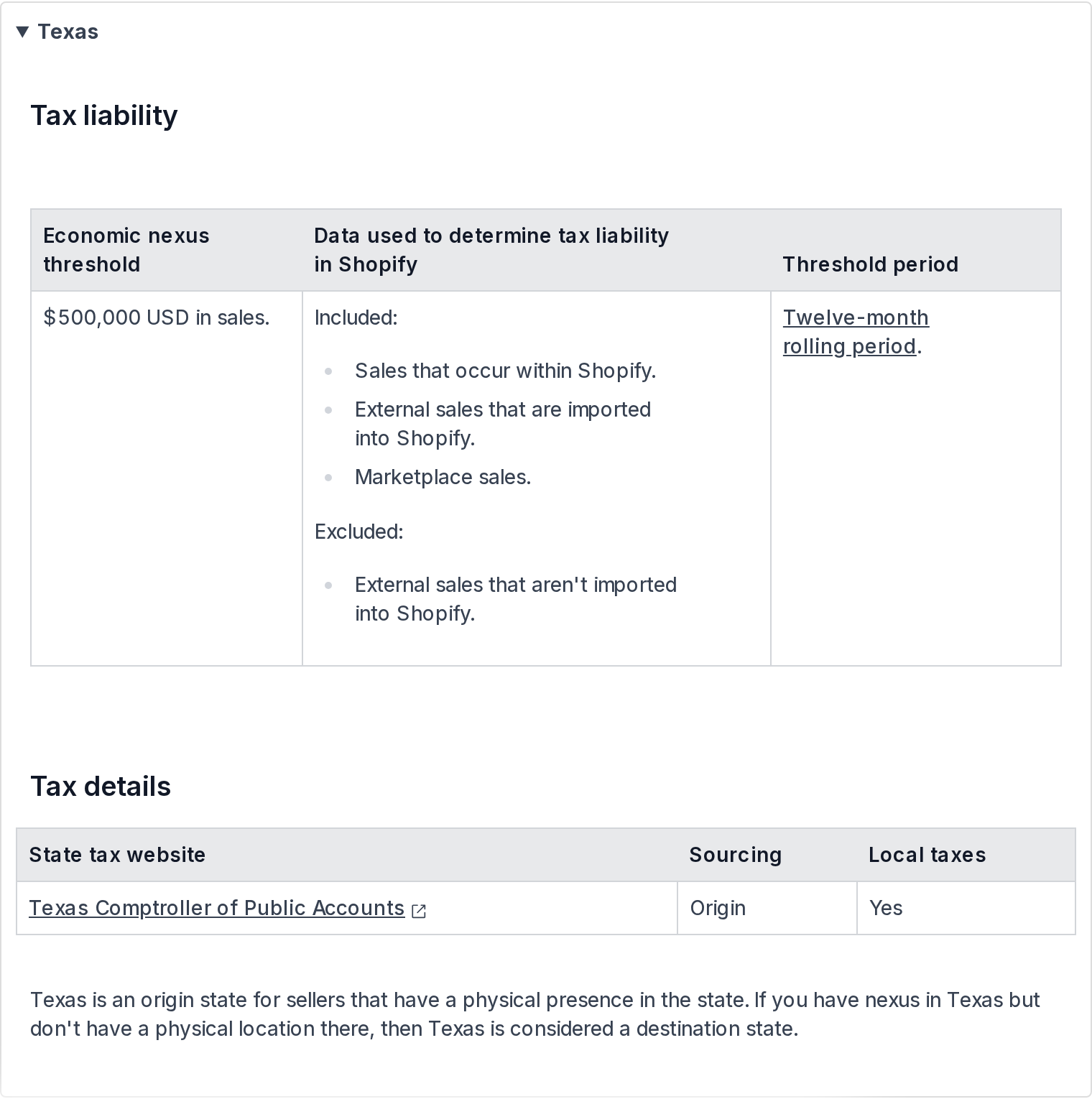
Source: Shopify Help Center, US taxes reference (Texas), retrieved September 14, 2026
Expanded and tallied on September 14, 2026:
| Sourcing | Count | Jurisdictions |
|---|---|---|
| Origin | 10 | Arizona, Illinois, Mississippi, Missouri, Ohio, Pennsylvania, Tennessee, Texas, Utah, Virginia |
| Hybrid | 2 | California, Iowa |
| Destination | 36 | Everything else that collects, including Alaska |
| Not applicable | 4 | Delaware, Montana, New Hampshire, Oregon |
That is the whole exposure, and it is smaller than the changelog language implies. In a destination state the customer's address sets the rate; which of your warehouses ships the box does not change it. The change only reaches a rate on an intrastate order in one of those twelve jurisdictions.
Shopify's prose explains why. Interstate sales — shipped from one state to a customer in another — are "typically taxed at the tax rate in the city to which the products are shipped." Intrastate sales are the ones that "might be taxed at the rate in the city to which the products are shipped, the rate in the city where the products are shipped from, some other location of the seller within the state, or a combination of these factors."
Two cautions before you act on the table. First, Shopify's own page carries a standing notice that it "doesn't replace any official government information or regulations" and tells you to consult a tax professional. Second, the per-state notes carry conditions that the one-word Sourcing value does not — Texas being origin only for sellers with a physical presence there is exactly the kind of qualifier that decides whether any of this applies to you. Read the entry for your states, not just the column.
There is a separate, older question that applies everywhere: nexus. Shopify's same reference notes that because fulfillment centers "might count as having physical nexus," using a 3PL "might" make you liable in states where that provider has a warehouse. We covered that in 3PL partners and nexus.
How Shopify picks the location
Order routing needs two or more active locations to exist at all. Three rules are on by default, and they run top to bottom, each operating on whatever survived the rule above it:
Minimize split fulfillmentsStay within the destination marketShip from closest location
Two more can be added: Use ranked locations and Use location metafields. That is the entire vocabulary, and we covered what each rule can and cannot express in Shopify order routing vs routing apps. What matters here is only rule one.
Shopify's description of Minimize split fulfillments: locations holding all items are prioritized; if none does, it prefers the fewest packages; and "when no other rules for prioritization are specified, this rule defaults to prioritizing the location that has the highest level of available inventory for any given order."
Available inventory is therefore, transitively, a tax input. Not a setting you changed. Not a rule you edited. A number that moves every time you sell something, receive a shipment, or let a purchase order slip.
Shopify's own worked example makes the mechanic concrete. A customer orders to a New Jersey address. Four locations exist: New York, Vancouver, Miami, Texas. Texas does not have everything in stock, so rule one drops it. Vancouver is outside the destination market, so rule two drops it. New York is closer than Miami, so rule three picks New York.
Now move that example into one of the twelve. Picture two Texas locations — Houston and Dallas — and a customer in Austin. Rule one keeps whichever holds the full order. Rule three picks the closer one when both do. Sell the last unit in Dallas an hour earlier and the order ships from Houston instead. In a destination state that is a logistics event. In Texas, where local taxes apply and the state is origin-sourced for sellers with a physical presence, it is also a pricing event.
The timing problem with routing apps
This is the part with no documentation on either side of it.
Shopify assigns the fulfillment location using its five native rules, at checkout. Tax, as of August 24, is calculated from that location. Both happen before the order exists.
Order routing apps do not run at checkout. Every routing app we have examined reassigns the location afterward — which is what the scopes they request point to, covering Edit orders including Assigned fulfillment, the signature of the Admin API's fulfillmentOrderMove mutation. The custom-rule Function that would let an app participate at checkout time is Plus-only and was still Beta-by-request as of our September 3, 2026 review.
So the sequence for a store running a routing app in an origin state is: Shopify picks location A → Shopify charges tax sourced from location A → the app moves fulfillment to location B → the parcel ships from B.
Does the tax follow? Shopify's August 13, 2026 entry says taxes recalculate when you change an order's shipping address, and that you will see a preview of the updated amounts and any payment difference before saving. Neither that entry nor the August 24 one mentions recalculation when the fulfillment location changes. We could not find a Shopify statement either way, and we did not test it on a live store.
Treat that as an open question to settle on your own store rather than a defect to assume. If you route within one of the twelve, place one intrastate test order, let your app move it, and compare the tax charged against the rate for the location it actually shipped from.
Four apps that move your ship-from location
None of these is a tax app. That is the point — each changes an input to the tax calculation while presenting itself as a logistics or inventory tool. Prices are USD as listed on the en-US Shopify App Store on September 14, 2026.
| App | What it changes | When | Entry price |
|---|---|---|---|
| Order Fulfillment Guru | Reassigns the fulfillment location | After checkout | Free plan; routing rules at $29.95/mo |
| ShipBob Fulfillment | Adds 3PL warehouses as locations | Ongoing | Free to install, additional charges apply |
| syncX: Stock Sync & Inventory | Changes available inventory per location | Ongoing, on a schedule | Free plan; $7/mo |
| Zapiet ‑ Pickup + Delivery | Sets the pickup location | At checkout | $49.99/mo |
Order Fulfillment Guru
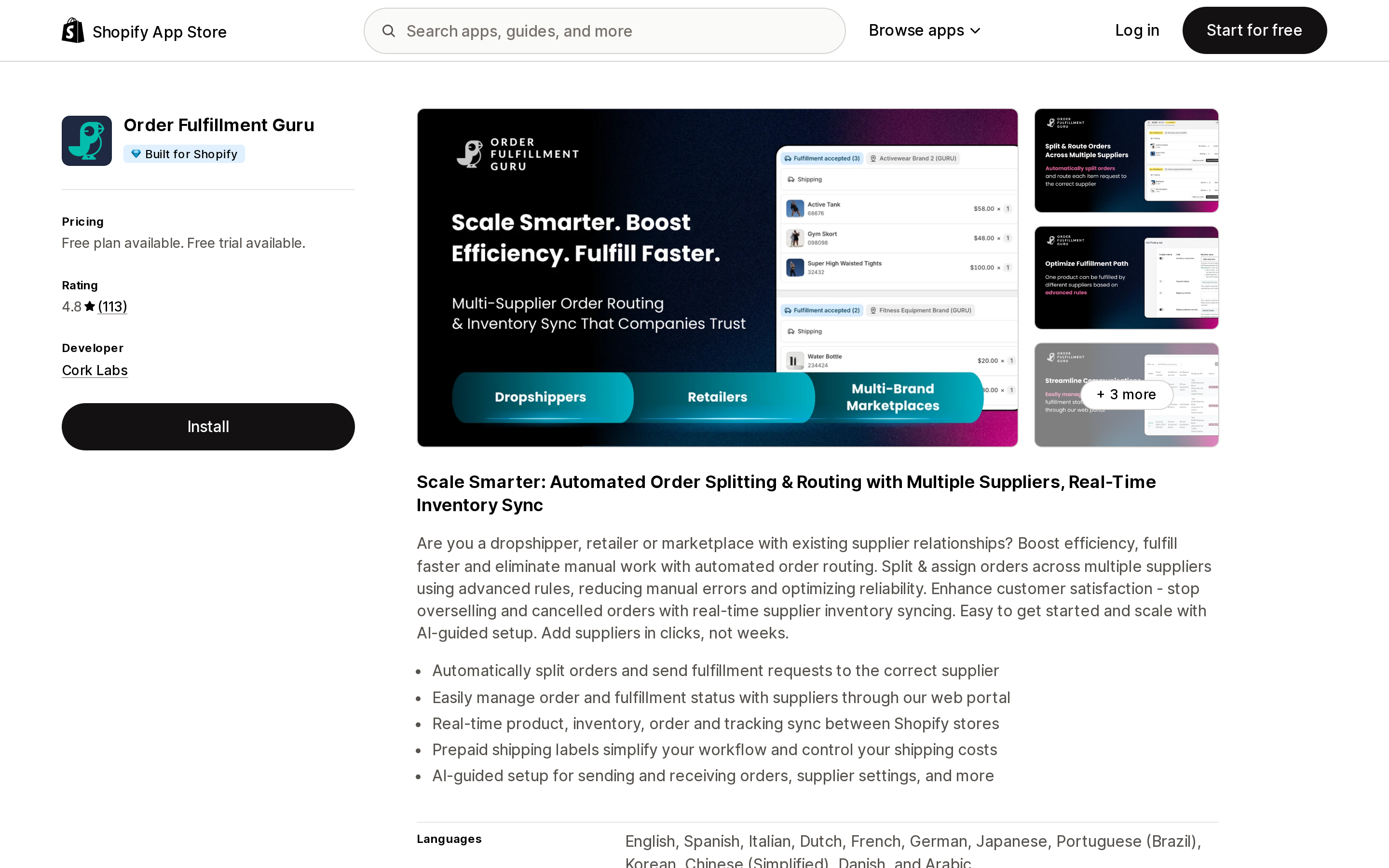
Source: Shopify App Store (Order Fulfillment Guru), retrieved September 14, 2026
Published by Cork Labs, carrying a Built for Shopify badge and a 4.8 rating across 113 reviews. It is the clearest example of the timing problem, and also the clearest example of routing being a premium feature rather than a baseline one: Advanced order routing rules appears only on the Professional Plan at $29.95/month. The Starter Plan is $9.95/month and the Essential Plan $19.95/month, neither with it. All three paid plans include 100 orders per month and add $10, $20 or $30 per additional 200 orders respectively, up to 2,000 orders per month, with custom pricing above that.
The Free Plan does not route at all — it receives orders from other Shopify stores and exports products and inventory.
ShipBob Fulfillment
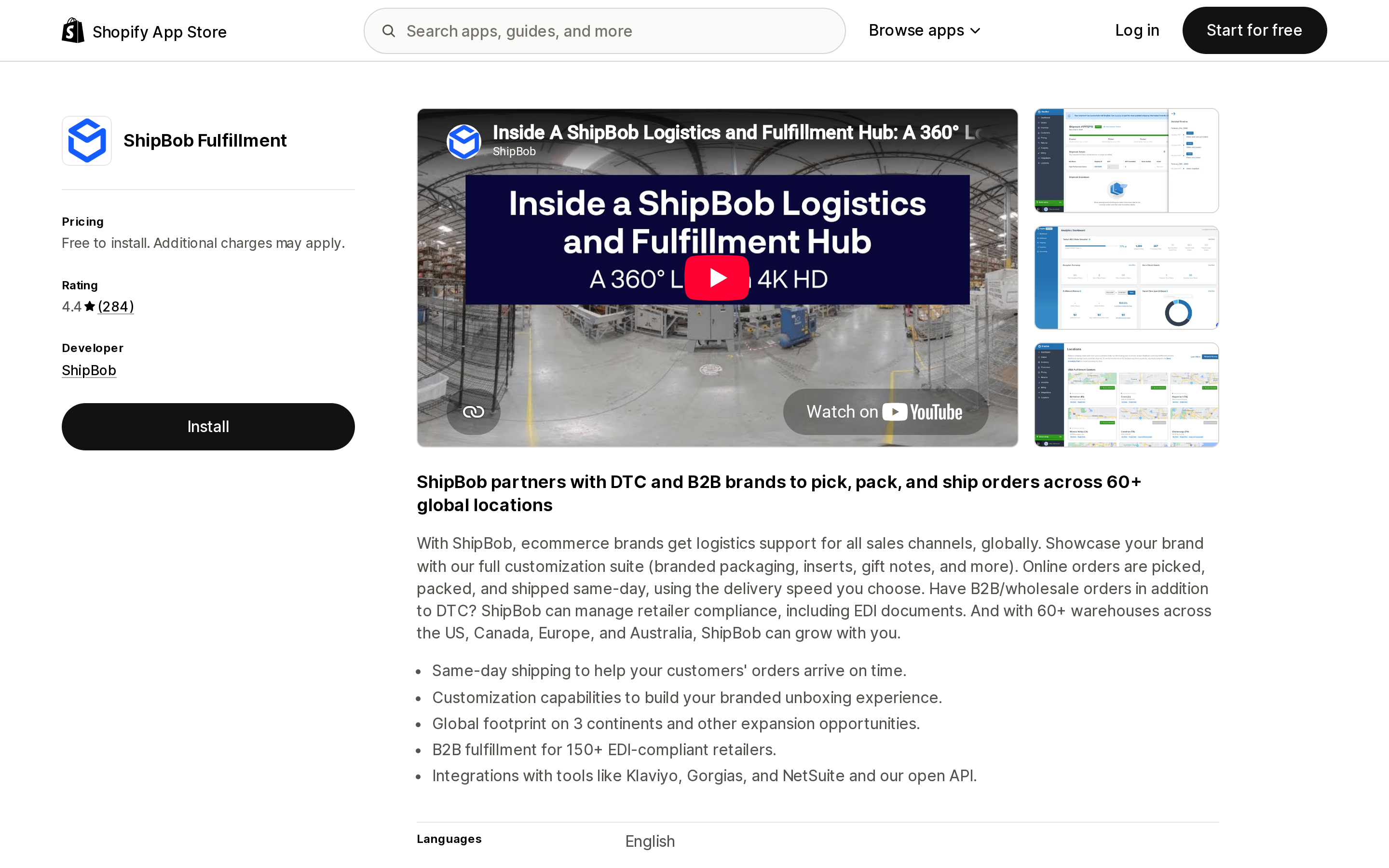
Source: Shopify App Store (ShipBob Fulfillment), retrieved September 14, 2026
Free to install, "additional charges may apply," 4.4 across 284 reviews, filed under Third-party logistics (3PL). Its listing advertises "60+ warehouses across the US, Canada, Europe, and Australia."
Each US warehouse you hold inventory in is two things at once now: a possible physical nexus, and — if it sits in one of the twelve — a possible tax origin. The nexus question is the older and larger one. The origin question is new, and it changes the number on an individual intrastate order without changing anything about your registrations.
The listing's feature tags include Order routing on ShipBob's side, which is a separate routing layer from Shopify's. Worth knowing before you assume there is only one place a location decision gets made.
syncX: Stock Sync & Inventory
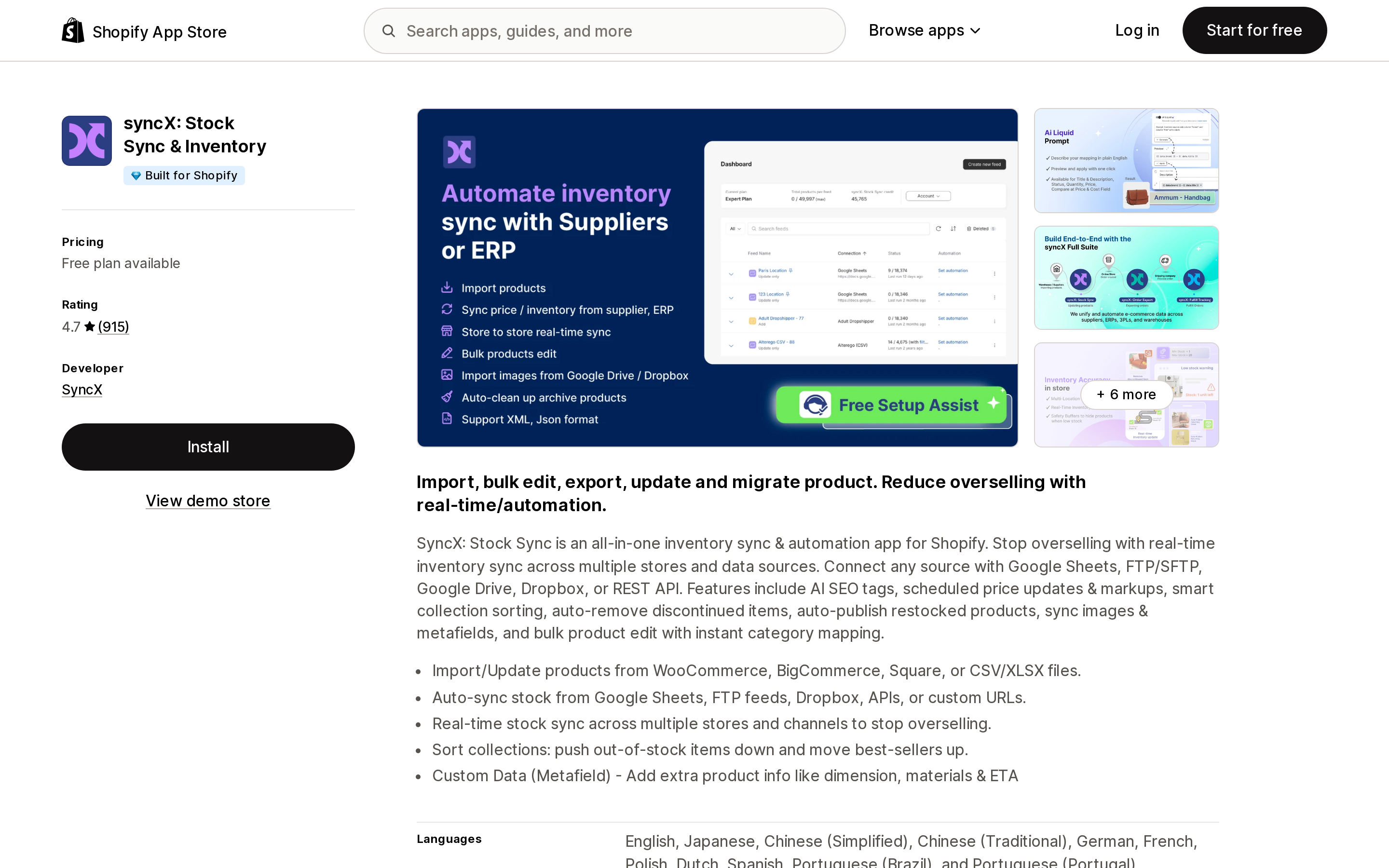
Source: Shopify App Store (syncX: Stock Sync & Inventory), retrieved September 14, 2026
Built for Shopify, 4.7 across 915 reviews, by SyncX. The Free Plan covers up to 2,000 products, one update feed and manual updates only. Starter is $7/month for 500–2,500 products, one to five feeds and one scheduled update per day. Expert is $10/month for 5,000–50,000 products, up to 30 feeds and twelve scheduled updates a day, with metered add-ons from $5 per extra feed, $2 per extra 5,000 products and $1 per extra faster schedule.
This app is on the list for one reason: scheduled feeds rewrite available inventory per location, and available inventory is what rule one falls back to. An app reconciling supplier stock twelve times a day is, inside those twelve jurisdictions, adjusting a tax input twelve times a day. That is not a criticism of the app. It is an argument for not treating the routing rule list as set-and-forget once a feed is pointed at your locations.
Zapiet ‑ Pickup + Delivery
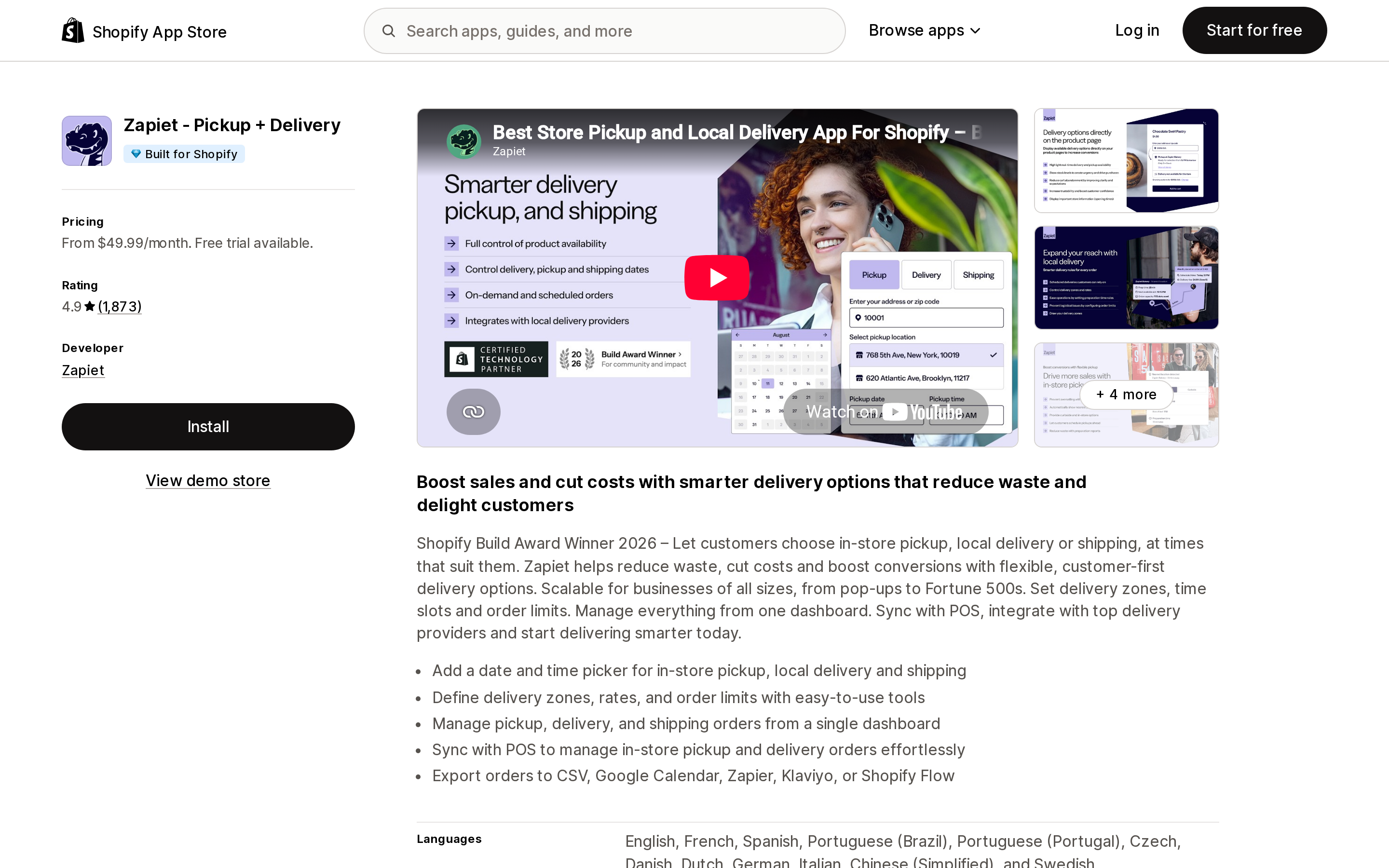
Source: Shopify App Store (Zapiet ‑ Pickup + Delivery), retrieved September 14, 2026
Built for Shopify, 4.9 across 1,873 reviews, from $49.99/month — the highest entry price of the four, and priced on locations and orders together. Essential is $49.99/month for 1 location and 250 orders/month. Advanced is $79.99/month for 1–10 locations and 1,000 orders/month. Professional is $179.99/month for 1–100 locations and 2,500 orders/month.
Shopify's changelog is unambiguous that pickup orders are taxed from the pickup location. For a multi-store retailer inside one of the twelve, the pickup location a customer selects in the widget is now the tax origin for that order — so a customer choosing the downtown store over the suburban one may be choosing a different rate.
Note that locations are a pricing axis in this app. Adding a location has a subscription cost and a sourcing consequence at the same time.
What to check on your store
- Count your active locations. One location, no exposure. Two or more, keep going.
- List the states where you hold two or more locations, then intersect that list with the ten origin and two hybrid jurisdictions above. If the intersection is empty, you are done.
- Read the full Shopify entry for each state in the intersection — not just the
Sourcingword. Texas shows why: it is origin only for sellers with a physical presence there. Confirm the result with your tax advisor. - Open
Settings→Shipping and delivery→Order routingand read the list top to bottom. IfMinimize split fulfillmentsis first and nothing else breaks ties, your stock levels are choosing locations. - Check whether an app moves fulfillment after checkout. If one does, run the intrastate test order described above.
- Look at the ship-from location now recorded on your orders. Shopify says the order record shows it. If your filing process still assumes a single ship-from address, that assumption is now testable against real data.
- Do not solve this by consolidating locations. Two locations exist for logistics reasons. The response to a sourcing change is knowing which orders it touches, not undoing your fulfillment network.
If what you need is help filing the returns rather than calculating the rate, that is a separate category with separate economics — see Shopify Tax's filing engine versus six tax apps.
What this article could not verify
We did not place test orders on a live multi-location US store. The mechanism above comes from Shopify's changelog entries of August 13 and August 24, 2026 and from the Help Center pages on US taxes and order routing.
We could not determine whether Shopify recalculates tax when a fulfillment location is moved after checkout. Shopify documents recalculation for a changed shipping address and does not address the location case in either entry.
The sourcing tally is ours, read from Shopify's accordion on September 14, 2026. Shopify does not publish it as a summary table, the values can change, and the per-state notes carry conditions a single word cannot. It is a starting point for a conversation with a tax professional, not a substitute for one.
We did not verify how third-party tax calculation apps obtain the ship-from location, or whether they use the routing-selected one. None of the tax app listings we have reviewed states it.
App ratings, review counts, plan names and prices are as displayed on the en-US Shopify App Store on September 14, 2026 and move constantly. None of this is tax advice.
Sources
- US tax calculation accuracy improvements based on fulfillment location — Shopify Changelog, August 24, 2026
- Taxes now recalculate when you change an order's shipping address — Shopify Changelog, August 13, 2026
- US taxes reference — Shopify Help Center
- Order routing — Shopify Help Center
- Understanding order routing — Shopify Help Center
- Shopify App Store listings for Order Fulfillment Guru, ShipBob Fulfillment, syncX: Stock Sync & Inventory and Zapiet ‑ Pickup + Delivery, all retrieved September 14, 2026
Shopify Magic's own media generation tools cover background removal, logo generation, and hero banners — images only, per Shopify's Help Center. There is also an unrelated app literally named 'Magic: Product Photos & Videos' that charges $19.99–$49.99/month and has nothing to do with Shopify. Meanwhile, eight real AI product-video apps bill on five incompatible units: credits, videos, points, a flat $1 per video, and one-time packs with no subscription at all. Normalized to a real cost per finished video, the spread runs from about $0.04 to $1.29 — roughly 32x — and one app's $39–$99/month plans don't disclose a video quota at all. Researched September 6, 2026.