
What you will learn
On this pageContentsCloseOpen
Every article about Try Before You Buy on Shopify opens with the same number: keep rates go up, conversion goes up, returns are the cost of doing business. What almost none of them mention is the sentence sitting in Shopify's own Help Center, in the requirements list for the feature:
Customers can't use accelerated checkouts such as Shop Pay, Apple Pay, or Google Pay to purchase TBYB products.
That is not a limitation of any app. It is how the native purchase option works. If Shop Pay is doing meaningful work in your US checkout today, TBYB orders do not get it — and the "TBYB lifts conversion" case has to survive that trade before you evaluate a single vendor.
This article covers what Shopify's TBYB purchase option actually does, the restriction list that decides whether you can run it at all, the authorization wall underneath it, and how TryNow, Tryon, Try Before You Buy with Mirra and TryBee price the same outcome on four incompatible denominators.
What Shopify does natively
More than most merchants realize, and less than enough to launch.
Try-before-you-buy is one of three first-class purchase options in Shopify, alongside subscriptions and pre-orders. The Help Center describes it plainly: customers "can order items without paying right away. You fulfill TBYB orders like a regular order, but customers pay at a future specified date after they try out the product."
The plumbing is real and it is Shopify's. Shopify vaults the customer's payment method, attaches payment terms to the order, exposes the trial and payment status in the admin, lets you filter the Orders page by Unpaid, lets you change the payment due date, and lets you collect the deferred payment early by charging the stored card. Apps build the option with the sellingPlanGroupCreate mutation, choosing whether inventory is committed at sale (ON_SALE) or at fulfillment (ON_FULFILLMENT).
What Shopify does not give you is a way to turn it on. The Help Center is direct: "To set up TBYB, you need to complete the setup steps in the app that you install." There is no admin toggle, no settings page, no first-party TBYB app. The purchase option exists; the interface to configure it does not.
Verdict: an app is not optional here. What differs between apps is which architecture they sit on, and what unit they bill.
The restriction list is the real decision
Before pricing, run your store against Shopify's published requirements for TBYB. These are not app limitations — they apply to every app using the native purchase option.
- No accelerated checkouts. Shop Pay, Apple Pay and Google Pay cannot be used on TBYB orders.
- Three gateways. The Help Center lists Shopify Payments, Adyen on Shopify, and Stripe, "which is only available to some merchants." Shopify's developer documentation lists the same three plus PayPal Express — the two pages disagree, so confirm PayPal with Shopify Support before planning around it.
- No local payment methods, including Klarna and mollie iDEAL | Wero.
- No customized checkouts. Stores with checkout customizations are excluded, and separately,
checkout.liquidstores are not supported at all. - No local delivery and no in-store pickup as delivery options on TBYB orders.
- Online Store and Custom Storefront only. Not POS, not other sales channels.
- No Buy X get Y discounts, and no draft orders, and no B2B.
- No stacking purchase options. A customer cannot try-before-you-buy a subscription.
- Shop Promise works only if the product ships immediately.
- One due date per order. If a cart mixes a 7-day trial and a 21-day trial, Shopify charges everything on the soonest date — day 7.
- A disclosure duty. Shopify requires you to tell customers "when they'll be charged if they don't return the item" at the time of purchase, and the customer must actively confirm at the payment step that they understand they are buying with a purchase option.
That last pair is worth sitting with. TBYB adds a mandatory confirmation step to checkout while removing the one-tap wallets — which is the opposite of the frictionless story the category is usually sold on.
The seven-day authorization wall
The second constraint sits under the payments layer, and it explains a feature name that shows up on three of the four app listings below: "reauthorization."
Shopify Payments provides an authorization period of 7 days. A 14-day or 30-day home trial does not fit inside that window. Shopify's own guidance for TBYB acknowledges the tension — you can "create a full authorization on your customer's payment method before fulfilling the order to ensure that your customer can pay for the product at a future date" — but the clock is set by the card networks, not by Shopify.
Extending it is a plan feature:
| Card type | Extended authorization period |
|---|---|
| Visa | Up to 30 days |
| Mastercard | Up to 30 days |
| American Express | Up to 30 days |
| Discover | Up to 10 days |
| JCB | Up to 10 days |
| Diners Club | 7 days |
| China Union Pay | 7 days |
Extended authorization periods are "available only to stores on the Shopify Plus plan that use Shopify Payments." Capturing manually after the standard 7 days adds a 1.75% charge on top of standard credit card fees. The Help Center also notes that some cards may not support extension at all, so you have to watch the Orders page for expiring authorizations.
Read the table again with a 21-day trial in mind. A Visa customer is fine on Plus. A Discover customer's authorization is dead on day 10. That gap — between a trial length your marketing promises and an authorization length your card networks allow — is the operational problem these apps exist to manage.
Four apps, four denominators
Four TBYB apps are currently listed in the Shopify App Store's Payment options - Other category. A fifth, Blackcart - Try Before You Buy, still has a listing page, but it now reads: "This app is not currently available on the Shopify App Store." Anyone arriving here from a 2024 or 2025 listicle should check that first.
One search warning before you start comparing. Searching the App Store for "try before you buy" now returns mostly AI virtual try-on apps — Shop TryOn, GenLook, Looqko, Tryvio and a dozen others that render clothing onto a shopper's photo. Those solve a different problem and never touch payment. The apps below defer the charge.
TryNow: Try Before You Buy
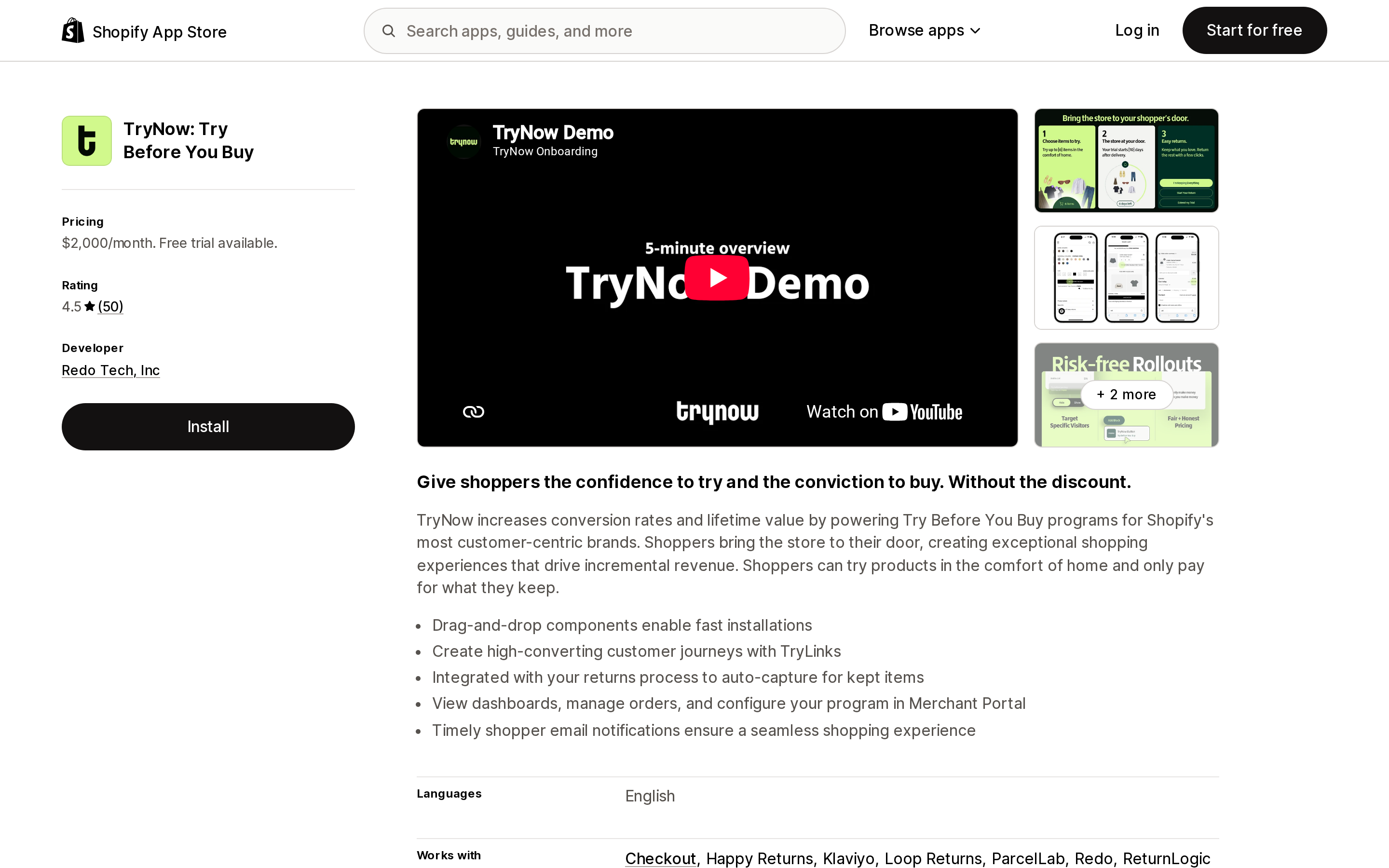
Source: Shopify App Store (TryNow: Try Before You Buy), retrieved September 5, 2026
TryNow: Try Before You Buy is listed under developer Redo Tech, Inc, launched June 21, 2022, rated 4.5 across 50 reviews. It is the enterprise end of the category and prices like it.
Pricing: $2,000/month, "then 2.99% of Net Order Value + $0.99 per order (after the $2,000 monthly minimum is reached)," with a 7-day free trial. The listing does not define Net Order Value, which matters a great deal at this price point — get the definition in writing before signing.
The requested data access is the broadest of the four and reads like a native implementation: customer payment methods, payment terms, purchase options, payment mandate, plus Shopify Functions for payment customizations and cart and checkout validations. It integrates with Happy Returns, Loop Returns, ReturnLogic, ParcelLab and Klaviyo. On its own site, TryNow describes itself as built for Shopify Plus, with trials "typically 7 to 21 days."
Reviews are 90% five-star, but four one-star reviews carry unusually specific detail. The most recent, from a US merchant in December 2025, describes the app breaking their site for months, attributes "high 6-fig, possibly 7-fig" revenue losses to it, and says the vendor declined to refund fees. Another reports that uninstalling damaged their storefront; two more concern support response times. Four complaints out of fifty is not a pattern, but the failure mode they describe — a payments-layer app that is hard to diagnose when it misbehaves — is worth pressure-testing during the trial rather than after.
Tryon: Try Before You Buy
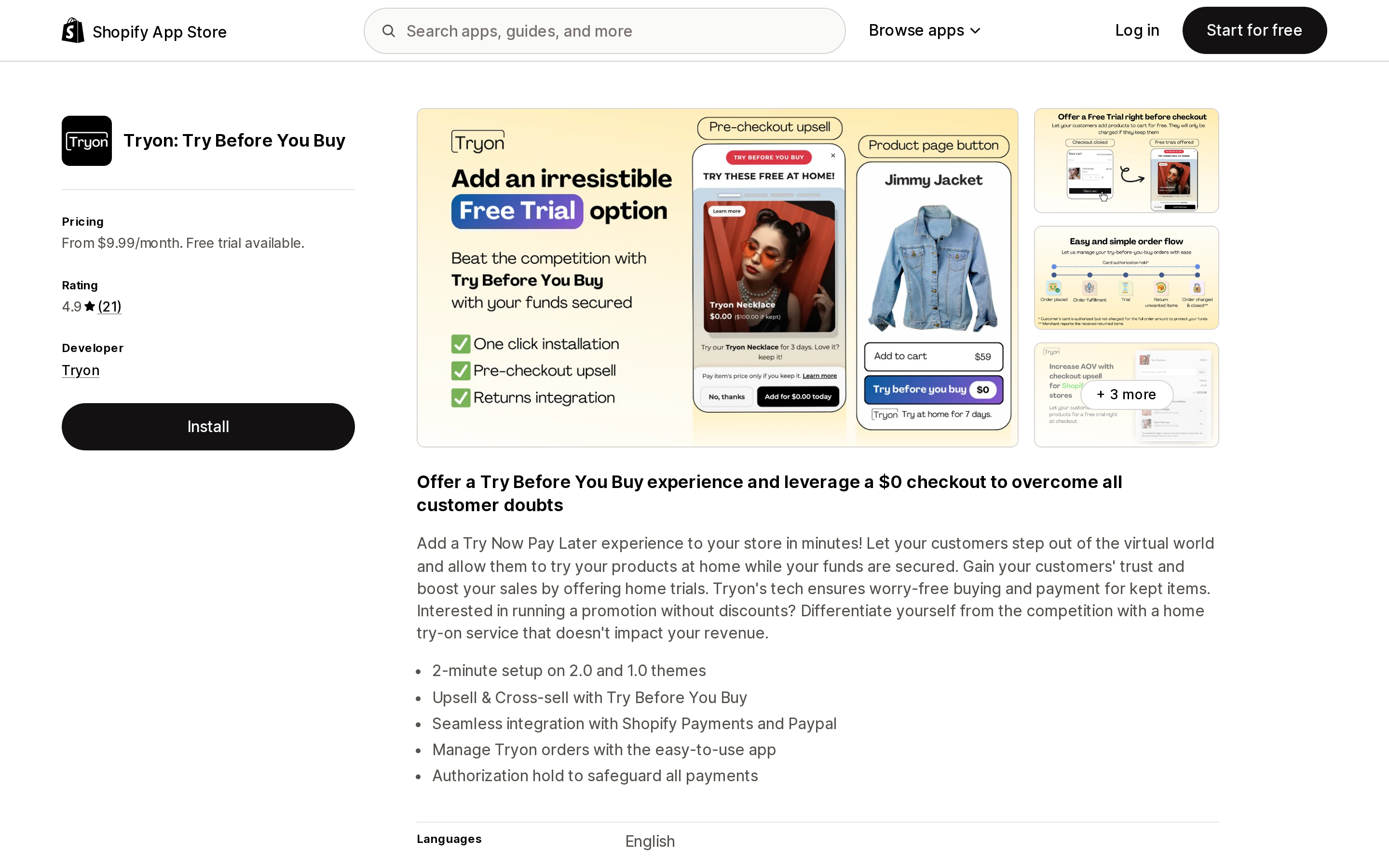
Source: Shopify App Store (Tryon: Try Before You Buy), retrieved September 5, 2026
Tryon: Try Before You Buy is developed by Tryon in Tel Aviv, launched August 22, 2023, rated 4.9 across 21 reviews. Its listing names the authorization problem directly — an "Authorization hold to safeguard all payments" and a "Reauthorization system" — alongside a "$0 checkout" and setup on both Online Store 2.0 and vintage themes. The Works with list shows Adyen, PayPal, Payments and Stripe; the vendor's own site names Shopify Payments and PayPal.
Pricing is three-part on every plan — a monthly fee, a per-order fee, and a percentage of kept revenue — with a separate minimum that is higher than the advertised base:
| Plan | Monthly | Per order | % of kept items' revenue | Minimum fees |
|---|---|---|---|---|
| Basic | $9.99 | $0.89 | 1.9% | $29.99/month |
| Standard | $39.99 | $0.89 | 1.5% | $49.99/month |
| Pro | $149.99 | $0.89 | 0.9% | $299.99/month |
Two things to notice. The advertised "From $9.99/month" carries a $29.99 floor. And the per-order fee is charged on orders placed with Tryon, not on kept orders — so a low keep rate raises your bill without raising your revenue. All plans include a 14-day free trial.
Try Before You Buy with Mirra
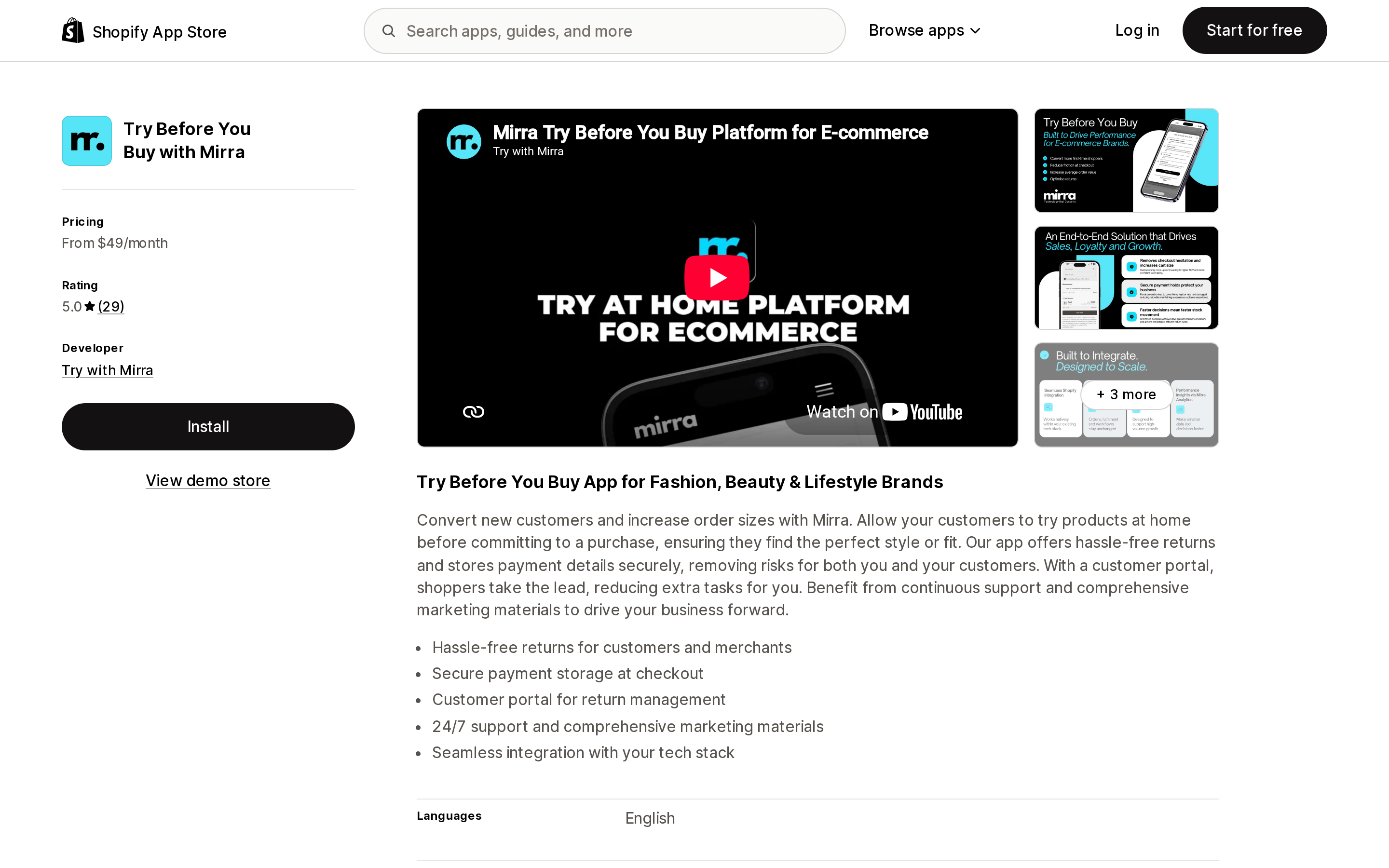
Source: Shopify App Store (Try Before You Buy with Mirra), retrieved September 5, 2026
Try Before You Buy with Mirra is developed by Try with Mirra in Queensland, Australia, launched May 19, 2023, rated 5.0 across 29 reviews. It requests access to selling plans, purchase options, payment mandate, payment terms, store credit and gift cards, and integrates with Shopify Flow, Klaviyo, ShipStation, Cin7 Core & Omni, Starshipit and Australia Post. Its listing shows a Customer accounts extension, which is how its return portal reaches shoppers.
Pricing is a rate ladder — you buy down the percentage with a larger monthly commitment. All four tiers bill on "completed Mirra orders (after returns)":
| Plan | Monthly | % of completed orders after returns |
|---|---|---|
| Starter | $49 | 8% |
| Pro | $670 | 3.5% |
| Platinum | $1,680 | 2.5% |
| Enterprise | $3,500 | 1.5% |
The crossover points are not intuitive. Starter beats Pro only below roughly $13,800/month in kept revenue. Pro beats Platinum until about $101,000/month, and Platinum beats Enterprise until about $182,000/month. A merchant who upgrades to Platinum at $50,000 in kept revenue pays $510 a month more than they would on Pro.
One observation about fit: the recent reviews visible on Mirra's listing are predominantly from Australian merchants, while TryNow's are predominantly US. That is a statement about the public review page, not about either customer base — but if US-timezone support and US carrier integrations are decision criteria, ask about them specifically.
TryBee — Try Before You Buy
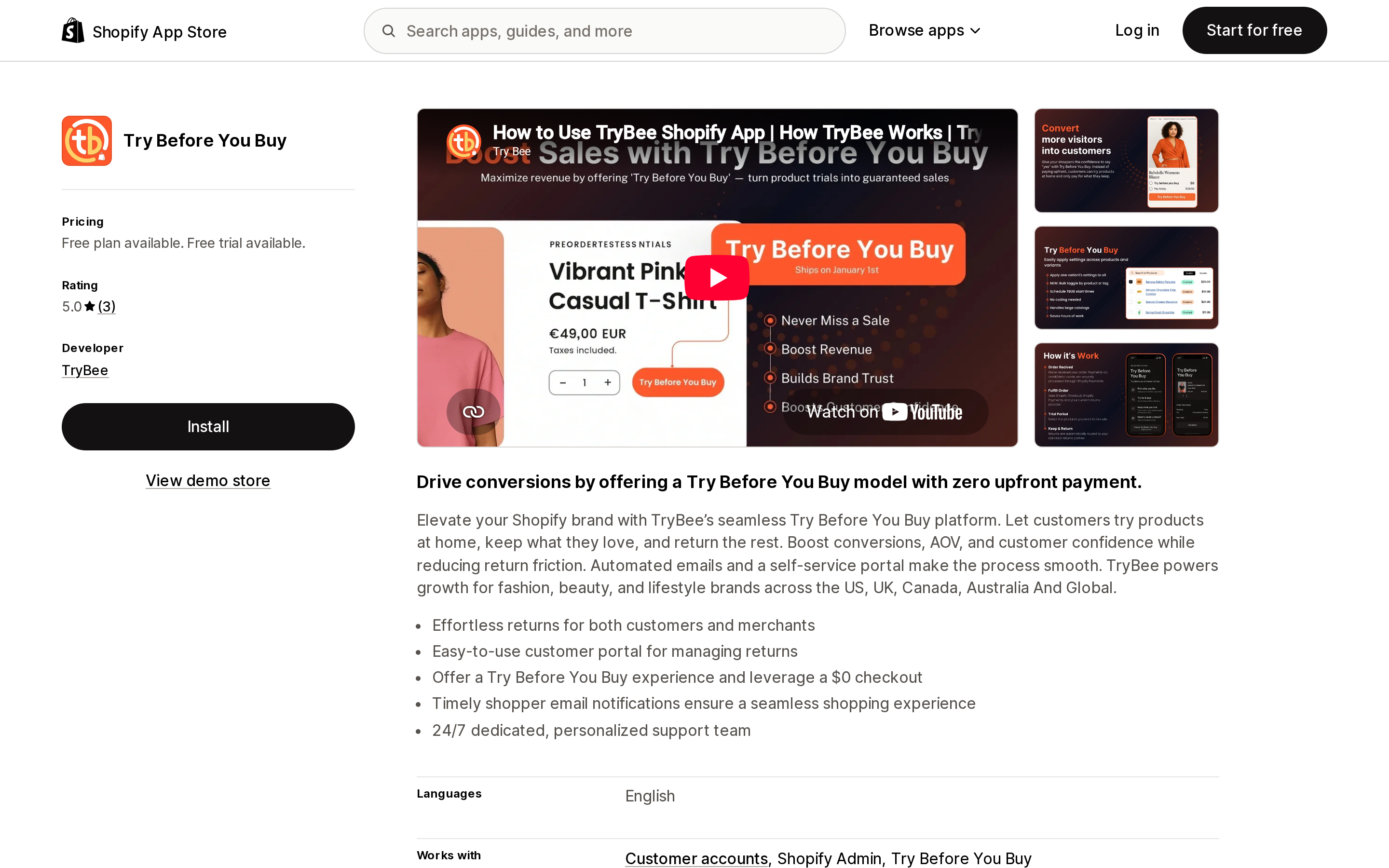
Source: Shopify App Store (Try Before You Buy, by TryBee), retrieved September 5, 2026
Try Before You Buy, by developer TryBee, is the newest and smallest listing here — 5.0 across just 3 reviews. Three reviews is not enough to draw conclusions about reliability, and this is an app that will hold your customers' payment mandates. Treat the rating as unproven rather than good.
Its pricing is the most interesting in the category, for two reasons:
| Plan | Monthly | Per order | % of kept items |
|---|---|---|---|
| Free | $0 | — | — (capped at 5 orders/month) |
| Basic | $9.99 | $0.80 | 1.5% |
| Standard | $59.99 | $0.70 | 1% |
| Premium | $399.99 | — | — |
First, it is the only app in the category with a free plan, capped at 5 orders a month — enough to test the checkout flow and the customer emails on real orders before committing budget. Second, Premium is a flat $399.99 with "no per-order or revenue charges." Nothing else in this category caps your cost. Every competitor scales with either your order count or your revenue, forever.
The listing also advertises a reauthorization system, a return and customer portal, and 24/7 live chat. Its Works with list is short: Customer accounts, Shopify Admin, and Try Before You Buy — the native purchase option itself.
What the same store pays at three volumes
Three scenarios, each at a 50% keep rate, showing each app's cheapest qualifying plan at the listed public rates. TryNow's per-order fee is applied to kept orders here; because the listing does not define Net Order Value, treat its figures as an estimate against the $2,000 floor.
| Monthly volume | TryBee | Tryon | Mirra | TryNow |
|---|---|---|---|---|
| 60 orders, $7,500 kept | $170.49 (Basic) | $205.89 (Basic) | $649 (Starter) | $2,000 (minimum) |
| 400 orders, $50,000 kept | $399.99 (Premium) | $955.99 (Pro) | $2,420 (Pro) | $2,000 (minimum) |
| 2,000 orders, $250,000 kept | $399.99 (Premium) | $4,179.99 (Pro) | $7,250 (Enterprise) | $8,465 |
Three things fall out of this table.
The flat rate wins early. TryBee's Premium plan becomes cheaper than its own Standard plan at roughly 170 to 200 trial orders a month, and from that point it never gets more expensive — while every rival keeps climbing. At the top row of the table the spread across the category is more than 21×.
The $2,000 minimum dominates the bottom. At $7,500 in kept revenue, TryNow costs 27% of the revenue it processed. Its pricing only starts behaving like a percentage above roughly $67,000 in Net Order Value.
Tryon's per-order fee is the line to watch, not its percentage. In the 2,000-order row, its $1,780 in per-order fees is nearly as large as its $2,250 percentage charge — and unlike the percentage, you pay it on returned orders too. At a 25% keep rate rather than 50%, that fee doubles relative to revenue.
Sanity-check the denominators against your own numbers before trusting any row. Tryon charges per order placed plus a percentage of kept revenue, with a floor. Mirra charges a percentage of completed orders after returns. TryNow charges a percentage of Net Order Value plus per order, floored at $2,000. TryBee charges per order plus a percentage, or nothing beyond a flat fee. Four different things are being counted.
Which to choose
- Testing whether TBYB works for your catalog at all → the TryBee free plan, at 5 orders a month, then Tryon Basic or Standard on its 14-day trial. Both let you see a real keep rate before you commit budget.
- Steady mid-volume TBYB, and you can accept a young vendor → TryBee Premium. The flat $399.99 is the only price in this category that stops growing, and above ~200 orders a month nothing else is close.
- Mid-volume TBYB and you want a longer track record → Tryon Pro. Below about a 30% keep rate, recompute first: the $0.89 charged on every returned order stops being noise.
- You want a customer-facing return portal plus Flow automation from an established listing → Mirra Pro, if kept revenue sits between roughly $13,800 and $101,000 a month. Do not upgrade to Platinum before $101,000.
- Shopify Plus, an existing returns platform, and a program large enough that $2,000 is a rounding error → TryNow, with Net Order Value defined in the contract first.
- You are on Basic or Grow, use PayPal or a local gateway, or rely on Shop Pay for most of your conversions → none of them. Fix the gateway question first; TBYB will not run.
Before you install
Three operational details the vendor pages do not lead with.
Uninstalling deletes your program data in 48 hours. Shopify's Help Center: "When you uninstall a TBYB app, any data (excluding customer payment information) that you've created in the app is deleted after 48 hours." Export before you switch apps, not after.
Refunds need two systems kept in sync. A fulfilled TBYB order cannot be cancelled, only refunded — and Shopify notes that when you refund from the Orders page, "you might need to cancel the order in your TBYB app as well." That is a manual reconciliation step on every returned trial.
Failed payments are your problem, not Shopify's. Shopify stores the mandate and gives you Send link to update card and Replace card in the customer profile, and warns that a customer's bank can challenge subsequent billing attempts. Everything after that — scheduling the charge, retrying, chasing — is the app's job, and shopify.dev says so explicitly: "It's your app's responsibility to schedule the charge at the right time and automate any process around payment failures."
TBYB is one of the few Shopify categories where the platform constraints matter more than the feature lists. Confirm your gateway, decide whether losing Shop Pay is survivable, check your trial length against the authorization table, and only then compare price.
Sources
- Purchase options — Shopify Help Center
- Try before you buy — Shopify Help Center
- Setting up try before you buy — Shopify Help Center
- Managing try before you buy — Shopify Help Center
- Payment authorization and capture — Shopify Help Center
- About pre-order and Try Before You Buy (TBYB) — shopify.dev
- Pre-orders and Try Before You Buy (TBYB) in themes — shopify.dev
- TryNow: Try Before You Buy — Shopify App Store
- Tryon: Try Before You Buy — Shopify App Store
- Try Before You Buy with Mirra — Shopify App Store
- Try Before You Buy (TryBee) — Shopify App Store
- Blackcart - Try Before You Buy — Shopify App Store
Hextom: Free Shipping Bar is no longer available on the Shopify App Store. Here's what Shopify's native announcement bar can and can't do, and five real apps that fill the gap in 2026.