
What you will learn
On this pageContentsCloseOpen
You spend three weeks building the new theme in draft. You preview it on desktop and mobile, you check the product template, you get sign-off. You hit Publish on a Tuesday morning and the store looks exactly like the mockup.
Then the product pages have no star ratings. The chat bubble is gone. And two weeks later someone notices that the browse abandonment flow hasn't sent an email since Tuesday.
None of that is a bug, and none of it is the apps' fault.
What Shopify's switching guide tells you, and what it leaves out
The page a merchant reads before changing themes is Adding, previewing, and buying themes. It has a section called Preparing to switch themes, and that section is genuinely useful. It tells you your products, collections, menus, pages and blog posts are safe because they live in the admin rather than the theme. Then it lists what is tied to the theme and has to be redone for each one:
- Settings applied to sections and blocks
- Global theme settings, including colors and fonts
- Text and wording
- Code customizations, including code customizations added by an app
- Available theme templates
Five items, and the words "app block" and "app embed" appear nowhere on that page. The only mention of apps is buried in the fourth bullet, describing the oldest and least common integration method — an app that writes Liquid into your theme files.
The explicit warning does exist, on a different page. Extend your theme with apps carries this note near the top:
If you opt to install apps for your theme, and later change your published theme, then you'll need to re-activate those apps in your new theme as they won't be active by default.
That is the whole problem in one sentence — sitting on the page you read while installing an app, not the page you read while switching a theme. Those two moments are usually months apart, and often different people.
Why it works this way
This is not a policy decision Shopify could reverse. It falls out of where the configuration is physically stored.
Shopify's developer documentation for theme app extensions states both defaults plainly. For app blocks: "By default, themes don't include app blocks after an app is installed. Merchants need to add the app blocks to the theme from the Apps section of the theme editor." For app embed blocks: "By default, app embed blocks are deactivated after an app is installed. Merchants need to activate app embed blocks in the theme editor, from Theme Settings > App embeds."
The same page says where each one is written. Adding an app block means "a reference to the app block is added to the template JSON file" — templates/product.json, for example. Activating an app embed means it "appears in settings_data.json", the theme's own config file.
Both are theme files. A brand-new theme from the Theme Store ships with its own templates/product.json and its own config/settings_data.json, neither of which has ever heard of your apps. There is nothing to migrate because nothing is shared. It also explains the opposite case that confuses people: a duplicate or an updated version of your current theme keeps your app blocks and embeds, because it is a copy of the same files. A different theme is not.
One more detail from the same documentation: when you disable an app embed it stays in settings_data.json with disabled set to true. Your old theme therefore still carries a record of what you had switched on — which is why the recovery advice below starts with "go look at the old theme."
Four mechanisms, four different outcomes
Not everything an app does is theme-bound. Sorting your stack by mechanism is the fastest way to predict what will break.
| How the app reaches your storefront | Where it's stored | Survives publishing a new theme? | What you see if it doesn't |
|---|---|---|---|
| App block (theme app extension) | Template JSON, e.g. templates/product.json | No | Visible gap — reviews, size charts, badges simply absent |
| App embed block (theme app extension) | config/settings_data.json | No | Often invisible — tracking, popups, chat, SEO tags stop |
| App pixel (Web Pixels API) | Admin, under Settings > Customer events | Yes | Nothing; runs in Shopify's sandbox, not your theme |
| Code an app wrote into your theme | The old theme's Liquid files | No | Gap, plus orphaned code left behind in the old theme |
| Script tag | Store-level, injected by Shopify | Yes — until March 1, 2027 | Nothing today. Everything, after that date |
That last row is the part of this that has a deadline attached. Shopify's changelog entry Script tags are deprecated and will stop running on March 1, 2027, published August 24, 2026, sets two dates: from October 1, 2026 the scriptTagCreate and scriptTagUpdate mutations return a user error, and on March 1, 2027 "Shopify will stop injecting script tags into storefronts." The migration path Shopify names is the app embed block.
Read that alongside the table. Script tags were the one storefront mechanism that ignored your theme entirely — install once, and it kept working across every redesign. That property is being removed. After March 2027, essentially every app's storefront presence is a theme file, which means from then on a theme switch resets all of it, with no exceptions left.
What six real apps say about a theme change
Every app below documents this. What differs is whether the app notices on your behalf.
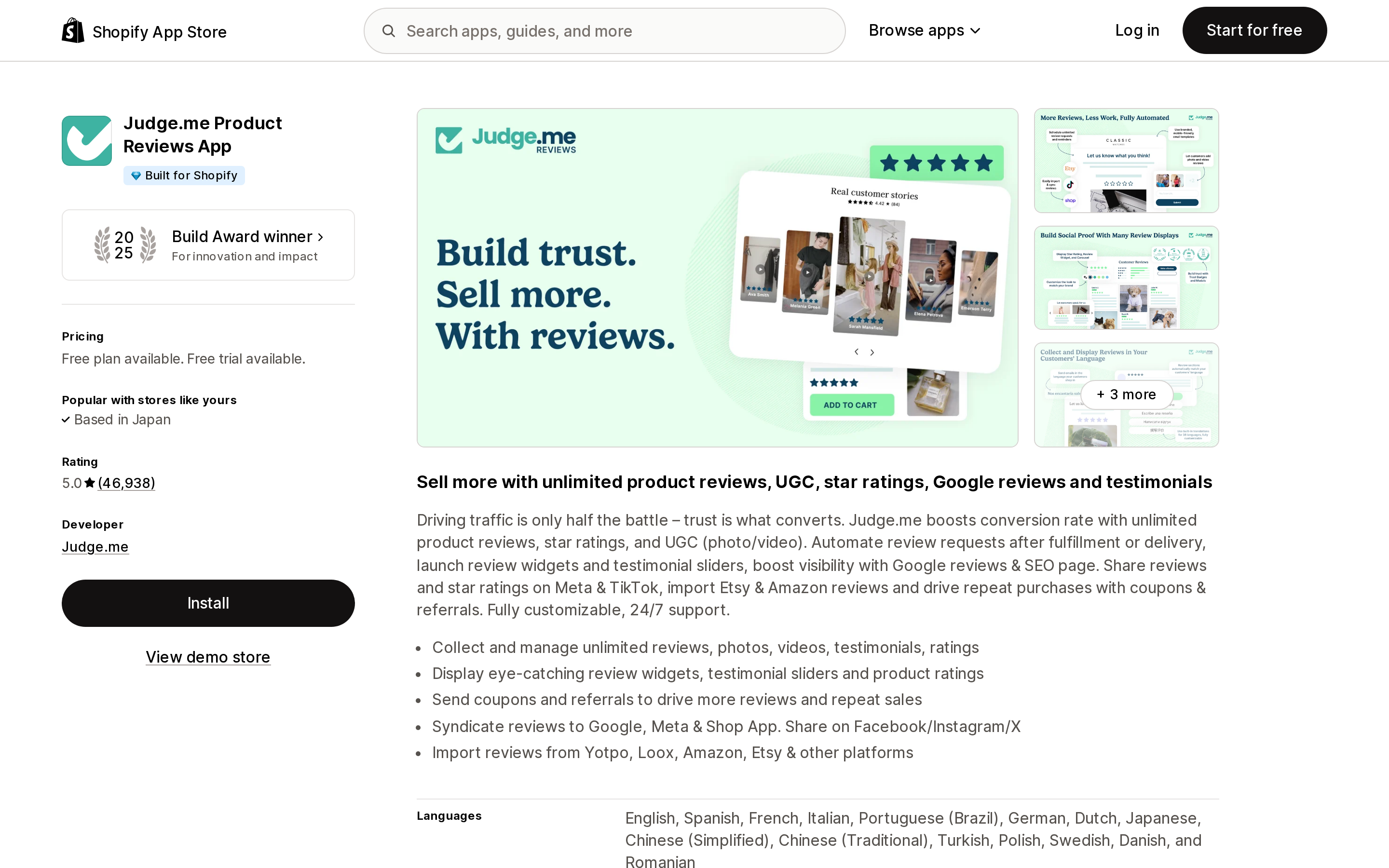
Judge.me Product Reviews App
Source: Shopify App Store (Judge.me Product Reviews App), retrieved September 15, 2026
Judge.me Product Reviews App carries Built for Shopify and a 2025 Build Award, and shows a 5.0 rating from 46,938 reviews on the en-US listing. It also has a help article titled Reinstalling Judge.me widgets when changing your theme, last updated April 3, 2026, which opens: "When changing your Shopify theme, previously installed widgets and widget customizations are not automatically transferred to the new theme."
The recovery procedure is manual, and worth reading before you publish rather than after. Step 1 is to open your old theme in the editor, walk the Home page and the Default product template, expand each Apps block, and write down which Judge.me widgets carry the green Judge.me logo. Step 2 is to add each one back by hand. The fallback for merchants who didn't take notes — "Most stores use the Star Rating Badge and the Review Widget by default. We recommend reinstalling both" — is an honest admission that after the switch, the old theme is the only record you have.
Note the phrase "and widget customizations." The block settings go too, not just the block.
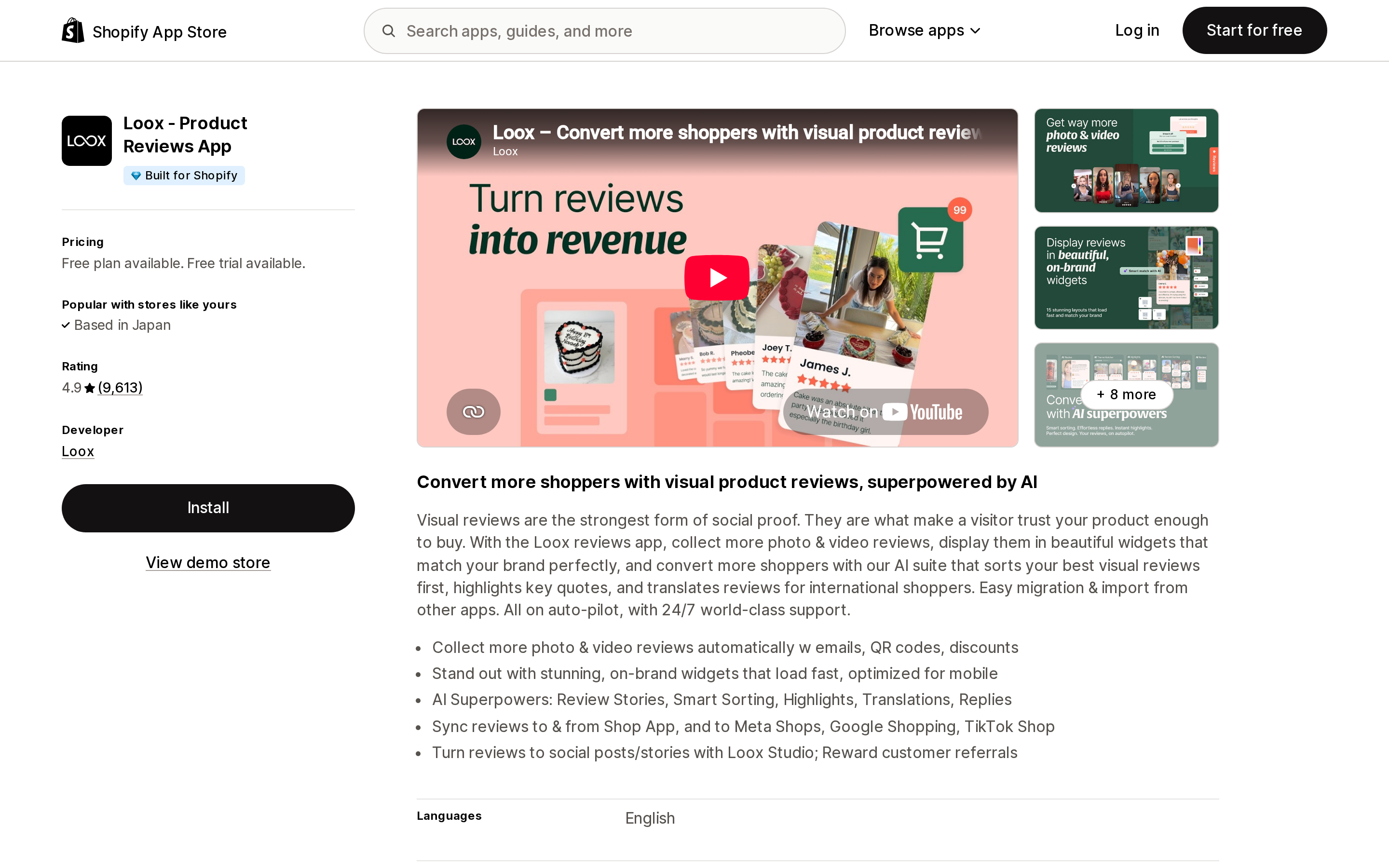
Loox ‑ Product Reviews App
Source: Shopify App Store (Loox ‑ Product Reviews App), retrieved September 15, 2026
Loox ‑ Product Reviews App is Built for Shopify with a 4.9 rating from 9,613 reviews. Its help article on adding Loox to your theme, modified January 7, 2026, states: "Changing your live theme will require you to integrate Loox with your new theme in order to display Loox widgets on it."
The useful difference is the next line. Loox documents integrating "with a specific theme (published or unpublished)" from inside the app: Preferences → General → Select theme → Add Loox to your theme. That means you can wire Loox into the draft theme before you publish it, instead of repairing the live store afterward. Among the six apps here, that unpublished-theme option is the one feature that turns this from a recovery job into a pre-launch step.
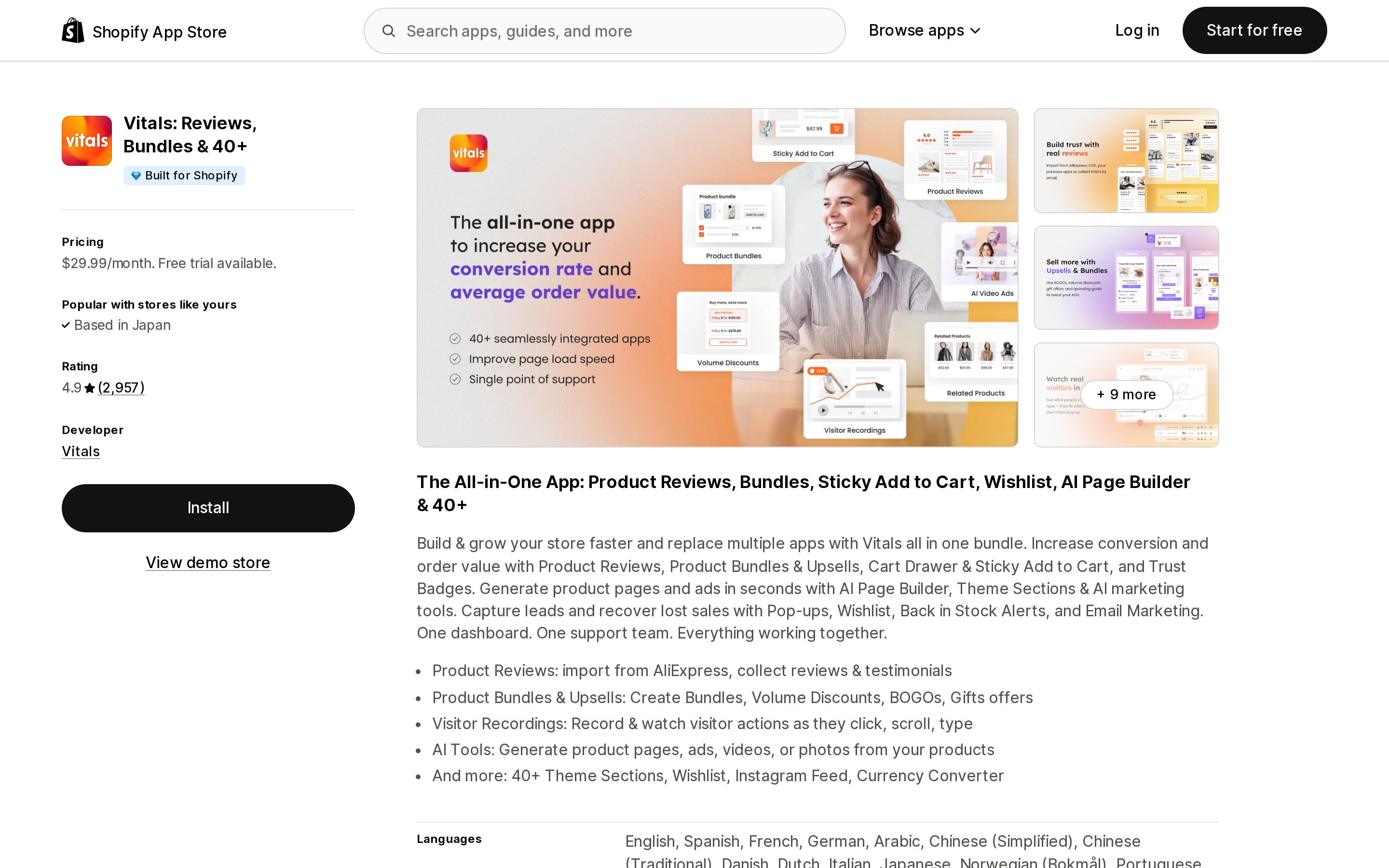
Vitals: Reviews, Bundles & 40+
Source: Shopify App Store (Vitals: Reviews, Bundles & 40+), retrieved September 15, 2026
Vitals: Reviews, Bundles & 40+ is Built for Shopify, priced at $29.99/month on the listing, rated 4.9 from 2,957 reviews. Because it bundles 40-plus features behind a single app embed, one missed toggle takes all of them down at once. Its help article Enabling the Vitals app via App Embed, last updated August 18, 2026, is blunt about the two conditions merchants get wrong: "The app only works on published themes. If you enable the app on a non-published theme, the app will not show on that unpublished theme until you publish it," and "After publishing a new theme, ensure that the Vitals app is also enabled on that theme editor's App Embed section."
Those two together are a trap for anyone who tries the Loox approach here. You cannot verify Vitals on a draft theme, because it does not render there.
What Vitals does have is in-app detection. The same article describes an App Value Pulse chip beside each app's Active toggle that reads "Setup needed" when something is blocking the widget, names the app embed as the blocker when that is the cause, and offers an Enable app embed button that switches it on in place.
Vitals theme sections are a second, separate job. Its guide to adding a theme section has an FAQ for exactly this: "If you changed themes, you need to install the theme section again by going to the Widgets section of the Vitals app > Theme sections and choosing the section you want to install." The install button in that flow is labelled "Install on my theme" and installs into the published theme, so this is another after-publish step, not a before-publish one.
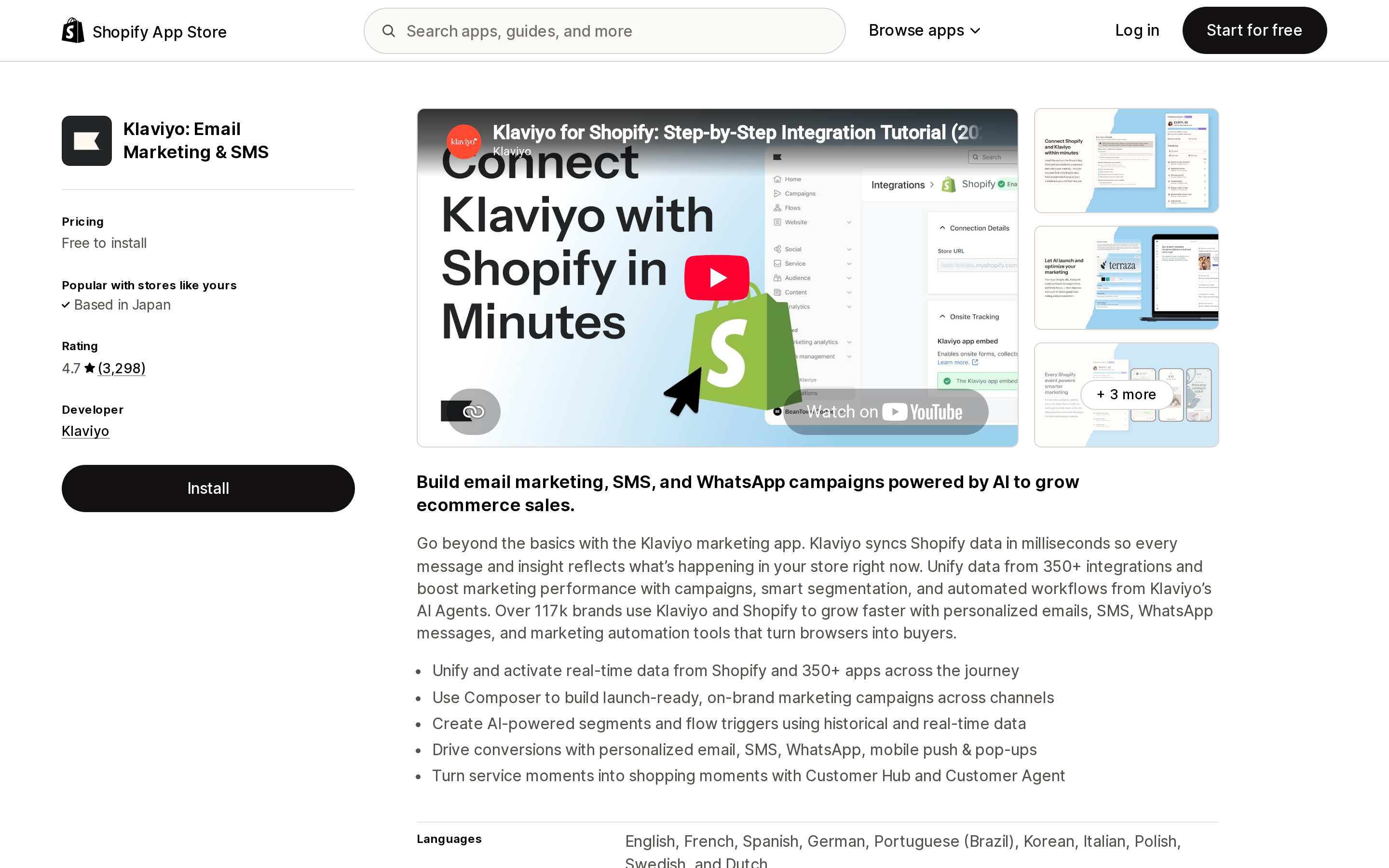
Klaviyo: Email Marketing & SMS
Source: Shopify App Store (Klaviyo: Email Marketing & SMS), retrieved September 15, 2026
This is the expensive one, because nothing looks broken.
Klaviyo: Email Marketing & SMS is free to install and rated 4.7 from 3,298 reviews. Its help article How to enable onsite tracking for Shopify, updated March 25, 2026, puts the warning in the prerequisites: "Have you recently added a brand new theme to your Shopify store? If so, you'll need to re-enable the app embed by following the instructions in this article."
The detail that matters is which events depend on that embed. The same article splits them. Active on Site and Viewed Product are "tracked by Klaviyo via a snippet installed by our app embed." Added to Cart, Viewed Collection and Submitted Search are "tracked via a Shopify pixel" — and per Shopify's App pixels documentation, app pixels run in an isolated Strict sandbox managed under Settings > Customer events, not in your theme.
So with the embed off, half your onsite tracking keeps working and half stops. Added to Cart events still land and Placed Order data still syncs. But Viewed Product stops, which stops browse abandonment, and Active on Site stops, which lets engagement-based segments quietly drift. The dashboard never goes to zero, so nothing triggers an alarm. Klaviyo does surface the state — its Shopify integration settings page shows whether the app embed is on, with a Turn on button — but someone has to go and look at that page.
PageFly ✦ AI Page Builder
Source: Shopify App Store (PageFly ✦ AI Page Builder), retrieved September 15, 2026
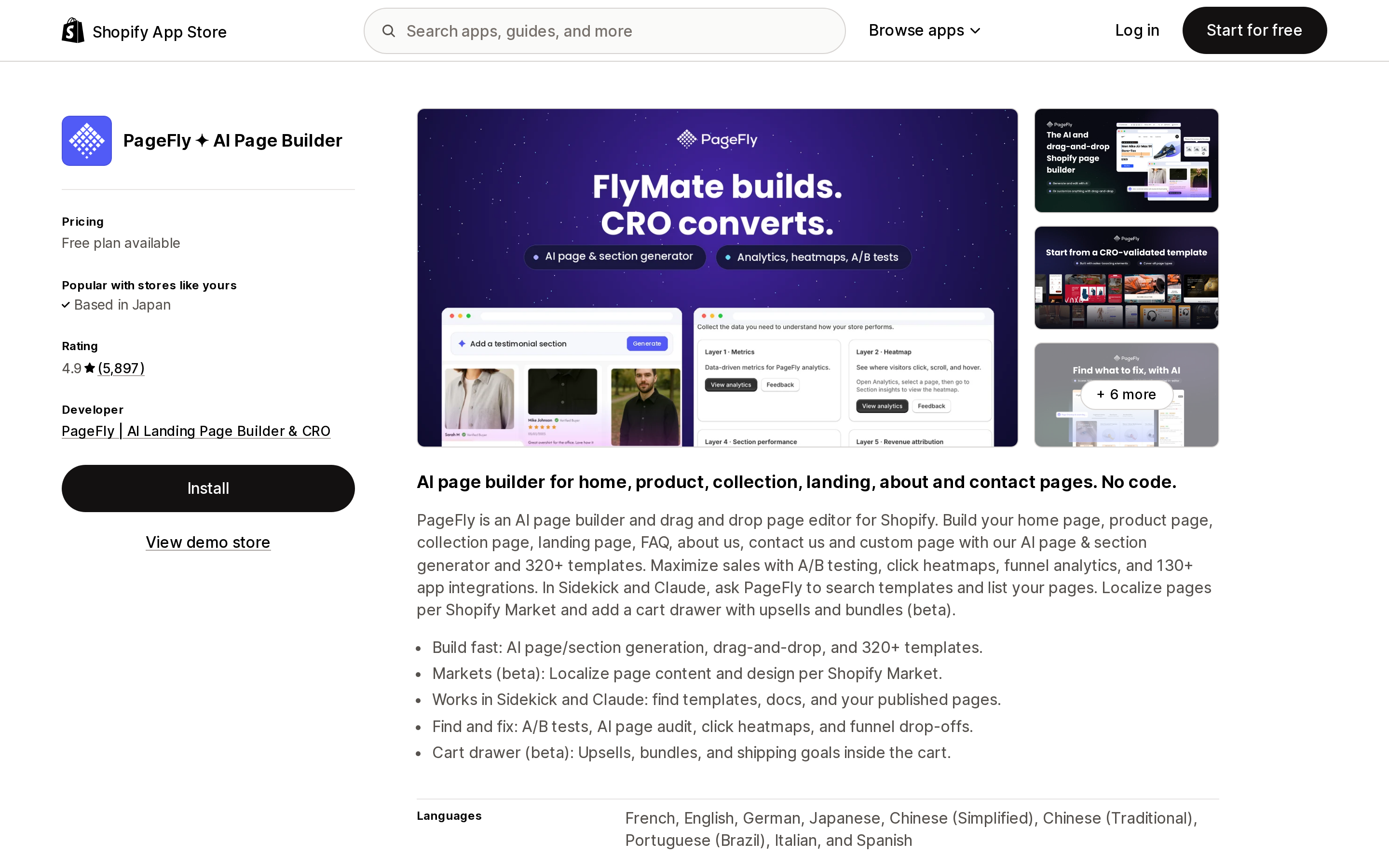
PageFly ✦ AI Page Builder has a free plan available and a 4.9 rating from 5,897 reviews. It behaves differently from the others because its pages are written into the theme rather than rendered from a block you place.
PageFly's documentation on how PageFly works with your Shopify theme describes an automatic migration when you publish a new theme, with progress notifications in the editor and a background process list you can check. It also sets three expectations that are easy to miss. Pages can take time to appear, and the docs advise re-publishing individual pages still missing after 10 to 15 minutes. Migration can partially fail: "if your store has too many pages that it might reach Shopify API's limitation, some pages might not be synced properly at one time," and failed pages have to be re-published one at a time. And a manual step remains, because the PageFly Theme Extension — an app embed — has to be enabled on the new theme: "Whenever you switch your Shopify theme, make sure to enable the PageFly Theme Extension."
PageFly also documents that its pages "only work with the published theme," and that previewing them on an unpublished theme is not possible. Like Vitals, it cannot be verified in draft.
Tidio: AI Chatbot & Live Chat
Source: Shopify App Store (Tidio: AI Chatbot & Live Chat), retrieved September 15, 2026
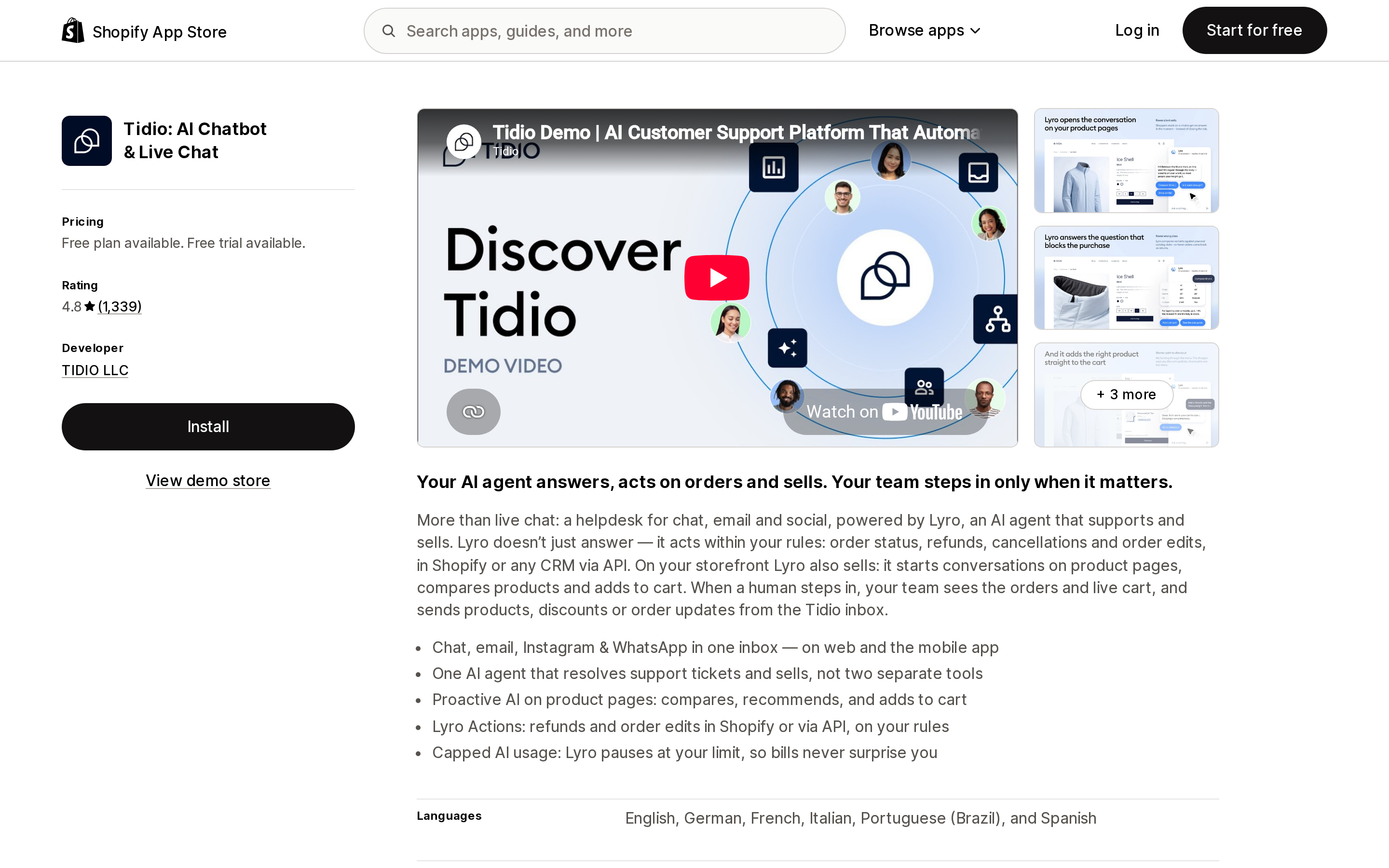
Tidio: AI Chatbot & Live Chat has a free plan available and a 4.8 rating from 1,339 reviews. Its Shopify installation article states the rule without hedging: "Please note that you'll need to activate the Tidio chat widget each time you change the theme."
Support chat is the case where the cost is hardest to see in a report. A missing chat bubble does not produce an error; it produces a customer who leaves without asking their question, and a support queue that looks unusually quiet.
How the six compare
| App | Storefront mechanism | Detects a missing activation in-app | What the docs say about draft themes | What you redo after publishing |
|---|---|---|---|---|
| Judge.me Product Reviews App | App blocks | Not documented | Not addressed | Each widget, placed and re-styled by hand |
| Loox ‑ Product Reviews App | Core Script embed + widgets | In-app theme integration flow | Integrate "published or unpublished" | Run "Add Loox to your theme", re-add widgets |
| Vitals: Reviews, Bundles & 40+ | One app embed + theme sections | Yes — App Value Pulse, with a fix button | Won't render until the theme is published | Toggle the embed, reinstall theme sections |
| Klaviyo: Email Marketing & SMS | App embed + Shopify pixel | Status shown in integration settings | Not addressed | Re-enable the embed; pixel events unaffected |
| PageFly ✦ AI Page Builder | Theme Extension embed + written pages | Yes — dashboard and editor warnings | Pages work only with the published theme | Enable the extension, re-publish failed pages |
| Tidio: AI Chatbot & Live Chat | App embed | Not documented | Not addressed | Toggle the widget on, every time |
Two clarifications. "Not documented" and "Not addressed" mean the app's own help pages don't cover it, not that the behavior is impossible. And the draft-theme column reflects each vendor's docs, not Shopify's capability: the theme editor lets you add app blocks and toggle app embeds on any draft theme. What differs is whether the app renders and can be verified there, which is why Vitals and PageFly both draw a line at the published theme.
Detection, meanwhile, is available to every developer. The theme app extension documentation describes app.extensions(), which "returns the activation status of each of your app's blocks on the published theme, and requires no additional access scopes," plus deep links that drop a merchant into the theme editor with the right block ready to add. Whether an app uses any of that is a product decision — and a reasonable thing to check before you commit to a stack.
A routine that costs about an hour
The order matters, because once you publish, the old theme is your only inventory of what was configured.
- Inventory the live theme first. In the theme editor, open Home, Default product, Default collection, Default blog post and Default page. Note every block under an Apps section, then open Theme settings > App embeds and photograph the list of what is toggled on. This is the step Judge.me's own article asks you to perform, and it is far easier while the theme is still live.
- Re-add app blocks in the draft theme. Anything that renders inline — reviews, star ratings, size charts, badges, tabs — can be placed and styled before you go live, so the storefront is never missing them. Loox can also be wired in at this stage; Vitals and PageFly can't, since both state they only work on the published theme.
- Publish, then work the embed list immediately. Every app embed from step 1 has to be toggled on and saved in the new theme. Do the invisible ones first: analytics, tracking, consent banners, SEO tags, chat. Vitals theme sections get reinstalled here too.
- Verify the quiet things by hand. Load a product page and confirm Klaviyo's Viewed Product fires. Open the chat bubble. Check that popups appear. None of these produce an error when missing, so nothing will tell you.
- Check the old theme for orphaned code. Apps that wrote Liquid into your theme left it there, doing nothing, and the new theme has none of it. Any manual code install has to be redone.
If an agency or freelancer is doing the redesign, this list belongs in the brief. Theme work and app configuration are usually scoped as separate jobs, and the gap between them is where the star ratings go missing.
Who can mostly ignore this
If your storefront apps are limited to app pixels — analytics and ad platform integrations configured under Settings > Customer events — a theme switch doesn't touch them. The same goes for anything that runs in the admin rather than the storefront: order management, inventory sync, accounting connectors, Shopify Flow workflows. Checkout extensions sit outside this too, since Shopify's documentation states that app blocks and app embed blocks "can't be rendered on checkout pages."
And your app data is never at risk. Reviews, loyalty points, subscription contracts and customer profiles live in the app or in Shopify, not in the theme. A theme switch removes the surface that displays them, not the records. That is worth saying plainly, because the first reaction to an empty review widget is usually to assume the reviews are gone.
The thing to plan around is narrower than it looks, and more specific: every app that draws something on your storefront, or loads a script there, is configured in your theme's files — and a new theme is a new set of files. Until March 1, 2027 there is one exception. After that, there isn't one.
Sources
- Shopify Help Center, Extend your theme with apps
- Shopify Help Center, Adding, previewing, and buying themes
- Shopify Help Center, Theme architecture versions and sources
- Shopify Help Center, App pixels
- shopify.dev, Configure theme app extensions
- shopify.dev changelog, Script tags are deprecated and will stop running on March 1, 2027
- Judge.me Help Center, Reinstalling Judge.me widgets when changing your theme
- Loox Help Center, Adding Loox to Your Theme
- Vitals Help Center, Enabling the Vitals app via App Embed
- Vitals Help Center, How to Add a Theme Section to Your Shopify Store
- Klaviyo Help Center, How to enable onsite tracking for Shopify
- PageFly Help Center, How PageFly work with your Shopify theme?
- Tidio Help Center, Install Tidio on Shopify
Shopify added a Bin name column to the inventory CSV on August 25, 2025. It holds one bin per variant per location, it is created only by CSV import, and it prints on Order Printer pick lists. What it does not do is leave Shopify. Shopify staff confirmed on the developer forum in October 2025 and again in January 2026 that there is no public API access to the field, and the developer forum was still reporting the gap in June 2026. That single fact shapes the whole category: EasyScan and iPacky store bins in metafields, Bins-USA and ShelfPilot store them in their own databases, and a free app called Simple Bin Locations copies metafield bins into order notes so packing slips can show them. Shopify's own multi-bin model, with per-bin quantities and an unbinnedQuantity field, exists today only as a feature preview on development stores. Pricing, plan gates, and where each app keeps the bin data, verified on the Shopify App Store, the Shopify Help Center, shopify.dev, and the Shopify community forums on September 18, 2026.