
What you will learn
On this pageContentsCloseOpen
Every subscription app in the Shopify App Store will migrate you for free. Loop runs white-glove migrations at no charge on any paid plan, Appstle has a dedicated migration team, Seal has a bulk import wizard, Recharge has a tool called Migr8. Read the landing pages side by side and switching sounds like a scheduling problem.
It is not. What decides whether your subscribers keep paying without noticing is not the app you are moving to — it is where their card data is vaulted right now, and Shopify sets that rule. Get the answer wrong and the migration still "succeeds," except every subscriber has to re-enter a card before their next renewal.
This article covers the one question that determines your outcome, four constraints in Shopify's own documentation that no app can work around, and how five currently-listed apps differ on the import itself.
The question that decides everything
Subscription contracts and payment methods are two separate things, and they do not move the same way.
In a modern Shopify Checkout–integrated app, the app stores neither. The contract lives in Shopify as a SubscriptionContract; the card lives in Shopify's PCI-compliant vault as a CustomerPaymentMethod. The app is a control panel on top. Move to a different app on the same store and the cards never move at all — they were never in the app.
The exception is anything built outside Shopify Checkout. Skio's migration documentation names the specific case: it describes legacy Recharge as predating Shopify's requirement that primary payment processors vault card data in Shopify's vault, so a store on Recharge's own checkout with Stripe, Braintree, or Authorize.net may have subscriber cards sitting in that gateway's vault or Recharge's, not Shopify's.
That single fork sets the difference between a two-hour job and a two-week project:
| Your current setup | Do payment methods move? | What the migration actually is |
|---|---|---|
| App using Shopify Checkout (contracts + cards already in Shopify) | Nothing to move | Re-create contracts against existing CustomerPaymentMethod IDs |
| Legacy checkout with Stripe / Braintree / Authorize.net / PayPal Express | Yes, by token import | Connect the old gateway as a secondary gateway, import tokens, then create contracts |
| Any setup, but moving to a different Shopify store | No | Shopify does not move tokens between stores — see below |
Seal Subscriptions App publishes the fastest way to check which side you are on: open a subscription in your current app and look at the gateway that created it, and check when you started. Recharge stores that started in 2022 or later are almost certainly on Shopify Checkout.
Four constraints no app can route around
1. Only four gateways have a documented token path
Shopify's developer documentation for migrating customer information supports token import from exactly four sources: Stripe, Braintree, PayPal Express, and Authorize.net. Stripe, Braintree, and Authorize.net connect as a secondary subscription gateway — they bill your existing contracts while every new or updated contract charges against Shopify Payments.
If your legacy setup runs on a gateway outside that list, there is no import path. Seal's advice in that situation is to ask Recharge to move you onto Shopify Payments first, then migrate — a two-step migration rather than a blocked one.
2. Wallets are not credit cards
This is the constraint that surprises people, and it is stated plainly in Shopify's docs. For Braintree, Shopify supports migrating credit cards and Apple Pay only — "Migrating PayPal, Google Pay, and other payment methods isn't supported." For Stripe, "Shopify only supports the migration of credit card payment methods."
PayPal Express is its own track: you import billing agreements (IDs beginning with B-) through a separate mutation, and only if your PayPal account is already approved for reference transactions. Skio adds that for store-to-store moves it is unable to migrate Shop Pay payment methods, and that it is not clear to them whether Shopify's own team can either.
So the honest way to size a migration is not "how many subscribers do I have." It is "how many of my subscribers pay with something that is not a credit card." That cohort is the one that will get a payment-update email.
3. Moving to a different Shopify store is a different problem entirely
Everything above assumes one store. Consolidating two stores, or moving to a new one, is not the same job.
Loop's migration documentation is unusually direct: "Shopify does not allow moving payment tokens across 2 Shopify stores." The default path is placeholder tokens, which means every subscriber is prompted to update their card at their next billing attempt. Loop notes that Shopify offers a paid PAN migration service as the alternative, and cites a figure of roughly $16,000. Shopify does not publish a price for that service, so treat the number as one vendor's estimate rather than a quote — but treat the existence of a five-figure line item as the planning assumption.
Those terms are on the Shopify Help Center: migrating credit card primary account numbers requires Shopify Plus or Enterprise and runs through Shopify Professional Services as a paid engagement. Accelerated wallets — Venmo, Apple Pay, Google Pay — and bank account information are not supported by that service, and PayPal billing agreements must be imported separately.
The free alternative Shopify documents is the slow drip method: leave the old gateway connected as a secondary, and let payment methods move over one at a time as customers naturally update their billing details. Shopify's own words on the timeline are worth quoting: "it can take months or even years to fully migrate all payment methods."
4. The free first-party app has a hard prerequisite
Shopify Subscriptions does have a documented import — a contract CSV, under Apps → Subscriptions → Contracts → Import. Two lines in that documentation matter more than the rest.
First: "If your third-party subscription app isn't Shopify Checkout integrated, then you can't import your contracts." No workaround, no support ticket.
Second, and easy to miss: customer_payment_method_id is a required column. The CSV creates contracts; it does not create payment methods. Every row must reference a payment method already vaulted in Shopify for that customer. The free app has no token-import capability of its own, which is exactly why it can only accept contracts from apps that were already using Shopify's vault.
The remaining format constraints are ordinary but worth knowing up front: 10 MB maximum file size, multiple line items grouped by a shared handle, duplicate handles silently skipped, and upcoming_billing_date at least 24 hours after the moment you import.
Five apps, five different imports
Contract portability is a Shopify-level property. What each app controls is the mechanics: who formats the data, what state contracts land in, and what it costs.
Shopify Subscriptions
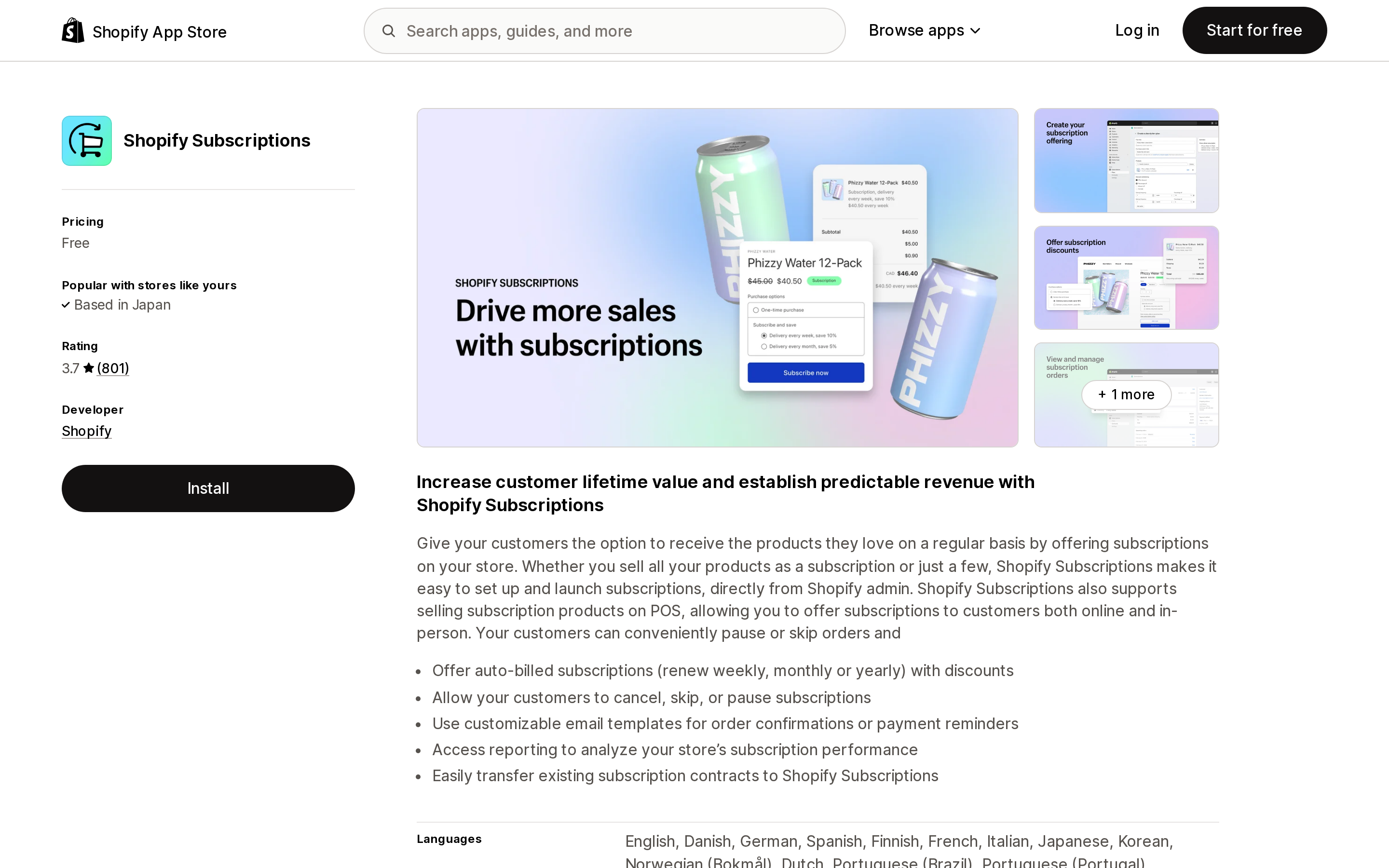
Source: Shopify App Store (Shopify Subscriptions), retrieved September 5, 2026
Free, from Shopify, rated 3.7 across 801 reviews. Self-serve CSV import and export, no migration team, no token import. Its export is also the cleanest exit route in this list — you can pull your contracts out to CSV for your records or for another store running the same app, subject to the payment-method caveat above.
Best fit: you are already on a Shopify Checkout–integrated app, you have a manageable contract count, and someone on your team is comfortable with a strict CSV format.
Recharge Subscriptions App
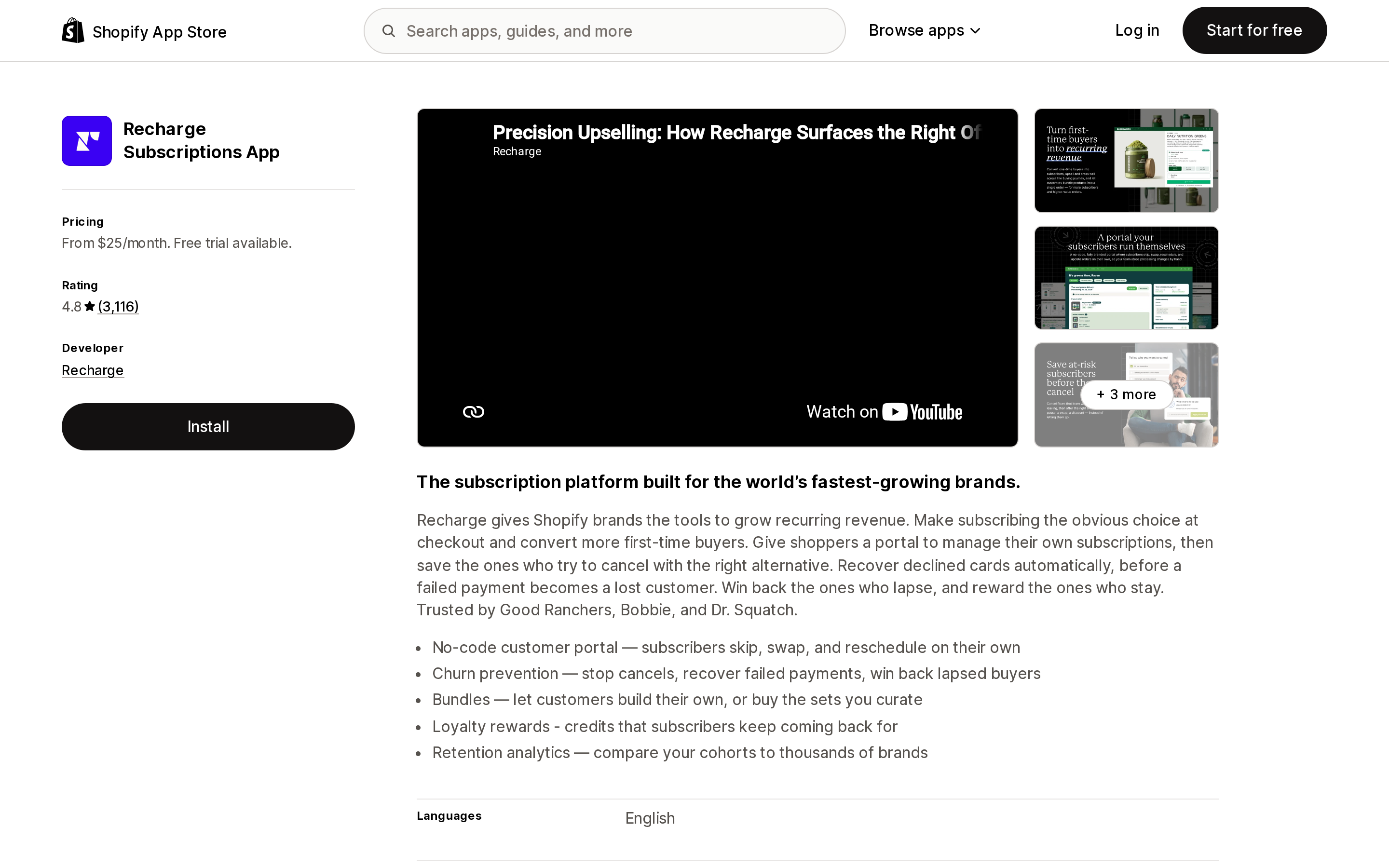
Source: Shopify App Store (Recharge Subscriptions App), retrieved September 5, 2026
Recharge Subscriptions App is rated 4.8 across 3,116 reviews. It is both the most common source and a common destination, and in April 2026 it acquired Skio — the two together stating 20,000+ brands and over $20B in annual GMV. Recharge's announcement says "nothing is changing today" for merchants on either platform, with combined-roadmap details to follow. If you are on Skio, that is a reason to understand your exit options, not a reason to act on them.
Migrating into Recharge, its documentation is candid about the division of labor: Recharge "provides support during the migration process, but excludes any data formatting." You allocate the resource or you hire a partner agency. The process is more involved than the others here — duplicate your theme, have your current provider strip their code from it, have Recharge add theirs, publish, then import. Files over 5,000 rows must be run by a Recharge implementation contact, which places a hold on recurring charges until you confirm the data.
The commercial detail that matters most when switching: on Recharge's pricing page, End-to-end migration support is listed under the Plus plan, not Starter. Recharge's App Store listing reads "From $25/month," and its pricing page puts Starter at $99/month plus 1.49% + 19¢ per transaction and Plus at $499/month plus 1.34% + 19¢. Plus and Custom plans run on 12-month terms — worth knowing before you sign, since a term commitment is a switching cost the next time around.
Loop Subscriptions App
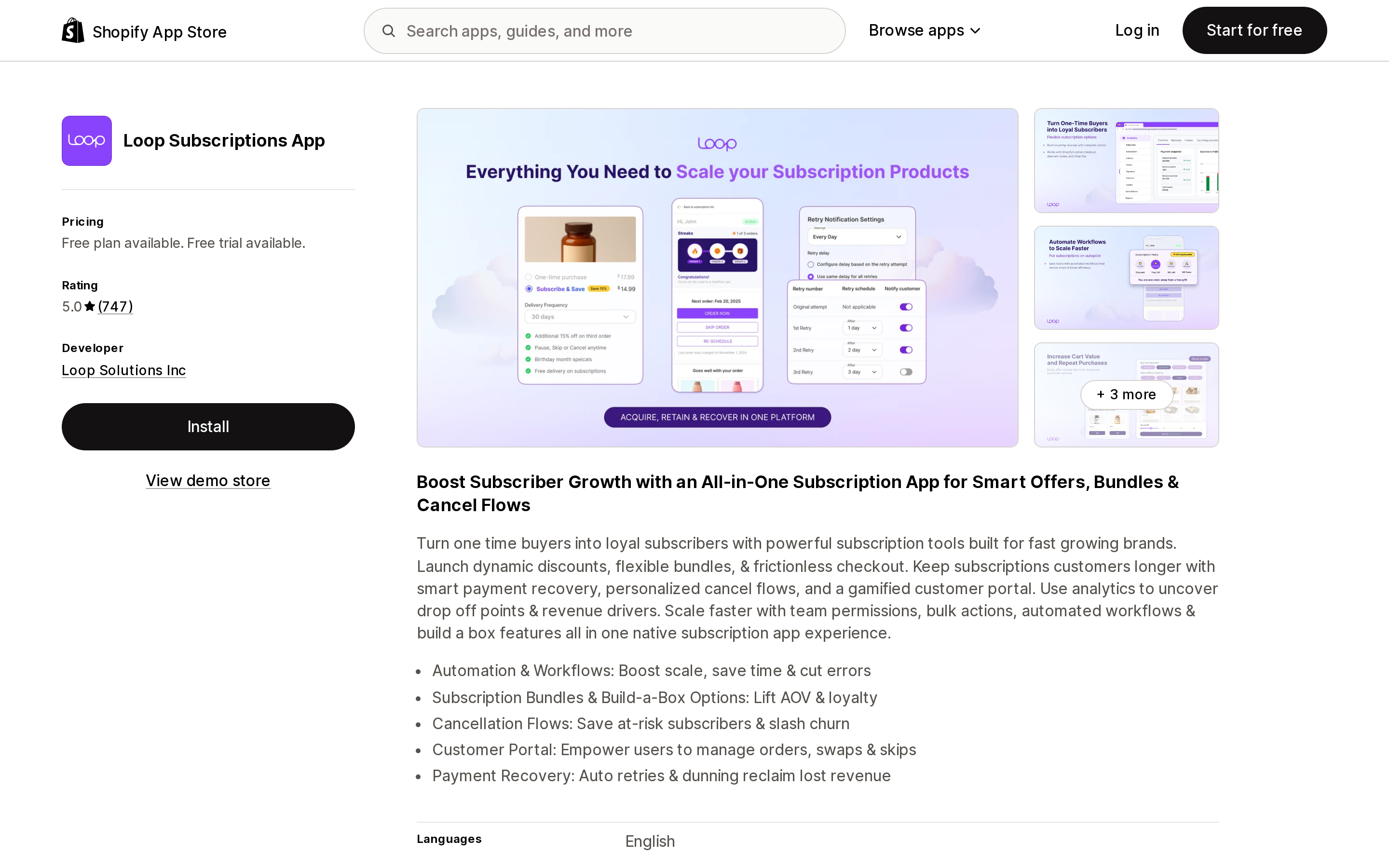
Source: Shopify App Store (Loop Subscriptions App), retrieved September 5, 2026
Loop Subscriptions App is rated 5.0 across 747 reviews. Its published pricing is Free Forever up to 50 active subscriptions, Starter at $99/month plus 1.0% per transaction, Pro at $399/month plus 0.75%, and Enterprise on request, with a 14-day trial. White-glove migration is included on every paid plan — so a fully managed migration sits at Loop's $99 tier, where Recharge lists end-to-end migration support at $499.
Loop's documentation is also the most specific about what does not come across. Order history is not migrated, in any migration. Neither is analytics such as lifetime subscription spend. Migrated subscriptions do retain their created_at, cancelled_at, and paused_at dates. If your retention reporting or a loyalty tier depends on subscriber history, plan to export it from the old platform first, because it becomes read-only the moment you leave.
One counting detail is worth flagging because it changes what you are billed on elsewhere. Loop states the migrated subscription count will be lower than what Recharge reported, because Recharge counts one line item as one subscription while Loop groups line items billed on the same charge into a single subscription. Same subscribers, same revenue, different denominator — which matters if your next app prices by active subscription count.
Loop's sequencing is to go live first so new subscriptions are created in Loop, then migrate, then bulk-cancel the contracts in the source app via API so nobody is billed twice.
Appstle℠ Subscriptions App
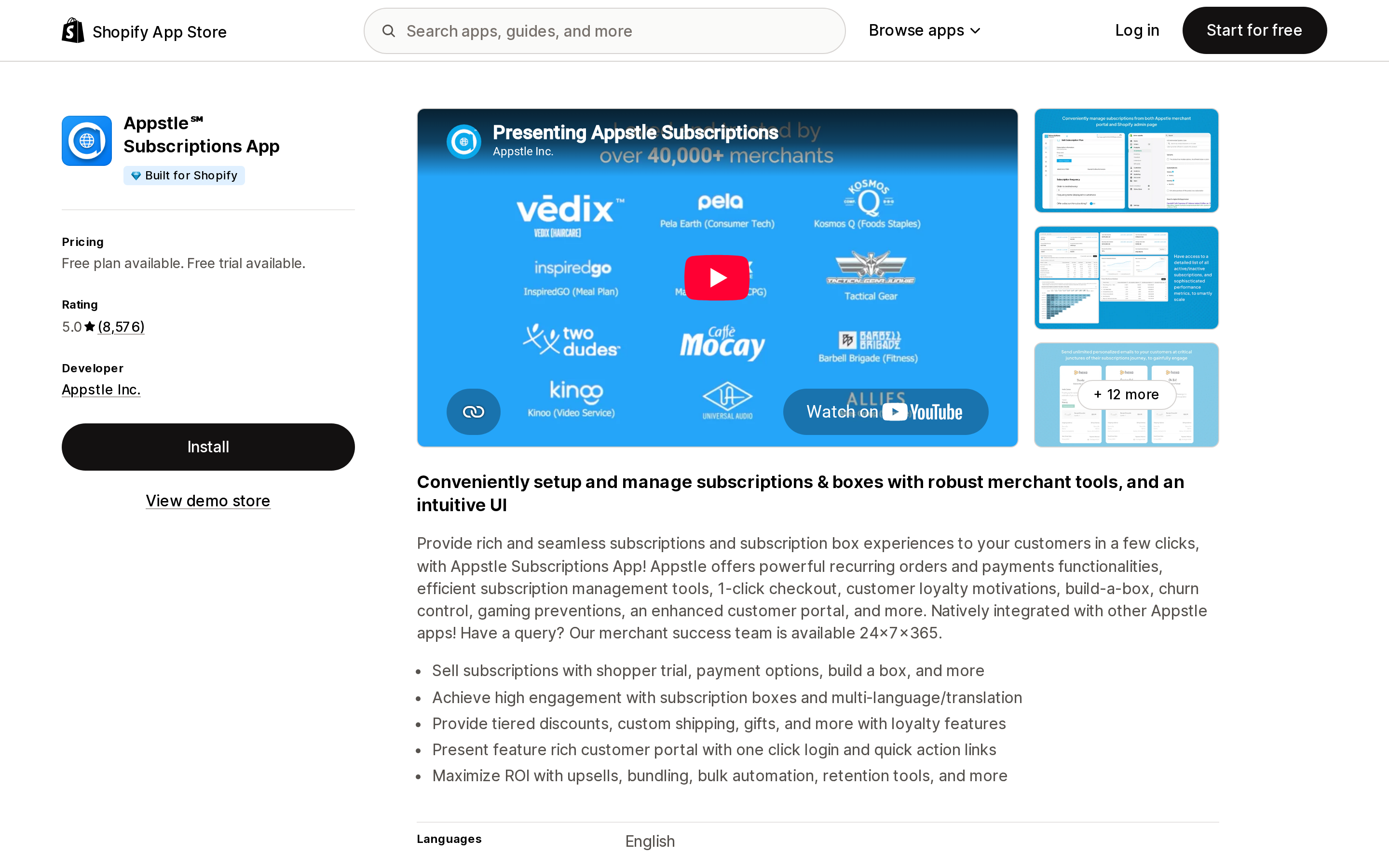
Source: Shopify App Store (Appstle℠ Subscriptions App), retrieved September 5, 2026
Appstle℠ Subscriptions App carries the Built for Shopify badge and is rated 5.0 across 8,576 reviews. Pricing runs on monthly subscription revenue with a 0% transaction fee: Free up to $500/month, Starter $10/month up to $5,000, Business $30/month up to $15,000, Business Premium $100/month up to $100,000.
Its migration documentation states the payment-method boundary explicitly — Shopify Payments, Stripe, PayPal, or Authorize.net, and "Appstle does not support migration of any payment methods other than those listed above due to limitations from Shopify." That is the same Shopify constraint the other apps are subject to; Appstle is simply the one that writes it down on the migration page.
The behavior that separates Appstle is the landing state: imported subscriptions arrive paused, and you activate them once you have reviewed them. Where Loop and Skio protect against double-billing by cancelling in the source system, Appstle protects by leaving the destination inert until you say otherwise. If you want a review window before anything charges, that default is the one to want.
Seal Subscriptions App
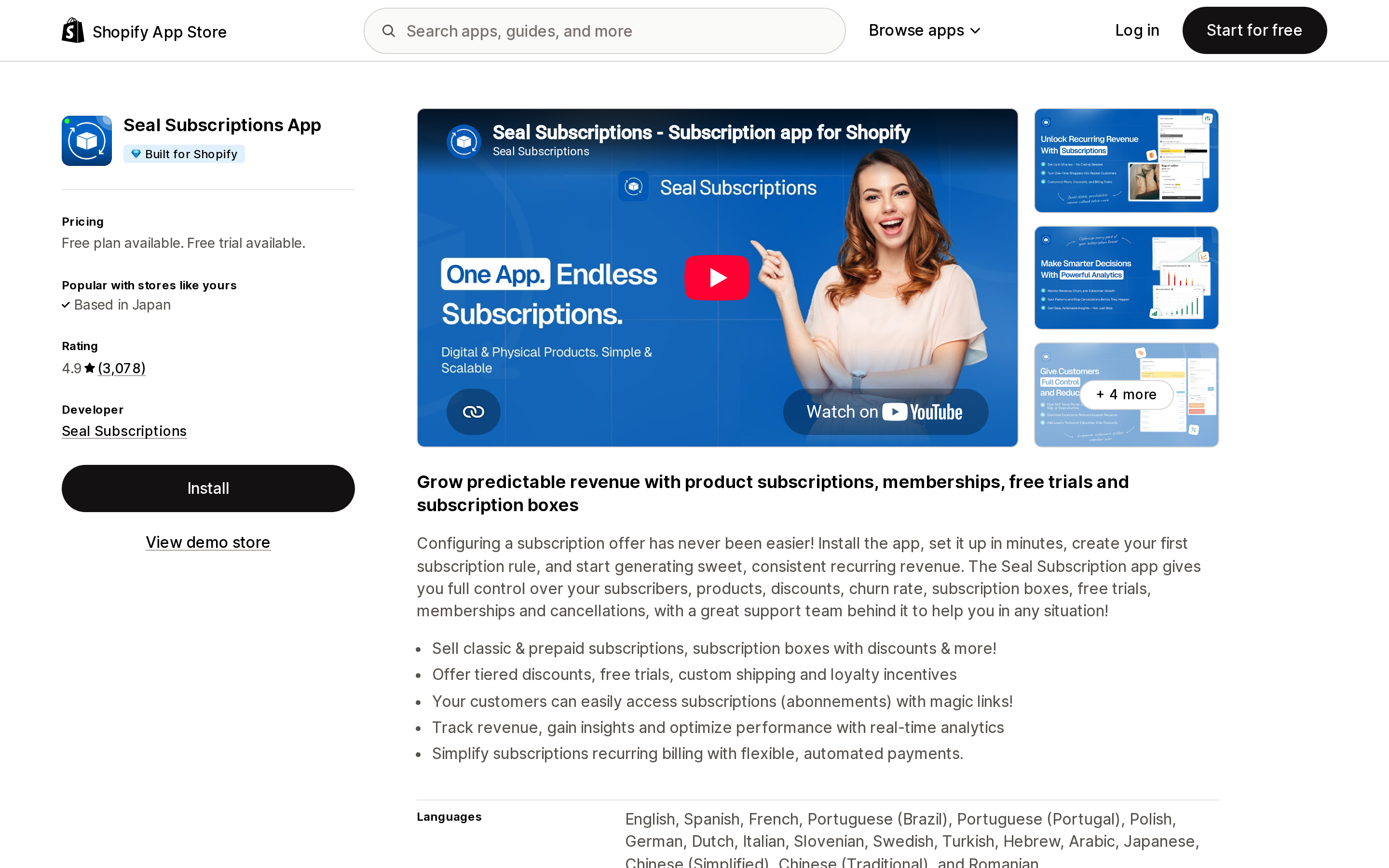
Source: Shopify App Store (Seal Subscriptions App), retrieved September 5, 2026
Seal Subscriptions App is Built for Shopify, rated 4.9 across 3,078 reviews. Pricing is by active subscription count with a 0% transaction fee: Free for 50 subscriptions, $5.95/month for 100, $9.95/month for 250, $24.95/month for 500, with larger plans available and 20% off annual billing.
Seal is the only app here with a genuinely self-serve migration you can run without emailing anyone. Its API wizard pulls subscriptions directly from Recharge or Bold V2 given an API key. Its bulk import at Subscriptions → Bulk import already parses exports from Bold V1, Bold V2, Recharge, and Assemble Subscriptions. Payment-method migration for Stripe, Authorize.net, and PayPal Express sits inside the manual add-subscription flow.
The tradeoff is that you own the sequencing. Seal's documented order — migrate the payment method, cancel or pause in the old platform, then create the subscription with the same first billing date — is correct, and nobody else will run it for you.
What each app asks of you
| Migration model | Who formats the data | Landing state | Cost of migration support | |
|---|---|---|---|---|
| Shopify Subscriptions | Self-serve CSV | You | Active or Paused, per CSV | Free (no support offered) |
| Recharge Subscriptions App | Assisted, template + Migr8 | You | Hold on charges if Recharge imports | Included from Plus, $499/month |
| Loop Subscriptions App | White-glove, end to end | Loop | Active, source bulk-cancelled | Included on paid plans, from $99/month |
| Appstle℠ Subscriptions App | Assisted, email files to support | You supply, Appstle validates | Paused until you activate | Not stated as a paid add-on |
| Seal Subscriptions App | Self-serve API or CSV | Wizard, or you | You control | Free, self-serve |
Choosing based on your situation
Already on a Shopify Checkout–integrated app, under a few hundred contracts. Your cards are not moving anywhere. Seal's API wizard or Shopify Subscriptions' CSV will do it in an afternoon. Paying $499/month for migration support to solve a problem you do not have is the expensive mistake here.
On legacy Recharge with Stripe, Braintree, or Authorize.net. This is a real token import. Take the white-glove service — Loop includes it from $99/month, and its Recharge-specific runbook is published rather than promised. Confirm your gateway is one of the four before you commit to a date.
On legacy Recharge with a gateway outside those four. Do not book a migration yet. Move onto Shopify Payments within Recharge first, then migrate. One migration attempted as two is faster than one that stalls halfway.
Moving to a different Shopify store. Assume subscribers re-enter their cards, and budget the churn. PAN migration is the only alternative, it requires Plus or Enterprise, it is a paid Professional Services engagement, and it will not carry your wallet payers regardless. Plan a card-update campaign before the cutover rather than after the first failed charge.
On Skio, following the Recharge acquisition. Both platforms are operating normally and Recharge has committed to that publicly. The useful move now is to find out where your tokens live and export your order history, so that whatever the combined roadmap turns out to be, you are choosing rather than reacting.
The pre-migration checklist
Before you email any vendor, get answers to these. Every one of them changes the plan:
- Which gateway created your existing contracts — check inside the app, not in Shopify's payment settings.
- Whether that gateway is Stripe, Braintree, PayPal Express, or Authorize.net.
- How many subscribers pay by wallet or PayPal rather than credit card.
- Whether you are staying on the same Shopify store.
- Whether anything downstream — loyalty tiers, retention reporting, cohort analysis — depends on subscription history that will not migrate.
- Whether your current plan is inside a 12-month term.
The first three are Shopify's rules, and they decide the outcome before any app is involved. The last three decide what the migration costs you in churn, reporting, and contract term. Apps compete on the second set. None of them can change the first.
Sources
- Shopify Help Center — Migrating payment methods to your Shopify account
- Shopify Help Center — Importing and exporting a contract CSV
- Shopify.dev — Migrate customer information to Shopify
- Shopify.dev — Migrating existing subscription contracts to Shopify
- Recharge — Migrate from another subscription app to Recharge
- Recharge — Recharge welcomes Skio to build the future of subscription commerce
- Recharge — Pricing
- Loop Subscriptions — Loop migration process
- Loop Subscriptions — Migrate from Recharge policy
- Loop Subscriptions — Pricing
- Skio — Migration: Moving subscriptions from store A on platform X to store B on platform Y
- Appstle — Migration Process V1
- Seal Subscriptions — How can I migrate auto-charging subscriptions from another app?
Hextom: Free Shipping Bar is no longer available on the Shopify App Store. Here's what Shopify's native announcement bar can and can't do, and five real apps that fill the gap in 2026.