
What you will learn
On this pageContentsCloseOpen
A merchant sells wine glasses and cast-iron pans. The glasses sit in a Fragile shipping profile at $12. The pans sit in the general profile at $9. A customer buys one of each, and checkout quotes $21 — a number nobody at the store ever chose.
Shopify is fixing that. In the process it is retiring the shipping profile entirely, and the date your store gets moved is partly out of your hands.
The short version
The new model. Shipping configuration moves out of Shipping and delivery and into Markets. Instead of delivery profiles, location groups, and shipping zones, you attach shipping options to each market and vary the rate inside an option using product and location conditions. Shopify's developer docs call this market-driven shipping. The Help Center calls the same thing shipping options by market. If you search for one name and find nothing, search for the other.
The dates. The developer timeline is explicit: "October 2026 — Merchant rollout begins" and "July 2027 — All shops are on market-driven shipping." The upgrade guide narrows the first to October 1, 2026.
The win. Rates stop stacking inside a shipping option. Shopify's own comparison table puts the old behavior as "your customers are charged the rates added together" and the new one as "your customers are charged the price of the highest rate."
The catch. Shopify states that "stores that use shipping apps might be upgraded later, after those apps become compatible." Your rate app's engineering schedule is now your migration schedule.
What actually changes in your admin
Today the hierarchy is delivery profile → location group → shipping zone → rates, and the Help Center still documents a ceiling of 99 custom shipping profiles. Under the new model it is market → shipping options → rate variations by product and location conditions.
That flattening comes with one restriction worth knowing before you plan anything. In market-driven shipping a rate applies either to all products or to specific collections. Shopify puts it plainly: "Rates aren't assigned directly to individual products or variants. To apply a rate to a specific set of variants, those variants need to be grouped together in a collection."
If your current shipping profiles were built by hand-picking variants, that mechanism is gone. Shopify migrates you rather than leaving you stranded — but the thing it migrates you to is a collection, and you maintain it as a collection from then on.
The stacking fix, and its limit
This is the change most merchants will actually feel. Under shipping profiles, Shopify's documentation on combining rates is blunt about the two failure modes: rates with the same name in different profiles "are added together," and if the names differ, "the cheapest options are added together and displayed to your customer at checkout with the name Shipping." Either way the customer sees a number the merchant never set.
Under shipping options by market, when several rates inside one shipping option match a cart, only the highest matching rate is charged. Shopify's example:
| Cart contents | Matching rates inside Standard | Buyer sees |
|---|---|---|
| Product A from warehouse 1 | Standard, $5 | Standard, $5 |
| Product B from warehouse 2 | Standard, $8 | Standard, $8 |
| Product A and Product B | Standard, $5 and Standard, $8 | Standard, $8 |
Note the boundary. The "highest rate wins" rule applies within a shipping option. Across options, the old arithmetic survives: "When a cart matches more than one shipping option, your customers are charged the prices of the options added together." Consolidation during the upgrade is driven by names — "rates that share the same shipping option name are consolidated into one shipping option automatically" — so if you have been sloppy about naming rates consistently across profiles, tidy that up now, while it still lives somewhere you can edit it.
Three things that change without asking you
Split shipping is forced on. The Help Center comparison table is unambiguous: "Split shipping is always on. If you currently have it turned off, then it's turned on." Your rates don't change, but an order can now be split at checkout and shown as Arrives in 2 shipments, each with its own delivery time. If you deliberately turned split shipping off because it confused customers or broke your packing workflow, that decision is being reversed.
Your product groups become collections you didn't create. During the upgrade, existing product groupings from shipping profiles become collections with a [Shipping] prefix — [Shipping] Fragile, for example. Shopify notes they are unpublished, so they don't appear on the storefront, but they will appear in your collections list, and anything that reads your collections — a product feed, a merchandising app, a bulk editor — will see them.
Your staff lose access unless you grant it. Buried in the post-upgrade checklist: "Make sure that staff who manage shipping have the Markets permission, because it isn't granted automatically and isn't included in existing staff roles." Shipping now lives in Markets, and nobody's existing role includes Markets. Whoever adjusts your holiday shipping rates needs that permission granted before they need to use it.
There is an escape hatch, with a sharp edge. You can switch back to shipping profiles during an opt-out window, but "switching back restores your previous shipping setup and permanently removes any shipping changes that you made after your store was upgraded," and the collections and sub-region markets created during the upgrade are removed too. After the window closes, you can't switch back.
Why your shipping app controls your timing
Under the hood, Shopify separates two kinds of delivery profile: ones an app creates and owns, and the merchant's own. That distinction decides who has work to do.
Apps that only create and manage their own delivery profiles are, in Shopify's words, in the "No changes required" bucket. Apps that read or write the merchant's delivery profiles have to migrate — readers to Contextual Product Feeds or the Markets API, writers to an app-owned profile or marketCreate / marketUpdate.
For the second group, the failure mode is nasty. The deprecation notice states that on a store using market-driven shipping, reads of the legacy API "may return a stale snapshot of the legacy configuration, and writes may succeed without errors but will not update the merchant's live shipping settings." No error. No warning. The app's dashboard shows the rate you configured; checkout shows something else.
Shopify has built guardrails around this. From the app upgrade guide: "Shopify won't move merchants on your app automatically until it confirms your app is compatible, so breakage only happens if a merchant opts in manually before you've upgraded." Two things start on October 1, 2026: newly installing merchants see a warning if the app isn't marked compatible, and existing merchants can opt in manually.
Read that as a merchant and the instruction is simple. Do not click "Get early access" while a shipping app you depend on is unconfirmed. The automatic path is protected. The manual one isn't.
If it does go wrong, Shopify says a banner on your Shipping and delivery settings page tells you when an installed app isn't compatible, and warns that an incompatible app's rates "might not be displayed at checkout, which can prevent customers from completing their order."
The rate apps merchants are asking about
None of the four listings below states a position on shipping options by market, so this is not a compatibility ranking — it's a list of who to email. All figures were retrieved from the Shopify App Store on September 8, 2026, in the US English locale.
| App | Developer | Starting price | Free option | Rating (reviews) | Built for Shopify |
|---|---|---|---|---|---|
| SMART Shipping Rates & Rules | E-TRADE PARTNER | $9.99/month | Free to install (development stores) | 5.0 (402) | Yes |
| ShipX ‑ Shipping Rates & Rules | Logbase | $9.99/month | Free plan (testing mode) | 5.0 (1,224) | No |
| Advanced Shipping Rules | Bambri | $9/month | 7-day free trial only | 4.8 (320) | No |
| Intuitive Shipping | Intuitive Shipping Inc | $70/month | Free Sandbox plan | 5.0 (485) | No |
SMART Shipping Rates & Rules
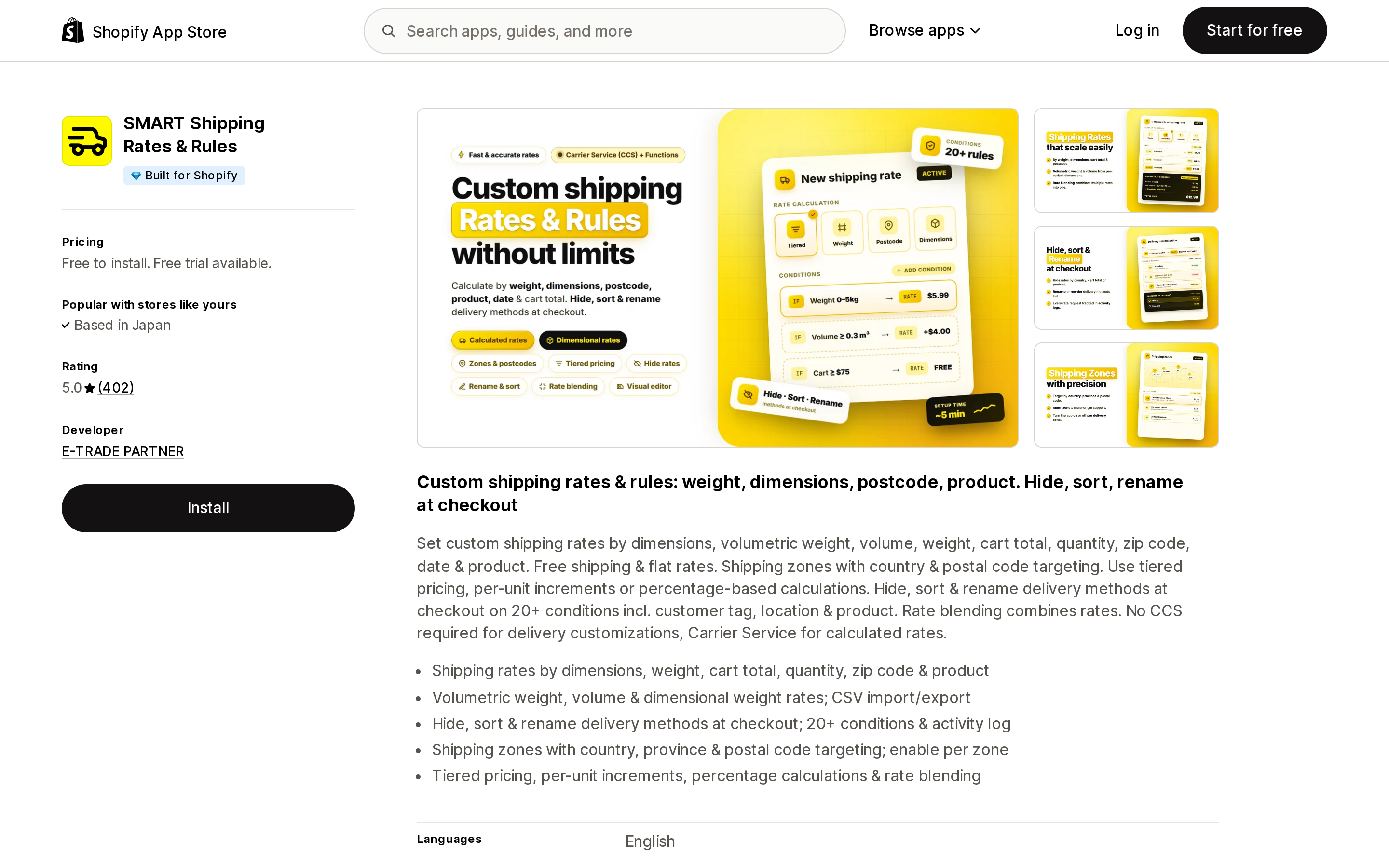
Source: Shopify App Store (SMART Shipping Rates & Rules), retrieved September 8, 2026
The only app of the four carrying the Built for Shopify badge. Plans are Lite at $9.99/month and Pro at $19.99/month, with annual billing at $95.88 and $191.88 respectively, and a 7-day free trial. Lite covers hiding, sorting, and renaming checkout rates and works "on Basic plan, no CCS needed"; Pro adds dimensional and volumetric-weight rates and rate blending.
One detail is relevant here rather than to the feature set: its data-access disclosure lists Shopify Markets settings among the store data it edits. That is a scope declaration, not a compatibility statement — but it does mean the app is already reaching into the surface shipping is moving to.
ShipX ‑ Shipping Rates & Rules
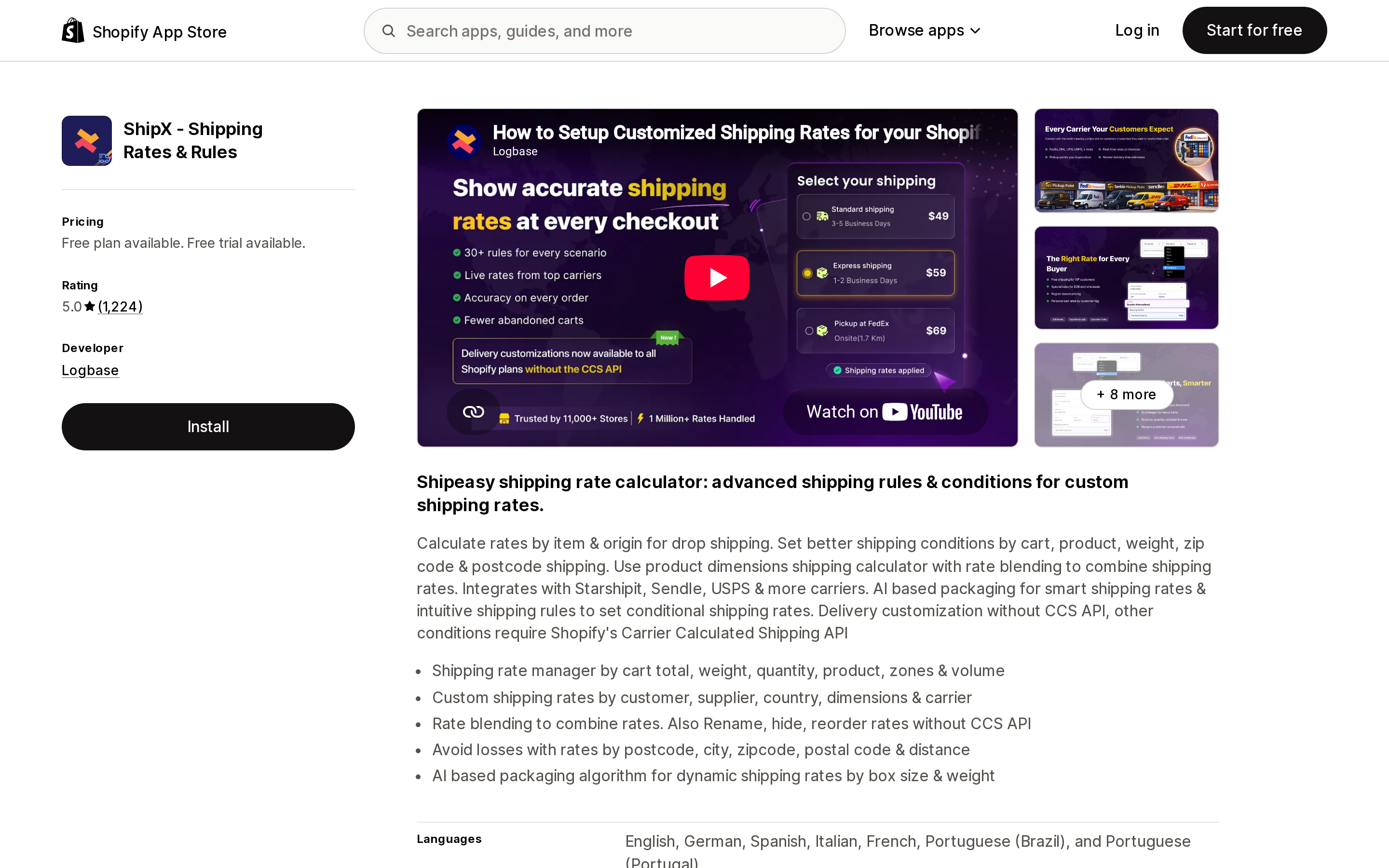
Source: Shopify App Store (ShipX ‑ Shipping Rates & Rules), retrieved September 8, 2026
The largest review base of the four. Starter is $9.99/month, Smart $24.99, and Premium $34.99, each with a 14-day free trial and roughly 10% off annually. The free tier is a testing mode rather than a live plan. The listing is precise about the plan gate that trips people up: "Delivery customization without CCS API, other conditions require Shopify's Carrier Calculated Shipping API."
Advanced Shipping Rules
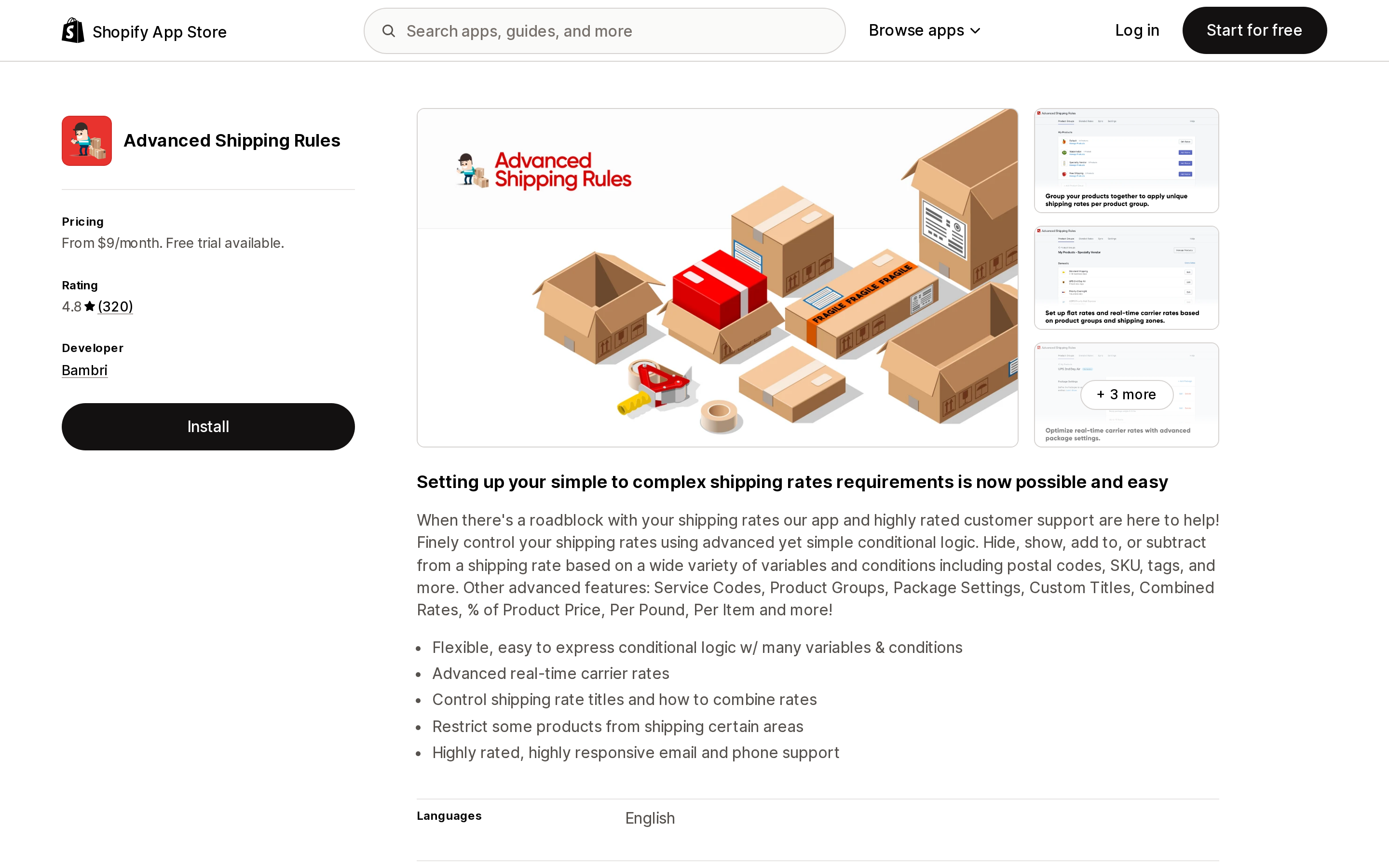
Source: Shopify App Store (Advanced Shipping Rules), retrieved September 8, 2026
Launched February 3, 2016, and priced by how many product groups you need: Lite $9/month (2 groups, 1 blended rate, no hide/show rules), Standard $29 (5 groups), Pro $59 (20 groups, postal code subzones, customer-tag toggles), Unlimited $99. It is the only one of the four below a 5.0 average, at 4.8 from 320 reviews.
Product Groups are the app's own concept, and they are exactly the mechanism the new model reframes as collections. That is the conversation to have with Bambri before you opt in.
Intuitive Shipping
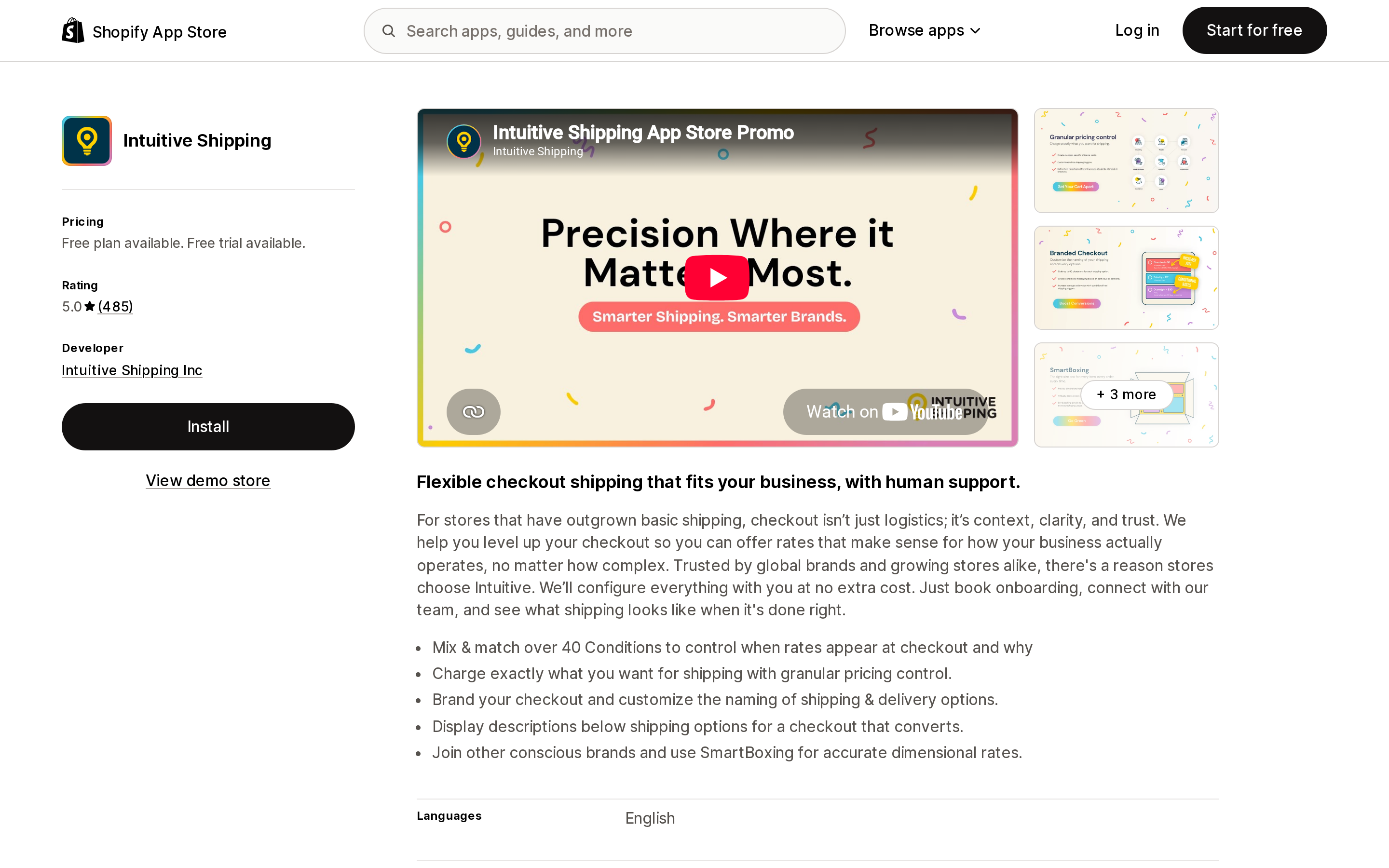
Source: Shopify App Store (Intuitive Shipping), retrieved September 8, 2026
The most expensive and the most order-metered: Growth $70/month includes 500 orders, Business $150 includes 2,000, Professional $300 includes 5,000. All plans include guided onboarding, and the free Sandbox plan lets you configure and test before enabling rates — which, during a migration window, is a genuinely useful thing to have. The listing advertises "over 40 Conditions" for controlling when rates appear.
If you built your own integration
Two changes land on custom apps and internal scripts, not just App Store listings.
The deprecated surfaces are named: deliveryProfile, deliveryProfiles, deliveryProfilesCount, deliveryProfileLocationGroup, deliveryProfileLocationGroups, deliveryProfileCreate, deliveryProfileUpdate, and deliveryProfileRemove — for merchant-owned use. You can detect which model a shop is on with the marketDrivenShipping field on ShopFeatures.
Separately, and independently of market-driven shipping: starting with Admin API version 2026-10, "creating a carrier service no longer automatically adds it to the shop's General shipping profile." Shopify spells out the consequence — "without these additional steps, merchants won't see rates from newly created carrier services at checkout." If you connect a carrier via carrierServiceCreate and the rate simply never appears, this is why.
What to do before October 1
- Find out which system you're on. Go to Settings → Shipping and delivery. Shipping profiles with zones and rates means the current system. A Shipping options section organized by market means you've been upgraded.
- Name your rates consistently. Consolidation is driven by shipping option name. Rates you want treated as one option — and therefore charged at the highest, not the sum — need to share a name before the upgrade runs.
- Grant the Markets permission to anyone who touches shipping. It isn't in any existing role.
- Email your shipping app vendor one question: have you confirmed compatibility with market-driven shipping? Vendors self-attest to Shopify, so the vendor knows the answer well before you will.
- Decide about split shipping now. If you turned it off on purpose, work out what Arrives in 2 shipments does to your packing process and your support inbox, because it's coming back on.
- Don't opt in early to fix something. Early access is available to some stores, but the opt-out window is finite and switching back permanently deletes anything you changed after the upgrade.
The upgrade itself is designed to be a non-event for most stores — rates migrate automatically and Shopify says most merchants don't need to take any action. The work that's left is the work Shopify can't do for you: the rate names, the staff permission, and the phone call to whoever supplies your rates.
Sources
- Feature preview for market-driven shipping — shopify.dev
- Upgrade your app for market-driven shipping — shopify.dev
- Merchant-owned delivery profile APIs are deprecated for market-driven shipping — Shopify developer changelog, July 1, 2026
- Market-driven shipping now available in feature preview — Shopify developer changelog, July 1, 2026
- Carrier services will no longer be automatically added to the default shipping profile — Shopify developer changelog, June 26, 2026
- Admin GraphQL API now supports app-owned delivery profiles that cover all shippable items — Shopify developer changelog, June 17, 2026
- Upgrading from shipping profiles to shipping options by market — Shopify Help Center
- Shipping profiles — Shopify Help Center
- Calculating shipping rates from different shipping profiles — Shopify Help Center
- SMART Shipping Rates & Rules — Shopify App Store
- ShipX ‑ Shipping Rates & Rules — Shopify App Store
- Advanced Shipping Rules — Shopify App Store
- Intuitive Shipping — Shopify App Store
Shopify added a Bin name column to the inventory CSV on August 25, 2025. It holds one bin per variant per location, it is created only by CSV import, and it prints on Order Printer pick lists. What it does not do is leave Shopify. Shopify staff confirmed on the developer forum in October 2025 and again in January 2026 that there is no public API access to the field, and the developer forum was still reporting the gap in June 2026. That single fact shapes the whole category: EasyScan and iPacky store bins in metafields, Bins-USA and ShelfPilot store them in their own databases, and a free app called Simple Bin Locations copies metafield bins into order notes so packing slips can show them. Shopify's own multi-bin model, with per-bin quantities and an unbinnedQuantity field, exists today only as a feature preview on development stores. Pricing, plan gates, and where each app keeps the bin data, verified on the Shopify App Store, the Shopify Help Center, shopify.dev, and the Shopify community forums on September 18, 2026.