
What you will learn
On this pageContentsCloseOpen
On August 24, 2026, Shopify published a deprecation notice for storefront script tags. Two dates matter. On October 1, 2026, apps can no longer create or update a script tag. On March 1, 2027, Shopify stops injecting existing script tags into storefronts, and anything that depends on one stops working.
Shopify has a warning mechanism for this. It shows merchants a dismissible banner when they install an app that still uses script tags. But the truth table in Shopify's own documentation says that banner is suppressed for any app that ships an app embed block — and an app embed block does nothing until a merchant switches it on in the theme editor.
That gap is the subject of this article.
The short version
- Two dates, not one. October 1, 2026 blocks
scriptTagCreateandscriptTagUpdateon every API version. March 1, 2027 is when existing script tags stop loading. Shopify states plainly that "pinning to an older API version won't defer it." - The install banner has a blind spot. Per Shopify's table, an app that uses script tags and ships an app embed block shows no banner. But app embed blocks are inactive by default, so "no banner" and "working feature" are not the same thing.
- Shopify has confirmed there is no bulk fix. Asked on the developer forum whether app embeds could be enabled programmatically for existing merchants, a Shopify staff member replied: "there's no programmatic way to enable them for existing users."
- App embeds are per-theme. Shopify's Help Center warns that if you "later change your published theme, then you'll need to re-activate those apps in your new theme as they won't be active by default." Script tags never had this property.
- You may already be seeing the failure mode in reverse. Between now and March 1, 2027, an app running both a script tag and its replacement loads twice, which Shopify says "can double-count analytics events or render your app's UI twice."
- Some apps have no replacement path at all. Admin-created custom apps cannot use app extensions, so they cannot use theme app extensions or web pixels either.
- There is no merchant-facing inventory of script tags. The
scriptTagsquery returns your app's script tags, so it is scoped per app. As of September 8, 2026 there is no admin screen that lists every script tag on a store.
What a script tag was
A script tag loaded JavaScript onto your storefront without touching your theme. That was the whole appeal: an app could inject a currency switcher, a review widget, a chat bubble, or a tracking snippet the moment you installed it, with no theme edit and no merchant action.
Shopify has been unwinding this since 2021. In the developer forum thread announcing the storefront dates, a Shopify staff member put it this way: "Script tags have been deprecated since 2021, when theme app extensions replaced them." They already stopped working on the Order status page — August 28, 2025 for Plus stores, August 26, 2026 for everyone else. Storefronts are the last surface where they still run.
The replacement depends on what the script did:
| If the script tag... | The replacement is | Merchant action needed |
|---|---|---|
| Loads JavaScript on storefront pages | An app embed block, shipped in a theme app extension | Yes — toggle it on per theme |
| Tracks analytics, conversions, or customer behavior | A web pixel | No |
Shopify is explicit that "web pixels don't need any action from the app user." App embed blocks do. That asymmetry is the whole problem.
The install banner will not warn you about the likeliest failure
Shopify's documentation includes a table of when the install banner appears. Reading it closely:
| Uses script tags | Ships an app embed block | Ships a web pixel | Install banner |
|---|---|---|---|
| No | Any | Any | Not shown |
| Yes | No | No | Shown |
| Yes | Yes | No | Not shown |
| Yes | No | Yes | Not shown |
| Yes | Yes | Yes | Not shown |
The banner fires only when a developer has done nothing at all. A developer who has done the work — shipped the app embed block, written the migration guide — produces no banner. But shipping the block is not the same as the block being active. Shopify says so directly in its migration instructions to developers: "App embed blocks are inactive until an app user turns them on, so don't delete a script tag until you've confirmed that its replacement is running."
So the store where the app is installed, the embed is shipped, and the merchant never toggled it is exactly the store that gets no warning and breaks on March 1, 2027.
Two further limits on the banner. It is dismissible. And it appears at install time — which means it never fires for the apps you installed two years ago, which are the ones most likely to still be on script tags.
Shopify has confirmed developers cannot do this for you
The natural assumption is that app developers will handle this in the background, the way they handled other migrations. On the developer forum thread, a developer asked exactly that:
Will there be a way to programmatically enable an app embed block for existing users? We have thousands of merchants using
ScriptTags, and relying on each one to click a deep link from an email or return to the app dashboard feels daunting.
The Shopify staff reply:
there's no programmatic way to enable them for existing users. Let me go back to the team, see what's possible here.
A second developer added that "a lot of merchants will result in broken experience without" one. As of September 8, 2026 no follow-up answer has been posted in that thread.
The best a developer can do is send you a deep link that opens the theme editor with their embed pre-activated — you still have to click Save. Every merchant, every app, every theme.
App embeds are per-theme, and per-market
Script tags applied to the store. App embed blocks apply to a theme. Shopify's Help Center states the consequence for merchants without hedging:
If you opt to install apps for your theme, and later change your published theme, then you'll need to re-activate those apps in your new theme as they won't be active by default.
Shopify repeats it to developers: "An app embed block is only active on the theme it was enabled on. If a store publishes a different theme, then your block isn't active on it."
There is a third axis. If you use Shopify Markets, app embeds can be configured per market — you can activate a chat app embed for one market and not another. Useful, and one more place an embed can quietly be off.
The practical effect is that the March 1, 2027 deadline is not a one-time task. Every theme change from now on is a re-activation event, permanently.
What this looks like in three real apps
These three are not a ranked list. They are three different shapes of the same migration, each documented publicly by the vendor.
Klaviyo: Email Marketing & SMS
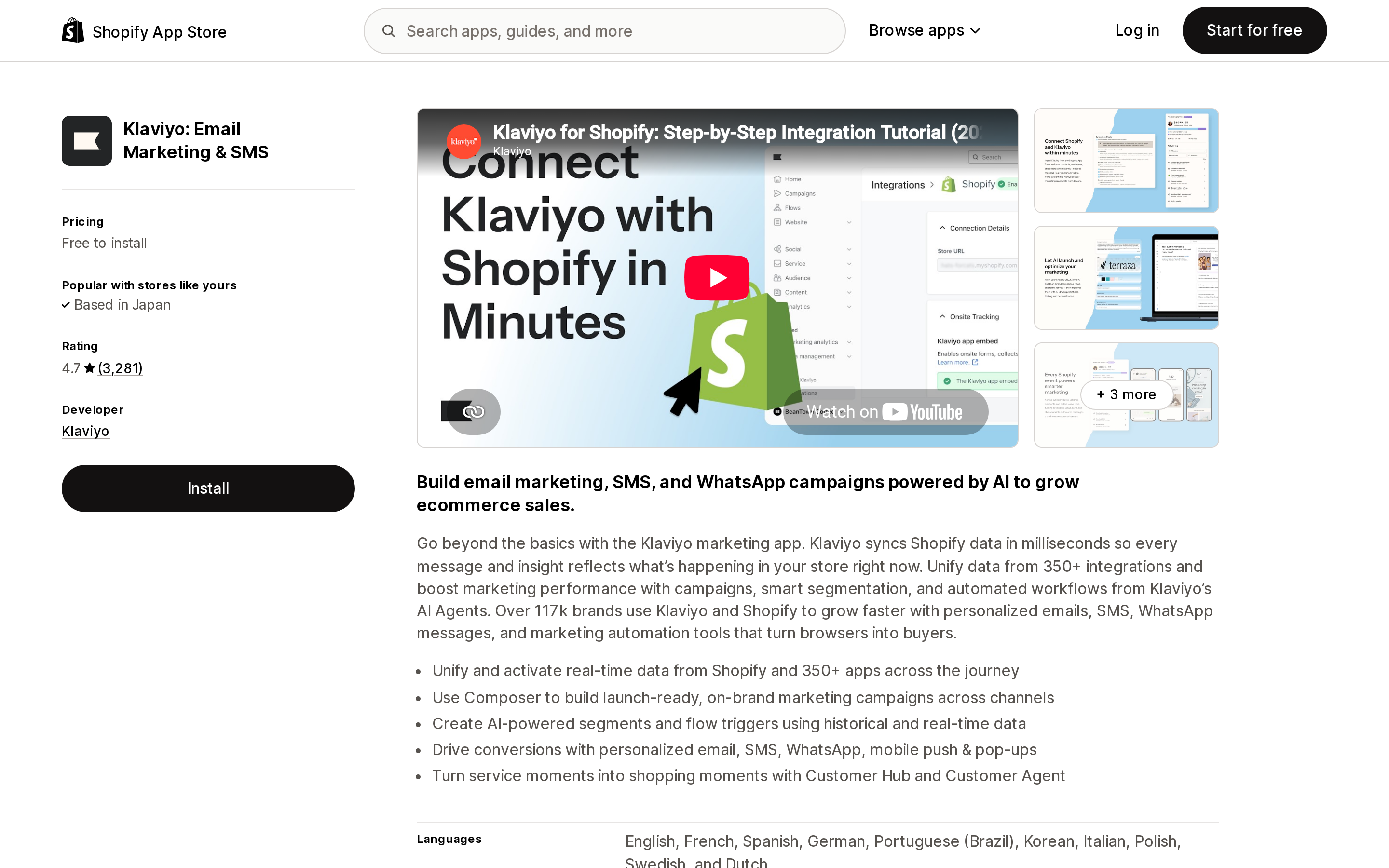
Source: Shopify App Store (Klaviyo: Email Marketing & SMS), retrieved September 8, 2026
Klaviyo: Email Marketing & SMS splits across both replacement paths, which makes it a useful illustration. Klaviyo's help documentation explains that Added to Cart, Viewed Collection, and Submitted Search are "tracked via a Shopify pixel," while Active on Site and Viewed Product are "tracked by Klaviyo via a snippet installed by our app embed."
So in one app, half the events need no merchant action and half depend on a toggle. Klaviyo's own documentation carries the theme warning too: "Have you recently added a brand new theme to your Shopify store? If so, you'll need to re-enable the app embed."
If your browse-abandonment flow has ever gone quiet after a theme launch, this is the mechanism.
Judge.me Product Reviews App
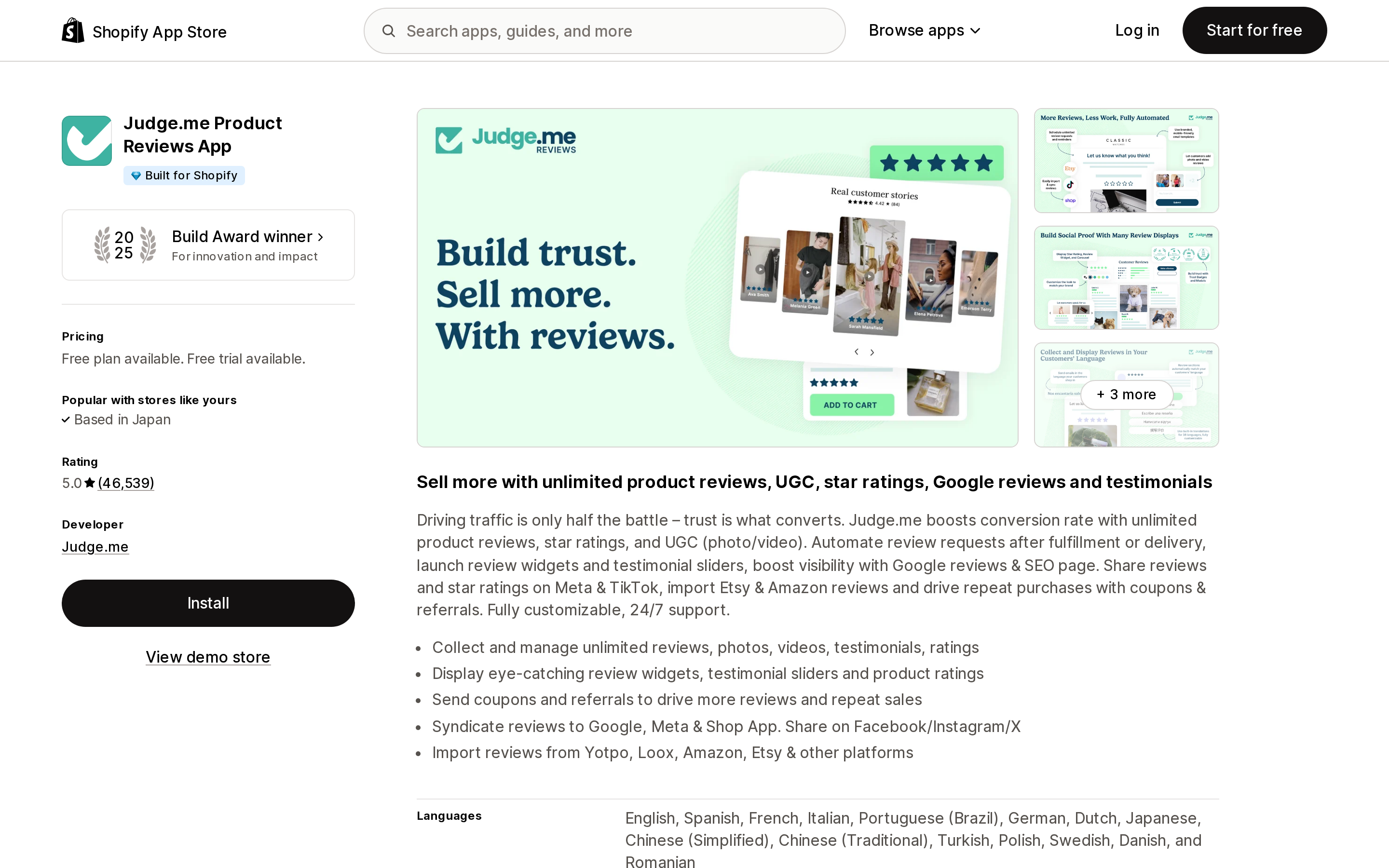
Source: Shopify App Store (Judge.me Product Reviews App), retrieved September 8, 2026
Judge.me Product Reviews App carries the Built for Shopify badge and, on September 8, 2026, showed a 5.0 rating across 46,485 reviews, a free plan, and an Awesome plan at $15/month with a 15-day free trial. It is thoroughly on the modern path: an app embed for the core script, plus app blocks you position in the theme editor.
That does not make it exempt. Judge.me publishes an article titled Reinstalling Judge.me widgets when changing your theme, which opens: "When changing your Shopify theme, previously installed widgets and widget customizations are not automatically transferred to the new theme." The article then walks merchants through opening their old theme to write down which widgets they had, because there is no way to read that list from the new one.
That is the maintenance burden this migration transfers from Shopify to you, described by a vendor that did everything right.
OptiMonk: AI Popup Builder
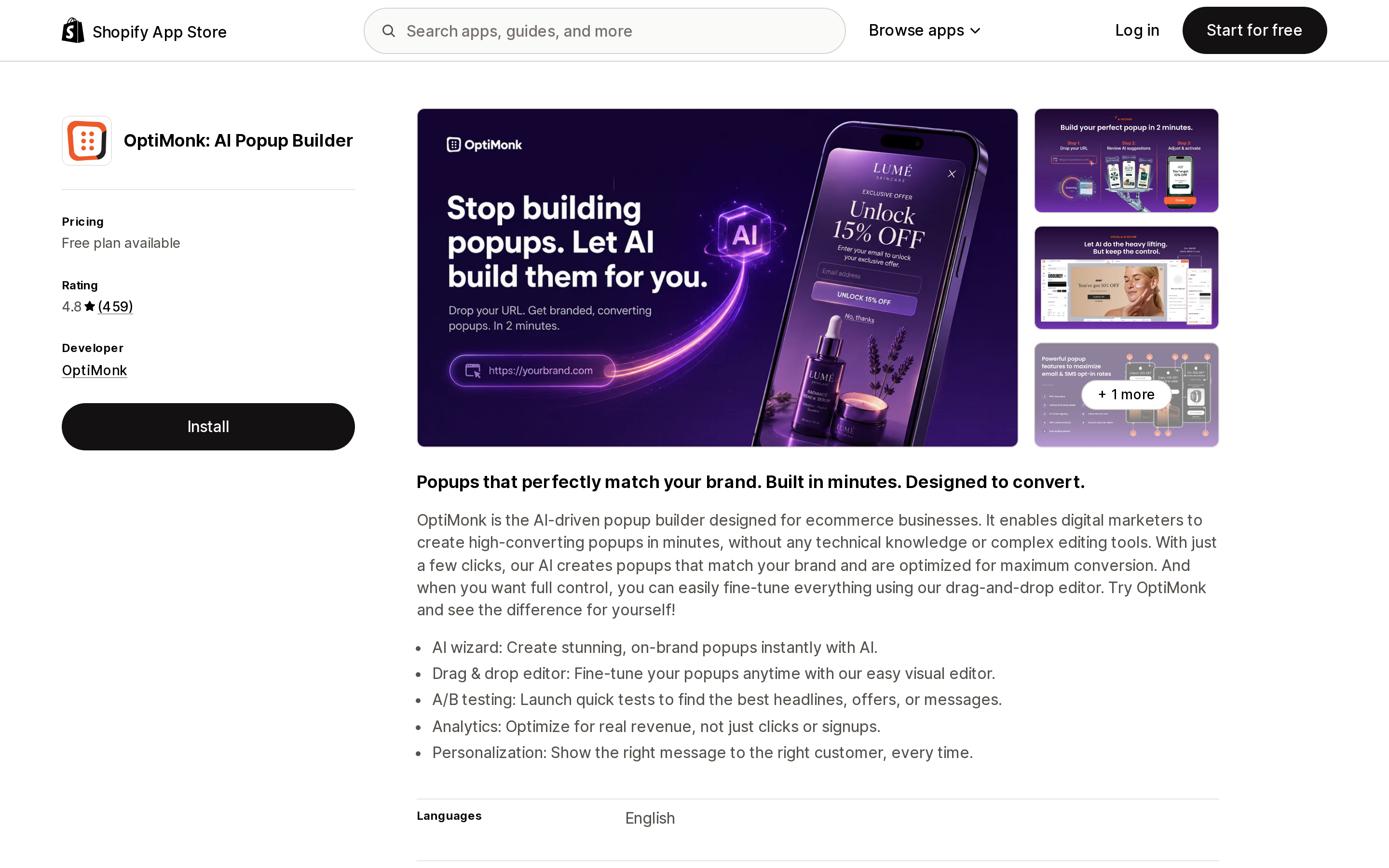
Source: Shopify App Store (OptiMonk: AI Popup Builder), retrieved September 8, 2026
OptiMonk: AI Popup Builder showed a 4.8 rating across 459 reviews and a free plan available on September 8, 2026. Its help documentation describes what the transition actually feels like: "Before the introduction of Online Store 2.0 themes, OptiMonk's script had been added to the theme code of your store." The newer method is app embed mode.
The detail worth noting is in step 5 of OptiMonk's instructions: "you should find the Shopify app embed mode disabled by default. To enable it, set the toggle from Inactive to Active." Then you are sent to the theme editor, where the last step is "click on Save."
Disabled by default, in the app's own dashboard, before you even reach Shopify's toggle. That is the shape of the work waiting on every app you have installed.
The symptom you might see before the deadline
Shopify flags a specific transitional hazard: "a script tag and its replacement running at the same time will load your script twice, which can double-count analytics events or render your app's UI twice."
If you activate an app embed while the vendor's script tag is still in place, you can get a review widget rendered twice on a product page, two chat bubbles, or conversion numbers that suddenly look better than your revenue supports. Developers are told to delete the script tag only after confirming the replacement is running, but that ordering is theirs to get right, not yours.
Treat a duplicated widget or an unexplained analytics jump between now and March 2027 as a migration artifact worth reporting to the vendor, not as good news.
Some apps have no path at all
Shopify names one category with no replacement: admin-created custom apps. These are the apps built directly in your Shopify admin rather than with Shopify CLI or the Dev Dashboard. Shopify's wording: they "can't use app extensions, so they can't use theme app extensions or web pixels either."
Shopify then lists three situations, and the third is the one worth reading twice:
A third-party service had the store create the app and paste an access token into their dashboard: That service needs to release a real app that uses a theme app extension or a web pixel.
If a vendor ever walked you through creating an app under Apps → Develop apps and pasting an access token into their own dashboard, that integration's storefront JavaScript stops on March 1, 2027, and the fix is not something you can perform. The vendor has to ship an actual Shopify app.
You also can't rebuild your way out of it. Shopify's documentation for this app type now opens with a caution: "You can no longer create new admin-created custom apps. Existing apps are unaffected and continue to work." Elsewhere on the same page, on deleting one: "you can't create a new admin-created custom app to replace it." You can still see whether you have any of these — go to Apps → Develop apps in your admin — and an app there holding the write_script_tags scope, which Shopify describes as "View or manage JavaScript code in storefront or order status pages," is worth tracing to whoever asked you to create it.
Where you maintain the custom app yourself, Shopify's guidance is to move the script into theme code — with a caveat attached: "editing theme code takes the theme off its automatic upgrade path, so only do this when the app can't use app extensions."
How to audit your store before October 1
There is no admin page listing your store's script tags. The scriptTags query is scoped to the app that created them, so even a developer only sees their own. What you can do is work the problem from the other direction, entirely from the admin.
1. List the apps that visibly do something on your storefront. Popups, review widgets, currency switchers, size charts, wishlists, chat bubbles, trust badges, upsell widgets, translation, sticky add-to-cart, back-in-stock buttons, analytics and heatmap tools. Ignore apps that only work in the admin — shipping label printers, accounting connectors, and the like are not affected by this deprecation.
2. Open the theme editor on your published theme and check App embeds. Go to Online Store → Themes → Edit theme, then click the App embeds icon in the sidebar. Shopify notes that the search bar there "searches through your installed apps, and not the entire app library" — so this list is your installed apps that ship an app embed block.
3. Compare the two lists. An app from step 1 that appears in App embeds and is toggled on is in good shape. One that appears but is toggled off is a live problem right now, not in 2027. One that does not appear at all is the case to escalate: it is either still on a script tag, delivering through an app block you placed in a template, or injecting theme code directly. Shopify's Help Center names all three integration methods, so absence from App embeds is a signal to investigate, not a verdict.
4. Check the app block picker too. Some functionality arrives as an app block placed in a specific template rather than an app embed. In the theme editor, Add block or Add section shows an Apps group listing installed apps that offer blocks. Judge.me's star ratings work this way.
5. Ask the vendors in step 3 one question. "Does your app still use a Shopify script tag on the storefront, and if so, what is your replacement and when does it ship?" October 1, 2026 is a useful filter — after that date a vendor cannot create a script tag for a new install, so any vendor without a replacement by then is shipping a partly broken install to every new customer.
6. Re-run steps 2 and 4 after every theme change. Including a theme update that republishes, and including each market if you use Shopify Markets.
One thing Shopify does clean up
There is a genuine convenience being lost here, and it is worth naming. Script tags were tidy on the way out: "Each script tag is tied to the app that created it. When an app user uninstalls your app, Shopify automatically removes all script tags associated with that app."
App embed blocks and theme code do not clean themselves up that way. Uninstalling an app that injected code into your theme leaves the code behind — which is why the leftover-code problem is likely to get more common, not less, after this migration.
Shopify also notes that after March 1, 2027, "leftover script tag records will have no effect, so you don't need to delete them." So there is no cleanup task for the script tags themselves. The work is all on the activation side.
Where this leaves you
Nothing on your storefront breaks on October 1, 2026. That date only stops new script tags from being created — but it is the date after which a vendor without a replacement is knowingly shipping a broken install, which makes it the right moment to audit rather than the deadline itself.
March 1, 2027 is the date things stop. Between now and then, the work is unglamorous and manual: identify every app that puts something on your storefront, confirm it appears in App embeds or the app block picker on your published theme, and confirm it is switched on. Then do it again the next time you change themes.
Shopify has said it will not be automated for you. As of September 8, 2026 this deprecation is documented on shopify.dev and in the developer forum; I could not find a merchant-facing Help Center article about it. If your storefront depends on apps you installed years ago and have not thought about since, nobody is going to tell you which ones are about to go quiet.
Sources
- Script tags are deprecated and will stop running on March 1, 2027 — Shopify developer changelog
- Storefront script tags — shopify.dev
- Order status script tags — shopify.dev
- The ScriptTag resource (legacy) — shopify.dev
- Generate access tokens for admin-created custom apps — shopify.dev
- [Deprecation] Script tags will stop running on March 1, 2027 — Shopify Developer Community Forums
- Extend your theme with apps — Shopify Help Center
- Klaviyo: Email Marketing & SMS — Shopify App Store
- How to enable onsite tracking for Shopify — Klaviyo Help Center
- Judge.me Product Reviews App — Shopify App Store
- Reinstalling Judge.me widgets when changing your theme — Judge.me Help Center
- OptiMonk: AI Popup Builder — Shopify App Store
- Shopify app embed mode — OptiMonk Help Center
Deprecation dates, documentation quotes, App Store ratings, and pricing were verified on September 8, 2026 against Shopify's own documentation and the en-US Shopify App Store. App Store ratings and vendor migration status change continuously; check the listing and the vendor's help center before you decide.
Shopify's free themes show 'Taxes and shipping calculated at checkout' and stop there. There is no native in-cart shipping estimator. What exists is the Cart Ajax API — POST /cart/prepare_shipping_rates.json and GET /cart/async_shipping_rates.json, plus a throttled GET /cart/shipping_rates.json — and every cart calculator app on the App Store is a wrapper around it. That is a single point of failure, and it failed on the record twice this year: a Shopify change returned 422 errors on January 27, 2026 and was rolled back January 28; the same change reappeared February 3 and was rolled back February 6. Market-driven shipping starts rolling out October 1, 2026 and changes how rates combine, and in the feature preview these same endpoints returned 'Country/region not supported' for addresses that priced fine at checkout. Here is what Shopify gives you for free, why cart estimators and checkout rate engines are different products, and verified USD pricing for CBB Shipping Rates Calculator, Dr Cart Shipping Rates & Rules, FP1 - Cart Shipping Calculator, and SMART Shipping Rates & Rules. Shopify documentation, developer forum threads, and App Store listings verified September 9, 2026.