
What you will learn
On this pageContentsCloseOpen
Open a Shopify product page, view source, and search for application/ld+json. Whatever you find there is the answer your store is giving Google to the question "what product is this page about?"
On a store with a theme, a review app, and an SEO app, that question gets answered more than once, by parties that were never introduced to each other.
The short version
Shopify prints product markup for you, and it isn't always a Product. The Liquid filter structured_data outputs a schema.org Product for a product with no variants and a ProductGroup for one with variants. Dawn calls it in sections/main-product.liquid as a single line.
Google treats those as two different things. Its product variant documentation says to add Product structured data in addition to the variant properties, and requires the productGroupID on a ProductGroup and the inProductGroupWithID on its variants to match if you provide both.
On real stores, the page rarely says one clean thing. We pulled one product page from each of ten US Shopify stores on September 15, 2026 and parsed every JSON-LD block. Three pages carried more than one Product-type entity. Two printed no product markup in the HTML and only produced it after JavaScript ran. One printed none at all. One printed its star rating in a block with no @type and no @context, attached to nothing.
The two loudest vendors flatly contradict each other. Ilana's JSON‑LD for SEO (TM) publishes an article titled "The myth of duplicate structured data" arguing Google doesn't care. Webrex: AI SEO, Schema JSON‑LD advertises "Fix schema errors & duplicates in one click."
The first vendor also sells the removal. $100, one time, done by hand on your theme — and her own product page warns that a theme update wipes it: "If you update or change your theme, you'll override the changes to your code and will need to purchase the service again."
No app can quietly do that for you. Since Admin API 2023-04, PUT and DEL on the Asset resource require the write_themes scope and an exemption Shopify grants case by case. SEO is a listed exemption category, but the listings don't tell you who has one.
The cheapest fix is a five-minute audit you can run yourself. Everything below is visible in view-source and the Rich Results Test.
What Shopify prints before you install anything
Shopify's structured_data Liquid filter is documented as converting an object into schema.org format, and it works on the product and article objects. The output rule is the part most merchants have never read:
Product objects are output as a schema.org
Productif they have no variants, and aProductGroupif they have one or more variants.
Dawn uses it. At the bottom of sections/main-product.liquid, the whole implementation is three lines:
<script type="application/ld+json">
  {{ product | structured_data }}
</script>
That is both the good news and the trap. It means your theme is emitting structurally valid markup for free, generated by Shopify rather than by whoever built your theme. It also means that as soon as a product has variants — which is most apparel, most footwear, most anything sold by size or color — the entity on that page is a ProductGroup, and any app that adds a plain Product is adding a second, differently-typed answer next to it.
What ten US stores actually print
We took one product page from each of ten US Shopify stores, fetched the raw HTML, then loaded the same URL in a headless browser and parsed the DOM after JavaScript ran. All ten are live Shopify storefronts. The point of running both passes is that Google's Shopping crawls don't always execute JavaScript, and Google says so in writing.
| Store | In the HTML | After JavaScript | What that means |
|---|---|---|---|
| allbirds.com | ProductGroup (91 nested variants) + a block whose only top-level key is aggregateRating | same | The rating block has no @type and no @context, so it isn't attached to the product |
| brooklinen.com | BreadcrumbList only | 2 × Product + BreadcrumbList | Both product entities are injected client-side into <head>; one is Yotpo's, carrying the rating and a different price and image |
| blendjet.com | 8 × Product | same | One entity per variant, all eight repeating the same store-level rating (4.9, 69,439 ratings) |
| chubbiesshorts.com | Organization, BreadcrumbList, Product, ProductGroup | same | Two product names on one URL; the ProductGroup's productGroupID is a Shopify Collection GID while the sibling Product's sku is 603263-002 |
| gymshark.com | none | ProductGroup (7 variants) | No product markup in the initial HTML |
| deathwishcoffee.com | Organization, Product | same | Clean |
| drsquatch.com | none | none | No product structured data at any point |
| hauslabs.com | Product | same | Clean |
| nativecos.com | 2 × BreadcrumbList, Product | same | Duplicate breadcrumbs, single product entity |
| thesill.com | Organization, Product, BreadcrumbList | same | Clean |
Three of ten pages are clean. Three carry more than one Product-type entity on a single URL. Two produce their product markup only in the browser. One produces none. One produces a correctly-formed ProductGroup and then puts its rating somewhere that rating cannot be read from.
On Google's own required properties, the Allbirds page is the instructive near-miss: the ProductGroup is well-formed — productGroupID is MENS_TREE_DASHERS2, name is Men's Tree Dasher 2, 91 variants are nested under hasVariant — and then a second block arrives carrying nothing but an aggregateRating of 4.5 from 3,449 reviews, with no @type at the top level. Nothing links the two. The rating is on the page and belongs to no entity on it.
The Brooklinen page is the clearest version of the problem, because you can see both authors. One block carries id="productData" and a sku of BT-WFL-148 with no rating. The other carries class="y-rich-snippet-script" — Yotpo's — with an aggregateRating of 4.3 from 24 reviews, a different image, and a price of 53.4. Same product name, two prices, two images, and only one of them has the stars. Neither is in the HTML Google's first pass sees.
What Google's documentation actually says
Three lines from Google Search Central's product variant reference are worth reading against the table above.
On what a ProductGroup needs: name is the only required property — everything else, including productGroupID, variesBy and hasVariant, is recommended. A ProductGroup is therefore very easy to emit and very easy to emit uselessly.
On identifiers:
Each product group must have a unique ID in its corresponding structured data markup, specified with the
inProductGroupWithIDproperty in variantProductproperties or theproductGroupIDproperty in theProductGroupproperty.
and, for productGroupID:
If you provide the identifier for both the
ProductGroupproperty and its variantProductproperties, they must match.
On Chubbies' page, the ProductGroup carries a Collection GID and the sibling Product carries a SKU. They do not match.
On where the markup should live:
If you're a merchant optimizing for all types of shopping results, we recommend putting
Productstructured data in the initial HTML for best results.
and:
For JavaScript-generated
Productmarkup: Be aware that dynamically-generated markup can make Shopping crawls less frequent and less reliable, which can be an issue for fast-changing content like product availability and price.
Gymshark and Brooklinen are both in that second category. Note what Google is and isn't saying — it is not saying two Product entities is a penalty. It is saying that identifiers must agree, and that markup a crawler has to render for is less reliably read.
Two apps, two opposite positions
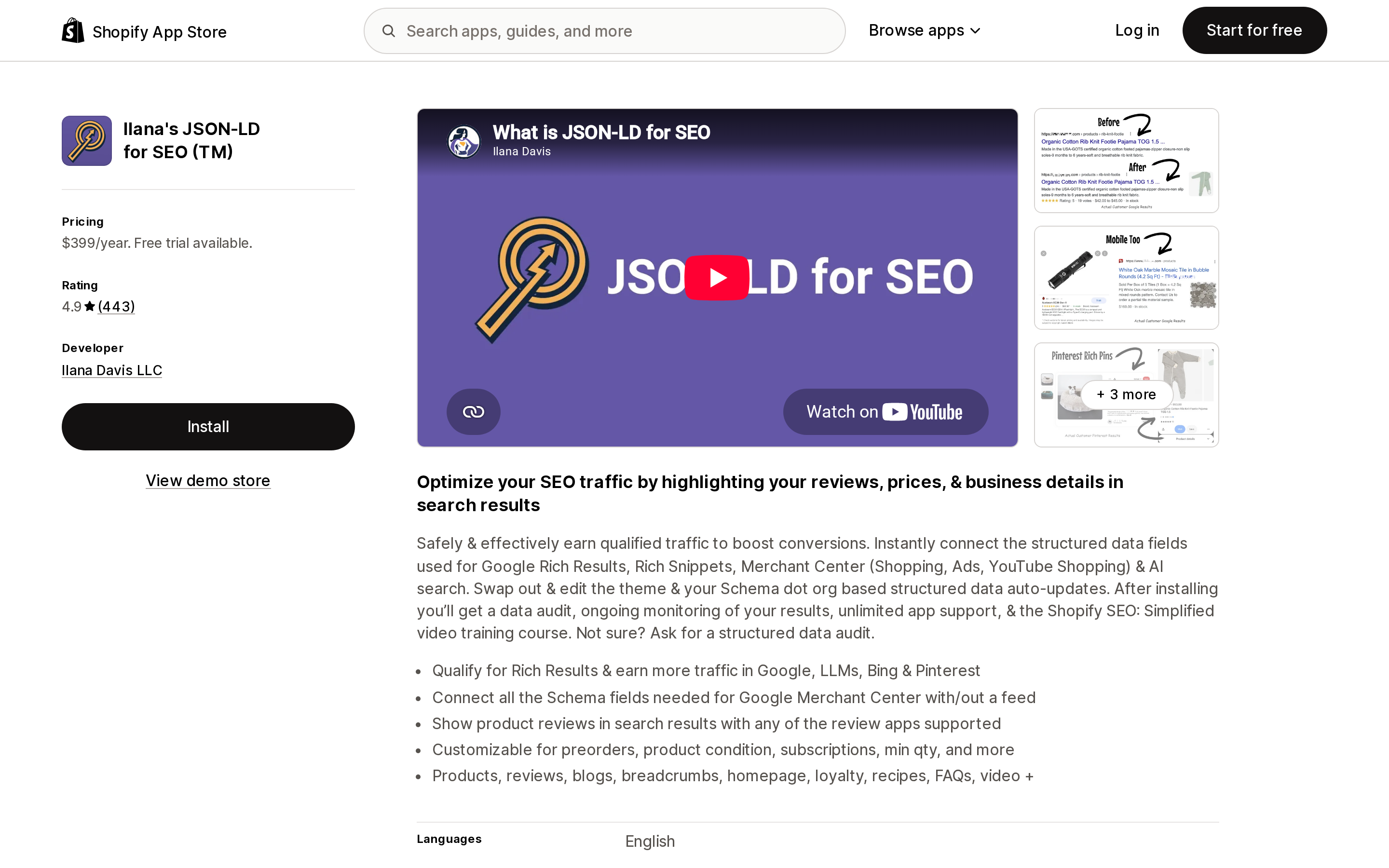
Source: Shopify App Store (Ilana's JSON‑LD for SEO (TM)), retrieved September 15, 2026
Ilana's JSON‑LD for SEO (TM), from Ilana Davis LLC, is $399/year with a free trial, rated 4.9 from 443 reviews, and one of two apps here with no free plan. It does not carry a Built for Shopify badge. Its listing describes connecting "the structured data fields used for Google Rich Results, Rich Snippets, Merchant Center (Shopping, Ads, YouTube Shopping) & AI search."
The vendor's own article, "The myth of duplicate structured data," is unambiguous: "Google doesn't care if you have duplicate sets of the same structured data on a page," followed by a six-level model of how Google is understood to pick the best set. The app adds its data; it does not remove your theme's.
Then there is a separate $100 product on the same site, "Remove Theme Structured Data," which lists exactly three reasons to remove:
- The theme provided markup has errors.
- You're having issues with Merchant Center.
- More than one set of review (
aggregateRating) data is present.
Reason three is the Brooklinen page and the BlendJet page. And the caveat on that product is the single most practical line in this article:
When you purchase this service, I will remove the theme microdata and JSON-LD code once. If you update or change your theme, you'll override the changes to your code and will need to purchase the service again.
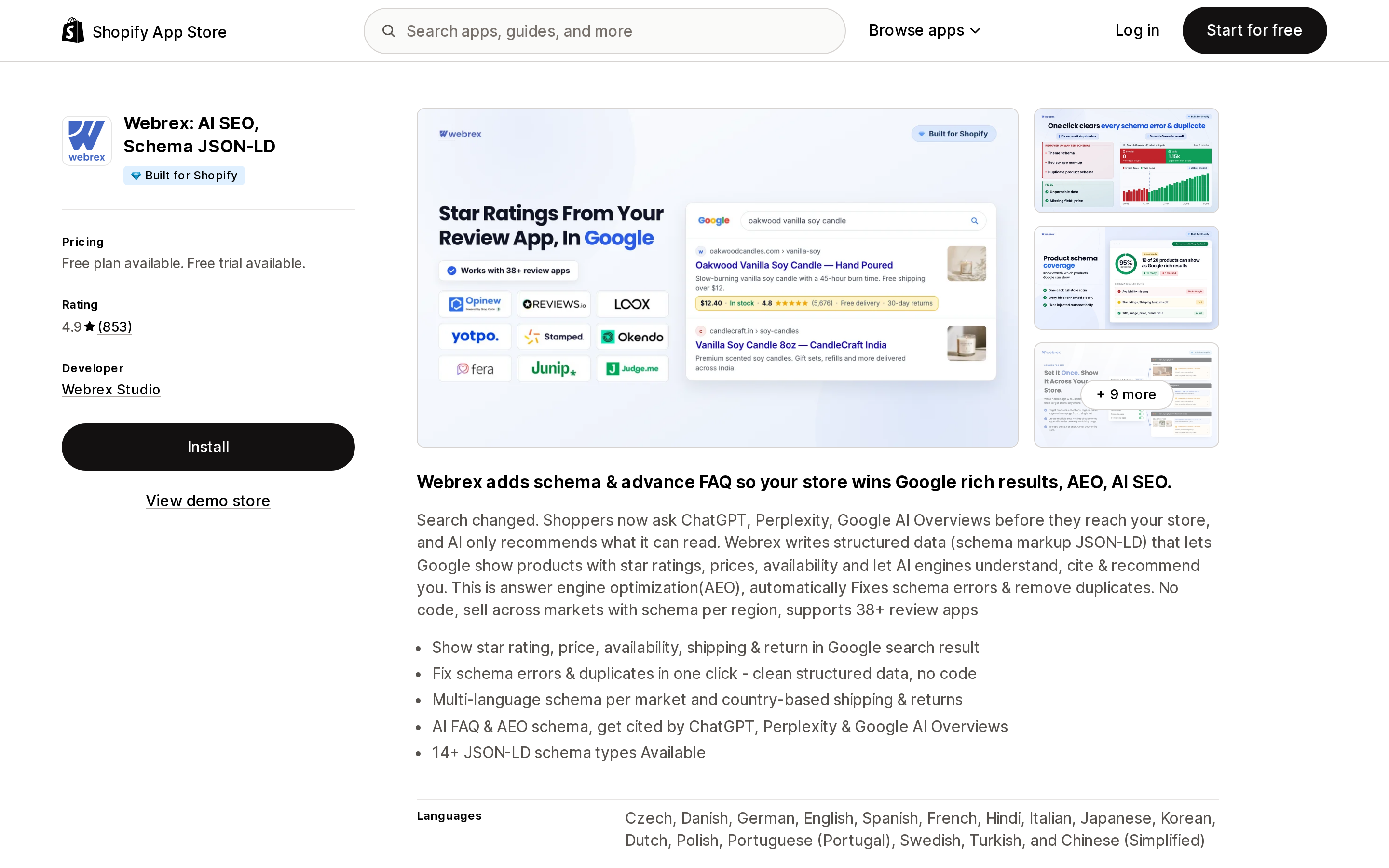
Source: Shopify App Store (Webrex: AI SEO, Schema JSON‑LD), retrieved September 15, 2026
Webrex: AI SEO, Schema JSON‑LD, from Webrex Studio, takes the opposite line. It is Built for Shopify, rated 4.9 from 853 reviews, with a free plan and a free trial. Its listing says the app "automatically Fixes schema errors & remove duplicates," and one of its bullets reads "Fix schema errors & duplicates in one click - clean structured data, no code." A listing image labels three things as removed: theme schema, review app schema, and duplicate product schema.
What the listing does not state is how. That matters, because under Shopify's rules there are only two ways for an installed app to make theme-level schema stop appearing, and they behave differently.
Why "remove" is harder than it sounds
Since Admin API 2023-04, PUT and DEL requests against the Asset resource are restricted behind the write_themes scope, and shopify.dev is explicit about what that means for App Store apps:
If an app that's distributed in the Shopify App Store needs to use Asset resource
PUTorDELrequests, then it needs to be granted an exemption by Shopify to use thewrite_themesaccess scope.
Search engine optimization is on the list of eligible exemption categories, so a schema app can hold one — and Shopify notes an exemption counts for Built for Shopify status too. But exemptions are granted case by case, and no App Store listing field tells you whether a given app has one.
So an app either:
- Holds an exemption and edits your theme files. The
<script>tag genuinely stops being printed. It is also a permanent edit to your theme that a theme update or theme swap can reintroduce, which is the same failure mode as the $100 manual service. - Removes the node in the browser. The tag is still in the HTML that arrives from Shopify's servers; it disappears from the DOM after the app's JavaScript runs. A crawler reading HTML only still sees it.
Neither is wrong. They just answer different questions, and if your reason for cleaning up is Merchant Center — which reads what it is served — only the first one changes anything.
The four dedicated schema apps, side by side
All figures from the en-US Shopify App Store on September 15, 2026.
| App | Developer | Pricing | Rating | Built for Shopify | Free plan | Stated position on existing schema |
|---|---|---|---|---|---|---|
| Ilana's JSON‑LD for SEO (TM) | Ilana Davis LLC | $399/year, free trial | 4.9 (443) | No | No | Adds only; removal sold separately as a $100 service |
| Webrex: AI SEO, Schema JSON‑LD | Webrex Studio | Free plan, free trial | 4.9 (853) | Yes | Yes | Advertises fixing errors and removing duplicates in one click; mechanism not stated on the listing |
| Schema Markup Snippets by Nabu | AdNabu Global, Inc. | Free | 5.0 (4) | No | Yes | Adds storewide "with no theme code"; no removal claim |
| Schema App Total Schema Markup | Schema App | Core $15/month, Advanced $30/month | 2.5 (3) | No | No | Creates and deploys markup from existing content; no removal claim |
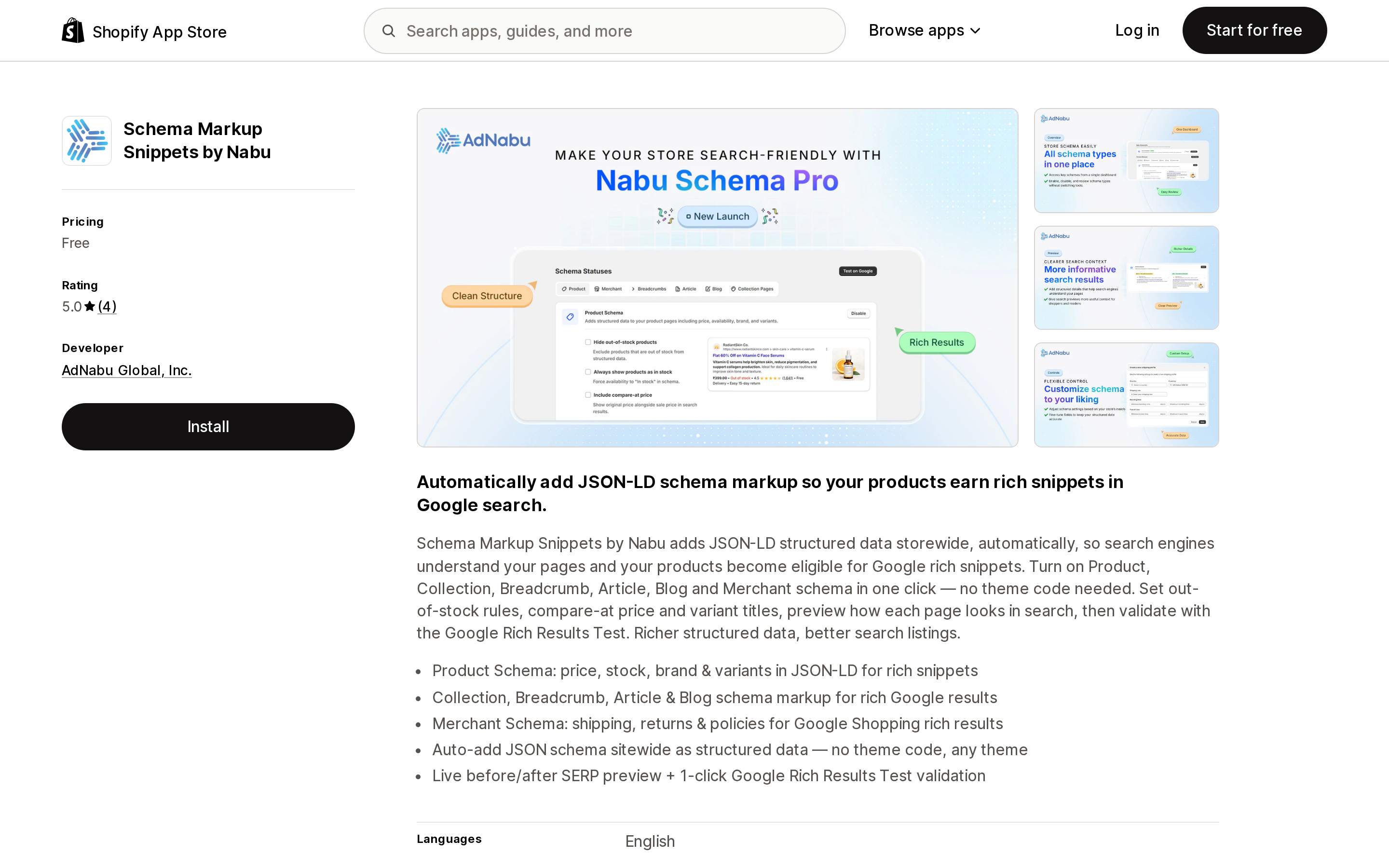
Source: Shopify App Store (Schema Markup Snippets by Nabu), retrieved September 15, 2026
Nabu's is the honest shape of the default case: free, adds Product, Collection, Breadcrumb, Article, Blog and Merchant schema, explicitly "no theme code needed." Nothing in the listing claims it removes anything. On a store whose theme already calls structured_data, that is a second product entity arriving next to the first — which is exactly the situation the rest of this article is about, and not by itself a fault of the app.
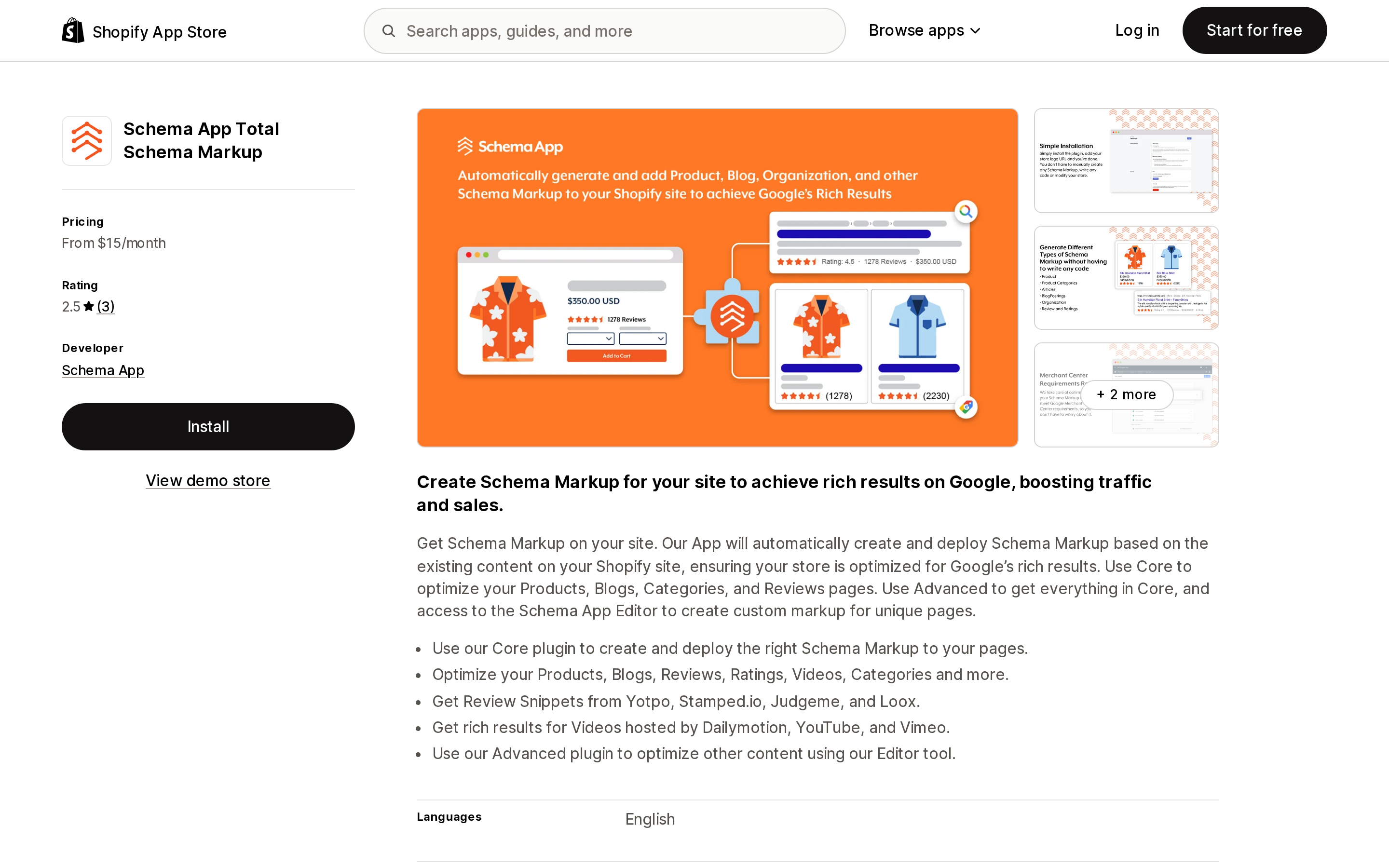
Source: Shopify App Store (Schema App Total Schema Markup), retrieved September 15, 2026
Schema App Total Schema Markup is the enterprise-schema vendor's Shopify plugin — Core at $15/month, Advanced at $30/month, with the Advanced tier buying access to their editor for pages outside products, blogs and articles. Its 2.5 rating comes from three reviews, which is not enough to generalize from in either direction, and the Shopify listing is a small surface of a much larger product.
Worth noting: the broad SEO suites that also write structured data carry far larger review counts than any dedicated schema app. SearchPie: SEO, Schema & Speed (PieLab, Built for Shopify, 4.9 from 2,454 reviews) and Smart SEO AI & Image Optimizer (Sherpas Design, Built for Shopify, 5.0 from 952 reviews) both list schema markup among their features. If one of those is already installed, structured data may already be being written to your product pages by an app you installed for meta tags and image alt text.
Check your own store in five minutes
- Open a product page that has variants. View source, search
application/ld+json, and count the blocks. - For each block, note the
@type. More than oneProductorProductGroupis what you're looking for, not more than one block —OrganizationandBreadcrumbListalongside a product are normal. - If you have both a
ProductGroupand aProduct, compareproductGroupIDagainstinProductGroupWithIDandsku. Google requires the group identifiers to match where both are given. - Count
aggregateRating. More than one is the case every vendor here agrees is worth fixing. - Run the URL through Google's Rich Results Test and read the Code tab, which shows you what Google parsed rather than what you wrote.
- Compare view-source against the rendered DOM. If your product markup appears only in the second, you are in the category Google explicitly calls less reliable for Shopping.
What to do
If your page has one product entity and one rating, do nothing. Three of our ten stores are in this state. A schema app buys you fields Shopify's filter doesn't emit — shipping, returns, priceValidUntil, FAQ, video — not a fix for a problem you don't have.
If your only issue is two aggregateRating blocks, start with your review app. That is usually a setting in the review app's widget configuration, and it costs nothing.
If Merchant Center is rejecting items, the removal has to be server-side. Merchant Center reads what the server returns. Browser-side cleanup does not reach it. Either hold an exemption-backed app or edit the theme, and expect to redo it after a theme change.
If your front end is custom, audit before you install anything. None of the seven non-clean pages above look like a stock theme calling structured_data and stopping there; each is writing its own markup its own way. Adding a schema app on top of a front end that already hand-rolls its output is how a page ends up with eight Product entities and one repeated store-level rating.
Whatever you do, do it after the theme update, not before. That is the one thing both vendors' documentation agrees on, and the one that a $100 invoice will otherwise teach you twice.
Sources
- Liquid filters: structured_data — Shopify
- Dawn theme,
sections/main-product.liquid— Shopify - The Asset API resource (legacy) — Shopify
- Product variant structured data (ProductGroup, Product) — Google Search Central
- The myth of duplicate structured data — Ilana Davis
- Remove Theme Structured Data — Ilana Davis
- Shopify App Store listings for Ilana's JSON‑LD for SEO (TM), Webrex: AI SEO, Schema JSON‑LD, Schema Markup Snippets by Nabu, Schema App Total Schema Markup, SearchPie: SEO, Schema & Speed, Smart SEO AI & Image Optimizer and Yotpo: Product Reviews App, retrieved September 15, 2026
Shopify's free link-in-bio page, Linkpop, retired on July 7, 2025 — linkpop.com now redirects to shopify.com. On August 15, 2026 Shopify's Help Center began saying the $5 Starter plan, the plan built around sharing product links on social, isn't available to new stores. And Shopify's own July 21, 2026 blog post on link-in-bio tools links to exactly two Shopify App Store listings: LinkShop, and Linktree — an app in the Marketplaces category, billed outside your Shopify invoice, rated 3.6 across 18 reviews. We priced seven link-in-bio apps on September 18, 2026. The dimension that matters isn't the monthly fee, which runs from $0 to $15. It's where the page lives: four apps serve it from your own storefront through a Shopify app proxy, which means it sits behind your store password — and on the new $0 Agentic plan, that password never comes off. Verified against the Shopify Help Center, shopify.dev, the Shopify App Store, and live store pages.