
What you will learn
On this pageContentsCloseOpen
Every review app publishes a guide called something like "migrating to us." Each one is four steps long: export a CSV, upload it, confirm the reviews are genuine, done.
The steps are accurate. The framing is not. A CSV is no longer a complete copy of your reviews, and hasn't been since Shopify opened the standard product review metaobject to every partner.
Pricing, ratings, and review counts were verified on the en-US Shopify App Store on September 10, 2026. All prices are in USD.
Your reviews are stored twice
On June 6, 2025, Shopify's developer changelog announced that the standard product review syndication program had reached general availability. Any partner can now build a reviews app that writes to the standard product review metaobject, "as long as their app meets the program requirements."
Shopify's implementation guide makes participation all-or-nothing:
If you join the standard product review syndication program, all valid reviews must be syndicated to product review metaobjects and all total review counts and average star ratings must be syndicated to product review metafields.
So a store running one of these apps has two ledgers. One lives in the vendor's database, and it is the one that gets exported. The other lives in your Shopify store as metaobject entries, with a required app_verification_status field that validates against exactly three values: verified_buyer, verified_reviewer, or unverified. Required fields also include rating, submitted_at, source, and a product reference. The optional author and order fields are references, and Shopify's validation rule for each is the same: when the field is populated, the customer or order "must be present in the merchant's store."
That second ledger is the one that determines whether a review is allowed to appear anywhere outside your product page. It is also the one that survives when you uninstall the app, and the one no CSV column can reconstruct.
Shopify's Help Center puts the consequence in a single line, in the eligibility requirements for partner app-collected reviews:
Reviews that have been migrated between app review partners using a CSV, or that are uploaded to your store from a CSV aren't eligible to display in Shop.
The same page requires that partner-app reviews be "linked in metaobjects to a verified customer with a Customer ID, Order ID, and Product ID," and adds that if a review lacks all three, "then it can't be displayed on Shop."
The five apps Shopify lists as supported partners are the five compared below.
What each export actually contains
Migration guides describe the export button. They rarely describe the file.
Judge.me Product Reviews App is the only one of the five that publishes a complete inventory of what its export omits. Its exporting reviews page lists five categories of missing data: videos, phone numbers, SKUs, order details, and — the one that matters here — verified status.
Verified status of the reviews are not included in the export file. Instead, you can infer the verified status from the included review source. For example, reviews with email-requested sources (email, sms, etc.) are verified buyers, while imported sources are not.
Same page: CSV exports are capped at 100,000 reviews per file, and if your store has more, "the export will include only the first 100,000 — the rest won't be included." Export links expire three hours after the email is sent.
The other exports have their own quirks. Judge.me's Stamped migration guide notes that in Stamped Reviews & Loyalty you "must select one filter in order for the Export Reviews option to appear" — an unfiltered export of everything is not a button you can press. For Yotpo: Product Reviews App, Judge.me reports something worse:
We have seen cases where the export file from Yotpo don't include the Metaobject handle column. Unfortunately, without this data, we won't be able to verify these reviews.
The identical caveat appears for Stamped, where the column is called metaobjectHandle. That column is the bridge between the two ledgers. When it is blank, the CSV is all you have.
For Okendo: Reviews & Loyalty, the export runs from Settings > Import/Export, is requested for a date range, and arrives by email to the account owner — a process documented by Junip and other competitors rather than in Okendo's own public help center, which is worth noting before you plan a cutover around it.
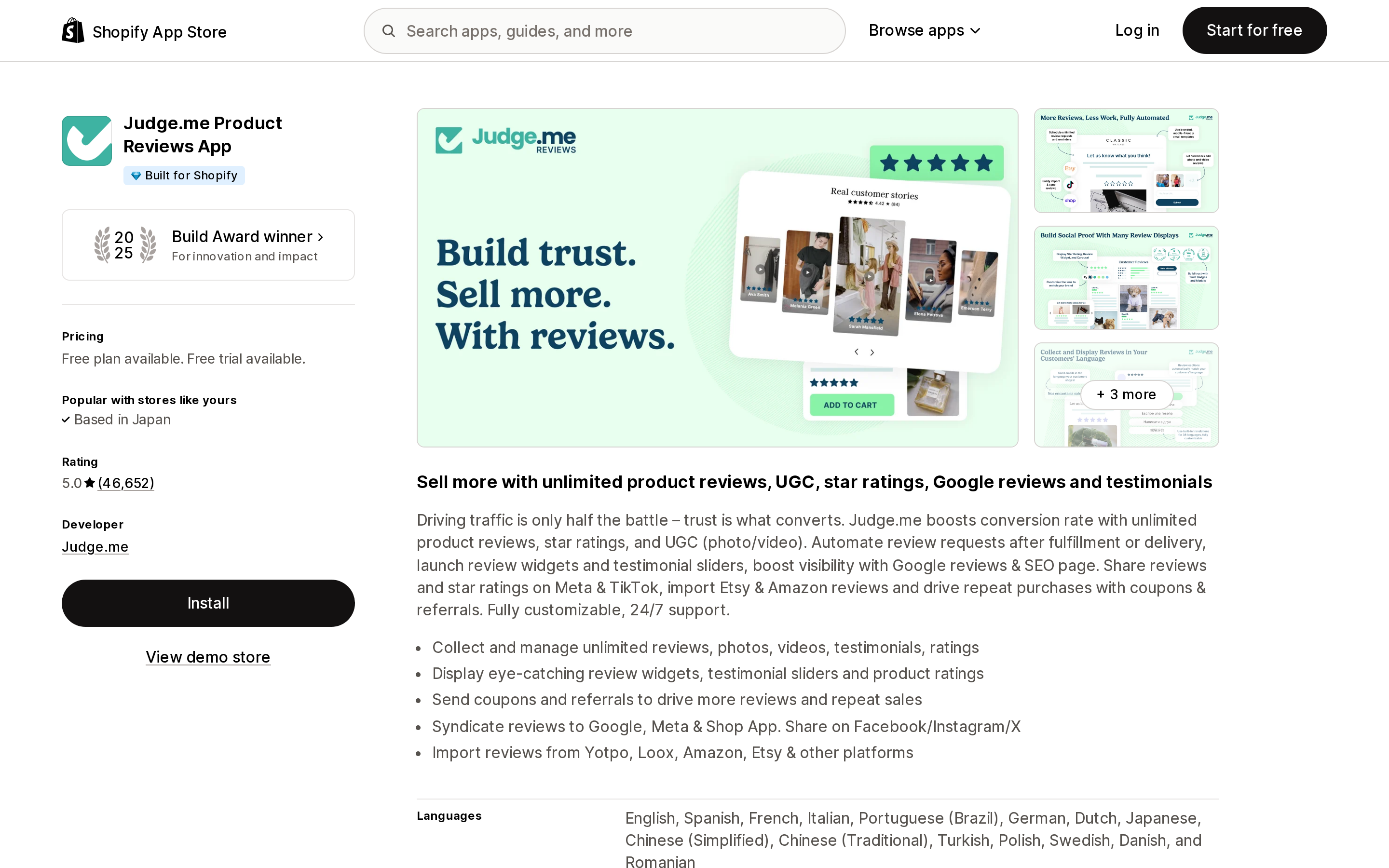
Source: Shopify App Store (Judge.me Product Reviews App), retrieved September 10, 2026
What each import refuses
Import limits are where migrations actually fail, and the five apps disagree about almost everything.
Judge.me's import wizard accepts .csv, .xls and .xlsx up to 100 MB, requires a review body (star-only ratings are rejected outright), allows up to five images per review as public .jpg/.jpeg/.png URLs, and applies a daily per-store import ceiling that the documentation describes only as "controlled operationally." Videos are not importable at all: "It's also not possible to import videos when importing reviews — only text and images are supported." The workaround Judge.me offers is to re-upload each video by hand after the import.
Loox ‑ Product Reviews App has the hardest ceiling of the group. Its custom file import page states that "you can import up to 100,000 reviews per store using a custom file. After reaching this limit, additional imports will not be possible using this method." Files are capped at 15 MB, one at a time, product_handle is required, video reviews are not supported through the file importer, and store reviews can't be imported at all: "Loox currently only supports importing product reviews."
Loox also documents an undo, on a timer. Its undo imports page gives you a seven-day window, after which "the option to undo that import will no longer be available." The same page notes that Loox "doesn't support deleting individual reviews" outside that window — so a botched import that you notice in week three is permanent.
Yotpo's import behaves differently again. Its Shopify Reviews import guide states the outcome plainly:
Reviews that are imported to Yotpo will automatically be treated as anonymous reviews.
Yotpo's reviewer badges page explains what that costs. The Verified Buyer badge requires Yotpo to check "the order data from your store from the last 12 months," and "all reviews marked with a Verified Buyer badge are eligible for Google Shopping Syndication." Anonymous reviews are neither. The same guide routes Premium and Enterprise customers away from self-service: those plans are told to contact Yotpo Support and send the exported file, and Yotpo "will take care of the import process for you."
Okendo takes the opposite position from everyone else. Its import template includes a column called isVerifiedBuyer, described as: "Indicates if the reviewer ordered the product directly from your store. Use 'true' if they did, otherwise use 'false'." Verified status is a value you type. Okendo's importer also auto-detects exports from Yotpo, Stamped, Loox, Junip, Shopify, TrustPilot, JudgeMe, Kudo Buzz, Social Shopwave and Orankl, and its template includes a videoUrls field — something Judge.me's and Loox's importers explicitly do not accept.
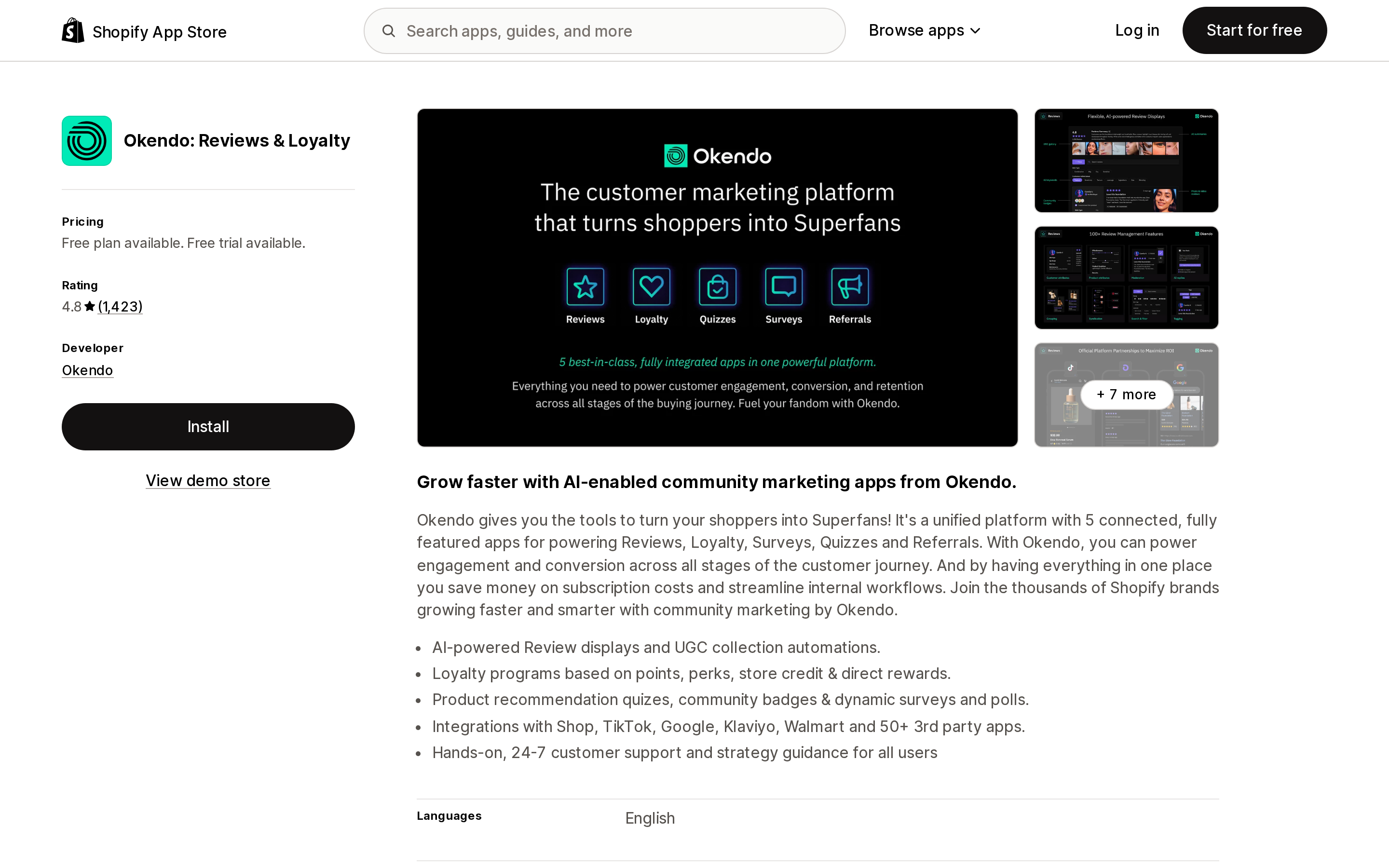
Source: Shopify App Store (Okendo: Reviews & Loyalty), retrieved September 10, 2026
The verified badge is the whole migration
Judge.me refuses to do what Okendo permits:
To protect that integrity, we don't manually mark reviews as Verified. Verification is applied automatically; if criteria aren't met, the review remains unverified.
Instead, Judge.me built a second import path. Its Loox, Yotpo and Stamped migration guides all describe a checkbox that re-derives verification from the metaobject ledger rather than the CSV — matching incoming rows against Shopify metaobjects to find a Customer ID, Order ID and Product ID. Reviews that match become verified. Reviews that don't stay unverified.
The Yotpo migration guide is unusually candid about the failure modes:
For an imported review to be verified via metaobjects, the reviewer's email address must match an existing Shopify order in your store. Reviews where the email doesn't match any order (e.g., the customer used a different email for the review vs. the order, or the order data is no longer in Shopify) will remain unverified.
And the checkbox has a cosmetic side effect that is easy to miss until the widget is live. From the Loox migration guide:
If a Shopify customer record has no first or last name, the reviewer will appear as Customer on your storefront.
There is no undo button in Judge.me, though there is a recovery path. Re-running the same file to fix the checkbox creates duplicates — "Judge.me's CSV import does not automatically remove duplicates" — and the documented recovery is to delete the original batch from the Reviews Import Log first. One line in that recovery note is the clearest statement anyone publishes about the two ledgers:
Your Shopify metaobjects are not affected by deleting reviews in Judge.me — they will be matched again on re-import.
Delete the reviews in the app; the metaobjects in your store stay put.
What breaks downstream
The badge is not decoration. Four surfaces read it.
Shop. Judge.me's Shop app sync page lists the reviews it knows are "always excluded by Shop app," and the list includes reviews "uploaded via a spreadsheet" and reviews "migrated from another review app." Its own eligibility summary restates Shopify's rule: "The review wasn't imported or migrated using a CSV."
Google Shopping. Judge.me's migration guides are explicit that "imported reviews that aren't verified via metaobjects won't appear in the feed," and that the eligible count "updates on a weekly cycle, not in real time" — so allow a week before concluding the migration failed. On Yotpo, the equivalent gate is the Verified Buyer badge, which imported reviews do not receive.
TikTok Shop. "Unverified product reviews and Store reviews cannot be synced to TikTok Shop."
Your plan. A merchant in the United States left this on Yotpo's App Store listing on August 20, 2026, after eleven months on the app:
Last year, I was able to import genuine customer reviews and have them displayed with the Verified Buyer badge. This year, however, I was told that imported reviews on the Pro plan can no longer receive the Verified Buyer badge, and that I would need to upgrade to the Premium or Enterprise plan to qualify.
That is one review, not a pattern, and it describes a policy Yotpo does not document publicly. But it points at the right question to ask a vendor before you commit: not "can I import," but "what badge will these reviews carry on my plan."
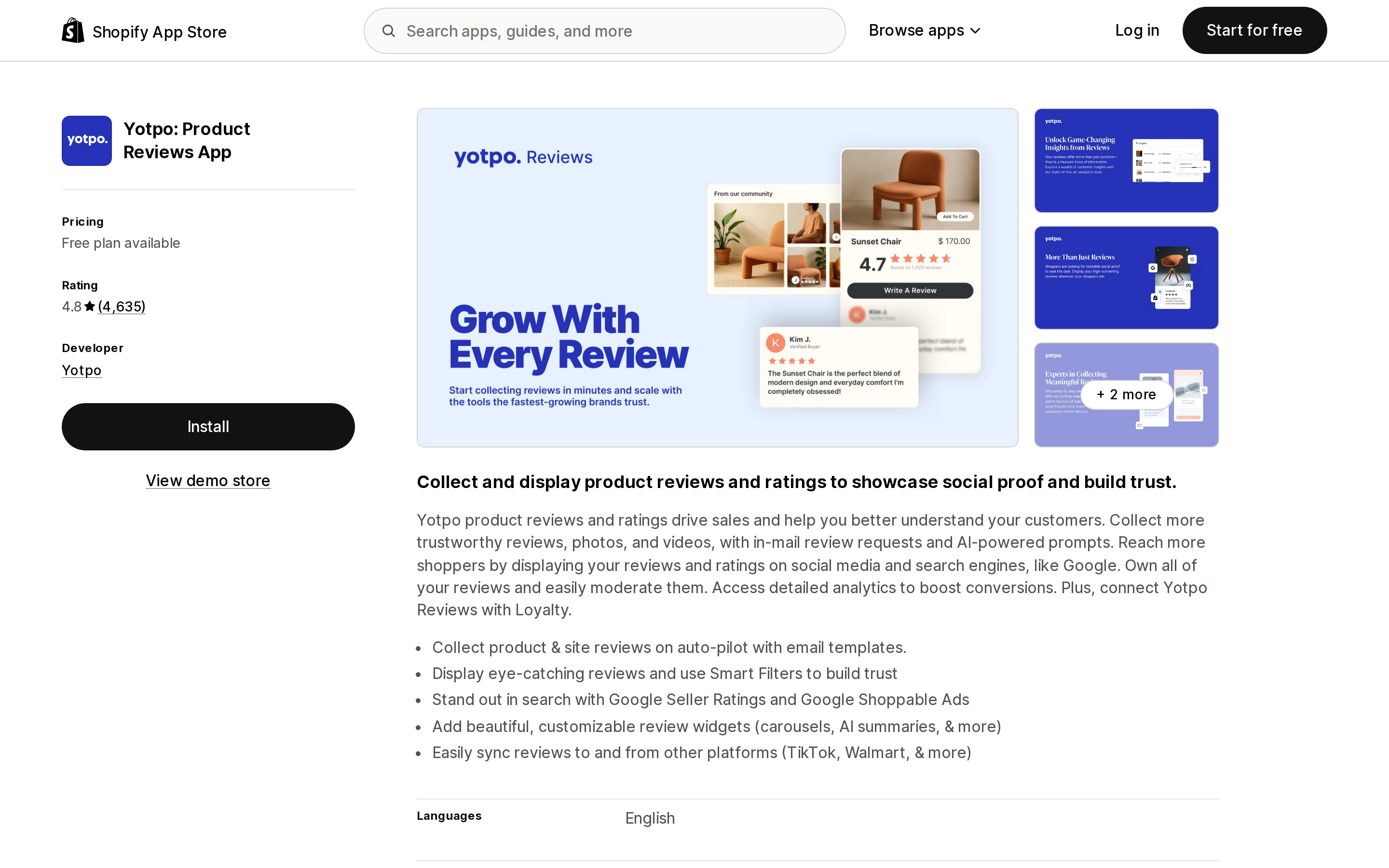
Source: Shopify App Store (Yotpo: Product Reviews App), retrieved September 10, 2026
What the landing costs
A migration also moves you onto a new pricing denominator, and none of the five bills on review count. Four bill on order volume. The fifth charges a flat rate.
| App | Rating (reviews) | Built for Shopify | Free plan | Entry paid plan | Billing unit |
|---|---|---|---|---|---|
| Judge.me Product Reviews App | 5.0 (46,652) | Yes | Forever Free, unlimited reviews | Awesome, $15/month | Flat |
| Loox ‑ Product Reviews App | 4.9 (9,570) | Yes | Beginner, up to 500 orders | Convert, $49.99/month | Orders (300 included, +$50 per 300) |
| Yotpo: Product Reviews App | 4.8 (4,635) | No | Free, up to 50 monthly orders | Starter, $15/month | Order volume |
| Okendo: Reviews & Loyalty | 4.8 (1,423) | No | Free, up to 50 orders/month | Essential, $19/month (up to 200 orders/month) | Orders/month |
| Stamped Reviews & Loyalty | 4.7 (3,758) | No | None listed | Reviews, $23/month for 200 orders | Orders |
Judge.me's Forever Free tier includes unlimited product and store reviews, the review widget, Google reviews sync, and the reviews importer; the $15/month Awesome plan adds AI features, Google Shopping, and Meta and TikTok Shop sync with a 15-day trial. Loox's Convert plan publishes its overage arithmetic right on the listing: 300 orders in the base price, then $50 per additional 300. Yotpo's listing carries a warning the others don't — "External charges may be billed by Yotpo separately from your Shopify invoice" — and offers $144/year on Starter and $1,068/year on Pro. Okendo's ladder runs $19, $119 and $299 per month at 200, 1,500 and 3,500 orders. Stamped publishes its whole curve inside one plan card: $23 for 200 orders through $799 for unlimited.
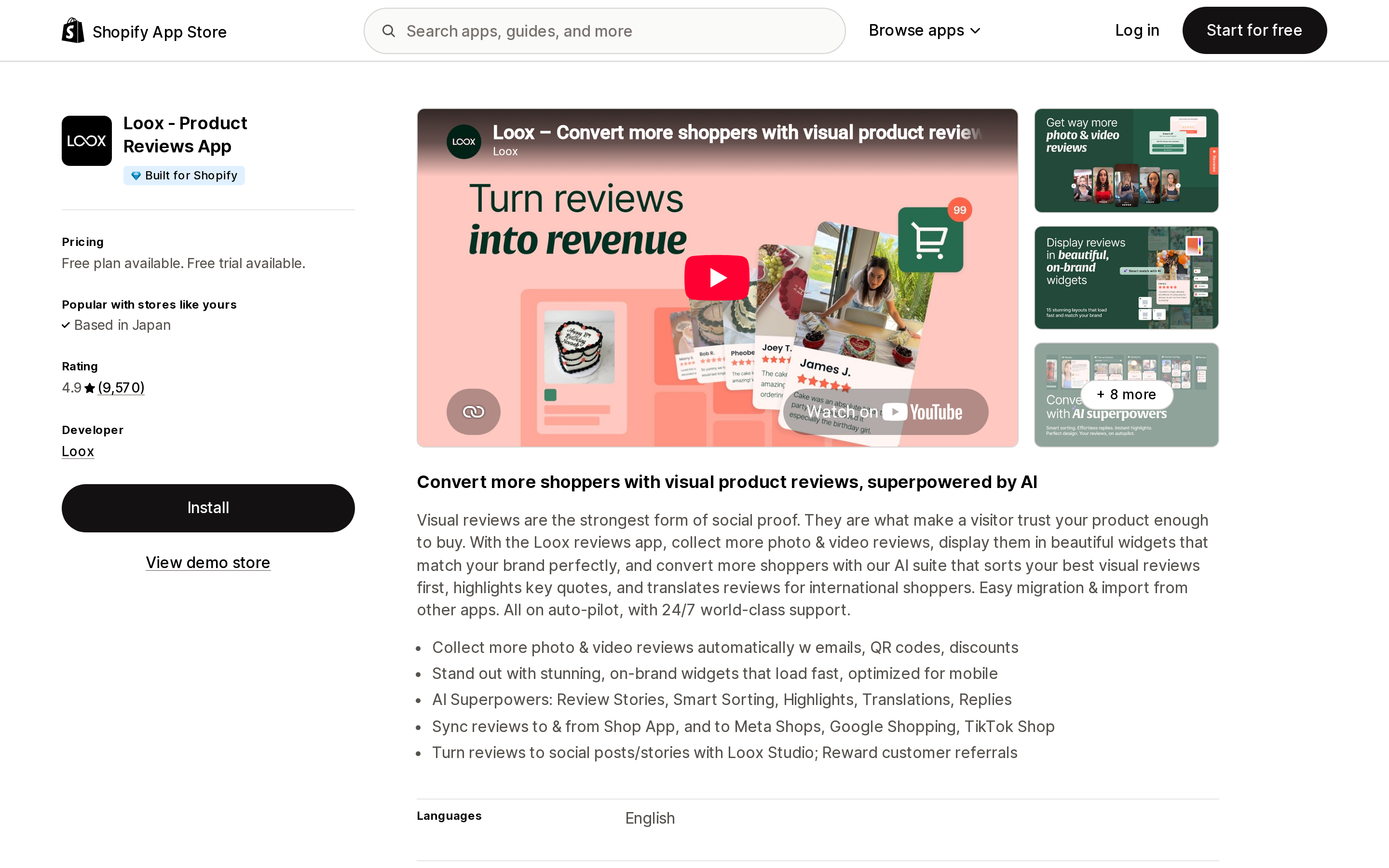
Source: Shopify App Store (Loox ‑ Product Reviews App), retrieved September 10, 2026
Choosing a destination
If your reviews carry photos and videos. Of the templates published by these five, Okendo's is the one with a video field. Judge.me rejects video outright and asks you to re-upload by hand; Loox routes video imports to support. Photos travel as public URLs in the Judge.me, Loox and Okendo templates, which means the destination app fetches them from wherever they currently live. Okendo's help center recommends re-hosting media in Shopify Files (Settings > Content > Files) before importing, and that is the safe order of operations regardless of destination.
If the verified badge is load-bearing. Judge.me documents an automatic metaobject re-verification path and spells out the conditions under which it fails. The import documentation reviewed here for Loox, Yotpo, Okendo and Stamped doesn't describe an equivalent. Judge.me is also the app that will not let you assert verification manually, which is the same fact seen from the other side.
If you have more than 100,000 reviews. Loox is out; its per-store import cap is permanent, not per file. Judge.me's export splits at 100,000 per file and its guides recommend batches of about 5,000 rows.
If you're on Yotpo Premium or Enterprise. You cannot self-serve. Plan for a support ticket and a turnaround you don't control.
If you are re-platforming, not just re-apping. Judge.me states the limit clearly for BigCommerce-to-Shopify moves: reviews imported from another platform "won't be verified," because "orders, products, and customers are stored differently on each platform." Cross-platform migrations lose verification unconditionally.
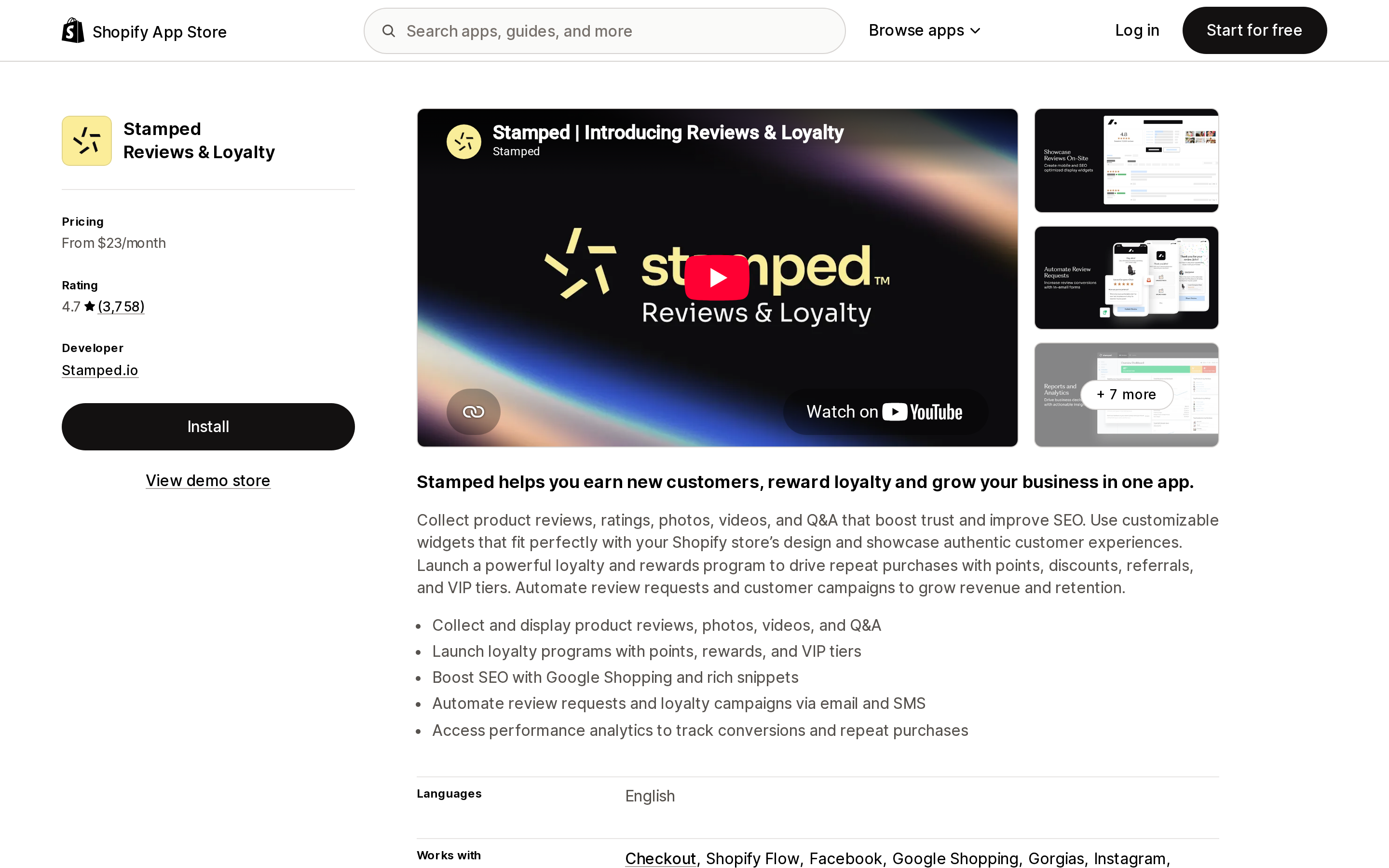
Source: Shopify App Store (Stamped Reviews & Loyalty), retrieved September 10, 2026
Before you uninstall anything
Shopify's own note on the partner sync page is the sequencing rule, and it is easy to read past:
Reviews collected through a partner app must be managed within the same app. If you're considering switching to a different app, then you need to transfer all existing reviews before uninstalling the current app.
Concretely, that means: export while the old app is still installed and paid for. Re-host review photos in Shopify Files so the URLs don't depend on an account you're about to close. Open the export and check whether the metaobject handle column exists and has values in it, because that column — not the review text — is what decides whether the badge comes back. Import in batches, with the verification option on, on the first pass rather than the second. And plan for the star ratings on your product pages to survive the move while the Shop listing, the Google Shopping feed and the TikTok Shop sync may not.
The reviews are yours. The verification was never in the file.
Sources
- Syncing Shop product reviews with partner apps — Shopify Help Center
- Shop product reviews guidelines and requirements — Shopify Help Center
- Standard product review metaobject definition — Shopify.dev
- Generally available: Standard product review syndication program — Shopify developer changelog
- Importing reviews with Judge.me import wizard — Judge.me Help Center
- Exporting reviews — Judge.me Help Center
- Verified reviews — Judge.me Help Center
- Syncing reviews with Shop app — Judge.me Help Center
- Migrating reviews from Loox to Judge.me — Judge.me Help Center
- Migrating reviews from Yotpo to Judge.me — Judge.me Help Center
- Migrating reviews from Stamped to Judge.me — Judge.me Help Center
- Importing Reviews Using a Custom File — Loox Help Center
- Undo Incorrect Review Imports — Loox Help Center
- Importing Product Reviews from Shopify Reviews — Yotpo Support
- Reviewer Badges — Yotpo Support
- Importing Reviews Using the Okendo Import Template — Okendo Help Center
Shopify's rich text editor offers Heading 1 through Heading 6 and no way to give any of them an id. Shopify's own Help Center page for blog posts never mentions a table of contents, anchors, or headings. We fetched three long articles from a live US Shopify store: 20, 24, and 9 h2/h3 elements, and zero of them in the article body carried an id. Then we fetched a demo article running a TOC app: the server HTML contains id=\"toc- zero times, and after JavaScript runs, 9 of 9 headings have one. That is the whole category in one sentence. Compared five real apps — Easy Table of Contents 2.0, RuffRuff Table of Contents, Smart Table of Contents, Jump Links ‑ Table of Contents, and Auto Table of Contents — on USD pricing, what the free tier withholds, and placement. Between them: 35 reviews, one Built for Shopify badge, one admin that is not translated into English, and one developer who admitted in a public reply that uninstalling leaves code behind. Also why 'Google jump-link schema' is a paid feature for an output Google documents as automated. Verified September 10, 2026.