
What you will learn
On this pageContentsCloseOpen
If your product pages have turned into one long scroll of description, shipping policy, care instructions, and size notes, the fix most merchants reach for is a "product tabs" app. Before you install one, it's worth knowing that Shopify's own themes already ship a collapsible-content block, and that block can show different content on different products for free. The question is not "do I need an app for tabs," but "which specific behavior do I need that the theme block cannot deliver." This article answers that from primary sources checked on September 8, 2026, then compares six product tabs apps on the same axes.
What the native theme blocks can do
Shopify's own tutorial for displaying metafields on a product page uses exactly this feature. In Adding product care instructions using metafields, the Help Center walks through creating a "Care guide" product metafield definition, entering values per product, then opening the theme editor on the default product template and clicking Add block > Collapsible row inside the Product information section. You enter a heading, optionally choose an icon, and next to the row content you click the Connect dynamic source icon and select the metafield.
The key sentence in that tutorial is the one many merchants miss: "Your care instructions will only display on the products they're connected to and the section isn't filled in for any products without a value for that metafield. That means you can set up a single product template that'll work for all your products." In other words, the recurring Shopify Community complaint that "the Collapsible row shows the same text on every product" is a symptom of typing static content into the block instead of connecting it to a metafield. Connect a metafield and the row becomes per-product, and it disappears automatically on products where the field is empty.
This works on any theme that supports dynamic sources, which covers Online Store 2.0 themes. The same Help Center page notes that if you are on a vintage theme, or want a metafield type your theme doesn't support, you'll need to edit theme code or hire a Shopify Partner. If you already have a size or fit metafield, our earlier piece on Shopify size chart options with native metafields vs. apps uses the same mechanism.
Horizon, Shopify's newer flagship theme, does not have a block called Collapsible row. A July 2026 Shopify Community thread from a merchant who could not find it was answered with the block's Horizon name: it's called Accordion, and it lives under the Layout group of blocks in the theme editor. Functionally it fills the same role, and you nest Text or other blocks inside each accordion row.
Where the native blocks stop
Everything above gets you a vertical accordion whose per-product content comes from metafields. Four things are outside that envelope, and they are the real reasons product tabs apps exist.
The first is horizontal tabs. Dawn's Collapsible row and Horizon's Accordion are accordions only. An October 2025 Community thread asking whether a tabs block exists in Horizon's Product information section got consistent answers: there isn't one, and getting horizontal tabs means custom Liquid, CSS, and JavaScript, or an app. If your brand's product page design calls for a horizontal Description / Specs / Shipping strip, the theme editor won't give it to you.
The second is splitting an existing description automatically. If you have hundreds of products whose descriptions already contain headings like "Materials" and "Care," the native route means moving that content into metafields product by product. Apps like Tabs Studio and FOLDER read the description on the storefront and turn each heading of a chosen level into a tab, with no data migration.
The third is rule-based shared content. Native rows show the same static content on every product using that template, or per-product content from a metafield. What they cannot do without extra templates or metafield work is "show this Warranty tab on every product tagged electronics and this Freshness tab on the Coffee Beans collection." Apps call this shared tabs, and they let you edit the content once and have it update everywhere the rule matches.
The fourth is putting another app's widget inside a tab. A Reviews tab powered by Judge.me or a Size Chart tab from Kiwi Size Chart is a common design pattern, and it requires either the tabs app's integration list or custom code.
If none of those four apply to you, stop here. A metafield-driven Collapsible row or Accordion costs nothing, adds no third-party JavaScript to the page, and leaves nothing behind when you change themes. If one or more applies, the six apps below are the ones we checked.
Six product tabs apps, checked on the same axes
All six apps below carried the Built for Shopify badge on their listings as of September 8, 2026. Ratings, review counts, and prices are as displayed on the US-locale Shopify App Store on that date and can change; confirm on the listing before installing.
| App | Developer | Rating (reviews) | Free plan | Paid from | Free trial | Horizontal tabs | Tabs from headings | Shared tabs |
|---|---|---|---|---|---|---|---|---|
| Tabs Studio | Station | 5.0 (174) | Yes, 1 shared tab | $3/month | 3 days | Yes | Yes, H1–H6 selectable | 1 free, 10 on Essential, unlimited on Plus |
| FOLDER ‑ Smart Product Tabs | TK Digital | 4.7 (453) | Yes, standard tabs only, with app branding | $5/month, $48/year, or $89.95 lifetime | 7 days | Yes | Yes | Paid plans only |
| Trusted Product Tabs with AI | Trusted apps | 5.0 (99) | Yes, 1 shared tab | $4.99/month, $49.99/year, or $89 lifetime | 7 days | Yes | Not stated on listing | 1 free, unlimited paid |
| Advanced Product Tabs | Polar Bear Commerce | 4.5 (23) | Yes, 3 products and one tab | $2.99/month | Not stated | Not stated on listing | Not stated on listing | Unlimited products/collections from Starter |
| D: Product Tabs | DDSHOP APPS | 5.0 (15) | Yes, 1 tab group | $3.99/month | 3 days | Not stated on listing | Not stated on listing | 1 group free, unlimited on Pro |
| EasySlide Accordion tabs & FAQ | NexusMedia | 5.0 (165) | No | $5/month | 7 days | No, accordion only | Not stated on listing | Unlimited |
"Not stated on listing" means the App Store listing text we checked did not make the claim either way. It does not mean the feature is absent.
Tabs Studio
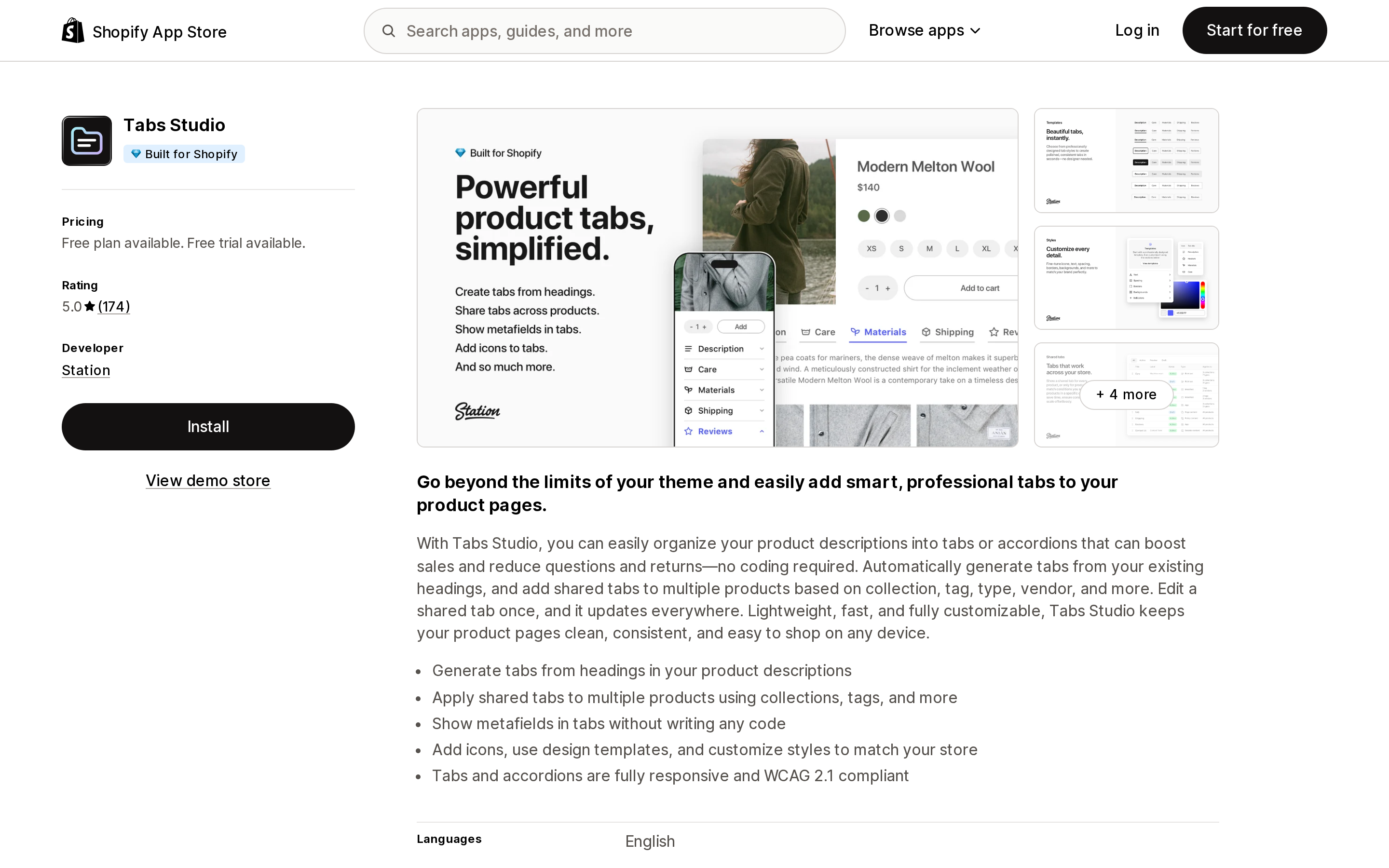
Source: Shopify App Store (Tabs Studio), retrieved September 8, 2026
Tabs Studio, by Station, has been on the App Store since January 2018 and shows a 5.0 rating across 174 reviews, of which 168 are five-star, five are four-star, and one is three-star. The free plan includes unlimited tabs generated from headings, one shared tab, and five tab icons. Essential at $3/month raises that to 10 shared tabs and 50 icons; Plus at $6/month gives unlimited shared tabs and 250 icons. Both paid plans carry a 3-day free trial.
Station's own documentation is unusually specific, which matters if you care about what an app does to your theme. The app ships as both an app embed and an app block. The app block documentation states that Tabs Studio "does not add, change, or remove any theme code" and that all functionality is delivered through separate JavaScript and CSS files. The heading level used to split descriptions is selectable from Heading 1 through Heading 6, with Heading 3 as the default, and the app block lets you choose horizontal, vertical, or automatic layout with a configurable screen-width breakpoint. Shared tabs can be scoped by collection, tag, type, or vendor, and their content can be rich text, an element from the page, another app such as a reviews or size chart widget, or custom Liquid. The listing also states that metafields can be shown in tabs without writing code, and that tabs and accordions are WCAG 2.1 compliant.
Best fit: stores on Dawn, Horizon, or another OS 2.0 theme that want horizontal tabs, want to keep their existing description headings as the source of truth, and want the theme left untouched. Poor fit: anyone who needs more than one shared tab for free, since that is the point where the $3/month Essential plan becomes necessary.
FOLDER ‑ Smart Product Tabs
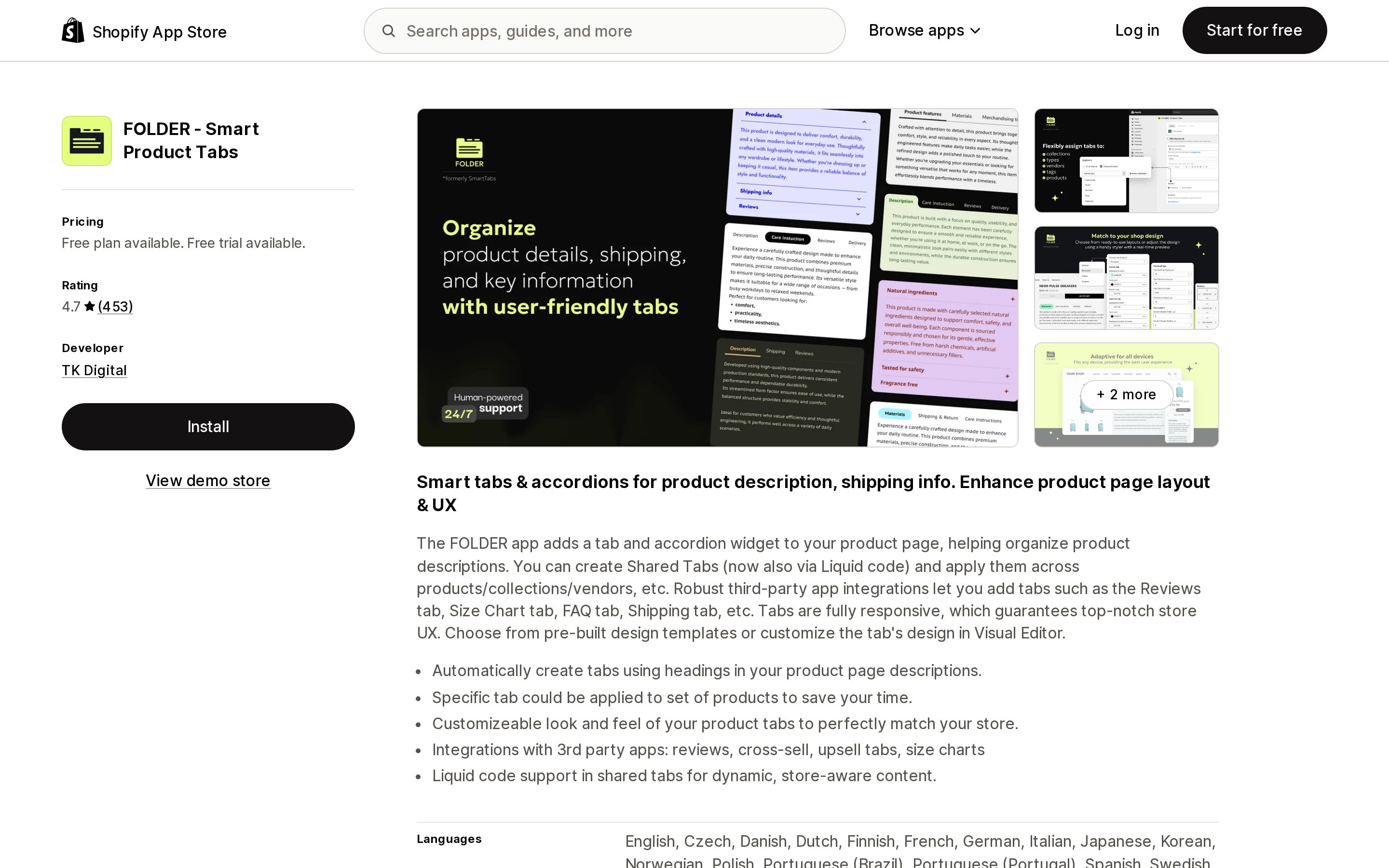
Source: Shopify App Store (FOLDER ‑ Smart Product Tabs), retrieved September 8, 2026
FOLDER, from TK Digital, is the most-reviewed app in this group with 453 reviews and a 4.7 rating, and it has been listed since July 2017. The distribution is 381 five-star, 38 four-star, 7 three-star, 8 two-star, and 19 one-star reviews. That 19 one-star count out of 453 is the highest absolute number here, but it is also the only app with enough volume for the tail to be visible at all.
The free plan includes unlimited standard product tabs with a default style preset, limited design settings, and app branding. Plus at $5/month (or $48/year) adds shared tabs, premium presets, extensive design settings, custom CSS, and removes the branding, with a 7-day trial. There is also a Lifetime option at $89.95 one-time that the listing describes as including all features and future updates. The listing states that tabs can be created automatically from headings in descriptions, that shared tabs can be applied by product, collection, or vendor, and that shared tabs now support Liquid code for store-aware content. Listed integrations include Fera Product Reviews, Judge.Me, Kudobuzz Reviews, and YotPo, and the listing is available in 20 languages.
Recent reviews are dominated by support responsiveness. One April 2026 reviewer described switching to FOLDER after five years on another tabs app and transferring static tabs without difficulty. Best fit: merchants who want the longest track record in the category, need Liquid inside shared tabs, or prefer to pay once. Poor fit: anyone who needs shared tabs on a free plan.
Trusted Product Tabs with AI
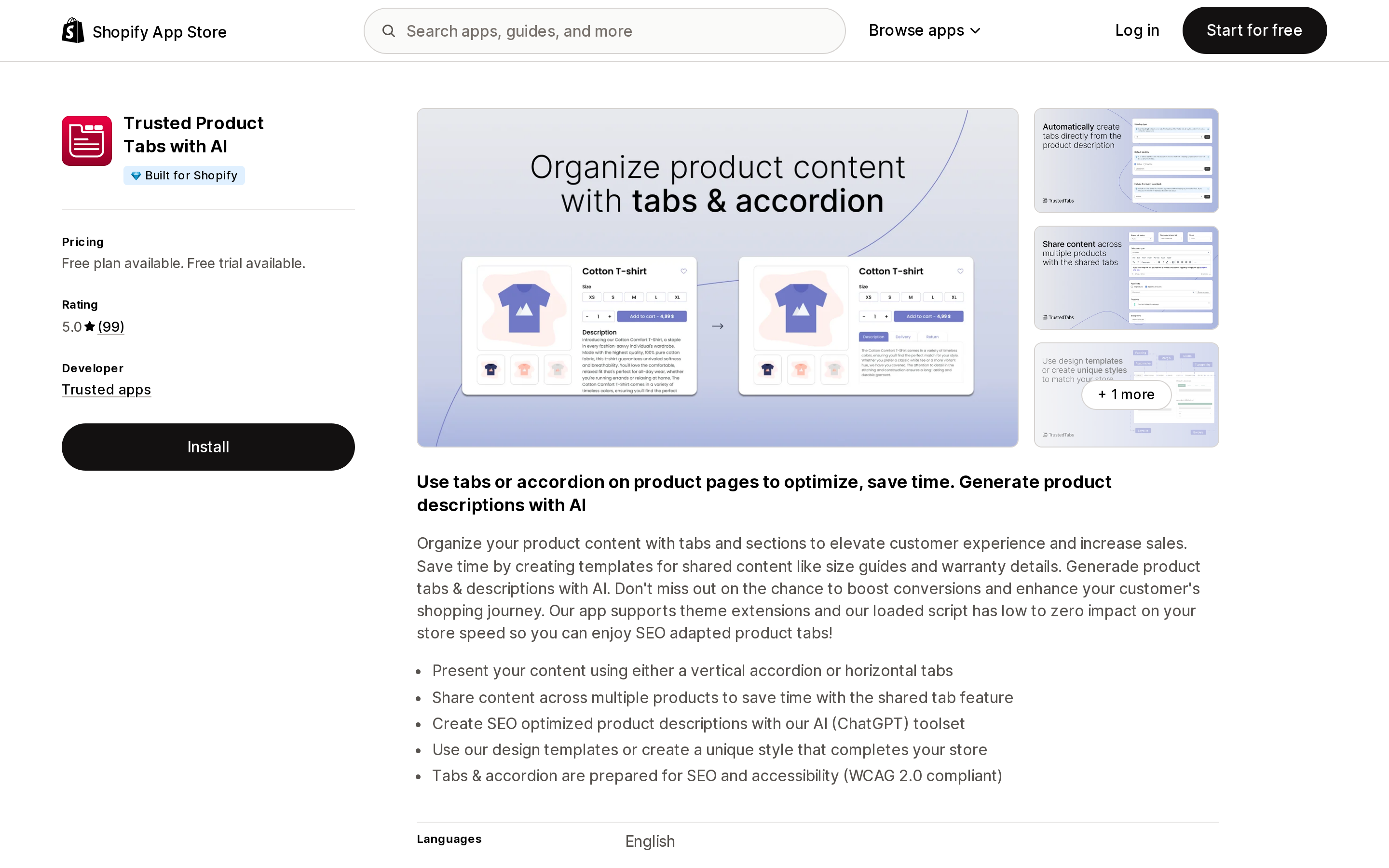
Source: Shopify App Store (Trusted Product Tabs with AI), retrieved September 8, 2026
Trusted Product Tabs with AI, by Trusted apps, launched in March 2023 and has 99 reviews, every one of them five-star. The free plan includes unlimited product tabs, one shared tab, and extensive design settings. Paid options are $4.99/month, $49.99/year, or $89 one-time, and all three unlock unlimited shared tabs, AI-generated product descriptions, and what the listing calls "Faster load." Monthly and yearly plans have a 7-day trial.
The listing states support for both a vertical accordion and horizontal tabs, says the app uses theme extensions, and claims WCAG 2.0 compliance. Listed integrations are Judge.me Reviews and Loox Reviews. The AI description generator is the differentiator, but it is a separate job from organizing content, and merchants who already write descriptions elsewhere will be paying for a feature they don't use. Best fit: small catalogs that want a one-time price and would use the AI writer. Poor fit: stores that need reviews-platform integrations beyond Judge.me and Loox.
Advanced Product Tabs
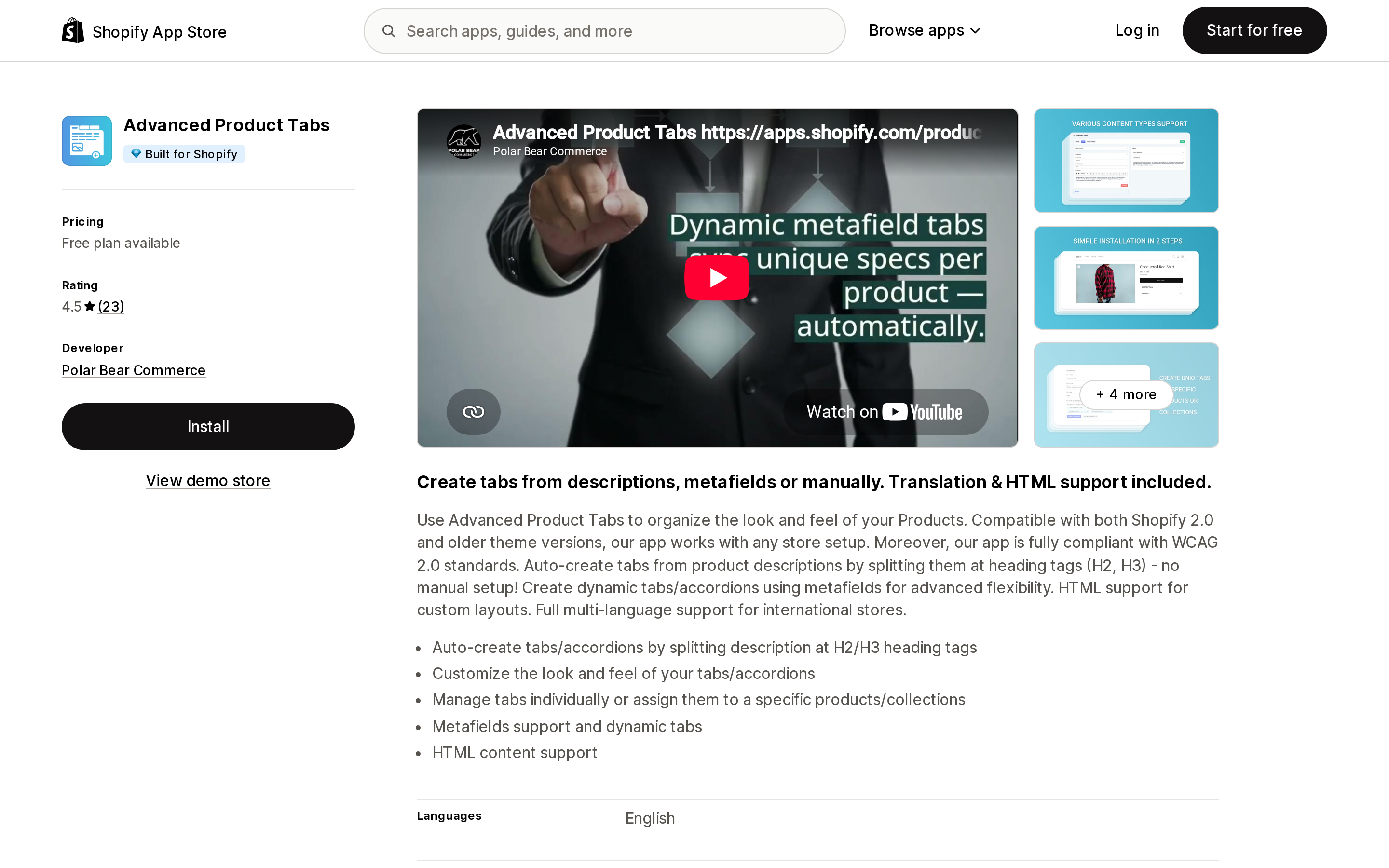
Source: Shopify App Store (Advanced Product Tabs), retrieved September 8, 2026
Advanced Product Tabs is developed by Polar Bear Commerce, a US company listed in Lansing, Michigan. It launched in April 2023 and has 23 reviews at 4.5 stars. Its free plan is the most restrictive in this group, capped at 3 products and one tab, but it includes metafields and dynamic tabs, full translation support, and custom HTML. Starter at $2.99/month removes the product and tab caps but the listing does not include metafields or translation in that plan; Premium at $4.99/month adds those back along with priority support. No free trial is stated on the listing, and the only listed integration is Shopify Admin.
The review picture needs a caveat. Of the 23 reviews, 22 are five-star and one is one-star, and that single one-star review is from a US merchant in August 2026 who reported waiting three days for a support response and seeing deleted tabs still rendering on products. One review is not a pattern, but it is the most recent one, and it concerns the two things that matter most in a tabs app: support turnaround and whether removed content actually goes away. Best fit: stores that want metafield-driven tabs with translation at under $5/month. Poor fit: anyone evaluating on the free plan with more than three products.
D: Product Tabs
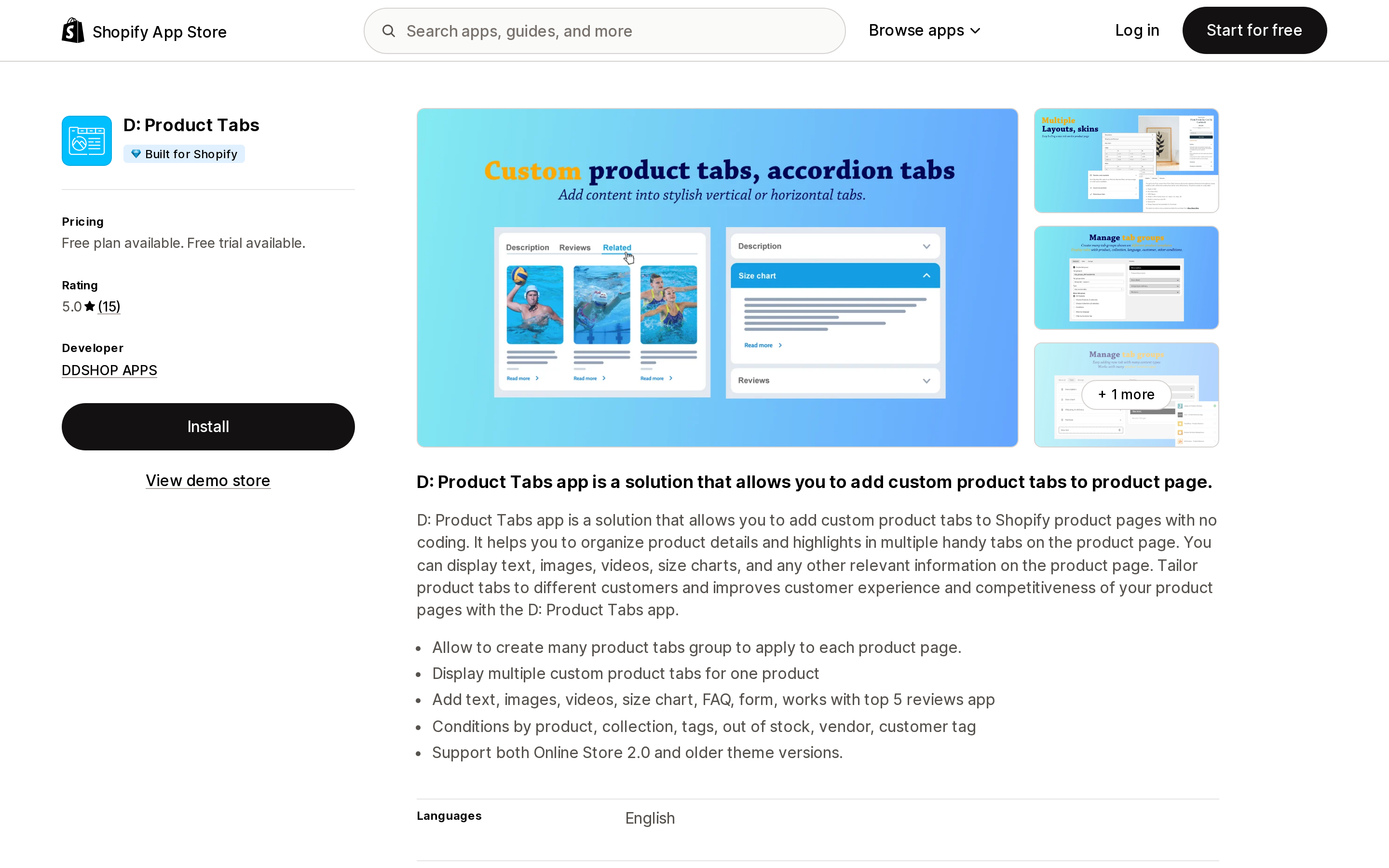
Source: Shopify App Store (D: Product Tabs), retrieved September 8, 2026
D: Product Tabs, by DDSHOP APPS, is the newest app here, launched in August 2024, with 15 five-star reviews. The free plan includes unlimited product tabs, one tab group, review app integrations, an FAQ and product question form, all style settings, and custom CSS. Pro at $3.99/month adds unlimited tab groups, display conditions, show-by-language, show-by-customer-tag, metafields, and copyright removal, with a 3-day trial. Advanced at $6.99/month adds analytics. Listed integrations include Ali Reviews, Judge.me, Loox, and Trustshop.
The show-by-customer-tag condition is worth noting for stores that sell to both retail and wholesale customers and want, say, a Wholesale Terms tab visible only to tagged B2B accounts. Best fit: stores that want conditional visibility by customer tag or language at a low monthly price. Poor fit: merchants who weight track record heavily, since 15 reviews over two years is a thin sample.
EasySlide Accordion tabs & FAQ
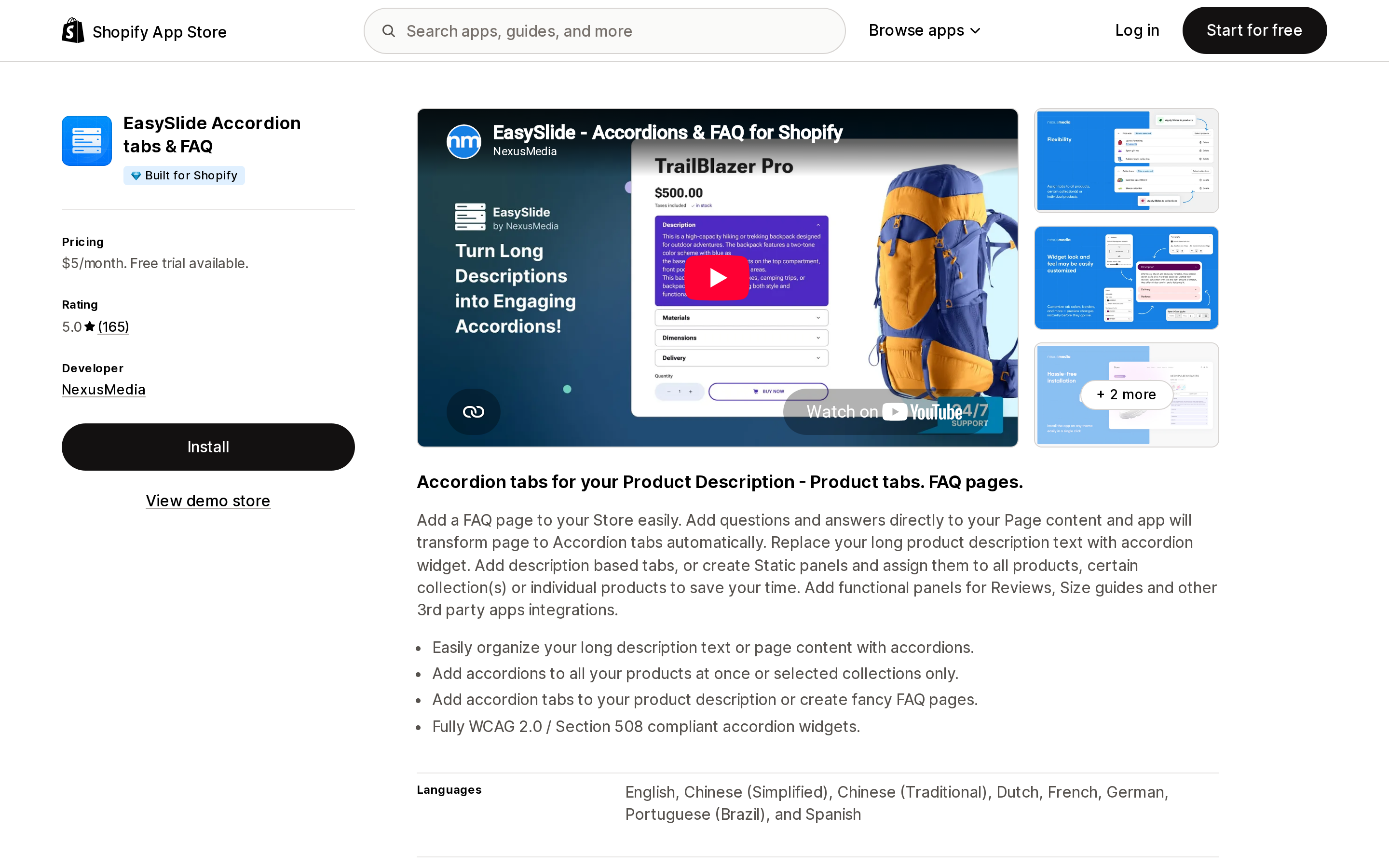
Source: Shopify App Store (EasySlide Accordion tabs & FAQ), retrieved September 8, 2026
EasySlide, by NexusMedia, is the oldest app in this group, listed since November 2015, with 165 reviews, all five-star. It is also the only app here with no free plan: the single Premium Plan is $5/month with a 7-day trial and includes unlimited shared and product accordions, accordion widgets for FAQ pages, language translations, and customizable design. Listed integrations are Judge.me, Kudobuzz, Loox, Ryviu, Sized, and YotPo.
The name is precise. EasySlide is accordion-only, so it does not solve the horizontal-tabs problem. What it adds over the native Accordion block is shared content rules, third-party widget integration, and the ability to build accordion FAQ pages outside the product template. If FAQ pages are part of the requirement, compare it against the options in Shopify FAQ apps after the FAQ schema deprecation before deciding. Best fit: stores that want accordions on product pages and FAQ pages from one app and don't mind paying from day one. Poor fit: anyone who needs horizontal tabs.
How to decide
Start with the four gaps. If your content varies per product and a vertical accordion is acceptable, use the theme's Collapsible row or Accordion block connected to a metafield. It's free, it's per-product, and there is nothing to uninstall later. If you don't yet have metafield definitions set up, our guide to Shopify metafield and metaobject limits covers what to expect.
If you need horizontal tabs, an app is required on Dawn and Horizon. Tabs Studio, FOLDER, and Trusted Product Tabs with AI all state horizontal support on their listings; EasySlide does not offer it.
If your descriptions already use headings and you have too many products to migrate, choose an app that splits by heading. Tabs Studio documents the mechanism in detail and lets you pick the heading level; FOLDER states the same capability.
If you want one tab to appear across a collection, tag, type, or vendor, you need shared tabs. Tabs Studio's free plan gives you one, which is enough for a single store-wide Shipping & Returns tab. More than one means Essential at $3/month, FOLDER Plus at $5/month, or Trusted's paid tier.
If you would rather pay once, FOLDER's $89.95 lifetime and Trusted's $89 lifetime are the two options. Both are one-time charges billed through Shopify, and both listings say all features are included.
Whatever you install, remember that a tabs app renders on every product page load. Check the page-speed impact before and after using the method in how Shopify apps affect store speed, and if you later remove the app, follow the app uninstall cleanup checklist to confirm that no app embed is still active in your theme.
Sources
- Shopify Help Center: Adding product care instructions using metafields
- Shopify Help Center: Theme structure
- Shopify Community: Horizon Theme – Missing Collapsible Row Block (July 2026)
- Shopify Community: Can you create tabs in Shopify Horizon product information? (October 2025)
- Station Help Center: The Tabs Studio app block
- Station Help Center: Get started with Tabs Studio
- Shopify App Store listings for Tabs Studio, FOLDER ‑ Smart Product Tabs, Trusted Product Tabs with AI, Advanced Product Tabs, D: Product Tabs, and EasySlide Accordion tabs & FAQ (US locale, retrieved September 8, 2026)
We counted every app in the Shopify App Store's Product comparison category: 223 apps, of which 149 are size charts, fit finders, or virtual try-on. Only 46 have compare, spec, versus, or table in the name, and those 46 hold 297 reviews between them — a quarter of what one size chart app has on its own. Then the naming problem: Liquid's `compare_at_price` is a price, Horizon's `comparison-slider` block is a before/after photo wipe, and `taxonomy_category` won't give you the category's attributes. Nine apps compared on six incompatible pricing meters, one 'free plan' that is only free on a development store, and a free tier that puts ads on your product page. Prices verified on the Shopify App Store September 8, 2026.