
What you will learn
On this pageContentsCloseOpen
You want a "New" badge on twelve products. Or "Best seller" on your top collection. Or "Only 3 left" on the pair of boots that keeps selling out. So you open the theme editor, find the Badges section in theme settings, and discover it lets you change the corner radius.
That is not a gap in your theme. It is the whole native feature set. Shopify's free themes render exactly two product badges, both driven by data you cannot type in, and there is no admin screen anywhere that creates a third one.
This article confirms what native actually does — read from the Dawn and Horizon source, not from a summary — then compares five currently-listed Shopify App Store apps that sell the missing badge. The interesting part is not their features, which mostly overlap. It is that no two of them meter the same thing, so their $9 plans are not the same $9.
The short version
- Dawn and Horizon render Sale and Sold out. Sale fires when
compare_at_price > price. Sold out fires when the product is unavailable. The logic is an if/elsif, so a sold-out item on sale shows only "Sold out". - There is no admin UI to create a custom badge. Theme settings control position, corner radius, and color — not text, not conditions.
- The low stock indicator is a product page block, not a card badge, and it only works when Shopify tracks the inventory.
- If you are on Horizon, you can build a metafield-driven pseudo-badge inside the product card with no app and no code. On Dawn you cannot.
- The five apps below bill on four incompatible units, and two of them charge a Shopify Plus premium that the other three do not.
What Shopify actually renders
In Dawn 16.0.0, the product card badge logic lives in snippets/card-product.liquid and is four lines long:
{%- if card_product.available == false -%}
  {{- 'products.product.sold_out' | t -}}
{%- elsif card_product.compare_at_price > card_product.price and card_product.available -%}
  {{- 'products.product.on_sale' | t -}}
{%- endif -%}
Horizon 4.1.5 does the same thing in blocks/_product-card-gallery.liquid with different string keys. Two badges. Two conditions. The badge text comes from fixed locale keys, which means there is no theme setting that lets a merchant change the word "Sale" to "40% off" or "Doorbuster."
The Shopify Help Center theme settings page states the boundary plainly: "Sale and Sold out badges are automatically added to your product images when you reduce the price or when the inventory count reaches 0. You can adjust the position, shape, and color of your Sale and Sold out badges individually in your theme settings."
What that gives you in Dawn 16 is four settings: position on cards (four corners), corner radius (0 to 40px), and a color scheme each for the sale and sold-out badge. Notably the Badges settings group contains no on/off toggle — there is no editor setting that suppresses the Sale badge. Horizon 4.1.5 is slightly richer: three positions, corner radius up to 100px, direct color pickers for background and text on each badge, plus a badge font family and an uppercase toggle.
That is the entire native surface. "New," "Best seller," "Staff pick," "Limited edition," "Ships free," "Back in stock" — none of them exist, and none can be created without either code or an app.
The low stock block is not a badge
Both themes do ship a low stock feature, and it is easy to mistake it for a badge. In Dawn it is the "Inventory status" block inside the product section; in Horizon it is the "Product inventory" theme block. Horizon's threshold setting is labeled "Low stock threshold," ranges from 0 to 100, and defaults to 10, with a separate toggle for showing the actual count.
Two limits matter. It renders as an icon and a line of text on the product page only — it does not appear on collection cards, where most shoppers actually browse. And it requires inventory_management to be Shopify; if a product's stock is tracked elsewhere, the block falls back to plain in-stock or out-of-stock.
The Horizon workaround worth trying before you install anything
Horizon's blocks/product-card.liquid accepts child blocks, and the accepted list includes a text block and a custom-liquid block. A text block's setting is a richtext field, which means it supports the theme editor's dynamic sources picker — Shopify's documented way to bind a block setting to a metafield without writing code.
So on Horizon, a merchant with no developer can add a text block inside the product card, connect it to a product.metafields.custom.badge text field, and get per-product label text on collection pages. Fill the metafield with "Best seller" on twenty products and it renders on those twenty cards; leave it empty and nothing renders.
The honest caveats: it produces inline text inside the card layout, not an overlaid corner badge on the image, so matching real badge styling still means writing Custom CSS. And the dynamic source picker has no conditional logic — "show if tag = new" is not expressible. Dawn has no equivalent, because its product card is a snippet rather than a block, so this trick does not transfer.
If your requirement is one static label per product on Horizon, try this first. If you need conditions, scheduling, or a badge on the image, keep reading.
Where an app becomes the right call
An app is the reasonable answer when at least one of these is true:
- The badge has to react to a condition — inventory below X, discount above Y%, a specific tag, collection, or customer segment.
- It has to be scheduled — turns on Friday at 9am for BFCM, turns off Monday.
- It has to sit on the product image across cards, search results, and the product page.
- You need more than one badge at once on the same product.
If none of those apply, native plus a metafield is cheaper and adds nothing to your theme.
Five apps, four different billing units
Every price below was read from the app's Shopify App Store listing on September 6, 2026. All are billed in USD.
| App | Free plan | Entry paid | Meters on | Shopify Plus premium |
|---|---|---|---|---|
| DECO Product Labels & Badges | 4 labels on 20 products | $9/month | Labels × products | +$20/month on every paid plan |
| TA AI Product Labels & Badges | 5 labels for 50 items, 1 group | $9/month | Labels × items × AI credits | Separate ladder: $29 / $39 / $49 |
| Sami AI Product Labels & Badge | 5 labels on 50 products, 1 group | $9.90/month | Labels × products | Not stated |
| Product Labels & Badges—Lably | 1 label rule + 1 badge rule, unlimited products | $7.99/month | Rule count only | Not stated |
| Flair: Product Labels & Badges | None | $29/month | Condition tier | Not stated |
Read the "meters on" column before the price column. Three of these apps cap the number of products a free badge can appear on; one caps only the number of rules; one has no free tier at all. A 40-product store hits DECO's and Sami's free ceiling immediately, while Lably's free tier would cover it — with exactly one label rule.
DECO Product Labels & Badges
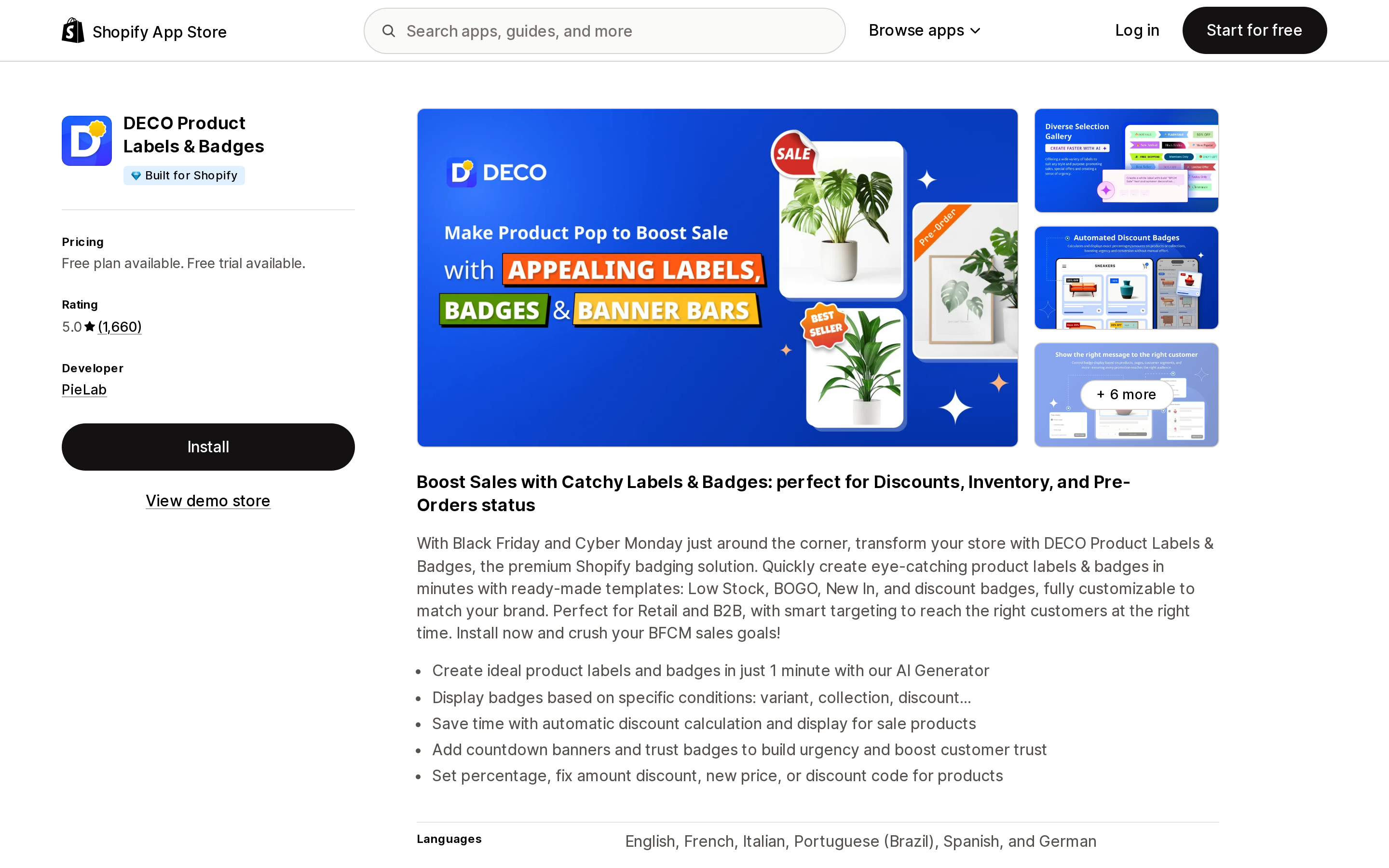
Source: Shopify App Store (DECO Product Labels & Badges), retrieved September 6, 2026
Built by PieLab, Built for Shopify, 5.0 across 1,660 reviews as of the date above. Paid plans are Starter $9, Growth $19, and Unlimited $39 per month, each with a 3-day free trial and a 15% annual discount ($91.80, $193.80, $397.80 per year).
The line to notice sits under every paid tier: "Shopify Plus: +$20/month." A Plus merchant on Growth pays $39, not $19. That doubling is not disclosed in the summary price, only in the plan cards.
The free plan is 4 labels on 20 products, plus unlimited banner bars and trust badges. Scheduling, collection-scoped badges, and metafield-driven label text all sit on Growth or above. DECO also requests scopes a badge app does not obviously need: 60 days of order history and edit access to discount codes.
TA AI Product Labels & Badges
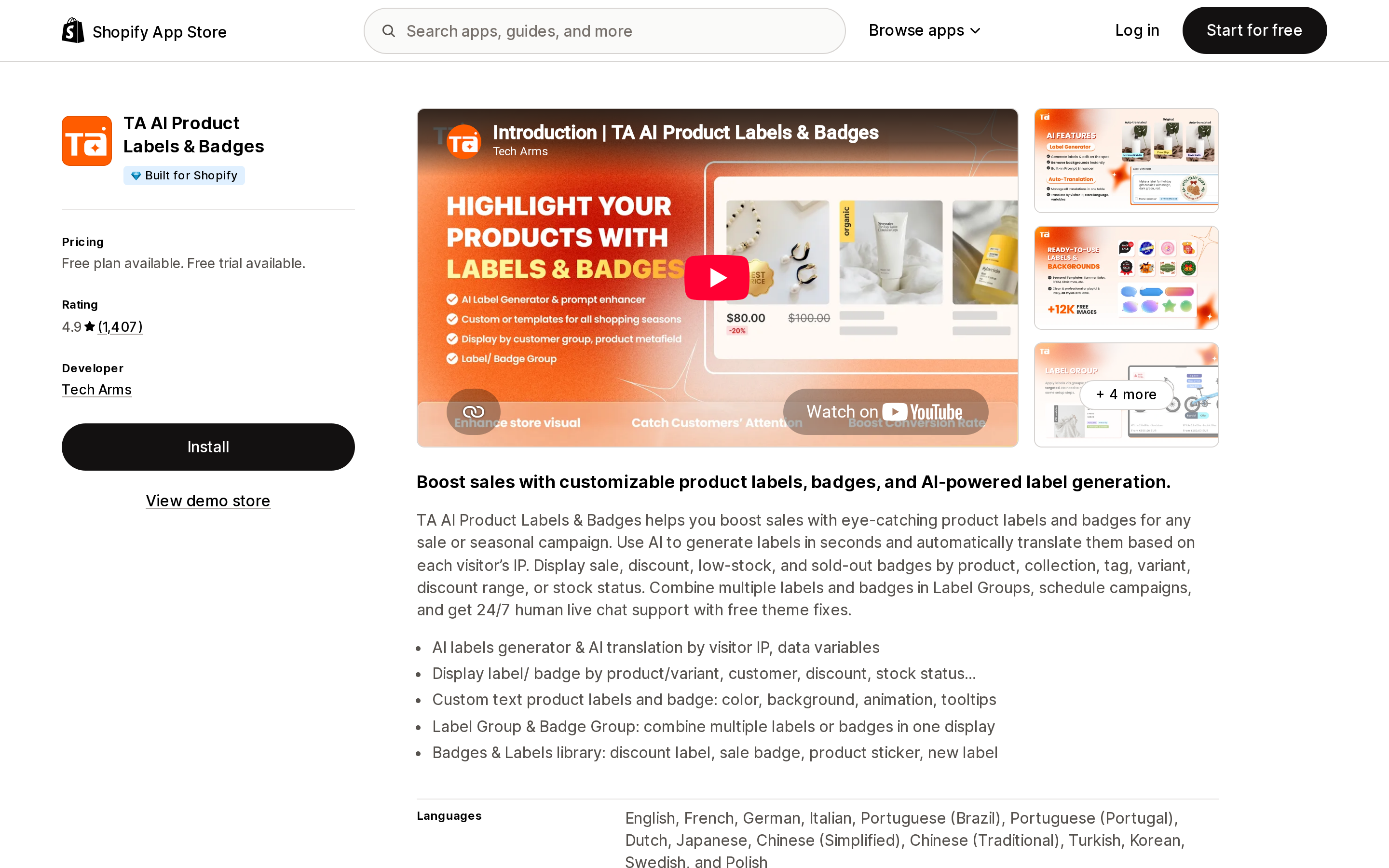
Source: Shopify App Store (TA AI Product Labels & Badges), retrieved September 6, 2026
Built by Tech Arms, Built for Shopify, 4.9 across 1,308 reviews. Basic $9, Pro $19, Platinum $29 per month, 3-day trials, 20% off annual.
TA has the most aggressive Plus pricing in this group — not a surcharge but an entirely separate ladder: $29, $39, and $49 per month for the same three tiers. A Plus merchant's entry price is 3.2× a non-Plus merchant's.
It also adds a third meter most merchants will not think to check: AI generation credits, at 15 per month on Basic, 45 on Pro, and 120 on Platinum. If the AI label generator is the reason you chose this app, the credit pool is the real constraint, not the label count.
One recent review is worth reading before you install. A United States merchant wrote on July 19, 2026 that they were told Shopify would charge only a prorated amount after the trial, then "was charged the full annual subscription amount of $86.40," and concluded: "make sure you fully understand the subscription terms before installing this app." The developer's data access section is also the broadest here — it lists sensitive customer data (name, email, phone, physical address) and, uniquely in this group, Online Store script tags. More on why that matters below.
Sami AI Product Labels & Badge
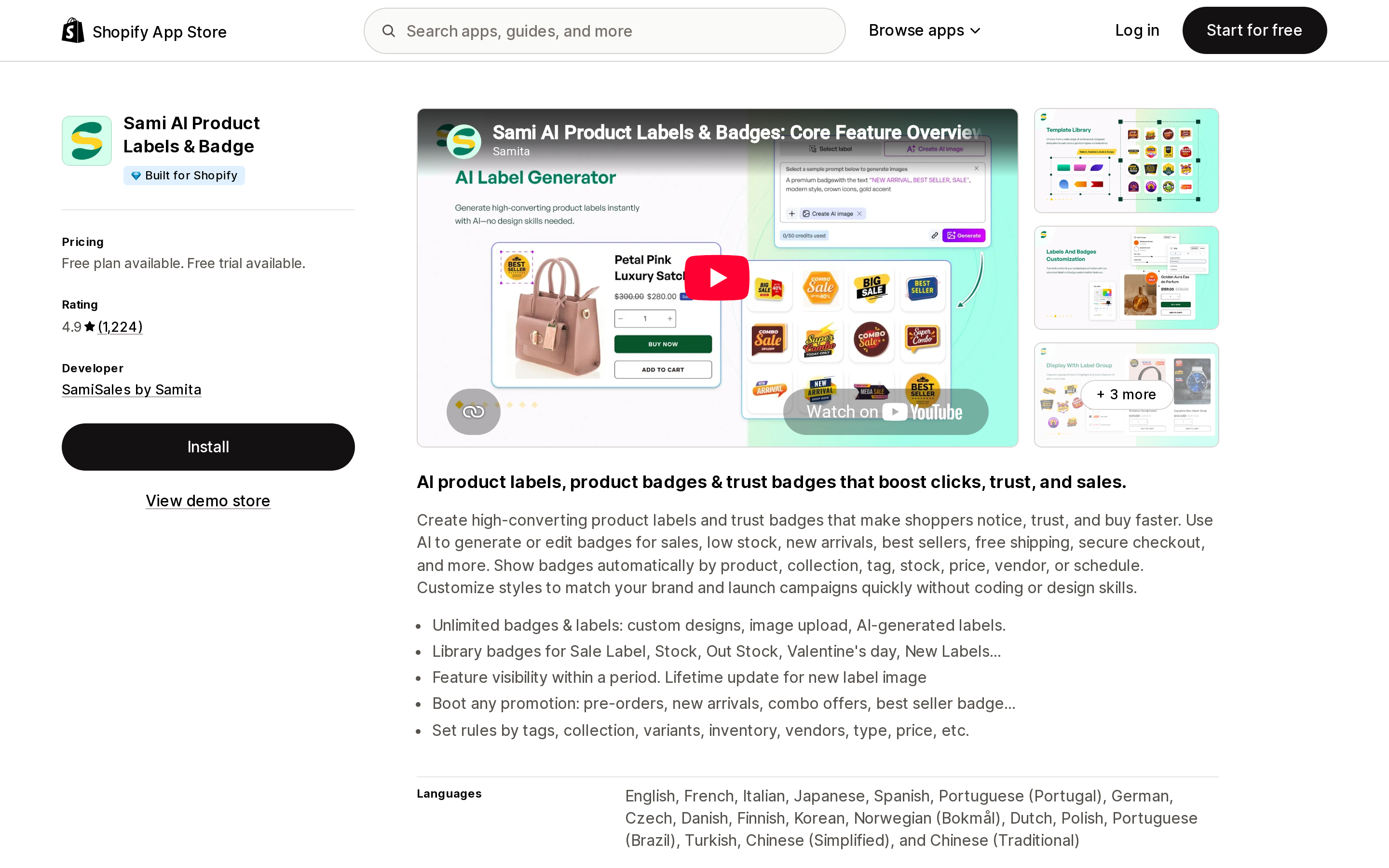
Source: Shopify App Store (Sami AI Product Labels & Badge), retrieved September 6, 2026
Built by SamiSales by Samita out of Hanoi, Built for Shopify, 4.9 across 1,224 reviews on the listing page as of September 6, 2026. Two paid tiers only: GOLD at $9.90/month ($99/year) and DIAMOND at $14.90/month ($149/year), both with a 7-day free trial — the longest trials in this group, alongside Lably and Flair. The listing states no Shopify Plus surcharge.
The tier split is unusual: AI-generated labels, multi-language badges, variant-level labels, and inventory-status badges are all held back to DIAMOND. Free is 5 labels on 50 products with 1 label group.
A merchant review from July 27, 2026 flags the free-tier boundary directly: "the app is a bit clunky (the free version at least)... Unfortunately, you have to upgrade to make the tooltip work. It was not clear at all... I spent hours troubleshooting it." Worth budgeting for the paid tier rather than planning around free.
Product Labels & Badges—Lably
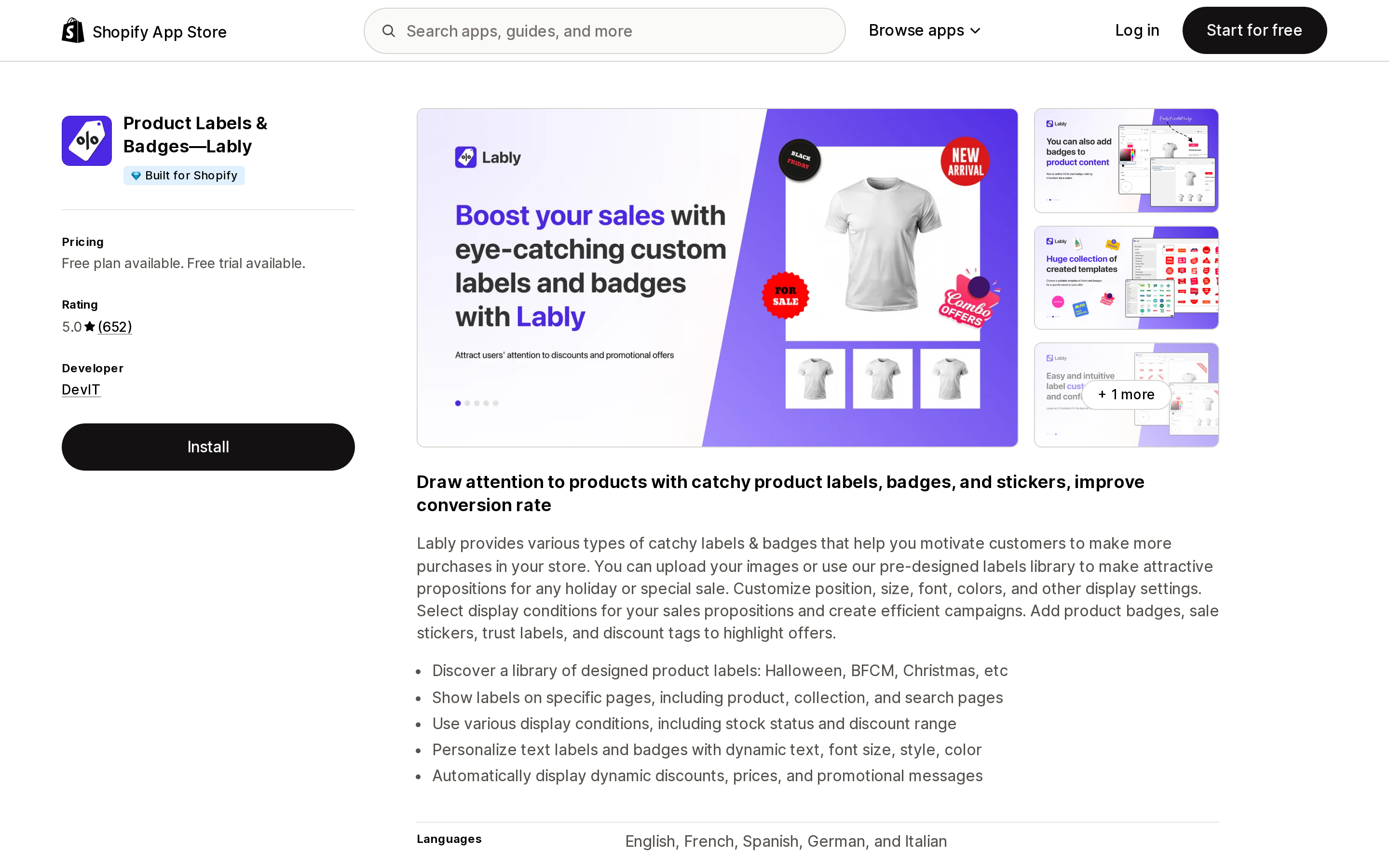
Source: Shopify App Store (Product Labels & Badges—Lably), retrieved September 6, 2026
Built by DevIT out of Toronto, Built for Shopify, 5.0 across 623 reviews on its listing page as of September 6, 2026, with zero one-star reviews. Basic $7.99, Grow $9.99, Plus $19.99 per month, 7-day trials, 25% off annual.
Note the top tier is named Plus. That is a plan name, not a Shopify Plus surcharge — Lably's listing states no Plus-specific pricing at all.
Lably is the structural outlier: it meters only active label rules and badge rules, counted separately, and products are explicitly unlimited on every plan including free. Free gives you 1 label rule plus 1 badge rule with unlimited display conditions across your entire catalog. For a large catalog with a small number of merchandising rules, this is a materially different economic model than the labels-times-products apps. Its data access footprint is also the narrowest here: products, theme (read), files, inventory, tags, locales. No customer data, no orders, no discounts.
The tradeoffs: five listing languages rather than eighteen, and no AI generation feature of any kind.
Flair: Product Labels & Badges
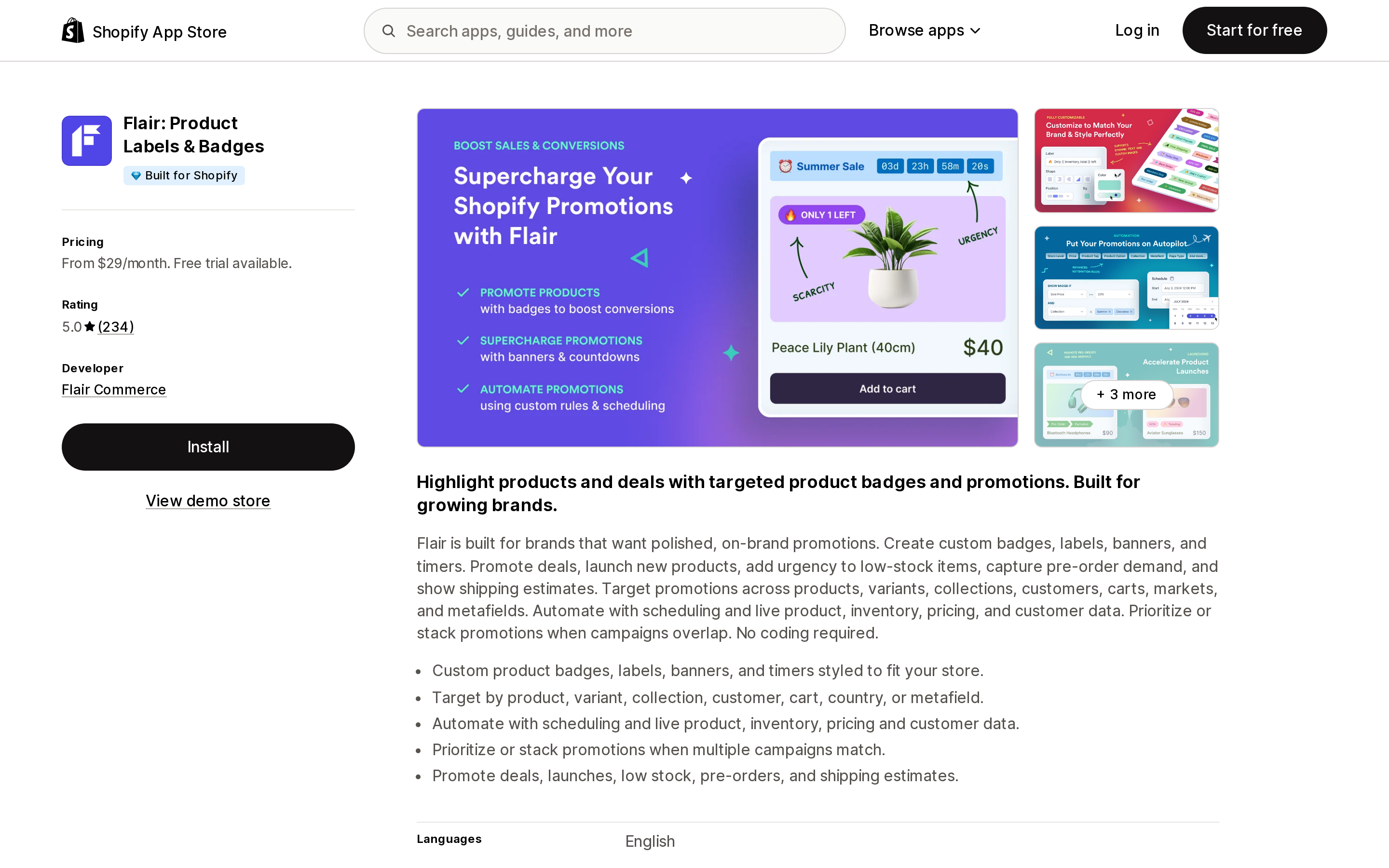
Source: Shopify App Store (Flair: Product Labels & Badges), retrieved September 6, 2026
Built by Flair Commerce in Cary, North Carolina, Built for Shopify, 5.0 across 234 reviews as of September 6, 2026, listed since 2017. Buzz $29, Boost $49, Grow $99 per month, 7-day trials. No free plan — the App Store summary reads "From $29/month."
Flair does not meter labels, products, or rules at all. It gates on condition sophistication: Core conditions on Buzz, Advanced plus countdown banners, scheduling, and stacking on Boost, Premium conditions plus cart and variant promotions on Grow. The listing names its targeting dimensions as products, variants, collections, customers, carts, markets, and metafields, but does not publish a count of available conditions — so if a specific condition is your reason for buying, verify it in the trial rather than assuming a tier.
It is also the only app here whose listing names B2B & Markets in its integrations, which is the practical reason a Plus or B2B store might accept a 3× entry price.
The data scopes are not equivalent, and October 1 is why
Shopify published a script tag deprecation changelog on August 24, 2026 with two hard dates: on October 1, 2026 the scriptTagCreate and scriptTagUpdate mutations begin returning a user error, and on March 1, 2027 Shopify stops injecting script tags into storefronts entirely. Shopify's guidance to developers is unambiguous — replace script tags with app embed blocks shipped in a theme app extension.
Four of the five apps here request read-only "Theme" access under Edit Online Store, consistent with the theme app extension pattern. TA AI Product Labels & Badges is the exception: its data access section lists "Online Store pages, theme, Online Store script tags."
That is not proof anything will break — a granted scope is not the same as an active script tag, and the app holds a Built for Shopify badge. But it is a specific, checkable thing to raise with support before you commit to an annual plan: ask whether the app renders through an app embed block or a script tag, and what happens to your badges on March 1, 2027.
Separately, compare what each app asks to read. Lably and Flair request products, theme, and files. DECO adds 60 days of orders and discount edit rights. Sami and TA add customer data. For an app whose job is drawing a rectangle on a product image, that spread is worth a moment.
Choosing
- Horizon theme, one static label per product, no conditions — use a metafield bound to a text block in the product card. No app.
- Small catalog, one or two simple rules, tight budget — Lably's free tier, because it does not cap products.
- Large catalog, many products, few rules — Lably again; rule-count metering is the cheaper shape.
- Many distinct badges across a mid-size catalog, with scheduling — DECO Growth at $19, or Sami DIAMOND at $14.90 if variant-level and inventory badges are what you want.
- Shopify Plus — price DECO and TA at their Plus rates before comparing ($39 and $39 respectively at the middle tier), and put Flair Boost at $49 in the same comparison rather than dismissing it on entry price.
- B2B or Markets, complex conditions — Flair, and use the 7-day trial to confirm your specific condition exists.
Before you install
Check your theme first — Horizon merchants have a no-app option Dawn merchants do not. Count your products and your rules separately, because that is the axis the pricing turns on. If you are on Plus, look for the Plus line inside the plan cards, not the headline price. Read the data access section. And ask support how the app renders on the storefront, given the March 1, 2027 date.
The badge itself is a rectangle with text in it. What you are actually buying is the rule engine behind it, and the vendors have priced that rule engine on units that make direct comparison harder than it looks.
Sources
- Shopify Help Center — Theme settings
- Shopify Help Center — Theme support and customization
- shopify.dev — Theme blocks: dynamic sources
- shopify.dev — Theme app extensions
- shopify.dev changelog — Online Store script tags deprecation (August 24, 2026)
- Shopify/dawn theme source, v16.0.0
- Shopify/horizon theme source, v4.1.5
- Shopify App Store listings for DECO Product Labels & Badges, TA AI Product Labels & Badges, Sami AI Product Labels & Badge, Product Labels & Badges—Lably, and Flair: Product Labels & Badges, all retrieved September 6, 2026
Shopify added a Bin name column to the inventory CSV on August 25, 2025. It holds one bin per variant per location, it is created only by CSV import, and it prints on Order Printer pick lists. What it does not do is leave Shopify. Shopify staff confirmed on the developer forum in October 2025 and again in January 2026 that there is no public API access to the field, and the developer forum was still reporting the gap in June 2026. That single fact shapes the whole category: EasyScan and iPacky store bins in metafields, Bins-USA and ShelfPilot store them in their own databases, and a free app called Simple Bin Locations copies metafield bins into order notes so packing slips can show them. Shopify's own multi-bin model, with per-bin quantities and an unbinnedQuantity field, exists today only as a feature preview on development stores. Pricing, plan gates, and where each app keeps the bin data, verified on the Shopify App Store, the Shopify Help Center, shopify.dev, and the Shopify community forums on September 18, 2026.