
What you will learn
On this pageContentsCloseOpen
Until this summer, a California Proposition 65 warning on a Shopify store lived wherever you put it: the bottom of a product description, a theme snippet, a tag, or a paid app. On June 17, 2026, Shopify shipped a real home for it. Product disclosures are now structured data — a shopify.disclosure product metafield pointing at metaobject entries with a title, content, a symbol, jurisdictions, and display preferences.
It is a genuine improvement, and it removes the reason many stores installed an app in the first place. It also does less than the field names suggest.
The short version
- Shopify seeds eight disclosure entry types, and all eight are US. Four Proposition 65 variants and four CPSC choking-hazard variants. Everything else goes through
shopify--disclosure-custom. - The
Jurisdictionsfield is metadata, not a display filter. The reference section Shopify publishes renders every disclosure attached to the product. The Storefront API guidance is explicit: "the API returns all disclosures applied to the product." - Disclosures are stored at the product grain. Shopify's stated workaround for variant-specific cases is to over-disclose at the product level.
- Checkout rendering needs a Checkout UI extension, which is Shopify Plus only. On Basic through Advanced, native disclosures reach the product page and cart, and stop there.
- They aren't in contextual product feeds for sales channels. Shopify says so directly.
- Third-party themes may not render them at all. Shopify's instruction is to contact your theme developer.
- The same field carries CPSC eFiling reference IDs, which are not customer-facing. eFiling became mandatory for regulated consumer product imports on July 8, 2026, with no de minimis exemption. Foreign Trade Zone entries get until January 8, 2027.
- Shopify Shipping can't file them. "Currently, Shopify Shipping carriers can't provide CPSC eFiling references to brokers at the US border."
- Nothing here covers GPSR. The entry has no manufacturer field and no EU Responsible Person field, and jurisdiction codes are country and subdivision only — "Regional groupings (EU, NAFTA) are not modeled."
- The apps that survive this are the ones doing something native doesn't: geo-targeted display, interstitials before add-to-cart, blocking checkout, and structured manufacturer data for the EU.
What Shopify actually shipped
The data model has three layers. A Shopify-governed disclosure taxonomy published in the public product-taxonomy repo; shop-scoped metaobject entries seeded from that taxonomy; and a standard product metafield, shopify.disclosure, of type list.disclosure_reference.
The seeded entry types are these:
| Group | Entry types |
|---|---|
| Chemical exposure (Prop 65) | shopify--disclosure-us-ca-prop65-cancer, -reproductive, -cancer_reproductive, -alcohol |
| Choking hazards (CPSC) | shopify--disclosure-us-cpsc-choking_small_parts, -choking_balloons, -choking_marbles, -choking_small_balls |
| Custom | shopify--disclosure-custom |
Shopify notes that "Valid TaxonomyDisclosure IDs are 2–5 and 13–16." Eight leaves, all of them US regulatory. If you need an FCC statement, a CPSIA tracking label, a battery-transport notice, or anything European, you are writing a custom entry.
Each entry exposes seven fields: taxonomy_reference, title, internal_label, content (rich text), symbol (an image file reference), jurisdictions, and display_preferences. That list matters, because it is the whole surface area. There is no manufacturer field, no address field, no contact field, no batch or model identifier.
Editing an entry propagates. Shopify's Help Center puts it plainly: "When you make a change to any fields in a Disclosures metaobject entry, the changes take effect for all products that you use the disclosure on." For Prop 65 that is the point — one entry, five hundred products. For anything product-specific it is a hazard, and Shopify says so in the CPSC documentation.
Jurisdictions doesn't do what it looks like it does
The Help Center describes the field as one "which you use to define which countries and regions a particular disclosure must legally be displayed in." Read quickly, that sounds like geo-targeting: tag a Prop 65 warning US-CA and California buyers see it.
Shopify's developer documentation never makes that claim, and the reference implementation contradicts it. The Liquid section Shopify publishes for themes assigns product.metafields.shopify.disclosure.value and loops over every entry in it. There is no jurisdiction comparison anywhere in the section. On the Storefront API page the instruction is direct: "Filter by jurisdictions against the buyer's market if you want jurisdiction-aware display; the API returns all disclosures applied to the product."
So the practical answer for a stock Online Store theme is that a Prop 65 warning attached to a product appears for every visitor, in every state and every country. Whether that matters is a merchandising question, not a legal one — over-disclosure is the safe default, and Shopify's own developer note says as much: "The cost of a missing disclosure (legal exposure, channel delisting) is far higher than an unnecessary one." But if the reason you installed a warning app was that you did not want a cancer warning on the page for buyers in Ohio, the native field does not replace it.
Two related limits sit next to this. Jurisdiction codes are country and subdivision codes such as US and US-CA; regional groupings are not modeled. And disclosures are product-grain, not variant-grain — Shopify's stated handling for variant-specific cases is "over-disclosing at the product level or surfacing variant messages in checkout."
Where they render, and where they don't
Getting disclosures onto the storefront is not automatic.
On a Shopify free theme you first have to update to the latest version. Then, on a theme from the Horizon collection, you add the Disclosures theme block to the Product information section. On an Online Store 2.0 theme such as Dawn, you add the Disclosures section to the product template. The difference is structural: Shopify explains that Dawn's Product information is locked to one column of a two-column grid, so the accordion has to be a sibling section below it, while Horizon lets a block inside Product information render full width.
On a third-party theme, Shopify's guidance is to "contact your theme developer to check whether the theme supports displaying the Disclosures product metafield and metaobject entries." If it doesn't, you paste the code snippet from the developer docs.
Shop is the one surface that is automatic — disclosures show on Shop product pages with no setup, provided the shopper is on Shop app version 2.239.0 or later.
Checkout is not automatic and not universal. display_preferences accepts product_page, cart, and checkout, but only the first two render natively. To reach checkout you build a Checkout UI extension that reads the metaobjects through the Storefront API, and checkout UI extensions are Shopify Plus only.
One more gap that is easy to miss: "Product disclosures that use the Disclosures product metafield and metaobject entries aren't available in contextual product feeds for sales channels." They are exposed to agentic channels through the Universal Commerce Protocol lookup_catalog response as messages[] entries with presentation: "disclosure" — which is more than most product data gets — but a marketplace feed built on contextual feeds won't carry them.
CPSC eFiling rides in the same field and isn't a warning
This is the part most likely to surprise a US importer. One of the disclosure entry types, CPSC eFiling Compliance, stores three reference IDs from the CPSC Product Registry: Certifier ID, Product ID, Version ID. Shopify flags the difference: "CPSC compliance data is shared with integrated fulfillment providers. It isn't customer-facing warning information like other product disclosures."
The deadline is live. CPSC electronic filing of certificate data "took effect on July 8, 2026, and applies to all commercial shipments of regulated products regardless of value. There is no de minimis exemption." Toys and children's products, children's clothing with drawstrings, mattresses and mattress pads, battery-powered products, lighters, drywall, and ATVs are among the affected categories, and whether a product is in scope is determined by its HS code. Foreign Trade Zone entries have an extended deadline of January 8, 2027.
Three constraints follow:
- Product level only. "Variant-level data isn't currently available." Different certificates per variant is a conversation with your broker, not a Shopify configuration.
- One entry per product, deliberately duplicated. You can add only one CPSC eFiling disclosure to a product, and because editing an entry changes it everywhere it is used, Shopify tells you to "create a separate CPSC eFiling disclosure entry for each product." That is the opposite of how the Prop 65 entries are meant to be used.
- Shopify doesn't file. Registering with the CPSC is not filing at the border; your broker or carrier submits the IDs to CBP. And "currently, Shopify Shipping carriers can't provide CPSC eFiling references to brokers at the US border." Managed Markets is the exception — Global-e uses the stored reference IDs for US-inbound orders, while leaving registration, certificates, and data accuracy with you.
For GPSR, the field holds the warning and none of the rest
US stores selling into the EU inherit the General Product Safety Regulation, in force since December 2024. It requires the manufacturer's name, registered trade name or trademark, physical address and electronic contact; an EU Responsible Person with contact details when the manufacturer is outside the EU; an identifying element such as a picture, type, batch, or serial number; and warnings in the language of the country of sale.
Shopify's own answer splits cleanly. For warnings: use the Disclosures metafield. For everything else: "include the details in your product description or by adding a metafield to your product." And on the EU Responsible Person, Shopify states that it "does not currently offer such services directly."
That is the gap. A disclosure entry has a title, content, a symbol, and jurisdiction codes that cannot express "the EU." It has nowhere to put a manufacturer address. You can build the fields yourself with custom metafields and metaobjects — as with EU packaging EPR obligations, the structure is available and the maintenance is the cost — or you install something that ships the schema and the theme block together.
The apps, and what each one adds
Five apps, verified on the Shopify App Store on September 8, 2026. The first three are warning-display apps whose overlap with the native field is now substantial. The last two exist specifically for the GPSR fields Shopify doesn't model.
Warnify Pro Warnings
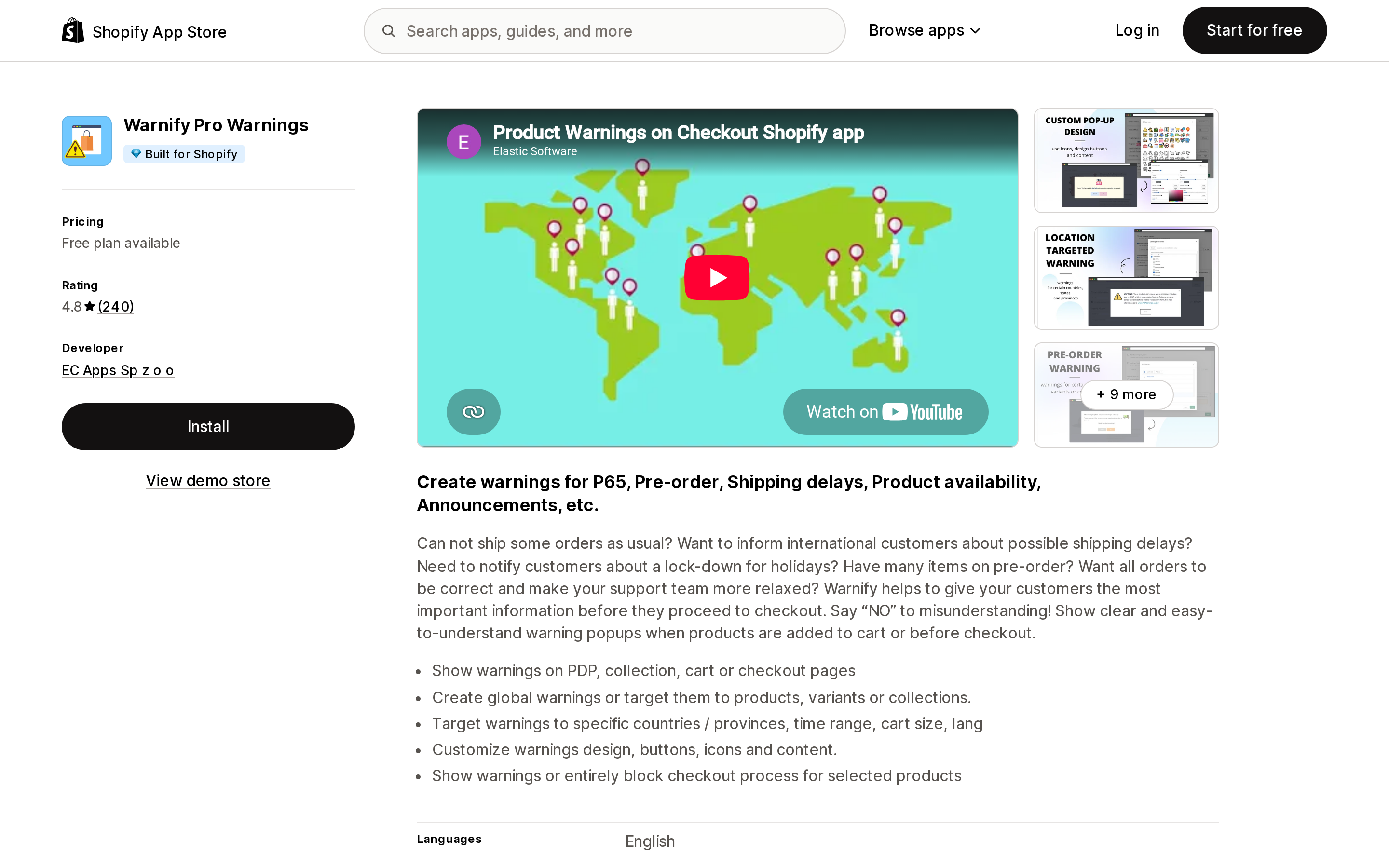
Source: Shopify App Store (Warnify Pro Warnings), retrieved September 8, 2026
Warnify Pro Warnings from EC Apps Sp z o o carries the Built for Shopify badge and rates 4.8 from 240 reviews. It launched April 6, 2017, which is unusual longevity in this category — one review from a Canadian hardwood retailer records over six years of use.
The Free plan is one warning across a maximum of 10 products. Unlimited is $9.95/month or $99.50/year and unlocks unlimited warnings, smart collection targeting, geo-targeted warnings, language-targeted warnings, embedded warnings, and warnings on checkout for Shopify Plus. Premium at $17.95/month or $179.50/year adds metafield targeting, date and time targeting, recurring warnings, cart size and amount targeting, shipping method validation, and cart validation at checkout.
What that buys over native: warnings on collection pages, targeting by country and province, and the ability to "show warnings or entirely block checkout process for selected products." The native field cannot block anything.
Warn Checkout Country Warnings
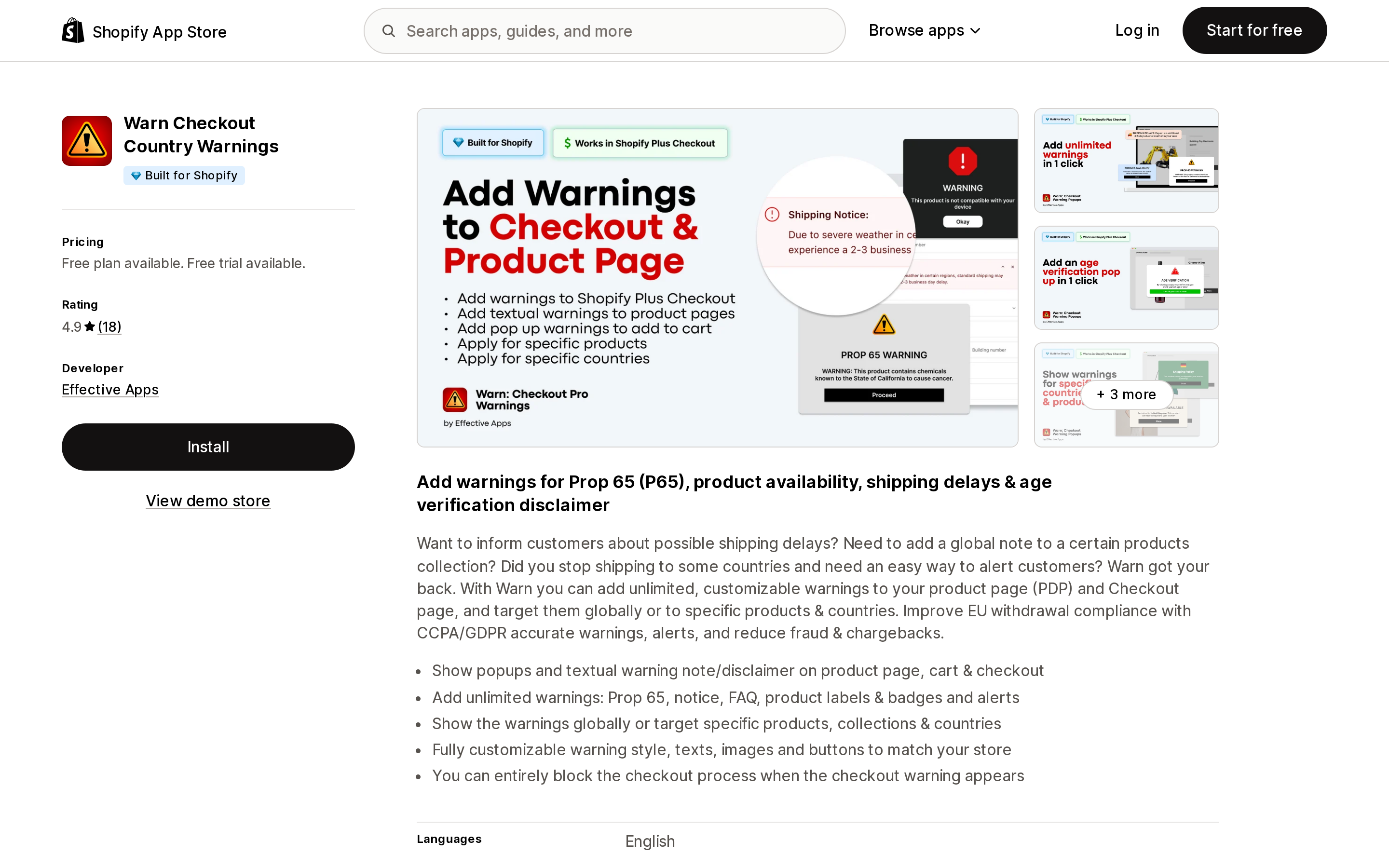
Source: Shopify App Store (Warn Checkout Country Warnings), retrieved September 8, 2026
Warn Checkout Country Warnings from Effective Apps is Built for Shopify and rates 4.9 from 18 reviews. The review count is small, so read the rating as a signal about a handful of stores rather than as a general verdict.
Pricing is split by plan type. Free covers one textual warning on unlimited products, targeted to specific products and countries. Premium at $6.99/month or $41.94/year is "for all stores except Shopify Plus" and adds unlimited warnings, popup, cart and checkout warnings, and — the line that matters here — "US States targeting (for Prop 65)." Plus Plan at $12.99/month or $77.94/year is the Shopify Plus equivalent, with checkout warnings that can block checkout. Both paid plans carry a 7-day free trial.
State-level targeting for Prop 65 is precisely the behaviour the native jurisdictions field looks like it provides and does not. Note the data access: this app reads geolocation and IP address, which the native field does not.
Product Warnings/Notifications
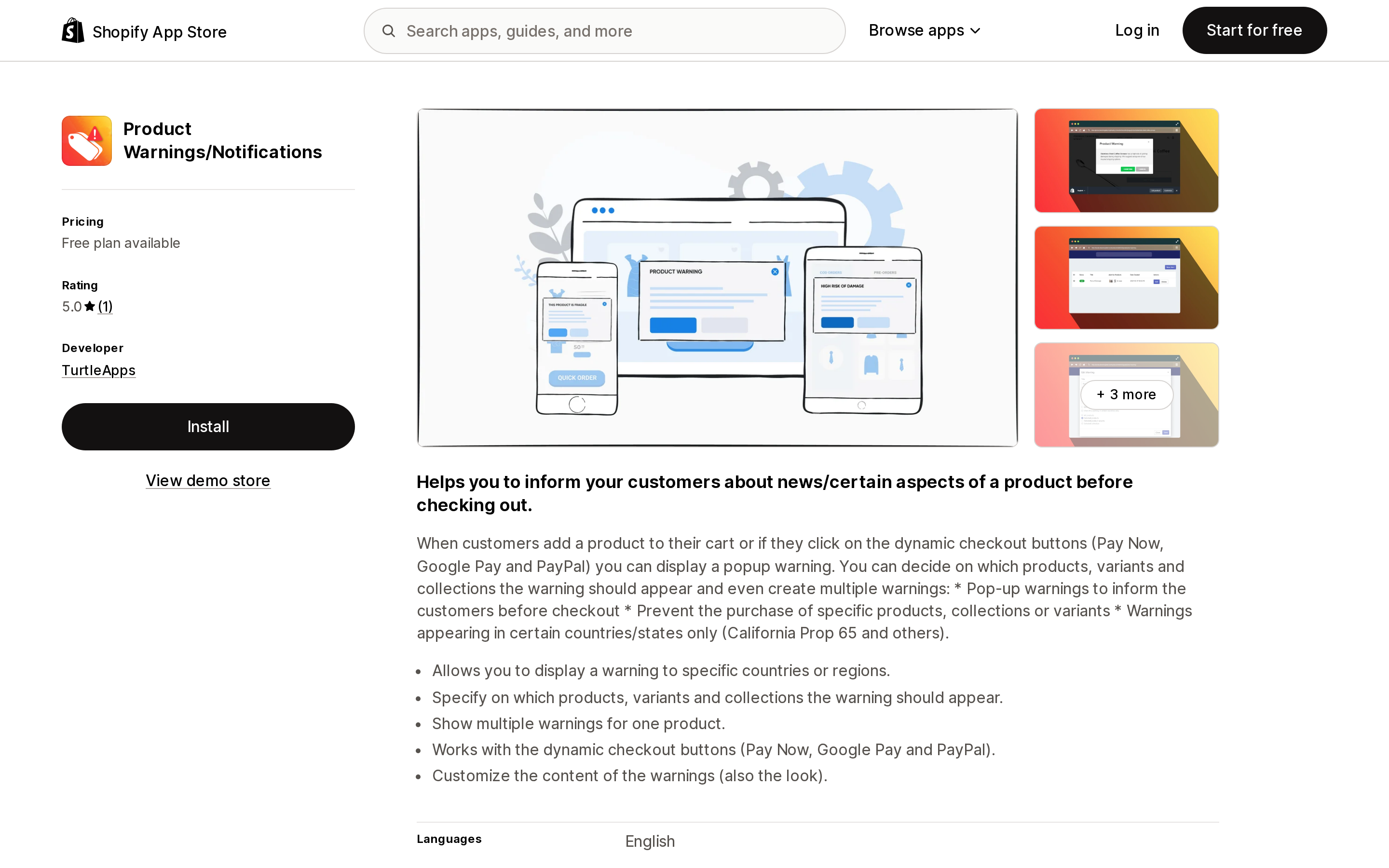
Source: Shopify App Store (Product Warnings/Notifications), retrieved September 8, 2026
Product Warnings/Notifications from TurtleApps launched February 21, 2020 and has one review, dated May 20, 2020. It has no Built for Shopify badge, and the listing names no Shopify integrations under Works with, where the other two list Checkout and Shopify Admin.
Free covers a maximum of 3 warnings across a maximum of 21 products. Premium is $6.95/month for unlimited warnings, products and variants, plus collections and geolocation.
Its distinguishing claim is the interception point: warnings fire "when customers add a product to their cart or if they click on the dynamic checkout buttons (Pay Now, Google Pay and PayPal)." Accelerated checkout buttons are a recurring blind spot for anything that renders on a page, and this is one of the few listings that names them explicitly. With a single review, this is a pilot, not a default.
GPSR Suite
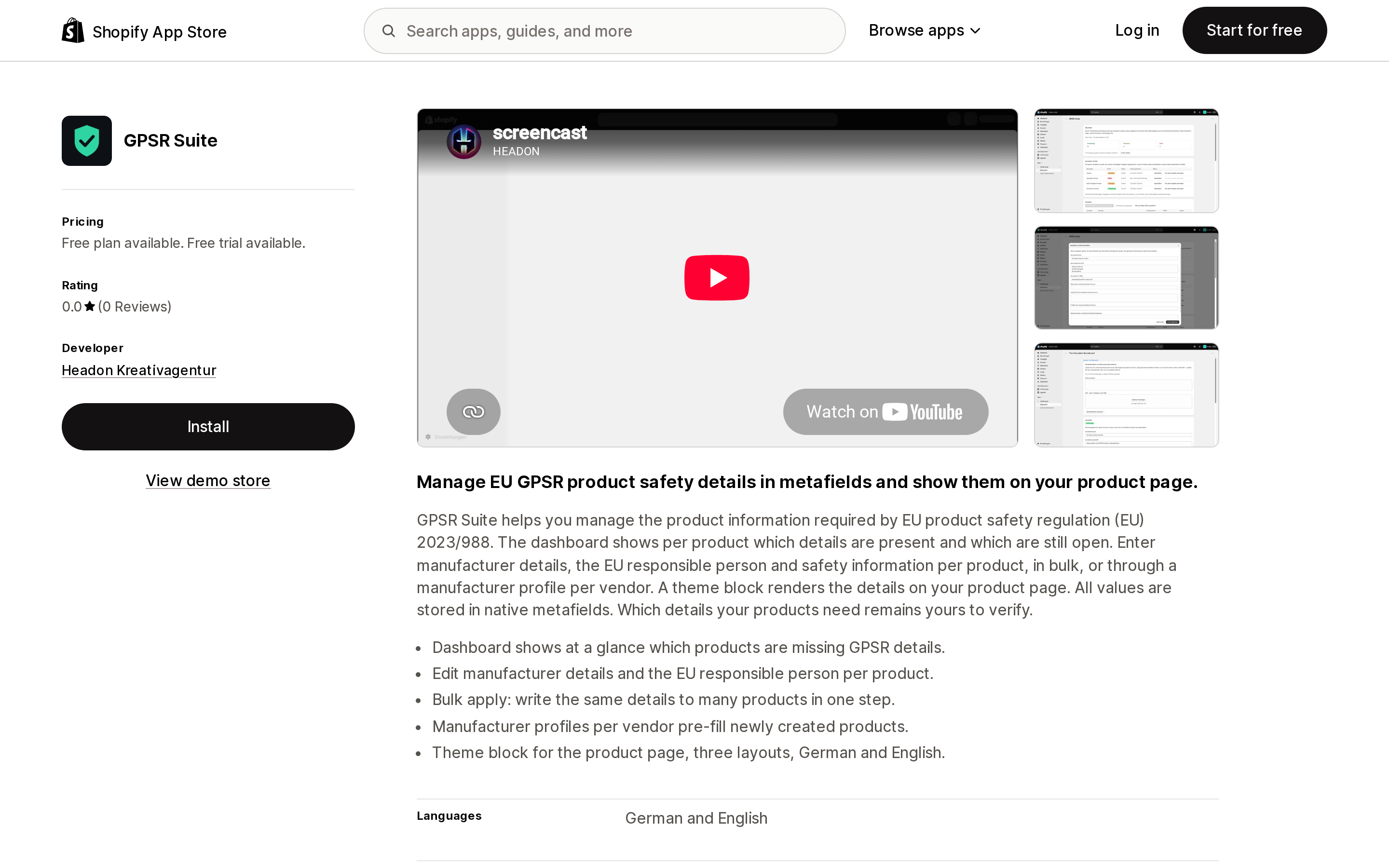
Source: Shopify App Store (GPSR Suite), retrieved September 8, 2026
GPSR Suite from Headon Kreativagentur launched August 13, 2026 and has no reviews yet. Not a bad rating — no rating.
It targets regulation (EU) 2023/988 directly: a dashboard showing per product which details are present and which are open, manufacturer details and EU Responsible Person per product, bulk entry, and manufacturer profiles per vendor that pre-fill newly created products. A theme block renders the details on the product page in three layouts, German and English. The listing states that "all values are stored in native metafields," which matters for portability — if you uninstall, the data stays on the products.
Free, Pro at $12.90/month, and Business at $24.90/month, with a 7-day free trial on the paid plans. The listing does not state what separates the tiers.
GPSR Kit ‑ EU Compliance
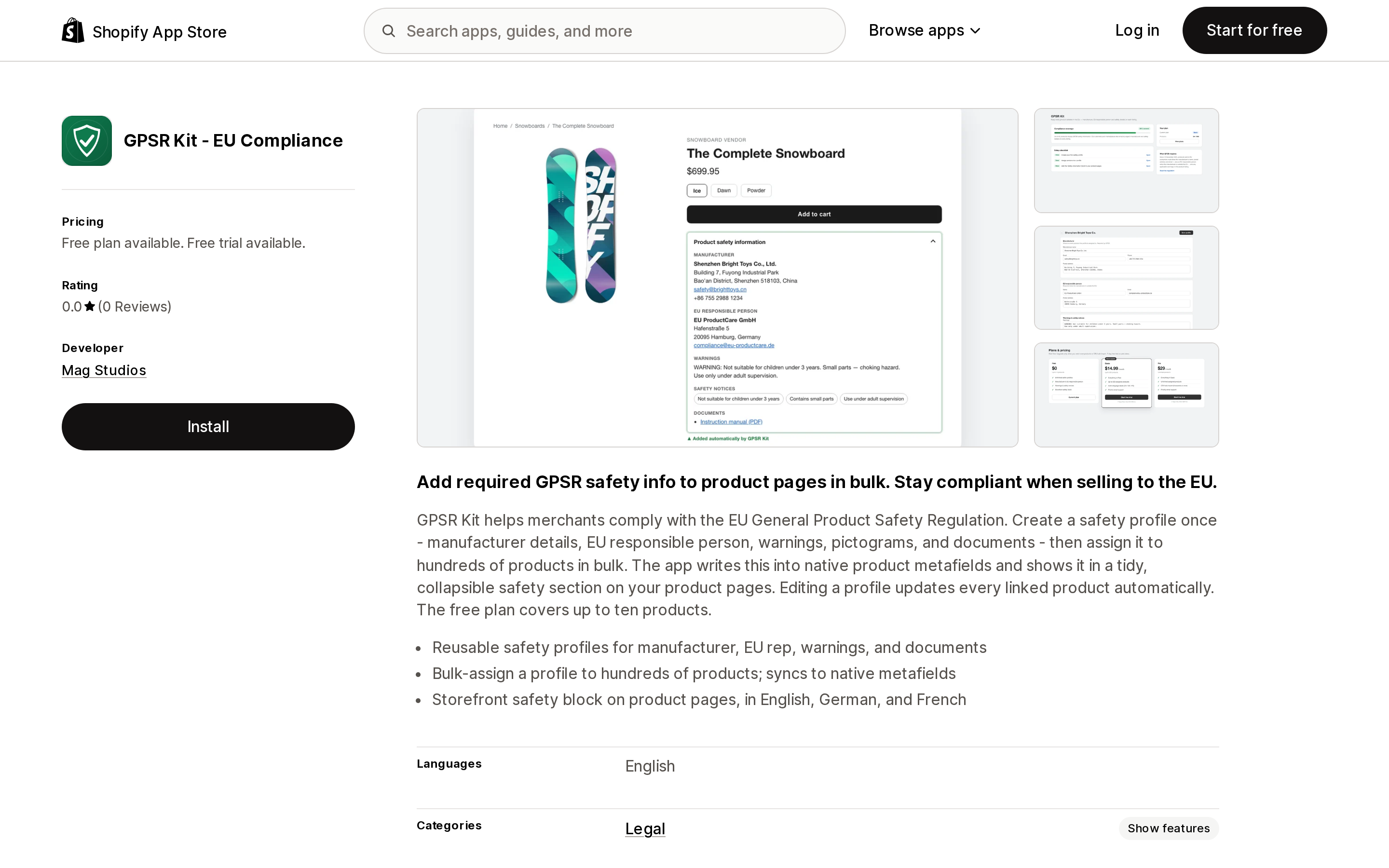
Source: Shopify App Store (GPSR Kit ‑ EU Compliance), retrieved September 8, 2026
GPSR Kit ‑ EU Compliance from Mag Studios launched July 8, 2026 and also has no reviews. Same model, different packaging: a reusable safety profile holding manufacturer details, EU rep, warnings, pictograms and documents, bulk-assigned to hundreds of products, written into native product metafields, and rendered in a collapsible safety section. Editing a profile updates every linked product.
Pricing is metered by catalog size rather than by feature depth. Free covers up to 10 products with the storefront safety block. Basic at $14.99/month covers up to 500 products and adds multi-language labels in English, German and French. Pro at $29/month is unlimited products and adds CSV bulk import. Paid plans carry a 7-day free trial.
Comparison
| Native Disclosures | Warnify Pro Warnings | Warn Checkout Country Warnings | Product Warnings/Notifications | GPSR Suite | GPSR Kit ‑ EU Compliance | |
|---|---|---|---|---|---|---|
| Starting paid price | Included | $9.95/mo | $6.99/mo | $6.95/mo | $12.90/mo | $14.99/mo |
| Free plan | Yes | 1 warning / 10 products | 1 textual warning | 3 warnings / 21 products | Yes | 10 products |
| Free trial | n/a | Not stated | 7 days | Not stated | 7 days | 7 days |
| Built for Shopify | n/a | Yes | Yes | No | No | No |
| Rating (reviews) | n/a | 4.8 (240) | 4.9 (18) | 5.0 (1) | 0.0 (0) | 0.0 (0) |
| Prop 65 / choking presets | 8 seeded types | Custom content | Custom content | Custom content | No | No |
| Geo-targeted display | No | Country / province | Country + US states (paid) | Country / region (paid) | No | No |
| Blocks checkout | No | Yes | Yes (Plus plan) | Prevents purchase | No | No |
| Checkout surface | Plus only, via extension | Plus | Plus Plan | Not stated | No | No |
| Manufacturer / EU RP fields | No | No | No | No | Yes | Yes |
| Data in native metafields | Yes | Not stated | Not stated | Not stated | Yes | Yes |
How to choose
Use the native field and install nothing if you sell in the US, need Prop 65 or CPSC choking warnings, are on a first-party theme, and are comfortable with the warning showing to every visitor. This is now the majority case, and it is the reason to re-examine a warning app you have been paying for since 2023. Shopify even tells you to clean up: "If you've published warning or disclosure information in other ways on your products — for example, in product descriptions or titles, through custom product metafields, or with product tags — then consider removing your previous implementation."
Add a warning app if you need state-level or country-level display control, an interstitial before add-to-cart, coverage of the dynamic checkout buttons, or the ability to stop a purchase outright. Of the three, Warnify Pro Warnings has by far the largest review base, and its plan pages list the most targeting dimensions — collection, geography, language, metafield, date and time, and cart size. Warn Checkout Country Warnings is the cheaper route to US-state targeting and is the only one of the three with a separately priced Shopify Plus plan.
Add a GPSR app if you ship to the EU and need manufacturer and EU Responsible Person data on the page. Both options here write to native metafields and both launched in the last two months with no reviews, so run one against a small product set before committing your catalog. Neither listing states that the app acts as your EU Responsible Person; both describe storing the details of the one you appoint.
Talk to your customs broker, not your app store, for CPSC eFiling. Shopify stores the reference IDs and, outside Managed Markets, does not move them to the border.
Before you set this up
- Update your theme, then add the Disclosures block (Horizon) or section (Dawn) to the product template. Nothing renders until you do.
- Turn on Filter on the product list and in the Admin API for the Disclosures metafield definition, so you can filter products by disclosure type and bulk-edit from there.
- Check staff permissions. Editing entries needs View and Create and edit for products, plus the same for Metaobject definitions and Entries under content permissions.
- Use
shopify.disclosurein the Metafields column of a product import CSV for bulk work, and keep handles stable so a PIM can map to them. - Create one shared entry per warning type, and one dedicated entry per product for CPSC eFiling.
- If you sell age-restricted products, remember a disclosure is a notice, not a gate. Nothing in the native field asks the buyer to confirm anything.
Product disclosures are the right shape for this problem, and structured data that renders identically on the Online Store, Shop, and agentic channels is worth more than a snippet in a description. Just don't read the field names as a feature list. Jurisdictions records where a warning applies. It does not decide who sees it.
Sources
- Adding product disclosures to your products — Shopify Help Center
- Product disclosures — Shopify.dev
- Product listings now support a disclosures field — Shopify Changelog, June 17, 2026
- CPSC eFiling compliance — Shopify Help Center
- Understanding the General Product Safety Regulation (GPSR) — Shopify Help Center
- Warnify Pro Warnings — Shopify App Store
- Warn Checkout Country Warnings — Shopify App Store
- Product Warnings/Notifications — Shopify App Store
- GPSR Suite — Shopify App Store
- GPSR Kit ‑ EU Compliance — Shopify App Store
Shopify's admin splits Unavailable inventory into Damaged, Quality control, Safety stock, and Other, and you can move stock into them one row at a time. Everything built for scale skips them. The inventory CSV export labels the Unavailable column \"not editable,\" so the importer only writes On hand. The bulk editor has no unavailable-state columns and, in Shopify's own words, \"doesn't create an audit trail of inventory movements.\" The Shopify mobile app offers only On hand and Available, and the Add reason field isn't there at all. The developer docs state that changes to committed, reserved, damaged, safety_stock, and quality_control \"don't trigger webhooks,\" so an ERP or 3PL listening for stock movement never hears them. Adjustment history stops at 180 days per variant. This article maps the eight API states against the five admin labels, covers the August 5, 2026 migration that moved draft-order holds from reserved to committed, and compares what syncX: Stock Sync Migrate Bulk, Matrixify, Altera ‑ Export and Import, Prediko Inventory Management, and Inventory Management ‑ Assisty each actually write. Pricing, ratings, and app documentation verified September 8, 2026.