
What you will learn
On this pageContentsCloseOpen
There is one screen in Shopify that no app has ever been able to write on: the slip of paper your register hands the customer.
Until now that hasn't mattered much, because Shopify POS Pro locations had a code editor and you could do whatever you wanted with HTML, CSS, and Liquid. That editor is deprecated. On January 1, 2027, every remaining store is moved to the new receipt visual editor, and once the visual editor is active, "the code editor is removed and can't be restored."
Below: exactly what expires, what the replacement can and cannot do, why the App Store has no answer for this, and what the apps in this space actually print instead. Verified September 13, 2026.
The short version
The deadline is real and the switch is one-way. Shopify's changelog: "Any shops still on Liquid on January 1, 2027 will be migrated to the new format automatically." And: "Note that switching is irreversible."
Your templates are already frozen. From the code editor documentation: "Receipt templates in the code editor no longer receive updates. Properties added after June 1, 2026 are only available in the visual editor." Anything Shopify has shipped to receipts since June is already invisible to you.
Liquid isn't gone, it's fenced in. The visual editor accepts a custom Liquid block — header and footer only, 50 KB maximum, no CSS, and seven Liquid tags outright rejected.
No app can render inside the printed receipt. The current POS UI Extensions reference lists eight places an app is allowed to appear. The printed receipt is not one of them, and it wasn't one of them a year ago either.
Shopify's own printing app says so in its listing. The Shopify Order Printer description ends with: "Note: Customizing POS printer receipts is not supported."
What apps sell instead is a second piece of paper — an invoice, a gift receipt, a kitchen ticket — printed alongside yours, not inside it.
What actually expires
The receipt code editor was never a general Shopify feature. Three constraints defined it, and all three matter for what happens next:
- It applies only to POS Pro locations. If you run POS Lite, you never had it.
- It works only from the Shopify admin on desktop.
- "No new shops or locations can be added to the code editor." It survives only where customizations already exist.
Migration splits merchants into two groups. If you have no custom Liquid receipt code, your store moves automatically and there is nothing to do. If you have custom Liquid at a POS Pro location, you keep the code editor "until you activate the receipt visual editor, or until January 1, 2027, when all stores are migrated."
Shopify says customizations "that can be reliably translated, such as text blocks, location-specific content, and standard return and exchange formatting" migrate automatically, and the rest is "flagged for you to rebuild in the visual editor." Seven code-editor customizations have documented one-to-one equivalents — VAT and other business identifiers, location address and phone, return policy text, signature capture line, custom metafields, per-location logo, and conditional thank-you messages. Everything past that list is your rebuild.
One more thing that quietly disappeared: "Resetting a template to default is no longer supported" in the code editor. The only route back to a clean template is forward, into the visual editor.
What the visual editor gives you, and what it takes
The trade is wider access for narrower control. The visual editor is available on all Shopify POS subscription plans, so POS Lite locations get header and footer control too, not just POS Pro. In exchange:
- "Custom CSS, fonts, and designs aren't supported on printed receipts."
- "Uploaded images, such as colored logos, are printed in greyscale."
- Languages Shopify doesn't support by default aren't available on printed receipts.
- Header and footer customizations apply to every receipt type — sale, return and exchange, gift, gift card. You cannot give the gift receipt a different footer.
- The transaction body is managed by Shopify. On return and exchange receipts, it "isn't customizable." On gift card receipts, the code, balance, and scannable code aren't customizable either.
Within those walls the toggle list is genuinely useful. The header carries a logo, location attributes, reorderable text blocks, and an order code you can render as a QR code or a barcode. The transaction group lets you show or hide price before discount, SKU, quantity on single items, line item tax, discount code, and the staff member attributed to the sale. The footer holds a business identifier, customer name and email, transaction location, staff, device, receipt number, return policy, thank-you message, a custom scan code, and a signature capture line.
There is a trap in per-location editing worth writing on a sticky note. From the considerations page: "When a location is customized individually, then subsequent global edits won't update that location until it's reset to the default template." Customize one store's receipt, and every future brand-wide change silently skips it.
The custom Liquid block: what still works
For anything the toggles don't cover, the visual editor accepts a custom Liquid block in the header or the footer. This is where merchants with real customizations will end up, so the limits are worth knowing before migration day rather than after.
What you get: order, shop, location, settings, purchased_gift_cards, staff_member_description, locale, is_pickup, and pickup_location. Order metafields, customer metafields, product and variant metafields, and line item properties are all reachable. So are the money, date, percent, t, barcode, and qrcode filters.
What you don't get:
- Seven tags are rejected:
assign,capture,include,render,raw,increment,decrement. If your block uses one, the receipt won't save. - No CSS at all.
<style>blocks andstyleattributes are unsupported, "so that a custom Liquid block can't restyle or hide content elsewhere on the receipt." No<script>, no event handlers, nojavascript:links. - 50 KB per block.
- Nothing renders on offline-checkout orders. Custom Liquid blocks "render on printed receipts for completed online and Point of Sale orders. They don't render for orders that use offline checkout." If your store loses connectivity during a rush, the custom section is simply absent from those receipts.
- Product descriptions. Shopify's documentation says they "aren't available as a variable in receipt templates and can't be added to printed receipts," and the custom Liquid block's line item object doesn't carry one either.
- A customer's remaining store credit balance isn't available as a variable, even though store credit spent shows up as a payment line.
And one warning that belongs in any conversation about clever receipt Liquid: "Receipt printing might experience latency depending on the complexity of the Liquid code entered." Complex logic on a receipt template is a delay at the counter, once per customer, forever.
Why there is no app for this
The reflex when Shopify closes a door is to search the App Store. Here the search comes back empty, and the reason is structural rather than commercial.
POS UI Extensions define where an app is allowed to appear inside Shopify POS. The current reference, version 2026-07, lists eight surfaces: app background, cart details, customer details, draft order details, home screen smart grid, order details, post-purchase, and product details. The oldest version still published, 2025-07, lists seven — the same set minus app background. The printed receipt appears in neither, so there is no documented receipt target for a partner app to build against.
Shopify states the consequence in the plainest possible place. Shopify Order Printer — Shopify's own free printing app, published by Shopify itself — closes its App Store description with: "Note: Customizing POS printer receipts is not supported."
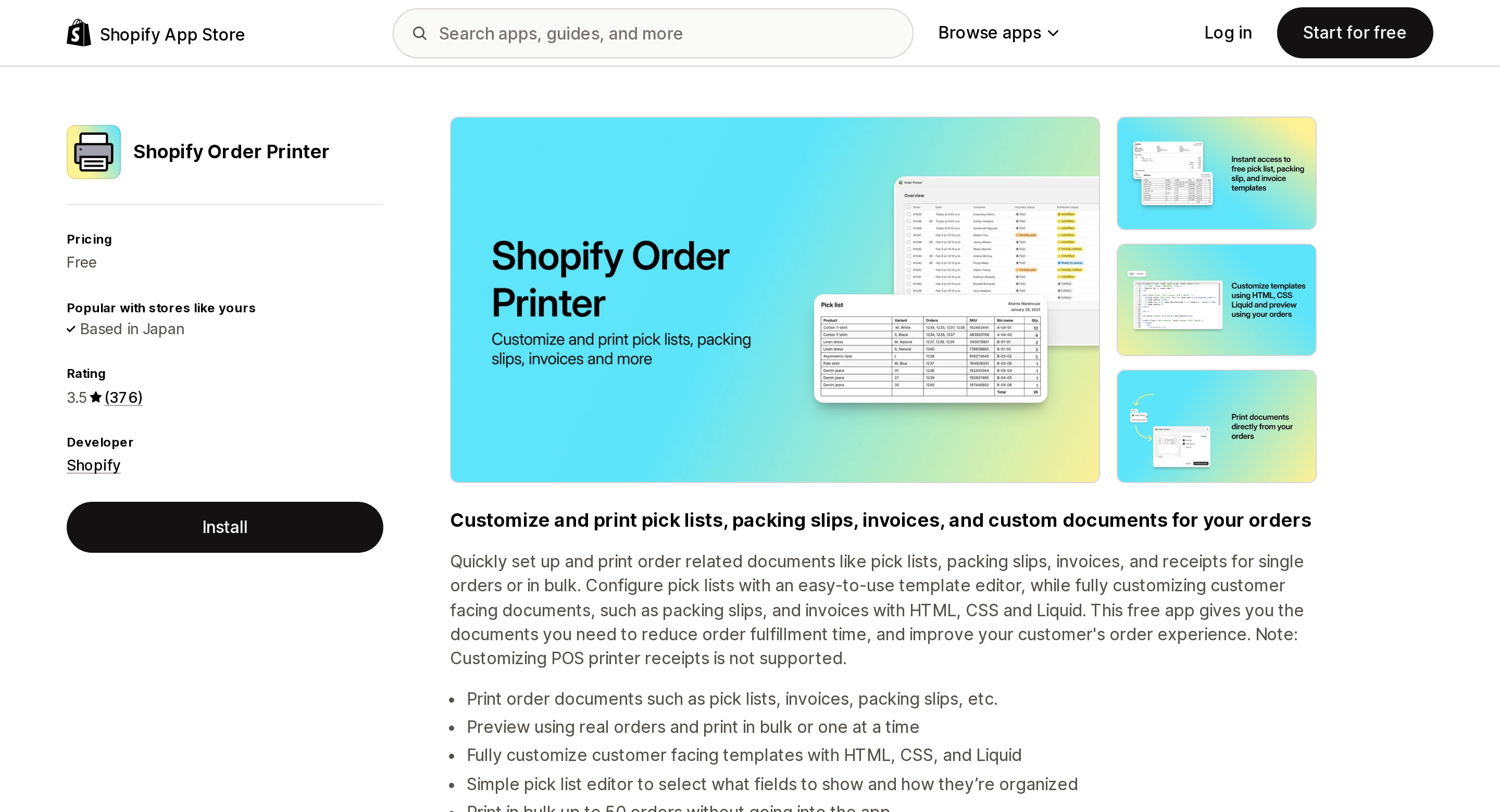
Source: Shopify App Store (Shopify Order Printer), retrieved September 13, 2026
That app is worth a second look for a different reason. It rates 3.5 across 376 reviews, and the distribution is not a bell curve: 127 five-star ratings and 173 one-star ratings, with 33, 27, and 16 spread across the middle. More merchants gave it the lowest possible score than the highest. Its predecessor, the legacy Order Printer, is no longer listed at all — its App Store page now reads "This app is not currently available on the Shopify App Store," and Shopify's help center confirms the legacy app "has been deprecated and is no longer supported or maintained."
Order Printer can print from a POS device, but read the mechanism carefully: "Any standard printer that's compatible with your device can be used," and the final step is choosing "printing preferences, such as paper size, layout, or orientation." That is the operating system print dialog and a normal printer. It is not your thermal receipt printer.
What apps can print, since July 2026
The interesting change is that apps got a printer, just not your receipt.
POS UI Extensions 2026-07, shipped July 27, 2026, introduced the Printing API (shopify.printing). getPrinters() returns the hardware printers paired with the device, each with an id, name, and connected status; print() sends a document straight to one of them with no dialog. Two constraints define what this can become: hardware printer discovery "requires Shopify POS version 11.11.0 or later" and returns an empty array below that, and PDFs cannot be sent directly — passing a printer with a PDF source throws an error, so PDFs always fall back to the system dialog. Receipt printers render HTML and images.
So the app category that exists here is not "edit your receipt." It is "print a second document." Five apps that actually do it, with what each one puts on paper:
| App | Price (USD) | Pricing denominator | Rating | What it prints |
|---|---|---|---|---|
| Shopify Order Printer | Free | — | 3.5 (376) | Invoices, receipts, packing slips to a standard printer |
| Order Printer Pro: PDF Invoice | Free to install, then $10 / $20 / $40 | Orders per month | 4.9 (2,891) | PDF invoices, quotes, packing slips, draft orders |
| Printout Designer | $4.99 / $9.99 / $19.99 / $59.99 per month | Orders and products processed per month | 4.9 (50) | Invoices, receipts, gift receipts, credit notes, labels |
| Sufio: Invoices You Can Trust | $7 / $19 / $49 / $129 per month | Invoices per month | 4.9 (461) | Invoices, receipts, gift receipts, credit notes |
| POS Cafe: Coffee Shops & QSR | $29 / $59 / $99 / $199 per month | POS locations | 5.0 (26) | Kitchen and prep tickets routed to multiple printers |
Note how differently they meter: order volume, invoice count, and location count are three unrelated cost curves, and the cheapest app at 200 orders a month is not the cheapest at 2,000. Two of the five — Order Printer Pro and POS Cafe — show the Built for Shopify badge on their listings. Shopify's own Order Printer does not.
Order Printer Pro: PDF Invoice
The volume play. Free to install covers up to 50 orders per month; past that it is $10 for 51 to 500 orders, $20 for 501 to 5,000, and $40 for 5,001 and above, with a 14-day trial on the paid tiers. The feature list is identical on all four plans — you are buying throughput, not capability. At 2,891 reviews it is by a wide margin the most-reviewed app here.
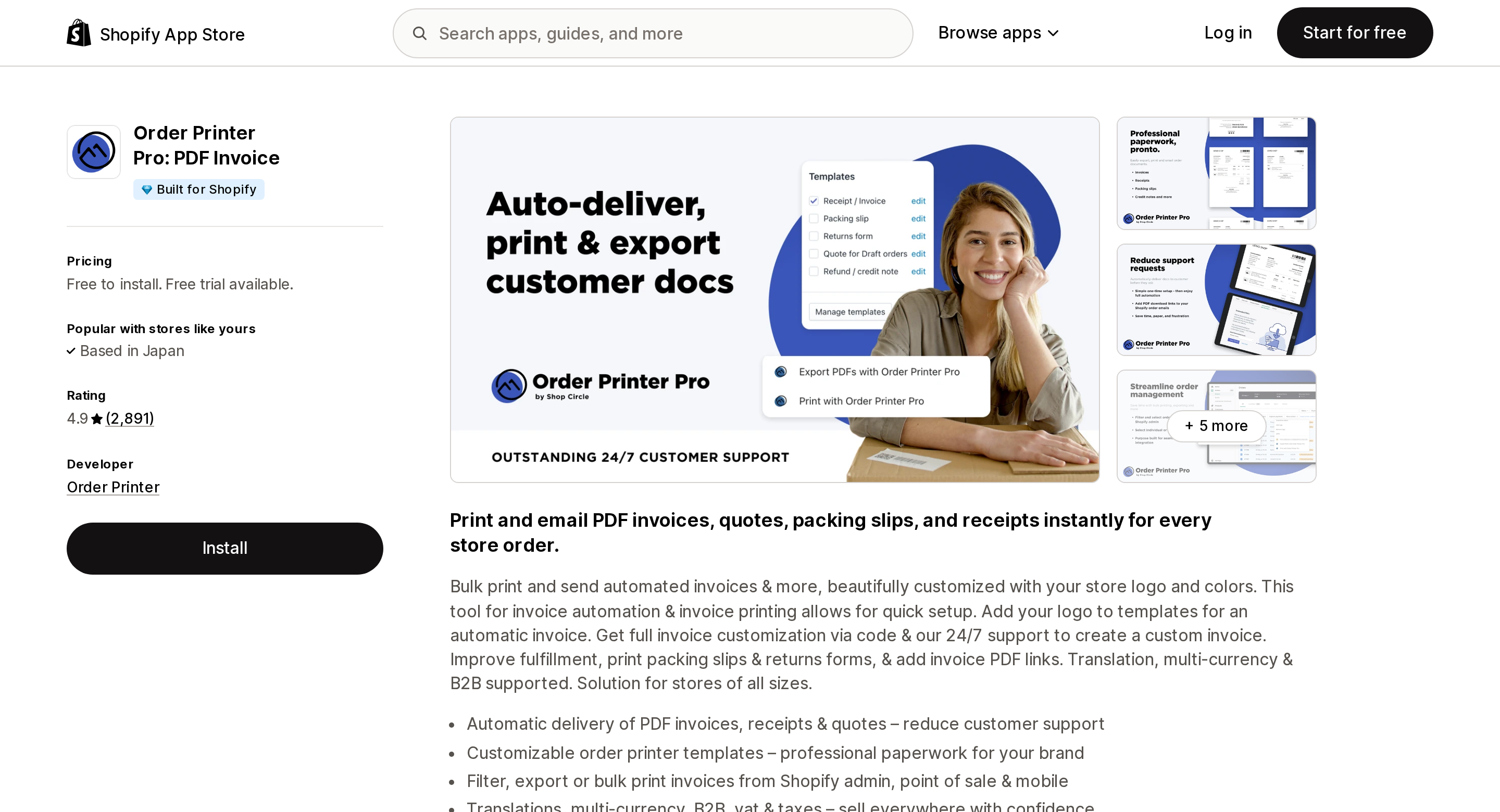
Source: Shopify App Store (Order Printer Pro: PDF Invoice), retrieved September 13, 2026
Printout Designer
The one whose document list actually includes receipts and gift receipts, alongside invoices, credit notes, quotes, delivery notes, packing slips, customs documents, and shipping labels. The pricing detail that matters: automatic printing runs through PrintNode, a separate service, and PrintNode integration does not appear in a plan's feature list until $19.99 Basic. The $9.99 Starter plan lists batch fulfilment and automated emails but no PrintNode; the $4.99 Micro plan lists neither, only a processing cap of 50 orders and 50 products per month. If unattended printing is the reason you are shopping, the entry price is $19.99 plus whatever PrintNode costs you, not $4.99.
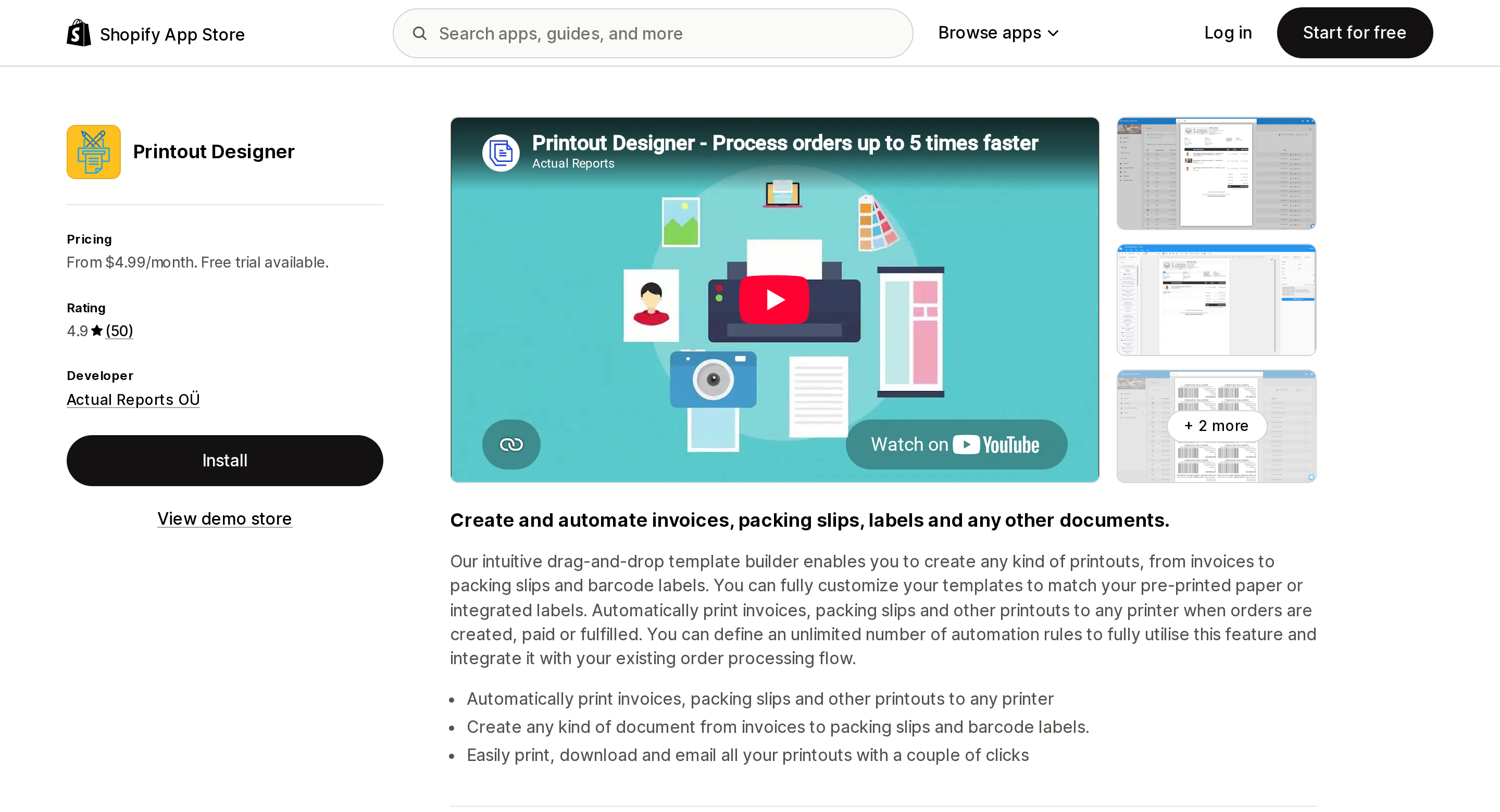
Source: Shopify App Store (Printout Designer), retrieved September 13, 2026
Sufio: Invoices You Can Trust
Priced on invoices rather than orders, and the low tier is genuinely low: 15 invoices per month on the $7 Starter plan. A store issuing an invoice for every in-store sale clears that in a morning. The jump to 5,000 invoices per month costs $49. Its listing names Shopify POS among the surfaces it works with, and its document types include receipts and gift receipts.
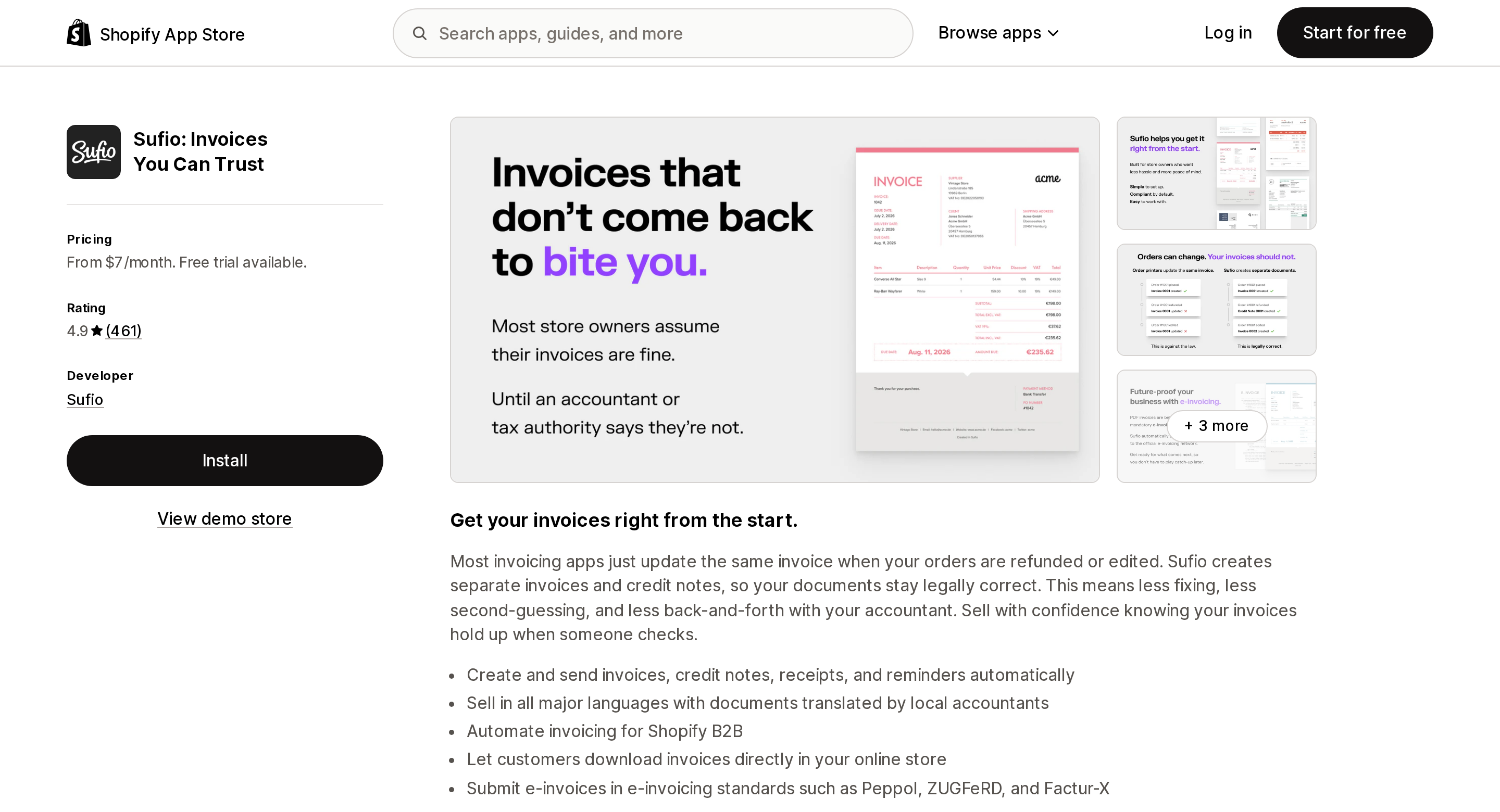
Source: Shopify App Store (Sufio: Invoices You Can Trust), retrieved September 13, 2026
POS Cafe: Coffee Shops & QSR
The clearest illustration of the whole pattern. POS Cafe doesn't rewrite your customer receipt — it prints order tickets and routes items to prep-area printers. Its listing names Star Micronics CloudPRNT and Epson Server Direct Print among the things it works with, alongside Fresh KDS: printer-side cloud print protocols, which sit outside Shopify's receipt template entirely. Pricing scales on POS locations: $29 for one, $59 for two to four, $99 for five to nine, $199 for ten to twenty, all with a 21-day trial and no usage fees on top.
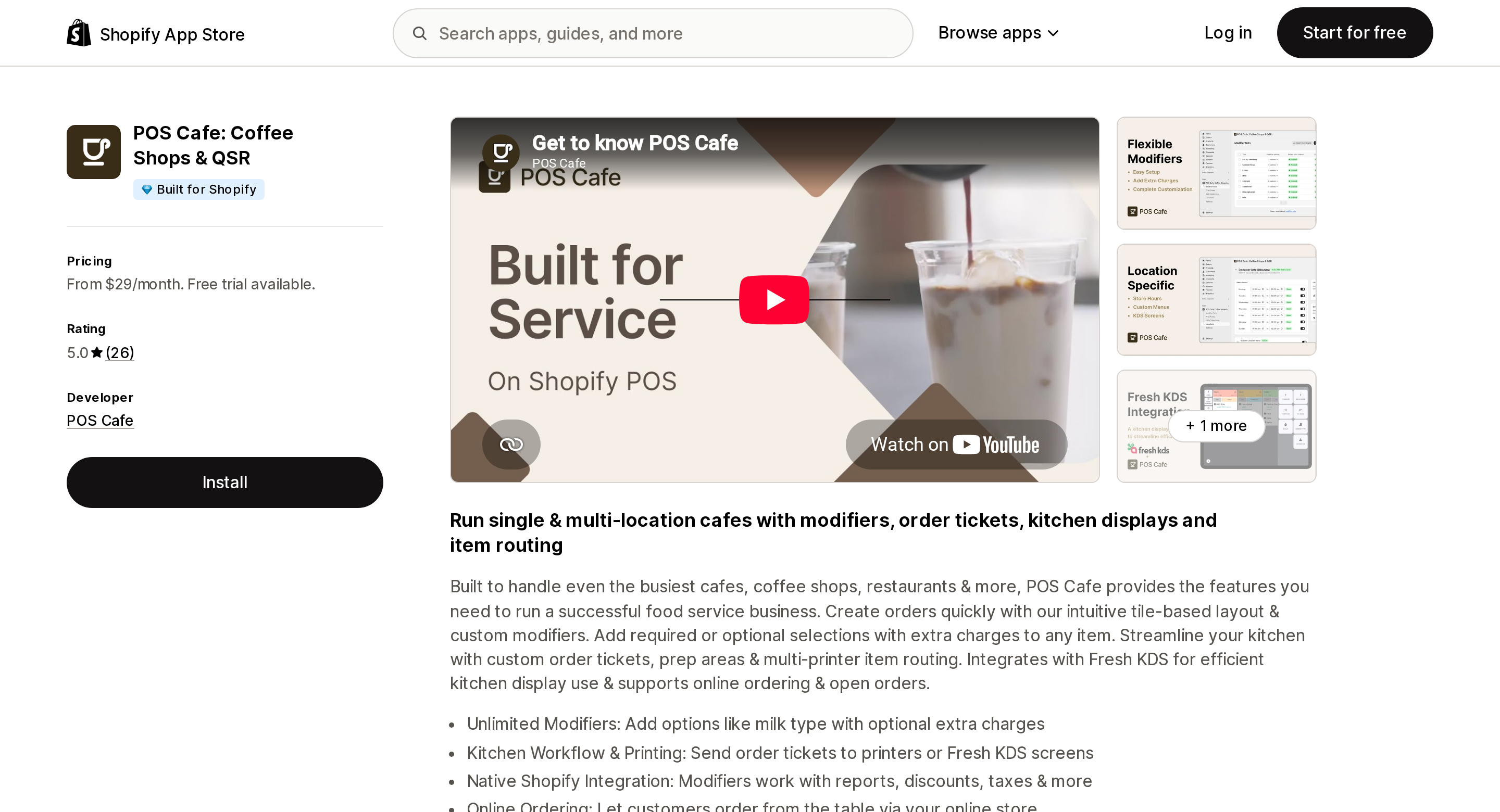
Source: Shopify App Store (POS Cafe: Coffee Shops & QSR), retrieved September 13, 2026
The version trap inside the deadline
There is a second deadline hiding inside the first, and it is about the tablets on your counters rather than the code in your admin.
The unified receipt template "prints from Shopify POS app version 11.10 or later. Devices that run an earlier version continue to print the previous receipt template." If your devices run a mix, "your business prints two different receipt templates until you update every device" — the same sale, printed from two registers, produces two different pieces of paper. Shopify's own instruction is unambiguous: activate the visual editor only after every device is on 11.10 or later. If any device used in the last 90 days is behind, the editor shows a banner telling you so.
And if you are hoping to buy an app built on the new Printing API, note that direct hardware printing needs 11.11.0, one version further along.
Where you have no choice at all
Some of this is decided for you by regulators, and the visual editor encodes that directly.
Italy: all receipt content and formatting are managed by the Epson RT printer. Receipt appearance and fields can't be changed within Shopify at all.
France: the code editor isn't available for POS locations there, so those locations use the visual editor only. Content required for NF525 compliance can't be customized or removed. Line item tax, total item and line count, and the VAT number are on by default; the transaction staff name is off by default because of GDPR restrictions.
Canada, the EU, and the UK: a required tax summary table, formatted for the location's market, replaces the default tax summary, and "the table can't be edited or removed."
None of that binds a US merchant, but it is useful context for the design. In several markets the content of a receipt is set by law, and Shopify's documentation is explicit that in those markets the required fields can't be edited or removed. A surface that has to stay fixed for compliance is not a surface Shopify is likely to open to third-party code.
What to do before January 1
- Find out whether you have custom Liquid receipt code at all. Sales channels → Point of Sale → Receipts. No custom code means the migration is a non-event.
- If you do, inventory it now. Map each customization to the seven documented equivalents. Anything left over is a rebuild in the visual editor, a custom Liquid block, or a feature you are giving up.
- Check your CSS. Custom fonts, colored logos, and layout tweaks have no equivalent. Colored logos will print in greyscale regardless.
- Audit your POS app versions before flipping the switch. 11.10 or later on every device, or you will run two receipt formats side by side.
- Rebuild in the visual editor while the old template keeps printing. Preview and configure first; the switch is a separate deliberate action, and it is irreversible.
- Only then ask whether you need an app — and ask it as "what second document do I need printed," because that is the only question the App Store can answer here.
If what you actually needed was a compliant tax invoice rather than a prettier receipt, that is a different problem with a different answer; we covered the native gaps in Shopify's native packing slip and invoice limits. If your concern is the register itself, Shopify POS offline mode limits is the neighboring piece — and note that offline checkout is exactly the case where your custom Liquid block prints nothing.
Sources
- Customize your printed POS receipts — Shopify Help Center
- Migrating to the new receipt visual editor — Shopify Help Center
- Considerations for using the receipt visual editor — Shopify Help Center
- Customization options for printed receipts — Shopify Help Center
- Printed receipt code editor for your Shopify POS — Shopify Help Center
- Custom Liquid blocks for printed receipts — Shopify Help Center
- Enhanced printed receipt editor — Shopify Changelog, August 11, 2026
- POS UI extensions: Targets — shopify.dev
- POS UI extensions can now print directly to hardware receipt printers — Shopify developer changelog, July 27, 2026
- Order Printer and Printing order documents using Order Printer app — Shopify Help Center
- Shopify App Store listings for Shopify Order Printer, Order Printer Pro: PDF Invoice, Printout Designer, Sufio: Invoices You Can Trust, and POS Cafe: Coffee Shops & QSR, all retrieved September 13, 2026
Shopify added a Bin name column to the inventory CSV on August 25, 2025. It holds one bin per variant per location, it is created only by CSV import, and it prints on Order Printer pick lists. What it does not do is leave Shopify. Shopify staff confirmed on the developer forum in October 2025 and again in January 2026 that there is no public API access to the field, and the developer forum was still reporting the gap in June 2026. That single fact shapes the whole category: EasyScan and iPacky store bins in metafields, Bins-USA and ShelfPilot store them in their own databases, and a free app called Simple Bin Locations copies metafield bins into order notes so packing slips can show them. Shopify's own multi-bin model, with per-bin quantities and an unbinnedQuantity field, exists today only as a feature preview on development stores. Pricing, plan gates, and where each app keeps the bin data, verified on the Shopify App Store, the Shopify Help Center, shopify.dev, and the Shopify community forums on September 18, 2026.