
What you will learn
On this pageContentsCloseOpen
"I just came over from WordPress and this feature is native and automatic." That line, from a Shopify Community thread in April 2024, sums up the surprise. On Shopify, publishing a blog post sends nothing to anyone. Shopify's Help Center offers exactly one way for customers to "receive notifications when you publish a new post": paste the blog's Atom feed URL into a feed reader.
That feed is the foundation every RSS-to-email tool builds on, so we tested it on live stores. It returns at most 30 entries, returns the same 30 no matter what page you ask for, includes the full post body, and has no image and no tag elements. Shopify Flow has no article trigger, and Shopify Messaging can't put a blog post into an email even through Custom Liquid. Below is what that means for the four email platforms most US merchants already use, the one app that fires a daily blog announcement on its own, and the two automation routes that watch the blog for you. Research date: September 18, 2026. All prices are USD as listed on the Shopify App Store.
The short version
- Nothing native emails subscribers when you publish. The Atom feed is for feed readers; Shopify Messaging automations are fixed templates for carts, checkouts, welcomes, and win-backs; Flow has no trigger for blog posts.
- The feed is the weak link. 30 most recent posts, no paging, no featured image, no tags, one feed per blog. Anything that polls the feed inherits all of that.
- Seguno Email Marketing is the only email app in this comparison with a purpose-built "Blog post announcement" automation. It checks once a day and mails the newest post to the whole subscriber list. Free up to 250 subscribers.
- Mailchimp Email SMS Marketing does it via an RSS automation, once a day at most, with a three-hour publishing buffer and no image.
- Klaviyo: Email Marketing & SMS and Omnisend Email Marketing & SMS have no blog trigger. You send manually or wire something in front of them.
- Workflow Trigger Extensions adds a Blog Post Update trigger to Flow by polling, because Shopify sends no webhook for blog changes. Zapier's Shopify integration has a New Blog Entry trigger that can filter on Published and carries the image the feed doesn't.
- If you publish a couple of times a month, a manual campaign in Shopify Messaging (10,000 free emails a month) is the honest answer, and one merchant review from September 10, 2026 says exactly that.
What Shopify actually gives you
An Atom feed, and a FeedBurner footnote
The Help Center page "Advanced publishing" states that Shopify produces an RSS feed for every blog, at the blog URL with .atom appended, and that customers who want to subscribe "can paste the URL for the RSS feed into a feed reader." The suggested merchant action is to type that URL into a blog post. The same page still carries a section on FeedBurner, with a note that Google has stopped supporting it, and that blogs not already connected can't use it. That is the entire native subscription story.
What the feed contains, tested live
We pulled the feeds of three US Shopify stores on September 18, 2026. Every entry carries an id, published and updated timestamps, a link, a title, an author name, and a content element with the full post HTML. A summary element appears only on posts that have an excerpt. There is no image, enclosure, or media element, and no category or tag element. Tag feeds do work: /blogs/<handle>/tagged/<tag>.atom returned seven entries on one store.
The cap is the part to remember. A store with several hundred posts returned 30 entries, and ?page=2, ?page=3, and ?limit=100 all returned the identical 30. Stores with fewer posts returned everything they had, 27 and 12. There is also no feed that spans multiple blogs; a Shopify Community answer from September 2024 spells out that each blog has its own feed and there is no built-in way to combine them.
Two consequences follow. An RSS-to-email tool that wants your featured image can't get it from Shopify, which is why a Zapier staff thread records a merchant losing "the ability to pull the header image from the post" after switching to the RSS trigger. And a tool that needs your archive, for a digest or a migration, hits a wall at post 31.
Flow can read articles but never hears about them
The Shopify Flow trigger reference lists 83 triggers. They cover orders, customers, fulfillment, inventory, returns, subscriptions, discounts, collections, metaobjects, and a scheduled time. None is for a blog post or article. Shopify doesn't hide this: the documentation for the Blog Post Update trigger in Workflow Trigger Extensions says plainly that "Shopify sends no notification at all when a blog, a blog post or a page changes," which is why that app checks on a schedule.
What Flow does have is a Get article data action. Its own example query is written for the Scheduled time trigger and returns articles published in the last day. Combine the two and Flow will find your new posts every morning. The catch is the next step. Flow's native email action is Send internal email, which goes to staff. The Shopify Messaging Send Marketing Email action exists for custom workflows, but it is a per-customer action that only reaches subscribed customers, and a scheduled article lookup has no customer in it. Flow is a fine way to tell your team a post went live. It is not a subscriber notification.
Shopify Messaging: a manual campaign, and nothing else
Shopify Messaging's marketing automations are a fixed set of templates: abandoned checkout, cart, and browse; welcome emails; post-purchase thank-you, upsell, win-back and retail-visit; birthday and VIP. The Help Center's own note says that for anything custom you "can instead create a workflow in the Shopify Flow app," which loops back to the trigger gap above.
The editor doesn't help either. The template documentation lists 15 general section types (plus three abandoned browse, cart, and checkout sections usable only in those automations): Button, Collection, Countdown, Custom Liquid, Discount, Express checkout, Footer, Gift card, Header, Image and GIF, Image with text, Multi-column, Product, Text, and Video. There is no blog or article section, and the Product section's Dynamic mode pulls best sellers or new products, not posts. Custom Liquid is the natural escape hatch, but the supported variables are all_products, the customer.* family, email.*, shop.*, open_tracking, and unsubscribe_url. No blogs, no articles. You paste the title, image, and link by hand.
That is workable. Shopify Messaging includes 10,000 emails a month on the Basic, Grow, Advanced, and Plus plans, then $1 per 1,000. One Shopify Messaging review from September 10, 2026 describes exactly this routine: the merchant "just learned to incorporate BLOGS" and plans to "partner those blogs with Messaging to announce their publishing." Manual, free, and fine at low volume.
For the rest of the picture on what Shopify's blog does and doesn't do natively, see what Shopify's native blog can actually do.
Six ways to get the email out, compared
| Route | Detects a new post how | Sends to | Featured image | Latency | Cost to start (USD) |
|---|---|---|---|---|---|
| Shopify Messaging (manual) | You | Subscribed customers | Yes, pasted by you | When you send | 10,000 emails/month free, then $1 per 1,000 |
| Seguno Email Marketing | Daily check for posts published in the last 24 hours | Full subscriber list | Not stated in docs | Up to a day | Free to 250 subscribers; $35/month for 2,500 |
| Mailchimp Email SMS Marketing | Polls the Atom feed on a daily, weekly or monthly schedule | Audience or segment | No (not in the feed) | Once a day at most; publish 3 hours ahead | Free plan; paid plans from $13/month, billed by Mailchimp |
| Klaviyo: Email Marketing & SMS | Nothing native; web feed refreshes every 15 minutes for campaigns | Manual campaign, or Zapier plus API | No (from the feed) | Manual | Free to 250 contacts; email from $20/month |
| Workflow Trigger Extensions + Flow | Polls Shopify for article changes | Whatever the Flow does next (HTTP request, internal email) | No image field in the event | "A short delay" | Free 5,000 events/month; $25/month for 25,000 |
| Zapier (Shopify New Blog Entry) | Shopify trigger with Published/Hidden/Any filter | Any connected email tool | Yes, from the Shopify payload | Zapier polling | Zapier plan, not an App Store charge |
Omnisend is missing from the table on purpose. Its Help Center search for "rss" returns no articles as of September 18, 2026, and the only RSS-to-Omnisend paths we found are third-party integrators. Treat it like Klaviyo: send manually or put Zapier in front of it.
The apps, one by one
Seguno Email Marketing
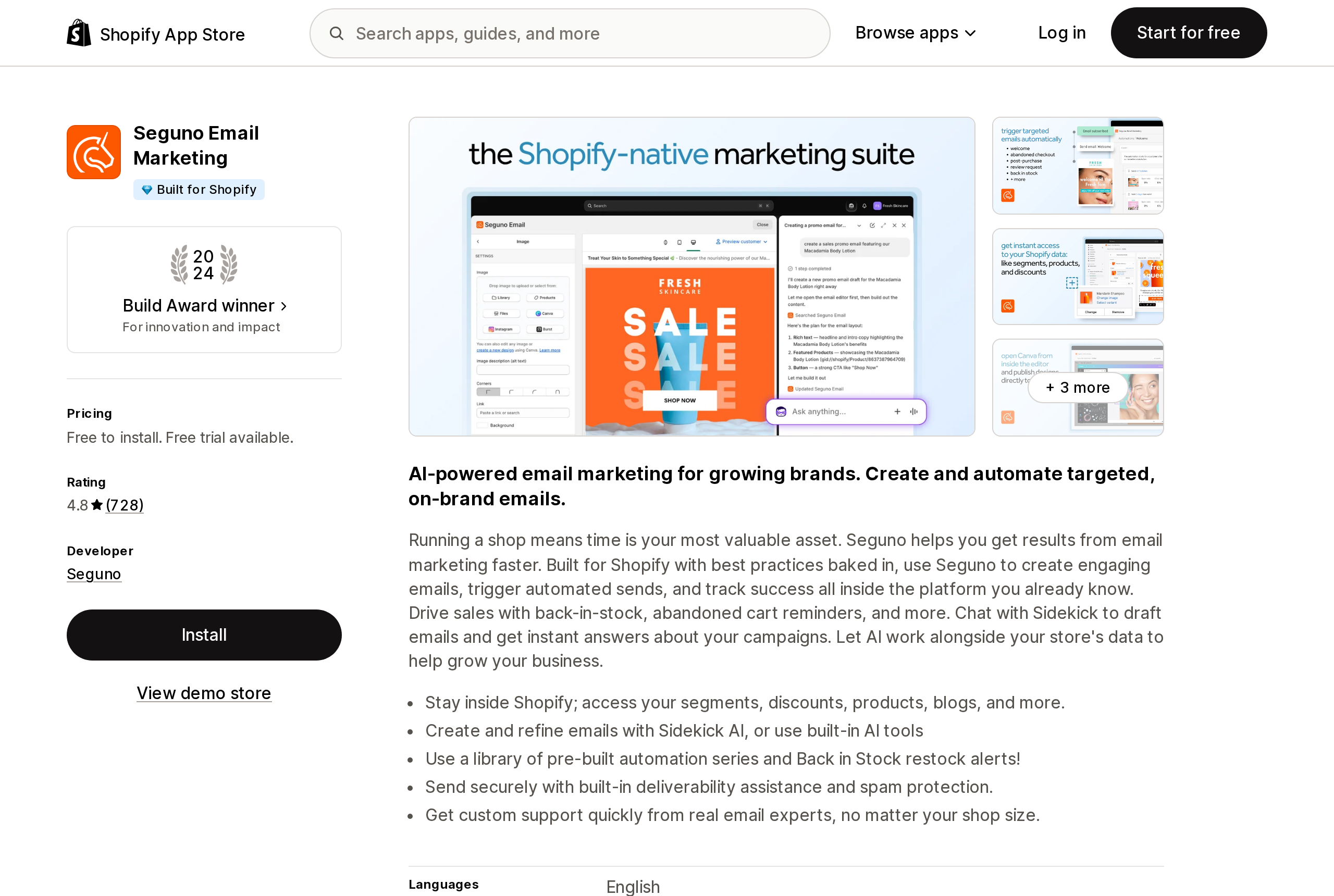
Source: Shopify App Store (Seguno Email Marketing), retrieved September 18, 2026
Seguno's support article "Create a blog post announcement automation," updated January 27, 2026, describes the mechanics precisely, and the details matter. Once enabled, the automation "checks daily for newly published Shopify blog posts." If a post was published within the last 24 hours, Seguno sends an announcement as a newsletter to the full subscriber list, at a time of day you choose. The docs describe it checking Shopify blog posts rather than the public feed, so the Atom feed's 30-post cap is not in play; whether the email carries the featured image is not stated in the app's official documentation.
The constraints are just as explicit. If you publish two posts in one day, the email includes only the most recent one. The subject line is fixed per language, default "New on our blog," and Seguno's own tip is to keep dates and titles out of it because the same subject is reused every send. The preview text is always the post title and can't be edited. To keep a post out, you tag it exclude-from-email before publishing; to push an excluded post later, you change its visibility date to today. Sends go to everyone subscribed, not a segment.
Pricing is by active subscriber: free up to 250, Standard $35/month including 2,500, Pro $215/month including 25,000, with a 10-day trial. Seguno's list of paid-only features includes, among others, product-purchased, customer-tagged, back-in-stock, browse and cart abandonment, and multi-email series; the blog announcement isn't on it, which suggests it works on the free tier, though the support article doesn't say so outright. The listing carries the Built for Shopify badge and a 4.8 rating from 728 reviews.
Mailchimp Email SMS Marketing
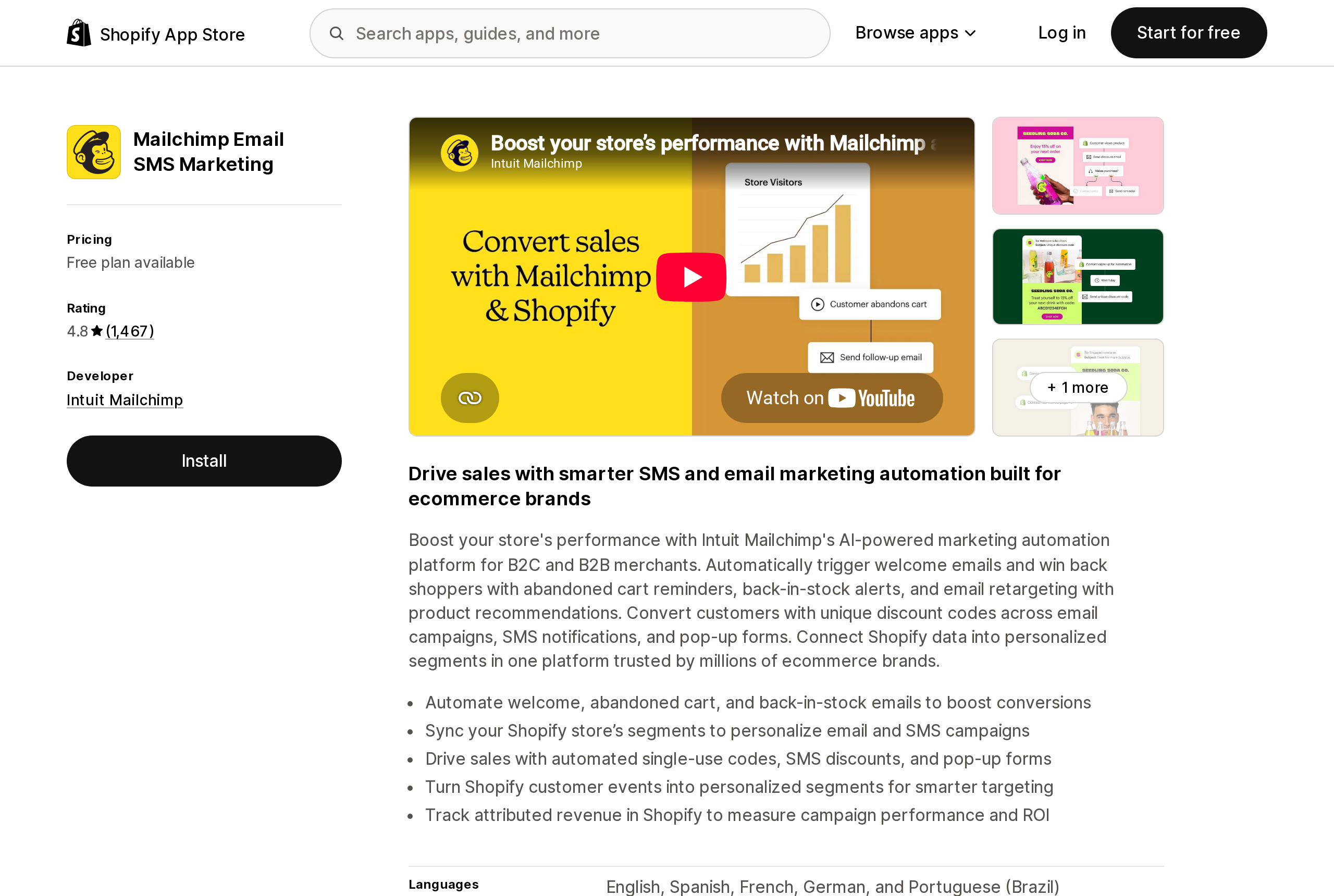
Source: Shopify App Store (Mailchimp Email SMS Marketing), retrieved September 18, 2026
Mailchimp is the reason the WordPress crowd expects this to be easy. Its RSS automation takes a feed URL, a schedule of every day, week, or month, and a template built from RSS merge tags, and "we won't send RSS emails unless there's something new to share." After the first send, each email includes everything published since the last one, so a weekly schedule becomes a digest.
Read Mailchimp's own before-you-start notes against Shopify's feed. Posts must be published "at least 3 hours before the automation is set to send." RSS automations "will only send once per day." You "can't control the RSS content via the email builder"; formatting has to happen in the source. The *|RSSITEM:TITLE|* subject-line tag needs testing because "a few factors contribute to whether the title of the most recent post will always display." And because Shopify's feed has no image element, the image-resizing option and any featured-image layout have nothing to work with unless the image is inside the post body.
On the Shopify listing, Mailchimp bills externally: Free, Essentials from $13/month, Standard from $20/month, Premium from $350/month, priced by contacts. The listing shows a 4.8 rating from 1,467 reviews. For a wider look at how Mailchimp, Klaviyo and Shopify Messaging bill, see Shopify Email is now Shopify Messaging.
Klaviyo: Email Marketing & SMS
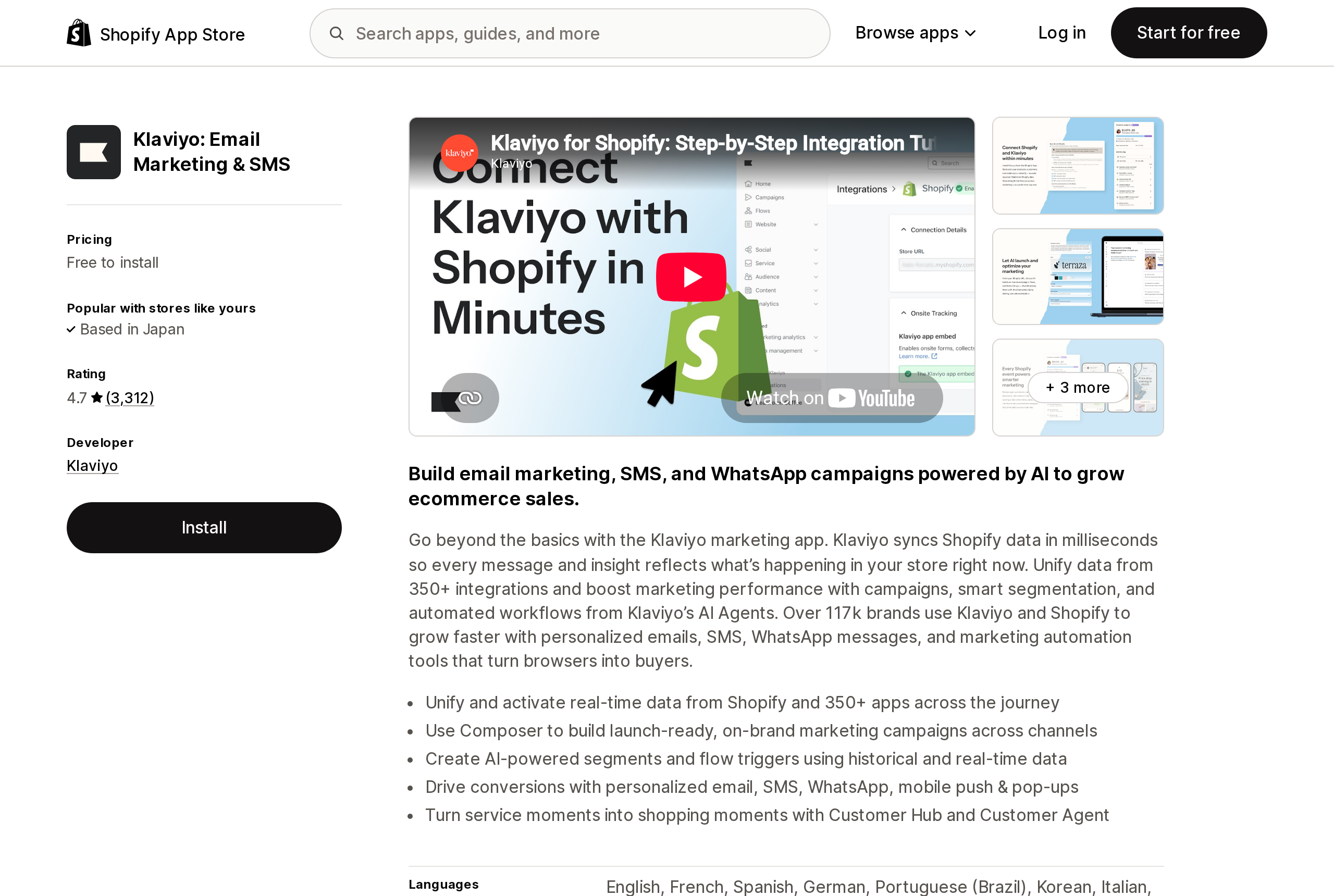
Source: Shopify App Store (Klaviyo: Email Marketing & SMS), retrieved September 18, 2026
Klaviyo can display your blog; it can't react to it. Its custom web feeds accept a JSON or XML URL under 3.3 MB, refresh every 15 minutes when the feed answers within five seconds, and let a repeat block iterate over the feed's entries inside a template. Klaviyo fetches the feed once per campaign send, so a "latest posts" block in a monthly newsletter is straightforward.
Sending on publish is the gap. In the Klaviyo Community thread on this exact question, a Klaviyo employee's accepted answer says it "could sort of be achieved" by scheduling a campaign for every day of the year with recipients determined at send time, and warns about deliverability. A community manager later confirmed that flows aren't designed for this. The working pattern that a Klaviyo partner posted in 2023 chains Zapier on the RSS feed, a six-hour wait for the web feed to refresh, and three calls to Klaviyo's Campaigns API. It works, but nobody should mistake it for a feature. The listing shows a 4.7 rating from 3,312 reviews; email pricing starts at $20/month above 250 contacts.
Omnisend Email Marketing & SMS
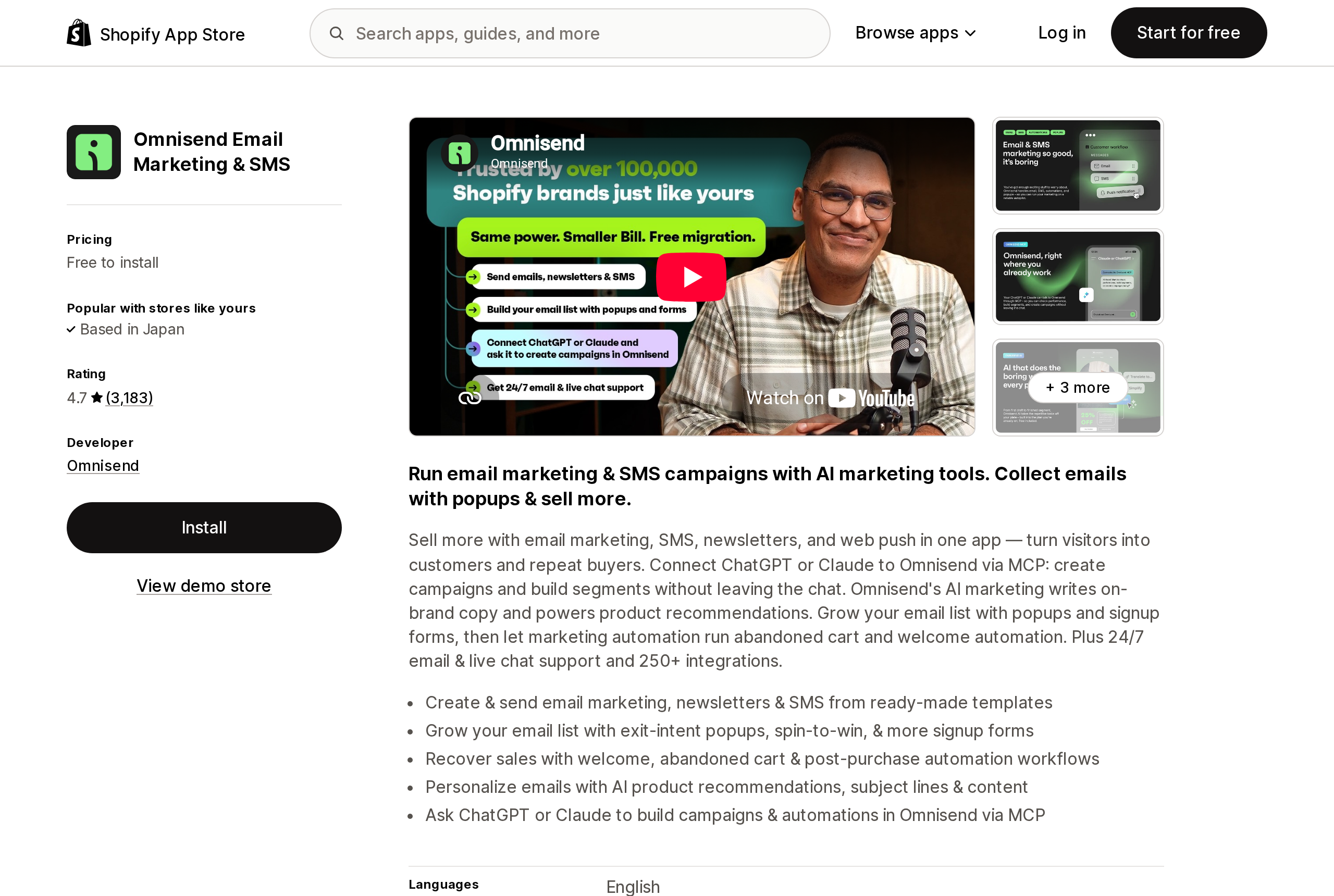
Source: Shopify App Store (Omnisend Email Marketing & SMS), retrieved September 18, 2026
We include Omnisend because a 2024 Community reply claims it allows "easy automation when new content is published." We couldn't substantiate that. Omnisend's Help Center returned no articles for "rss" on September 18, 2026, and the integrations that advertise RSS-to-Omnisend automations are MESA, Latenode, and Integrately, not Omnisend. Its Shopify listing shows a 4.7 rating from 3,183 reviews, a free plan to 250 contacts with 500 emails a month, Standard from $16/month and Pro from $59/month. If Omnisend is your platform, a blog email is a campaign you build, or a Zap you build.
Workflow Trigger Extensions
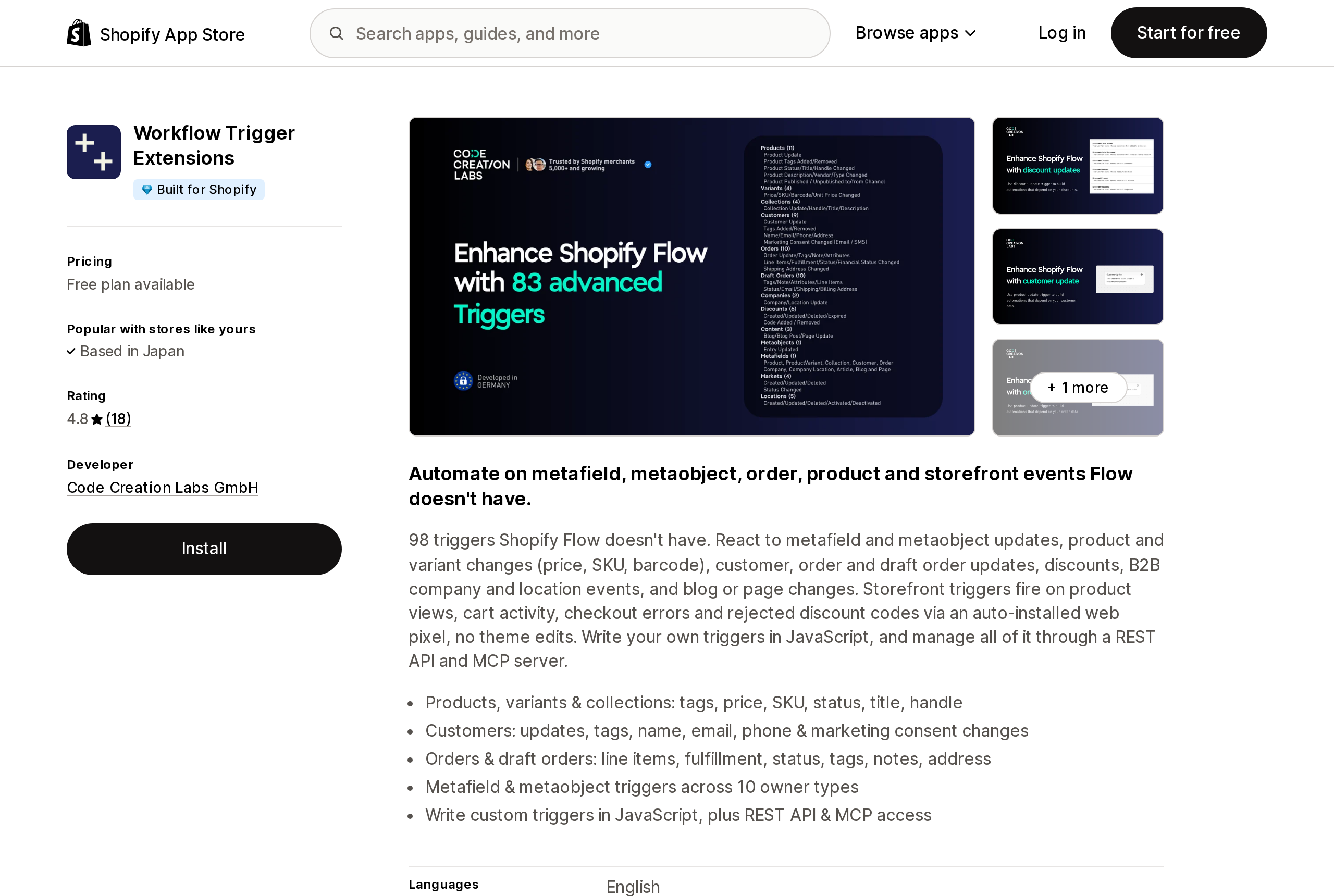
Source: Shopify App Store (Workflow Trigger Extensions), retrieved September 18, 2026
Workflow Trigger Extensions, by Code Creation Labs GmbH, is the route for merchants who want the event inside Shopify Flow. Its Blog Post Update trigger "fires when a blog post is changed: title, body, summary, tags, author, or whether it is published," and because there is no webhook it is "checked on a schedule," so the docs tell you to "expect a short delay rather than an instant event." The event hands Flow the article's id, title, handle, author name, body, summary, publishedAt, tags, templateSuffix, updatedAt, and isPublished. No image field.
Two design notes from the vendor. The event carries the post "as it is now, without old values," so a workflow that should run only on first publication has to write a tag or metafield and check for it, or every typo fix will fire it again. And the sending still has to happen somewhere: the documented example posts to Slack via Send HTTP request, and an HTTP request to Klaviyo's or Mailchimp's API is the same mechanism. Every trigger is available on the free plan, which allows 5,000 trigger events a month; Starter is $25/month for 25,000, Grow $50/month, Unlimited $100/month. Events over the cap are dropped, not queued. The listing is Built for Shopify with a 4.8 rating from 18 reviews.
Zapier, briefly
Zapier isn't a Shopify App Store app, but it is the other event source. Its Shopify integration has a New Blog Entry trigger, and since June 2024 a Blog Entry Status field lets you fire on Published only, which fixed the earlier complaint that scheduled posts triggered while still hidden. The Shopify trigger had been supplying the featured image, which is why a Zapier staffer's RSS workaround in the same thread cost a merchant the header image. From there, Zapier's Mailchimp, Klaviyo, and Omnisend actions do the send.
How to choose
You publish a few times a month and already send newsletters. Write the email. Shopify Messaging's Image with text section plus a Button covers a blog announcement, and the first 10,000 emails each month are free. The same goes for a Klaviyo or Omnisend campaign. No app is needed.
You want it to happen without you, and your list lives in Shopify. Seguno Email Marketing is the only tool here that does the job with a switch. Accept the trade-offs: one post per day, a fixed subject line, an uneditable preview, and everyone gets it.
You are on Mailchimp. Use the RSS automation, point it at the blog's .atom URL, and publish at least three hours before the send time. Put the image inside the post body if you want it in the email, and use a weekly schedule if you post more than once a day.
You are on Klaviyo or Omnisend and want automation. Put Zapier's New Blog Entry trigger, filtered to Published, in front of the platform. Workflow Trigger Extensions is the alternative when you would rather build in Flow and call the platform's API yourself, with the first-publish check described above.
You run several blogs, or want a digest of more than 30 posts. Nothing feed-based will do it. Zapier and Workflow Trigger Extensions see each post as an event regardless of blog. Seguno's docs describe the store's blog posts, not a per-blog setting, so confirm the multi-blog behavior with Seguno support before relying on it.
Before you set this up
- Check the feed yourself: open
https://<your-domain>/blogs/<handle>.atomand confirm the newest post is there and that a hidden or future-dated draft is not. Anything polling the feed sees exactly what you see. - Decide where the image lives. If your theme renders a featured image that isn't in the post body, every feed-based sender will publish a text-only email. Add the image to the body or use a Shopify-payload trigger.
- Watch your Shopify Messaging email count. A blog announcement to 6,000 subscribers twice a month is 12,000 emails, and the second campaign crosses the free 10,000.
- If comments are open on the blog, remember that a burst of readers means a burst of comments, and Shopify has no reply or notification for those either.
- Don't build the notification in Flow alone. Get article data plus Send internal email tells your team; it doesn't tell your customers.
The blog is the one part of a Shopify store that ships with a syndication format from 2005 and no automation from 2026. That is fixable with a small app or a manual habit, as long as you know the feed stops at 30 and the trigger doesn't exist.
Sources
- Advanced publishing — Shopify Help Center
- Triggers in Shopify Flow — Shopify Help Center
- Get article data — Shopify Help Center
- Actions in Shopify Flow — Shopify Help Center
- Creating and managing marketing automations in Shopify Messaging — Shopify Help Center
- Managing Shopify Messaging templates — Shopify Help Center
- Customize your Shopify Messaging campaigns using Liquid — Shopify Help Center
- Shopify Messaging email pricing — Shopify Help Center
- How can I send an email to my subs about a new blog? — Shopify Community
- RSS for all blogs — Shopify Community
- Create a blog post announcement automation — Seguno Support Center
- Premium features available in Seguno Email Marketing — Seguno Support Center
- Share Your Blog Posts with Mailchimp — Mailchimp Help
- How to add a custom web feed in an email — Klaviyo Help Center
- How can I automatically send an email for each new blog post — Klaviyo Community
- Blog and page triggers, step by step — Workflow Trigger Extensions docs
- Plans and usage — Workflow Trigger Extensions docs
- Shopify New Blog Entry: Delay Zap until entry is public — Zapier Community
- Seguno Email Marketing — Shopify App Store
- Mailchimp Email SMS Marketing — Shopify App Store
- Klaviyo: Email Marketing & SMS — Shopify App Store
- Omnisend Email Marketing & SMS — Shopify App Store
- Workflow Trigger Extensions — Shopify App Store
- Shopify Messaging — Shopify App Store
Shopify added a Bin name column to the inventory CSV on August 25, 2025. It holds one bin per variant per location, it is created only by CSV import, and it prints on Order Printer pick lists. What it does not do is leave Shopify. Shopify staff confirmed on the developer forum in October 2025 and again in January 2026 that there is no public API access to the field, and the developer forum was still reporting the gap in June 2026. That single fact shapes the whole category: EasyScan and iPacky store bins in metafields, Bins-USA and ShelfPilot store them in their own databases, and a free app called Simple Bin Locations copies metafield bins into order notes so packing slips can show them. Shopify's own multi-bin model, with per-bin quantities and an unbinnedQuantity field, exists today only as a feature preview on development stores. Pricing, plan gates, and where each app keeps the bin data, verified on the Shopify App Store, the Shopify Help Center, shopify.dev, and the Shopify community forums on September 18, 2026.