
What you will learn
On this pageContentsCloseOpen
Stocky stopped working one week ago. Shopify's migration guide opens with the date:
Stocky is no longer available as of August 31, 2026.
The page then lists what Shopify's built-in inventory management gives you instead. Transfers, purchase orders, suppliers, adjustment history, unlimited inventory history. For alerting, there is one bullet:
Automation for accuracy and peace of mind: Set up automated low-stock alerts using Shopify Flow so you can react before items run out.
That is the whole native answer. Not a setting in the Inventory page, not a threshold field on the variant — a free automation app you build the alert in yourself.
Flow can genuinely do it. But the specific way Flow does it decides whether you need one of the alert apps, and the four apps still on the App Store price the same job on units that make direct comparison harder than it should be. Here is what the primary sources say as of September 7, 2026.
There is no built-in reorder point field
Before the alert, there is the number the alert fires against. Shopify's documentation does not describe a built-in field for it.
The migration guide is explicit about how to keep min and max levels after Stocky:
Set custom minimum and maximum thresholds per variant using custom metafield definitions.
Metafields, not a built-in field. The same page says the same thing about supplier data — lead times, minimum order quantities, case packs and supplier SKUs all go into variant metafields or metaobjects, and it adds that those values are "independent of purchase order ordering and receiving calculations."
So a native low stock setup starts with defining metafields, populating them across your catalog, and then writing a workflow that reads them. That is the baseline every app in this article is competing against.
What Flow actually gives you
Shopify Flow is described by Shopify as "a free app," available to build workflows from the admin. The relevant trigger is Product variant inventory quantity changed, previously called Inventory quantity changed.
The trigger reference lists exactly three pieces of data handed to the workflow: product, productVariant, and inventoryQuantityPrior. Location-level quantity is reachable, but you go get it — the page tells you to read productVariant / inventoryItem / inventoryLevels / available and match on the location name or ID yourself.
Shopify ships ready-made templates for this. Get notified by email when product variant inventory is low, Initiate reorder with vendor when inventory gets low, Get notified when inventory is low and hide products when out of stock, and, on a schedule rather than an event, Send weekly email summary with list of low stock variants.
Three constraints decide whether that is enough.
The email recipient can't be a variable
The Send internal email action documentation states it plainly:
You can't use variables to customize the email address to which the message is sent.
Multiple recipients are supported — comma-separated — but they are typed in when you build the workflow, not derived from the product.
This is what makes the Initiate reorder with vendor when inventory gets low template narrower than its name suggests. The vendor address is a literal string in that workflow. If you buy from twelve suppliers and want each one emailed about their own SKUs, that is twelve workflows, each with its own hardcoded address and its own product condition, maintained by hand every time a supplier or a product assignment changes.
Shopify also notes that Flow email is sent from your sender email address, and that without additional domain authentication it can display as via shopifyemail.com or as store+<your-shop-id>@shopifyemail.com. That matters more when the recipient is an outside supplier than when it is your own operations inbox.
The trigger fires per change, not per day
The trigger runs on every inventory movement for a variant. A variant sitting below your threshold through a busy week triggers on every sale, every adjustment, and every app-driven change. The trigger reference adds one more source of noise:
The Product variant inventory quantity changed trigger will start a workflow, even if the product has Inventory tracked deactivated.
The digest version exists, but it is a different workflow shape — the Scheduled time trigger plus a Get data step, then Count, then one email. Shopify's low stock digest template does not publish its own record ceiling, but the equivalent template for on-hold fulfillment orders describes the pattern's shape: it "will query for all fulfillment orders that are on hold (up to 100 at a time)." Treat a batched Get data step as paginated rather than as one query over the whole catalog, and confirm the behavior on your own catalog before relying on a digest.
The threshold is a number you type
Flow conditions compare against a value in the workflow. A single threshold across the catalog is one condition. Different thresholds per variant means reading the metafield you defined earlier, for every variant, which is buildable but is the point at which most merchants stop.
Flow is enough if: you have a small number of high-value SKUs, one internal recipient, one threshold or a handful of them, and you would rather build than subscribe.
Flow stops being enough if: you want per-supplier routing, per-variant thresholds without metafield maintenance, a scheduled digest across a catalog larger than 100 low items, or a threshold that moves with sales velocity.
The apps, and the units they meter
Four alert apps are currently listed. Their headline prices look similar. What each dollar buys does not.
| App | Rating (reviews) | Built for Shopify | Metering unit | Entry price | What entry buys | Instant alerts from |
|---|---|---|---|---|---|---|
| iAlert ‑ Low Stock Alert | 4.8 (95) | No | Variants (SKUs) | Free | 500 variants, 1 scheduled notifier, "Limited features" | $2.99 ("All features") |
| Bee Low Stock Alert & Forecast | 4.8 (131) | No | SKUs (variants) | Free | 250 SKUs, 1 scheduled alert, 1 recipient | $5.99 |
| Stockie Inventory Management | 4.9 (143) | Yes | Variants + alerts + recipients | $4.99 | 8,000 variants, 5 alerts, 3 recipients | $4.99 |
| LSA Low Stock Alert | 4.4 (28) | No | Products | $5.99 | 300 products, daily summary only | $19.99 |
All plans billed in USD. Figures retrieved from each Shopify App Store listing on September 7, 2026.
Read the fourth column before the fifth. Three of these apps count variants; LSA counts products. At $4.99 iAlert's Advance plan covers 10,000 variants. At $5.99 LSA's Starter plan covers 300 products. Those two prices are one dollar apart, and the two limits are not directly comparable at all — but even for a catalog with exactly one variant per product, one number is thirty-three times the other. Add sizes and the gap widens: at five sizes per style, a store crosses LSA's 300-product line at 300 styles and iAlert's 10,000-variant line at 2,000.
The second thing to read is which alert type your plan includes. Instant alerts are the reason most merchants install one of these — the point is to hear about the stockout before the next morning. Bee lists unlimited real-time alerts from $5.99 and Stockie lists instant alerts on its $4.99 entry plan; iAlert lists instant notifications among its features and describes every paid plan, from $2.99, as "All features." LSA gates instant alerts to its $19.99 Advanced plan, two tiers up from entry.
iAlert ‑ Low Stock Alert
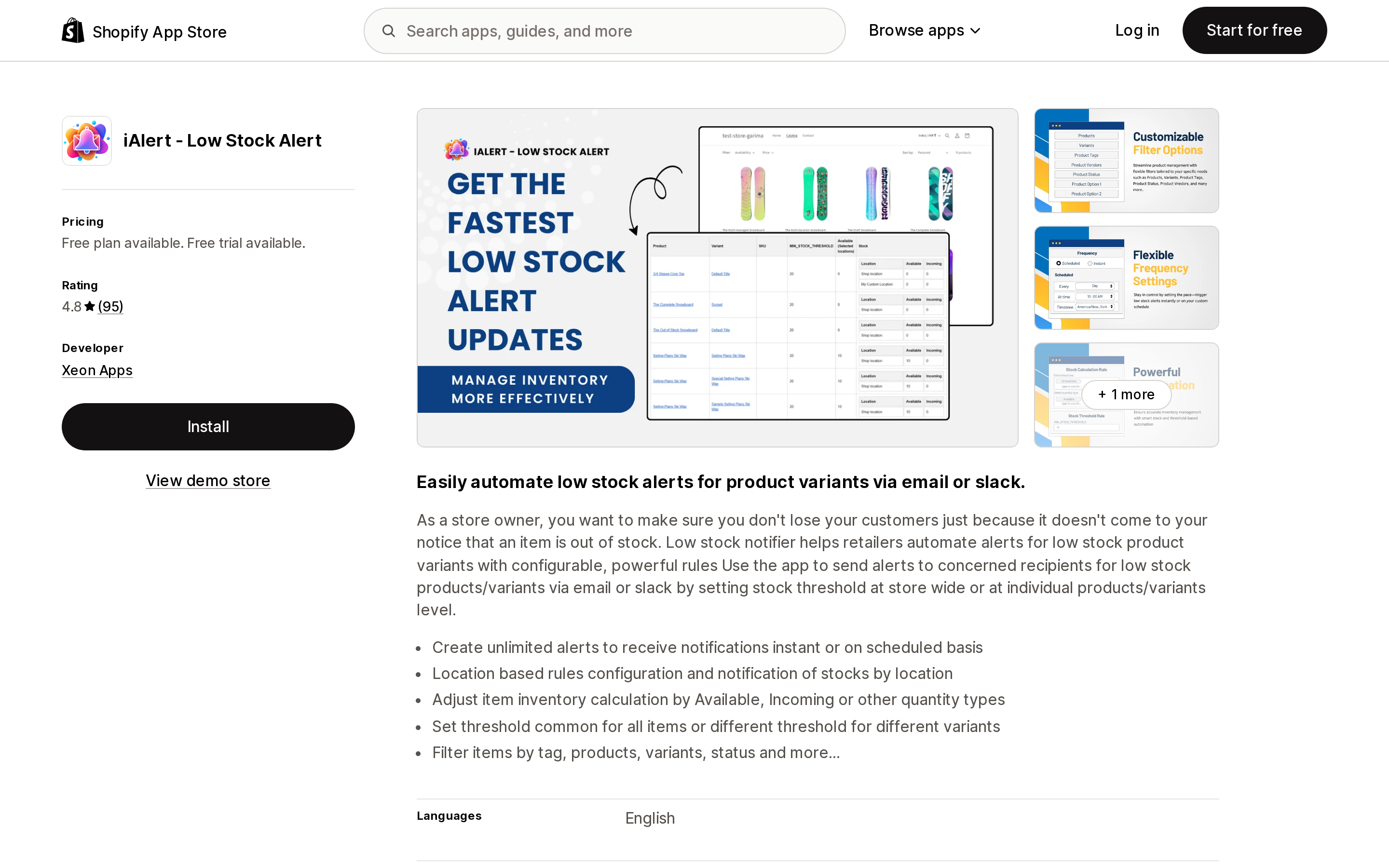
Source: Shopify App Store (iAlert ‑ Low Stock Alert), retrieved September 7, 2026
Developed by Xeon Apps, launched March 28, 2019, rated 4.8 from 95 reviews. Pricing runs Free for up to 500 variants with one scheduled notifier, then $2.99/month for 1,000 variants, $4.99/month for 10,000, and $9.99/month for 100,000. Annual options are listed at $29, $48 and $96.
The distinguishing feature is on the listing's own bullet list: "Adjust item inventory calculation by Available, Incoming or other quantity types." Most alert tools compare against available quantity only. Being able to alert on a figure that accounts for incoming stock is the difference between an alert that fires while a purchase order is already in transit and one that doesn't.
Thresholds can be storewide or per variant, rules can be scoped by location, and items filter by tag, product, variant and status. Email and Slack are both listed.
The listing's data access section says the app views order history for the last 60 days, and edits products, inventory and collections.
Best fit: stores that want the cheapest real-time alert with per-variant thresholds, and stores that need alerting to consider incoming stock.
Poor fit: anyone who also wants forecasting or purchase orders in the same app — this one alerts and stops there.
Bee Low Stock Alert & Forecast
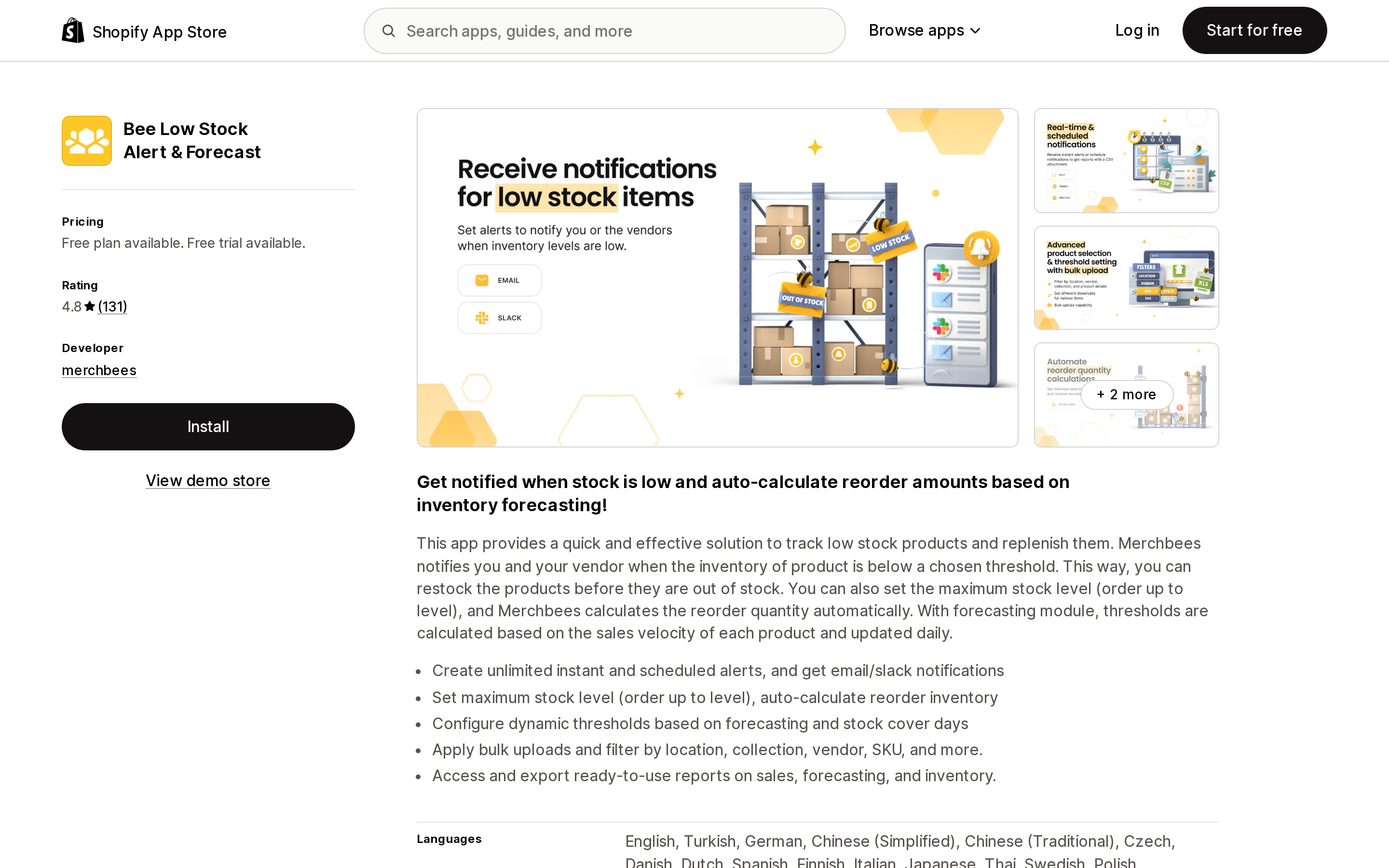
Source: Shopify App Store (Bee Low Stock Alert & Forecast), retrieved September 7, 2026
Developed by merchbees, launched March 31, 2020, rated 4.8 from 131 reviews — 126 of them five stars, one at one star.
Four tiers, all metered on SKUs (variants): Free for 250, Professional at $5.99/month for 8,000, Advanced at $11.99/month for 100,000, and Enterprise at $39.99/month at the same 100,000 ceiling. Annual billing is listed at $59.88, $119.88 and $399.96, described as a 17% saving. Paid plans carry a 14-day free trial.
The tier boundaries are worth mapping, because the ceiling stops moving after Advanced and you are paying for capability instead:
- Free gives one scheduled alert (daily, weekly or monthly) to one recipient, with a CSV attachment.
- Professional unlocks unlimited scheduled and real-time alerts, unlimited locations, unlimited recipients, and per-item thresholds.
- Advanced adds bulk threshold import via Excel, an order-up-to level with automatic reorder quantity calculation, sender customization, and Slack.
- Enterprise adds demand forecasting, thresholds set by stock cover days, and ABC performance and stock value reports.
That Enterprise row is the one that answers a real Flow limitation: a threshold that recalculates from sales velocity daily, rather than a number you typed once. It is also $39.99/month, which is a different conversation from a $5.99 alert.
Bee is the only app here whose listing description states that it "notifies you and your vendor when the inventory of product is below a chosen threshold" — the per-supplier routing that Flow's Send internal email action cannot do with a variable. Its listing does not specify how the vendor address is stored or resolved, so confirm that during the trial if supplier routing is why you are installing it.
Best fit: stores that want a free tier to start on and a clean upgrade path from alerting into forecasting inside one app.
Poor fit: catalogs above 100,000 variants, and stores needing purchase order creation.
Stockie Inventory Management
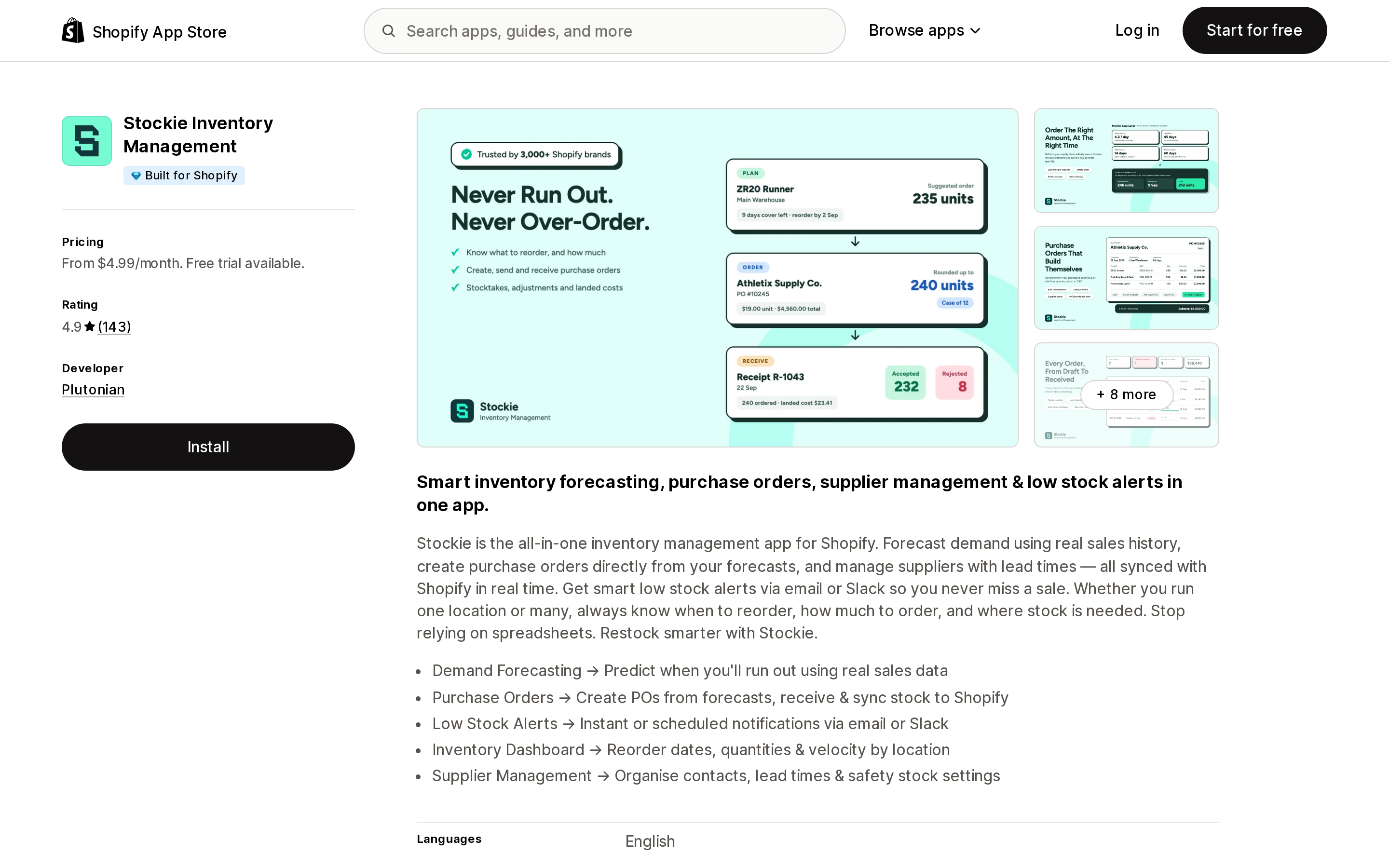
Source: Shopify App Store (Stockie Inventory Management), retrieved September 7, 2026
Developed by Plutonian, launched July 19, 2021, rated 4.9 from 143 reviews. It is the only app in this comparison carrying the Built for Shopify badge.
There is no free plan. Basic at $4.99/month covers 8,000 variants but caps two other units at the same time: 5 alerts and 3 recipients. Instant alerts, collection alerts, reorder quantity calculations and unlimited locations are all included at that tier. Advanced at $9.99/month lifts alerts, variants and recipients to unlimited and adds custom thresholds per product, include/exclude conditions, multiple alert levels and Slack. Pro at $29.99/month adds the forecasting dashboard, auto-calculated thresholds, predicted reorder dates, and lead time and safety stock configuration. Pro Plus at $59.99/month adds purchase order creation, PO generation from forecasts, receiving with automatic Shopify inventory adjustments, and sending POs to suppliers via PDF or CSV.
That last tier is the one that maps onto what Stocky used to do, and the reviews reflect it. Two of the three reviews shown on the listing — from US merchants, dated August 25 and August 31, 2026 — describe arriving at Stockie because their previous inventory platform was going away, and one of them mentions getting data imported from that platform with the developer's help.
Note the shape of the Basic plan before treating $4.99 as the comparable price. Three recipients and five alerts is a small operations team with a few rules. A store that wants a different alert per collection or per supplier hits the alert cap before the variant cap and lands at $9.99.
Best fit: merchants who left Stocky and want alerting, forecasting and purchase orders on one bill, and who value the Built for Shopify badge.
Poor fit: stores that want only alerts and nothing else, where $4.99 buys fewer variants and fewer recipients than the alert-only apps.
LSA Low Stock Alert
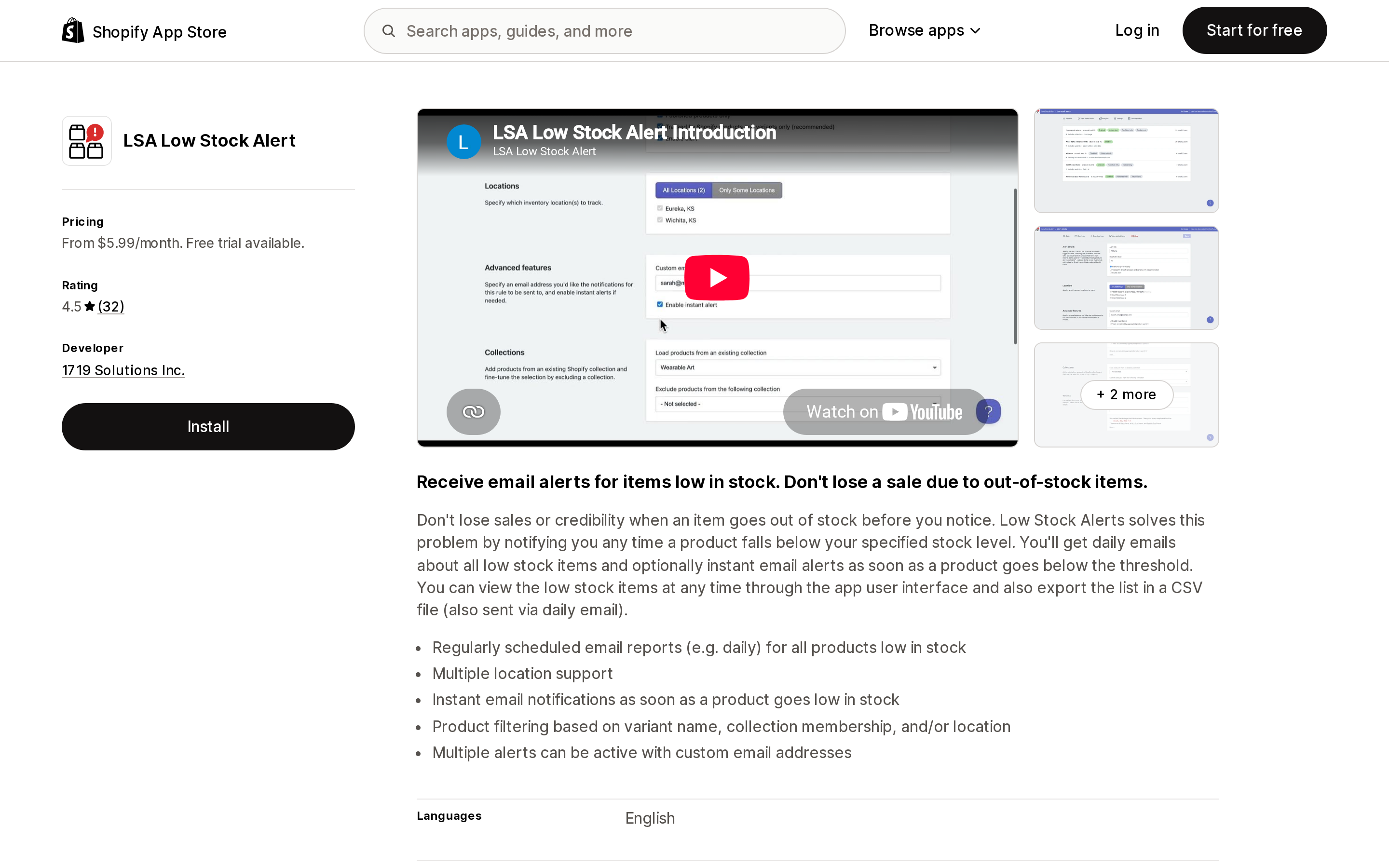
Source: Shopify App Store (LSA Low Stock Alert), retrieved September 7, 2026
Developed by 1719 Solutions Inc., based in Boulder, Colorado, launched January 21, 2016. Rated 4.4 from 28 reviews — the smallest review base here, and the distribution is unusual: 24 five-star, zero four-star, zero three-star, three two-star and one one-star.
It is the only app in this group metered on products, and the only one with no free plan. Starter at $5.99/month covers 300 products with a daily summary email. Basic at $9.99/month covers 500 products and adds custom email addresses per alert and collection filtering. Advanced at $19.99/month covers 1,000 products and is where instant alerts first appear. Professional at $29.99/month covers 2,000 products.
Two things follow from that table. Instant alerting costs $19.99 here and $2.99 to $5.99 elsewhere. And the ceiling is 2,000 products on the listed plans, where iAlert's $9.99 tier is 100,000 variants — the listing notes additional plan options on the developer's pricing page, which this article did not verify.
The review recency is also worth knowing before installing: the reviews visible on the listing are dated January 2017, May 2019 and January 2020. The 2020 two-star review raised multi-location handling and alert timing, and the developer replied in April 2020 that multiple locations were then supported. Treat that as an old exchange rather than a current defect, but the absence of recent reviews on a 2016 app is itself a signal to test during the 14-day trial.
Best fit: small catalogs under 300 products where a once-daily summary is genuinely enough.
Poor fit: variant-heavy catalogs, and anyone who needs instant alerts on a budget.
One app the listicles still recommend is gone
Search for low stock alert apps today and Invy Alerts – Low Inventory by Software Sage LLC still comes back as a result. Open its App Store URL and the page carries one sentence:
This app is not currently available on the Shopify App Store.
No pricing, no rating, no install button. This is the ordinary failure mode of app comparisons that are not re-verified: a listing gets pulled and the recommendation keeps circulating in search results and roundups. Check that a listing loads and shows a current price before you trust any comparison — including this one, a few months from now.
Choosing
- A handful of SKUs, one internal recipient, one threshold — build the Flow template. It is free and it is what Shopify's own migration page points to.
- Per-supplier reorder emails — Flow makes this one workflow per supplier, because the recipient address cannot be a variable. Bee's listing is the only one here that describes notifying your vendor on a low stock threshold; Stockie sends purchase orders to suppliers as PDF or CSV, but only on the $59.99 Pro Plus plan.
- Cheapest real-time alerting at scale — iAlert at $4.99 for 10,000 variants, or $9.99 for 100,000.
- Free tier to prove the workflow first — Bee at 250 SKUs, or iAlert at 500 variants. Note that both free tiers give you one scheduled alert, not real-time.
- Thresholds that move with sales velocity — Bee Enterprise at $39.99, or Stockie Pro at $29.99. Below that, every threshold in this comparison is a number someone typed.
- Post-Stocky replacement, not just alerts — Stockie Pro Plus at $59.99 is the tier that includes purchase orders and receiving.
- Under 300 products, daily digest is fine — LSA at $5.99. Above that count, or if you need instant, it is the most expensive option here.
Before you install
Count your variants and your products separately, and write both numbers down, because that is the axis the pricing turns on and the two apps you are comparing may not be counting the same thing. Then count your recipients and your alert rules, because Stockie's entry tier caps those independently of catalog size.
Decide whether you need instant or daily before you look at prices. It moves LSA by $14 and moves nothing else.
And check what the alert compares against. Available quantity is the default everywhere. If purchase orders are usually in transit when your stock gets low, an alert that ignores incoming quantity will page you about a problem you already solved.
Sources
- Shopify Help Center — Migrating from Stocky to Shopify inventory management
- Shopify Help Center — Getting started with Shopify Flow
- Shopify Help Center — Product variant inventory quantity changed trigger
- Shopify Help Center — Send internal email action
- Shopify Help Center — Triggers in Shopify Flow
- Shopify Help Center — Creating custom metafield definitions
- Shopify App Store listings for iAlert ‑ Low Stock Alert, Bee Low Stock Alert & Forecast, Stockie Inventory Management, LSA Low Stock Alert, and Invy Alerts – Low Inventory, all retrieved September 7, 2026
Hextom: Free Shipping Bar is no longer available on the Shopify App Store. Here's what Shopify's native announcement bar can and can't do, and five real apps that fill the gap in 2026.