
What you will learn
On this pageContentsCloseOpen
Shopify's Inventory page shows a column called Unavailable. Click into a quantity and you can move units out of it or into it, sorted into four buckets: Damaged, Quality control, Safety stock, and Other.
That works well for one variant at a time. Every tool Shopify gives you for doing inventory work at scale — the CSV importer, the bulk editor, the mobile app, and the webhook system — either ignores those buckets or refuses to write to them.
The short version
- The admin has five inventory states; the API has eight.
reserved,damaged,safety_stock, andquality_controlall "display as Unavailable to merchants that are tracking inventory in the Shopify admin," which is why one admin column covers four API states. - The inventory CSV cannot write to any unavailable state. In the All states export, the header is literally
Unavailable (not editable). So areCommitted,Available, andIncoming. The only quantity column you can import isOn hand (new). - The bulk editor has no unavailable-state columns at all, and Shopify warns that it "doesn't create an audit trail of inventory movements."
- The Shopify mobile app offers only On hand and Available, and "the Add reason option isn't available in the Shopify mobile app."
- None of these states fire a webhook. The developer docs state plainly: "Changes to
committed,reserved,damaged,safety_stock, andquality_controlinventory states don't trigger webhooks." - Adjustment history per variant stops at 180 days. Beyond that you're in the Inventory adjustment changes report, and inventory metrics only go back to October 1, 2023.
- On August 5, 2026 Shopify moved draft-order, transfer, and shipment holds from
reservedtocommitted. Totals didn't change, but if your integration readsreservedto detect those holds, it now reads zero. - When an app parks units as unavailable, you can't move them back in the admin. Only the app that created the hold can release it.
- Three bulk data apps take three different positions. syncX: Stock Sync Migrate Bulk documents mappable fields for all four buckets. Matrixify imports Damaged, Safety Stock, and Quality Control but not Other. Altera ‑ Export and Import documents only
Inventory Available. - "Safety stock" in a forecasting app is not Shopify's Safety stock. In Prediko Inventory Management and Inventory Management ‑ Assisty it's a threshold measured in days that triggers a reorder alert. No units move anywhere.
Five labels, eight states
Shopify's merchant documentation lists five states: On hand, Available, Committed, Unavailable, and Incoming. On hand is the sum of Committed, Unavailable, and Available.
The Admin API sees more detail. Its eight states are incoming, on_hand, available, committed, reserved, damaged, safety_stock, and quality_control, and on_hand "equals the sum of inventory quantities that are in the available, committed, reserved, damaged, safety_stock, and quality_control states."
Four of those eight collapse into one admin column. For reserved, damaged, safety_stock, and quality_control alike, the docs repeat the same sentence: quantities "display as Unavailable to merchants that are tracking inventory in the Shopify admin."
The practical consequence is that Unavailable in your admin is a total, not a category. Two stores can both show 40 unavailable units and mean completely different things — one holding back safety stock, the other sitting on damaged goods it hasn't written off.
Shopify has also drawn a hard line around committed. From the developer docs: "You can't use the Admin API to adjust or move inventory quantities in the committed state." Committed is order-driven and Shopify owns it.
What the admin can actually do
The admin is the one surface that handles unavailable states properly, and it does it through Adjust by rather than Set to.
Click a quantity on the Inventory page, product page, or variant page, switch the dropdown from Set to to Adjust by, then pick an origin and a destination. To pull units off the shelf for inspection you select your location as the origin and Quality control as the destination. To put them back you reverse it. The adjustment history then reads Moved to Quality control or Moved from Safety stock, with the unit change split across the Unavailable and Available columns.
Two details are easy to miss.
The first is that this flow is conditional. Shopify's own troubleshooting section says that if unavailable values "aren't directly editable inline, then your store might use a guided adjustment flow. For stores using this flow, missing inline edit fields for unavailable states can be expected behavior." If you were looking for an inline field and didn't find one, nothing is broken.
The second is that the four buckets are labels, not logic. Nothing in Shopify reorders when Safety stock runs low, and nothing writes off Damaged units to your cost of goods. They're a way of annotating why stock isn't sellable.
The CSV importer says "not editable" in the column header
This is the limit that catches most people out, because the export looks like it should work.
Export your inventory with All states selected and you get one row per location with columns for every state. Then read the headers:
| Column | Importable |
|---|---|
Incoming (not editable) | No |
Unavailable (not editable) | No |
Committed (not editable) | No |
Available (not editable) | No |
On hand (current) | Used for safety validation only |
On hand (new) | Yes |
Bin name, HS Code, COO | Yes |
Four of the five quantity columns ship with (not editable) printed into the header text. The importer writes exactly one number: On hand (new). And because editing On hand moves the difference into Available, every CSV import you run lands in the sellable bucket.
Shopify offers a second, simpler export format — Available — where location names become the column headers and you fill in available quantities. That one doesn't reach the unavailable states either, and Shopify notes it "doesn't provide protection against accidental overwrites."
So there is no supported CSV path for "mark these 340 SKUs as quality control." You can export what's already there. You cannot put anything back.
The bulk editor is no better. Its documented property list runs from Price and SKU through to Quantities by location — and stops. There is no Damaged column, no Safety stock column. It also comes with a warning worth reading twice: "you set absolute inventory quantities without specifying origin and destination, so this method doesn't create an audit trail of inventory movements."
The mobile app is the narrowest surface of the three. The documented steps end at "Select On hand or Available," and reasons are gone entirely: "The Add reason option isn't available in the Shopify mobile app."
Nothing here fires a webhook
If you sync inventory to an ERP, a 3PL, or a warehouse system, this is the sentence that matters most, straight from the inventory management app documentation:
Changes to
committed,reserved,damaged,safety_stock, andquality_controlinventory states don't trigger webhooks.
Move 200 units into Damaged in the admin and inventory_levels/update fires for the drop in available. Move units from Damaged to Quality control and both sides of the movement sit inside the silent set — your integration sees nothing at all, because available never changed.
Reconstructing what happened afterwards is harder than it should be. Adjustment history in the admin is capped: "You can view only the last 180 days of inventory adjustment history for a product or variant," and you can't view all variants of a product at once. There's also no dedicated REST or GraphQL endpoint for historical adjustments. In a Shopify developer forum thread from October 2025, a merchant reported that support confirmed "there is no public endpoint that exposes past inventory adjustments or movements," and was pointed to the Inventory adjustment changes report and a shopifyqlQuery against inventory_adjustment_history as the route in. A later reply in the same thread reported records missing from that query compared with the admin's own adjustment screen.
Two more constraints on the reporting side. Inventory-based metrics "go back only to October 1, 2023." And the Month-end inventory snapshot and Month-end inventory value reports both key off Available — which Shopify defines as inventory that "isn't committed or set aside as Unavailable." Park a large block of stock as Safety stock and your month-end inventory value drops accordingly, even though the goods are still on your shelves.
The August 5, 2026 change to reserved
Worth knowing if you have an integration reading state names. On August 5, 2026 Shopify consolidated in-progress holds:
For draft orders, transfers, and shipments, quantities that previously appeared under
reservedwill now appear undercommitted.
Shopify describes it as a one-time data migration affecting only active draft orders and open transfers or shipments still holding inventory. available and on_hand are unchanged, both state names remain queryable, and nothing changes for buyers.
But the guidance for apps is explicit: "If you currently rely on reserved to detect draft-order or transfer/shipment holds specifically, you should read committed instead going forward." Merchants running inventory adjustment reports also get a one-time correction entry when the migration runs.
App-held unavailable stock isn't yours to move
There's a second kind of unavailable inventory, and it behaves differently from anything you create yourself.
When an app holds stock, the adjustment history logs Reservation created, and Shopify notes that "inventory a third-party app holds is displayed as Unavailable." Releasing it is the app's job: on Reservation deleted, "when a third-party app deletes a reservation or a draft order expires, the inventory returns to Available."
A developer thread in the Shopify community documents what this looks like from the merchant side. A store built a private app to move stock in bulk from available to safety_stock with inventoryMoveQuantities. In the admin, those units appeared under Managed by Apps, attributed to the app rather than to Safety stock. The developer's summary: "the only way to change this Unavailable inventory is by using my app again." A Shopify Plus rep who escalated it reported back that this was "a current limitation of the API."
The lesson for app selection: before you let an app park inventory as unavailable, find out whether the app gives you a way to release it. If the answer is only "uninstall and hope," that's a real operational risk.
What the bulk data apps actually write
Three apps in the same category take three different positions on unavailable states. Their pricing, ratings, and documentation were checked on September 8, 2026.
| syncX: Stock Sync Migrate Bulk | Matrixify | Altera ‑ Export and Import | |
|---|---|---|---|
| Developer | SyncX | ITissible | Abnoba LLC |
| Built for Shopify | Yes | Yes | Yes |
| Rating (reviews) | 4.7 (910) | 4.9 (1,596) | 5.0 (236) |
| Free plan | Yes | Yes (Demo, 10 records per file) | Yes (two tiers) |
| Paid entry price | $7/month (Starter) | $20/month (Basic) | $15/month (Pro) |
| Writes Damaged | Yes | Yes | Not documented |
| Writes Safety stock | Yes | Yes | Not documented |
| Writes Quality control | Yes | Yes | Not documented |
| Writes Other | Yes | No column | Not documented |
| Reads Committed / Reserved | — | Export only | Not documented |
syncX: Stock Sync Migrate Bulk
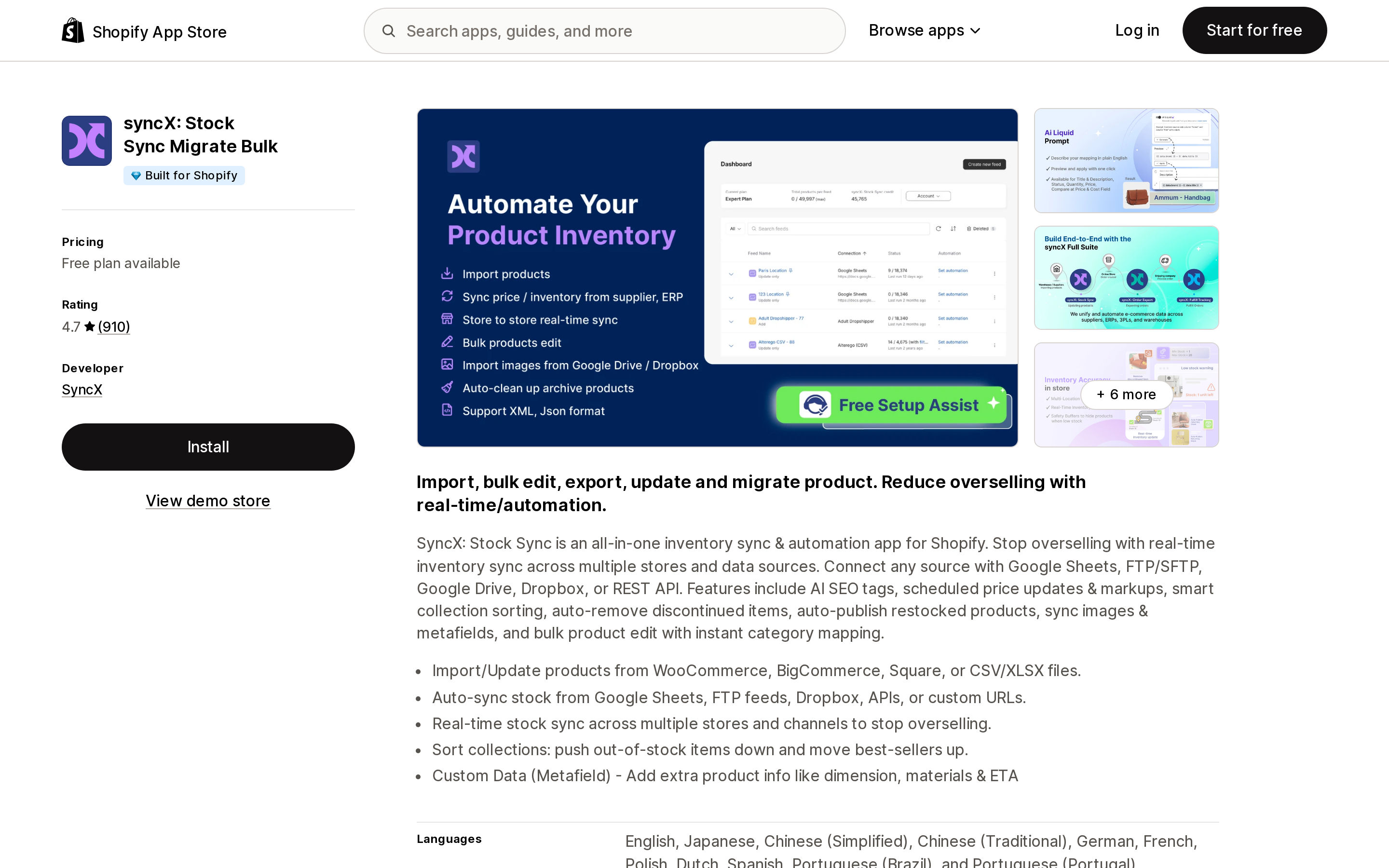
Source: Shopify App Store (syncX: Stock Sync Migrate Bulk), retrieved September 8, 2026
Stock Sync's help documentation has a page dedicated to unavailable quantity, and it enumerates five mappable feed fields: Unavailable Quantity (Quality Control), (Safety Stock), (Damage), (Other), and (Incoming). It is the only app here that documents a field for all four admin buckets.
Two documented constraints shape how you use it. "Before selecting the unavailable quantity, please ensure that you map the available quantity field" — the unavailable mapping doesn't stand alone. And each feed "can only update one location at a time. It cannot update multiple Shopify locations within the same feed," so a multi-warehouse store needs a feed per location.
Pricing is Free Plan, Starter at $7/month or $77/year, and Expert at $10/month or $110/year. The listing states "Free plan available" without a trial length.
Matrixify
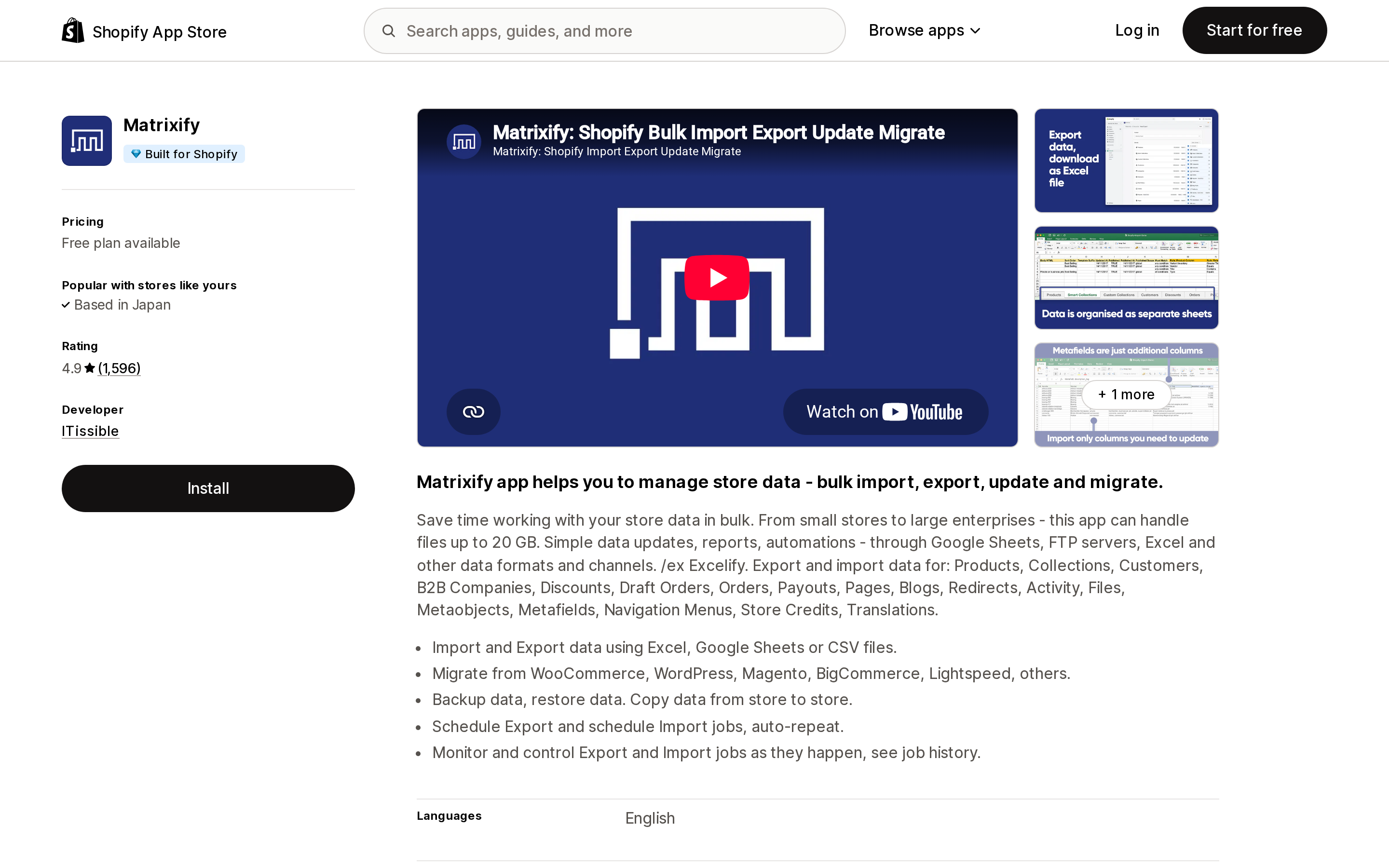
Source: Shopify App Store (Matrixify), retrieved September 8, 2026
Matrixify's Products documentation lists inventory columns per location for Available, On Hand, Committed, Reserved, Damaged, Safety Stock, Quality Control, and Incoming — and then splits them into importable and export-only.
Importable: Inventory Damaged, Inventory Safety Stock, Inventory Quality Control, each with a matching Adjust column for relative changes. Export only, flagged as such in the docs: Inventory Committed, Inventory Reserved, Inventory Incoming. That export-only line for Committed matches Shopify's API restriction exactly.
There is no column for the Other bucket. If your workflow depends on Other, Matrixify won't cover it.
One documented gotcha applies to any spreadsheet workflow here: "Setting both On Hand and Available inventory with the same Import could result in the Available quantity being adjusted automatically by Shopify due to setting or changing the On Hand quantity."
Pricing is Demo (free, capped at 10 records of each type per file), Basic at $20/month, Big at $50/month, and Enterprise at $200/month, billed in USD.
Altera ‑ Export and Import
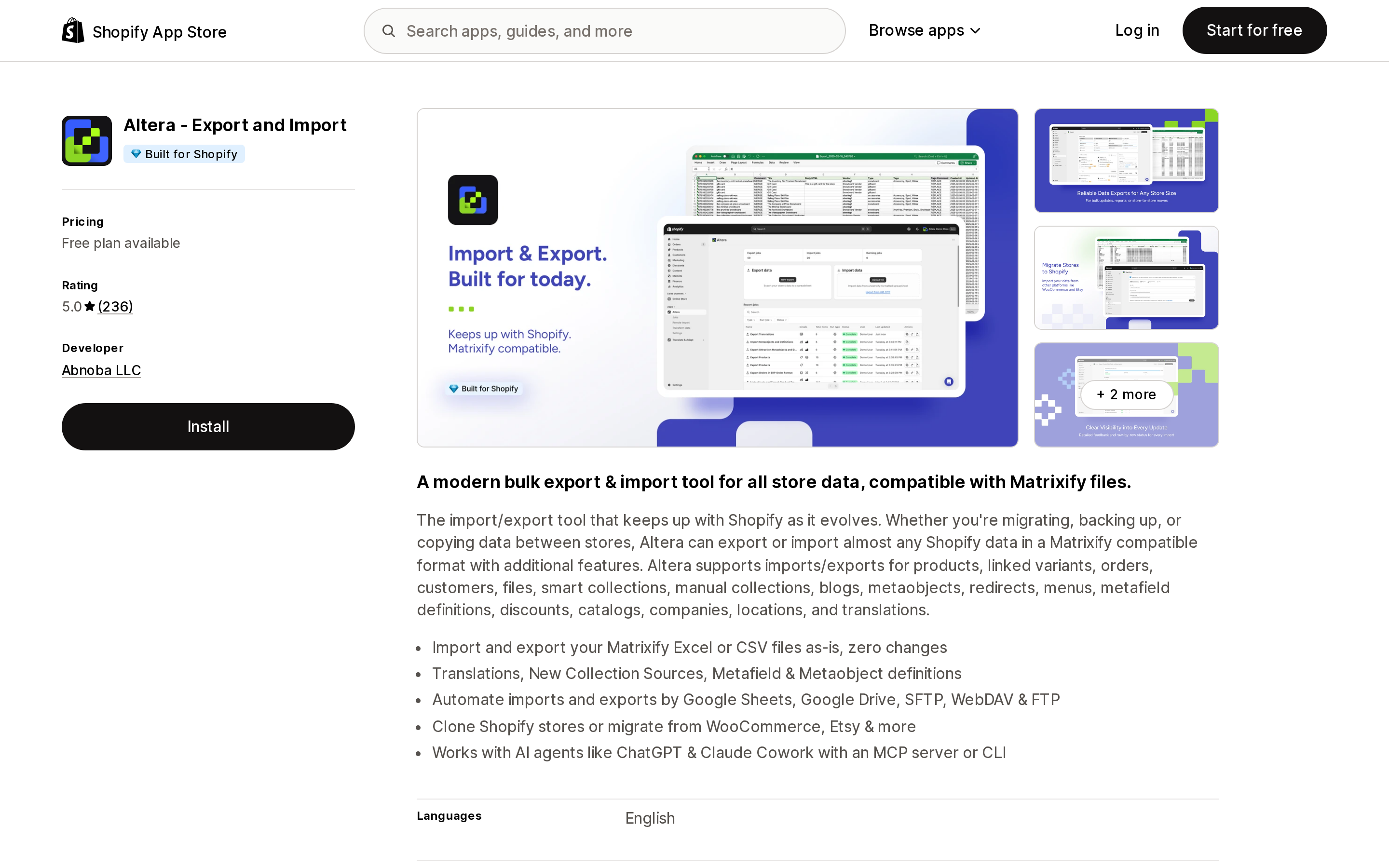
Source: Shopify App Store (Altera ‑ Export and Import), retrieved September 8, 2026
Altera is Matrixify-format compatible and its listing carries the Built for Shopify badge with a 5.0 rating from 236 reviews. Its multi-location inventory documentation covers Inventory Available: [Location] and Inventory Available Adjust: [Location], and that is the extent of the inventory columns documented in its field reference. Damaged, Safety Stock, and Quality Control do not appear there.
Absence from documentation isn't the same as a vendor stating non-support, so treat this as not documented rather than confirmed unsupported. If unavailable states are the reason you're installing a bulk data app, ask Altera before you commit.
Pricing is two free tiers plus one paid tier: Community (100 rows per file, one job at a time), Developer (free for non-paying Shopify plans, unlimited rows, two concurrent jobs), and Pro at $15/month.
"Safety stock" means two different things
This is the most common mix-up in this area, and it costs people time.
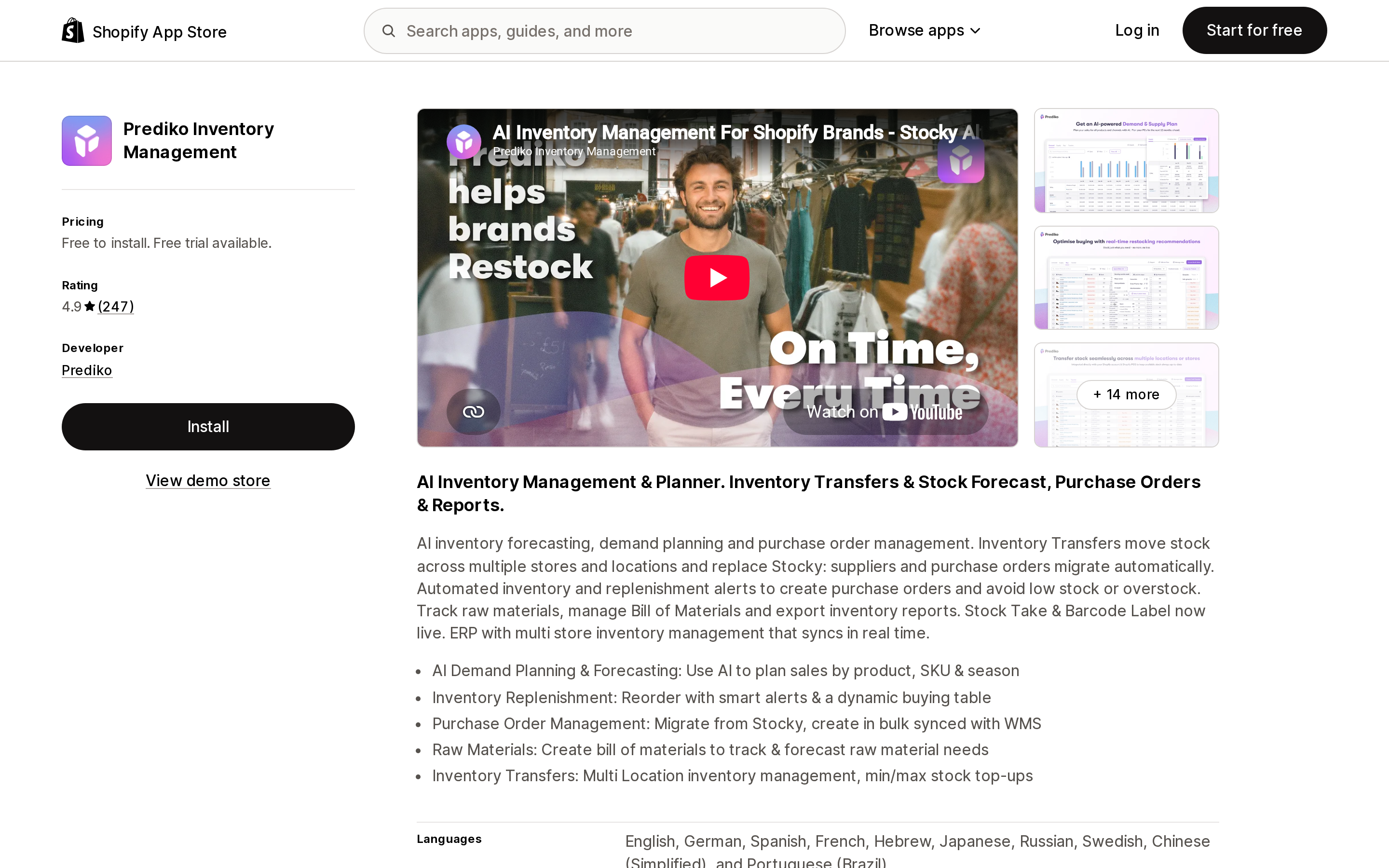
Source: Shopify App Store (Prediko Inventory Management), retrieved September 8, 2026
Prediko's help centre defines safety stock as "the minimum threshold (in days) of stock you'd like to hold at any time," and adds that it "is measured in days (not units)." When stock dips below it, Prediko notifies you in the Stock Health section of the Buying Table. Pricing runs Starter $49/month, Scale-up $119/month, and Growth $199/month, each with a 14-day free trial. There is also an Enterprise tier listed as Free to install, aimed at stores above $2M in revenue, with pricing quoted off the listing.
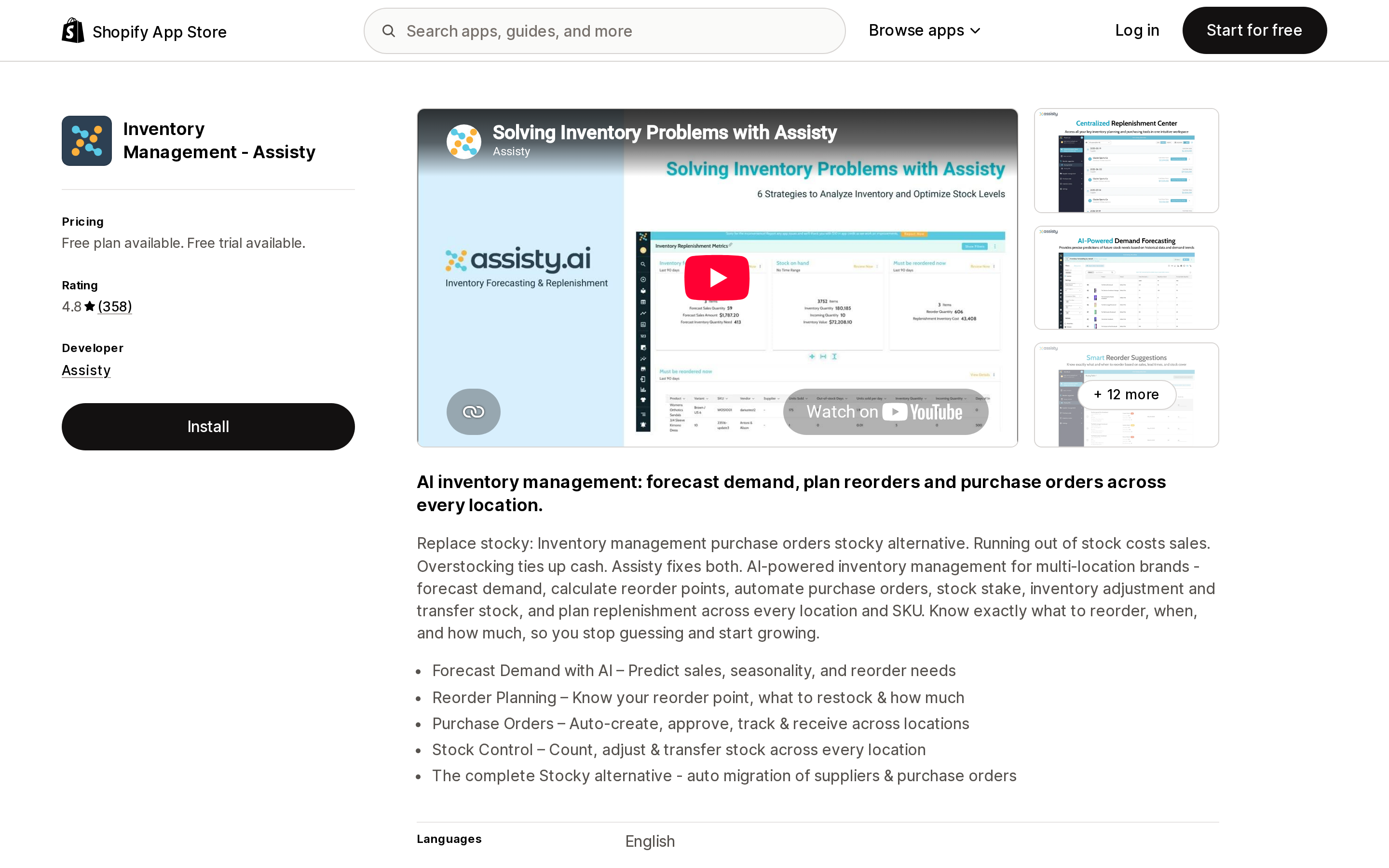
Source: Shopify App Store (Inventory Management ‑ Assisty), retrieved September 8, 2026
Assisty documents Safety Stock Coverage the same way — "extra buffer days to prevent stockouts," feeding a reorder formula of Order Quantity = (Order Cycle + Safety Stock) × Daily Sales Rate. Pricing is a Free to install plan covering six months of sales history, then Basic Shopify at $19/month, Advanced Shopify at $59/month, and Shopify Plus at $199/month, each paid tier with a 14-day free trial.
In both apps, safety stock is a planning number that changes when the app tells you to reorder. Shopify's Safety stock is a bucket that changes what customers can buy. Neither app's documentation says it writes units into Shopify's native safety_stock state, and neither says it doesn't — if you need that specific behaviour, ask before you subscribe.
Choosing
- A handful of adjustments a week? Use the admin. Adjust by with an origin and destination is the only surface that writes all four buckets and logs the movement, and it costs nothing.
- Hundreds of SKUs to reclassify? You need an app, because the CSV importer and bulk editor genuinely cannot do it. Stock Sync covers all four buckets and is the cheapest entry point. Matrixify covers three of four inside a spreadsheet workflow you may already run for products and orders.
- Feeding a warehouse system or ERP? Plan around the webhook silence from day one. Build reconciliation on the Inventory adjustment changes report or a ShopifyQL query, and send
referenceDocumentUrion every adjustment your own integration makes so you can trace it later. - Trying to prevent stockouts? That's a forecasting problem, not a state problem. Prediko and Assisty answer it, but they answer it with alerts and purchase orders, not by moving units into Shopify's Safety stock.
- Reading
reservedanywhere? Switch tocommittedfor draft-order, transfer, and shipment holds. That migration already ran on August 5, 2026.
If most of your work is one variant at a time, none of this is a problem. It becomes one the moment somebody asks you to reclassify a warehouse.
Related reading
- Your Shopify cart doesn't reserve inventory
- Stocky is shutting down: what replaces it
- Inventory forecasting apps and the stockout blind spot
- Shopify's bulk edit and CSV limits, and where Matrixify and Altera fit
Sources
- Understanding inventory states — Shopify Help Center
- Adjusting inventory quantities — Shopify Help Center
- Viewing inventory adjustment history — Shopify Help Center
- Adjusting inventory quantities in bulk — Shopify Help Center
- Exporting and importing inventory with a CSV file — Shopify Help Center
- Inventory reports — Shopify Help Center
- Apps in inventory management — shopify.dev
- Draft order and transfer/shipment inventory is moving from reserved to committed — Shopify developer changelog
- inventoryMoveQuantities creating a new "Managed by Apps" inventory state — Shopify developer community
- No access to historical inventory adjustments via API — Shopify developer community
- Unavailable Quantity — Stock Sync help
- Shopify Products import / export template & guide — Matrixify
- What is the safety stock — Prediko help
- Setting reorder parameters — Assisty help
Shopify added a Bin name column to the inventory CSV on August 25, 2025. It holds one bin per variant per location, it is created only by CSV import, and it prints on Order Printer pick lists. What it does not do is leave Shopify. Shopify staff confirmed on the developer forum in October 2025 and again in January 2026 that there is no public API access to the field, and the developer forum was still reporting the gap in June 2026. That single fact shapes the whole category: EasyScan and iPacky store bins in metafields, Bins-USA and ShelfPilot store them in their own databases, and a free app called Simple Bin Locations copies metafield bins into order notes so packing slips can show them. Shopify's own multi-bin model, with per-bin quantities and an unbinnedQuantity field, exists today only as a feature preview on development stores. Pricing, plan gates, and where each app keeps the bin data, verified on the Shopify App Store, the Shopify Help Center, shopify.dev, and the Shopify community forums on September 18, 2026.