
What you will learn
On this pageContentsCloseOpen
Open the Shopify Help Center page on inventory states and you get this sentence: "On hand inventory is made up of the total of your Committed, Unavailable, and Available inventory."
Three terms. Now search Google for "Shopify available vs on hand" and read what comes back. Sumtracker's guide gives you the formula as "Available Inventory = On Hand − Committed." Prediko's guide — the better of the two, and one that does describe Unavailable in its body copy — still tells you in its own FAQ that "Shopify tracks inventory across four states: On Hand, Available, Committed, and Incoming," and that "Available is calculated automatically from On Hand minus Committed stock."
Unavailable is gone in both. And Unavailable is precisely the bucket that third-party apps write to.
That is not a pedantic difference. It is the difference between a number that reconciles and a number that doesn't.
Shopify tracks eight numbers and shows you five
The Shopify admin shows five columns: On hand, Available, Committed, Unavailable, and Incoming.
The GraphQL Admin API tracks eight quantity names. From Shopify's own inventory management documentation:
| API state | What it holds | What the admin calls it |
|---|---|---|
on_hand | Total units physically at a location | On hand |
available | Units a merchant can sell | Available |
committed | Units in an unfulfilled order, reserved on a draft order, or in a transfer marked ready to ship | Committed |
reserved | On-hand units temporarily set aside, for holds or inspection | Unavailable |
damaged | On-hand units not sellable due to damage | Unavailable |
safety_stock | On-hand units set aside to guard against overselling | Unavailable |
quality_control | On-hand units in inspection | Unavailable |
incoming | Units on their way to the location | Incoming |
Four separate API states collapse into one admin label. Shopify states the arithmetic explicitly: on_hand "equals the sum of inventory quantities that are in the available, committed, reserved, damaged, safety_stock, and quality_control states," and the seven non-on_hand states are mutually exclusive.
So the formula with all its terms is:
Available = On hand − Committed − Unavailable
If you have 100 units on the shelf, 10 committed to unfulfilled orders, and 35 parked as safety stock by an app, your Available number is 55. Run the two-term formula and you expect 90. You will spend an afternoon looking for 35 units that never moved.
What changed on August 5, 2026
Shopify published a changelog entry on August 5, 2026 titled "Draft order and transfer/shipment inventory is moving from reserved to committed." The substance:
- Quantities that previously appeared under
reservedfor draft orders, transfers, and shipments now appear undercommitted. - It was a one-time data migration applying only to active draft orders and open transfers or shipments still holding inventory when it ran.
availableandon_handwere unaffected. In Shopify's words, "quantities are only moving between two 'unavailable' buckets" — meaning two states that aren't sellable, not two things the admin labels Unavailable.- Both
reservedandcommittedremain valid, queryable names. Nothing was removed or renamed.
The merchant-visible consequence is in Shopify's reporting note: merchants using inventory adjustment reports "will see reserved values migrate to committed, plus a one-time correction entry when the migration runs."
That distinction matters because of the mapping in the table above. reserved displays as Unavailable; committed displays as Committed. So in the admin, your Unavailable column went down and your Committed column went up on the day the migration hit your store, with a correction row in your adjustment history that nobody ordered. Your On hand and Available totals did not move. If you flagged an unexplained state shift in August, this is one explanation worth checking first.
The Help Center now matches: Committed is defined as "units in an unfulfilled order, reserved in a draft order, or in a transfer that's marked as ready to ship."
Where the missing term actually bites
1. App holds land in Unavailable, not Committed
Shopify's adjustment history documentation is unusually direct about this. Under the Reservation created activity: "Inventory reserved for a draft order is displayed as Committed, and inventory a third-party app holds is displayed as Unavailable."
Two different holds, two different columns, one merchant trying to reconcile them. And Unavailable has four sub-reasons the admin exposes as origins and destinations when you use the Adjust by method: Damaged, Quality control, Safety stock, and Other.
2. No app can write Committed
From the Limitations section of Shopify's inventory management guide: "You can't use the Admin API to adjust or move inventory quantities in the committed state." Committed is managed by Shopify alone, through order creation, fulfillment, draft order reservations, and transfers marked ready to ship.
What an app can do is narrower than most merchants assume:
inventorySetQuantitiesexplicitly sets a quantity in theon_handoravailablestate — those two only.inventoryMoveQuantitiesmoves units betweenavailableand the four unavailable states, or between unavailable states.inventoryAdjustQuantitiesadjusts by a delta.
So when a 3PL or sync app "reserves" stock for you, it is moving units from available into one of the unavailable states. It is not touching Committed, and it cannot.
3. Five of the eight states fire no webhook
Shopify's documentation states it plainly: "Changes to committed, reserved, damaged, safety_stock, and quality_control inventory states don't trigger webhooks."
The available inventory webhook topics are inventory_items/create, inventory_items/update, inventory_items/delete, inventory_levels/connect, inventory_levels/disconnect, and inventory_levels/update.
Work the arithmetic and you get an uncomfortable case. Fulfilling an order decrements committed, which lowers on_hand — and leaves available untouched. An app watching only for changes in sellable stock has nothing to react to at the moment inventory physically leaves your warehouse.
4. Your month-end inventory value excludes Unavailable
Both the Month-end inventory snapshot and Month-end inventory value reports use the Available quantity. Shopify documents that for these reports, Available "excludes Committed inventory for orders pending fulfillment" and "Incoming units that are a part of a transfer." By definition, Available also excludes Unavailable.
So if an app is holding 35 units as safety stock at month end, those units are on your shelf, you paid for them, and Shopify's month-end inventory value report values them at zero. Two more constraints on these reports: historical data for inventory-based metrics only goes back to October 1, 2023, and historical inventory for deleted locations does not appear at all.
5. The CSV only lets you write one number
Export inventory with the All states option and you get columns for Incoming, Unavailable, Committed, and Available — each labelled (not editable) — plus On hand (current) and On hand (new). The only quantity you can write back is On hand.
The Available export format is simpler, uses location names as column headers, and, in Shopify's own words, "doesn't provide protection against accidental overwrites." The All states format compares On hand (current) against live levels and rejects rows that changed since export.
One more that matters for audit trails: Shopify's guidance for merchants syncing from an external system points to the bulk editor, then notes that "a record of your inventory movements isn't tracked when you use the bulk editor."
Which number do the apps actually touch?
This is the question worth asking before you install anything, and only one of these four answers it in public documentation.
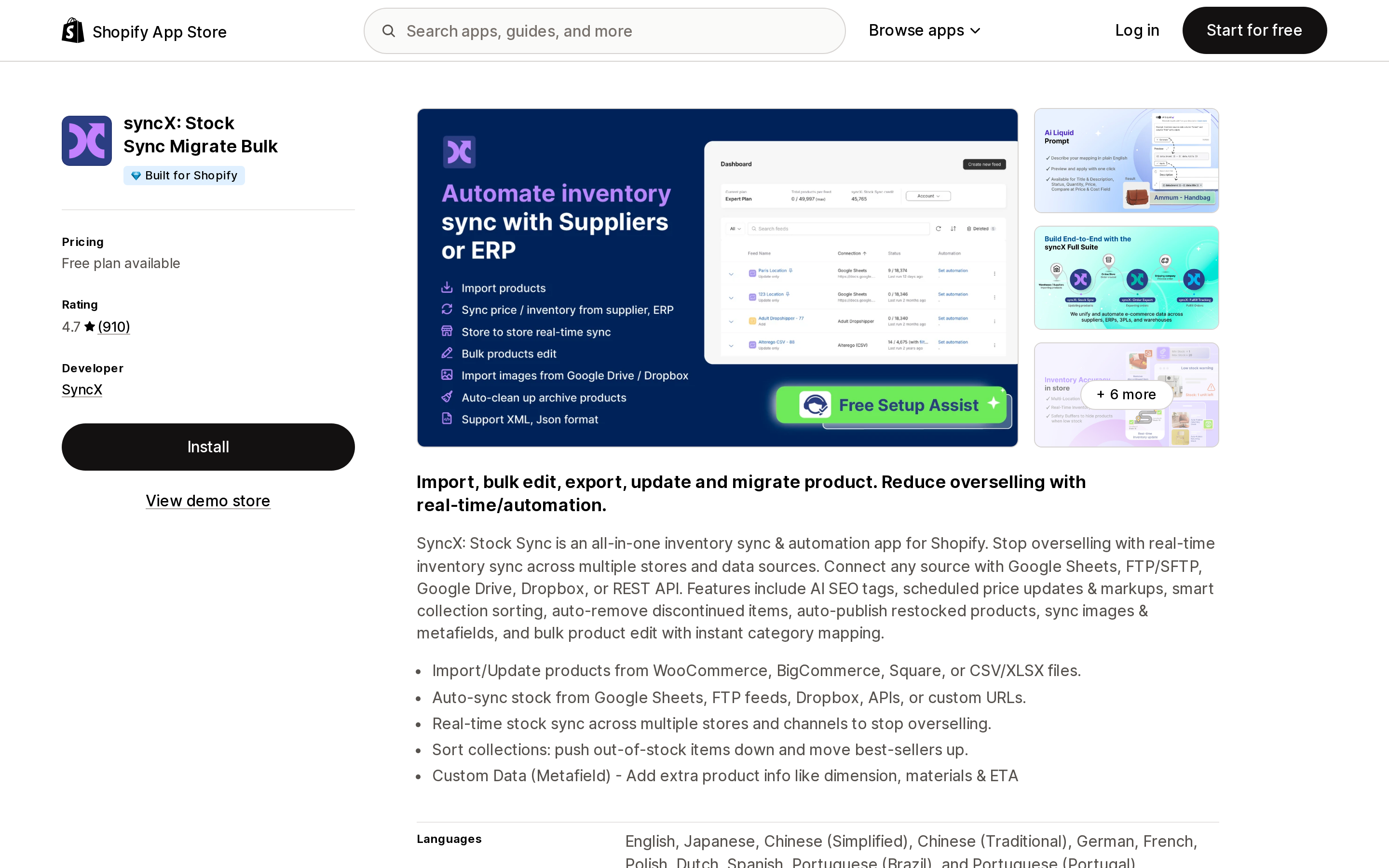
Source: Shopify App Store (syncX: Stock Sync Migrate Bulk), retrieved September 8, 2026
syncX: Stock Sync Migrate Bulk is the only one of the four that documents the choice as a setting. Its Quantity Field help article describes a Quantity Selection option: "By default, Stock Sync uses Available Quantity. You may change this to On Hand Quantity, and updates will follow the selected option."
The companion article works through what each choice does, and its own worked example uses the three-term arithmetic that the SEO guides drop — including a scenario where committed and unavailable are both present. Pricing on the App Store listing: a Free plan capped at 2,000 products with manual updates only, Starter at $7/month, and Expert at $10/month with add-ons priced per extra feed, per extra 5,000 products, and per faster schedule. The listing shows a Built for Shopify badge and a 4.7 rating from 910 reviews.
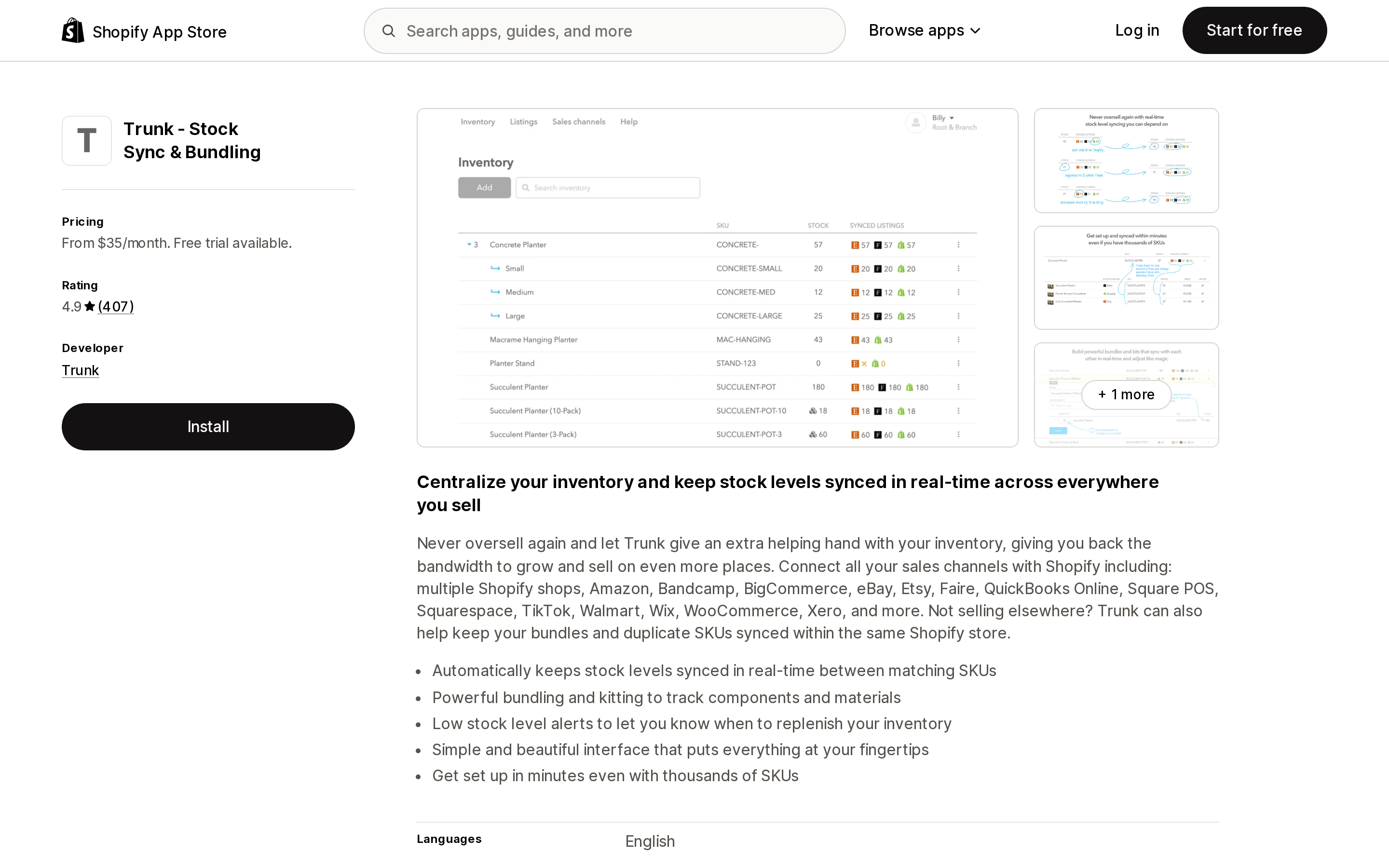
Source: Shopify App Store (Trunk ‑ Stock Sync & Bundling), retrieved September 8, 2026
Trunk ‑ Stock Sync & Bundling takes the opposite design position: it doesn't ask you to nominate a master. Its FAQ says "there's no need to specify a master inventory since Trunk goes by timestamped changes. Trunk essentially becomes the master," and that it "can detect changes in stock levels made by other integrations and sync accordingly." The same FAQ is clear about scope: "At the moment, Trunk only syncs stock levels."
Which Shopify quantity state it reads and writes is not stated in the app's public FAQ or its Shopify integration page. Pricing is by monthly order volume: Essential at $35/month and Pro at $39/month on the base tier, with the next band starting at 101–200 orders per month and reaching $89 and $119 respectively at 401–800 orders per month. 14-day free trial, 4.9 from 407 reviews.
Source: Shopify App Store (Prediko Inventory Management), retrieved September 8, 2026
Prediko Inventory Management is positioned as a Stocky replacement — Shopify's Help Center states that its own inventory app "will no longer be available after August 31st, 2026" — with demand forecasting, purchase orders, transfers, and stocktakes. It is free to install, with plans banded by store revenue: Starter $49/month up to $100k, Scale-up $119/month up to $500K, Growth $199/month up to $2M, and an Enterprise tier listed as free to install for stores above $2M with pricing on request. 14-day free trial, 4.9 from 247 reviews.
Prediko's own guide is the best-informed of the competing articles: it lists Unavailable in the body and explains inventory buffers correctly. Its FAQ block still contradicts that body copy by naming four states and giving the two-term formula.
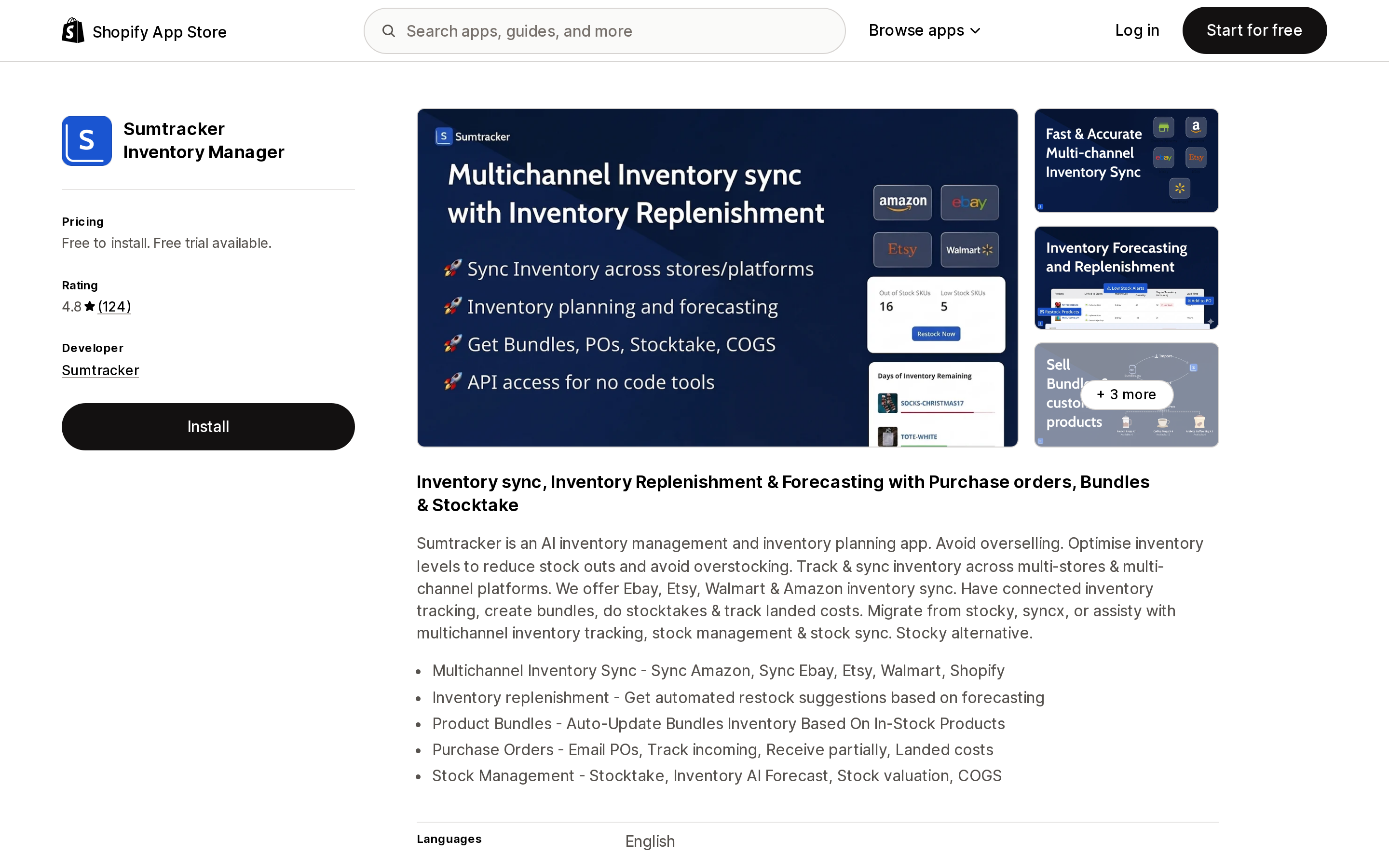
Source: Shopify App Store (Sumtracker Inventory Manager), retrieved September 8, 2026
Sumtracker Inventory Manager is free to install with a free trial, rated 4.8 from 124 reviews. Its pricing is banded by annual sales order volume rather than revenue: the table on its pricing page lists Manage at $59/month and Replenish at $119/month at 2,500 annual orders, rising to $399 and $599 at 100,000. Note that the summary text on that same page says Replenish starts at $199/month — the table and the prose disagree, as of September 8, 2026. Both plans include up to 10 warehouses and 10 sales channels.
One reassuring detail from its FAQ, and a good question to ask any sync vendor: "you can safely install Sumtracker. It won't push anything to your store. Sumtracker will start updating inventory only when you turn on the sync."
| syncX: Stock Sync | Trunk | Prediko | Sumtracker | |
|---|---|---|---|---|
| Documents which quantity state it writes | Yes — Available (default) or On hand | Not stated | Not stated | Not stated |
| Entry price (USD/month) | Free plan; $7 Starter | $35 | Free to install; $49 Starter | Free to install; $59 Manage |
| Priced on | Products, feeds, schedule frequency | Orders per month | Store revenue band | Annual sales orders |
| Free trial | Free plan available | 14 days | 14 days | Free trial available |
| Built for Shopify badge | Yes | Not shown | Not shown | Not shown |
| App Store rating (reviews) | 4.7 (910) | 4.9 (407) | 4.9 (247) | 4.8 (124) |
"Not stated" means the answer was not found on the vendor pages listed under Sources. It is not a claim that the app lacks the setting — ask the vendor directly. Prices and ratings are as shown on September 8, 2026.
None of the four can write Committed, because no app can.
Auditing your own store, no app required
Everything below is native.
- Read the full breakdown per variant. The inventory card on a product or variant page lists every active location, with On hand plus any Committed, Unavailable, or Incoming above zero. Note that Available is not displayed at locations that don't fulfill the variant.
- Check the arithmetic on one SKU. Take On hand, subtract Committed, subtract Unavailable. If it doesn't equal Available, you are reading the wrong location or a stale view — not losing stock.
- Find who moved it. Open View adjustment history on the variant. The Created by column names the staff member, app, or sales channel behind each adjustment. Look for
Reservation created,Reservation updated, andReservation deleted— these are draft orders and third-party app holds. - Go back further than 180 days. The product-level adjustment history is capped at the last 180 days. For anything older, use the Inventory adjustment changes report, which filters by SKU, location, staff member, app, and adjustment reason.
- Count adjustments per app. The Inventory adjustments by count report answers "how many inventory adjustments were created by each app?" directly. If two apps are both writing to the same SKUs, this is where it shows.
- Move units out of Unavailable when you find them. On the Inventory page, switch Set to to Adjust by, pick the unavailable state as the origin and your location as the destination. The history records it as
Moved from Safety stockor similar.
Deciding what you need
You do not need an app if you sell on one channel from one Shopify store and your only gap between On hand and Available is unfulfilled orders. That gap is Committed doing its job, and no app can improve on it.
Read the states before you buy an app if your numbers already don't reconcile. One candidate explanation is an app you already installed parking units in Unavailable, and Shopify's own adjustment-history reports will name the app behind every adjustment in a few minutes.
A feed-driven sync app such as syncX: Stock Sync fits when suppliers or a second system push you quantities on a schedule and you need explicit control over whether that feed sets Available or On hand. That choice matters most when you also hold safety stock — writing to On hand and writing to Available produce different Available results, which is exactly what its worked examples show.
A real-time multi-channel sync app such as Trunk fits when the same SKU is listed on Shopify plus marketplaces and the risk you are buying down is overselling across channels within seconds, not reconciling a nightly file.
A planning app such as Prediko or Sumtracker fits when the question is not "are my channels in sync" but "what do I reorder, when, and from whom" — the space Stocky left when it stopped being available after August 31, 2026. Their pricing denominators differ enough to change the answer: Prediko bands on store revenue, Sumtracker on annual sales order count. A high-revenue, low-order-count store and a low-revenue, high-order-count store will get opposite recommendations from the same two price lists.
Whatever you install, ask the vendor one question before you turn the sync on: which quantity state does this write to? Only one of these four answers it in public documentation, and it is the answer that determines whether your inventory reconciles at month end.
Sources
- Shopify Help Center — Understanding inventory states
- Shopify Help Center — Adjusting inventory quantities
- Shopify Help Center — Viewing inventory adjustment history
- Shopify Help Center — Exporting and importing inventory with a CSV file
- Shopify Help Center — Inventory reports
- Shopify Help Center — Stocky
- shopify.dev — Apps in inventory management
- shopify.dev changelog — Draft order and transfer/shipment inventory is moving from reserved to committed (August 5, 2026)
- syncX: Stock Sync Helpdesk — Quantity Field
- syncX: Stock Sync Helpdesk — How does On Hand Quantity and Available Quantity work?
- Trunk — Shopify integration FAQ
- Sumtracker — Pricing
- Shopify App Store listings for syncX: Stock Sync Migrate Bulk, Trunk ‑ Stock Sync & Bundling, Prediko Inventory Management, and Sumtracker Inventory Manager, all retrieved September 8, 2026
Shopify's free themes show 'Taxes and shipping calculated at checkout' and stop there. There is no native in-cart shipping estimator. What exists is the Cart Ajax API — POST /cart/prepare_shipping_rates.json and GET /cart/async_shipping_rates.json, plus a throttled GET /cart/shipping_rates.json — and every cart calculator app on the App Store is a wrapper around it. That is a single point of failure, and it failed on the record twice this year: a Shopify change returned 422 errors on January 27, 2026 and was rolled back January 28; the same change reappeared February 3 and was rolled back February 6. Market-driven shipping starts rolling out October 1, 2026 and changes how rates combine, and in the feature preview these same endpoints returned 'Country/region not supported' for addresses that priced fine at checkout. Here is what Shopify gives you for free, why cart estimators and checkout rate engines are different products, and verified USD pricing for CBB Shipping Rates Calculator, Dr Cart Shipping Rates & Rules, FP1 - Cart Shipping Calculator, and SMART Shipping Rates & Rules. Shopify documentation, developer forum threads, and App Store listings verified September 9, 2026.