
What you will learn
On this pageContentsCloseOpen
Search for how many apps a Shopify store can install and you get guesses: ten, twenty, "as few as possible." Shopify's own documentation gives a different answer, which is no answer at all. The Help Center pages on finding and choosing apps list five installation requirements an app can have — point of sale, shipping countries, currency, business address, Online Store — and a count of already-installed apps is not among them.
The ceilings are real, but they are somewhere else. They apply to surfaces, not installs. And every one of them is shared between all your apps and Shopify's own features.
The short version
Only one app can own the post-purchase page. The Help Center is unambiguous: "You can use only one checkout app to add post-purchase features at a time." Install two, and you pick a winner in Settings > Checkout. The loser keeps billing you.
Three apps fit in a highlighted area of the checkout and accounts editor. Shopify documents "a maximum limit of 3 apps per highlighted area," and notes that some blocks can be placed only once — after which the option to add them deactivates.
Twenty-five automatic discounts exist for the whole store, app discounts included. Shopify: "You can have a maximum of 25 active automatic discounts. This total includes app-based discounts." At least one discount app developer publishes a help article about the error merchants see when they reach it.
Twenty-five is also the Shopify Functions ceiling, per API. Payment customizations, delivery customizations, cart and checkout validations, and fulfillment constraints each allow 25 active functions — shared across every app that registers one.
Shopify Flow allows 1,000 workflows and starts warning at 10. The warning is not about the store's total; it fires when more than 10 active workflows use the same trigger, because "the workflows can conflict with one another."
Your theme is a slot too. A JSON template renders up to 25 sections, each with up to 50 blocks, and app blocks occupy the same allowance as theme blocks.
Those are six ceilings. There is also one deadline: a slot is closing. Script tags stop being injected into storefronts on March 1, 2027, and scriptTagCreate starts returning a user error on October 1, 2026.
All figures below were checked on September 14, 2026. App Store ratings and review counts change continuously, so treat those two as a snapshot.
The slot that holds exactly one
The post-purchase page is the clearest case, because Shopify built a selector for it.
It appears after the customer's payment is confirmed and before the Thank you page, and it can modify the order the customer just placed. Shopify's developer documentation lists it under limitations, plainly: "Only one app can be selected for post-purchase product offers. Merchants with multiple apps that have the post-purchase checkout extension need to select which app appears on the post-purchase page."
So the decision is not "which post-purchase apps do I want." It is "which one."
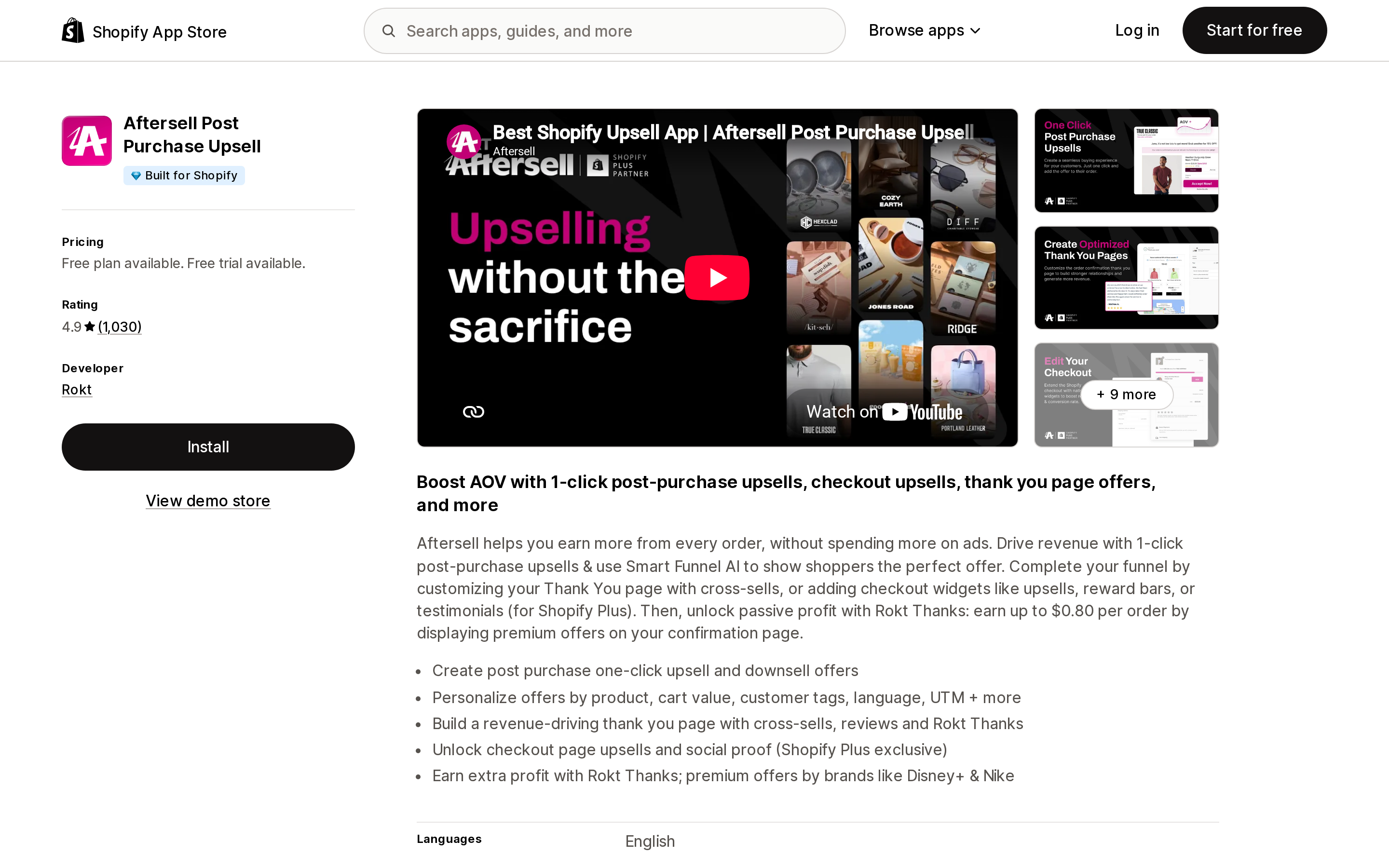
Aftersell Post Purchase Upsell wants that slot.
Source: Shopify App Store (Aftersell Post Purchase Upsell), retrieved September 14, 2026
It is built by Rokt, carries the Built for Shopify badge, and shows 4.9 from 1,030 reviews. Its free plan is restricted to development and partner stores. Live stores start at $34.99/month for 0–500 orders, $54.99/month for 501–1,000, and $99.99/month for 1,001–2,000, each with a 30-day free trial. Its checkout upsells are marked Shopify Plus only.
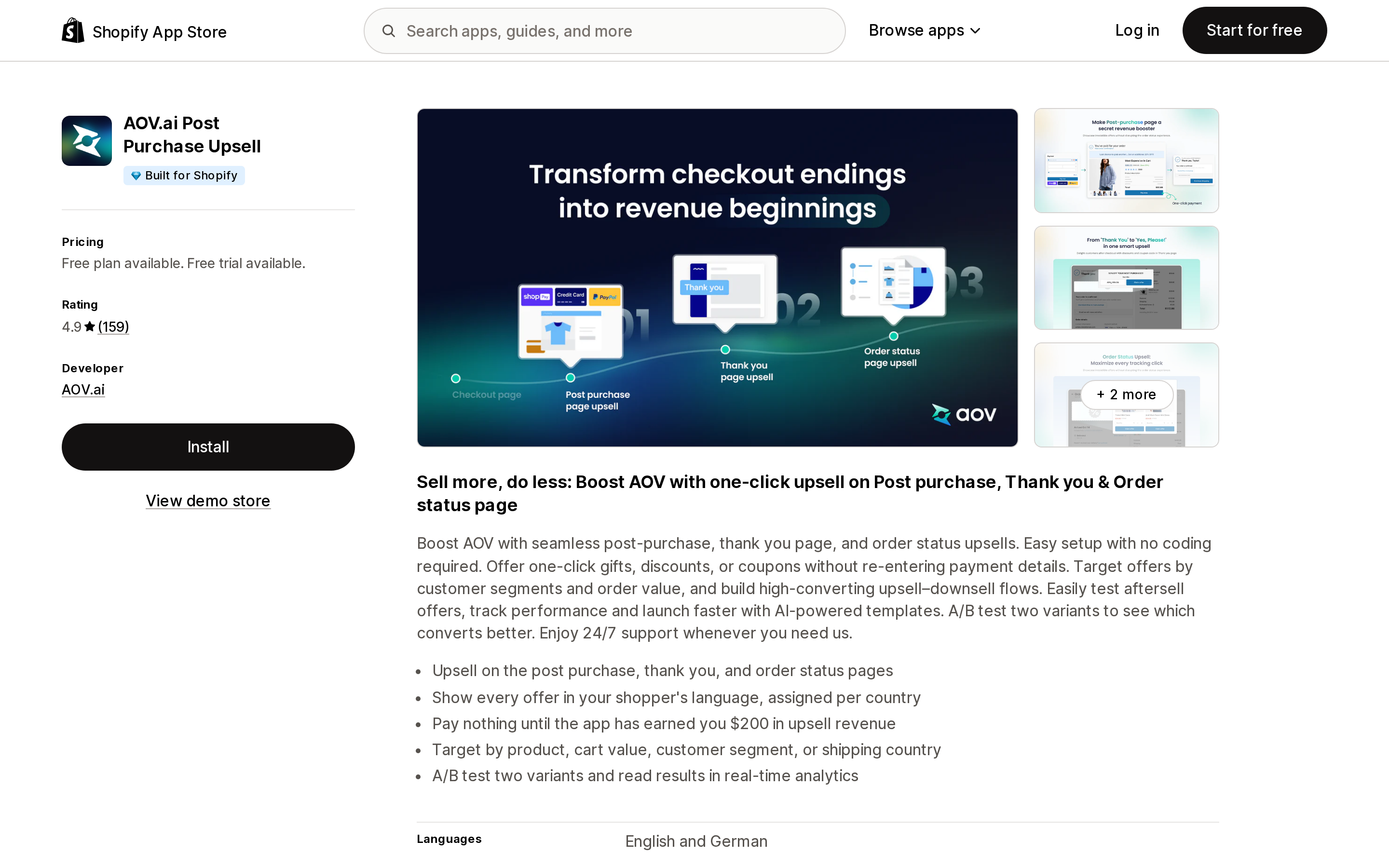
AOV.ai Post Purchase Upsell wants the same slot.
Source: Shopify App Store (AOV.ai Post Purchase Upsell), retrieved September 14, 2026
Also Built for Shopify, 4.9 from 159 reviews, built by AOV.ai. Its free plan is a real one, capped at $200 of upsell revenue per 30 days with the cap resetting each cycle. Paid plans are priced by your Shopify plan rather than your order count: $19/month on Basic, $29/month on Advanced and Grow, $59/month on Plus, each with a 7-day free trial and roughly 17% off annually.
Two different pricing denominators, one slot. If both are installed, one of them is charging you for a page it is not rendering on.
The same page carries limits that have nothing to do with apps, and they are worth knowing before you pay for either. Shopify documents that the post-purchase page won't surface when the customer checks out with an installment or wallet service such as Klarna, Affirm, Afterpay, Apple Pay, Amazon Pay or Google Pay, or pays with a gift card or anything other than a credit card. It doesn't appear on orders with duties and multiple currencies, on local delivery orders, on orders under $0.50, or on orders placed through any sales channel other than the Online Store. A customer can accept at most three post-purchase offers per checkout. And automatic discounts created in the Shopify admin don't apply to the post-purchase page at all.
The slot that holds three
The checkout and accounts editor is where apps add blocks to the checkout, the thank you and order status pages, and customer account pages. Shopify's documentation for it states the cap in one sentence: "There is a maximum limit of 3 apps per highlighted area."
There is a second, quieter constraint in the same page. In the Apps sidebar, "If the block can be added only one time, then the option to add the block deactivates after it's been placed." The app decides that, not you.
Before either cap applies, your Shopify plan decides which areas exist for you at all. Shopify's table is explicit:
| App type | Basic plan or higher | Shopify Plus |
|---|---|---|
| Web pixel app extensions | Yes | Yes |
| Post-purchase app extensions | Yes | Yes |
| Public apps built with Shopify Functions | Yes | Yes |
| Custom apps built with Shopify Functions | No | Yes |
| UI extensions for the thank you and order status pages | Yes | Yes |
| UI extensions for all customer accounts pages | Yes | Yes |
| UI extensions for the information, shipping, and payment pages | No | Yes |
This is why an upsell app can advertise checkout widgets and still do nothing on your checkout: below Plus, the information, shipping and payment steps aren't a surface you have. Aftersell says so on its own listing — "Unlock checkout page upsells and social proof (Shopify Plus exclusive)" — which is more disclosure than most listings in the category offer.
The slot that holds twenty-five, twice
Two separate ceilings in Shopify are set at 25, and both are shared across every app you install.
The first is automatic discounts. The Help Center page on automatic discounts says: "You can create amount off, free shipping, buy X get Y, or app-based automatic discounts. You can have a maximum of 25 active automatic discounts. This total includes app-based discounts."
Every discount app on your store draws from the same 25. So does every automatic discount you created by hand in the admin. One developer publishes a support article specifically about it: Regios Technologies' help center has a page titled "25 Automatic Discounts Error," last updated August 25, 2026, which states: "Shopify has a limit of 25 total automatic discounts. This applies to ALL apps on your entire store combined, not just ours… If you have any built-in Shopify automatic discounts, or you are using any other apps that created Shopify Functions discounts, they are included in the total." It adds, correctly, that "No app can get around this. Not ours, nor anyone else's."
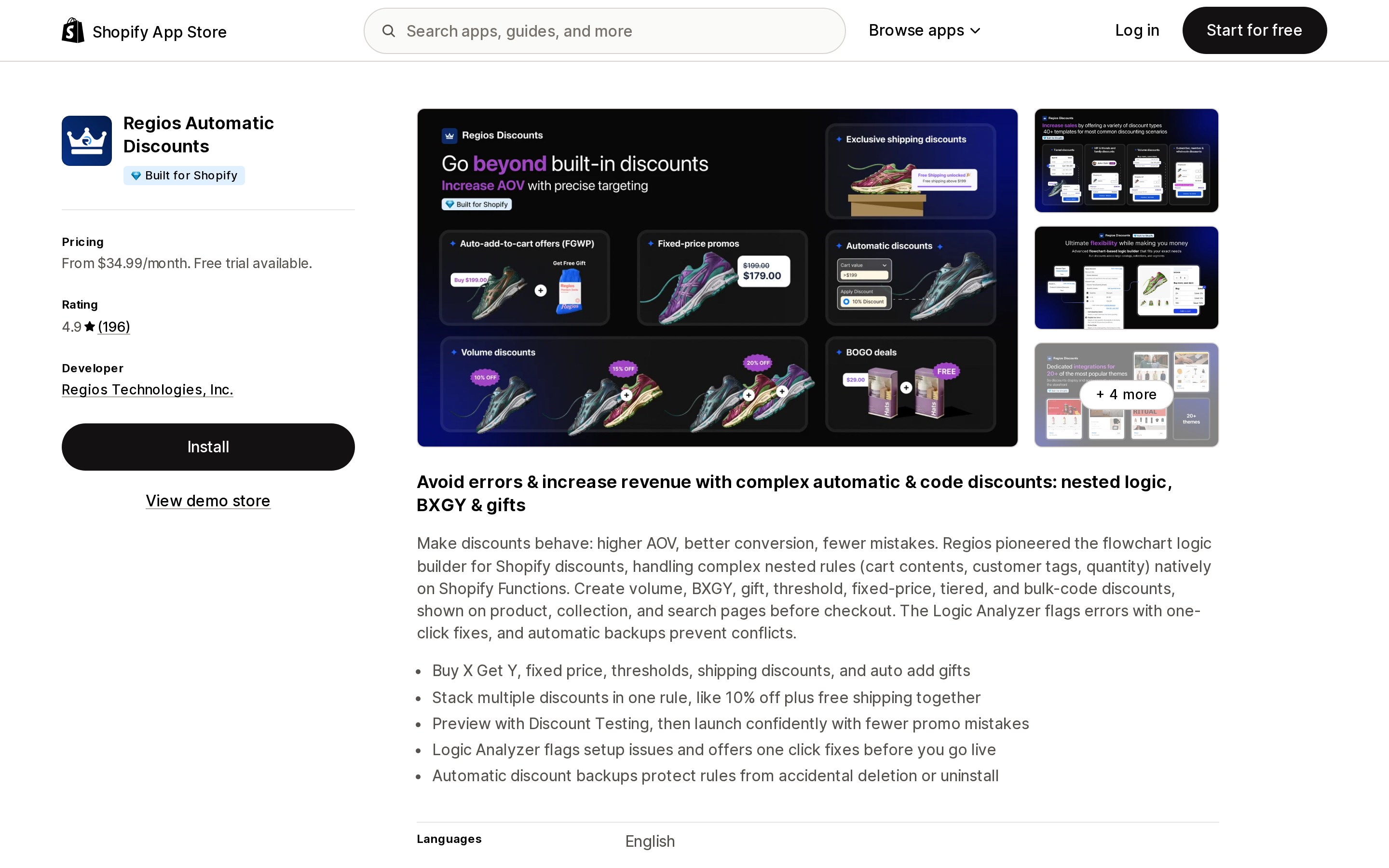
Regios Automatic Discounts responds to the ceiling by selling rules instead of discounts.
Source: Shopify App Store (Regios Automatic Discounts), retrieved September 14, 2026
Built for Shopify, 4.9 from 196 reviews, developed by Regios Technologies, Inc. of Mountain View, California. Pricing starts at $34.99/month for up to 500 discounted orders per month, then $59.99/month for 1,500, $119.99/month for 5,000, and $249.99/month for unlimited, all with a 7-day free trial and roughly 17% off annually. Its Advanced Logic Builder exists so a store can express many conditions inside a single discount object — which is the only real workaround when the cap is on objects, not on logic.
The second 25 is Shopify Functions. A developer changelog entry raised the ceiling from 5 to 25 active functions per Function API, covering payment customizations, delivery customizations, cart and checkout validations, and fulfillment constraints. This is the slot behind features like hiding a payment method, renaming a shipping rate or blocking a checkout — and it is where apps stack up invisibly. Aftersell's data access disclosure includes "Edit Shopify Functions: Delivery customizations, payment customizations." Regios Automatic Discounts' includes "Edit Shopify Functions: Cart transforms." Neither app is a "checkout rules app," and both are holding checkout machinery.
The slot that says 1,000 and means 10
Shopify Flow's documented cap is 1,000 workflows, active and inactive combined. That is rarely the number that bites.
The one that does is in the same troubleshooting page: when you activate a workflow, "you might see a warning that your store has more than 10 active workflows using the same trigger." Shopify's own explanation of why is the sentence worth carrying into every app decision you make: "The workflows can conflict with one another."
Flow's optimization guidance repeats it and adds the mechanism — workflows on a shared trigger run in parallel, competing for the same API rate limits. Apps install Flow triggers and actions of their own. So a store with a loyalty app, a tagging app and a reviews app can arrive at ten workflows on Order created without anyone deciding to.
Your theme is a slot too
App blocks and app embed blocks live inside the theme's allowance, not beside it. JSON templates render up to 25 sections, and each section holds up to 50 blocks. Shopify's own list of app block deep-link errors includes "Section limit has been reached in template or section group" and "Block limit has been reached in a section," both marked as errors that "can't be prevented" — the merchant is told to remove something and try again.
Each theme app extension is separately capped at 30 blocks, 10 MB of files, and 100 KB of Liquid across all files.
Two practical consequences. First, app blocks are opt-in: they aren't added to your theme on install, and app embed blocks are deactivated until you turn them on in Theme settings > App embeds. Second, app blocks and embeds can't render on checkout pages at all, which is a different mechanism from the checkout editor and is why a theme-based app can't reach your checkout no matter what plan you're on.
The slot that closes on March 1, 2027
Script tags were the old way for an app to load JavaScript onto your storefront without touching theme code. Shopify announced on August 24, 2026 that they are going away on a schedule that has already started:
- October 1, 2026:
scriptTagCreateandscriptTagUpdatereturn a user error, and the RESTScriptTagresource rejectsPOSTandPUT. Existing script tags keep running. Pinning an older API version does not defer this. - March 1, 2027: Shopify stops injecting script tags into storefronts.
Apps are expected to replace them with app embed blocks, or with a web pixel for analytics-only scripts. The merchant-facing point: an app still relying on a script tag will silently stop working on your storefront on that date, and app embed blocks require you to activate them.
How to see which app holds which slot
All of this is visible in your own admin without installing anything.
- Post-purchase page: Settings > Checkout > Post-purchase page. Whatever is selected there is the one app that renders. Note that the section only appears once an app's configuration is complete.
- Checkout and accounts blocks: Settings > Checkout, then Edit on a configuration. The Apps sidebar's Added tab lists every added block and the pages it sits on.
- Automatic discounts: Discounts in the admin. Count the active automatic ones, including the app-created ones, against 25.
- Flow triggers: open Shopify Flow and group your active workflows by trigger. Anything above 10 on one trigger is a documented performance risk.
- App embeds: Online Store > Themes > Customize > Theme settings > App embeds. Embeds from apps you uninstalled can remain listed here.
What this changes about choosing apps
The useful question when comparing two apps in the same category is not which has more features. It is which surface each one needs, and whether something you already run is standing there.
That reframes some familiar advice. "Don't install too many apps" is usually said about page speed, and speed is a real concern — Built for Shopify certification requires that an app not reduce storefront speed by more than 10 performance points. But the failures in this article aren't gradual. A second post-purchase app doesn't make the page slower; it makes the page belong to one of them. A twenty-sixth automatic discount doesn't degrade, it fails to activate.
It also means uninstalling matters more than it looks. An app you stopped using can still hold an automatic discount, a registered Function, or a Flow workflow on a shared trigger. Shopify's Help Center also notes that if you pause or deactivate your store, app charges might continue until you uninstall the app — so a dormant app can be occupying a slot and a line on your bill at the same time.
Before you install the second app in any category, find the surface it needs and check what is already there. That takes about two minutes, and it is the only part of app selection where the answer is a documented number rather than a judgment call.
Sources
- Shopify Help Center: Finding and choosing apps
- Shopify Help Center: Customizing your checkout and customer accounts with apps
- Shopify Help Center: Automatic discounts
- Shopify Help Center: Troubleshooting errors in Shopify Flow
- Shopify Help Center: Optimizing your Shopify Flow workflows
- shopify.dev: About product offers
- shopify.dev: Configure theme app extensions
- shopify.dev: JSON templates
- shopify.dev changelog: Shopify Functions can execute up to 25 functions in a single batch
- shopify.dev changelog: Script tags are deprecated and will stop running on March 1, 2027
- Regios Technologies help center: 25 Automatic Discounts Error
- Shopify App Store listings for Aftersell Post Purchase Upsell, AOV.ai Post Purchase Upsell and Regios Automatic Discounts, en-US, retrieved September 14, 2026
Shopify added a Bin name column to the inventory CSV on August 25, 2025. It holds one bin per variant per location, it is created only by CSV import, and it prints on Order Printer pick lists. What it does not do is leave Shopify. Shopify staff confirmed on the developer forum in October 2025 and again in January 2026 that there is no public API access to the field, and the developer forum was still reporting the gap in June 2026. That single fact shapes the whole category: EasyScan and iPacky store bins in metafields, Bins-USA and ShelfPilot store them in their own databases, and a free app called Simple Bin Locations copies metafield bins into order notes so packing slips can show them. Shopify's own multi-bin model, with per-bin quantities and an unbinnedQuantity field, exists today only as a feature preview on development stores. Pricing, plan gates, and where each app keeps the bin data, verified on the Shopify App Store, the Shopify Help Center, shopify.dev, and the Shopify community forums on September 18, 2026.