
What you will learn
On this pageContentsCloseOpen
You want to stop offering Cash on Delivery above $500. Or push Shop Pay to the top. Or stop paying interchange on a card brand that eats your margin on a $19 product. So you search the App Store, find a payment customization app with a four-star rating and a $3.99 plan, install it, build the rule, hit Activate, and place a test order.
Nothing changes.
The app is not broken and you did not misconfigure it. If your store is in the United States and you are not on Shopify Plus, Shopify accepted the rule, ran the function, and then discarded the part of the output that touched a credit card. There is no error message for this. This article covers exactly where that line falls, the five limits that apply on every plan including Plus, and what four currently-listed apps charge for the part you can actually use.
There is no native payment customization — the app is the mechanism
Start here, because it inverts the usual "native vs. app" framing.
Shopify admin has a Settings → Payments → Payment customizations section. It looks native. It is not a feature you can use on its own: it is a management surface for Shopify Functions that some installed app provides. The Shopify Help Center is explicit that to add a payment method customization "you need to install a third-party app that supports payment method customizations."
So the question is never "can Shopify do this without an app." It is "which restrictions does my plan and country put on the function the app runs." Two eligibility facts frame everything else:
- Public apps built with Shopify Functions work on Basic and higher. You do not need Plus to install a payment customization app.
- Custom apps built with Shopify Functions are Plus-only. If your agency wants to write a bespoke rule for you, that path starts at Plus.
The US and Canada credit card carve-out
This is the limit that breaks the most rules, and it is easy to miss because it appears in a Help Center subsection rather than on any app listing.
Shopify's Help Center splits behaviour by plan:
- On Shopify Plus, you can hide, rename, reorder, or sort credit card options alongside every other payment method, and you can set payment terms at checkout.
- On any other plan, payment customization apps still work — but in the United States and Canada the customizations are limited to non-credit-card payment methods. Custom settings applied to credit card fields "won't apply at checkout, and credit card options will remain standard as offered by Shopify."
The developer documentation explains the mechanism, and the mechanism is what makes this so easy to miss. When the Payment Customization API is restricted, the function input still contains all payment methods — so the app's rule builder shows you the credit card option, lets you select it, and saves a rule that looks correct. It is the output operations targeting restricted methods that "will not take effect on the checkout."
Practically, for a US store on Basic, Grow, or Advanced:
| You want to | Works? |
|---|---|
| Hide PayPal above/below a cart threshold | Yes |
| Hide or rename Cash on Delivery | Yes |
| Hide or rename a manual payment method (bank deposit, check) | Yes |
| Reorder the non-express payment methods | Yes |
| Hide express wallets (Shop Pay, Apple Pay, Google Pay) | Yes — hide only |
| Hide, rename, or reorder the credit card field | No |
| Set payment terms at checkout | No |
One consequence worth spelling out: "make Shop Pay the default selection by moving credit card down" is a reorder involving the credit card field. On a non-Plus US store, that is the restricted half of the operation.
Checkout Blocks is Plus-only for this
Shopify Checkout Blocks is Shopify's own free app, and it is the natural first place to look. For payment methods specifically, the Help Center carries a plan requirement notice: creating a payment method customization using Checkout Blocks "is available only to merchants on the Shopify Plus plan."
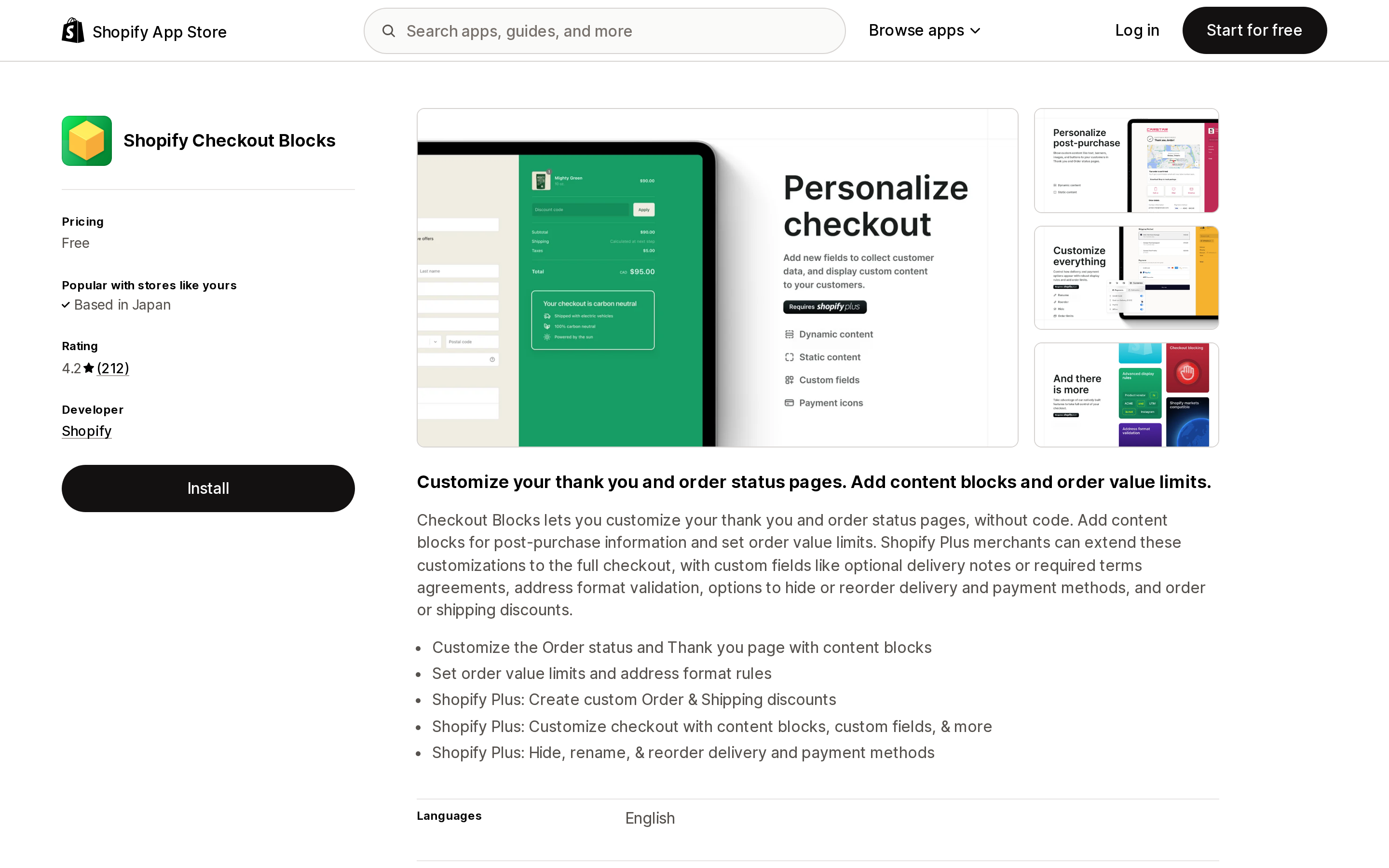
Source: Shopify App Store (Shopify Checkout Blocks), retrieved September 5, 2026
So the free first-party route and the plan that has the fewest restrictions are the same plan. Below Plus, a third-party app is not the cheap alternative — it is the only route.
Checkout Blocks does, however, publish the clearest documentation of the shared constraints, which is why it is worth reading even if you cannot use it.
Five limits that apply on every plan — Plus included
Upgrading does not remove these. They are properties of the Payment Customization API itself.
1. You cannot rename anything with a logo. Shop Pay, Apple Pay, Google Pay, all wallets, and Shopify's native gift card field cannot be renamed, because their name is the logo. Renaming works on methods that render as text — Cash on Delivery, manual gateways, bank transfer.
2. Express wallets can be hidden but not reordered. You can remove a wallet from the Express section of checkout. You cannot change the order they sit in.
3. Point of Sale ignores payment customizations entirely. Payment customization functions "don't currently run" in POS, and operations aren't applied. A rule you built to protect margin online has no effect at the counter.
4. Shop Pay only honours gift card hiding. Inside Shop Pay, payment customization functions apply no operations to any payment method except the native gift card field. Renaming and reordering are not compatible with Shop Pay at all.
5. Twenty-five active customizations, across all apps. The ceiling is per store, not per app. Running two payment apps means they share the same 25 slots.
There is one more asymmetry worth knowing before you compare vendor feature lists. Only Plus stores support hiding a payment method from a specific placement. The placements field appears in the function input on every store, but on non-Plus stores the hide operation ignores it and hides the entire payment method from checkout. "Hide PayPal from the express section but keep it in the payment list" is a Plus behaviour; below Plus, the same rule removes PayPal outright.
Four apps, and what the plan restriction does to the price question
Because roughly half the possible operations are unavailable on a non-Plus US store, "which app has the most features" is the wrong first question. The right one is: how much am I paying for rule conditions, since conditions are the part that always works.
| App | Developer | Price (USD) | Free plan | Built for Shopify | Rating (reviews) | Scope |
|---|---|---|---|---|---|---|
| ETP Sort Hide Payment Methods | E-TRADE PARTNER | Free | Entire app | Yes | 5.0 (462) | Payment methods only |
| HidePay: Hide Payment Methods | Nextools | $3.99 / $5.99 / $7.99 per month | Dev and Plus sandbox stores only | Yes | 4.8 (387) | Payment methods, express buttons |
| Kedra Checkout Rules & Upsells | Kedra Apps | Free, then $8.99 / $10.99 / $14.99 per month | Yes, on live stores | Yes | 4.8 (520) | Payment, shipping, validation, upsells |
| Shopify Checkout Blocks | Shopify | Free | — | — | — | Plus only for payment customization |
Ratings and review counts are as listed on the Shopify App Store on September 5, 2026, and move over time.
ETP Sort Hide Payment Methods
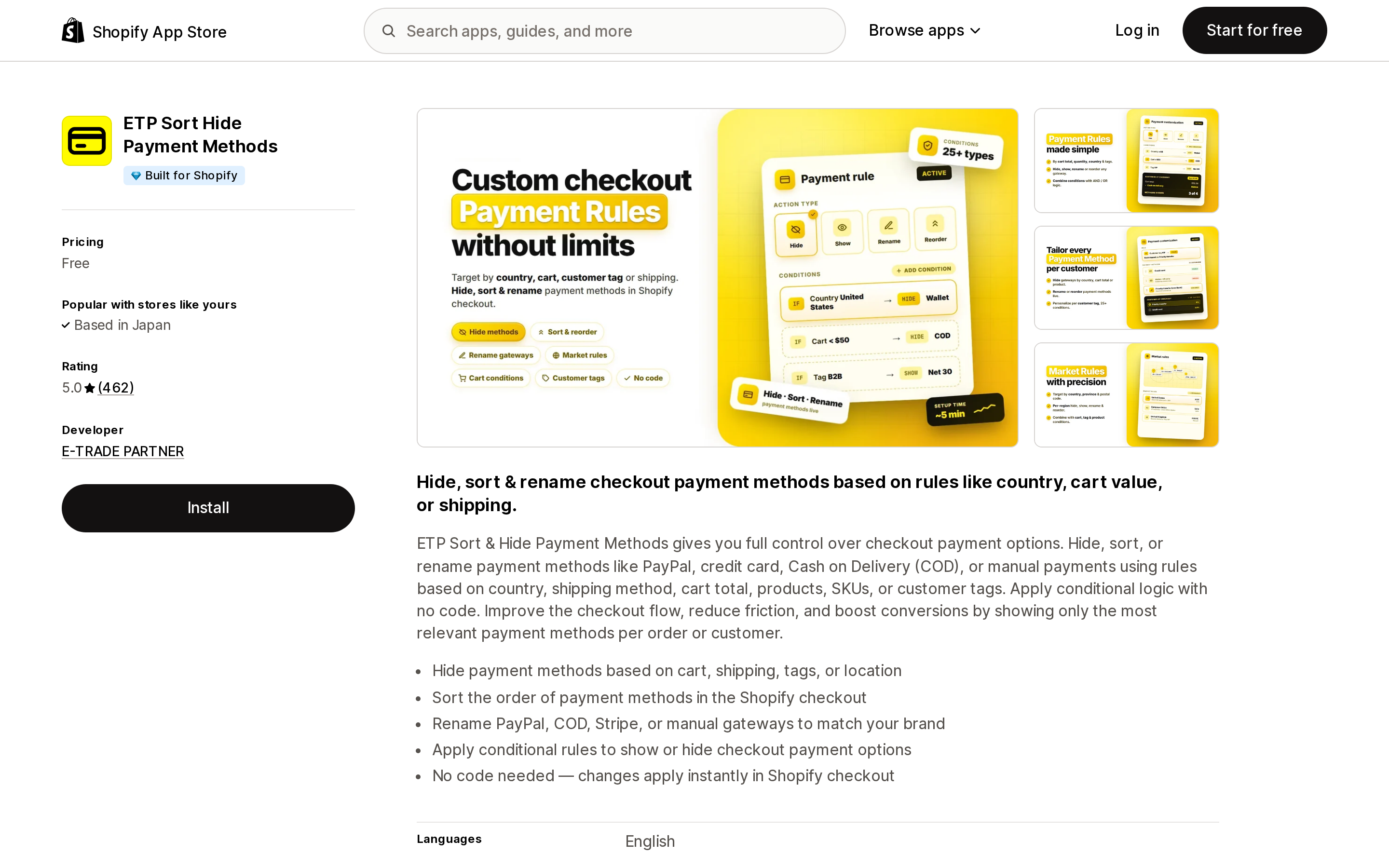
Source: Shopify App Store (ETP Sort Hide Payment Methods), retrieved September 5, 2026
The App Store lists its pricing simply as Free, with no paid tier shown on the listing. The listing describes hiding, sorting, and renaming based on country, shipping method, cart total, products, SKUs, or customer tags — which covers the conditions most merchants need, including "hide by the delivery method the customer just picked." Its requested data access is narrow: products, Shopify Markets settings and translations, and edit access to payment customizations. It does not request customer data.
It carries the Built for Shopify badge and a 5.0 rating across 462 reviews, launched June 10, 2024, and the developer address on the listing is in Warsaw, Poland. Several of the most recent reviews cite live chat setup help rather than self-service configuration, which is worth factoring in if you expect to configure rules unaided. If a free app covers your rule, there is no argument for paying for the same operation elsewhere.
The caution: a free app with no revenue model is a dependency you should be able to replace. Document your rules outside the app.
HidePay: Hide Payment Methods
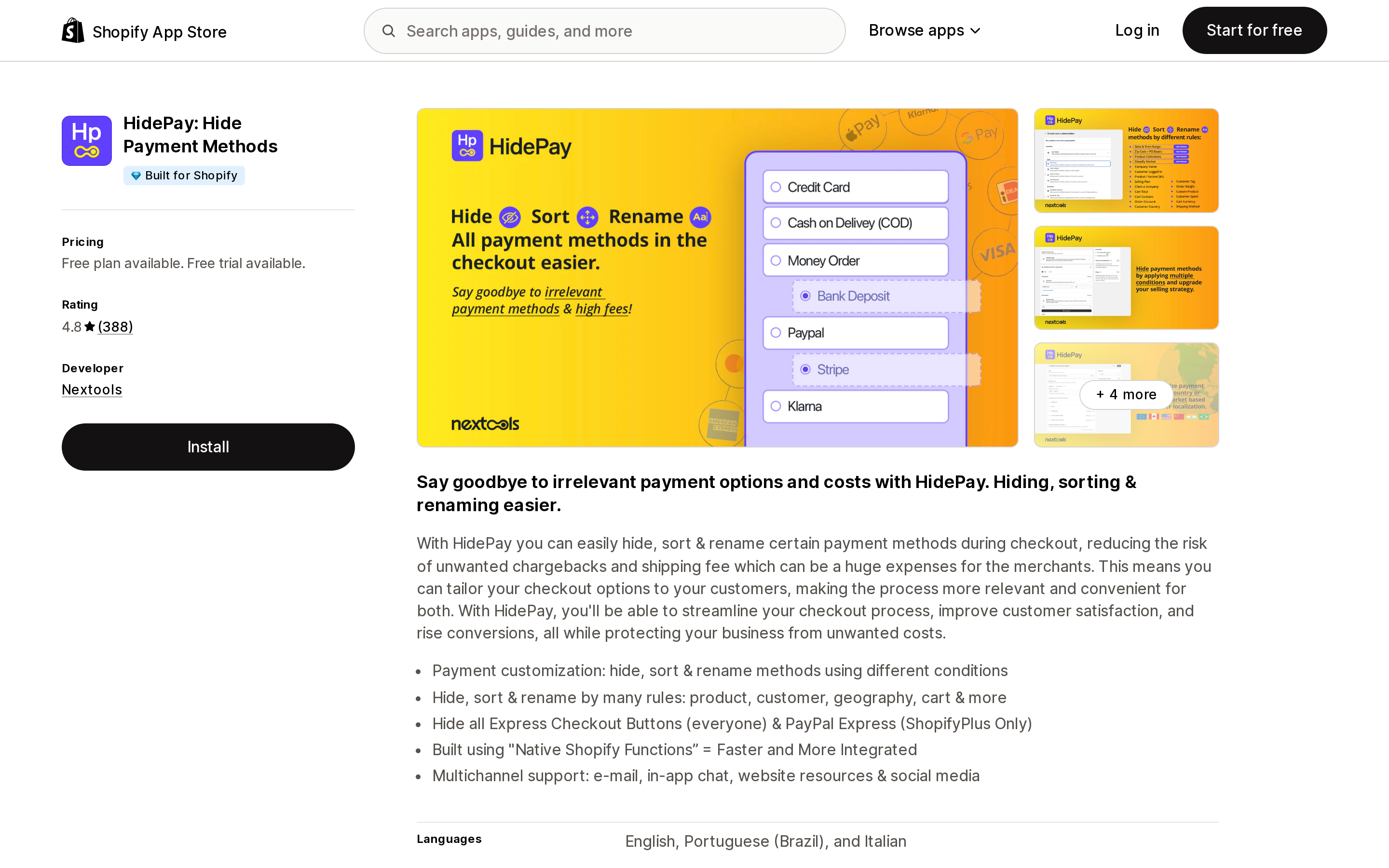
Source: Shopify App Store (HidePay: Hide Payment Methods), retrieved September 5, 2026
Read the free plan carefully: it is free for dev stores and Shopify Plus sandbox stores, not a free tier for a live store. A production store starts at Premium, $3.99/month or $38.28/year.
The tiers are separated by condition logic, not by what they can hide. Premium adds conditions on cart total, country, discount, products, weight, customer tag, total spent, shipping and cart currency. Advanced ($5.99/month or $57.50/year) adds multiple conditions at once with AND/OR logic — worth noting that a rule like "hide COD for orders over $500 shipping outside your home state" needs that tier. Ultimate ($7.99/month or $76.70/year) adds hiding express checkout buttons on the theme and in checkout, plus removing the PayPal button from product and cart pages. All plans carry a 7-day free trial, and Payment Terms and Order Review are listed separately at $9.99/month — consistent with payment terms being a Plus-only capability.
One line on the listing deserves attention: "Hide all Express Checkout Buttons (everyone) & PayPal Express (ShopifyPlus Only)." Vendors do flag the Plus split when it affects a headline feature; they rarely flag the US credit card restriction.
Built for Shopify, 4.8 across 387 reviews, developed by Nextools in Rome, Italy, launched February 20, 2023. HidePay requests access to customer data including name, email, phone, and address — broader than ETP's scope, so it is worth a look at the privacy policy if you are documenting CCPA/CPRA data flows.
Kedra Checkout Rules & Upsells
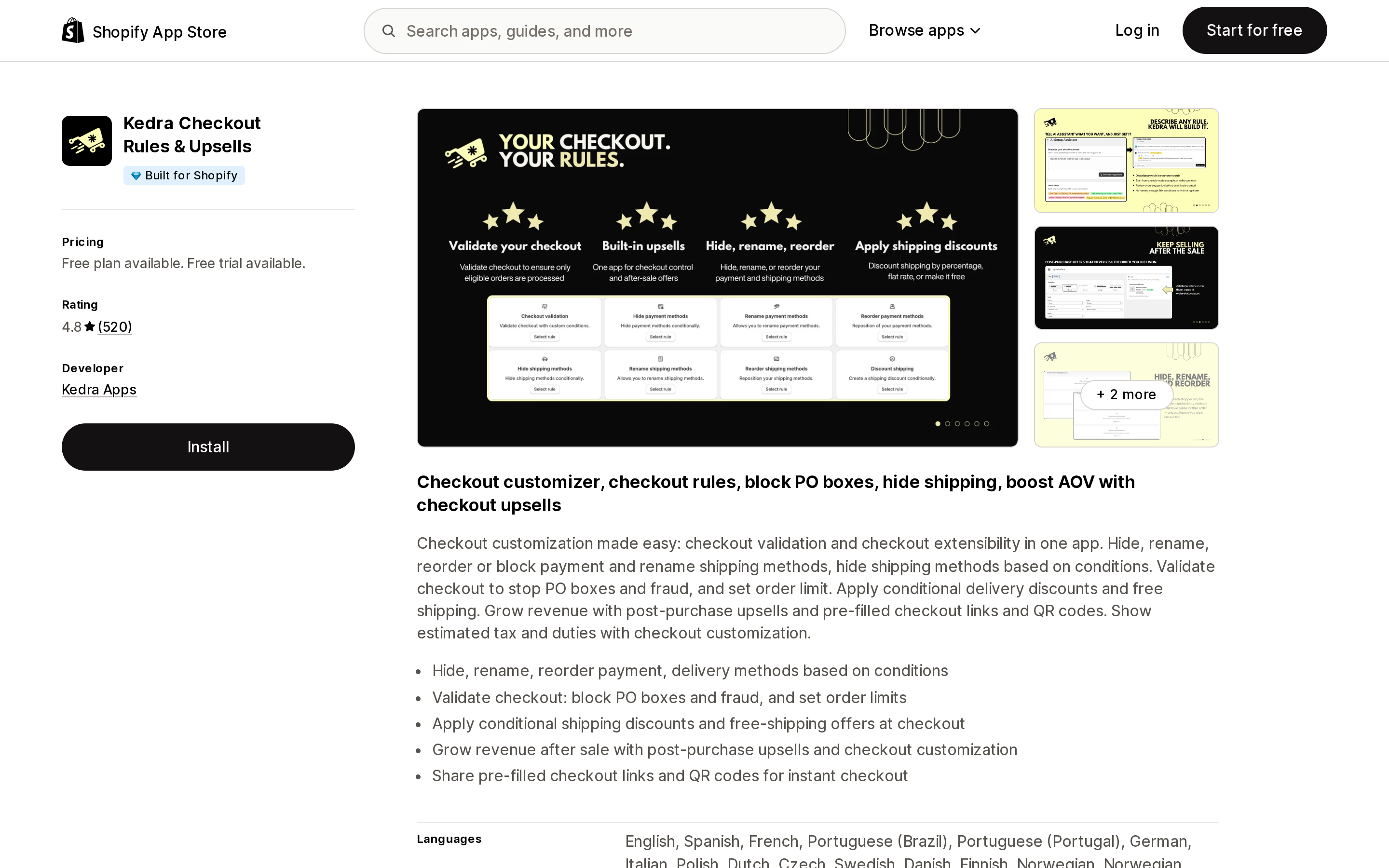
Source: Shopify App Store (Kedra Checkout Rules & Upsells), retrieved September 5, 2026
The broadest of the three in scope, and the only one of them whose free plan is not restricted to development stores: 1 active rule per type, 1 condition per rule, 7 days of analytics, and — importantly — hide, reorder, and rename for both payment and shipping methods, plus checkout validations.
That one-condition ceiling is the real constraint. "Hide COD" is one condition. "Hide COD over $500 for customers outside your usual states" is three, and lands you on a paid tier. Starter is $8.99/month ($75.50/year), Starter Plus $10.99/month ($92.30/year) adds post-purchase upsells, and Unlimited $14.99/month ($125.90/year) removes the caps on validation, payment and shipping rules, conditions per rule, and the COD fee ceiling. Each paid tier has a 7-day free trial.
Kedra requests noticeably more access than the other two: customer data including geolocation, IP address, and browsing behaviour, plus edit access to orders, discounts, and web pixels. That is consistent with an app that also runs upsells and analytics, but it is a different data footprint from a single-purpose rule engine — and one to review before installing on a store subject to CCPA/CPRA disclosure obligations.
Built for Shopify, 4.8 across 520 reviews, from Kedra Apps in Kaunas, Lithuania, launched April 15, 2025.
Which one, and when
Do not install anything if your rule targets the credit card field and you are a non-Plus US store. No app can deliver it. The decision in front of you is a Plus upgrade, not an app choice.
ETP Sort Hide Payment Methods if you need payment method rules only and your conditions fit what the listing describes. It is free, narrowly scoped in the data it requests, and there is no tier to outgrow.
HidePay if you specifically need express checkout buttons and the PayPal button suppressed on product and cart pages — that is the Ultimate tier at $7.99/month, and it is the clearest reason to pay here rather than use a free app.
Kedra Checkout Rules & Upsells if payment rules are one item on a longer list — shipping method rules, PO box blocking, order limits, checkout validation. Buying one app instead of three is the argument, and the $14.99/month Unlimited tier is the honest comparison point once you have more than one condition per rule.
Shopify Checkout Blocks if you are on Plus. First-party, free, no vendor risk, and the documented rule types (advanced rules editor, B2B and customer rules, product rules, cart rules) are more granular than most third-party UIs expose.
Whatever you install, test with a real order rather than trusting the rule builder's saved state. A rule that saved successfully and a rule that fires at checkout are not the same thing — which is the whole reason this article exists. And check your POS separately, because the function will not run there at all.
Sources
- Customizing payment methods and delivery options at checkout — Shopify Help Center
- Customizing payment methods in Checkout Blocks — Shopify Help Center
- About functions in payments — Shopify.dev
- Payment Customization API — Shopify.dev
- ETP Sort Hide Payment Methods — Shopify App Store
- HidePay: Hide Payment Methods — Shopify App Store
- Kedra Checkout Rules & Upsells — Shopify App Store
- Shopify Checkout Blocks — Shopify App Store
Shopify added a Bin name column to the inventory CSV on August 25, 2025. It holds one bin per variant per location, it is created only by CSV import, and it prints on Order Printer pick lists. What it does not do is leave Shopify. Shopify staff confirmed on the developer forum in October 2025 and again in January 2026 that there is no public API access to the field, and the developer forum was still reporting the gap in June 2026. That single fact shapes the whole category: EasyScan and iPacky store bins in metafields, Bins-USA and ShelfPilot store them in their own databases, and a free app called Simple Bin Locations copies metafield bins into order notes so packing slips can show them. Shopify's own multi-bin model, with per-bin quantities and an unbinnedQuantity field, exists today only as a feature preview on development stores. Pricing, plan gates, and where each app keeps the bin data, verified on the Shopify App Store, the Shopify Help Center, shopify.dev, and the Shopify community forums on September 18, 2026.