
What you will learn
On this pageContentsCloseOpen
If you sell engraved plates, printed shirts, custom signage, or photo gifts, you need the customer's artwork attached to the order. Search for how to do that and you will get a list of apps. What you will almost never get is the first sentence of Shopify's own product template documentation on the subject, which says line item properties exist to "capture monogram or engraving text, or let a customer upload a file."
Shopify ships a file upload field. It is free, it works on Basic, and it has been documented for years.
It also fails in three specific ways that decide whether you can actually use it. One of them is a failure mode Shopify filed against its own theme.
The short version
- The native path is
<input type="file" name="properties[Artwork]">inside the product form. Shopify uploads the file and stores a CDN URL on the line item. Free, all plans. - It does not always survive AJAX add-to-cart. If your theme's add-to-cart JavaScript serializes the form's properties to JSON, the file is discarded. Shopify filed exactly this against its own Dawn theme as issue #731 — and fixed Dawn in PR #745, merged October 15, 2021. Themes and apps that still serialize properties keep the bug.
- There is no deletion policy. Shopify staff confirmed on August 5, 2026 that there is no configurable lifetime and no automatic deletion for these files. They are public CDN URLs.
- There is no validation. No file type enforcement, no size check, no minimum resolution, no preview, no HEIC conversion.
- Shopify Forms is not a substitute. It attaches a file to a customer record, not an order line item — and PNG is not an accepted file type.
- The apps that close these gaps meter on five incompatible units. Across the table below, the same job runs from $7.99 to $46 a month — and if you are on Shopify Plus, from $9.99 to $59.90.
What the native field actually does
Inside a product form, this is the whole mechanism:
{% form 'product', product %}
  <label for="artwork">Upload your artwork</label>
  <input type="file" id="artwork" name="properties[Artwork]">
  <input type="submit" value="Add to cart">
{% endform %}
Shopify uploads the file and stores a CDN URL as the property value. You can tell this is intended behavior rather than a happy accident, because Shopify's cart template documentation ships the canonical snippet for rendering it, and that snippet tests for the /uploads/ path:
{% if property.last contains '/uploads/' %}
  <a href="{{ property.last }}">{{ property.last | split: '/' | last }}</a>
{% endif %}
Two related behaviors are worth knowing. Prefixing the property name with an underscore — properties[_Artwork] — hides it from the customer at checkout, which is useful for internal file references. And two otherwise identical variants carrying different line item properties split into separate line items, which is what you want when someone orders two mugs with different photos.
Shopify even maintains an official Custom file upload category in the App Store, so the use case is not obscure to them.
Failure one: your theme can discard the file
Shopify described the mechanism itself, on its own Dawn repository, in issue #731 — filed by a Shopify employee on October 4, 2021: input type="file" inputs "are not supported by our Add to Cart AJAX" because the form's FormData properties are run through JSON.stringify. A file object does not survive that.
Two things follow, and most articles get both wrong. Dawn itself was fixed: PR #745 was merged on October 15, 2021, and current Dawn posts the FormData object directly to the cart, so file inputs go through. But the issue's own text names the wider problem: it was, in Shopify's words, causing incompatibility for apps that add line item properties and for customized themes. That class of code is not fixed by anything Shopify merged into Dawn. Any theme, quick-add snippet, sticky add-to-cart bar or app that still serializes add-to-cart properties into JSON drops the file.
The dangerous part is how it fails: the form submits, the item lands in the cart, and the property is simply absent. Nothing errors.
If you are testing the native path, test it by placing a real order with a real file and then looking at the order in the admin. Do not test it by looking at the product page and seeing a file input.
Failure two: the files never go away
Asked directly about retention, Shopify staff answered on the developer community on August 5, 2026 that "there isn't currently a configurable lifetime or automatic deletion policy for files uploaded natively as line item properties."
Per the same staff reply, deleting the line item property from a completed order "should also remove the underlying uploaded file." What has no coverage at all is uploads that never reached a completed order — every abandoned cart where someone uploaded a photo and left. Those accumulate and there is no admin surface that lists them.
They also sit on the public Shopify CDN. The URL is unguessable in practice, but it is not access-controlled; there is an open Shopify feature request asking for app-owned, non-public files on the CDN precisely because that does not exist today.
Two practical consequences. If your privacy policy promises customers you delete their uploaded photos, the native path cannot honor that promise. And storage is plan-linked and never self-clears: Basic gives you 100 GB, Grow 300 GB, Advanced 500 GB, Plus 1 TB. A shop collecting 5–15 MB of artwork per order works through Basic's 100 GB somewhere in the region of 7,000 to 20,000 orders' worth of uploads, and nothing reclaims it.
Failure three: nothing is validated
The native input gives you the HTML accept attribute, which is a client-side hint, not enforcement. There is no file type restriction, no size validation, no minimum resolution rejection, no DPI check, no crop, no rotate, and no HEIC-to-JPEG conversion. Whatever comes off the customer's phone is what lands in your order.
The ceiling is 20 MB per file. Shopify documents 20 MB explicitly for admin file uploads, along with a 25 MP image resolution limit; the storefront line-item ceiling is consistently reported as the same 20 MB but is not separately documented, so treat it as "20 MB, consistent with Shopify's documented file limit" rather than as a published storefront rule. You will see 4300 × 4300 px quoted as a resolution ceiling in a lot of articles. No Shopify source states that number.
Two things people reach for that do not work
Shopify Forms. The free first-party app does have a File upload field: "A single file attachment of 20 MB or less." The accepted types are GIF, HEIC, JPEG, PDF, SVG, WebP and XML — PNG is not on that list, which rules out most artwork submissions on its own. More fundamentally, a Forms submission becomes a customer record or a metafield. It does not attach to the order, the packing slip, or fulfillment. It is a good tool for a quote-request intake form and the wrong tool for "the artwork for this line item."
Checkout Extensibility. Checkout UI extensions do include a Drop zone component for accepting file uploads. But the documentation is explicit that "file storage for uploads must be implemented separately." Checkout-stage uploads are therefore always hosted by an app, never by Shopify.
What the apps actually charge for
This is where the category stops being comparable. Seven apps that all say "file upload" meter five different things.
| App | Starting price (USD/mo) | What the pricing meters | Max file size | Retention / storage | Built for Shopify |
|---|---|---|---|---|---|
Native properties[...] | $0 | nothing | 20 MB | no TTL, never deleted | — |
| File Upload by Uploadery | $9.99 | per-file size cap only | 50 MB → 2 GB | 100 GB archive | Yes |
| Upload‑Lift Image Upload | $9 (+$9 × 3 add-ons) | uploads/mo × file size × GB × add-ons | 10 MB → 5 GB | 30 days free; 10/50/100 GB paid | Yes |
| File Upload & Image ‑ Uploadly | $7.99 | uploads/mo + storage window in days | up to 500 MB | 60 / 60 / 90 days | Yes |
| File Uploads by UploadKit | $9.95 | file size × retention months | 200 MB → 5 GB | 3 months / 12 months | No |
| Globo Product Options, Variant | $9.90 | feature gate + Plus surcharge | 20 MB → 100 MB × 20 files | not stated | Yes |
| Aris Product Options, Variants | $12 | feature gate + Plus surcharge + API calls | not stated | not stated | No |
| W3 Custom Product Options | $8.99 | flat, no usage meter | not stated | not stated | No |
Prices verified on the Shopify App Store September 3, 2026. This category's pricing is unusually volatile, and renames are frequent — two of the apps above (Uploadery and Aris) carry names different from the ones older articles use — so re-check the listing before you commit.
Three of those meters deserve a closer look.
Retention is a paid feature

Source: Shopify App Store (File Uploads by UploadKit), retrieved September 3, 2026
UploadKit's pricing card reads Retention period up to 3 months on the $9.95 Growing plan and up to 12 months on the $24.95 Pro plan. The length of time you keep your customer's artwork is the upgrade. Uploadly does the same thing in days — 60, 60, 90 across its tiers. Upload‑Lift prices archive space in GB and stores free-tier files for only 30 days.
If a customer reorders the same engraved item eleven months later, the plan you picked determines whether you still have the file. Nobody puts that on a comparison table.
UploadKit is the lowest-rated app in this set at 3.7 stars over 80 reviews, and the recent English reviews are dominated by support latency rather than product failure. A US merchant of over two years wrote in October 2025 that "they are now completely asleep at the wheel when it comes support… In most cases, my messages are just simply ignored." Against that, its post-purchase upload and automatic Google Drive sync are genuinely differentiated: for a print shop, artwork landing straight on the production machine's Drive folder removes a manual step nothing else here removes.
Size is a paid feature
Source: Shopify App Store (File Upload by Uploadery), retrieved September 3, 2026
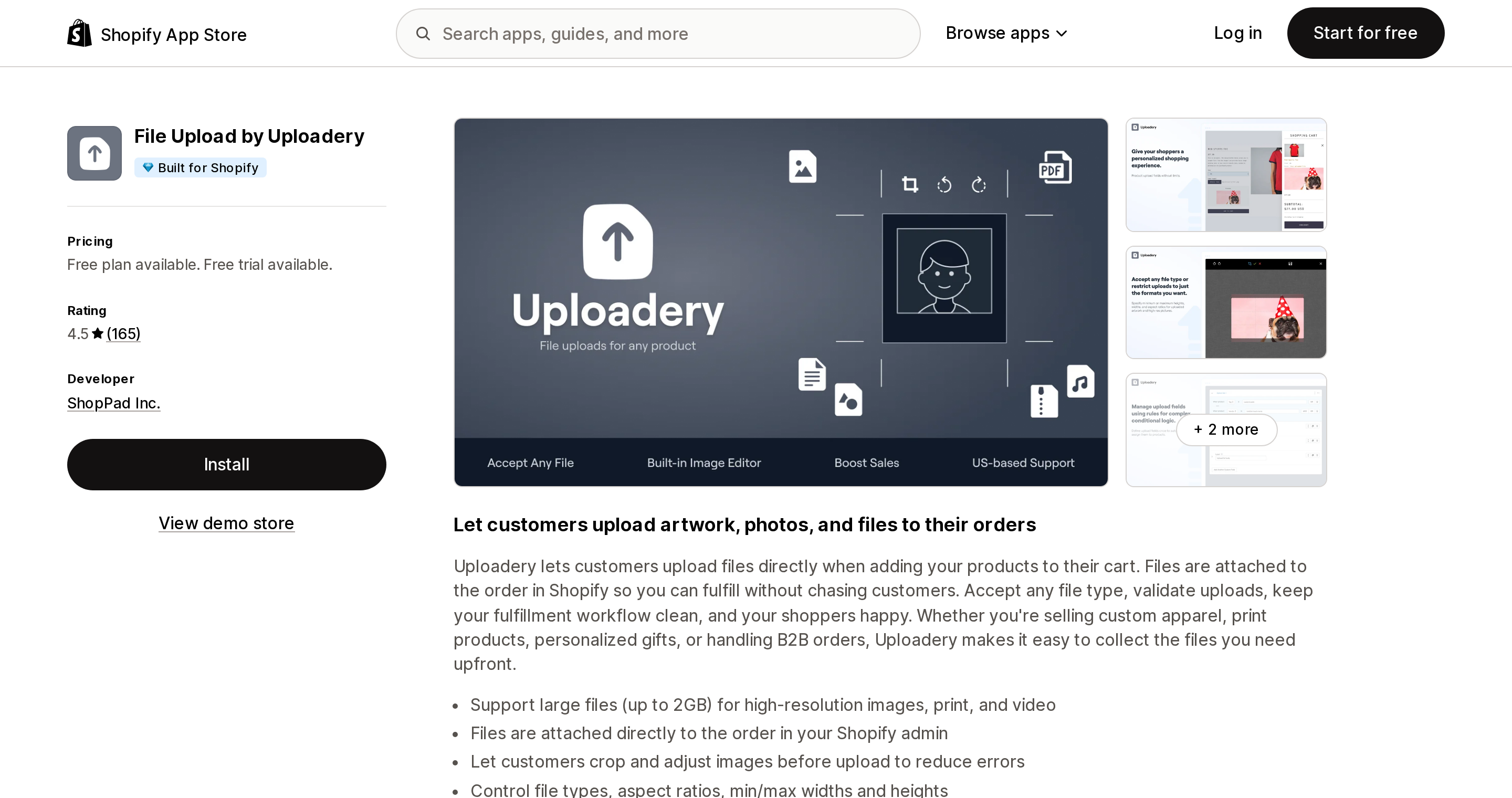
Uploadery, from ShopPad, is the oldest app in the category (May 2015) and the only one that meters purely on per-file maximum size. $9.99 buys 50 MB per file, $19.99 buys 100 MB, $59.99 buys 2 GB. Upload volume and order count are unlimited on every paid tier. If your problem is that customers send you 400 MB PSDs, this is the cleanest pricing in the category, and it is the rare app here marketing US-based support.
One caveat that merchants keep discovering at install: the listing shows a free plan, but that plan is FREE for partner development stores. Three separate reviewers said so between May 14 and June 2, 2026, including a US merchant who wrote "There's no FREE plan! When I add this to Shopify it automatically wants me to approve the 'Uploadery Professional' for $9.99." The same dev-stores-only pattern applies to UploadKit's free tier.
Add-ons are where the price goes
Source: Shopify App Store (Upload‑Lift Image Upload), retrieved September 3, 2026
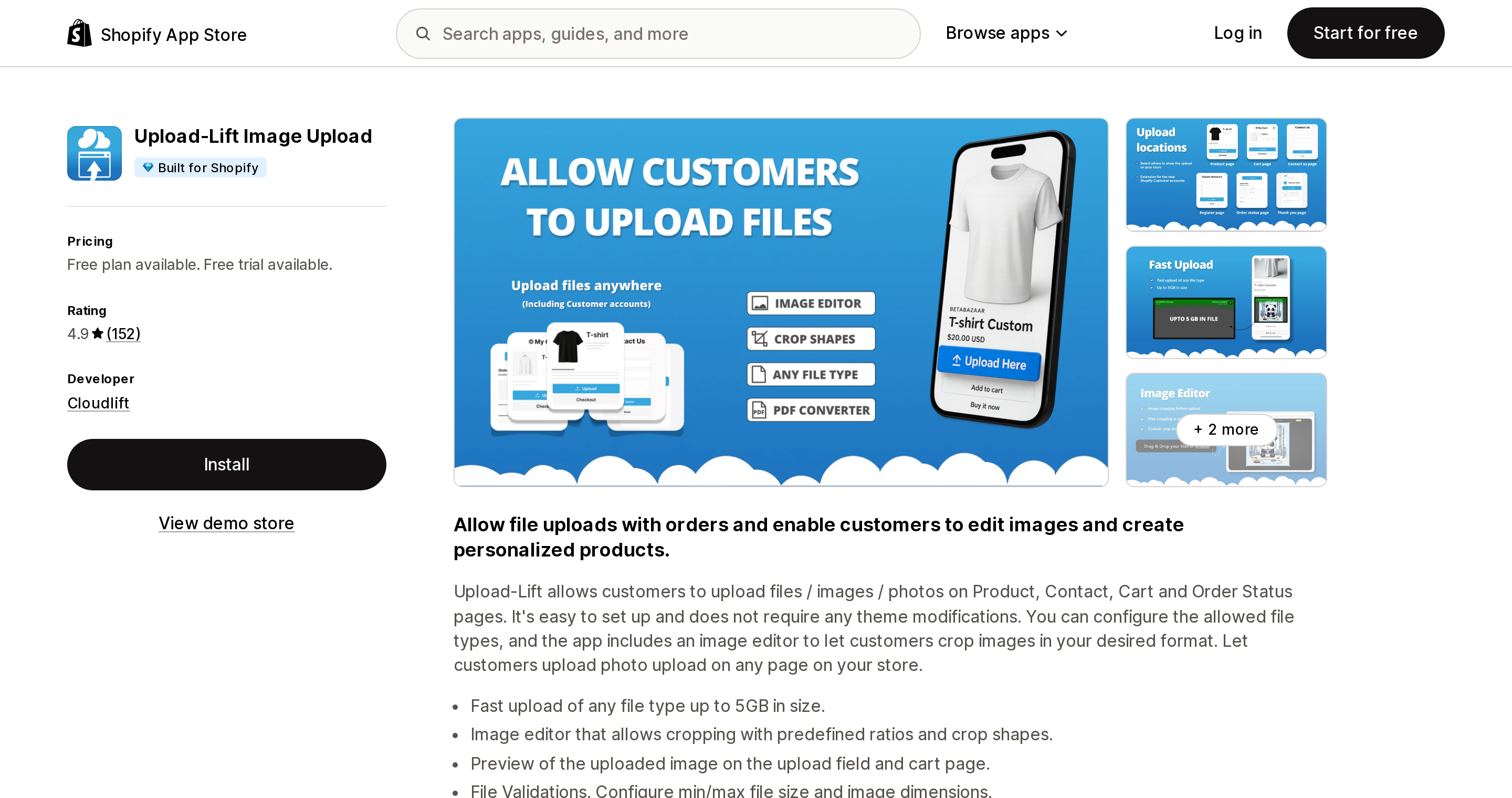
Upload‑Lift has the best rating in the plain-upload group at 4.9 over 152 reviews, and it is one of only two apps here that list configurable minimum and maximum image dimensions — Uploadery's listing advertises the same control — which is the closest thing to a resolution guard without buying a full product designer. It also uploads from the product, contact, cart and order status pages, which is the broadest surface coverage here.
Its $19 BASIC plan is not $19 if you need the features most people want. File type conversion, the advanced image editor and customer account integration are each +$9. All three on BASIC is $46 a month.
A genuinely free tier, with a sharp edge
Source: Shopify App Store (File Upload & Image ‑ Uploadly), retrieved September 3, 2026
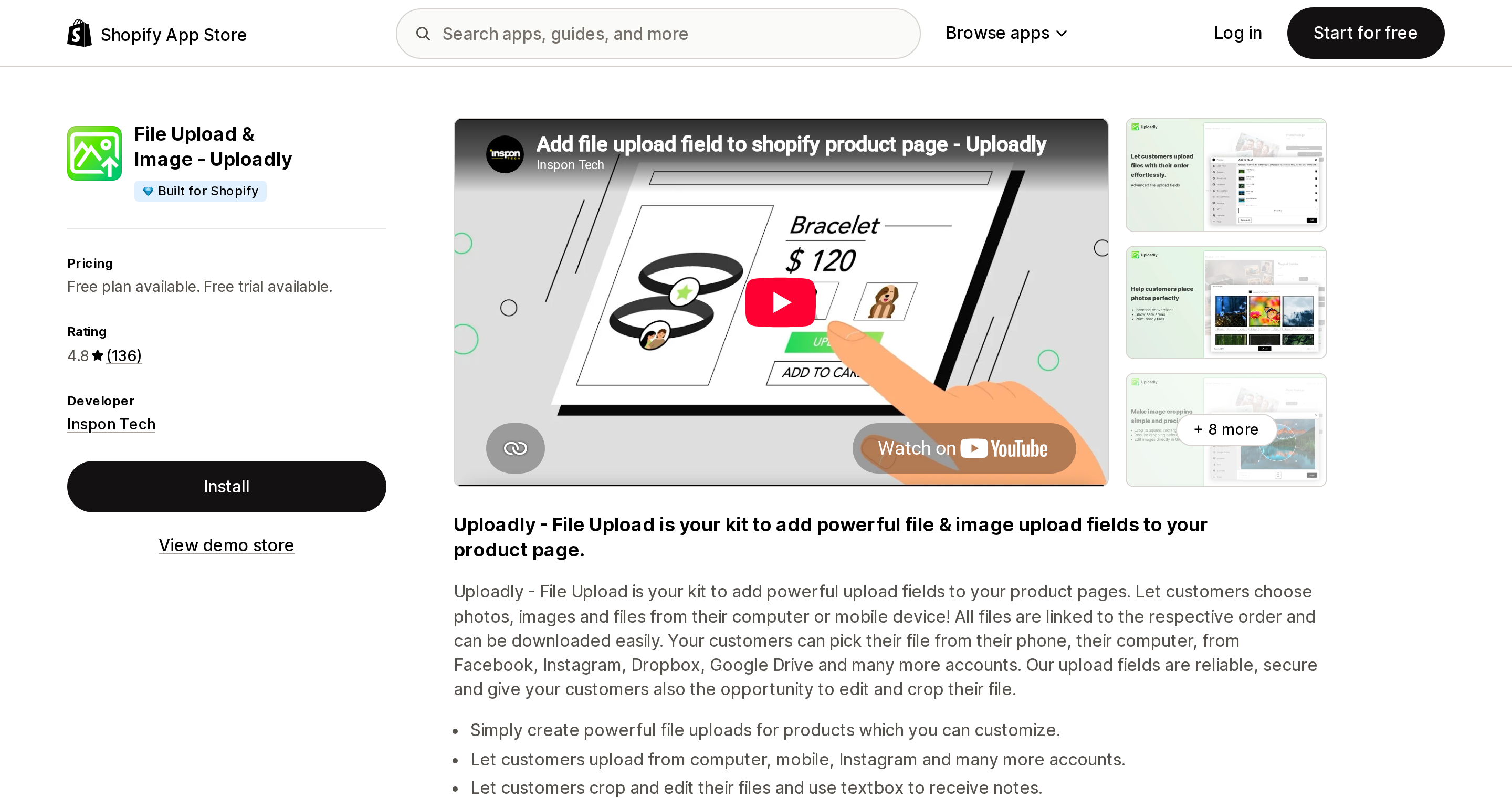
Uploadly is the cheapest paid entry at $7.99 and has one of the two free tiers here that work on a live store rather than only on a partner development store — Upload‑Lift's FREE plan is the other, capped at 50 uploads linked to orders, 10 MB per file and 30 days of storage. It also produced the most useful review in this whole research pass. In March 2025 a merchant reported that when the free plan hit its cap, "there was no notification or indication the upload field disappeared from my store. I had no idea why store visits were high and sales were low, until someone reached out." The developer disputed the notification claim in their reply — and in doing so clarified that the free plan's 20 uploads is a lifetime total, not monthly.
A second Uploadly review is worth reading even if you never install it. In July 2025 a US merchant found customers arriving from a TikTok profile link could not upload at all. The developer confirmed it: uploads fail inside TikTok's embedded Android browser and the customer has to tap "open in browser" first. That is outside any app's control, and it applies to the native field too. If your traffic is social-first, test the upload flow from inside the app that sends you traffic, not from desktop Safari.
Options apps: file upload is behind the paywall, and Plus pays more
Source: Shopify App Store (Globo Product Options, Variant), retrieved September 3, 2026
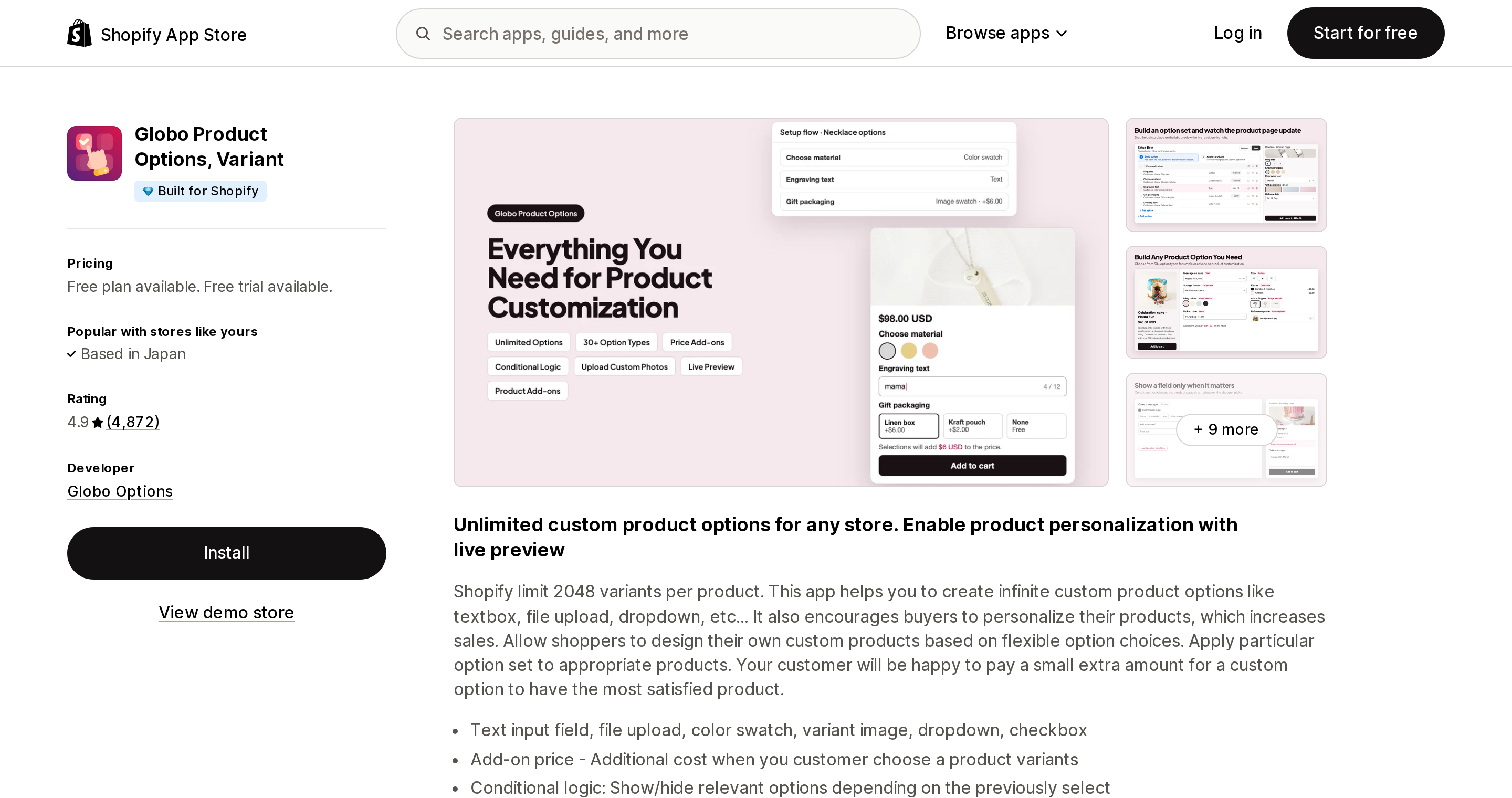
Globo and Aris are the two large options suites here — Globo at 4.9 over 4,872 reviews, Aris at 4.9 over 1,626. Both have generous free plans, and in both, file upload is not in the free plan. Globo puts File Upload (up to 20MB) on PREMIUM at $9.90; Aris puts it on PRO at $12.
Both also publish a Shopify Plus surcharge for identical functionality. Globo's PREMIUM is $39.9/mo for Shopify Plus — 4.03× — and ADVANCED goes from $19.90 to $59.9. Aris charges Plus stores $29 instead of $12, and $39 instead of $24. If you are on Plus, the cheap plain-upload apps are dramatically cheaper for the upload field alone.
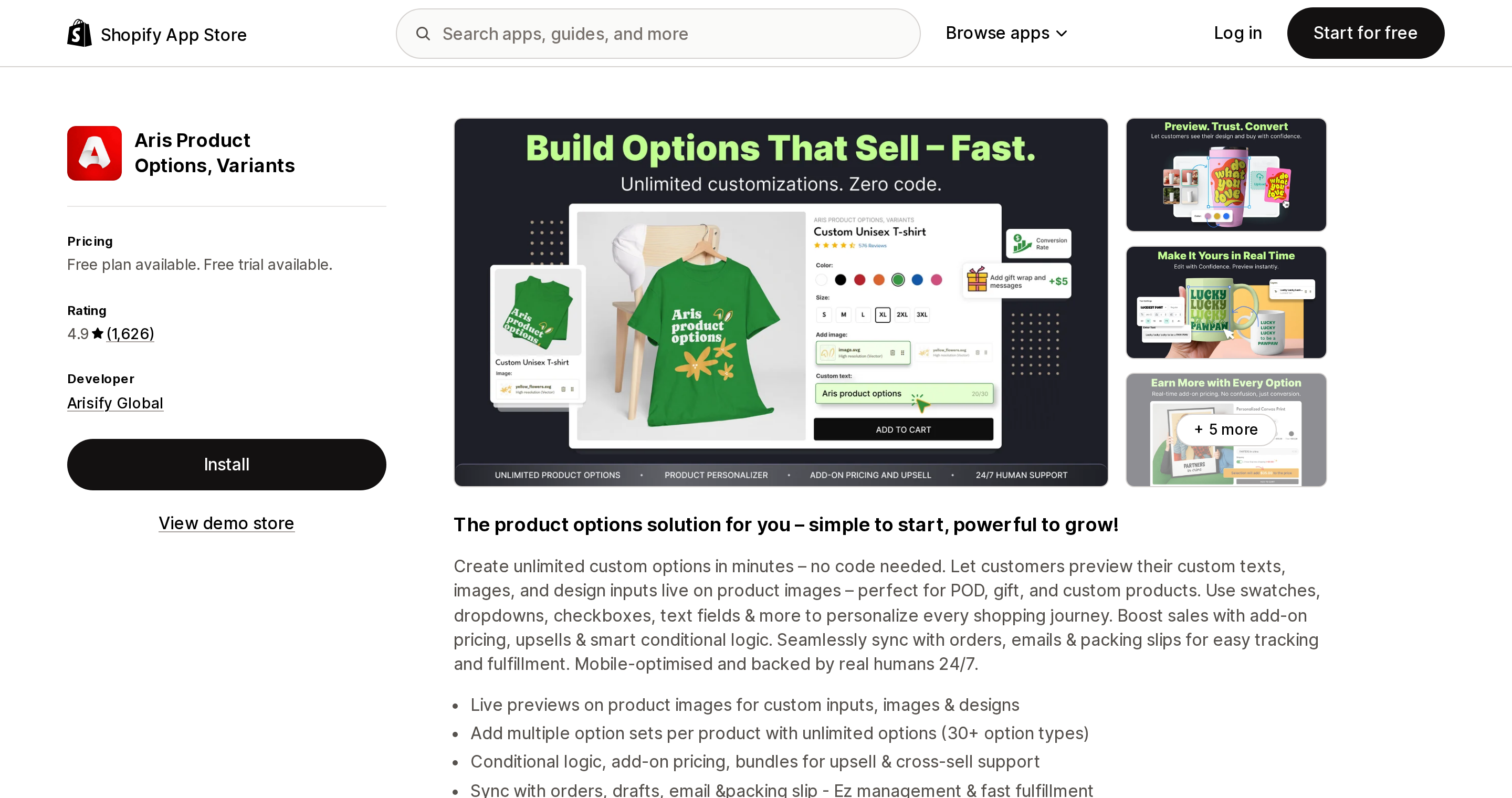
Source: Shopify App Store (Aris Product Options, Variants), retrieved September 3, 2026
One fact-check note: this app was called Avis Product Options until recently and the developer was AvisPlus. It is now Aris Product Options, Variants from Arisify Global, on a new slug — aris-product-options. The old avisplus-product-options URL still redirects, so older articles land on the right listing, just under a different name.
Aris earns its place here for two things nothing else in the plain-upload group offers: an explicit POS integration on PRO and up, and Adding options in draft orders on ADVANCED — which matters if you quote custom work before you invoice it.
Globo's recent one- and two-star English reviews carry the most serious complaint in this research. A US merchant wrote in April 2026 that "app updates are constantly wiping out custom data on my new orders, forcing me to cancel them." For an upload app, losing the customer's file is total failure, so weight that accordingly.
W3 Custom Product Options is worth a mention for one niche: it has a Width × Height calculator on its $18.99 Pro plan, which is exactly what sign, banner and decal shops that price by area need. Its listing does not state a file size limit or any integrations, so verify those before committing.
Where your customers' files actually live
None of these apps publishes an uninstall data-deletion policy on its listing. Two developers have, however, named their storage provider in public review replies.
UploadKit's developer, explaining an outage in December 2025, wrote that "the upload network which powers us, Uploadcare, had some serious network problems." Cloudlift stated in December 2023 that Upload‑Lift "uses google cloud for file uploading."
Read plainly: your customer's photograph is on a fourth party's infrastructure that you never contracted with, under a data processing agreement you have not seen. Any app advertising 500 MB, 2 GB or 5 GB files is necessarily doing this, because Shopify's own limit is 20 MB. That is not an accusation of wrongdoing — it is normal SaaS architecture — but if you operate under CCPA/CPRA and you list subprocessors, this belongs on the list, and "what happens to the files when I uninstall" is a question worth asking in writing before you install.
How to choose
Use the native field, at $0, if your theme's add-to-cart actually preserves the property in a real order, your volume is low, artwork is nice-to-have rather than production-critical, you have not promised anyone deletion, and you are willing to download files from the order page by hand. Test it with a real order first.
Buy a plain upload app if your theme or a cart app drops the property, you need files over 20 MB, you need dimension or type validation, you need a retention policy you can point at, or you need artwork to land somewhere your production team already works. At this tier the whole decision is which meter suits you: flat and size-based (Uploadery), volume plus retention window (Uploadly), or validation plus multi-surface (Upload‑Lift).
Buy an options suite instead if upload is one field among ten — swatches, conditional logic, add-on pricing — and you are not on Plus.
You need a different category entirely if you want the customer to see their photo or engraving rendered on the product before they buy, or you need print-ready output with bleed and DPI handling pushed to a fulfiller. That is a separate product with separate economics, and we compared those seven apps in Shopify can receive engraving text but cannot draw it.
The thing to avoid is buying a $49-plus-per-order-item personalizer when what you actually needed was a $9.99 field that attaches a JPEG to an order.
Sources
- Shopify: Line item properties (product template)
- Shopify: Cart template — rendering line item properties
- Shopify/dawn issue #731 —
input type="file"and AJAX add-to-cart (opened October 4, 2021; closed by PR #745, merged October 15, 2021) - Shopify Developer Community, August 5, 2026 — retention of natively uploaded line item property files
- Shopify Help Center: Uploading and managing files
- Shopify Help Center: Shopify Forms custom fields
- Shopify: Checkout UI extensions — Drop zone component
- Shopify App Store listings for all apps named above,
?locale=en, retrieved September 3, 2026
Shopify Flow adds and removes product tags for free on every paid plan, but its Get product data action returns at most 100 products per run, so backfilling an existing catalog becomes a scheduled loop. Flow also has no generic Product updated trigger, which means it structurally cannot re-tag a product after you edit its type, vendor, or price. Shopify Magic suggests a product category and fills category metafields, but product tag generation is not on its published feature list. The six apps compared here meter completely different units: Leap Auto Tags counts every tag added and every tag removed as one credit against 2,000 per month at $8, FilterTag meters 500 to 50,000 generated tags per month at $9 to $59, TAGit AI works out to 3 to 9 cents per generated tag, and Helium charges $9.99 one-time per 100 products. Mechanic and Matrixify charge flat fees of $16 to $199 and $20 to $200 with no per-tag metering at all. Check the denominator before you check the price. Researched September 3, 2026.