
What you will learn
On this pageContentsCloseOpen
Most platform deadlines arrive as a banner in your admin. This one doesn't. It is addressed to your app developers, it is written in the developer changelog, and the only person who experiences the failure is you.
Dates, quotes, error strings, ratings, and pricing were verified against Shopify's developer changelog, shopify.dev documentation, the Shopify Help Center, and the en-US Shopify App Store on September 11, 2026. All prices are in USD.
The short version
If every app you run has a screen you open regularly, this fixes itself and you will never notice it happened.
If you have apps you installed once and have not opened since — a feed generator, an inventory sync, an accounting connector — those are the ones Shopify's own migration guide says cannot repair themselves on their own schedule.
You cannot check which apps have migrated. The App Store listing does not say, and the admin does not say.
You can check something more useful than the token: whether the app is still making requests against your store. That page already exists.
Three dates, one change
Until December 2025, an offline access token — the credential an app stores so it can keep working when nobody is logged in — never expired. It stayed valid until the app was uninstalled.
Shopify changed that on December 10, 2025. Offline tokens could now optionally expire after 60 minutes and arrive with a refresh token. The change was additive; nothing broke.
On March 20, 2026, Shopify made it mandatory for new public apps created on or after April 1, 2026.
On May 20, 2026, Shopify extended it to everything. The changelog entry carries two flags — Breaking API Change and Action required — and one sentence that sets the date: starting January 1, 2027, all public apps must use expiring offline access tokens when calling the Admin API, and after that date, apps still using non-expiring tokens will receive authentication errors.
Two categories are explicitly outside this. Custom apps are unaffected, and so are apps created by merchants in the Dev Dashboard or the Shopify admin. If you build your own integration against your own store, nothing here applies to you — though the way you create one changed in January 2026. Everything installed from the Shopify App Store is a public app.
The current token lifetimes, from Shopify's access tokens reference:
| Token | Lifetime |
|---|---|
| Expiring offline access token | 1 hour (expires_in is 3600) |
| Refresh token for that token | 90 days (refresh_token_expires_in is 7776000) |
| Non-expiring offline access token | No expiry, until uninstall or secret revocation |
| Online access token | 24 hours, or until the staff member logs out |
So a migrated app renews a one-hour credential in the background — as often as twenty-four times a day, if it runs continuously — using a refresh token that itself rotates on every renewal. None of this is visible from your side, and that is the point of it.
What failure looks like
Shopify documents the rejection precisely. After January 1, 2027, a GraphQL Admin API request presenting a non-expiring token returns 403 Forbidden, and the errors value contains the phrase Non-expiring access tokens are no longer accepted for the Admin API.
That string is not hypothetical. A Chatwoot user hit it on May 14, 2026 — months before the deadline, because their app was created after the April 1 cutoff — and filed issue #14462 against the project. The store connected successfully, the OAuth flow completed, the integration showed as connected, and then the order data never loaded. The issue notes that the official Ruby library added support in December 2025.
That failure shape matters more than the error code. Authentication did not visibly fail. The app looked installed. Only the data stopped.
Shopify's migration guide describes the merchant-side consequence in one clause: merchants lose access to the app until they re-authenticate.
Why most of this will fix itself
Shopify designed the migration to be invisible. The changelog is blunt about it: merchants don't need to reinstall, because the app exchanges existing tokens through code.
The mechanism is in the migration guide. Once a developer ships the change, existing non-expiring tokens on installed stores cycle automatically the next time each merchant opens the app and the app requests a new token. No prompt, no per-merchant action, no reinstall.
For an app with a screen — a page builder, a review moderation queue, a helpdesk inbox — that is a matter of days. Someone opens it, the token quietly swaps, and the deadline becomes irrelevant.
The exception Shopify names out loud
Then the same page says this:
Cycling on next app open covers most installs, but it gives you no control over timing, and it never covers an app that merchants don't open.
And it names the shapes: apps that run entirely in the background, such as webhook consumers, App Proxy backends, and Flow actions, which have no app launch to wait for.
Read that as a merchant rather than a developer and it becomes a sorting rule for your own app list. The automatic fix is triggered by you opening the app. Any app you do not open is not covered by it.
Developers do have a second path — a token exchange call that cycles a stored token from a background job, with no merchant session involved. But it carries its own warning, and this one lands on the store:
Cycling is irreversible, and it isn't safe to replay.
Shopify destroys the non-expiring token in the same transaction that issues the expiring one. If the app loses the response, the guide says that store has no usable token and the merchant has to reauthorize before the app can call the Admin API again. A migration that goes wrong does not fail back to the old credential. It fails to nothing.
Five apps that work while you are not looking
None of the apps below is known to be affected. No app discloses its token type, and nothing in this article should be read as a claim about any vendor's migration status. They are here for one reason: each of them does its actual job on a schedule, on a webhook, or on a feed, which is exactly the profile Shopify's guide says cannot cycle on app open.
If your stack looks like this, these are the vendors to write to.
Matrixify
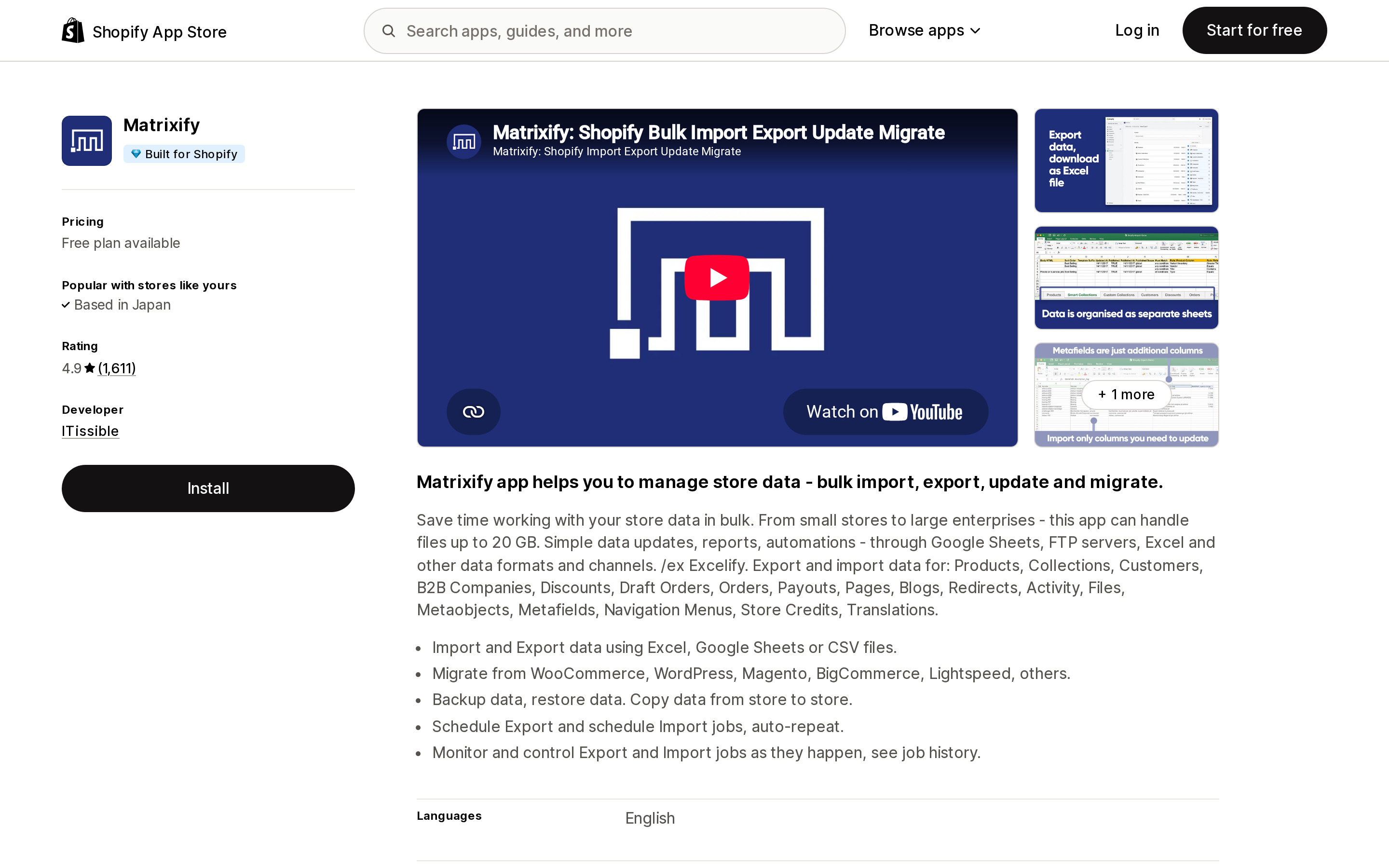
Source: Shopify App Store (Matrixify), retrieved September 11, 2026
Matrixify, by ITissible, carries the Built for Shopify badge and sits at 4.9 stars across 1,611 reviews. Free plan available; the Basic tier is $20/month and Big is $50/month, metered on rows per file.
Its listing advertises scheduled export and import jobs that auto-repeat, running through Google Sheets, FTP servers, and Excel files. A merchant who has set up a nightly product export and a weekly supplier import has no reason to open the app for months. That is the whole value proposition, and it is also the condition Shopify describes.
syncX: Stock Sync & Inventory
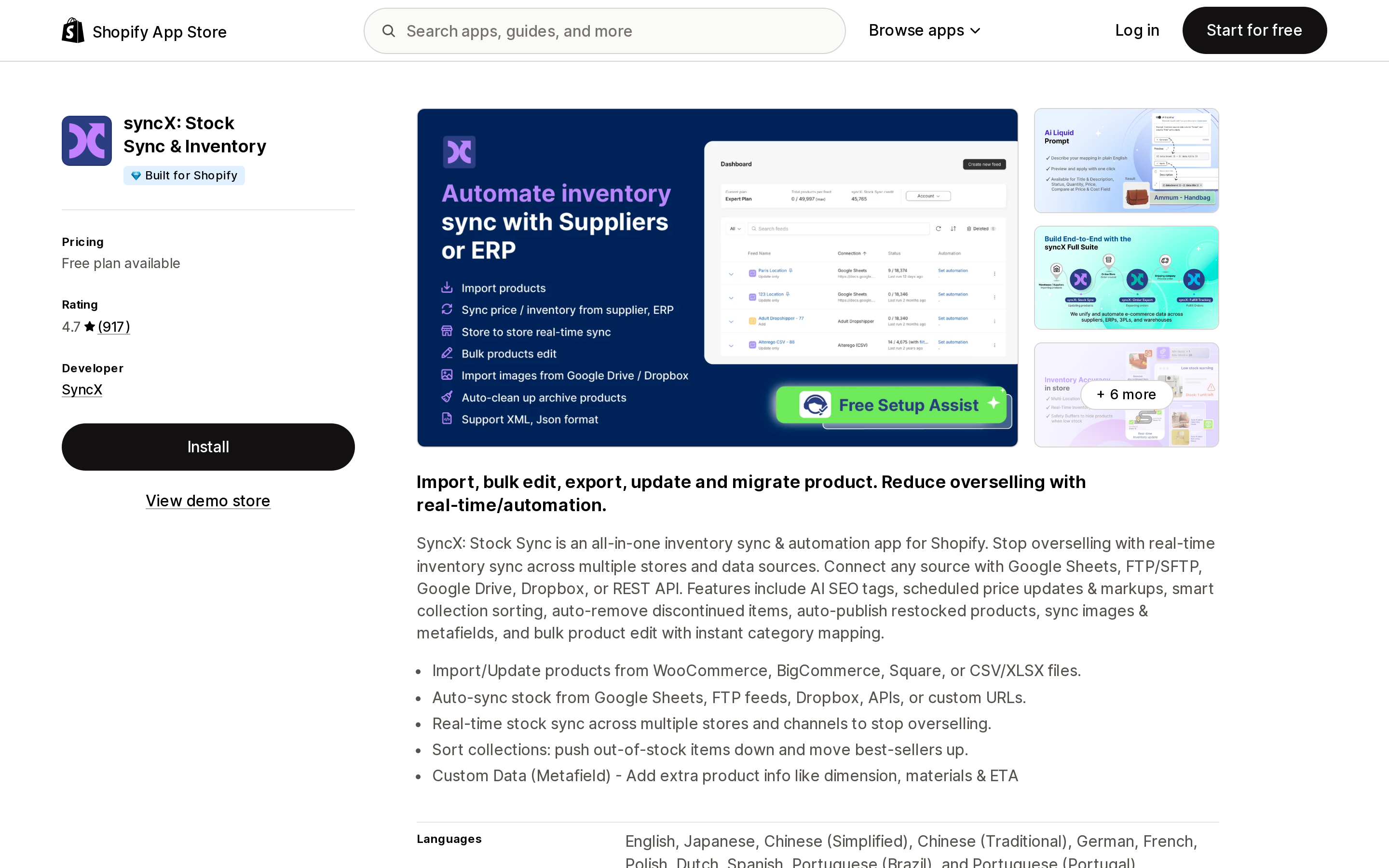
Source: Shopify App Store (syncX: Stock Sync & Inventory), retrieved September 11, 2026
syncX: Stock Sync & Inventory, by SyncX, is Built for Shopify and rated 4.7 across 917 reviews. Free plan available, Starter at $7/month, Expert at $10/month.
The paid tiers are sold on schedule frequency: Starter runs one update per day with a 24-hour minimum interval, Expert runs up to twelve per day with a two-hour minimum. The listing names Shopify Flow and the Shopify Admin API among the things it works with. An inventory sync that silently stops is worse than one that visibly breaks, because the stock numbers do not disappear — they just stop being true.
A2X Sync for QuickBooks & Xero
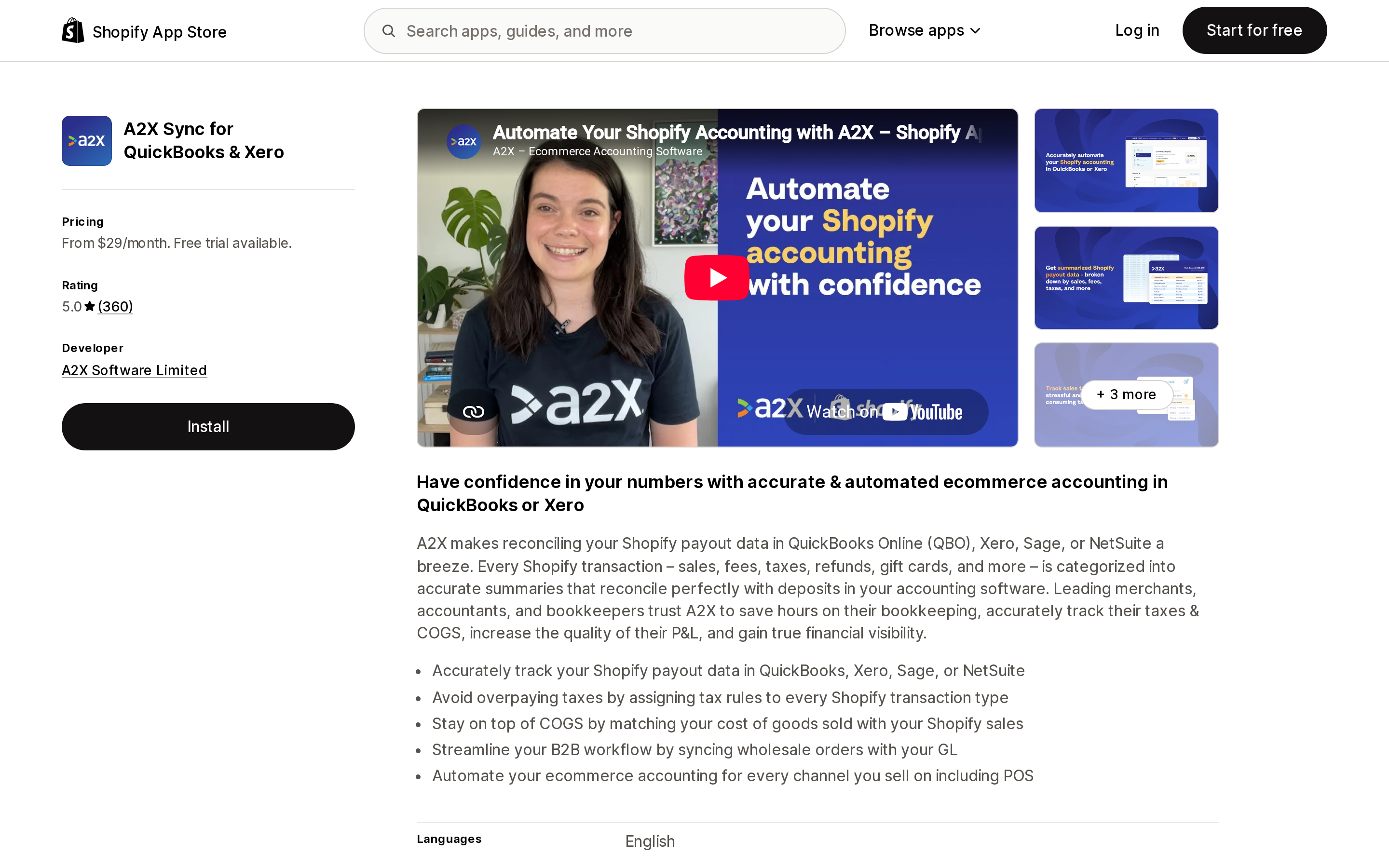
Source: Shopify App Store (A2X Sync for QuickBooks & Xero), retrieved September 11, 2026
A2X Sync for QuickBooks & Xero, by A2X Software Limited, is rated 5.0 across 360 reviews and starts at $29/month for up to 200 orders, rising through $45, $79, and $115/month tiers by order volume.
It reconciles Shopify payout data into QuickBooks Online, Xero, Sage, or NetSuite. Accounting connectors are opened at month-end, if then. A gap in the ledger is typically discovered by a bookkeeper weeks later, and the reconstruction work is manual.
Simprosys Google Shopping Feed
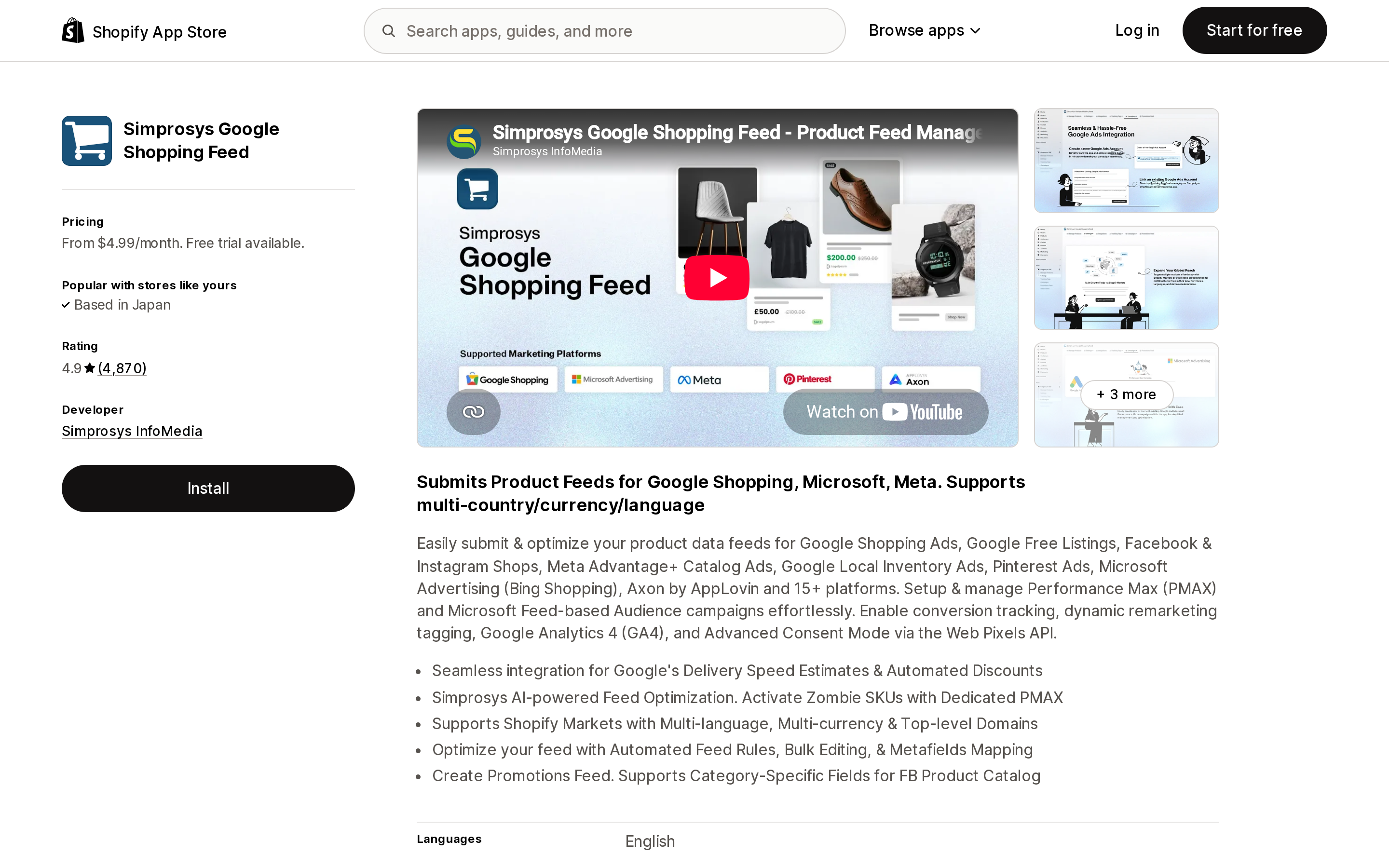
Source: Shopify App Store (Simprosys Google Shopping Feed), retrieved September 11, 2026
Simprosys Google Shopping Feed, by Simprosys InfoMedia, is rated 4.9 across 4,870 reviews and starts at $4.99/month for up to 500 products, tiered upward by catalog size.
It submits product feeds to Google Shopping, Microsoft Advertising, Meta, and Pinterest, and manages Performance Max campaigns. A feed app that cannot read your catalog does not produce an empty feed; it produces a stale one. Prices and availability drift out of sync with your store, and the first symptom is usually a Merchant Center disapproval rather than an app error.
Zapier: Workflow Automation
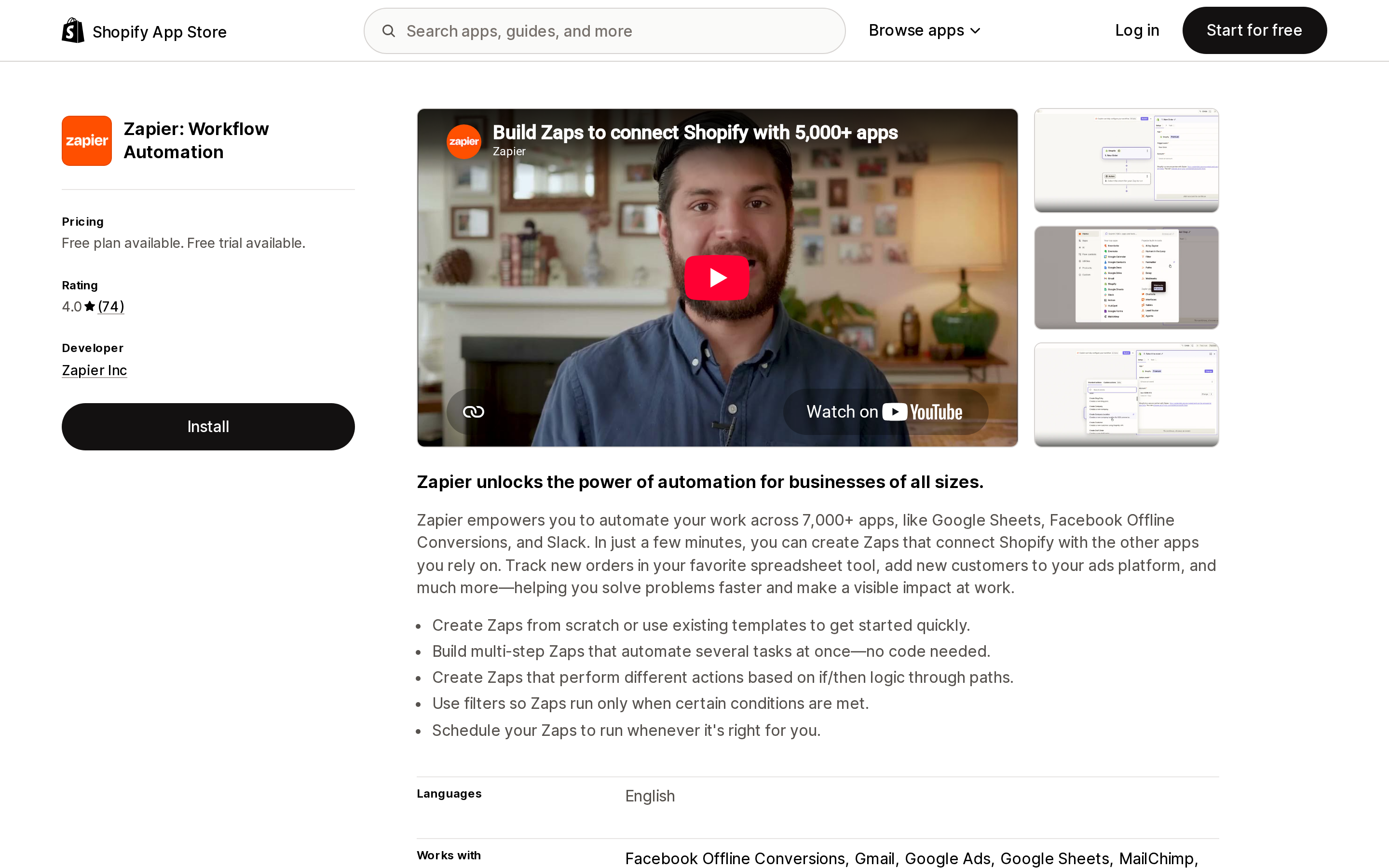
Source: Shopify App Store (Zapier: Workflow Automation), retrieved September 11, 2026
Zapier: Workflow Automation, by Zapier Inc, is rated 4.0 across 74 reviews. The listing shows a free tier with an asterisk — Shopify requires a paid Zapier plan — then Professional at $29.99/month and Team at $103.50/month, billed by Zapier separately from your Shopify invoice.
Its listing feature set is scheduled tasks, custom triggers, and custom workflows. Zapier is the clearest case of the category Shopify names, because the point of a Zap is that nobody watches it run.
What the listing will not tell you
Across all six App Store listings checked for this article — the five above plus Judge.me Product Reviews App — the word "token" appears zero times. So do "authenticate" and "OAuth". The listings document pricing, data access, integrations, and review history in detail. Authentication is not a listing field, and there is no reason to expect it to become one.
The admin does not carry it either. The data access and permissions view tells you what an app is allowed to read and write, not how it proves who it is.
This is the same structural problem as the script tag deadline: a platform-level change enforced against developers, invisible on the surface a merchant actually reads.
The page that does help
There is one instrument, and it is better than a token type because it measures behavior rather than configuration.
Go to Settings > Apps, click an app name to open its about page, and look at the Activity and permissions section. Per the Help Center, it shows which areas of your store the app can view or edit, plus the date of the app's most recent activity in each area. Permissions the app has not used in the last 30 days appear in a separate Unused access subsection. Click a Recent activity date and you get the number of view and edit requests the app made in the past 30 days, along with the date of the last one.
An app that should be writing inventory every two hours, showing a last request three weeks ago, is telling you something — whatever the cause.
One limit is worth knowing: the Help Center notes that activity and permissions are currently tracked only for third-party apps. Apps made by Shopify do not appear there.
A reasonable routine between now and January: once a month, open the three or four apps you never open, and check that their recent activity dates look like their schedules.
What to ask a vendor
One question, and it should not need a follow-up:
Has your app migrated to expiring offline access tokens for the Admin API, and if not, what is your timeline before January 1, 2027?
A vendor who has shipped it will say so immediately. A vendor who has not should still have a date. If neither comes back, treat that the same way you would treat any other unanswered operational question about an app holding write access to your catalog — which is also a reason to keep an audit of what each app leaves behind current.
Bottom line
This is a developer obligation with a merchant consequence, and the asymmetry is the story. Shopify built an automatic migration that works for every app with a front door, then documented, in its own guide, that the mechanism never reaches an app you do not open.
You cannot see the credential. You can see the requests. Between now and January 1, 2027, the apps worth looking at are the ones you have no reason to look at.
Sources
- Expiring offline access tokens required for all public apps as of January 1, 2027 — Shopify developer changelog
- Expiring offline access tokens required for new public apps as of April 1, 2026 — Shopify developer changelog
- Offline access tokens now support expiry and refresh — Shopify developer changelog
- Migrate to expiring offline access tokens — shopify.dev
- Access tokens — shopify.dev
- Managing apps — Shopify Help Center
- Shopify integration fails with "Non-expiring access tokens are no longer accepted" — chatwoot/chatwoot issue #14462
- Matrixify — Shopify App Store
- syncX: Stock Sync & Inventory — Shopify App Store
- A2X Sync for QuickBooks & Xero — Shopify App Store
- Simprosys Google Shopping Feed — Shopify App Store
- Zapier: Workflow Automation — Shopify App Store
Deadline dates, documentation quotes, App Store ratings, and pricing were verified on September 11, 2026. Vendor migration status is not published anywhere and changes continuously; ask the developer before you assume either way.
Shopify added a Bin name column to the inventory CSV on August 25, 2025. It holds one bin per variant per location, it is created only by CSV import, and it prints on Order Printer pick lists. What it does not do is leave Shopify. Shopify staff confirmed on the developer forum in October 2025 and again in January 2026 that there is no public API access to the field, and the developer forum was still reporting the gap in June 2026. That single fact shapes the whole category: EasyScan and iPacky store bins in metafields, Bins-USA and ShelfPilot store them in their own databases, and a free app called Simple Bin Locations copies metafield bins into order notes so packing slips can show them. Shopify's own multi-bin model, with per-bin quantities and an unbinnedQuantity field, exists today only as a feature preview on development stores. Pricing, plan gates, and where each app keeps the bin data, verified on the Shopify App Store, the Shopify Help Center, shopify.dev, and the Shopify community forums on September 18, 2026.