
What you will learn
On this pageContentsCloseOpen
For most of the last decade, connecting Shopify to something else without hiring anyone had one reliable shape. You went to Settings > Apps > Develop apps, created an app, ticked the Admin API scopes you needed, installed it, revealed the shpat_ token, and pasted that token into whatever asked for it — a 3PL portal, a spreadsheet script, a reporting tool, an ERP connector.
That path is closed for new integrations. It closed on January 1, 2026, and the piece that broke is not the one most write-ups lead with.
The short version
You can't create a custom app in the Shopify admin anymore. Shopify's changelog entry, published October 30, 2025, states it plainly: "Starting January 1, 2026, you can no longer create new custom apps in the Shopify admin."
Existing custom apps are fine. The same entry: "Existing custom apps aren't affected and will continue to work." If you created one before January 1, 2026, the Help Center calls it a legacy custom app, and you still manage it from a Legacy custom apps section in your admin.
The real change is authentication, not the button. For custom apps built in the Dev Dashboard, Shopify's Help Center states you "can't copy and send an access token directly from your Shopify admin." Tokens are requested programmatically through the client credentials grant, and shopify.dev documents that they expire in 24 hours.
Two constraints catch agencies and multi-store merchants. The client credentials grant only works when the app and the store are in the same Shopify organization, and collaborator accounts can't access the Dev Dashboard at all.
What replaced the admin flow
The Develop apps button is still where it was. It just leads somewhere else now.
Per the Help Center's Installing and setting up apps page, the current sequence is: Settings > Apps > Develop apps > Build apps in Dev Dashboard > Create app. From there you name the app, set an app URL (the docs offer https://shopify.dev/apps/default-app-home for apps that don't embed in the admin), pick a Webhooks API version, enter your access scopes, and Release a version.
Two details in that flow matter operationally:
Scopes are attached to a released version, not to a settings checkbox. If you later need a scope you didn't include, shopify.dev's client credentials tutorial says you release a new version with it and approve the change on the store. Adding read_orders after the fact is a release, not a toggle.
Install links are store-specific and short-lived. The Help Center states that custom app installation links "are specific to your store, and can't be used to install the app on another store," and that "for security reasons, custom install links expire after seven days." A link your developer emailed you two weeks ago is dead.
The token change is the part that breaks things
This is the single most consequential difference, and it is stated in Shopify's own documentation rather than inferred.
For a legacy custom app created before January 1, 2026, you can still get an Admin API access token from the admin — with a warning attached. The Help Center: "You can reveal an Admin API access token only one time. If you lose the token, then you need to uninstall and reinstall the app to get a new one. Uninstalling the app deregisters resources such as webhooks, carrier services, and inventory integrations, which your developer needs to register again with the new token."
For a Dev Dashboard custom app, there is no reveal at all. The Help Center: "For custom apps that you create in the Dev Dashboard, you can't copy and send an access token directly from your Shopify admin. Your developer needs to generate the access token." The mechanism is the client credentials grant — your app POSTs its client ID and secret to https://{shop}.myshopify.com/admin/oauth/access_token and receives a token back.
Then the number that decides whether your existing tooling survives: shopify.dev documents the response field expires_in as "Seconds until expiration. Always 86399 (24 hours)."
The contrast matters. A legacy admin-created app's token is pre-generated at install, and shopify.dev's legacy reference page states you "can't rotate the API key or secret" — the only way to get a new one is uninstall and reinstall. It is a static string by design. A client credentials token is the opposite: it expires every day and has to be re-requested. Anything that expects a permanent string pasted into a settings field is now incompatible unless something on your side refreshes it.
Shopify's documentation anticipates this exact situation. The client credentials tutorial carries a troubleshooting entry titled "External tool asks you to 'copy a token'", and the stated resolution is not a workaround: "These tools expect the older authentication flow. Contact the tool vendor about updating their integration to use OAuth."
That is Shopify telling merchants the answer is a vendor conversation, not a setting.
Four more constraints worth knowing before you plan
Same organization only. The client credentials grant returns shop_not_permitted unless the app and the store sit in the same Shopify organization in the Dev Dashboard. shopify.dev is explicit that owning a store or having the app installed doesn't place it in your org, and that "client credentials can't reach a store outside your organization, including a client's store." An agency building for a client has to use custom distribution and a different grant — token exchange for apps inside the admin, the authorization code grant for apps outside it.
Collaborators are locked out of the Dev Dashboard. The Help Center states that collaborators "can't access the Dev Dashboard because they don't have organizational-level permissions." They can still install a custom app for you if you grant the full Manage and install apps and channels permission and activate Approve app charges, and shopify.dev confirms a collaborator with the right permissions can still change API scopes on an existing admin-created app. What they can't do is build a new one — that now requires staff with the App development > Develop permission, or the store owner. If your integrations have historically been created by an agency on a collaborator account, that arrangement needs revisiting. Our guide to staff, collaborator, and POS account limits covers how those permission tiers differ.
Level 2 PII custom apps require Grow or higher. Per the Help Center's About apps page, "To access Custom Level 2 PII apps, your store must be on the Grow plan or higher," with a caution that downgrading to Basic removes that access. If your integration reads customer names, emails, or addresses, your plan is part of the architecture. What each tier actually exposes is covered in our piece on how much of your store an app can see.
Deletion is one-way. The Help Center's Uninstalling apps page: "When you delete a custom app, it can't be recovered." For legacy apps specifically, shopify.dev is blunter: "Deleting removes the app configuration from the Shopify admin permanently, and you can't create a new admin-created custom app to replace it." If you want to temporarily stop a custom app, uninstall it rather than deleting it.
If you already run a legacy custom app
Nothing forces you to migrate. But two of the rules above combine into a specific risk.
You can reveal the token once. Losing it means uninstall and reinstall, which deregisters webhooks, carrier services, and inventory integrations. And you can no longer create a replacement legacy app if the original is deleted — the January 1 cutoff has no exception.
So the practical maintenance list is short:
- Store the token where you'd store a payment credential, not in an email thread.
- Record which staff or collaborator account is associated with the app. The Help Center notes that unsupported-app warnings go to that account, and you can view and update it on the app's App settings page.
- Know the clock. Shopify releases new API versions quarterly, each version works for a year, and when a breaking change affects an app the developer gets nine months to update before it becomes unsupported.
- Before you retire it, read our app uninstall cleanup guide — custom apps leave the same kinds of residue public apps do.
Three App Store apps that cover what custom apps were built for
Most merchant-built custom apps did one of three things: move data in and out in bulk, push order data to an outside system on a schedule, or run business logic Shopify Flow can't express. All three now have App Store options that handle authentication themselves — which sidesteps the token problem entirely, because the app holds the OAuth session, not you.
Ratings, review counts, and prices below were read from the en-US Shopify App Store on September 7, 2026.
Matrixify — bulk import, export, and scheduled file jobs
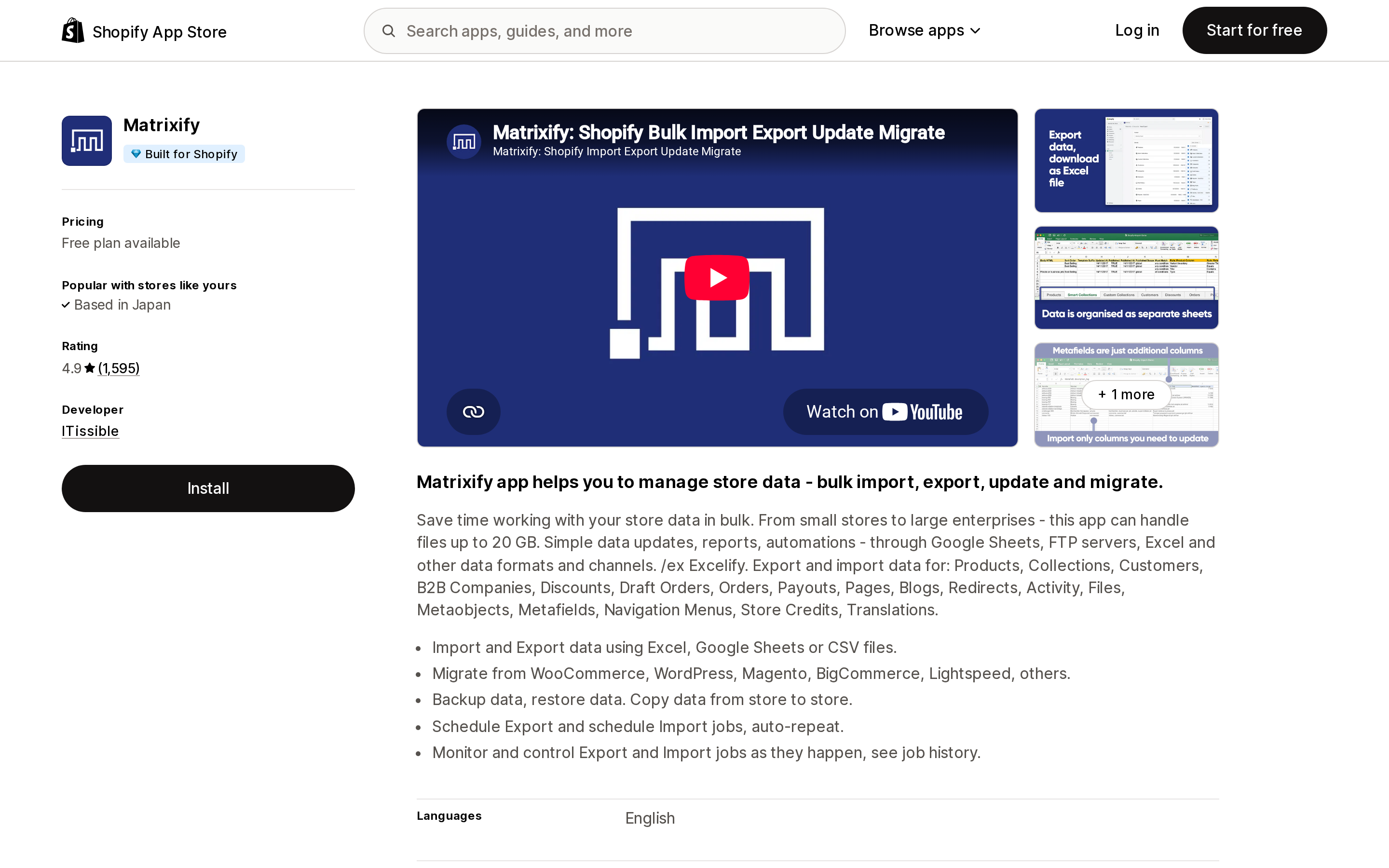
Source: Shopify App Store (Matrixify), retrieved September 7, 2026
Matrixify, by ITissible, carries the Built for Shopify badge and is rated 4.9 across 1,595 reviews. It reads and writes Products, Collections, Customers, B2B Companies, Discounts, Draft Orders, Orders, Payouts, Pages, Blogs, Redirects, Activity, Files, Metaobjects, Metafields, Navigation Menus, Store Credits, and Translations through Excel, Google Sheets, or CSV, and its listing names FTP/SFTP, Google Drive, and Dropbox among the channels it works with. Scheduled export and import jobs with auto-repeat are listed features.
Pricing is per file volume rather than per record processed: a free Demo plan capped at 10 items per file, Basic at $20/month (5K products, 2K customers, 1K orders per file), Big at $50/month (50K/20K/10K), and Enterprise at $200/month with unlimited volume and two parallel manual jobs.
The gap to be honest about is the learning curve. An August 27, 2026 one-star review from an Australian merchant describes constant validation errors and concludes "you need to have a high level of technical expertise to operate." The developer's public reply frames the validation as deliberate — the app checks files before writing to live store data. Both things are true, and it's the right expectation to set. We compared its bulk-editing behavior against Altera in a separate piece on CSV and bulk edit limits.
syncX: Data Export Reports PDF — scheduled and real-time order export
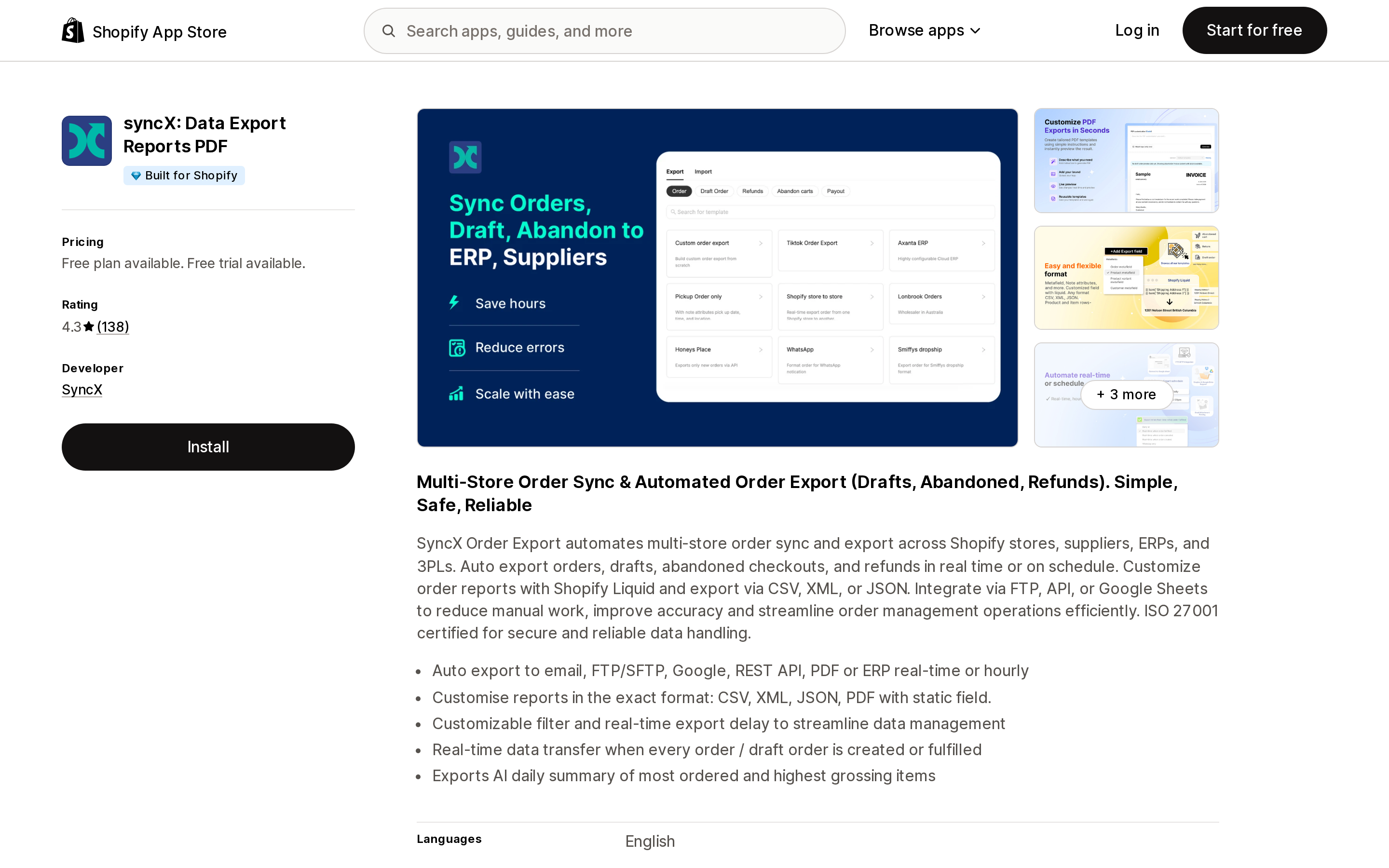
Source: Shopify App Store (syncX: Data Export Reports PDF), retrieved September 7, 2026
syncX: Data Export Reports PDF, by SyncX, is Built for Shopify and rated 4.3 across 138 reviews. It targets the narrower job of getting order data out — to email, FTP/SFTP, Google Sheets, a REST API, PDF, or an ERP — either in real time when an order is created, paid, or fulfilled, or on a schedule. Output formats listed are CSV, XLSX, JSON, and XML, with Shopify Liquid formatting available per field on the top tier.
Plans: Free (direct download, max 100 orders per export), Basic at $6/month or $66/year (one custom export, real-time or every 3 hours, max 1,000 orders per export), Pro at $15/month or $165/year (three exports, 2,000 orders per export, minimum 120-minute schedule), Enterprise at $39/month or $429/year (ten exports, Liquid formatting, minimum 60-minute schedule). Each paid tier lists a 14-day free trial.
Two things to weigh. The schedule floor is a real constraint — even Enterprise lists a 60-minute minimum interval (with "allow request" noted alongside it), so scheduled mode is not a substitute for a webhook-driven integration that has to move within seconds. Real-time triggers on order creation, payment, and fulfillment are the faster path the listing describes. And support timing draws recurring criticism: an April 9, 2026 review from a US merchant complains that support "only work in the middle of the night so you can't contact them," which is consistent with the developer being based in Petaling Jaya, Malaysia. If your escalation path has to be US business hours, verify that before you commit. Our comparison of scheduled export apps against native CSV goes deeper on this category.
Mechanic — custom logic without building an app
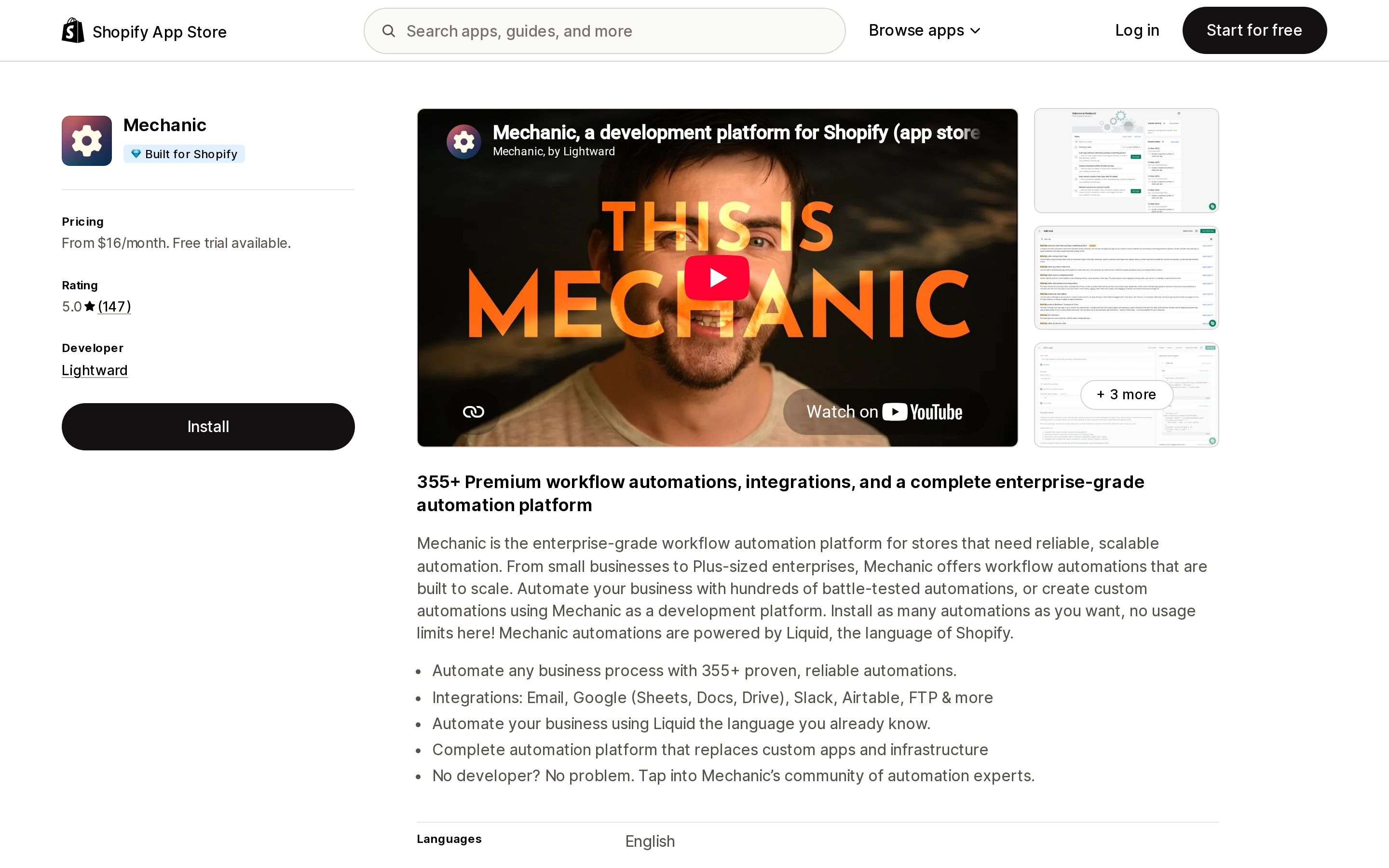
Source: Shopify App Store (Mechanic), retrieved September 7, 2026
Mechanic, by Lightward (Chicago, IL), is Built for Shopify, rated 5.0 across 147 reviews, and has been listed since May 7, 2018. Its listing describes 355+ prebuilt automations plus the ability to write your own tasks in Liquid, and names Email, Google Sheets, Google Docs, Google Drive, Slack, Airtable, FTP, and webhooks among its integrations. One of its own listing bullets is "Complete automation platform that replaces custom apps and infrastructure" — which is the reason it belongs in this article.
Pricing is tied to your Shopify plan tier rather than to usage: $16/month at Basic Shopify, $29/month at Grow Shopify, $99/month at Advanced Shopify, $199/month at Shopify Plus, each with a 15-day free trial and no additional usage fees. Lightward describes this as a "pay what feels good" policy with those figures as suggested prices; the full terms sit on the vendor's own pricing page rather than the listing.
The honest caveat is that Liquid is still code. An August 19, 2026 review from a US merchant describes writing scripts to make bulk price changes across hundreds of thousands of items — capable, but not a no-code experience. Before paying for it, check whether free Shopify Flow already covers your case; we mapped where Flow's published limits end and a paid automation app starts earning its fee.
Side by side
| Matrixify | syncX: Data Export Reports PDF | Mechanic | |
|---|---|---|---|
| Developer | ITissible | SyncX | Lightward |
| Built for Shopify | Yes | Yes | Yes |
| Rating (reviews) | 4.9 (1,595) | 4.3 (138) | 5.0 (147) |
| Primary job | Bulk import, export, migrate | Order export to outside systems | Custom automation logic |
| Free plan | Yes (10 items per file) | Yes (100 orders per export) | No — 15-day trial |
| Entry paid price | $20/month | $6/month | $16/month |
| Top listed price | $200/month | $39/month | $199/month |
| Priced by | File volume per job | Number of exports and orders per export | Your Shopify plan tier |
| Writes back to Shopify | Yes, full import | Order tagging only (Pro and above) | Yes |
| Schedule floor | Not stated as a fixed minimum | 60 minutes on Enterprise | Not stated as a fixed minimum |
| Annual discount | Not listed | 8% | Not listed |
Choosing
Your legacy custom app works and nothing has changed. Do nothing structural. Secure the token, confirm the associated staff account, and keep the nine-month unsupported-app clock in mind.
An external tool is asking you to paste a Shopify token and you no longer have one to give. That is the case Shopify's own troubleshooting page addresses, and the documented answer is to ask the vendor to move to OAuth. If they won't, an App Store app that holds its own OAuth session is the substitute — not a hand-built token.
You need bulk data in and out, including writes. Matrixify. Budget the learning curve honestly; the free Demo plan at 10 items per file exists to let you find out whether your files pass validation before you pay.
You need order data pushed to a 3PL, supplier, or ERP on a schedule. syncX: Data Export Reports PDF starts at $6/month. Confirm the schedule floor is fast enough and that support hours match yours.
You need conditional logic Shopify Flow can't express. Try Flow first — it's free on Basic, Grow, Advanced, and Plus. If it can't reach, Mechanic is priced against your Shopify tier rather than your volume, which is unusual and predictable.
You genuinely need a custom app. You'll need a developer with organization-level access, not a collaborator account. Send them the client credentials grant documentation before the engagement starts — the same-organization requirement changes what an agency can and can't do on your behalf, and it's cheaper to learn that in a scoping call than at go-live.
Sources
- Legacy custom apps can't be created after January 1, 2026 — Shopify Changelog
- About apps — Shopify Help Center
- Installing and setting up apps — Shopify Help Center
- Managing apps — Shopify Help Center
- Uninstalling apps — Shopify Help Center
- Authenticate an app for stores in your organization — shopify.dev
- Generate access tokens for admin-created custom apps — shopify.dev
- Dev Dashboard — shopify.dev
- Matrixify — Shopify App Store
- syncX: Data Export Reports PDF — Shopify App Store
- Mechanic — Shopify App Store
All pricing, ratings, and review counts were read from the en-US Shopify App Store on September 7, 2026. App Store ratings and plan structures change continuously; check each listing before you decide.
Shopify Magic's own media generation tools cover background removal, logo generation, and hero banners — images only, per Shopify's Help Center. There is also an unrelated app literally named 'Magic: Product Photos & Videos' that charges $19.99–$49.99/month and has nothing to do with Shopify. Meanwhile, eight real AI product-video apps bill on five incompatible units: credits, videos, points, a flat $1 per video, and one-time packs with no subscription at all. Normalized to a real cost per finished video, the spread runs from about $0.04 to $1.29 — roughly 32x — and one app's $39–$99/month plans don't disclose a video quota at all. Researched September 6, 2026.