
What you will learn
On this pageContentsCloseOpen
The standard "best Shopify color swatch apps" article opens by telling you Shopify does not have color swatches. Shopify shipped them in Dawn v13.0.0 on January 31, 2024, at Winter Editions '24, and they are considerably more capable than that framing suggests.
They are also gated behind a setup checklist most merchants never complete, and one hard dependency that has nothing to do with Shopify at all: your theme.
Get the theme question right and this is a $0 problem. Get it wrong and you are choosing between two pricing models that cannot be compared on a table.
The short version
- Native swatches need three things: a supporting theme, a Standard Product Taxonomy category, and a color-type category metafield connected to the variant option. Missing any one produces no swatch and no error.
- Image and pattern swatches work natively. So do swatch filters in Search & Discovery. Both are commonly reported as missing. Both are not.
- Collection-card swatches are a theme question. Horizon 4.1.5 ships a
swatchesblock enabled by default. Dawn v16.0.0 has no swatch code in its product card at all. - Native swatches do not work on custom metafields, non-color category metafields like
Material, or native product bundles. - Grouping separate products by color natively means Combined Listings, which is Plus and enterprise only. This is the single most expensive native gap, and it is where the apps earn their money.
- Apps meter on two incompatible units: your Shopify plan tier, or your number of product groups. On Basic, entry price ranges from $0 to $14.90 for a similar-sounding result.
What native swatches actually require
Shopify's own constraint sentence is short: "Swatches can only be used with a variant connected to color category metafield and related color entries." Unpacked, that is a five-step checklist.
- A theme that implements the
swatchLiquid object. Free Shopify themes got this in Dawn v13.0.0. Third-party themes had to implement it themselves. Vintage themes never will. - A Standard Product Taxonomy category on the product that exposes a color-type attribute — Shopify's own tutorial uses
Apparel & Accessories > Clothing > Clothing Tops > Shirts. - One of roughly 55 color-type category metafields. Not just
Color. The list includesFootwear color,Eyewear frame color,Eyewear lens color,Upholstery color,Dial color,Band color,Ink color,Flower colorand roughly forty-five more. shopify--color-patternmetaobject entries, each carrying a.colorand optionally an.image.- The variant option connected to that metafield. In Variants, the option needs the dynamic-source icon. A hand-typed "Color" option with no connected source produces nothing.
Then in the theme editor, Dawn's Variant picker block has a Swatch setting that must be Circle or Square rather than None. And if you want swatches in collection filters, install the free Shopify Search & Discovery, add a filter sourced from the color category metafield, and tick Include swatch and Use images when available.
That last part is worth emphasizing because so many articles get it backwards: native swatch filters exist and support images.
Three myths worth killing
"Native swatches are flat colors only." No. Dawn's snippets/swatch.liquid resolves swatch.image to a 50px image URL, applies the focal point, and only falls back to rgb(swatch.color.rgb) when there is no image. Pattern swatches — wood grain, fabric weave, marble — work natively.
"Native swatches don't work in filters." They do, since Dawn v14.0.0 in April 2024, via Search & Discovery.
"Dawn v15 introduced swatches." Dawn v15.0.0 (July 3, 2024) is the Combined Listings number. Shopify's Help Center says combined listings display on free Shopify themes "in version 15.0.0 or later," and a lot of articles have quietly merged that sentence with the swatch feature. Swatches are v13.0.0; filter swatches are v14.0.0; combined listings are v15.0.0.
The one that actually decides your purchase
Here is the fact that is missing from essentially every article on this topic, and it is checkable in public source code.
Dawn v16.0.0 contains no swatch references in snippets/card-product.liquid. Horizon 4.1.5 ships blocks/swatches.liquid and enables it by default in templates/collection.json.
So "does Shopify show swatches on collection pages" has no single answer. On Horizon it does, out of the box, for free. On Dawn it does not, and no amount of taxonomy setup will change that. On any other theme it is a coin flip you have to check yourself.
This is the entire purchase decision for most stores. If your customers browse a collection page and need to see that the jacket comes in five colors before they click, and your theme does not render card swatches, you either change themes or buy an app.
Changing themes is not free of risk, incidentally. Horizon 4.1.5's Theme Store listing shows 34% positive across 202 reviews. "Just move to Horizon" is a real option, not a safe one.
What native genuinely cannot do
| Limitation | Detail |
|---|---|
| Custom metafields and metaobjects | A custom metaobject used as a variant option returns an empty swatch object. Merchants on the developer community work around it by temporarily switching the product to a category that has a preset color metafield, adding the entry, then switching back. |
| Non-color category metafields | Attach shopify--color-pattern entries to a Material metafield and it renders correctly in the admin, but the storefront option gets no swatch object. Wood finish, fabric, timber — none of these get native swatches. |
| Native product bundles | Shopify staff, September 26, 2025: "you're right that color swatches aren't supported on bundle parent products yet." A feature request was logged four days later and was still open as of February 2026. |
| One color = one product | Requires Combined Listings, which is Plus and enterprise only. |
| Themes with no implementation | Fails silently. Shopify's published remedy is "edit your theme code or hire a Shopify Partner." |
There is also a trap for anyone tempted to hand-code around this. Querying metaobjects['shopify--color-pattern'][handle] directly hard-fails after 20 unique handle lookups with "Exceeded maximum number of unique handles for metaobject handle," and looping all entries caps at 50 without paginate.
The Combined Listings gate
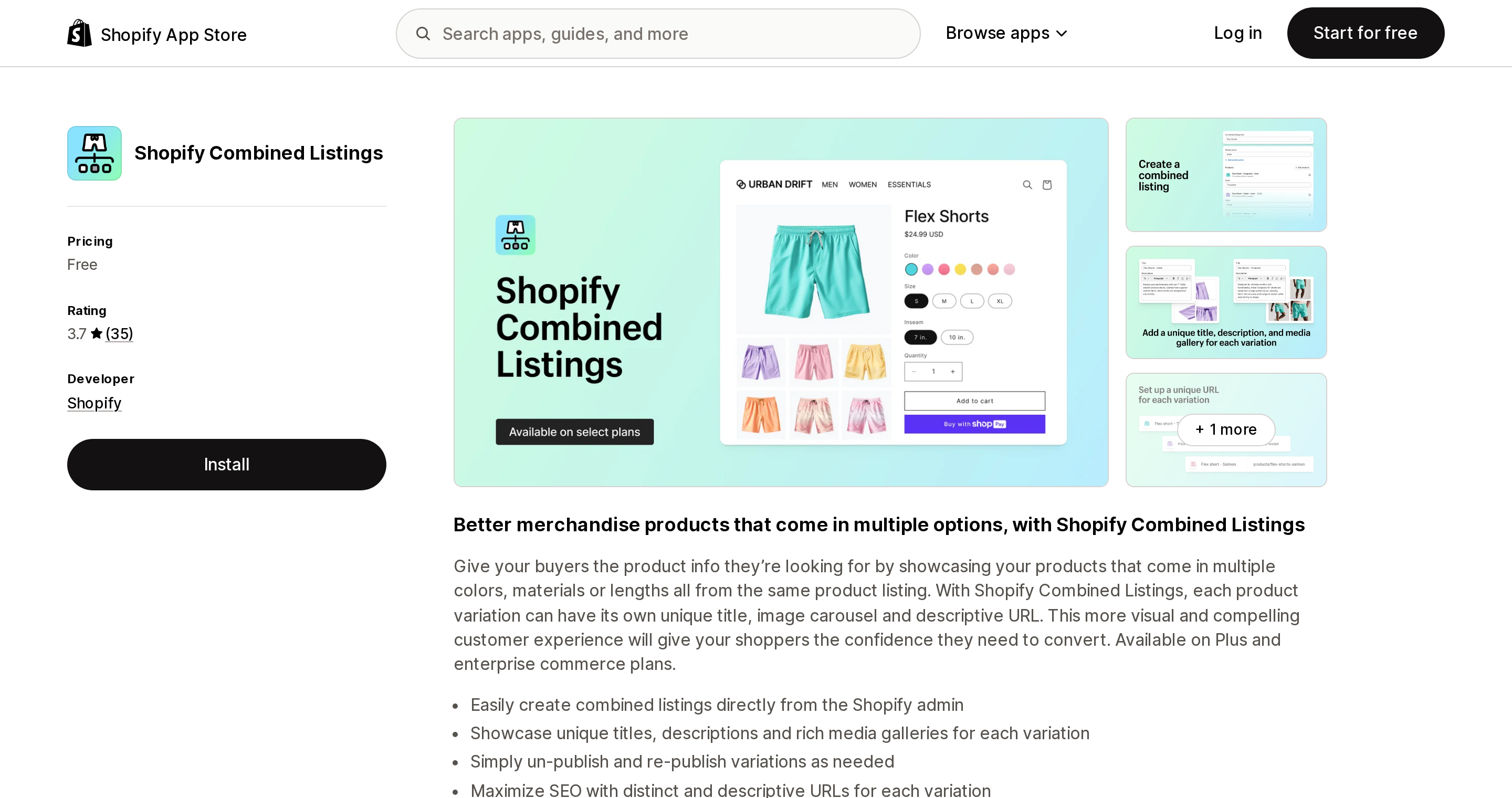
If each color is a separate product with its own URL — common in furniture, footwear and anything with per-color SEO pages — the native answer is Shopify's own Shopify Combined Listings app.
Source: Shopify App Store (Shopify Combined Listings), retrieved September 3, 2026
It is free, and it is "available only on Plus and enterprise commerce plans." It also needs a free Shopify theme at v15.0.0 or later, and it carries real constraints: 60 child products, 3 parent options, 2,000 variant option values across the group, Online Store channel only (no POS, no third-party channels), no bundles, no subscriptions, and — the one that catches people — child products are excluded from Search & Discovery option filter results.
For everyone not on Plus, this is where an app stops being optional.
The two pricing meters
Every app below is Built for Shopify. They split cleanly into two incompatible ways of charging.
| App | Meter | Entry price on Basic | Real free plan on a live store | Card swatches | Group cap at entry |
|---|---|---|---|---|---|
| Native (Horizon 4.1.5) | — | $0 | — | Yes, default on | Plus only |
| Native (Dawn v16) | — | $0 | — | No | Plus only |
| Color Swatch King: Variants | Shopify plan | $14.90 | No — dev/partner/trial only | Yes | grouping moved out |
| SA Variants: Combined Listings | Shopify plan | $14.90 | No — partner only | Yes | 5,000 groups |
| GLO Color Swatch Variant Image | Feature tier + groups | $0 | Yes | Yes, on the free plan | 1 group |
| OP Color Swatch Variant Images | Shopify plan | $11.90 | No — dev/partner/trial only | Yes | no cap |
| Platmart Color Swatches | Product groups | $9.99 | No | Yes | 100 groups |
| LinkedOption Combined Listings | Product groups | $0 | Yes (1 group) | From $9.99 | 1 group free |
| G: Combined Listings & Variant | Shopify plan | $14.90 | Yes (3 groups) | Yes | 3 groups free |
| FD Combined Listings & Variant | Product groups | $4.95 unlimited | Yes (10 groups) | Yes | 10 groups free |
| Swatches Dotify | Page placement | $7.99 | No | +$3.00 | n/a |
Prices verified on the Shopify App Store September 3, 2026. All charges bill in USD.
Plan-tier meters — Color Swatch King, SA Variants, OP Color Swatch, Grouptify — charge roughly $11.90–$14.90 on Basic, $29.90 on Grow, $49.90 on Advanced, and $99.90 on Plus. Three of the four price Pause & Build at $5; OPTIS instead puts Pause & Build stores on its free plan. Your catalog size is irrelevant. Two stores with 4 color groups and 4,000 pay the same.
Product-group meters — Platmart, LinkedOption, FD — charge by how many groups you build. A Plus store with 30 groups pays FD $4.95 while paying a plan-tier app $99.90 for the same job.
If you are on Plus with a small number of groups, the difference between these two meters is more than 20×. Comparison tables rarely surface that, because they tend to list "from $5/month" for both.
The $3.00 that prices the native gap exactly
Source: Shopify App Store (Swatches Dotify), retrieved September 3, 2026
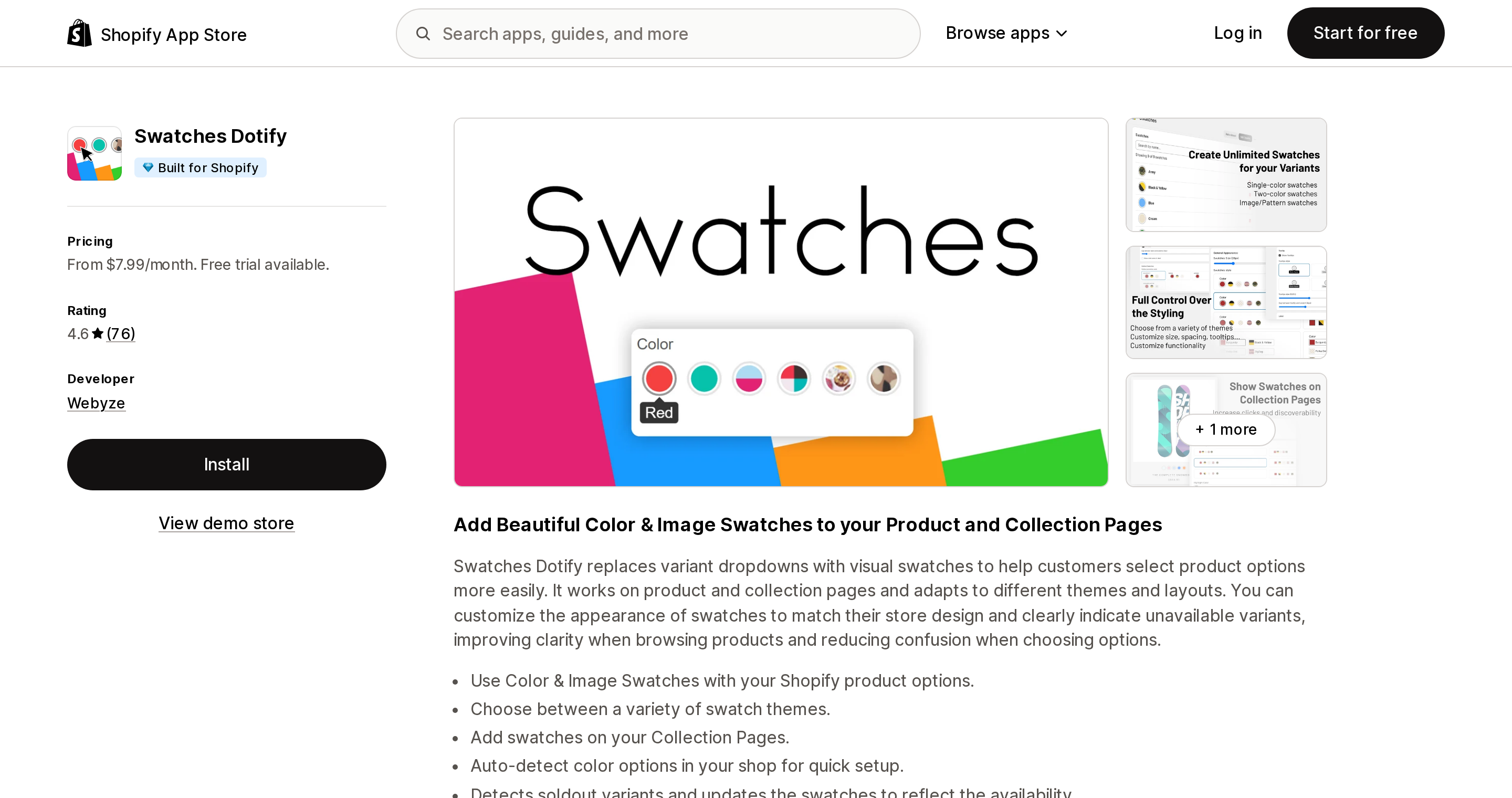
Webyze sells two apps, Swatches Dotify and Linkify Product Colors, both at $7.99 Standard and $10.99 Pro. The only difference between the tiers on either app is swatches on collection pages.
A $3.00 monthly delta, for the exact capability Horizon enables by default and Dawn does not have. That is a cleaner statement of the theme dependency than any explanation.
The apps worth naming
Source: Shopify App Store (GLO Color Swatch Variant Image), retrieved September 3, 2026
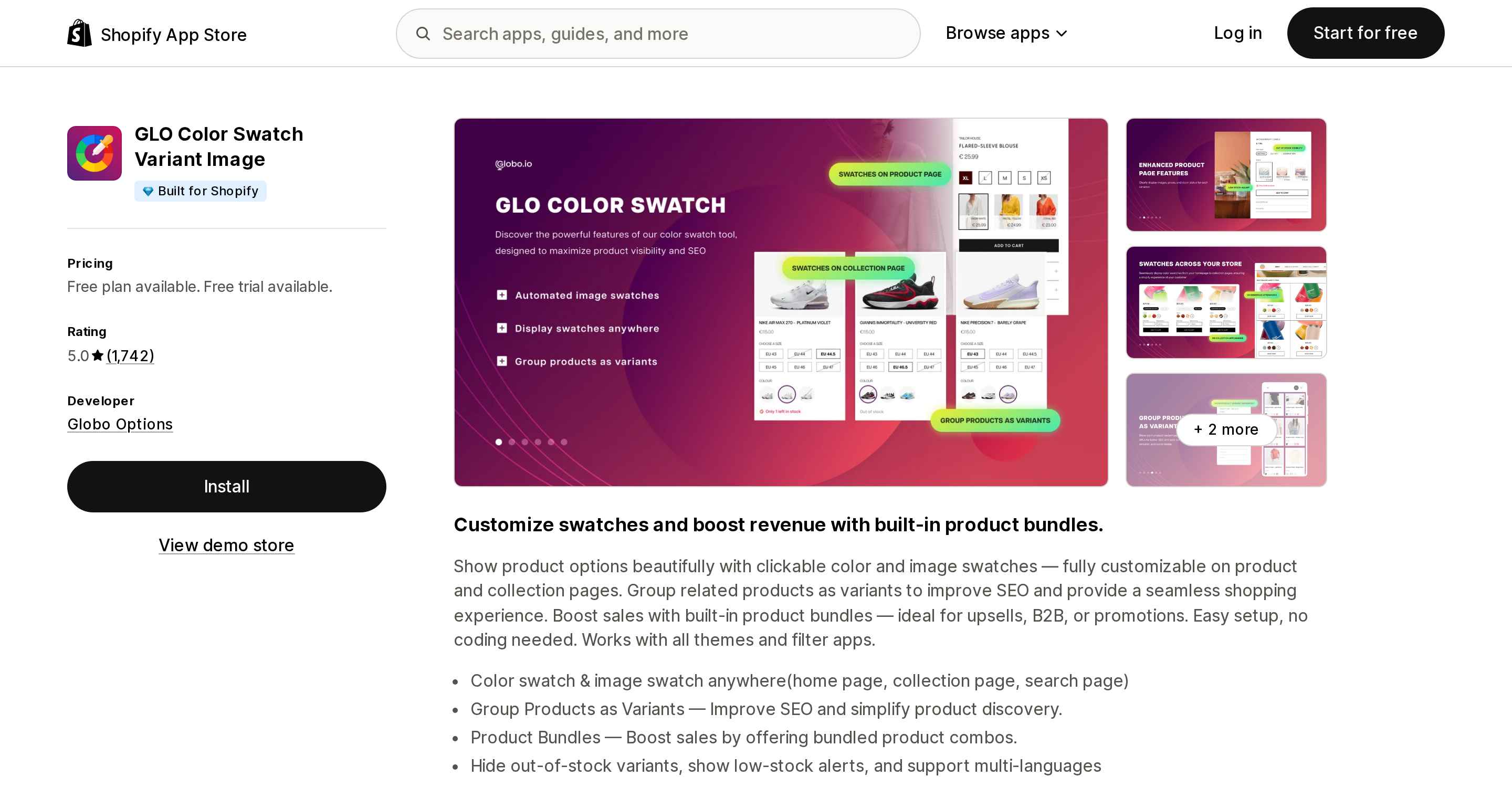
GLO Color Swatch Variant Image (Globo Options, 5.0 over 1,742 reviews) is the only app here whose free plan explicitly lists collection-page swatches, with no dev- or partner-store restriction. That makes it the cheapest correct answer for a Dawn store that cannot change themes. The catch is inverted from native: image swatches are paywalled at $9.90 on SILVER, and image swatches are free natively. Its one-star reviews contain the line every merchant should read before installing anything in this category — a Chilean merchant in July 2025: "The app broke the page's code. Even after uninstalling it, the residual code keeps causing errors."
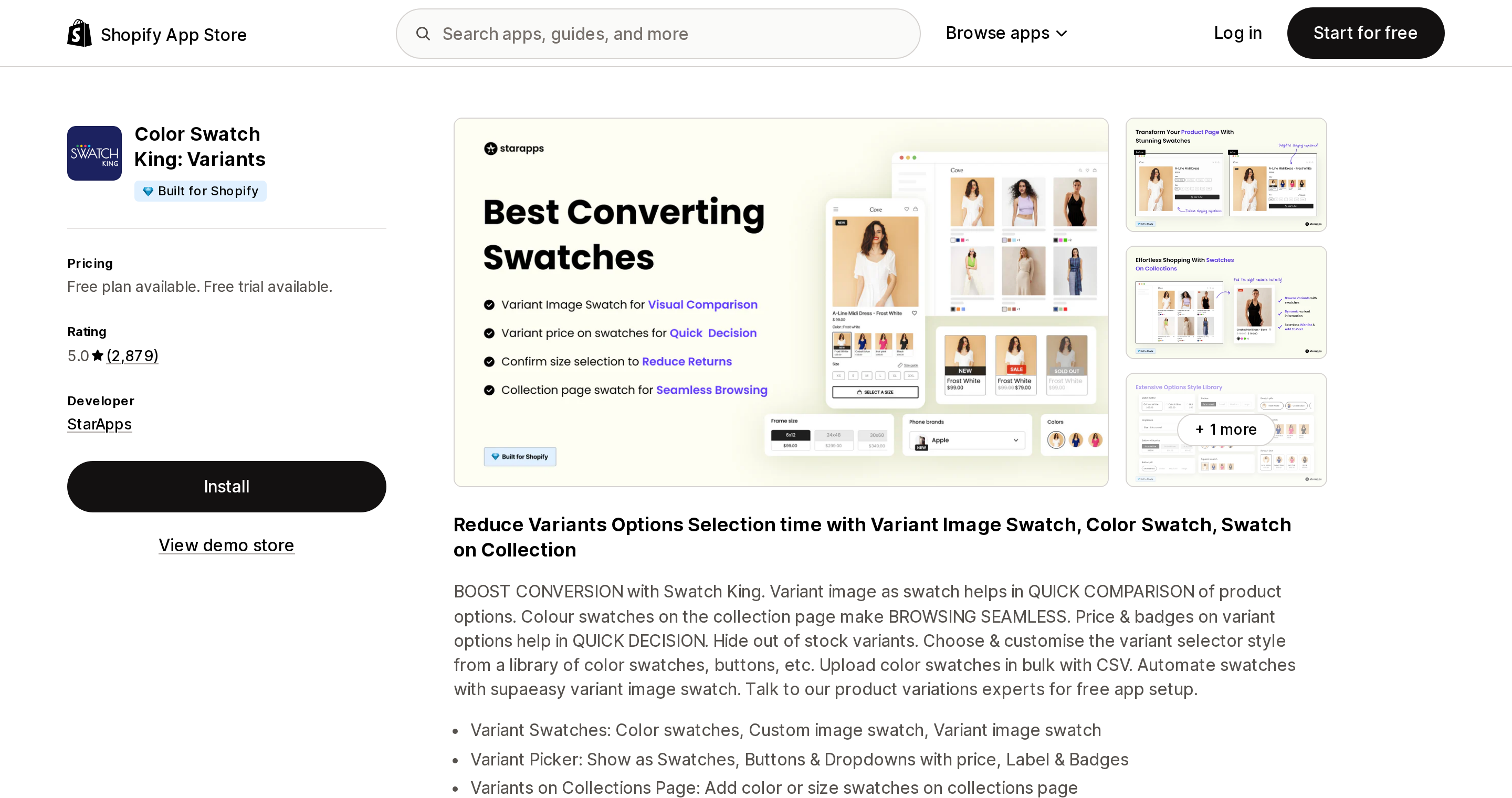
Color Swatch King: Variants (StarApps, 5.0 over 2,879 reviews, the largest review base here) has the strongest track record, and one structural warning. StarApps moved product grouping out of this app into SA Variants: Combined Listings. A UK merchant in September 2025: "They've moved all the group product functionality over to SA Variants: Combined Listings so you are forced to pay twice." If you need both swatches and grouping from StarApps, price both.
Source: Shopify App Store (Color Swatch King: Variants), retrieved September 3, 2026
SA Variants is, in fairness, the clearest non-Plus route to combined listings — its listing states "Supports all Shopify plans" — and it also does the reverse operation, splitting one high-variant product into per-color products with their own URLs.
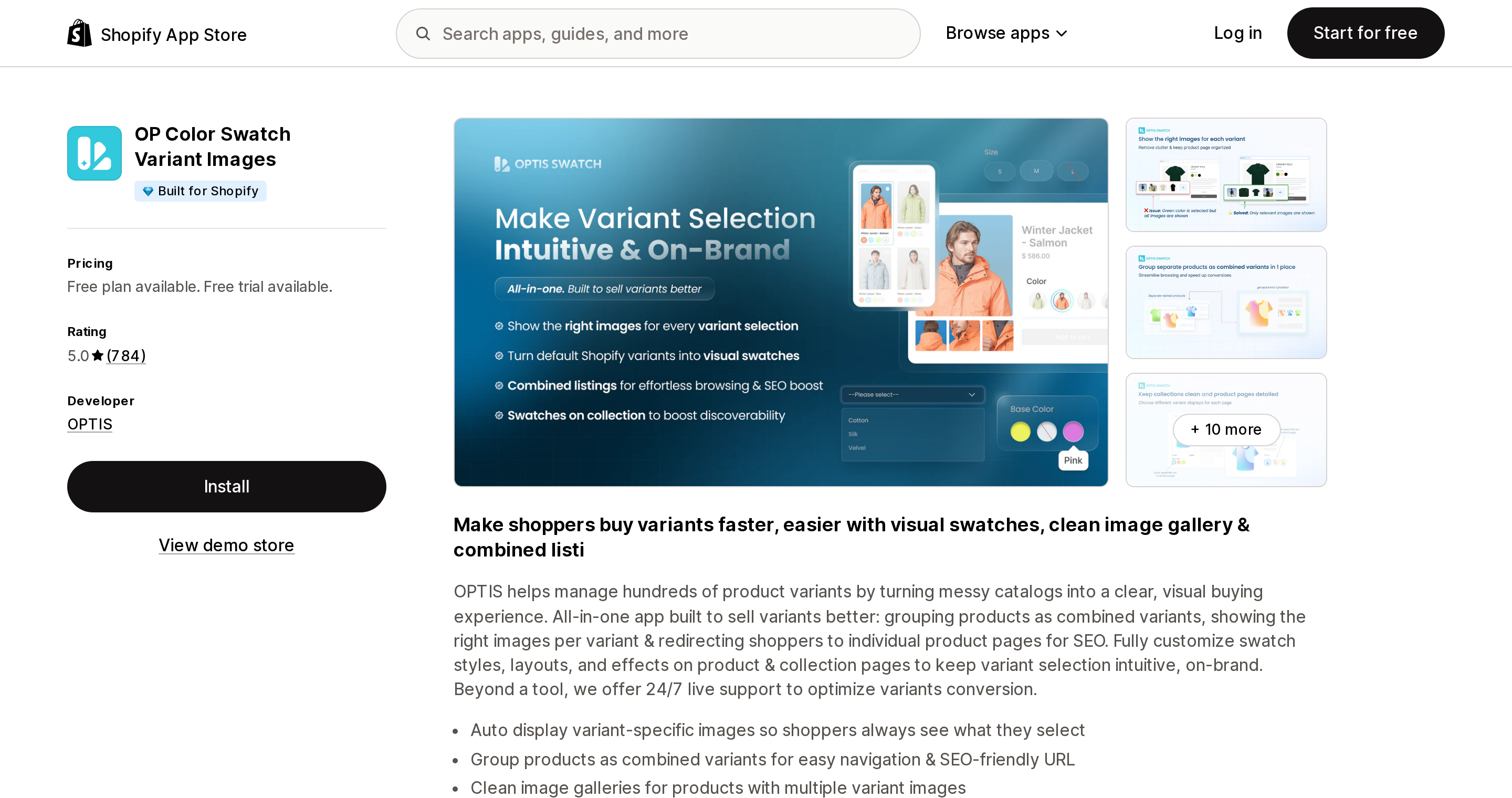
Source: Shopify App Store (OP Color Swatch Variant Images), retrieved September 3, 2026
OP Color Swatch Variant Images (OPTIS, 5.0 over 784 reviews) is the only app that bundles swatches, combined listings and per-variant image galleries under one plan-tier price with no group cap. It has exactly one negative review across 784, from August 2026, and it is about the free plan: "It is marketing as free app and its so not."
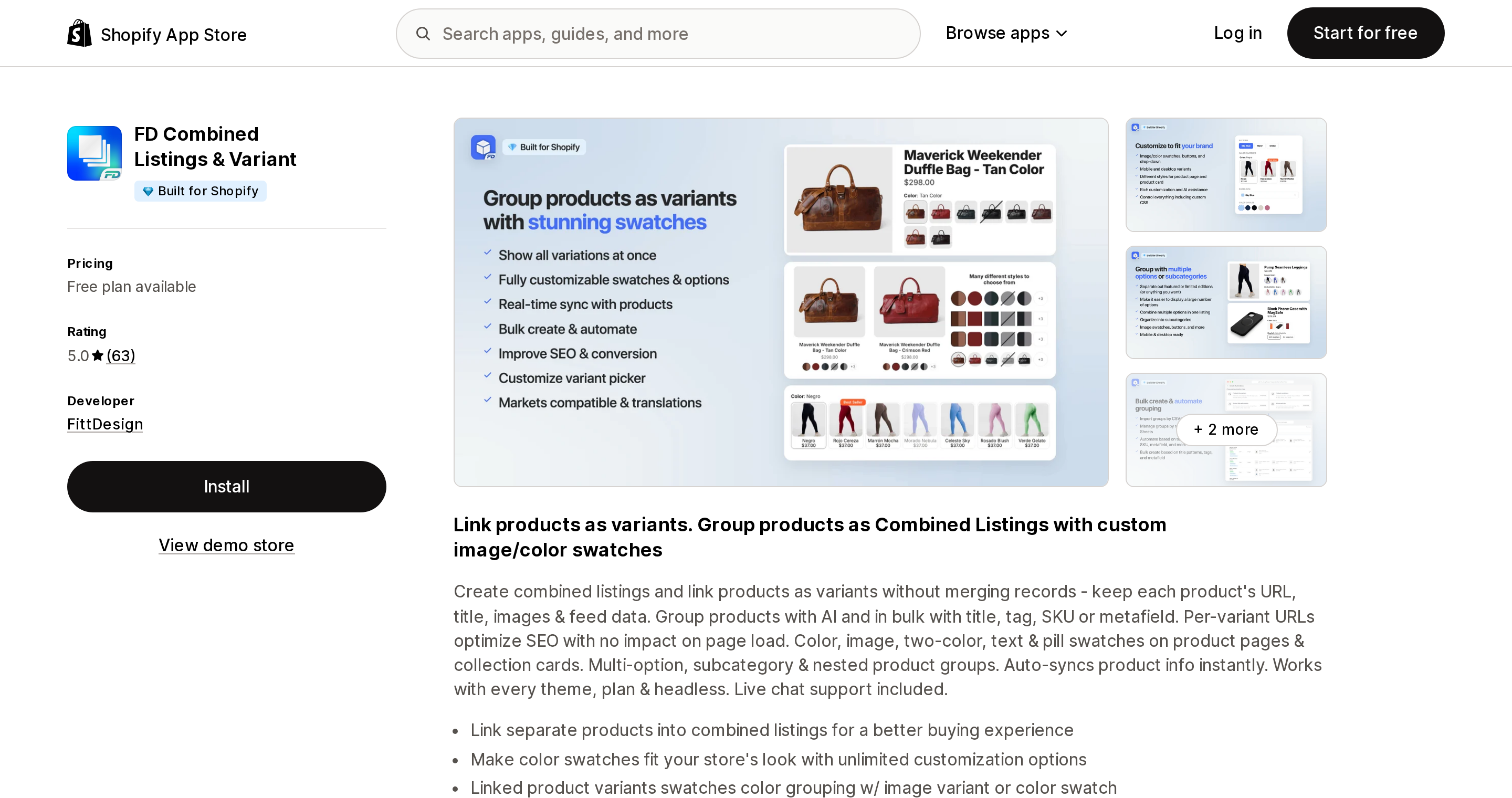
Source: Shopify App Store (FD Combined Listings & Variant), retrieved September 3, 2026
FD Combined Listings & Variant (FittDesign, 5.0 over 63 reviews, zero reviews below 4 stars) has the most generous genuine free plan — 10 product groups on a live store — and the cheapest unlimited-group tier anywhere at $4.95 a month. The small review base is the trade-off.
G: Combined Listings & Variant (Grouptify, 5.0 over 397) is the only listing that advertises interoperability with Shopify's own Combined Listings on Plus rather than replacing it, on top of a usable 3-group free tier.
Platmart Color Swatches (5.0 over 141) makes the most explicit performance claim in the category: swatch data in metafields, images cached on the Shopify CDN. Its Advanced tier at $19.99 adds automatic grouping from collections and metafields, which is the practical answer for catalogs too large to group by hand.
One thing no vendor documents and no Shopify source addresses: what happens if you run an app and native swatches at the same time. Mechanically, native swatches render inside the theme's own variant picker while these apps inject their own — so two pickers rendering at once is the realistic failure mode, and one GLO reviewer describes exactly that between two of GLO's own features. Treat it as unverified and test on a duplicate theme.
How to decide
- Every color is a variant, your option maps to a preset color category metafield, and you are on Horizon or another theme with card swatches → buy nothing. Native covers the product page, collection cards and filters. $0.
- Same, but you are on Dawn and don't want to change themes → GLO's free plan is the cheapest correct answer. If you also need image swatches, either pay $9.90 for GLO SILVER or move to Horizon and get them free.
- You need swatches on
Material,FinishorFabric→ native is a dead end. Any of these renderers works; GLO is the only one with a real free tier. - Each color is a separate product, and you are on Plus → use Shopify's own Combined Listings, and budget for child products disappearing from Search & Discovery option filters.
- Each color is a separate product, and you are not on Plus → this is the highest-value app purchase in the category. By cost of entry: FD (free to 10 groups, then $4.95 unlimited), Grouptify (free to 3 groups), LinkedOption ($9.99 for 100 groups plus card swatches), Platmart ($9.99 for 100 groups), SA Variants ($14.90 on Basic, up to 5,000 groups).
- Catalog too large to group by hand → Platmart Advanced at $19.99 for automatic grouping via collections and metafields, or SA Variants Standard for 5,000 groups.
- You use native product bundles and want swatches on the bundle → nothing in this set is confirmed to solve it and native does not. This one is genuinely unsolved.
The mistake to avoid is paying a plan-tier price on Plus for four product groups. Count your groups first, then pick the meter.
Sources
- Shopify: Liquid
swatchobject - Shopify: Liquid
metaobject_definitionobject — the 20-unique-handle and 50-entry loop limits - Shopify Help Center: Adding color swatches using category metafields
- Shopify Help Center: Combined listings
- Shopify Partners blog: Getting started with swatches for Shopify themes
Shopify/dawnv16.0.0 —snippets/swatch.liquid,snippets/card-product.liquidShopify/horizon4.1.5 —blocks/swatches.liquid,templates/collection.json- Shopify Developer Community — swatch objects on custom metaobjects; swatches on bundle parent products
- Shopify App Store listings for all apps named above,
?locale=en, retrieved September 3, 2026
Shopify added a Bin name column to the inventory CSV on August 25, 2025. It holds one bin per variant per location, it is created only by CSV import, and it prints on Order Printer pick lists. What it does not do is leave Shopify. Shopify staff confirmed on the developer forum in October 2025 and again in January 2026 that there is no public API access to the field, and the developer forum was still reporting the gap in June 2026. That single fact shapes the whole category: EasyScan and iPacky store bins in metafields, Bins-USA and ShelfPilot store them in their own databases, and a free app called Simple Bin Locations copies metafield bins into order notes so packing slips can show them. Shopify's own multi-bin model, with per-bin quantities and an unbinnedQuantity field, exists today only as a feature preview on development stores. Pricing, plan gates, and where each app keeps the bin data, verified on the Shopify App Store, the Shopify Help Center, shopify.dev, and the Shopify community forums on September 18, 2026.