
What you will learn
On this pageContentsCloseOpen
A belief worth correcting before you spend money: tipping on Shopify is not POS-only. Shopify added tipping to online checkout on May 20, 2020, and its own changelog says it plainly — the feature was "Previously only available through Shopify POS." Since March 27, 2023, tips also work on the Shop Pay payment page, not just guest checkout.
So the question isn't whether you can take a tip online without an app. You can, today, for free, in about a minute. The question is whether Shopify's definition of a tip matches your business's.
For a bakery adding a "support our team" nudge, it matches. For a restaurant, a delivery operation, or a service business where the tip belongs to a specific person, gets split across a shift, or makes more sense after the work is done — it doesn't. Knowing where that gap starts saves you an install.
Research date: September 3, 2026. Prices are USD from the English App Store listings. Nothing here is tax or payroll advice.
The short version
- Online checkout tipping is native, free, and one setting. Not a Shopify Plus feature, no app required.
- Online presets are percentages only. POS additionally supports flat-dollar minimum tip amounts. The online custom-amount field is always added and can't be switched off; on POS it can.
- POS reports tips per staff member. Online reports a total — online orders aren't rung up by anyone on shift, so there is no staff member to attribute the tip to.
- Hard limits online: never more than 100% of the order total, capped at $1,000 USD, unavailable with Shop Pay Installments, unsupported on any cart containing a selling plan.
- Refunding a tip on POS is a dedicated control. Online, you type the amount into the refund box yourself.
- The five apps below compete on placement — before checkout, inside checkout, or after the order — not on tipping mechanics. Native tipping occupies one of those moments.
- Three of the five have zero reviews as of September 3, 2026. Thin category, largely because the free built-in covers the common case.
What native online tipping actually does
Settings → Checkout → Tipping → Show tipping at checkout. Three preset fields, entered as percentages. A custom-amount field is added automatically — Shopify's documentation notes you don't add it yourself. There's an option to hide the tipping UI until the customer chooses to add a tip.
Labels are fully rewritable through Online Store → Edit default theme content → Checkout & system: title, description, presets description, thank-you message, "no tip" label, preset label, custom label, add/update buttons, order-summary line, and the invalid-amount error. If you want checkout to say "Support the kitchen" instead of "Add tip," that's a copy change, not an app.
The constraints, quoted from Shopify's tipping documentation:
- "The tip is calculated on the cart's subtotal before taxes and shipping. However, tips are subject to credit card fees or third-party transaction fees because they're part of the order total."
- "Customers can't tip more than 100% of the order total."
- "Tips are limited to $1000 USD for both pre-selected and custom tip options."
- "Customers can't add tips when they place orders using Shop Pay Installments."
- "The Subscription API doesn't support tipping. You can't add a tip at checkout to a cart that contains an item with a selling plan."
- "To include the tip portion in a refund, you must add the tip amount manually."
- On offsite gateways: "some offsite payment gateways might not recognize the tipping line item."
Two of those matter more than they look. The selling-plan restriction means a subscription meal kit or coffee program can't take a tip at checkout at all — not reduced, just absent. And the processing-fee line means if you promise staff 100% of tips, the card fee on the tip comes out of your margin.
The POS version is the more capable one
If you run both channels: the two tipping features are configured separately and are not feature-equal. Shopify states the separation directly — "Tipping options for your online store checkout must be set up using your Shopify admin, even if you have set up tipping options previously for your Shopify POS."
| Shopify POS | Online checkout | |
|---|---|---|
| Preset type | Percentages, plus minimum tip amounts in dollars below a transaction limit | Percentages only |
| Custom amount | Can be deactivated | Always added, not optional |
| Maximum tip | USD/CAD: 1,000 for totals up to 500; above 500, twice the total. Split payments always twice the total | $1,000 USD, and never above 100% of the order total |
| Payment method | Credit only, on a supported card reader | Any method that supports it; not Shop Pay Installments |
| Refunding the tip | Refund the tip alone from the refund view | Enter a refund amount that includes the tip, by hand |
| Reporting | Tips collected by each staff member | Total collected, filterable by channel |
Minimum tip amounts illustrate the gap well. On POS, set a transaction limit of $10 and presets of 15/18/20% become $1, $2, $3 on smaller tickets — because 18% of a $4 coffee is a rounding error. Online there is no equivalent; a $4 order gets percentage presets or nothing.
POS tipping also has a hardware dependency the online version doesn't: credit payments on the Tap & Chip reader, Chip & Swipe reader, Chipper 2X BT, WisePad 3, or Shopify POS Go.
Tips are not donations, and the apps are different
Worth separating, because the checkout UI is nearly identical. Shopify's help center suggests relabeling Tipping as "Donations" for charity fundraising, and that works — but a charity ask has requirements a gratuity doesn't: choosing a cause, moving money to a 501(c)(3), and producing something a donor can treat as a receipt. Native tipping does none of those, and the apps built for it are a separate category. If that's your use case, the donation and round-up app comparison is the relevant one.
Everything below assumes the money is a gratuity that stays with your business and is usually meant for the people who did the work.
Where native tipping runs out
Five gaps, in the order merchants tend to hit them.
1. One moment, and it's the payment page. If your ask works better in the cart drawer — where the customer still has attention and hasn't started entering a card — you can't move it.
2. All or nothing. Tipping is a single store-wide toggle, and Shopify's documentation describes no per-product or per-collection control, so you can't show the ask on a catering order and hide it on a gift card.
3. No flat amounts online. Percentages only, as above.
4. Subscriptions and installments are excluded. Documented, not configurable.
5. Nothing about who the tip is for. The real one. The money arrives as revenue in your payout. Shopify does not attribute an online tip to a person, pool it across a shift, or pay it out. US merchants handling employee tips have obligations around recording and distributing them; online tipping gives you a total and stops there.
Five tipping apps, and what each one actually changes
A caveat: this is a small, uneven category. Review counts are low, three of the five listings have no reviews at all, and none describe a feature for splitting tips among staff or paying them out to individuals. If you came looking for tip pooling, these listings don't offer it.
Tip Cup
Source: Shopify App Store (Tip Cup), retrieved September 3, 2026
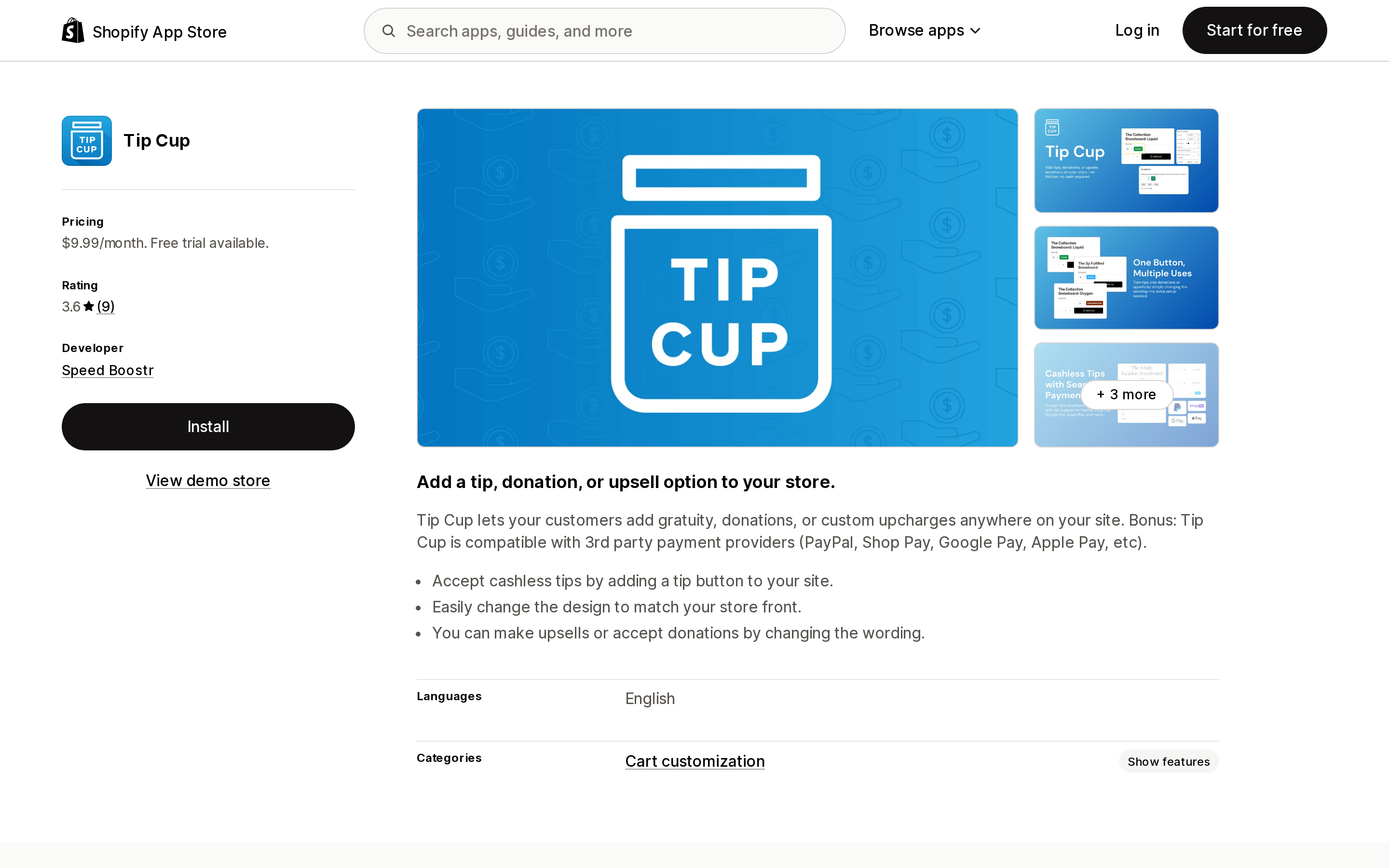
Tip Cup from Speed Boostr is $9.99/month with a 7-day free trial, rated 3.7 from 9 reviews. Launched May 8, 2020.
Its pitch is placement freedom: a tip button you can put anywhere on the storefront, styled to match the theme, with the wording swappable to donations or a custom upcharge. Because the amount goes into the cart rather than checkout's tip field, the listing states compatibility with third-party payment providers including PayPal, Shop Pay, Google Pay, and Apple Pay.
Read the reviews before installing. A one-star review from April 15, 2024 reports listing screenshots not matching the current app and an incompatibility with a vintage theme; the developer replied in July 2024 saying the theme snippet had been replaced with a theme app extension for Online Store 2.0. A separate one-star review from September 2023 is a billing dispute the developer answered publicly with a refund. Two reviews are two reviews — but on a nine-review app, that's a meaningful share.
Tip Quik | Tip Pop-up in Cart
Source: Shopify App Store (Tip Quik | Tip Pop-up in Cart), retrieved September 3, 2026
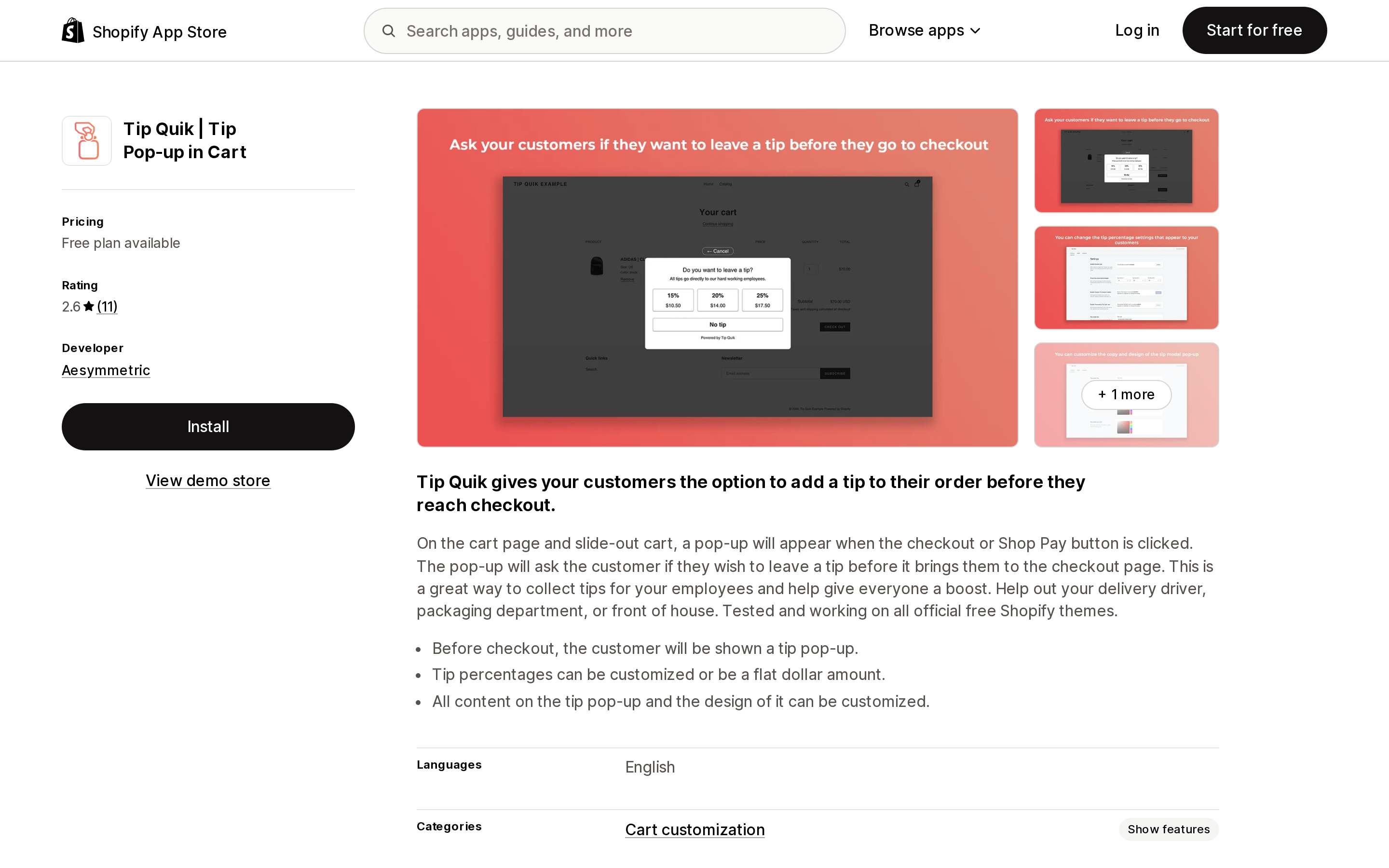
Tip Quik | Tip Pop‑up in Cart from Aesymmetric has a free plan; Premium is $9.99/month. Rated 2.6 from 11 reviews. Launched November 13, 2020.
The mechanic is precise: on the cart page and slide-out cart, clicking Checkout or the Shop Pay button opens a pop-up asking for a tip before the customer is handed to checkout. That intercept is the whole product, and it's the one thing native tipping cannot do. Tip percentages can be customized or set as a flat dollar amount — the small-ticket problem the native feature has no answer for. The listing states it's tested on all official free Shopify themes.
Free collects tips before checkout; Premium adds the custom-amount option, removes the "Powered by Tip Quik" line, and includes customization support. Note the rating: the App Store shows 2.6 while 9 of 11 ratings are five stars, reflecting how Shopify weights recent reviews — the most recent, May 13, 2026, reads "App errors" after 31 minutes of use. Read the full review list rather than the headline number.
TipGenius Tip & Donation Popup
Source: Shopify App Store (TipGenius Tip & Donation Popup), retrieved September 3, 2026
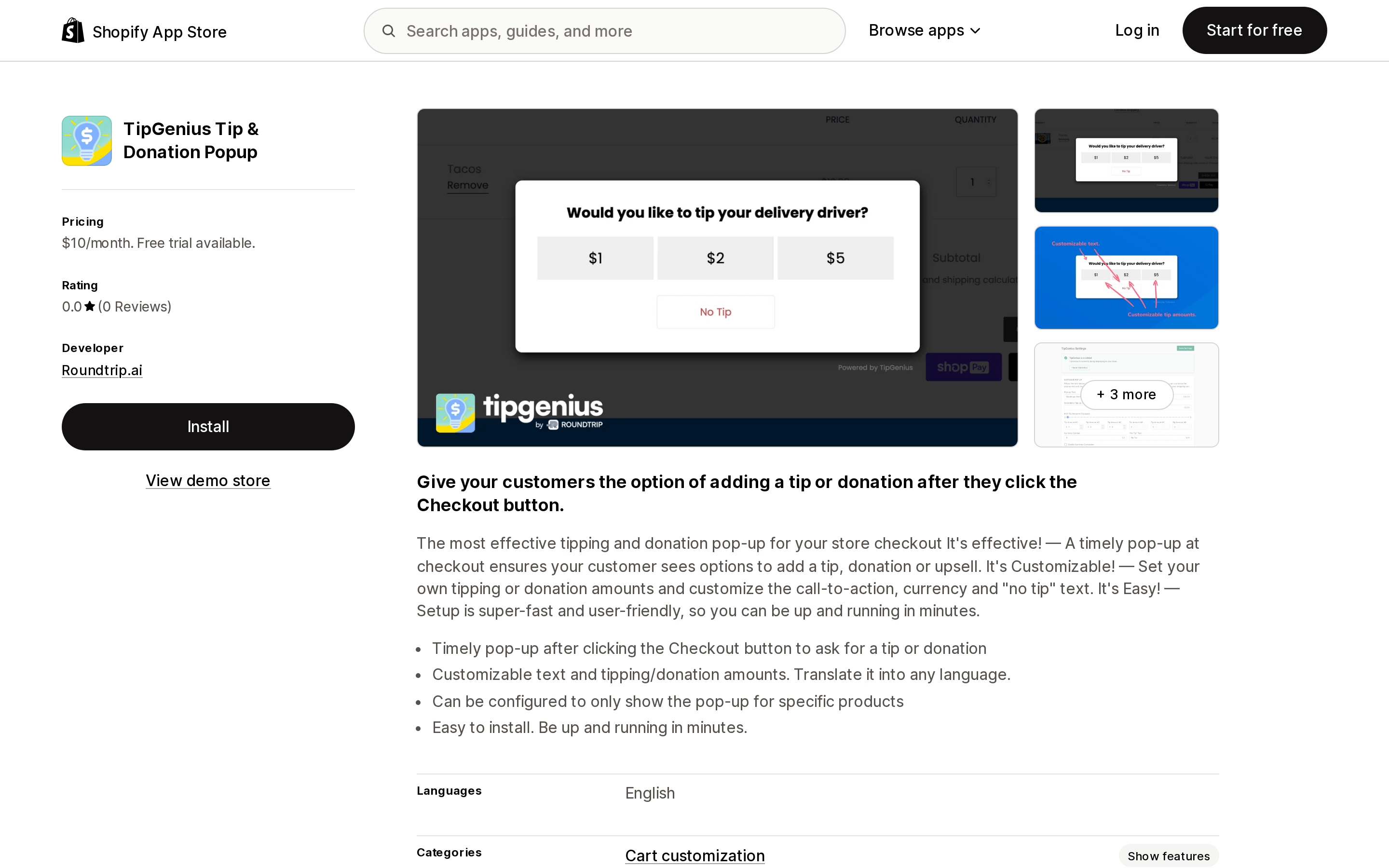
TipGenius Tip & Donation Popup from Roundtrip.ai is $10/month with a 14-day free trial. No reviews as of September 3, 2026. Launched May 13, 2020.
Same intercept pattern as Tip Quik — a pop-up after the Checkout button — with one capability the others don't advertise: it "can be configured to only show the pop-up for specific products." That's gap #2 above. If you sell both service work and physical goods and only want to ask on one, this is the feature to evaluate. The listing also mentions an auto-fulfill tip option, which keeps tip line items out of your unfulfilled queue.
SnapTip
Source: Shopify App Store (SnapTip), retrieved September 3, 2026
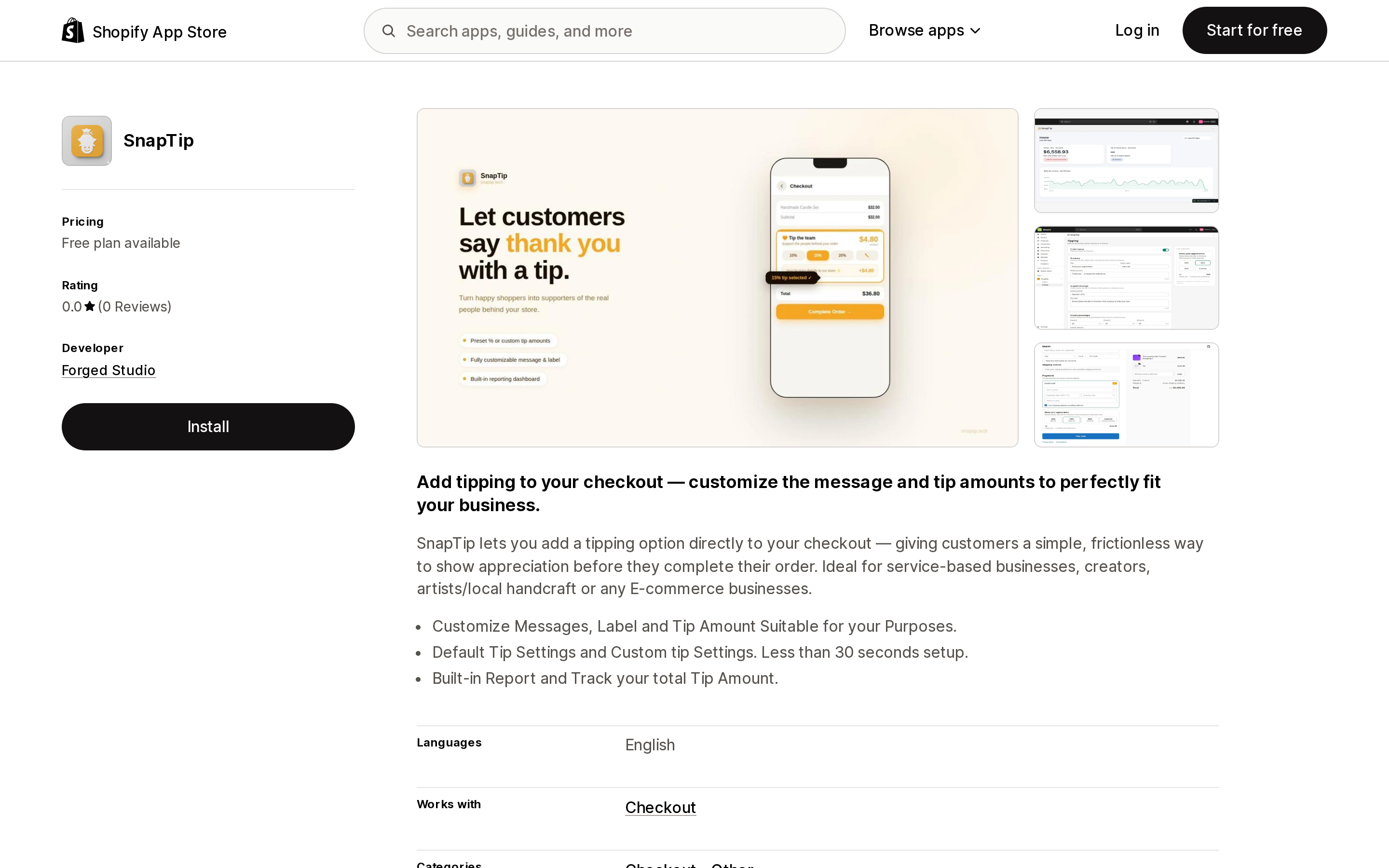
SnapTip from Forged Studio has a free plan; Premium is $9.99/month or $99/year. No reviews as of September 3, 2026. Launched May 17, 2026 — the newest here by a wide margin.
Unlike the pop-up apps, SnapTip works inside checkout: filed under Checkout - Other and marked as working with the Checkout extension surface. Its declared data access includes editing Shopify Functions — cart transforms, the modern mechanism for altering a cart at checkout. It also includes a built-in report for total tips collected.
Three and a half months old with no review history is the obvious risk, and the reason to test it on a staging store rather than during a busy week.
TipJoy – Post Purchase Tips
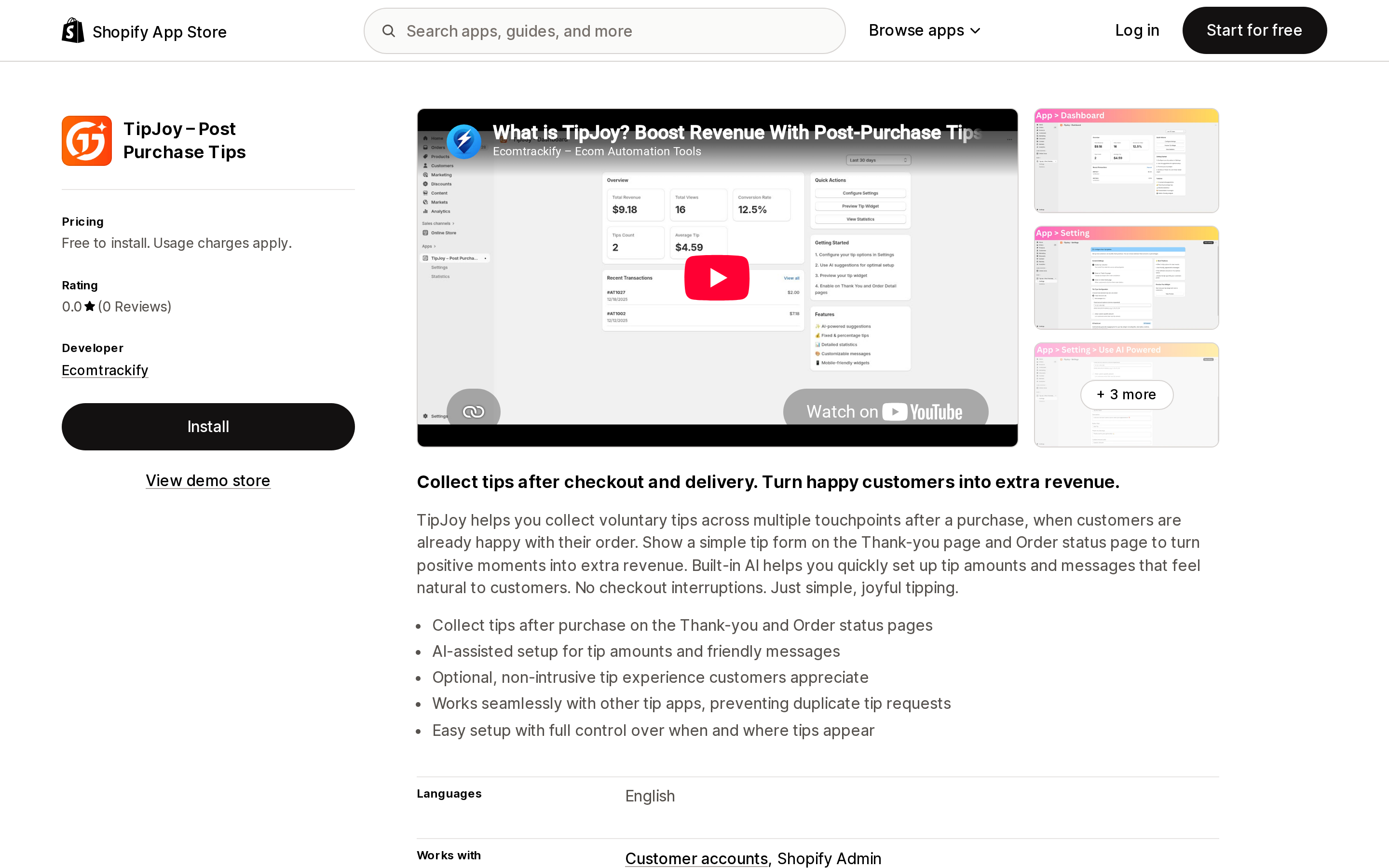
Source: Shopify App Store (TipJoy – Post Purchase Tips), retrieved September 3, 2026
TipJoy – Post Purchase Tips from Ecomtrackify is free to install with usage charges of $1 per tip capped at $9/month, or an Unlimited plan at $5.99/month or $59.99/year. No reviews as of September 3, 2026. Launched December 24, 2025.
This one answers a different question: it puts the tip form on the Thank-you page and the Order status page, after the purchase. Where quality is known after delivery rather than before — a delivery run, a custom build, a repair — asking at checkout is asking too early. The listing states it's compatible with other tip apps and prevents duplicate tip collection, suggesting it's designed to sit alongside a checkout-time ask rather than replace it.
Its declared data access includes editing orders, draft orders, and order edits, consistent with adding an amount to an already-placed order. The usage plan's economics invert quickly: from six tips a month the $5.99 Unlimited plan already costs less, and usage charges stop climbing at $9.
Comparison
| App | Where the tip is asked for | Starting price | Free plan | Flat-dollar amounts | Rating (reviews) | Launched |
|---|---|---|---|---|---|---|
| Shopify native tipping | Checkout payment page | Free | — | No (percentages only) | — | May 2020 |
| Tip Cup | Anywhere on the storefront | $9.99/mo | No (7-day trial) | Custom amounts and presets, per listing | 3.7 (9) | May 2020 |
| Tip Quik | Cart pop-up on checkout click | Free | Yes | Yes | 2.6 (11) | Nov 2020 |
| TipGenius | Pop-up after checkout click | $10/mo | No (14-day trial) | Custom amounts, per listing | No reviews | May 2020 |
| SnapTip | Inside checkout | Free | Yes | Custom tip settings, per listing | No reviews | May 2026 |
| TipJoy | Thank-you and Order status | Free to install, $1/tip | Usage-based | Not stated on the listing | No reviews | Dec 2025 |
Ratings and review counts retrieved September 3, 2026.
How to choose
Use native tipping and install nothing if you sell one-off physical goods, want a percentage-based ask, and treat tips as business revenue rather than staff money. This covers most stores that ask the question, and there's no app to break at your next theme update.
Consider Tip Quik or TipGenius if the ask needs to happen before checkout — because flat-dollar amounts matter on small tickets (Tip Quik) or because you need it on some products and not others (TipGenius).
Consider SnapTip if you want the ask inside checkout with more control than the native settings expose, and you're comfortable being an early user of a 2026 app.
Consider TipJoy if the customer can only fairly judge the service after it's delivered.
Don't expect any of them to solve tip distribution. None of these listings claim to attribute tips to staff or pay them out. That's a payroll problem, and online Shopify hands you a total, not a breakdown.
Two things to test before you commit
Where the money lands in your reports. Native tips flow into the Finances → Tips report. An app that adds the tip to the cart before checkout puts the amount into the order differently, and it may show up in product sales instead. Place one test order through the app and check both reports before building any process on top of it.
What a refund does. Native tipping already requires entering the tip amount manually on refunds. Add an app and there's a second refund behavior to learn. Run a test refund on an order with a tip and watch what comes back.
Both are much cheaper to discover in a test order than in a reconciliation three months from now.
Sources
- Setting up tipping options for online orders — Shopify Help Center
- Collecting tips with the Shopify POS — Shopify Help Center
- Introducing tipping options for online orders — Shopify Changelog, May 20, 2020
- Tipping on Shop Pay — Shopify Changelog, March 27, 2023
- Shopify App Store listings for Tip Cup, Tip Quik, TipGenius, SnapTip, and TipJoy, all retrieved September 3, 2026
Shopify Flow adds and removes product tags for free on every paid plan, but its Get product data action returns at most 100 products per run, so backfilling an existing catalog becomes a scheduled loop. Flow also has no generic Product updated trigger, which means it structurally cannot re-tag a product after you edit its type, vendor, or price. Shopify Magic suggests a product category and fills category metafields, but product tag generation is not on its published feature list. The six apps compared here meter completely different units: Leap Auto Tags counts every tag added and every tag removed as one credit against 2,000 per month at $8, FilterTag meters 500 to 50,000 generated tags per month at $9 to $59, TAGit AI works out to 3 to 9 cents per generated tag, and Helium charges $9.99 one-time per 100 products. Mechanic and Matrixify charge flat fees of $16 to $199 and $20 to $200 with no per-tag metering at all. Check the denominator before you check the price. Researched September 3, 2026.