
What you will learn
On this pageContentsCloseOpen
Before you install anything: if you are on one of Shopify's own Online Store 2.0 themes (Dawn, Horizon, and the rest of the free set), open your theme editor, click the gear icon for Theme settings, open Cart, and look at the Cart type dropdown. Shopify's own documentation describes the options plainly — "the cart can be displayed as a drawer, a page, or a pop-up notification." Choose Drawer. You now have a cart drawer, on any Shopify plan, for $0. Third-party themes may expose this differently, or not at all.
If that was the whole reason you were shopping for an app, you are done. Everything below is about the other reason: the revenue logic that goes inside the drawer, which is genuinely app territory and which six apps price on four structurally different units.
All ratings, plan names and prices below were checked on the Shopify App Store at the en locale on September 3, 2026. Billed in USD.
What the theme setting actually gives you
The Cart section of Theme settings covers a short list:
- Cart type — Drawer, Page, or Popup notification
- Cart drawer > collection — what shows when the cart is empty
- Cart drawer > Color scheme
- Enable cart note and Show vendor
Automatic discounts apply on their own, and Custom CSS in Theme settings lets you restyle the drawer — though Shopify notes it "affects all pages in your online store, except your checkout."
That is the full native surface. Not on the list, and not achievable through theme settings:
- In-cart upsell, cross-sell, or frequently-bought-together
- A free shipping progress bar or spend-tier rewards
- Automatic free gifts. This one is documented rather than merely absent. On native Buy X get Y discounts, the Help Center states: "Customers must add all items to their cart manually. The free or discounted 'get' item is never automatically added to the cart." That single sentence is the entire business case for GWP apps.
- A discount code field inside the cart. Natively, "customers need to add all applicable products to their cart, and then enter the discount code at checkout." A May 21, 2025 developer changelog added a
discountparameter to the Cart AJAX API's/cart/update.js, which is what makes in-cart code entry technically possible — but it is app-side implementation, not a theme setting. - Countdown timers, trust badges, and payment icons in the cart
- A sticky add-to-cart bar. This is a different thing from a cart drawer. Shopify's theme settings documentation lists no such setting, and Shopify Community has a long run of threads asking how to add one to Dawn — so if a comparison article implies your free theme already ships with one, ask it for the setting name.
One clarification worth making early, because it causes real confusion: none of this touches checkout. Cart drawer upsells happen at the cart. Checkout Extensibility and Shopify Plus are not involved, and neither is checkout upsell or post-purchase upsell, which live on entirely different surfaces.
The four billing units
Every one of these apps carries the Built for Shopify badge. They do not price alike.
| App | Free plan on a live store | Paid entry | Metered on |
|---|---|---|---|
| Amp Slide Cart Upsell Drawer | Yes, feature-limited | $29.99/month | Flat fee — order count is irrelevant |
| Upcart—Cart Drawer Cart Upsell | No — dev/partner stores only | $29.99/month (200 orders) | Monthly store orders |
| Kaching CartDrawer Cart Upsell | No — development stores only | $9.99/month (99 orders) | Monthly store orders |
| Essent Cart Drawer Cart Upsell | Yes — 30 orders/mo, every month | $8.99/month (99 orders) | Monthly store orders |
| Cartly Slide Cart Drawer | Yes — but 20 total orders, ever | $16.99/month (100 orders) | Total orders (free) / monthly orders (paid) |
| EA • Sticky Add to Cart Drawer | Yes — entire app | — | Nothing published |
Two of those rows deserve a second look.
"Free plan available" is a badge, not a promise. UpCart's free tier reads "ONLY For Development & Partner Stores." Kaching's reads "Free for all development stores." Both apps are genuinely paid from your first real order. Only Essent gives you a monthly-resetting free allowance on a live store.
Cartly's free plan counts total orders, not monthly ones. The listing says "Up to 20 total store orders." Once your store has processed twenty orders across its lifetime, that tier is finished. It is not comparable to Essent's 30-per-month, and any table that puts them in the same "Free" column is misleading you.
Amp Slide Cart Upsell Drawer
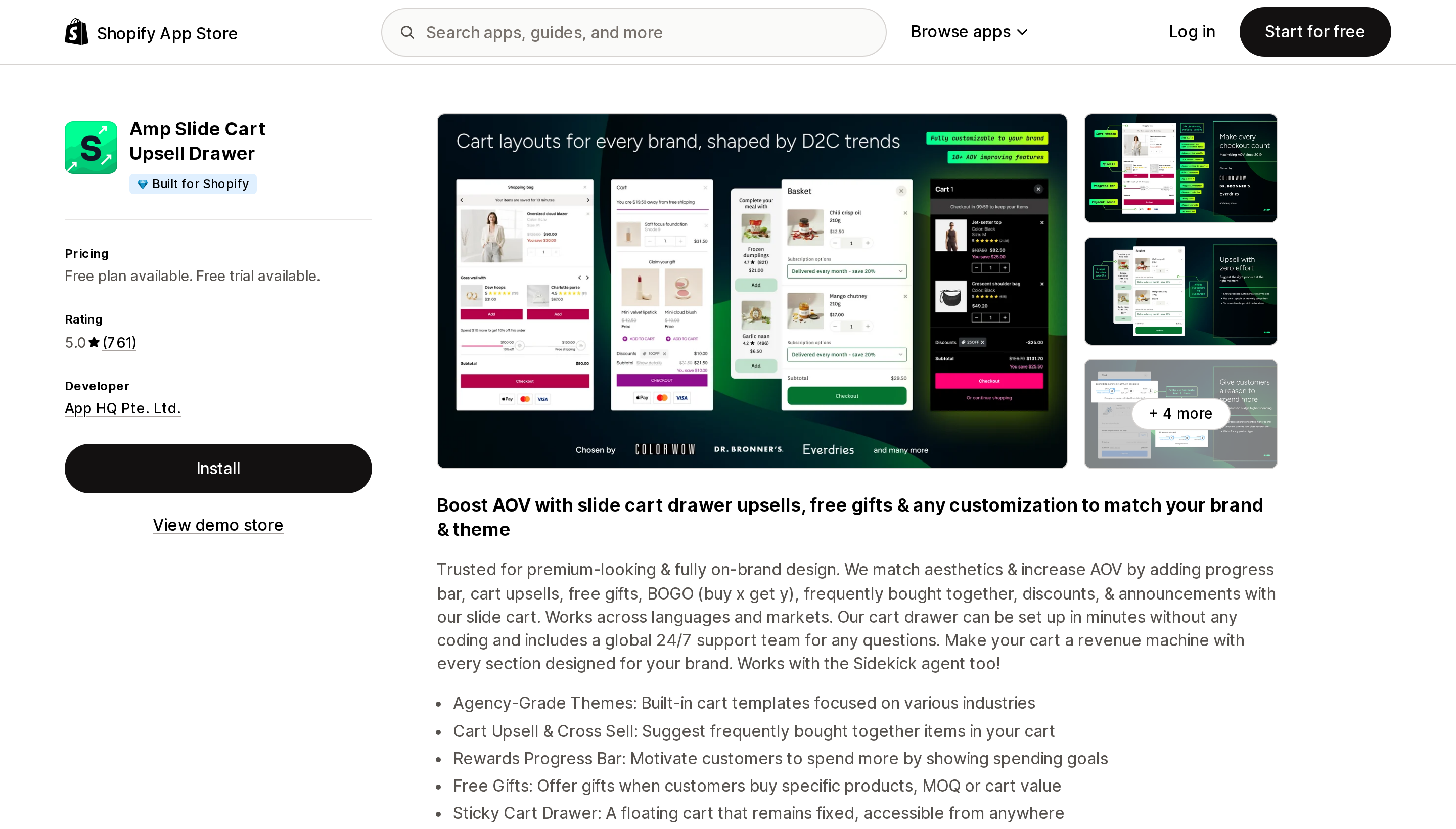
Source: Shopify App Store (Amp Slide Cart Upsell Drawer), retrieved September 3, 2026
5.0 across 761 reviews, and the only flat-fee app here. The listing is explicit about it — Growth at $29.99/month is described as "with a flat fees" and Pro at $49.99/month "with no variable pricing." If you run 2,000 orders a month, that is a meaningfully different cost curve from anything metered.
The free tier is feature-limited rather than order-limited, and it is unusually generous on presentation: discount code box, trust badges, payment icons, accelerated checkout buttons, and announcements with an urgency timer, all at $0. What it does not include is the revenue logic — upsells and the progress bar start at Growth, and free gifts and BOGO are Pro only. Paying $49.99 to get gift-with-purchase is the highest entry price for that feature in this group.
There is also a review reporting continued billing at $40/month after an intended cancellation, with a refund declined. That is one review, and the $40 figure matches neither current plan, so it may be a legacy price — but cancellation mechanics are worth confirming in writing.
Upcart—Cart Drawer Cart Upsell
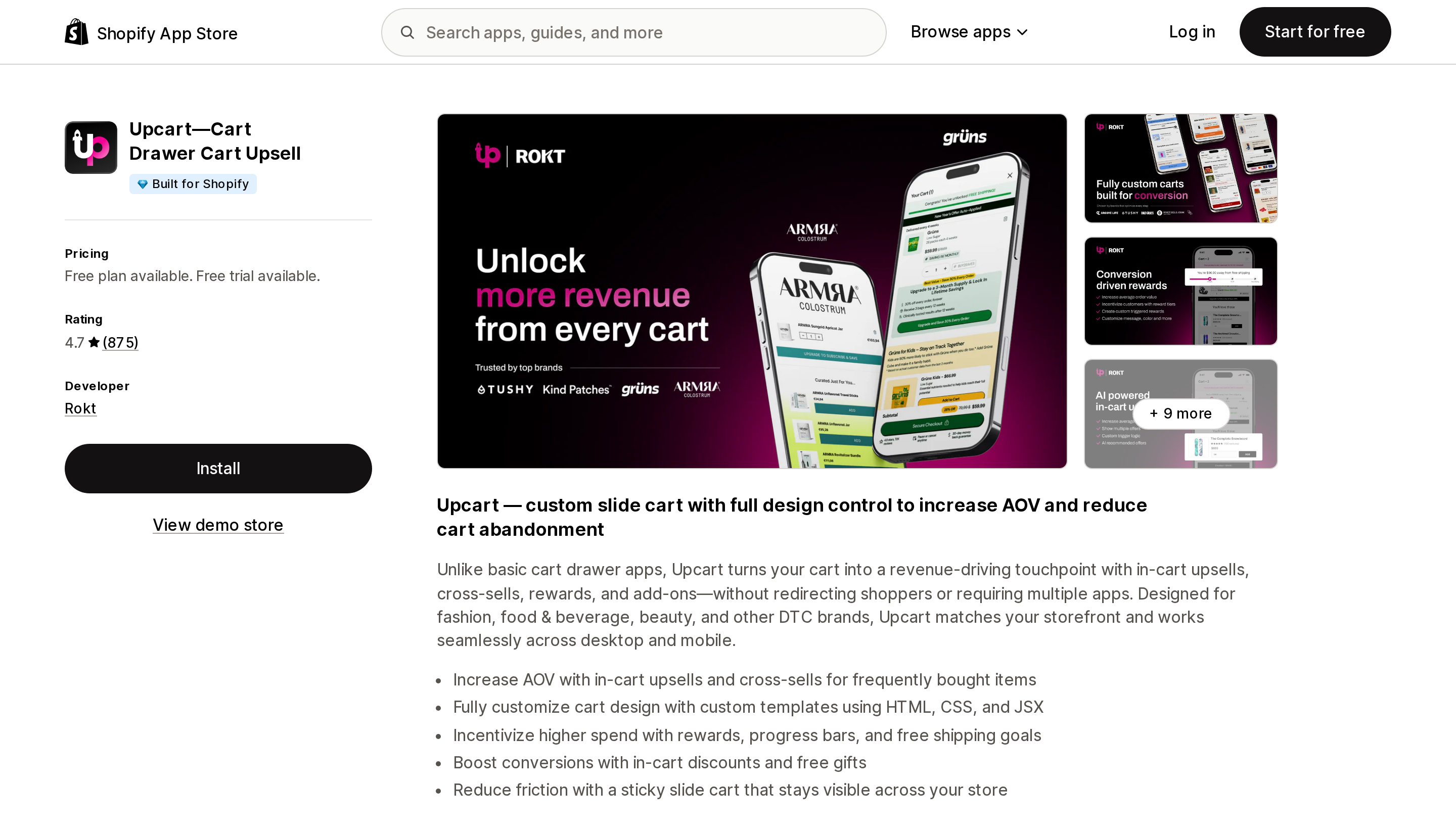
Source: Shopify App Store (Upcart—Cart Drawer Cart Upsell), retrieved September 3, 2026
4.7 across 875 reviews, developed by Rokt — third-party articles still crediting AfterSell are out of date. UpCart offers the deepest design control in the group: custom cart templates written in HTML, CSS, and JSX, plus analytics that include optimization suggestions. Tiers differ only by order cap, so nothing is feature-gated.
Two constraints matter before you commit. The app is English only, and a review from a Swiss merchant states flatly that it "has no translation possibilities included" — irrelevant on a single-market US store, disqualifying on a Shopify Markets setup. And its 1-star reviews, 38 of them at 4% (the highest share here), cluster around billing: charges after uninstall, usage charges after a trial, difficulty finding where to cancel. The developer's responses attribute these to Shopify's 30-day billing cycle.
One review claims incompatibility with Shopify's Horizon theme; the developer replies that "Horizon should work with Upcart out of the box." Unresolved, so test on a duplicate theme first.
Kaching CartDrawer Cart Upsell
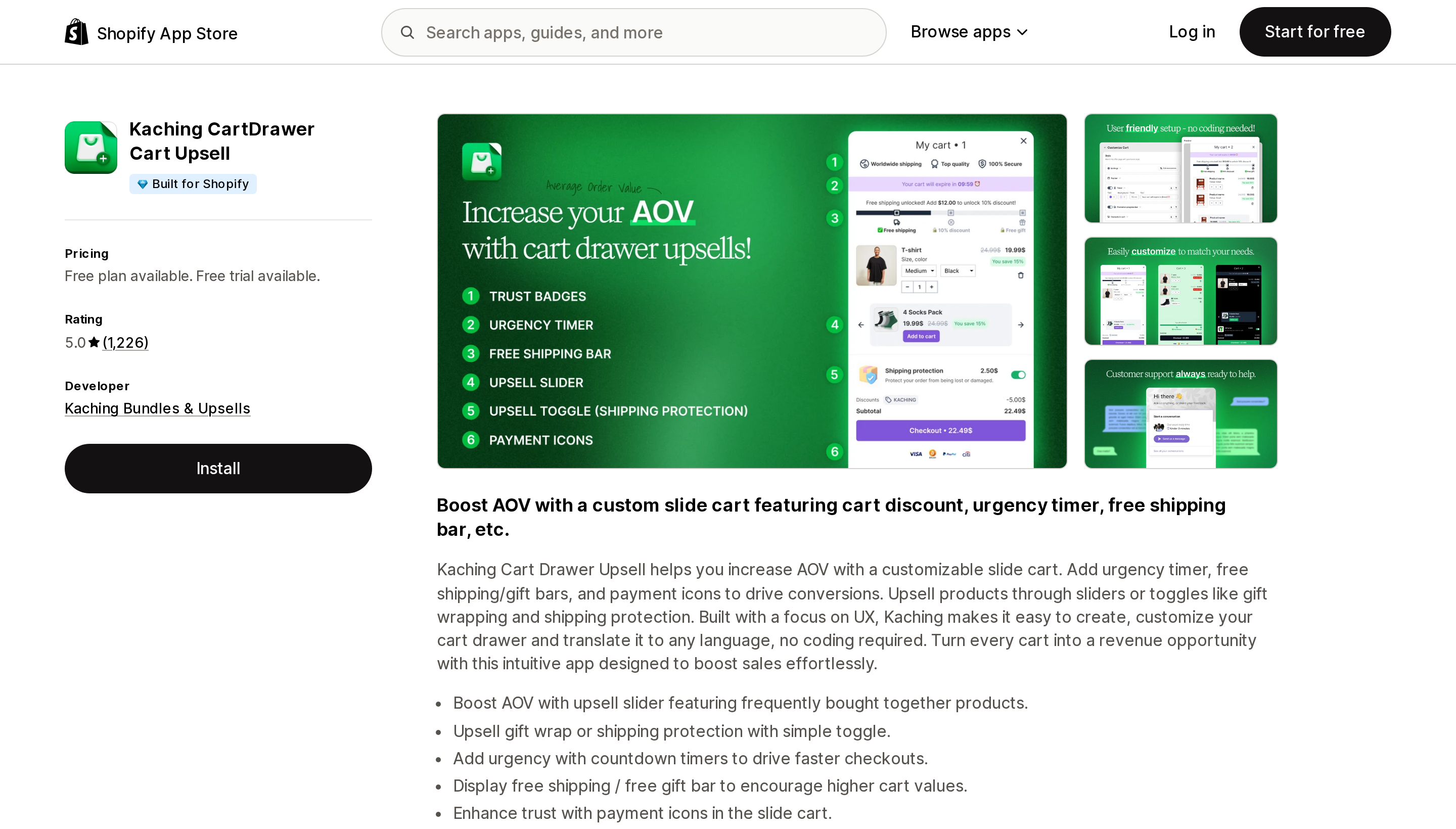
Source: Shopify App Store (Kaching CartDrawer Cart Upsell), retrieved September 3, 2026
5.0 across 1,226 reviews — the largest review base here, and it launched in December 2024, meaning it accumulated all of them in under two years. Entry is $9.99/month for 99 orders, and it is the only app in this group listing A/B testing in its analytics, which is the right tool if you intend to iterate on drawer layout rather than set it once.
Two notes. Its listing has no demo store, so you cannot see it working before installing. And its Data access section is the only one here requesting View customers — worth flagging if your organization reviews app permissions against CCPA/CPRA. On the other side, its theme access is View, not Edit.
Its review record shows almost no negatives, but with a December 2024 launch there is not yet multi-year BFCM history. "No problems visible in reviews" and "no problems" are not the same claim.
Essent Cart Drawer Cart Upsell
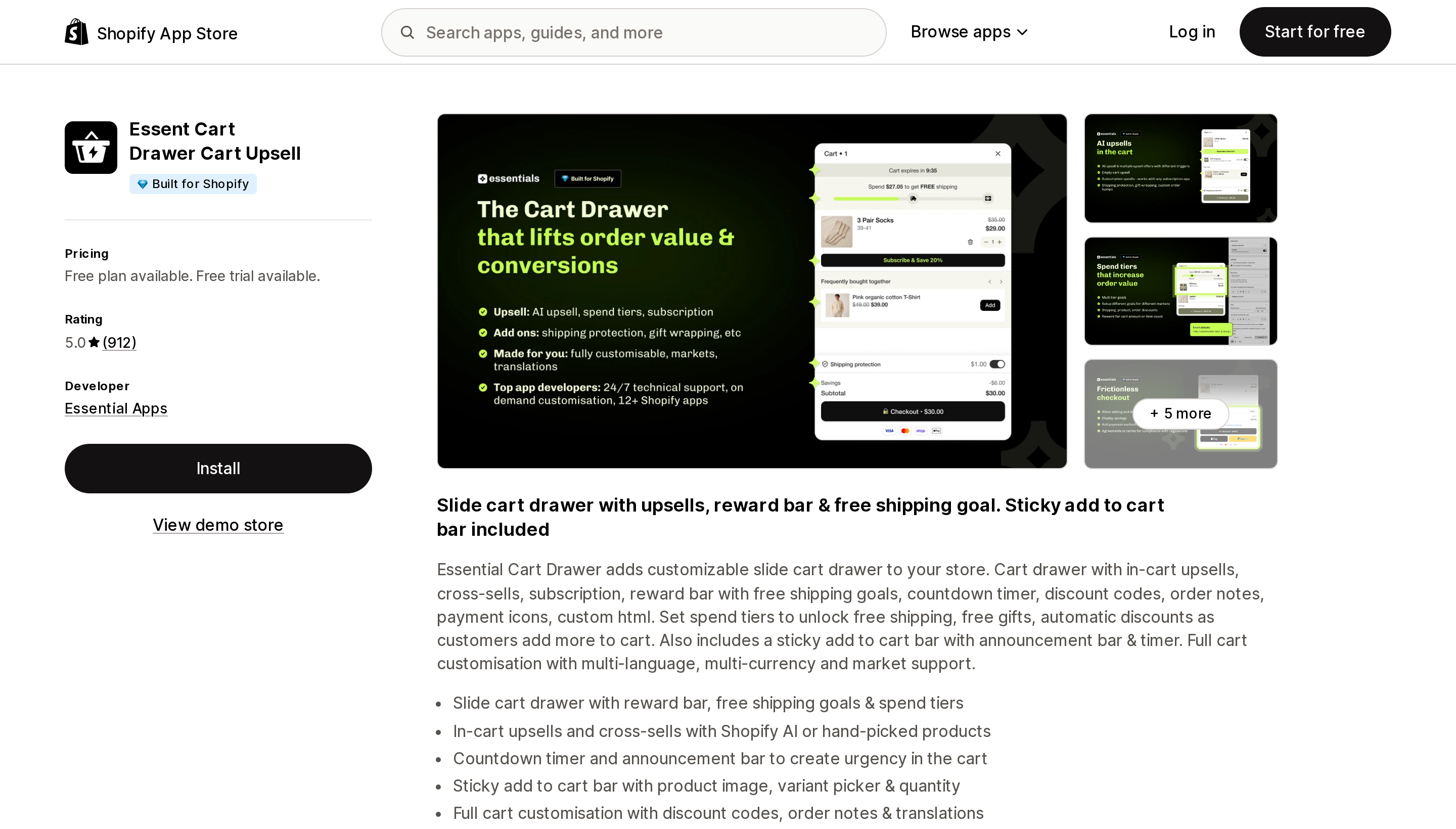
Source: Shopify App Store (Essent Cart Drawer Cart Upsell), retrieved September 3, 2026
Listed as Essent Cart Drawer Cart Upsell; the developer, Essential Apps, also calls it Essential Cart Drawer. 5.0 across 912 reviews.
This is the practical starting point for most small US stores, for two reasons. Its free plan is 30 orders per month, reset monthly, on a live store, with the listing stating "Every feature included, no gating" and "No per-order or overage fees." And it covers both the cart drawer and a sticky add-to-cart bar with product image, variant picker, and quantity — one app instead of two, which means one fewer script on the page. Paid entry is $8.99/month, the lowest here.
The tradeoff is permissions. Of the three apps here that publish a Data access section, Essent is the only one asking for Edit Online Store: Theme — UpCart and Kaching ask for View only. Amp, Cartly, and EA publish no Data access section at all, so their scopes cannot be compared. Essent's order access is read-only and scoped to 60 days, but the theme write permission is a real difference. It also launched in March 2025, so its track record is short.
Cartly Slide Cart Drawer
Source: Shopify App Store (Cartly Slide Cart Drawer), retrieved September 3, 2026
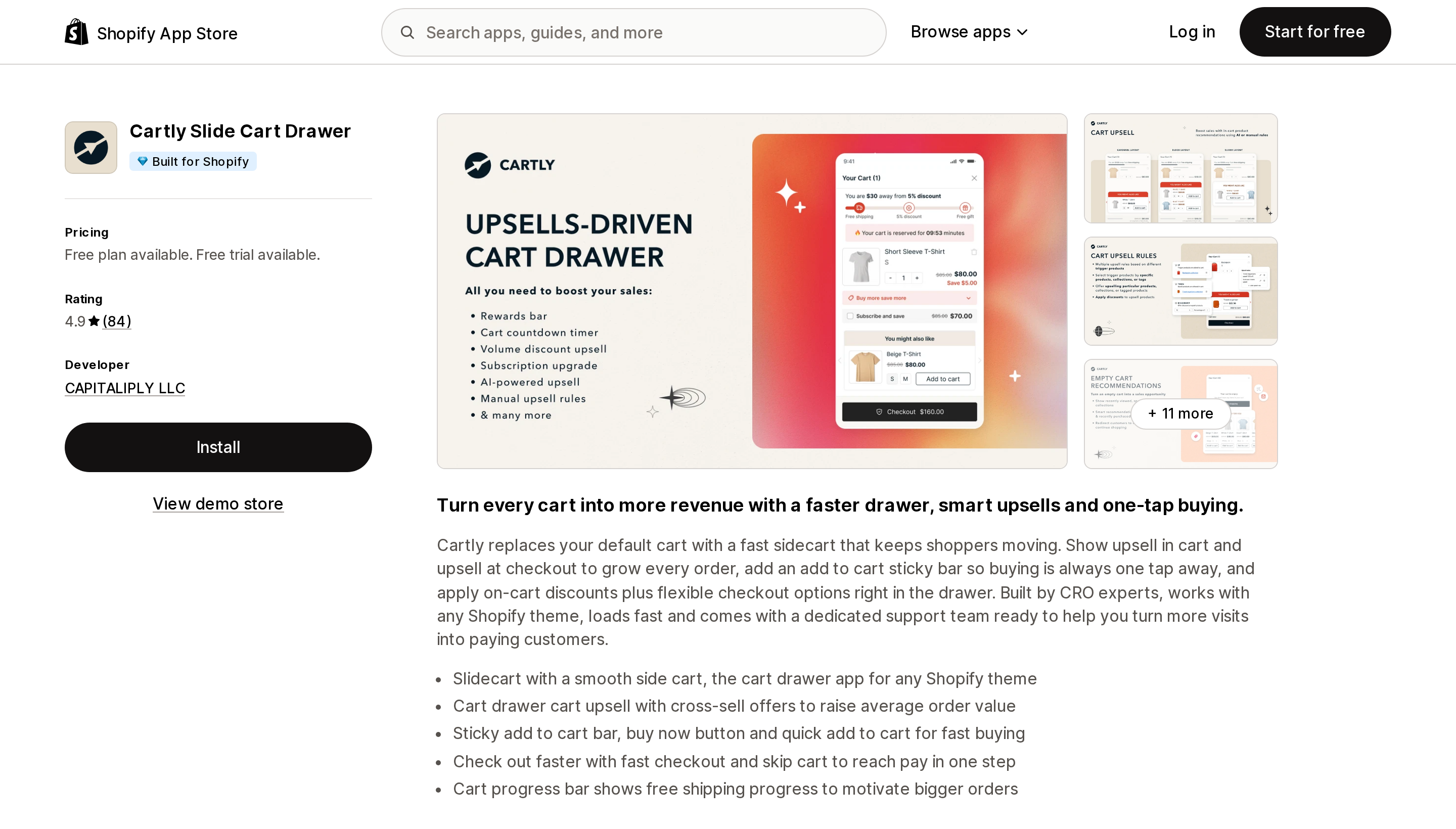
4.9 across 84 reviews — the smallest sample here, so read individual reviews rather than the average. Cartly is the only app in this group that explicitly lists Affirm, Afterpay, and Klarna among what it works with, which matters if BNPL messaging in the cart is part of your conversion strategy. It also does two things nobody else advertises: empty-cart recommendations (recommended, abandoned-cart, or last-viewed products) and an estimated delivery date shown in the cart.
It publishes a public changelog, which none of the others link to.
A German merchant's review describes the slide cart conflicting with the theme's own cart — "When closing the slide cart underneath the so-far (theme) cart became visible." The developer's response recommends leaving the app embed disabled initially. That is exactly the failure mode you would predict when two cart drawers exist on one page, and it is a good argument for testing on an unpublished theme copy.
EA • Sticky Add to Cart Drawer
Source: Shopify App Store (EA • Sticky Add to Cart Drawer), retrieved September 3, 2026
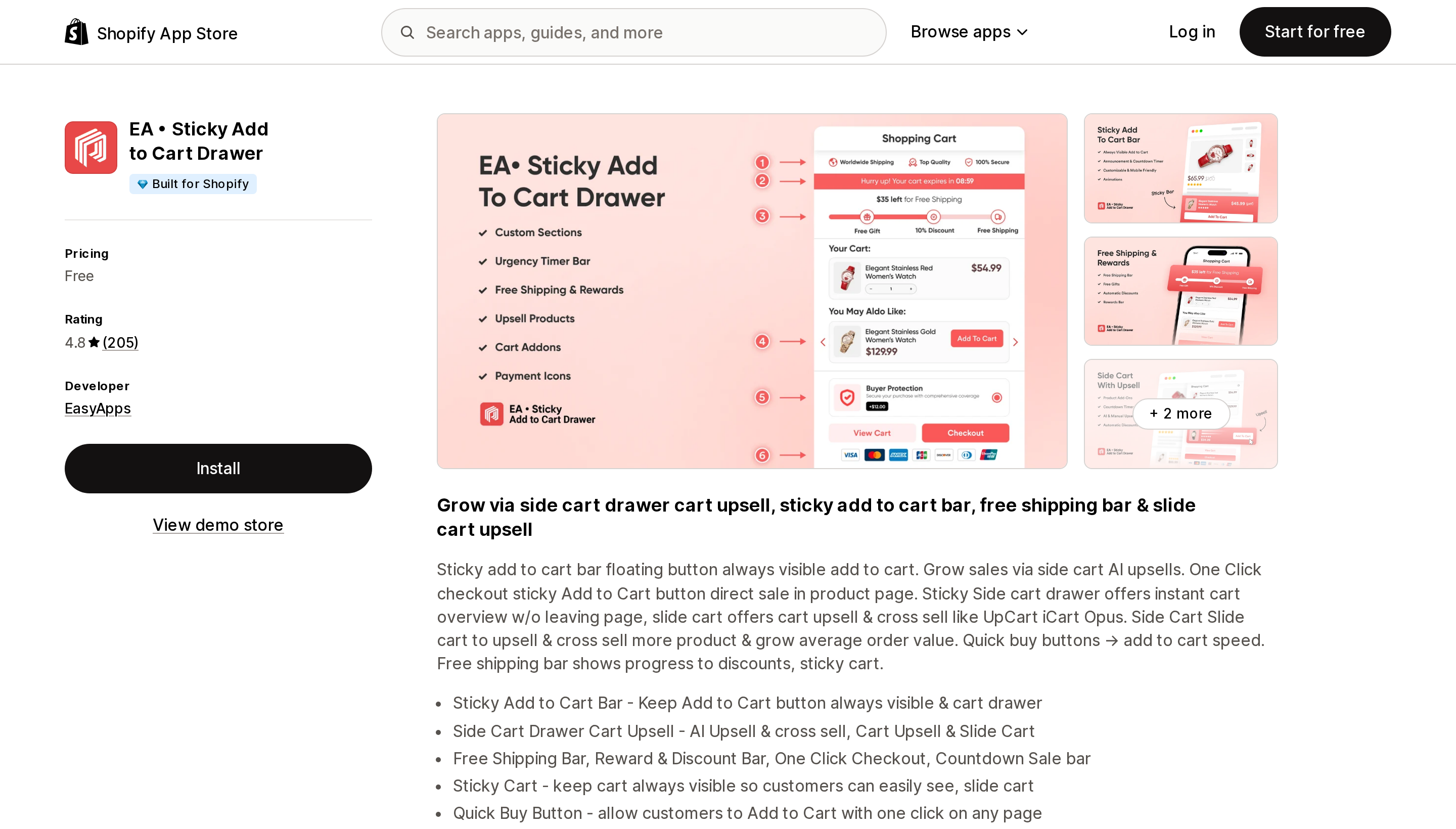
4.8 across 205 reviews, and the pricing section on its listing says one word: Free. No order caps, no paid tier, no upgrade path published. It is the only app here built with the sticky add-to-cart bar as the primary feature rather than an add-on to the drawer, and it lists over 90 storefront languages — by far the widest here.
The honest caveat is the one the listing does not address: there is no published revenue model, and its Data access section is not shown on the listing either. Running a primary conversion path on a free app with an undisclosed business model is a risk you should take deliberately, not by default.
Choosing
- You only want the drawer. Theme settings, Cart type, Drawer. No app, no cost.
- You want a free shipping progress bar or automatic free gifts. An app is required — the native Buy X get Y will not add the gift to the cart. Cheapest routes are Essent (free to 30 orders/month, then $8.99) or Kaching ($9.99).
- You mainly want a sticky add-to-cart bar. EA is free and purpose-built for it. If you also want the drawer, Essent or Cartly gives you both in one app.
- High order volume. Amp's flat $29.99/$49.99 stops tracking your growth. Above roughly 1,000 orders a month it tends to win, though upper-tier prices for the metered apps are not published on their listings, so run the numbers with each vendor.
- You want the drawer to match a design system exactly. UpCart's HTML/CSS/JSX templates, or Amp Pro's callback API.
- You sell in multiple languages via Shopify Markets. Avoid UpCart. Consider EA, Kaching, Amp, or Essent.
- You want to A/B test the drawer. Kaching is the only one listing it.
- BNPL messaging in the cart. Cartly.
Two things to do before you publish any of this to a live theme. Install on an unpublished duplicate first — the Cartly review above shows what a drawer collision looks like. And remember that switching your published theme does not carry apps over: Shopify's documentation notes "you'll need to re-activate those apps in your new theme as they won't be active by default." Put it on your theme-migration checklist, because a silently disabled progress bar is very easy to miss.
The good news on uninstalling: apps built as theme app extensions leave nothing behind. Shopify's developer documentation states that "when merchants uninstall apps, blocks associated with the apps are automatically and entirely removed from online store themes." That guarantee does not cover apps that inject code directly into theme code, which the Help Center describes as a separate category — so if an install process ever asks you to paste a snippet into a Liquid file, you are outside that protection.
Sources
- Shopify Help Center — Customizing theme settings
- Shopify Help Center — Buy X get Y discounts
- Shopify Help Center — Managing apps
- shopify.dev — Theme app extensions
- Shopify developer changelog — Cart AJAX API discount parameter
- Shopify App Store — Amp Slide Cart Upsell Drawer
- Shopify App Store — Upcart—Cart Drawer Cart Upsell
- Shopify App Store — Kaching CartDrawer Cart Upsell
- Shopify App Store — Essent Cart Drawer Cart Upsell
- Shopify App Store — Cartly Slide Cart Drawer
- Shopify App Store — EA • Sticky Add to Cart Drawer
Shopify Flow adds and removes product tags for free on every paid plan, but its Get product data action returns at most 100 products per run, so backfilling an existing catalog becomes a scheduled loop. Flow also has no generic Product updated trigger, which means it structurally cannot re-tag a product after you edit its type, vendor, or price. Shopify Magic suggests a product category and fills category metafields, but product tag generation is not on its published feature list. The six apps compared here meter completely different units: Leap Auto Tags counts every tag added and every tag removed as one credit against 2,000 per month at $8, FilterTag meters 500 to 50,000 generated tags per month at $9 to $59, TAGit AI works out to 3 to 9 cents per generated tag, and Helium charges $9.99 one-time per 100 products. Mechanic and Matrixify charge flat fees of $16 to $199 and $20 to $200 with no per-tag metering at all. Check the denominator before you check the price. Researched September 3, 2026.