
What you will learn
On this pageContentsCloseOpen
A store with 400 SKUs on eight racks exports its inventory CSV, types A-03, B-12, C-07 into the new Bin name column, imports it back, and prints a pick list. Sorted by bin. Free. Done in an afternoon.
Then the packer opens ShipStation, and the bin is not there. It is not on the packing slip either. It is not on the product page. When the store asks the barcode app it already pays for to show the same bin, the app asks it to enter the bins again, somewhere else.
That is not a setup mistake. It is how the feature is built.
What the native Bin name field is
Shopify shipped the field quietly. The August 25, 2025 changelog entry is titled "Track your stock with new 'Bin name' column," and its three "Good to know" lines are the whole specification: "Each variant can have one bin per physical name for now," "Inventory quantities are still tracked at the location level," and bin names are "free-text – add leading zeros if you need them to sort correctly."
The Help Center page fills in the operating rules. Each product variant can be assigned to only one bin per location. Multiple SKUs can share a bin. Bin names must be unique within a location. Sorting is character-by-character, so A-10 comes before A-9, which is why Shopify tells you to write A-09.
Two constraints matter more than the naming advice.
First, the field is created by CSV only. The Help Center is explicit: "You can only change or remove bin locations for your products using the bulk editor. To create new bin locations, you need to import bin locations using a CSV file." The flow is Products > Inventory > Export, fill the Bin name column, Products > Inventory > Import. After that, the bulk editor's "Show all bin names" toggle lets you edit and clear values, but not invent new ones.
Second, the field has no quantity. One variant, one bin, per location. If 60 units of a SKU sit in a pick face and 300 more sit in overstock on a different rack, Shopify has one text box for that SKU and the number 360 at the location. Where the 60 and the 300 are is not something the field can say.
The output side is a pick list. The changelog says bin names "appear on Pick lists, helping staff walk the warehouse in the right order," and the bin-locations page links to the Shopify Order Printer pick list guide. That guide carries its own limits: pick lists print for up to 50 orders at a time, you can keep 15 templates, and "you can't customize the template with custom code." As of September 18, 2026 the column table on that page lists Product image, Product name, Variant, Order ID, SKU, and Quantity and does not name a Bin column, even though the changelog and the bin-locations page both say pick lists show bins. Treat that as a documentation gap rather than a feature gap; Shopify's own product announcement is the more specific source.
The part that decides everything: no API
On October 9, 2025 a developer asked in the Shopify developer forum how to query the new bin name. A Shopify staff member first answered with the card-payment BIN field, then, after clarification, wrote: "I can confirm that there is no public API access to this product inventory data at this time, it is only editable via the CSV and Bulk Editor currently." On January 9, 2026 the same staff member repeated that "we are unable to share any estimated timelines for when or if this will be added to the API." The most recent reply in the thread, from June 6, 2026, is a developer noting it still is not available.
That is why the store in the opening scene could not get its bins into ShipStation. In a merchant thread from February 2026, a seller posting as MOTOSTUFF asks for exactly that: "Product attribute = BIN Location. And push that to Shipstation etal." Another member points to the native field and adds, "Checked the API docs but looks like they haven't made it available yet to developers." The seller's workaround is pasted in as a screenshot: the bin code appended to the end of each product description.
Every bin location app on the App Store is built around this constraint. None of them can read what you typed into Shopify's Bin name column, and none of them can write to it. So each one keeps the bins somewhere it can reach. That "somewhere" is the real difference between the apps, more than pricing or scanner support.
Where Shopify is heading, and why it does not help yet
Shopify is building a proper bin model. The Physical inventory feature preview, announced July 17, 2026, adds an InventoryBin object, an inventoryBinUpsert mutation, and an inventoryCountCreate mutation to the unstable version of the GraphQL Admin API. This model does what the CSV column cannot: bins have names and optional barcodes, an item's on-hand can be split across several bins, and the preview guide defines the arithmetic as onHand = unbinnedQuantity + (sum of all bin quantities). Counts carry an expectedQuantity so a stale read is rejected instead of silently overwriting a change.
The InventoryBin reference states the boundary: "This object is available only in the unstable API version and to development stores that have enabled the Physical inventory feature preview." A live store cannot turn it on. There is no admin UI for it in the merchant-facing documentation, and nothing in the changelog says whether the new bins are the same data as the existing Bin name column or a separate structure. The preview also reads purchase orders, which is a related but separate story; see Shopify's native purchase orders and the apps around them.
For a merchant deciding this quarter, the preview is a signal about direction, not an option.
Five apps, three places to keep the bin
The apps below were found by searching the Shopify App Store for "bin locations" and confirmed on their listings on September 18, 2026. Prices are USD as listed.
| App | Where bins live | Free tier | Bin features start at | Reviews |
|---|---|---|---|---|
| EasyScan Inventory & Barcode | Shopify metafields (product or variant) | No (10-day trial) | Standard, $39.99/month | 5.0 (363) |
| iPacky | Pick Pack & Fulfill | Shopify metafields, per location | Yes, up to 50 orders/month | Free | 5.0 (132) |
| Bins‑USA Lite | App's own database | Yes, 20 bins / 200 products | Free; $24.99/month for unlimited | 5.0 (1) |
| ShelfPilot | App's own database | Yes, 50 bins / 50 orders/month | Free; $14.99/month for 500 bins | 5.0 (2) |
| Simple Bin Locations | Reads metafields, writes to order notes | Free | Free | none yet |
EasyScan Inventory & Barcode
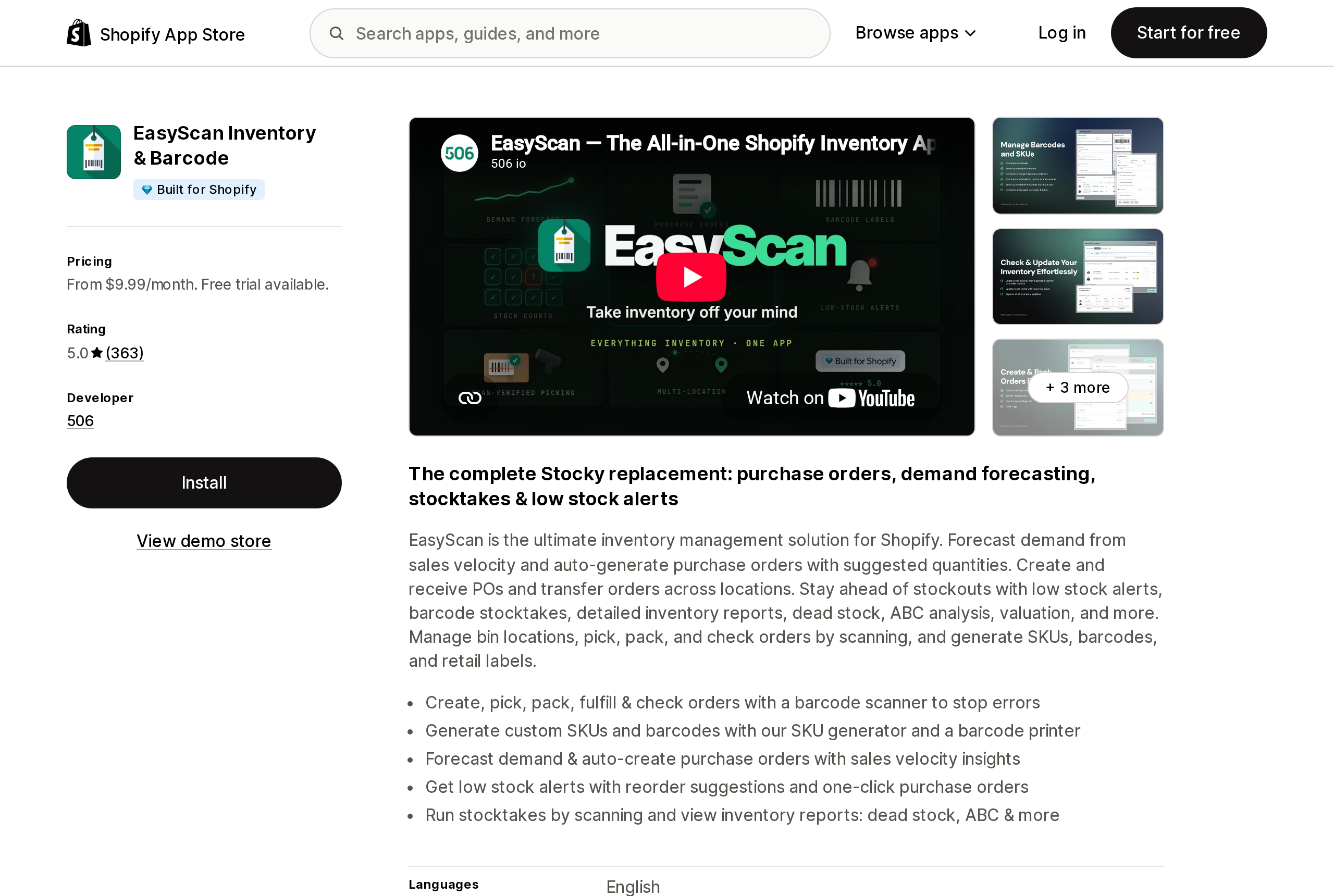
Source: Shopify App Store (EasyScan Inventory & Barcode), retrieved September 18, 2026
EasyScan, by 506, is the largest app in this group by review count and carries the Built for Shopify badge. It positions itself as "The complete Stocky replacement," which is the context most US merchants will meet it in; see what changed when Stocky was sunset.
Its bin location help article is candid about storage: "EasyScan has the option to assign bin locations to your products through the use of Shopify's Metafields." You choose product-level or variant-level before you start, assign up to 10 products at a time by scanning, and turn on "Show bin location" so the bin appears as a badge when a product is scanned. Because the value is a metafield, it can be read by anything that reads Shopify metafields, including Order Printer templates, which is the property Shopify's own column lacks.
The plan gate is the thing to check before installing. Basic at $9.99/month covers barcode and SKU generation and label printing. "Bin Locations & Put-away flow" appears on Standard at $39.99/month, together with pick, pack, fulfill and check. Purchase orders and forecasting move up again to Advanced at $79.99/month. A one-star review posted September 16, 2026 says the pricing "has become very difficult to justify, especially as a small business"; it is one review among 363, but it describes the same ladder.
iPacky | Pick Pack & Fulfill
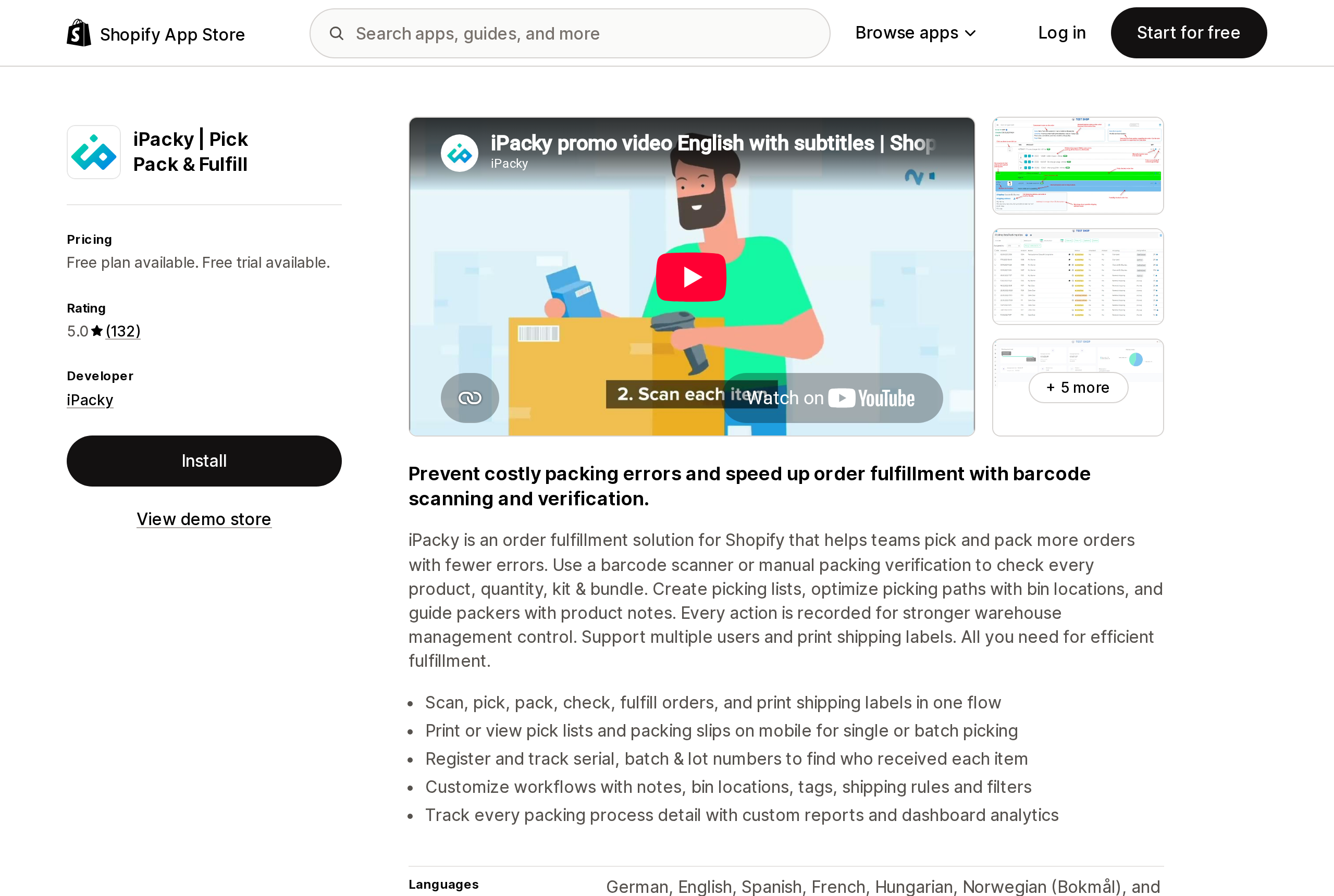
Source: Shopify App Store (iPacky | Pick Pack & Fulfill), retrieved September 18, 2026
iPacky is an order-checking app first: scan every item against the order before the box closes. Bins are a feature inside that flow. The listing's Starter plan is free with "Max 50 shop orders/month" and explicitly includes "Bin locations," which makes it the cheapest way in this group to get bin data into a barcode-verified pick. Standard is $19.99/month plus usage that steps down with volume: $0.099 per order for the first 500, $0.08 for the next 2,000, $0.055 for the next 2,500, and $0.039 above 5,000.
Two details from iPacky's documentation matter for a multi-location store. Bins are stored as metafields and can be exported and imported from the app, and its Shopify locations module keeps separate bins per location: "if you change the bin location in one location, it will not affect other locations." That module is described as an add-on "that you need to contact iPacky to get activated." Its picking list guide confirms bins print in a Bin column and that order lines can be sorted by bin, provided "Show bin location" is turned on in settings.
Bins‑USA Lite
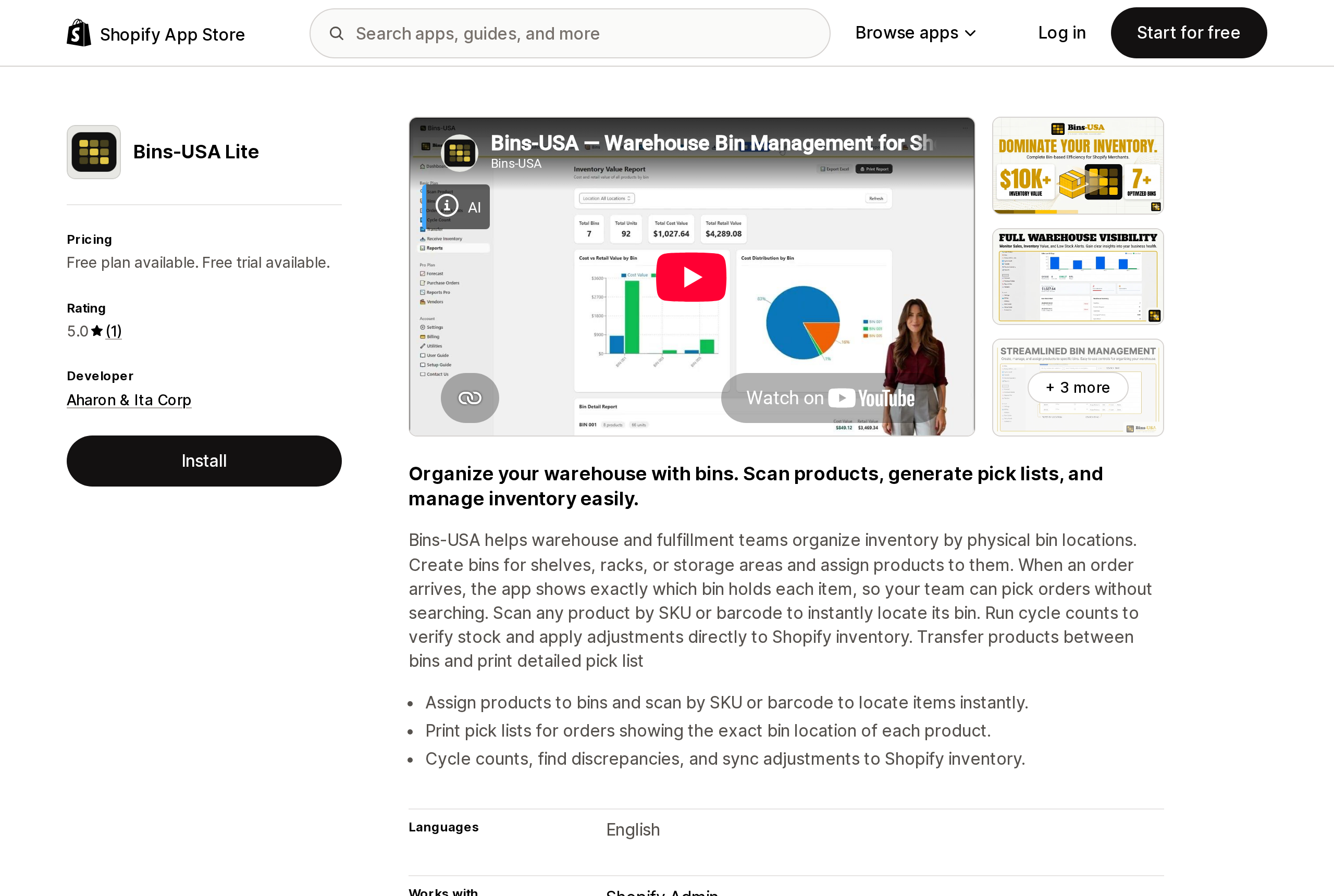
Source: Shopify App Store (Bins‑USA Lite), retrieved September 18, 2026
Bins-USA, by Aharon & Ita Corp of Kissimmee, Florida, launched June 2, 2026 and has one review. It is the closest thing here to a small warehouse system: create bins, assign products, scan a SKU to find its bin, run cycle counts, transfer between bins, receive and put away by scanning, and print QR bin labels. The listing says cycle counts "sync adjustments to Shopify inventory," so the app writes quantities back to Shopify while the bin structure stays in the app.
The free plan caps at 20 bins and 200 products. Basic at $24.99/month removes the caps, adds multiple Shopify locations, bulk bin creation, and a line that addresses the packing-slip problem directly: "Bin numbers inside Shopify orders." Plus at $49.99/month adds reporting; Pro at $69.99/month adds users and roles, purchase orders, and vendors. Each paid tier has a 14-day trial. Because bins live in the app's database, uninstalling means the structure goes with it, which is the trade for getting per-bin quantities that Shopify does not offer.
ShelfPilot
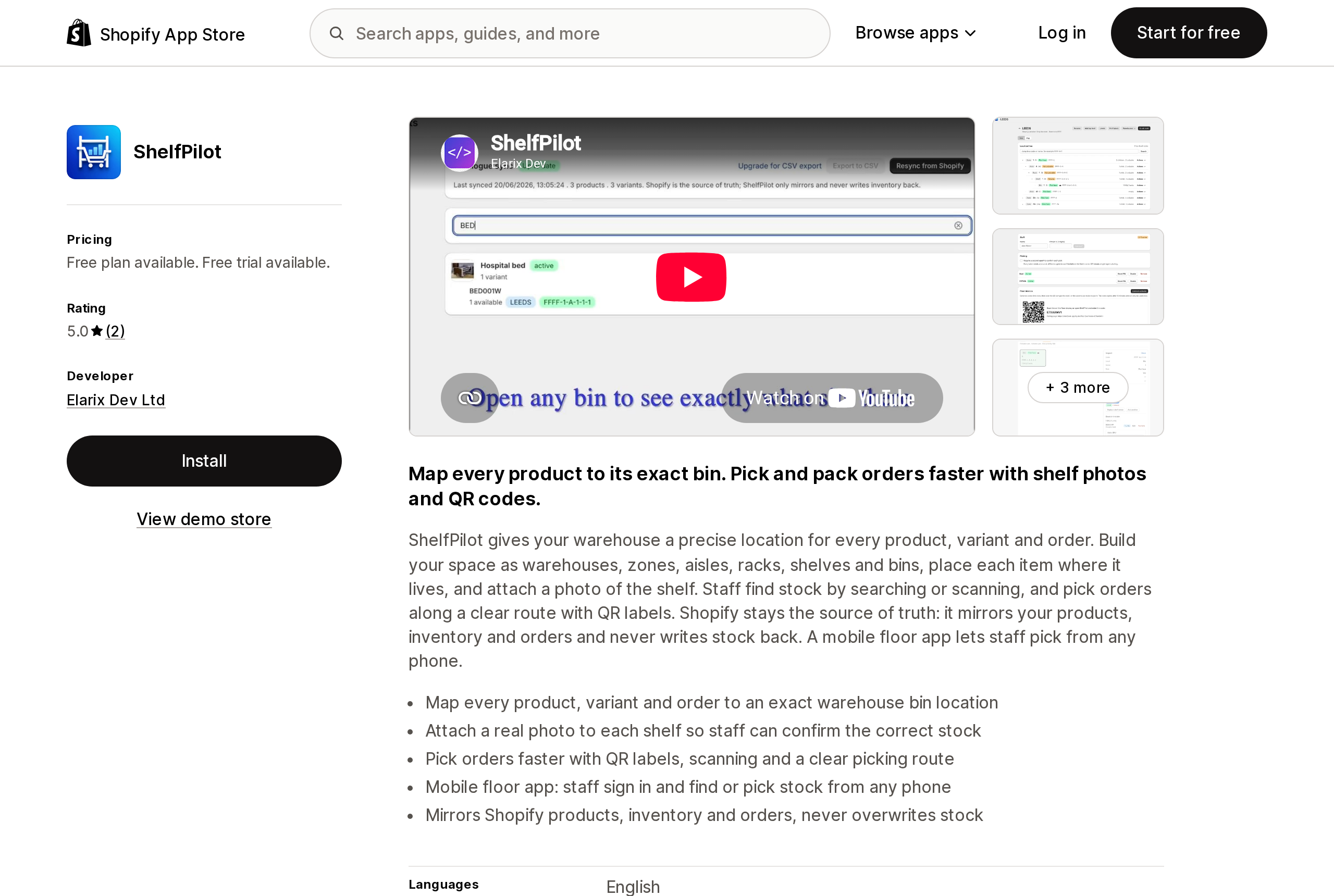
Source: Shopify App Store (ShelfPilot), retrieved September 18, 2026
ShelfPilot, by Elarix Dev Ltd, models the space as warehouses, zones, aisles, racks, shelves, and bins, and lets you attach a photo of the shelf so a new hire can confirm they are looking at the right stock. Its most important sentence is about direction of data: "Shopify stays the source of truth: it mirrors your products, inventory and orders and never writes stock back." That is the opposite posture from Bins-USA. Counts in ShelfPilot do not change Shopify quantities.
The free plan allows 1 warehouse, 50 bins, 20 shelf photos, 50 orders per month, and 1 mobile user. Starter at $14.99/month raises that to 500 bins, 500 orders, and 3 mobile users; Growth at $39.99/month allows 3 warehouses, 3,000 bins, and CSV export; Pro at $89.99/month removes the limits. Order volume is metered on every plan below Pro, so a store doing 600 orders a month cannot stay on Starter.
Simple Bin Locations
Source: Shopify App Store (Simple Bin Locations), retrieved September 18, 2026
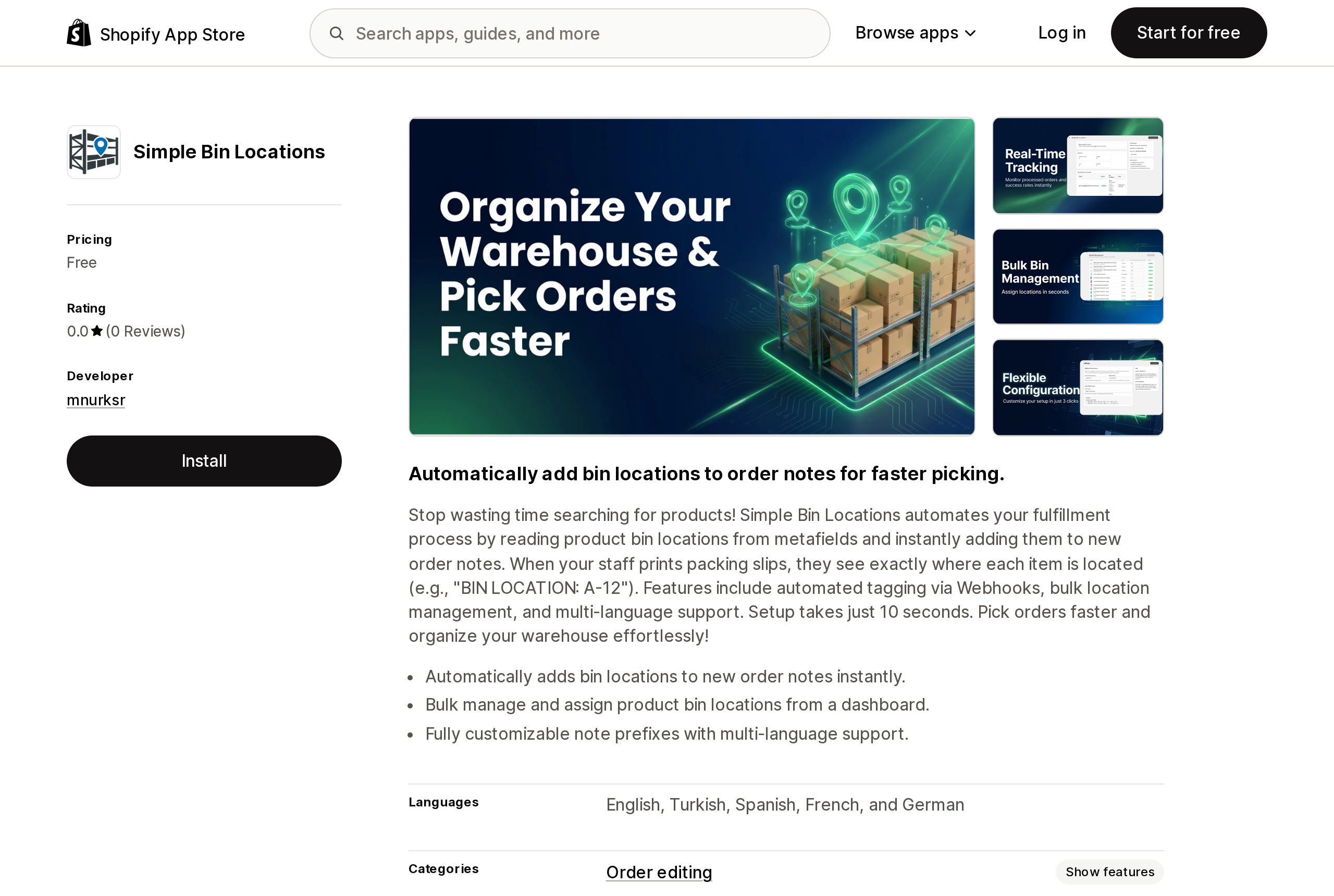
Simple Bin Locations, launched June 5, 2026 by a developer listed as mnurksr in Istanbul, is free and does one thing: it reads bin locations from product metafields and, via webhook, writes them into the notes of each new order, in the form "BIN LOCATION: A-12." The point is that order notes print on packing slips and are visible to fulfillment tools that read the order, which the native column is not. It has no reviews yet, and it is listed under Order editing rather than Inventory, which is an accurate description of what it does.
Choosing by where the bin has to be seen
The question that sorts these options is not "which app has the best scanner." It is "who needs to see the bin, and from where."
If the only consumer of the bin is a pick list printed from Shopify, use the native Bin name column. It costs nothing, it sorts pick lists, and it survives any app uninstall. Accept that it is one bin per variant, CSV-created, and invisible to everything outside Shopify's own screens. The Order Printer batch limits still apply to those pick lists.
If a packing slip, ShipStation, or another app has to show the bin, the bin needs to be a metafield. Simple Bin Locations gets it onto order notes for free. If you already pay for EasyScan Standard, its metafield bins reach the same places. The cost of the metafield route is that the bin is per product or per variant, not per location; a store with two warehouses assigning the same SKU to different shelves needs iPacky's per-location module or an app-owned model.
If you need a quantity per bin, more than one bin per SKU, or put-away and cycle counts by bin, no metafield and no native field can hold that today. Bins-USA writes count adjustments back to Shopify; ShelfPilot deliberately does not. Pick based on whether you want the app to be able to change your Shopify quantities. If your counting today happens in POS Pro's Quick count, that flow has its own boundaries.
If the real problem is mis-shipments rather than walking time, start from the scan-to-verify apps and treat bins as a bonus. iPacky's free tier covers 50 orders a month with bins included; the wider comparison is in barcode pick-and-pack apps versus Shopify's lack of native scan verification.
Whichever route you take, write the bins down once in a place you control, such as the inventory CSV export, before you enter them into an app. When the Physical inventory preview graduates to a stable API and an admin screen, the migration will start from that file, not from an app's database. And the location-level numbers the apps read and write are the same on-hand, available, and committed states Shopify already exposes; their definitions do not change when bins arrive underneath them.
Sources
- Track your stock with new "Bin name" column — Shopify Changelog, August 25, 2025
- Creating and managing bin locations for your inventory using CSV files — Shopify Help Center
- Setting up and printing pick lists using the Shopify Order Printer app — Shopify Help Center
- Bin names query — Shopify Developer Community Forums, October 2025 – June 2026
- BIN Locations — Shopify Community, February–March 2026
- Physical inventory feature preview — Shopify developer changelog, July 17, 2026
- Feature preview: Physical inventory — shopify.dev
- InventoryBin — GraphQL Admin API reference, unstable
- EasyScan Inventory & Barcode — Shopify App Store; Bin locations with EasyScan — 506 help center
- iPacky | Pick Pack & Fulfill — Shopify App Store; Shopify locations and Picking lists/Packing slips — iPacky documentation
- Bins‑USA Lite — Shopify App Store
- ShelfPilot — Shopify App Store
- Simple Bin Locations — Shopify App Store
Merchants who move from WordPress expect a new blog post to email their subscribers automatically. On Shopify it doesn't. The only native subscription is an Atom feed that readers paste into a feed reader, and a live test on September 18, 2026 shows that feed returns at most 30 posts, ignores paging, and carries no featured image. Shopify Flow's 83 triggers include nothing for articles, and Shopify Messaging's templates have no blog section and no blog Liquid variable. Here is what the native pieces actually do, and how Seguno, Mailchimp, Klaviyo, Omnisend, Workflow Trigger Extensions, and Zapier each handle the moment you click Publish. Researched September 18, 2026.