
What you will learn
On this pageContentsCloseOpen
You turn on Shopify B2B, build your companies, load your catalogs, and send the login to your accounts. Then a buyer replies asking for the line sheet, and another one emails a spreadsheet of 180 SKUs and asks you to key it in.
You go back to the feature list. Quick order list — that's there. CSV import — that's there. Easy reorders — that's there too. All three boxes ticked, and none of them does what the buyer asked.
This is not a documentation failure so much as a naming collision. Shopify's B2B features are real, and several of them are better than the app marketing suggests. But three of the names describe something narrower than what a wholesale buyer means by the same words. This article draws that line precisely, then prices the six apps that sit on the other side of it.
Research date: September 2, 2026. All prices are USD from the English App Store listings.
The short version
- B2B is not Plus-only. It runs on Basic, Grow, Advanced, and Plus. Shopify's own store-contextualization help page still says "Shopify B2B is available only to stores on the Shopify Plus plan," so the docs contradict each other.
- Quick order list is a per-product variant table. It lives on the product page and lists that product's variants with quantity boxes. It is not a page where a buyer types across your whole range.
- Catalog CSV import is a merchant pricing tool in the admin. There is no buyer-facing CSV or PO upload anywhere in Shopify.
- There is no native line sheet or PDF catalog. Nothing in the B2B feature set produces a print asset.
- Easy reorders is native on all plans — so if all you needed was reordering, you're done, and you should not buy an app.
- The single most expensive mistake in this category is installing a tag-based wholesale app after you have already built native companies and catalogs. You end up running two pricing systems.
What Shopify B2B actually gives you
Worth being precise, because a lot of it is good.
Companies, company locations, and location-level permissions are on all four plans, as are quantity rules with volume price breaks, net payment terms, vaulted cards, ACH for US buyers, payment reminders, PO numbers, draft-order-to-invoice, and easy reorders.
The plan gating that matters sits elsewhere. Non-Plus stores get 3 active B2B market catalogs; Plus gets unlimited. Assigning a catalog directly to a company or location is Plus-only — on Basic, Grow, and Advanced, catalogs reach buyers through Markets, which means companies without Markets are an admin organising tool with no custom pricing attached. Deposits, partial payments, and per-fulfillment payment requests are also Plus-only.
The catalog model itself is more capable than most merchants use. A catalog is a product inclusion list plus an overall percentage adjustment, optionally overridden by fixed per-variant prices. A company location can carry up to 25 catalogs and a store up to 10,000. When several catalogs are assigned to the same company location, the lowest price wins; when a company-location catalog and a B2B market catalog overlap, the more specific company-location price wins instead. And the CSV format supports SKU, handle, options, fixed price, compare-at, published, quantity increment, min and max order quantity, and ten quantity breaks with ten matching price breaks per variant.
One trap in that CSV: only fixed prices export. If you built your pricing with percentage adjustments, exporting the catalog gives you a file without them.
The three names that mislead
Quick order list is not a quick order form
Shopify ships a Quick order list section on free Shopify themes v11.0.0 and above, and it arrived in the Horizon themes on December 10, 2025. It renders a table of one product's variants with quantity inputs, SKU, unit price, line total, and a product subtotal. Shopify's setup guidance advises hiding the Buy buttons, Quantity selector, and Variant picker blocks once you add it.
For a store selling one shoe in twelve sizes, that is genuinely the right tool and it costs nothing. For a store selling 400 SKUs where a buyer wants one page to work through the range, it is not the same thing at all. The distinction is product-scoped versus catalog-scoped, and every app in the next section exists because of it.
CSV import is for you, not your buyer
Shopify's catalog CSV import and export is an admin function for building price lists. It does not give a buyer any way to upload a purchase order. That capability appears nowhere in the B2B documentation, and if your accounts send spreadsheets — which US wholesale accounts routinely do — you are keying them in by hand.
Draft orders are the manual fallback, with two hard edges
Assigning a B2B customer and company location to a draft order applies catalog pricing, payment terms, and checkout options automatically, and you can lock prices and reserve inventory. It works.
It stops working in two specific places. Draft orders cap at 200 line items while live orders allow 500 — a multi-door retailer's line sheet order can exceed that. And price lock blocks decreases as well as increases, so a later price drop won't reach a locked draft. Shopify documents no native merchant alert when a company submits an order as a draft — you can send the customer an invoice, but for internal notification you need Flow or a third-party tool.
And the one that's simply absent
There is no printable or downloadable line sheet, PDF catalog, or price list document anywhere in Shopify B2B. Your buyers will ask for one.
The compatibility question that decides everything
Before any pricing comparison, one question determines which half of this list you can even consider: does the app work with native Shopify companies and catalogs, or does it replace them with customer tags?
This matters because tag-based apps run their own pricing layer rather than extending native B2B. SparkLayer sets out the boundary in its own documentation, updated September 2, 2026: SparkLayer "does not currently read from or write to Shopify's company, company location, or catalog records," and its FAQ states that SparkLayer and "Shopify's native B2B checkout cannot run simultaneously for the same customer session" — it is one or the other for the ordering experience. The same page notes that SparkLayer now reads existing Shopify company records to attribute its draft orders to the right company and location, so the two can coexist for reporting even though pricing stays entirely in SparkLayer.
If you have already invested in native companies and catalogs, installing a tag-based app means maintaining two pricing systems that don't know about each other.
The six apps
| App | Built for Shopify | Rating (reviews) | From | Meter | Native B2B |
|---|---|---|---|---|---|
| SparkLayer B2B & Wholesale | No | 4.9 (362) | Free / $49 | B2B orders per month + agent seats | Tag-based |
| Wholesale Gorilla | No | 4.7 (305) | $34.95 | Flat feature tier | Tag-based; native catalog behaviour unverified |
| BSS B2B Order, Request a Quote | Yes | 4.9 (177) | Free / $19 | Quotes/month + order pages | Yes, at $79 |
| WSH Order Form & ReOrder | Yes | 4.9 (172) | $15.99 | Flat feature tier | Tag-based; native catalog behaviour unverified |
| Catalog Maker by EasyCatalog | No | 4.4 (186) | Free / $9.99 | Products per catalog + active catalogs | Import at $59.99 |
| B2B Bulk Order / PO Upload | No | 4.9 (17) | $19.90 | Depth of native B2B support | Yes, core |
B2B Bulk Order / PO Upload
Source: Shopify App Store (B2B Bulk Order / PO Upload), retrieved September 2, 2026
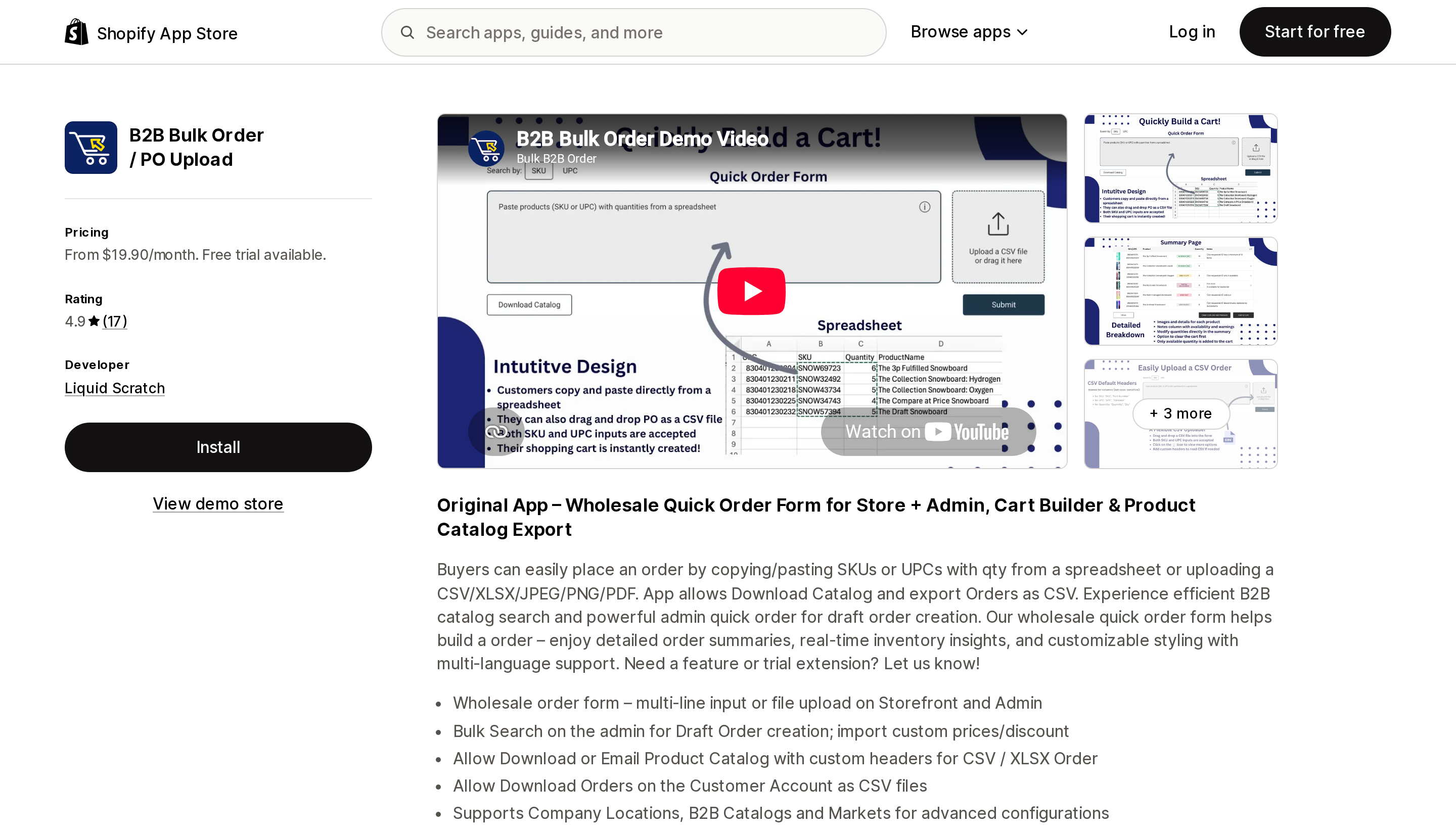
The most unusual meter in this comparison: it charges by how much of native Shopify B2B it reads. Essentials at $19.90 supports company location catalogs and is explicitly marked "NOT AVAILABLE for Plus." Plus at $39.90 adds B2B Markets support, availability and quantity rules from the catalog, and catalog download per B2B location. Enterprise at $44.90 adds admin-side multiline and CSV/XLSX bulk ordering for draft order creation.
It covers two of the three gaps directly. Buyers paste SKU or UPC plus quantity from a spreadsheet, or upload CSV, XLSX, JPEG, PNG, or PDF; buyers can download the product catalog and download their own orders as CSV from the account page. Its OAuth scopes include viewing companies, payment terms, locations, and Markets settings, which is the strongest native alignment here.
The caveat is the review base: 17 reviews. The reviewers are substantial operations and one from May 2026 confirms company locations and B2B catalogs working as expected, but that is a thin signal and should be treated as one. Note also that the meter is a cliff, not a slope — upgrading your Shopify plan to Plus forces a tier change.
This app does not produce a designed line sheet. It exports data, not a document.
Catalog Maker by EasyCatalog
Source: Shopify App Store (Catalog Maker by EasyCatalog), retrieved September 2, 2026
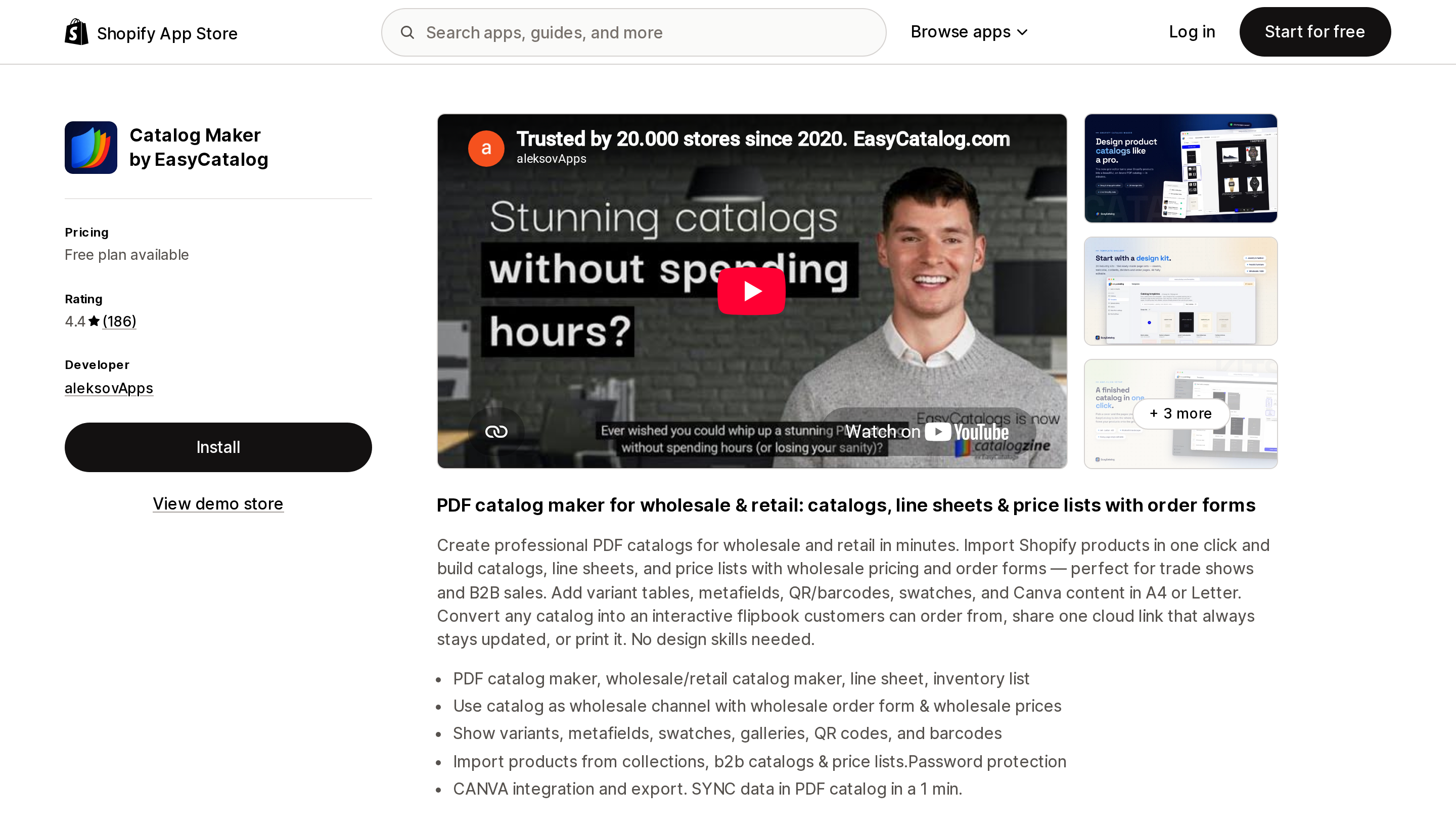
The missing artifact, and the meter nobody predicts. It charges by products per catalog and number of active cloud catalogs — free for one catalog with watermarks, $9.99 for 100 products across 5 active catalogs, $29.99 for 500 products across 10, and $59.99 for unlimited.
It produces print-ready PDF in A4 and Letter, an interactive flipbook with an order form, line sheets, price lists, variant tables with metafields, QR and barcodes, swatches, Canva export, password protection, and one cloud link that stays current.
The pricing fact worth circling: its "Works with" list names B2B catalogs, price lists, publications, and localisation, and importing products from a B2B catalog is gated to the $59.99 Unlimited tier. It is the only PDF tool here that can build a line sheet carrying your actual native catalog prices, and that capability is not on the $9.99 plan.
Its 4.4 rating is the lowest in this comparison, with 7% one-star reviews. The pattern is split — genuine praise for responsiveness and shipped feature requests, against a complaint that the editor is not user friendly, raised inside a public refund dispute in August 2026. Exercise the free plan before paying.
BSS B2B Order, Request a Quote
Source: Shopify App Store (BSS B2B Order, Request a Quote), retrieved September 2, 2026
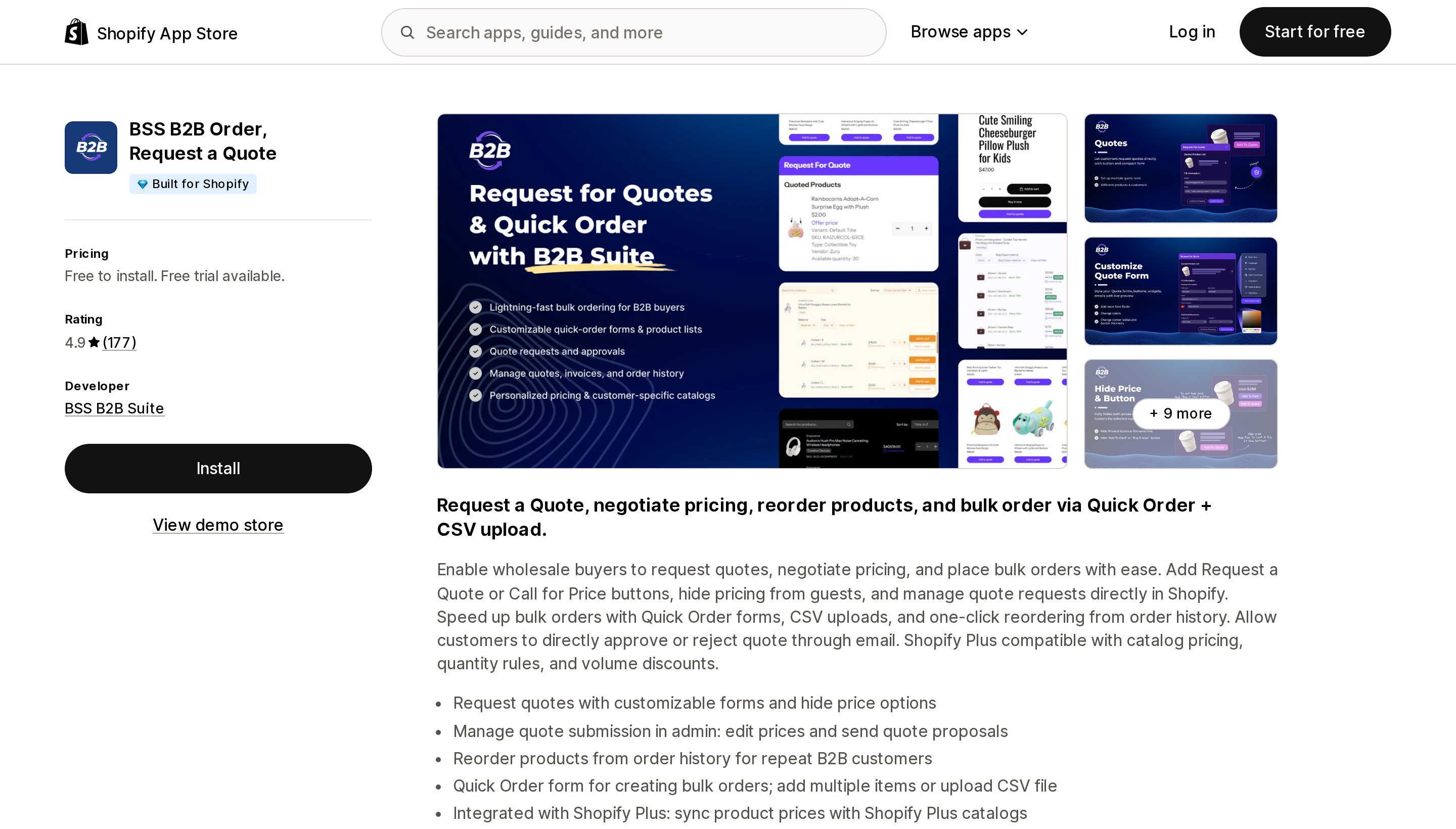
Built for Shopify, 4.9 across 177 reviews, 20 languages. Its meter runs on two axes at once: quotes per month and number of Quick Order pages. Growth at $19 gives 100 quotes and 5 order pages. Business at $39 makes both unlimited and adds bulk product import for customers plus reorder. Enterprise at $79 adds quote logic per company customer, autofill of company and location details, page display per company customer, and Shopify Plus catalog price sync.
That last tier is the one to read carefully. The order pad and CSV upload work from $19, but the native-B2B-aware behaviour sits on the $79 plan. If you want the form to respect which company a buyer belongs to, budget $79, not $19.
Across its reviews the consistent pattern is named support reps and live onboarding calls. No recurring functional complaint surfaced.
WSH Order Form & ReOrder
Source: Shopify App Store (WSH Order Form & ReOrder), retrieved September 2, 2026
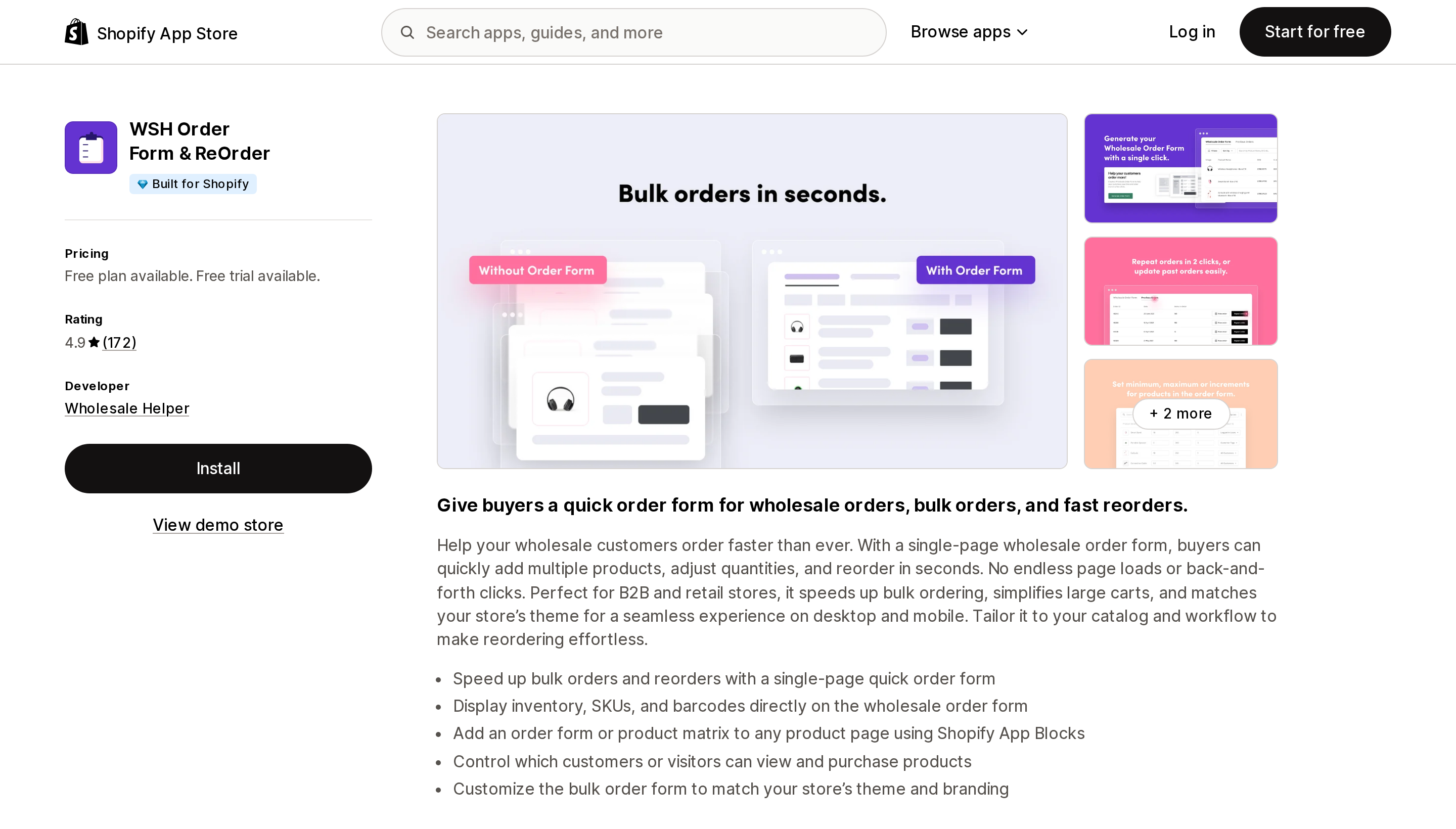
Built for Shopify, from the oldest developer here — listed since December 2014. Basic is $15.99 for the single-page order form with variants, theme integration, filters, and SKU or barcode columns. Professional is $19.99 and adds min/max quantity and increments. Enterprise is $24.99 and adds one-click reorder.
Flat tiers, unlimited accounts and orders, and the cheapest complete order pad on this list. It installs as a theme app block, which is a real advantage over apps that paste code into theme files.
Two limits to be clear about. Its listing advertises no buyer-facing CSV upload — the bulk import and export on the Professional tier is a merchant-side tool, and what the buyer touches is an on-page form, not a spreadsheet importer. And its feature tags are customer tagging and pricing import, meaning it is tag-based; whether it reflects native B2B catalog pricing is not stated in its documentation, so test it before committing. A US reviewer in August 2026 framed it as "considerably more flexible than the built-in Shopify B2B functionality" — that is, an alternative rather than a layer.
SparkLayer B2B & Wholesale
Source: Shopify App Store (SparkLayer B2B & Wholesale), retrieved September 2, 2026
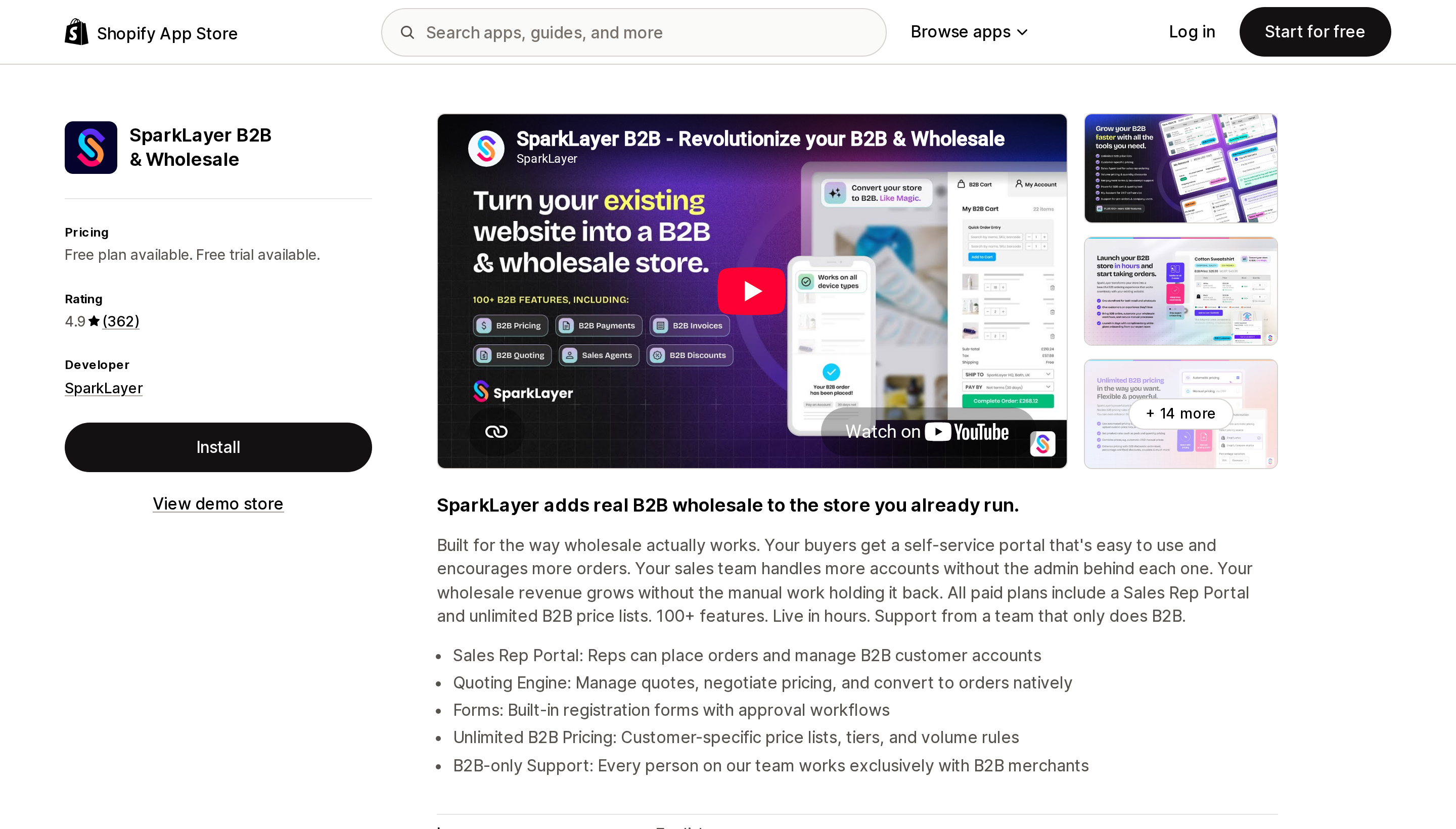
The most complete wholesale platform here, and the one whose meter punishes success hardest. Basic is free for 3 price lists and 5 orders a month. Starter is $49 for 50 orders and one sales agent. Growth is $149 for 100 orders, two agents, PDF invoice download, file uploads, and workflow automations. Pro is $299 for 150 orders, five agents, a quoting engine, and Xero and QuickBooks integration.
Published tiers stop at 150 orders a month. Above that you're into a custom quote.
It delivers quick order, order history and reorder, shopping lists, a sales rep portal, quoting, registration with approvals, unlimited customer-specific price lists, and multi-currency. But per its own docs it is tag-based, and its checkout cannot run alongside native B2B checkout for the same customer session. It also creates its own customer tags, which means re-tagging your existing Shopify customers.
Reviews centre on support quality, in both directions. Specific gripes include setup requiring comfort with code and the re-tagging work; a September 2026 reviewer raises both. One US merchant in August 2026 reported a multi-day outage blocking new account approvals, later revising their rating upward — a single observation, not a pattern.
Wholesale Gorilla
Source: Shopify App Store (Wholesale Gorilla), retrieved September 2, 2026
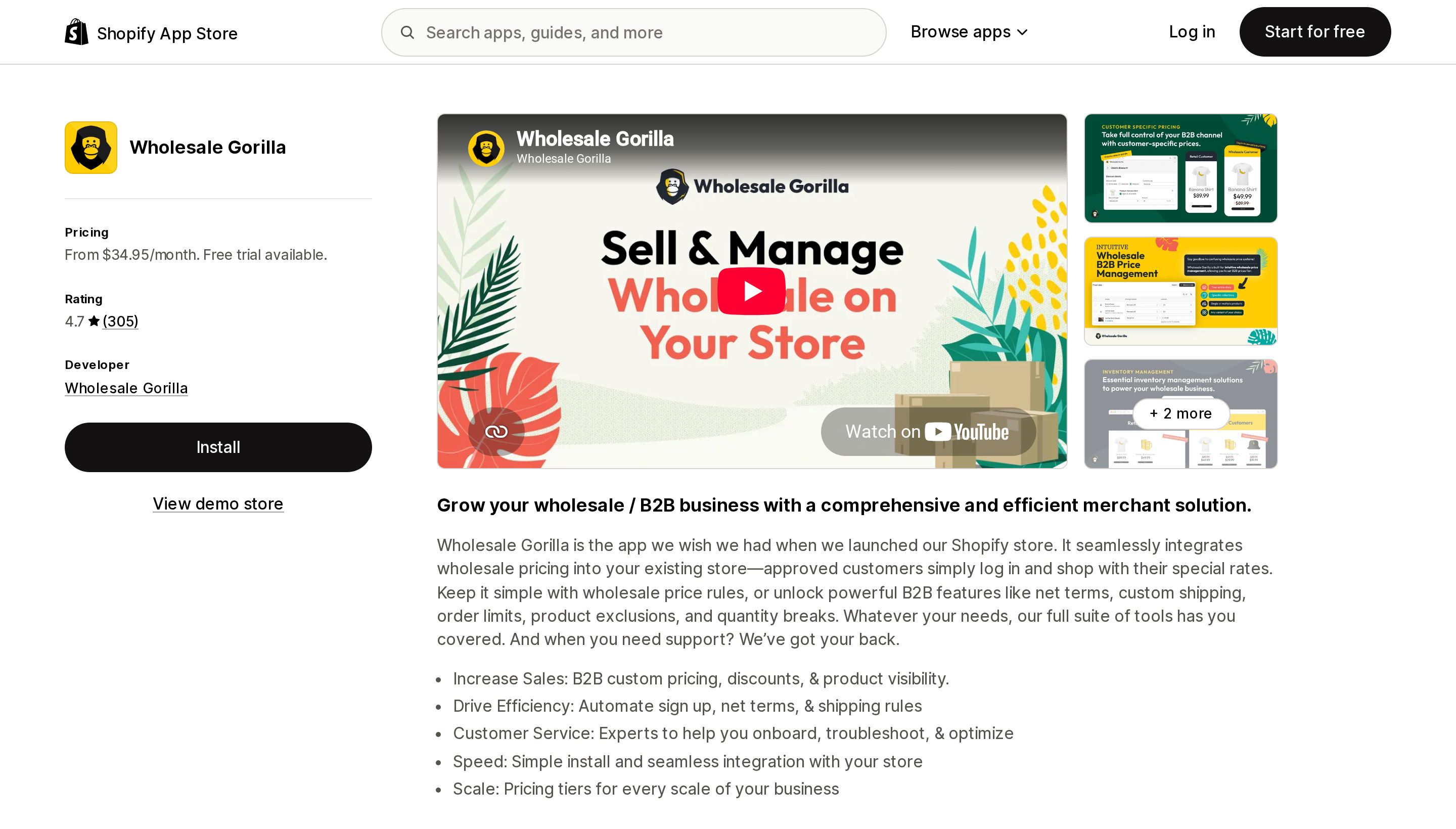
North Carolina developer, listed since September 2018, and the flat-meter answer for a blended DTC-and-wholesale store. Lite is $34.95 for unlimited price rules and customer price groups. Advanced is $69.95 and is where the Quick Order Form appears, alongside wholesale shipping rules, net terms, product hiding, order limits, and CSV price upload. Premium is $149.95 with volume discounts, store and page locks, and payment terms.
Flat by feature tier, with no per-account, per-order, or GMV component — so it gets cheaper per order as you grow, which is the opposite of SparkLayer.
Its rating is 4.7 across 305 reviews with 86% five-star, but the one-star tail has a consistent shape: support responsiveness, frustration with AI support, and difficulty around uninstalling and billing. At least one comes from a merchant of over four years' tenure, which is a more meaningful signal than churn from a short trial. One August 2026 review alleges recurring checkout failures; the app is currently listed and installable, and that claim is one merchant's account, not a verified defect.
Cost at wholesale scale
Modelling assumption, and it is an assumption rather than data: 25 accounts generate roughly 25 B2B orders a month, 200 accounts roughly 150, and 1,000 accounts roughly 600. App spend only, excluding your Shopify plan.
| Stack | 25 accounts | 200 accounts | 1,000 accounts |
|---|---|---|---|
| Native B2B only | $0, with all three gaps | $0, gaps now painful | $0, but likely forced to Plus for catalogs |
| B2B Bulk Order / PO Upload | $19.90 | $39.90 | $44.90 |
| BSS B2B Order (native-aware tier) | $79 | $79 | $79 |
| WSH Enterprise + EasyCatalog (EasyCatalog tier set by SKU count, not account count) | $54.98 | $84.98 | $84.98 |
| Wholesale Gorilla | $69.95 | $149.95 | $149.95 |
| SparkLayer | $49 | $299 | Beyond published tiers |
Three crossovers fall out of that. SparkLayer is the cheapest option at genuinely low volume — free at up to five orders a month beats everything — and the most expensive above roughly 100 orders, where $299 passes Wholesale Gorilla's $149.95 ceiling. EasyCatalog's meter is orthogonal to account count entirely: a 40-SKU brand with 5,000 accounts pays $9.99, while a 3,000-SKU brand with twelve accounts pays $59.99. And for a non-Plus merchant on native B2B, B2B Bulk Order at $39.90 plus EasyCatalog Unlimited at $59.99 is about $99.89 a month for an order pad, CSV and PO upload, buyer catalog download, and a line sheet carrying real catalog prices — roughly $199 a month less than SparkLayer Pro at the same order volume.
How to choose
Check whether you need anything first. If your buyers order deep in single products — sizes, colourways, cases — the native Quick order list on a Horizon or v11+ free theme may be the whole answer, at zero cost. And if all anyone asked for was reordering, that's native too.
Already committed to native companies and catalogs. SparkLayer's own docs rule it out for the ordering experience. Wholesale Gorilla and WSH Order Form don't document whether they read native catalog pricing either way, so test before committing. The safest picks are B2B Bulk Order / PO Upload, BSS at the $79 tier, or EasyCatalog for the line sheet.
Not on native B2B and not planning to be. Wholesale Gorilla if order volume will grow, since the meter is flat. SparkLayer if you need a sales rep portal, a quoting engine, or unlimited price tiers, and you can live with its order ceiling.
Only need the order pad, as cheaply as possible. WSH Order Form Basic at $15.99, or Enterprise at $24.99 if you also want one-click reorder — after verifying it reflects the pricing your buyers should see.
Only need a line sheet. Start on EasyCatalog's free plan and size the tier to your SKU count, not your account count. Pay $59.99 only if the line sheet must carry native B2B catalog prices.
Buyers send spreadsheet POs. Only B2B Bulk Order / PO Upload and BSS document buyer-side order upload, and only the first also takes XLSX and image or PDF purchase orders. SparkLayer's Growth tier adds custom file uploads, but its listing does not describe them as a spreadsheet order import.
Any buyer order routinely exceeds 200 lines. Rule out draft-order-based workflows entirely.
One last thing to verify
Shopify does not publish its B2B variable platform fee. The considerations page states that "If applicable, B2B and D2C orders have different variable platform fee rates" without giving numbers, so model your wholesale margin from your own invoices rather than your D2C rate.
Two more from that page worth knowing before you launch: accelerated checkouts — Shop Pay, Apple Pay, Google Pay, Amazon Pay — are incompatible with B2B, as are subscriptions, local delivery, and legacy customer accounts. Pickup in store, line item scripts, abandoned checkouts, and gift cards at checkout are off by default and require contacting Shopify Support.
App prices in this category moved materially through 2026, so re-check the tier you intend to buy, and treat the one app here with fewer than twenty reviews as promising rather than proven.
Sources
- Shopify Help Center — B2B features by plan
- Shopify Help Center — B2B features
- Shopify Help Center — B2B considerations
- Shopify Help Center — Creating catalogs
- Shopify Help Center — B2B draft orders
- Shopify Help Center — Quick order list
- Shopify Help Center — Customizing your theme for markets or Shopify B2B
- Shopify Changelog — B2B features now available in Horizon themes (December 10, 2025)
- SparkLayer documentation — Shopify companies
- Shopify App Store listings, retrieved September 2, 2026: SparkLayer B2B & Wholesale, Wholesale Gorilla, BSS B2B Order, Request a Quote, WSH Order Form & ReOrder, Catalog Maker by EasyCatalog, B2B Bulk Order / PO Upload
Shopify Flow adds and removes product tags for free on every paid plan, but its Get product data action returns at most 100 products per run, so backfilling an existing catalog becomes a scheduled loop. Flow also has no generic Product updated trigger, which means it structurally cannot re-tag a product after you edit its type, vendor, or price. Shopify Magic suggests a product category and fills category metafields, but product tag generation is not on its published feature list. The six apps compared here meter completely different units: Leap Auto Tags counts every tag added and every tag removed as one credit against 2,000 per month at $8, FilterTag meters 500 to 50,000 generated tags per month at $9 to $59, TAGit AI works out to 3 to 9 cents per generated tag, and Helium charges $9.99 one-time per 100 products. Mechanic and Matrixify charge flat fees of $16 to $199 and $20 to $200 with no per-tag metering at all. Check the denominator before you check the price. Researched September 3, 2026.