
What you will learn
On this pageContentsCloseOpen
You imported 12,000 products from a supplier feed. None have tags, your storefront filters are useless, and every new product needs the same five labels typed by hand. Search for a Shopify tagging app and you get a dozen listings, none of which mention what Shopify already does for free.
Shopify Flow does a lot of it. Add product tags and Remove product tags have been free actions on Basic, Grow, Advanced, and Plus for years, with templates that tag new products by type, SKU, color, price point, and stock status.
The useful question is where Flow stops, and it stops in three documented places: its data-fetching action returns at most 100 records per run, it has no trigger that fires when an existing product is edited, and the action behind Shopify's own AI tagging template is gated to Grow and above.
Below: the native baseline, where it breaks, and six App Store apps compared on the axis that determines your bill. Prices and Flow behavior are as of September 2026.
Before anything else: check whether you need tags at all
Much of "I need to tag my products" is really "I need these products grouped into a collection," and the second problem often needs no tags.
An automated collection supports up to 60 conditions, across product title, variant title, type, vendor, product category with subcategories included, tag, product status, price, compare-at price, weight, inventory stock, metafield values, and metaobject reference metafields. If the products share a category, a vendor, a price band, or a metafield value, that collection exists today without a single tag.
Tags earn their place for storefront behavior — many themes and filter apps key faceted navigation and search on tags specifically — and for cross-cutting labels no structured field expresses. Over-tagging has a cost, though: a store's tag suggestion dropdown shows only the first 5,000 unique product tags, and you cannot filter the admin for products with no tags at all.
What Shopify Flow already does, for free
Shopify's documentation states it directly: Shopify Flow is a free app available on the Basic, Grow, Advanced, and Plus plans. Its tag actions write through the GraphQL Admin API's tagsAdd and tagsRemove mutations, and Shopify ships templates including Standardize tagging for new products and Tag and organize new products by SKU / color / price point / title / type. If your rules are deterministic and your target is new products, install nothing.
Two things to know first. Shopify's troubleshooting notes for Add product tags describe another app overwriting a tag Flow just wrote, with a Wait step as the workaround. And the tags reference page says tags are not case sensitive while the Add product tags page says they are — the two contradict, so pick a casing convention rather than trusting either.
Gap 1: Get product data returns 100 records at a time
Backfilling an existing catalog is where the free path costs hours rather than dollars. Flow's Get product data action says it plainly: "You can return up to 100 at a time."
That turns a backfill into a scheduled loop, following the pattern Shopify itself documents:
Trigger:  Scheduled time (hourly)
Action:   Get product data
            Maximum number of results: 100
            Query: excludes anything already carrying a "processed" tag
Action:   For each
            Add product tags
            Add the "processed" tag so the record drops out of the next run
The self-exclusion is not optional — without it the same 100 products reprocess forever. Scheduled time runs once every 10 minutes at its fastest, a theoretical ceiling near 14,400 products per day. For 2,000 products that is an afternoon of setup and roughly 20 hours of unattended running. For 20,000 it is a project.
Gap 2: there is no Product updated trigger
This is the gap almost no comparison article mentions, and the one that changes buying decisions.
Flow's product-context triggers are Product created (documented at the older product-added-to-store URL), Product deleted, Product status updated, Product variant added, Product variant deleted, Product variant inventory quantity changed, Product variant back in stock, Product variant out of stock, and Inventory item created. There is no generic "this product was edited" trigger in that list, and Product status updated fires on status changes only.
So if you tag products by product type and someone later corrects a type from "Tee" to "T-Shirt," Flow never re-evaluates that product. The old tag stays, the new one never lands, and nothing tells you. Re-tagging on edit is not a hard workflow to build in Flow — it is impossible in Flow, because the event you would trigger on does not exist.
Gap 3: the OpenAI tagging template needs Grow or above
Shopify does publish a Flow template that calls a language model. It is titled Tag new products using OpenAI to generate tags from the product description, and its description says it uses "OpenAI to generate tags based on the product description and a known set of tags (from the same collections)" and "Requires OpenAI connector and API key."
It depends on the Send HTTP Request action, which requires Grow, Advanced, or Plus. A Basic-plan merchant cannot run Shopify's own AI tagging template. It also reads the description, not the image, so it cannot infer pattern, material, or color from a photo.
The bulk editor limit most articles get wrong
You will read that Shopify's bulk editor caps you at 50 products. Shopify's bulk actions documentation says otherwise: 50 is the page size of the list. Click the header checkbox, then Select all 50+ items for the whole store, or Select all results for everything matching your filter. The mobile admin is what caps at 25 items at a time.
The real constraint is different. Shopify documents tags as separate Add tags and Remove tags bulk actions rather than as a bulk-editor column, and a bulk action applies the same tags to every product selected. So per-product differences mean: filter, select all results, add one tag, then repeat the cycle for the next tag. That repetition, not a 50-item ceiling, is what these apps sell against.
Shopify Magic suggests a category, not tags
Shopify Magic's published feature list covers text generation, Sidekick, media generation, theme and theme block generation, app review summaries, spend projections, and customer segment descriptions. Product tag generation is not on it, as of September 2026. What Magic does is suggest a product category from Shopify's Standard Product Taxonomy, then add relevant category metafields and values.
Three systems, easily confused. Product category is one taxonomy value that drives tax behavior and channel syndication. Product type is a single free-text field you control. Tags are many free-text labels, and the only one of the three that powers tag-based storefront filtering. Magic leaves tags alone.
One app that will not do this job
Search the App Store for "auto tag" and one of the first results is TR: Auto Tag Orders, Customers, commonly called TagRobot. Its listing describes tagging orders and customers, and its App Store automation-task facets are Customer tags and Order tags only. Product tags are claimed nowhere on the listing. It is a well-reviewed app for what it does — it is just not a product tagging app, and several third-party roundups list it as one.
Compare the denominator, not the sticker price
These six meter completely different units: two charge flat fees, two meter tag operations, one charges per generated tag at a much higher rate, and one charges per product, once.
| App | Entry price (USD) | What it meters | Rules or AI | Reacts to edits | Reviews |
|---|---|---|---|---|---|
| Shopify Flow | $0 | Nothing; plan API limits | Rules; AI via OpenAI on Grow+ | No | 13,575 / 4.7 |
| Leap Auto Tags | $8/month | Tag operations, adds and removes | Rules | Not stated | 178 / 4.8 |
| Mechanic | $16/month | Nothing; flat by plan tier | Rules and Liquid | Yes | 129 / 5.0 |
| FilterTag | $9/month | Generated tags per month | AI: images, attributes | New arrivals only | 2 / 5.0 |
| TAGit AI | $29/month | Generated tags, 3 to 9 cents each | AI: images, text | New products only | 1 / 5.0 |
| Helium AI product tags | $9.99 per 100 products | Products, once | AI: images | Not stated | 0 |
| Matrixify | $20 per 30 days | Records per job | Neither; spreadsheet | No | 1,455 / 4.9 |
A worked example: a 20,000-product catalog getting four tags each is 80,000 tag writes. On Leap Auto Tags that exceeds even the $30 Business plan's 50,000 per month. On Mechanic or Matrixify it costs the flat monthly fee.
Review counts vary enormously too, and that matters more than the averages. FilterTag has 2, TAGit AI has 1, Helium has 0. A 5.0 across two reviews tells you almost nothing, and zero reviews is not evidence of poor quality either.
Leap Auto Tags | All‑in‑1 Tags
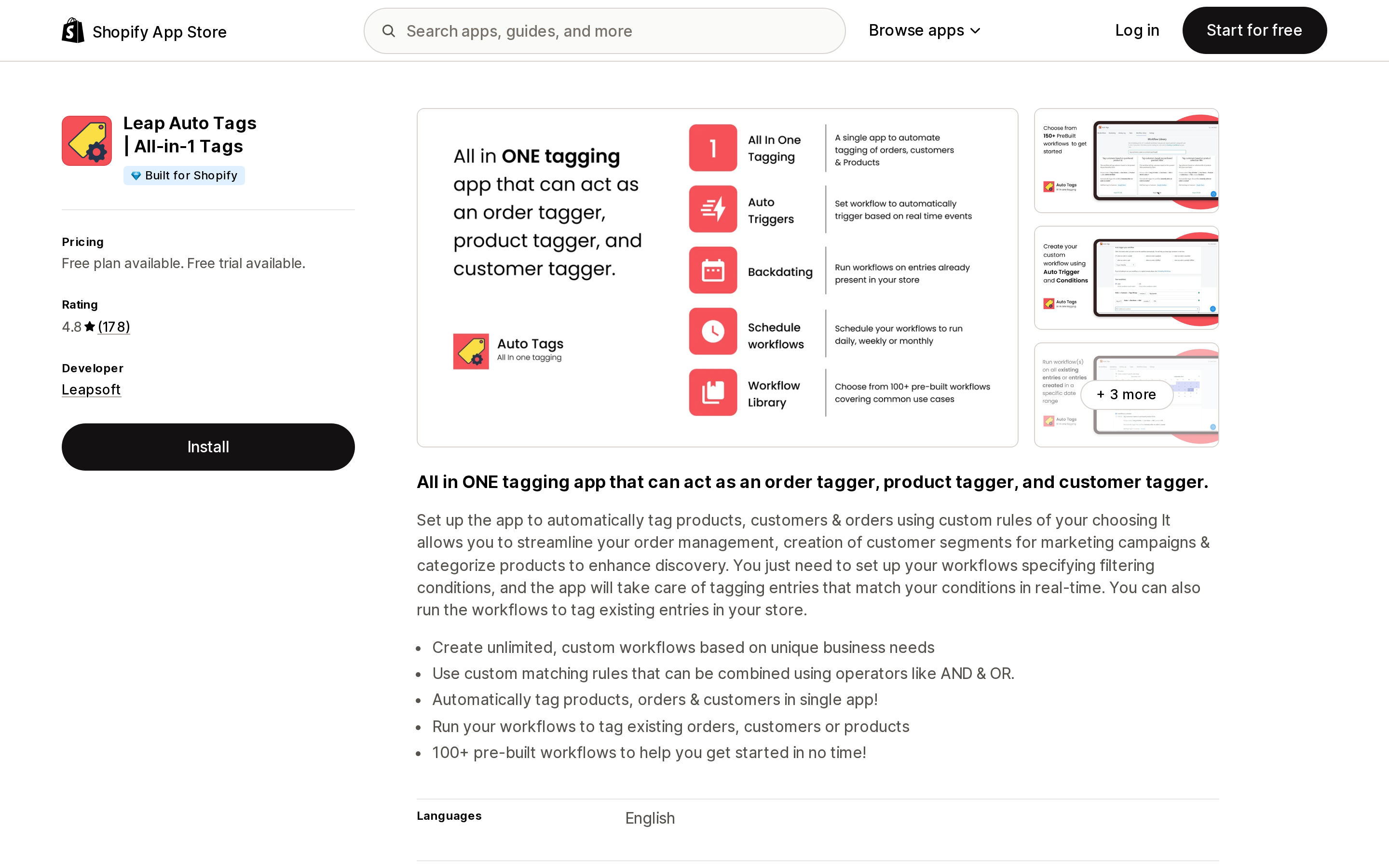
Source: Shopify App Store (Leap Auto Tags | All‑in‑1 Tags), retrieved September 3, 2026
Leap Auto Tags | All‑in‑1 Tags from Leapsoft is the cheapest rule-based entry point here at $8 per month, carries a Built for Shopify badge, and has 178 reviews at 4.8 since December 2020.
Its Backdating feature answers Flow's 100-record ceiling directly: run workflows against all existing entries or a date range, with no self-excluding query to hand-build. Tag Expiry, on the $15 Professional plan and above, removes a tag a set number of days after it was applied.
Check the denominator first. Leapsoft's help center states: "Anytime the app adds or removes a tag on any entity, it will count towards your usage limit." Removals consume credits too, and credits reset monthly without rolling over, which makes one large backfill a poor fit. The $8 plan is explicitly unavailable to Shopify Plus merchants, so Plus stores start at $15. There is no AI here; conditions are deterministic.
Mechanic
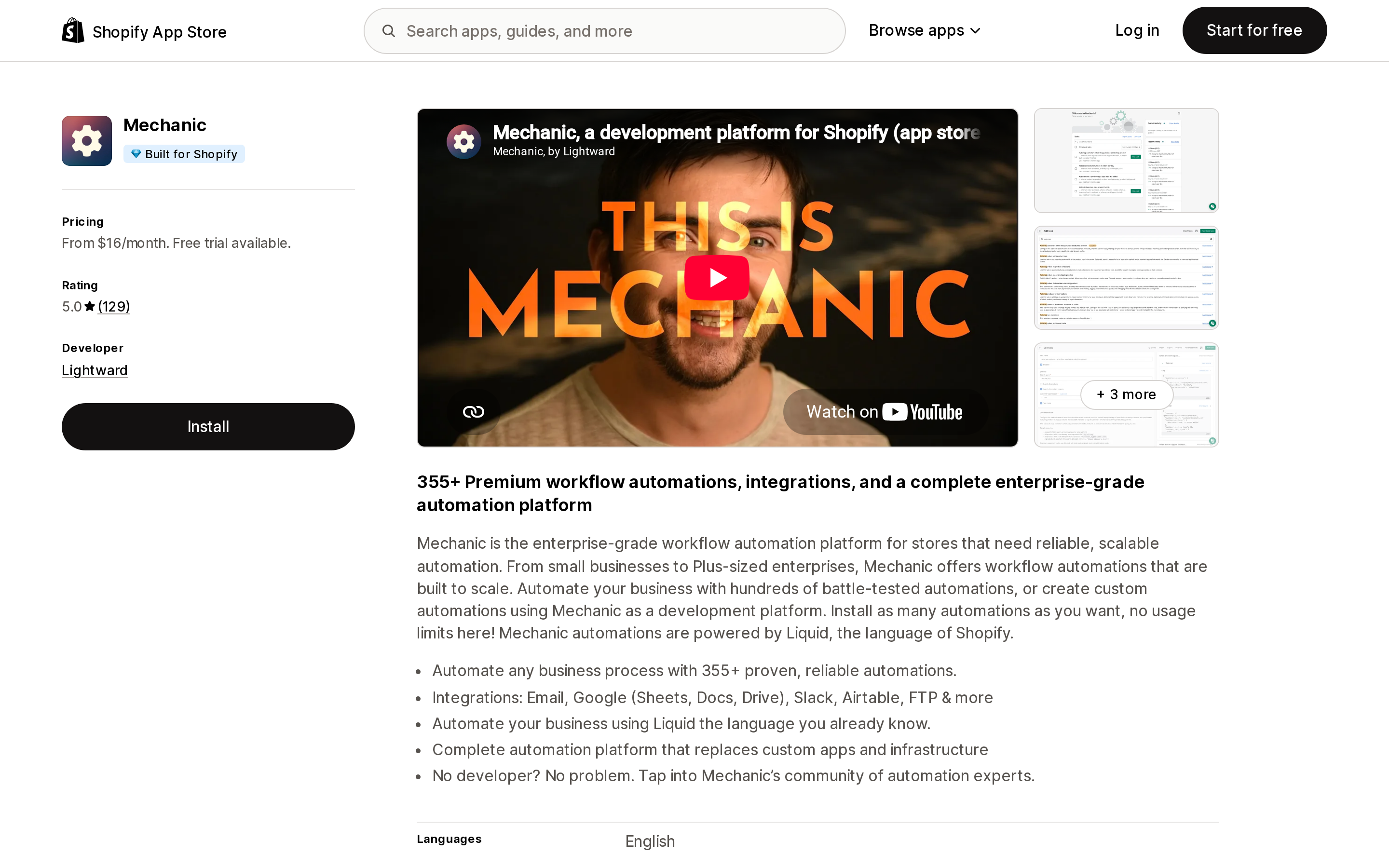
Source: Shopify App Store (Mechanic), retrieved September 3, 2026
Mechanic from Lightward, based in Chicago, is a general automation platform rather than a tagging app, and it is the only one of these six whose task source code is published for you to read before installing.
Its task auto-tag-products-based-on-their-product-type closes all three Flow gaps. It subscribes to shopify/products/create, shopify/products/update, and mechanic/user/trigger — that update subscription is the trigger Flow lacks. Its manual run paginates the products query at 250 per page for up to 100 iterations, roughly 25,000 products against Flow's 100. And it offers an option to "remove product tags in this list when they do not apply."
Pricing is flat by Shopify plan tier — $16, $29, $99, and $199 per month, listed as suggested prices under Lightward's "pay what feels good" policy — with no additional usage fees on any tier. The cost is technical: anything outside the published library requires Mechanic Liquid, and there is no tagging-specific UI, no rule builder, no tag expiry setting.
FilterTag
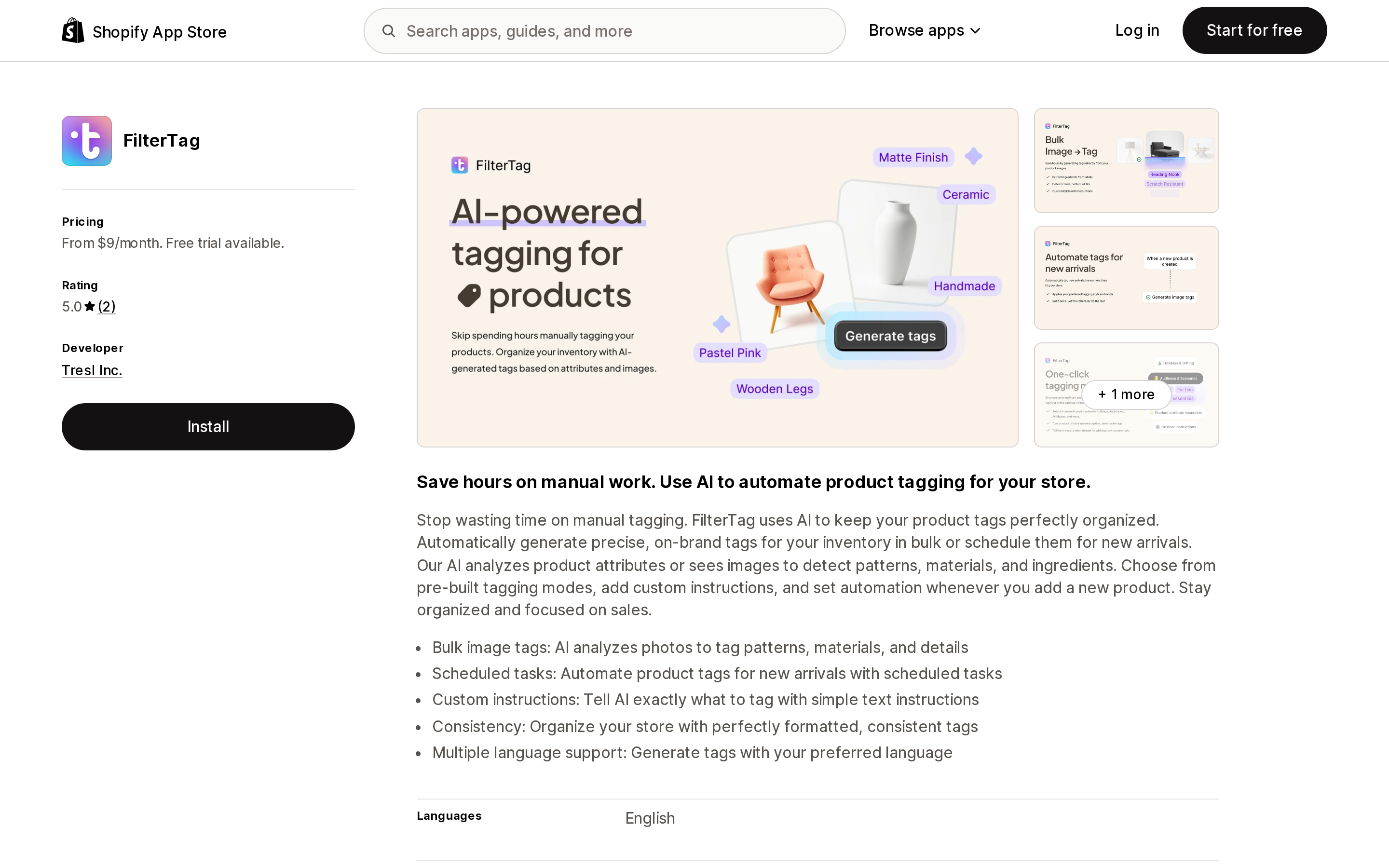
Source: Shopify App Store (FilterTag), retrieved September 3, 2026
FilterTag from Tresl Inc. in Palo Alto, California, targets tags that only exist in the photograph. Its listing states the AI analyzes photos to tag patterns, materials, and details, and elsewhere adds ingredients — a tell that beauty, food, and CPG catalogs are the intended market. It also offers custom instructions, scheduled tasks for new arrivals, and consistent tag formatting.
Pricing is $9, $29, and $59 per month for 500, 5,000, and 50,000 generated tags, with a 3-day trial on Starter and no free plan. At $59 that is roughly a tenth of a cent per tag, the best AI rate in this set.
Two cautions. FilterTag has 2 reviews and launched in March 2025 — promising, not proven. And its data access panel requests broad scopes for an app that writes product tags, including sensitive customer data, device and activity data, edit access to all order history, and discount visibility.
TAGit AI Product Tag Generator
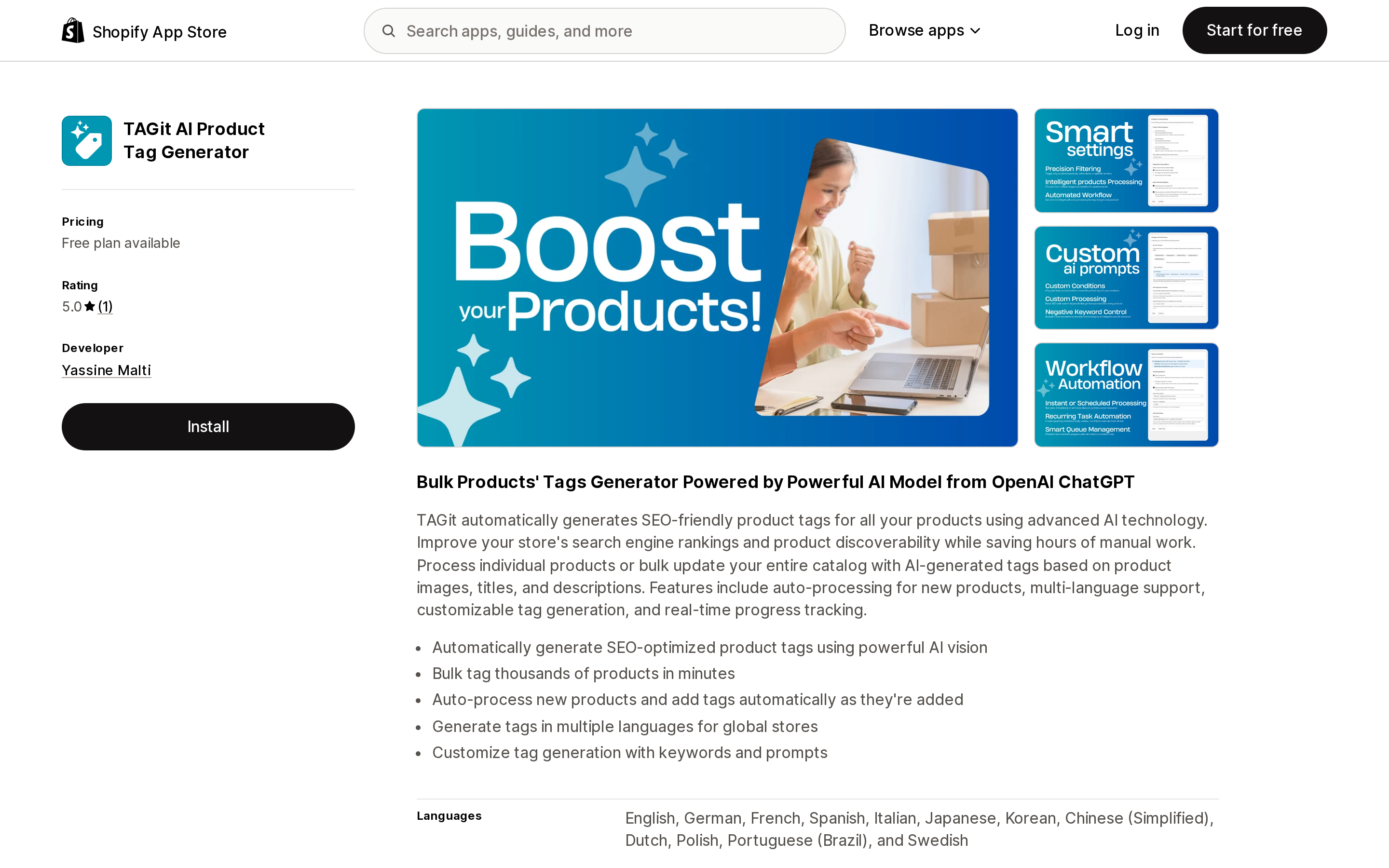
Source: Shopify App Store (TAGit AI Product Tag Generator), retrieved September 3, 2026
TAGit AI Product Tag Generator generates SEO-oriented tags from product images, titles, and descriptions, and names OpenAI ChatGPT as its model provider rather than saying "our AI." Its distinguishing feature is language coverage: the listing declares 12 languages and advertises tag generation "in multiple languages for global stores," which matters for merchants selling through Shopify Markets.
It is also the clearest illustration of why the denominator matters. Pricing runs Free for 50 tags per month, then $29 for 300, $59 for 1,000, and $119 for 4,000, with annual prepay saving 17 percent — the listing states those as 9, 6, and 3 cents per tag. Three cents at the top tier is roughly 25 times FilterTag's Advanced rate, and $29 per month buys about 60 products at five tags each.
It launched on December 11, 2025 and has 1 review. Nothing about its behavior at scale is documented.
Helium AI product tags
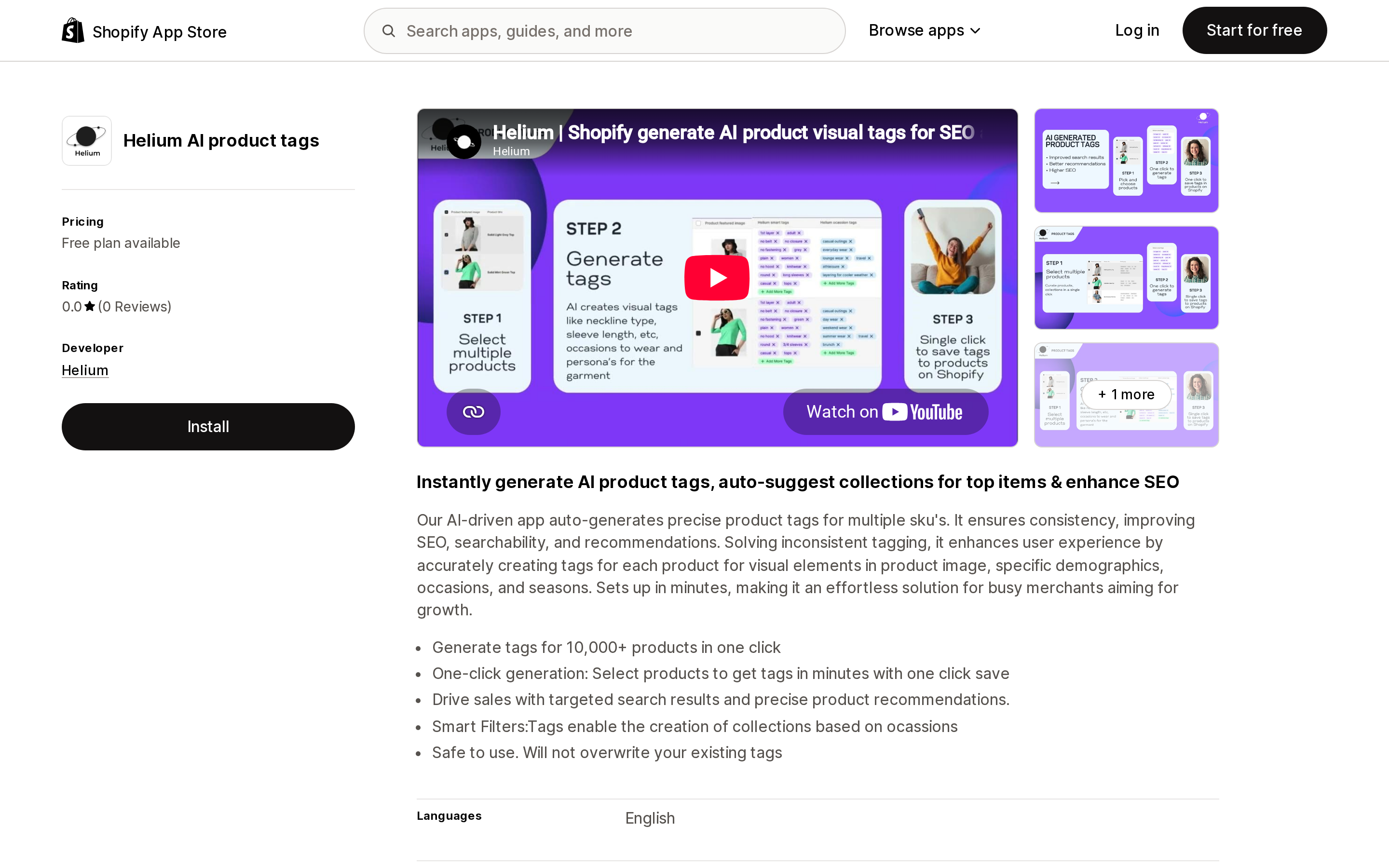
Source: Shopify App Store (Helium AI product tags), retrieved September 3, 2026
Helium AI product tags is structurally different in one respect: it is not a subscription. Pricing is a free tier covering 10 products, then $9.99 one-time per 100 products. For a 1,000-product catalog that is about $100 once. For 20,000 products it is about $2,000, which is not competitive.
It generates tags from visual elements in the product image, targeting demographics, occasions, and seasons. Its listing states "Safe to use. Will not overwrite your existing tags," which de-risks installing it over a curated taxonomy, and its data access scope — store owner details plus edit access to products — is the narrowest of the four listings here that publish one. Leap Auto Tags' and Mechanic's listings publish no data access panel at all, which is an absence of disclosure rather than an absence of scopes.
The caveat has to be stated plainly: listed since February 2024, zero reviews. That is not evidence the app is bad, but it is an absence of merchant validation of any kind, so use the free tier to inspect output quality first. There is also no documented automation for newly added products, so treat this as a one-time cleanup tool.
Matrixify
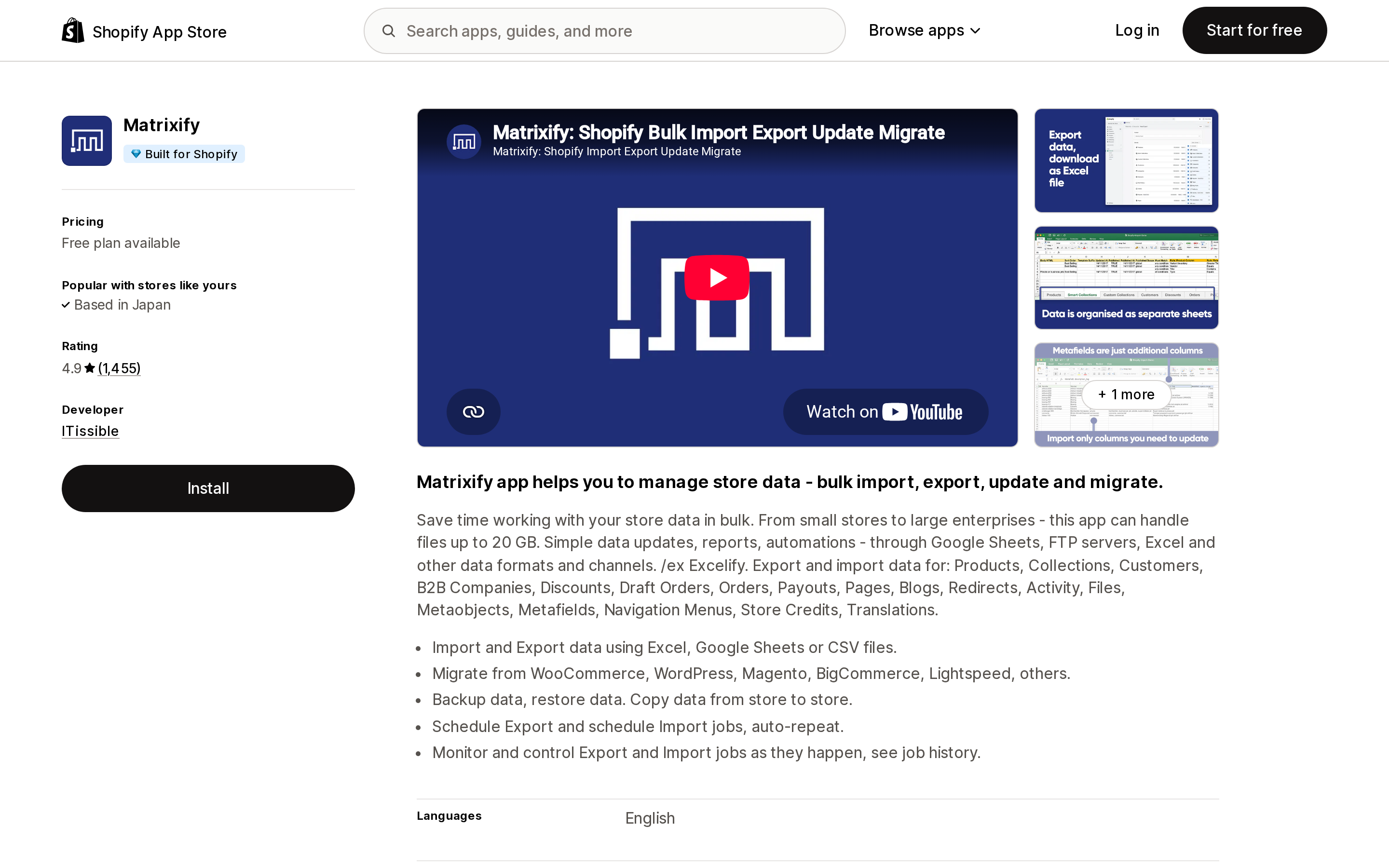
Source: Shopify App Store (Matrixify), retrieved September 3, 2026
Matrixify from ITissible is a reference point rather than a competitor, because it is not automation. No triggers, no rules. Every change is a file: export products, edit the Tags column, import.
Its limits are per job rather than per month. The vendor's FAQ states there are no time-based limits on item counts, and that a $20 plan imports or exports up to 5,000 products per job as many times as you wish. Plans run Demo free at 10 records, $20 per 30 days at 5,000, $50 at 50,000, and $200 for unlimited.
That makes it the cheapest paid option here for a one-time catalog-wide re-tag with per-product values you can review before anything is written, at the cost of a real spreadsheet skill floor. Note that the developer address on the listing is Riga, Latvia, not the US — the "Based in" line the App Store shows above the rating is personalized to the visitor, so do not read it as the vendor's location.
How to decide
If your tags come from product type, vendor, SKU pattern, price band, or stock status, and you only need them on newly created products, use Shopify Flow and install nothing. To also backfill a few thousand existing products, build the scheduled loop and let it run overnight. Past roughly 10,000 products, Leap Auto Tags' Backdating is worth $8 a month, provided your products-times-tags math fits inside an allowance that does not roll over.
If tags must be recomputed whenever a product is edited, that is the one requirement Flow structurally cannot meet, and Mechanic is the only one of these six with a documented shopify/products/update subscription.
For a one-time catalog-wide re-tag with per-product values, Matrixify at $20 or native CSV import at $0 will both do it.
If the tags you need describe what is in the photograph, that is genuine app territory. FilterTag has the strongest evidence base of the three AI options, with only 2 reviews behind it. TAGit AI is the multilingual option at a much higher per-tag cost. Helium is the one-time-purchase option for catalogs under about 1,000 products.
And if you are on Grow, Advanced, or Plus and do not want another subscription, Shopify's own OpenAI Flow template is there. It reads descriptions rather than images, and it will not run on Basic.
Sources
- https://help.shopify.com/en/manual/shopify-flow
- https://help.shopify.com/en/manual/shopify-flow/reference/triggers
- https://help.shopify.com/en/manual/shopify-flow/reference/actions
- https://help.shopify.com/en/manual/shopify-flow/reference/actions/add-product-tags
- https://help.shopify.com/en/manual/shopify-flow/reference/actions/get-product-data
- https://help.shopify.com/en/manual/shopify-flow/reference/triggers/scheduled-time
- https://help.shopify.com/en/manual/shopify-flow/reference/actions/for-each
- https://help.shopify.com/en/manual/shopify-flow/reference/actions/send-http-request
- https://help.shopify.com/en/manual/shopify-admin/productivity-tools/using-tags
- https://help.shopify.com/en/manual/shopify-admin/productivity-tools/bulk-actions
- https://help.shopify.com/en/manual/shopify-admin/productivity-tools/bulk-editing
- https://help.shopify.com/en/manual/products/collections/conditions
- https://help.shopify.com/en/manual/products/collections/smart-collections
- https://help.shopify.com/en/manual/products/details/product-category
- https://help.shopify.com/en/manual/ai-powered-tools/shopify-magic
- https://help.shopify.com/en/manual/products/import-export/using-csv
- https://shopify.dev/docs/api/admin-graphql/latest/mutations/tagsadd
- https://apps.shopify.com/tag-automation
- https://apps.shopify.com/mechanic
- https://apps.shopify.com/filtertag
- https://apps.shopify.com/excel-export-import
- https://apps.shopify.com/tagit-ai-product-tag-generator
- https://apps.shopify.com/helium-visual-tags
- https://apps.shopify.com/tag-robot
- https://help.leapsoft.co/article/8-pricing-plan-and-usage-limits
- https://help.leapsoft.co/article/41-tag-historical-entries-backdating
- https://help.leapsoft.co/article/51-auto-tags-faq
- https://tasks.mechanic.dev/
- https://tasks.mechanic.dev/auto-tag-products-based-on-their-product-type
- https://github.com/lightward/mechanic-tasks
- https://matrixify.app/pricing/
Shopify Magic's own media generation tools cover background removal, logo generation, and hero banners — images only, per Shopify's Help Center. There is also an unrelated app literally named 'Magic: Product Photos & Videos' that charges $19.99–$49.99/month and has nothing to do with Shopify. Meanwhile, eight real AI product-video apps bill on five incompatible units: credits, videos, points, a flat $1 per video, and one-time packs with no subscription at all. Normalized to a real cost per finished video, the spread runs from about $0.04 to $1.29 — roughly 32x — and one app's $39–$99/month plans don't disclose a video quota at all. Researched September 6, 2026.