
What you will learn
On this pageContentsCloseOpen
Type "shopify automatically apply discount code" into Google and the first page is a Shopify Community thread, two how-to posts written by discount-app vendors, a Medium post with Liquid snippets, and a listing for an app called Discount Direct. What none of them do is quote the help center. When you do, most of the question dissolves.
Shopify has applied discount codes from a link for years, on every plan, with no app. Two changes in 2025 closed the remaining holes that used to push merchants toward apps: link codes now stack with codes already in the cart, and the cart itself can accept a code before checkout. The things that still need an app are narrower than the vendor posts suggest, and they are worth paying for only if you actually need them.
Here is where the line sits as of September 7, 2026.
What a native discount link actually does
Every discount code in Shopify admin has a Promote button that produces a shareable link and a QR code. The help center describes the behavior precisely:
The discount associated with the link or QR code applies automatically to your customer's next checkout cart, or to any active carts they have open.
The link's default form is /discount/CODE. You can send the customer to any page by appending a redirect, which Shopify documents as /discount/code?redirect=/new-path — for example /discount/FALL20?redirect=/collections/outerwear. Selecting an existing marketing campaign in the Promote dialog adds UTM parameters automatically, so the link shows up in your marketing reports without hand-editing.
The persistence rule is the part most guides get wrong or skip:
The discount is saved to the customer's cart and to their browser, so it stays applied until it's removed.
A customer who clicks your email link on Monday and buys on Thursday still has the code applied. If they want to check out without it, they click Remove discount at checkout or clear the store's cookies. Opening the link again reapplies it. There is no expiry setting on the link itself; the discount's own start and end dates are the only clock.
Three constraints are documented on the same page. A link can carry only one discount. Links work only for active discounts, and only for discount codes — you need a saved code to generate one; automatic discounts don't get links because they apply regardless. And if you run several discounts on the same product, "the most recent discount applies to your shareable discount links and QR codes."
The July 2025 fix that made links usable with stacking
Until last year, a link had a nasty side effect: it replaced whatever code the customer had already applied, even when your combination settings said the two could stack. The July 15, 2025 changelog entry closed that:
Discount codes from shareable links can now combine with other eligible codes at checkout, following your combination settings.
The help center now states the rule explicitly: link codes combine with existing cart discounts "when your discount combination rules allow it," and the five-discount-code cap per order counts link codes too. If your stacking setup is the complicated part, the rules are unchanged from what we covered in Shopify's six discount combinations; the link is just another way a code arrives.
Cart permalinks: products plus a code in one URL
If you want the link to load specific products as well as the code, the native tool is the cart permalink. The format is /cart/VARIANT_ID:QUANTITY, comma-separated for multiple variants, and it accepts query parameters. Shopify's own example for a discount is:
https://my-shop-name.myshopify.com/cart/36485954240671:1?payment=shop_pay&discount=15off
payment=shop_pay sends the buyer straight into Shop Pay. Add storefront=true instead and the link lands on a populated cart page rather than checkout, which is the safer choice when the buyer may want to change quantities. The Create checkout link action on a product page in admin builds a one-variant version of this for you if the Buy Button channel is installed.
Cart permalinks are also what many "checkout link" apps generate under the hood, with a nicer editor and analytics on top. Keep that in mind when reading their pricing.
The cart can now take a code before checkout
The second half of "auto-apply" is the cart page. For years a discount field in the cart was theme-side JavaScript that only estimated totals; the real calculation happened at checkout, and totals often disagreed. That changed on May 21, 2025, when Shopify added a discount parameter to the Cart AJAX API's /cart/update.js. The Cart API reference shows the full contract: pass { discount: 'discount_code' } to apply, 'discount_code,discount_code2' for several, and an empty string to clear. The server does the math, so the cart total matches checkout.
Shopify's Horizon theme uses this. In the theme's source on GitHub (version 4.1.4 at the time of writing), config/settings_schema.json includes a show_add_discount_code setting that defaults to true, and snippets/cart-summary.liquid renders a discount input with an Apply button, pills for each applied code, and a remove control — in both the cart page and the drawer. Two locale strings tell you the edges of the feature: an invalid code shows "Discount code cannot be applied to your cart," and a shipping code shows "Shipping discounts are shown at checkout after adding an address," because shipping discounts can't be evaluated until Shopify knows the destination.
Dawn is a different story. Its sections/main-cart-footer.liquid on the main branch lists applied cart-level discounts but has no input for entering one. On Dawn and most third-party themes, a cart discount field still means theme code or an app — but the heavy lifting is now a native API, which should set your expectation for what such an app costs.
What native doesn't do, in Shopify's own words
The discounts FAQ is unusually direct about the remaining gaps.
No strikethrough prices on product or collection pages. Discounts "are applied in a customer's cart and at checkout." To show the discounted price with a crossed-out original on product and collection pages, "you need to use a third-party discount app, or hire a Shopify Partner." This is the single biggest reason merchants end up buying a promotion engine: the link applies the code, but the shopper doesn't see the lower price until the cart.
No way to make a code link-only. Any leaked code works at checkout for anyone who types it. The FAQ notes that rejecting a code "based on the specifics of the customer's order" requires a third-party or custom app using a Discount Function.
No session control. A link-applied code persists in the browser until removed. If you want a flash offer that dies when the tab closes, native can't do it.
The checkout field can disappear. The FAQ lists cases where customers won't see a discount code entry at checkout: no active codes exist, the checkout came from a draft order invoice, the customer is using Shop Pay and hasn't logged in yet, or an installed app that "affects product pricing or modifies checkout behavior" hides it. If you've ever had a customer say "there's nowhere to enter my code," check those four before blaming the link.
One more FAQ item explains a support ticket you've probably seen: a code is held against its usage limit the moment an order is submitted and released only when payment completes or fails. A checkout that never finishes keeps the hold, which is why a one-per-customer code can read as "already used" with no order behind it.
The apps, and what each one meters
With the native baseline clear, the app category splits into three jobs: promotion engines that add on-site pricing and richer offers to a link, link builders that add analytics and templates around cart permalinks, and a cart-field add-on for themes that lack one. A fourth app belongs here for the opposite reason — stopping codes from being auto-applied by browser extensions. All pricing is from the English Shopify App Store listings on September 7, 2026, billed in USD.
Abra Promotions
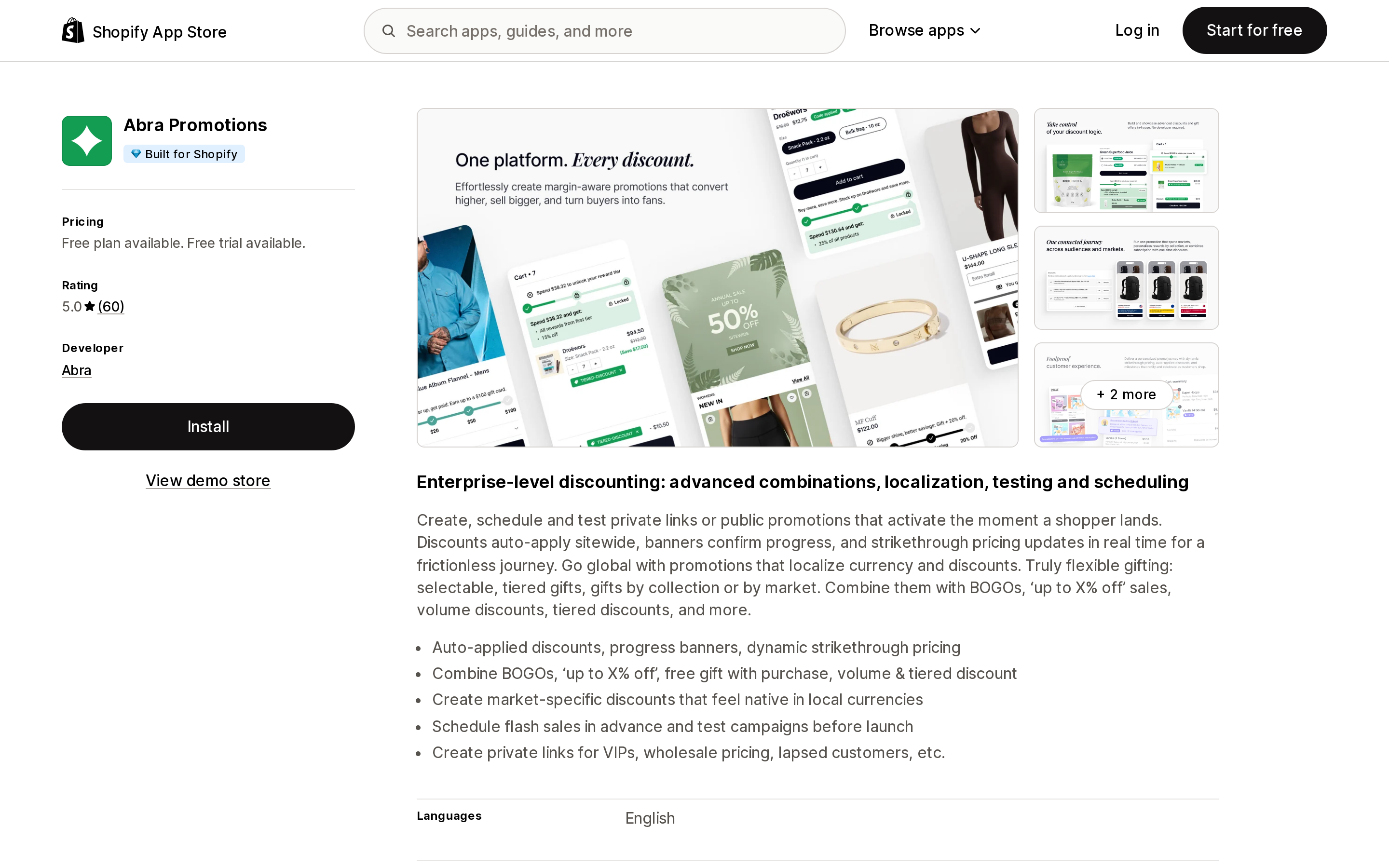
Source: Shopify App Store (Abra Promotions), retrieved September 7, 2026
Abra Promotions is a promotion engine whose headline feature is private, link-activated promotions with "auto-applied discounts, progress banners, dynamic strikethrough pricing." It carries the Built for Shopify badge, lists Checkout, Shopify POS, Klaviyo, Postscript, Rivo, Tapcart, UpCart and AfterSell under Works with, and has a 5.0 rating across 60 reviews as of the research date.
Its link is an ?abralink=PROMOTION-CODE parameter that can be appended to any page. The behavior differs from a native link in a way that matters for campaign design. According to Abra's documentation, the promotion is session-based: it activates when the customer clicks, stays active across pages, and expires after a period of inactivity that can be set anywhere from 5 minutes to 14 days. A second private link replaces the first. And the docs warn that "activating automatic discounts with a private Abra Link is not recommended" — it can make a discount appear on-site but not apply at checkout. If you run Shopify automatic discounts alongside, plan the overlap.
Pricing is the part to read twice. The Free Plan covers "one private promotion" with auto-applied discounts and theme sections. Flex is $99/month plus 1.5% of attributed revenue over $10k. Fixed starts at $299/month, or $3,050/year. Paid plans have a 14-day trial. For a brand running many concurrent gift-with-purchase and tiered promotions through email, SMS and affiliates, the on-site pricing display is what you're buying. For a merchant who wants a code pre-applied from a newsletter link, the free native link already does that, and the $99 floor is disproportionate.
Discount Ninja Promo Engine
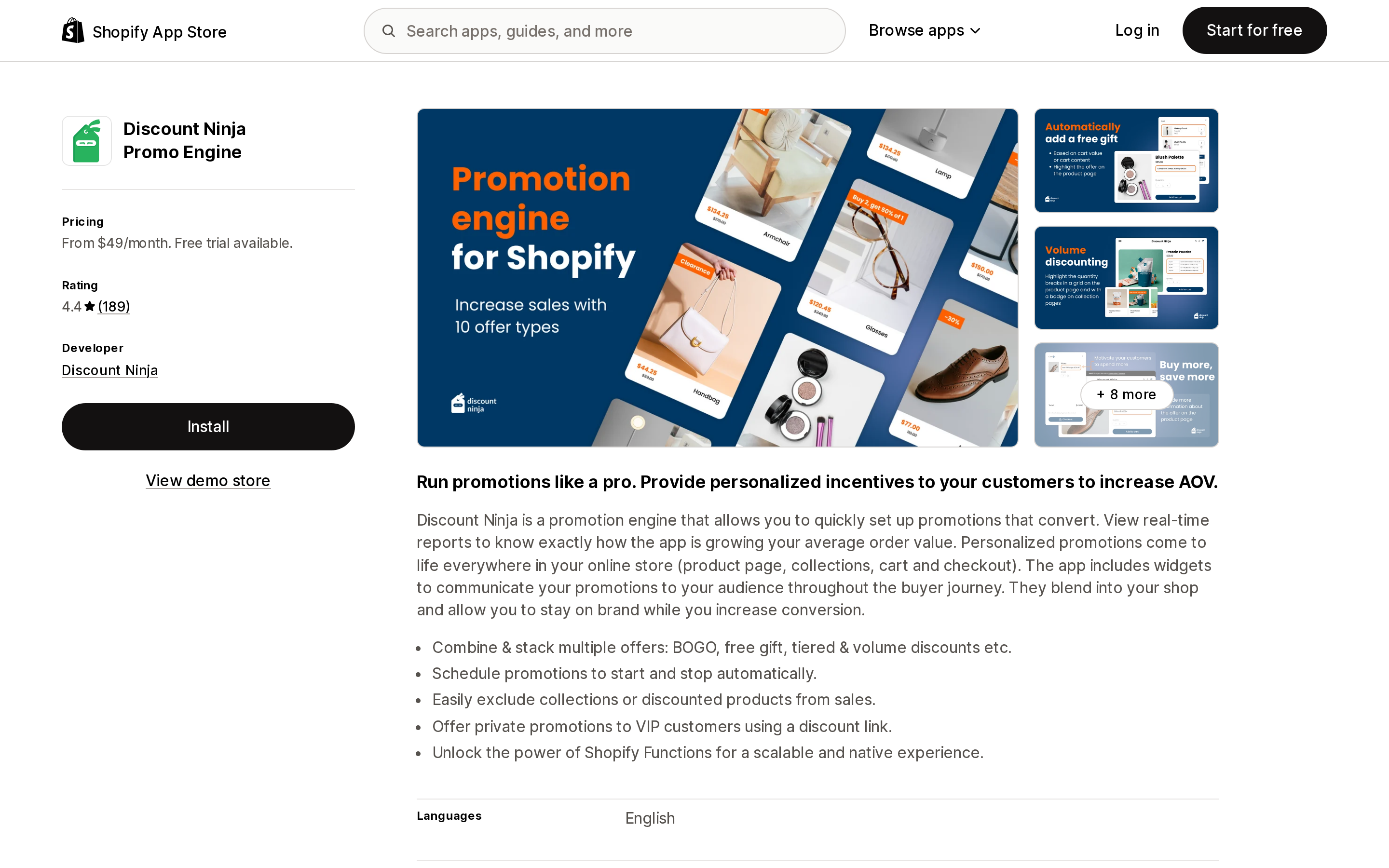
Source: Shopify App Store (Discount Ninja Promo Engine), retrieved September 7, 2026
Discount Ninja Promo Engine has been on the App Store since August 2017 and covers the same territory — BOGO, tiered and volume offers, private promotions "using a discount link," and Shopify Functions for checkout. It rates 4.4 across 189 reviews and does not carry the Built for Shopify badge.
Pricing meters on "discounted orders included (only those influenced by the app)," with per-order overage: Starter is $49/month for 500 orders then $0.20 each; Pro $99/month for 1,000 then $0.175; Grow $199/month for 2,500 then $0.125; Plus $399/month for 10,000 then $0.10; an Enterprise tier starts at $599 for 20k. Annual billing saves 8%, and there's a 14-day trial.
The 25 one-star reviews cluster around one theme worth weighing before you commit: the strikethrough "dynamic pricing" lives in your theme. Multiple reviews describe the app breaking after a theme update, setup requiring code work or a developer-provided installation service quoted at up to three weekdays, and one 2024 reviewer noting that the install "impacts most of your core shopify files." The developer's replies confirm the app can't discount products on Shopify POS. If your theme changes often, that's the trade-off.
Checkout Links
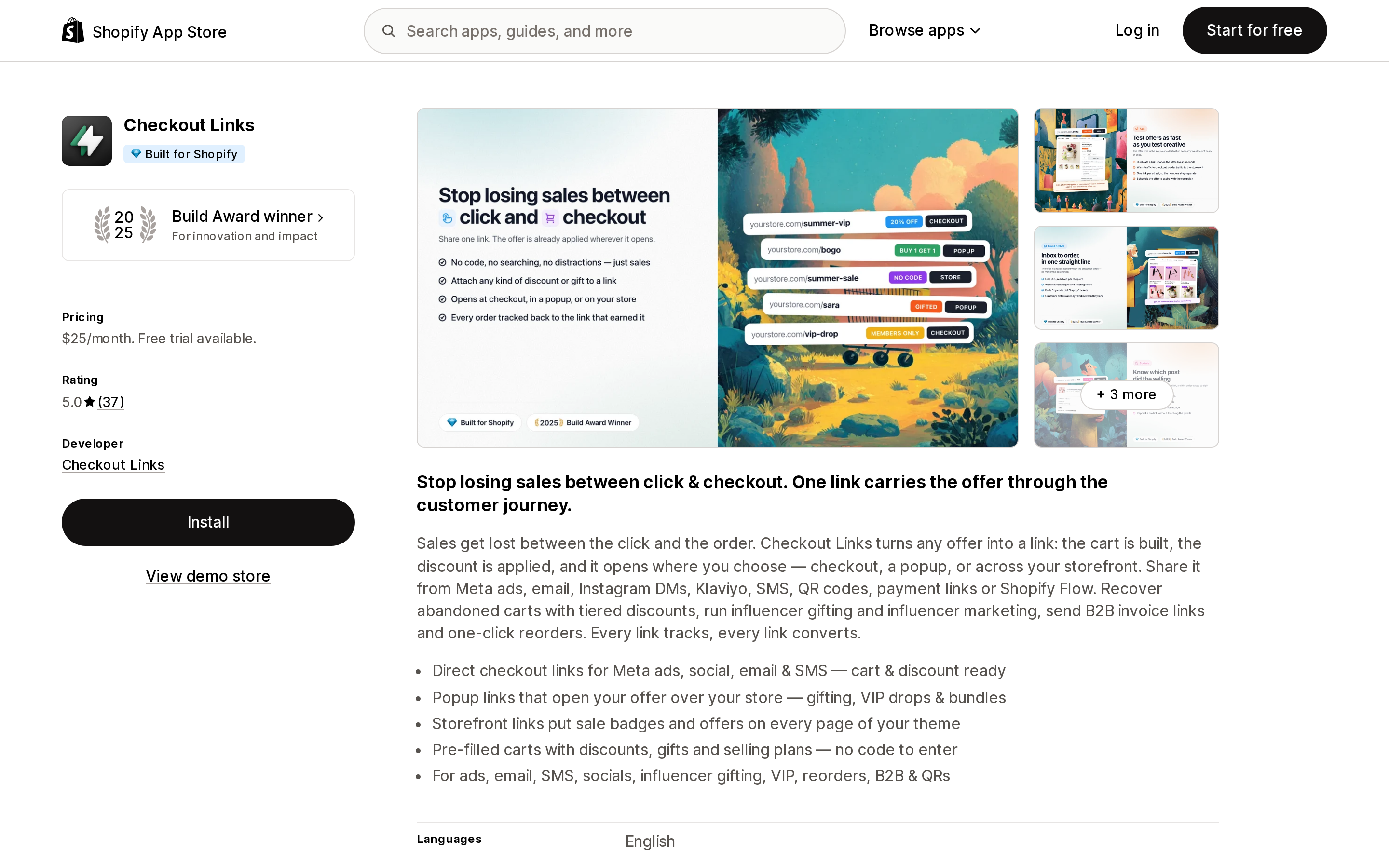
Source: Shopify App Store (Checkout Links), retrieved September 7, 2026
Checkout Links is the link-builder option: direct-to-checkout links "cart & discount ready" for Meta ads, social, email and SMS; popup links that open an offer over the storefront; pre-filled carts with discounts, gifts and selling plans; B2B invoice and wholesale order links. It is Built for Shopify, a 2025 Build Award winner, works with Shopify Flow and POS as well as Klaviyo and ManyChat, and shows 5.0 across 37 reviews.
There is one plan at $25/month with a 7-day trial, and everything on the listing is in it, including analytics and revenue tracking. Functionally it sits on top of what cart permalinks already do; the reasons to pay are the editor, the popup and storefront link types, tracking, and the Flow integration. If you're hand-assembling variant IDs into permalinks for ad campaigns and losing track of which link drove what, this is the price of not doing that.
Discount in Cart & Link Banner
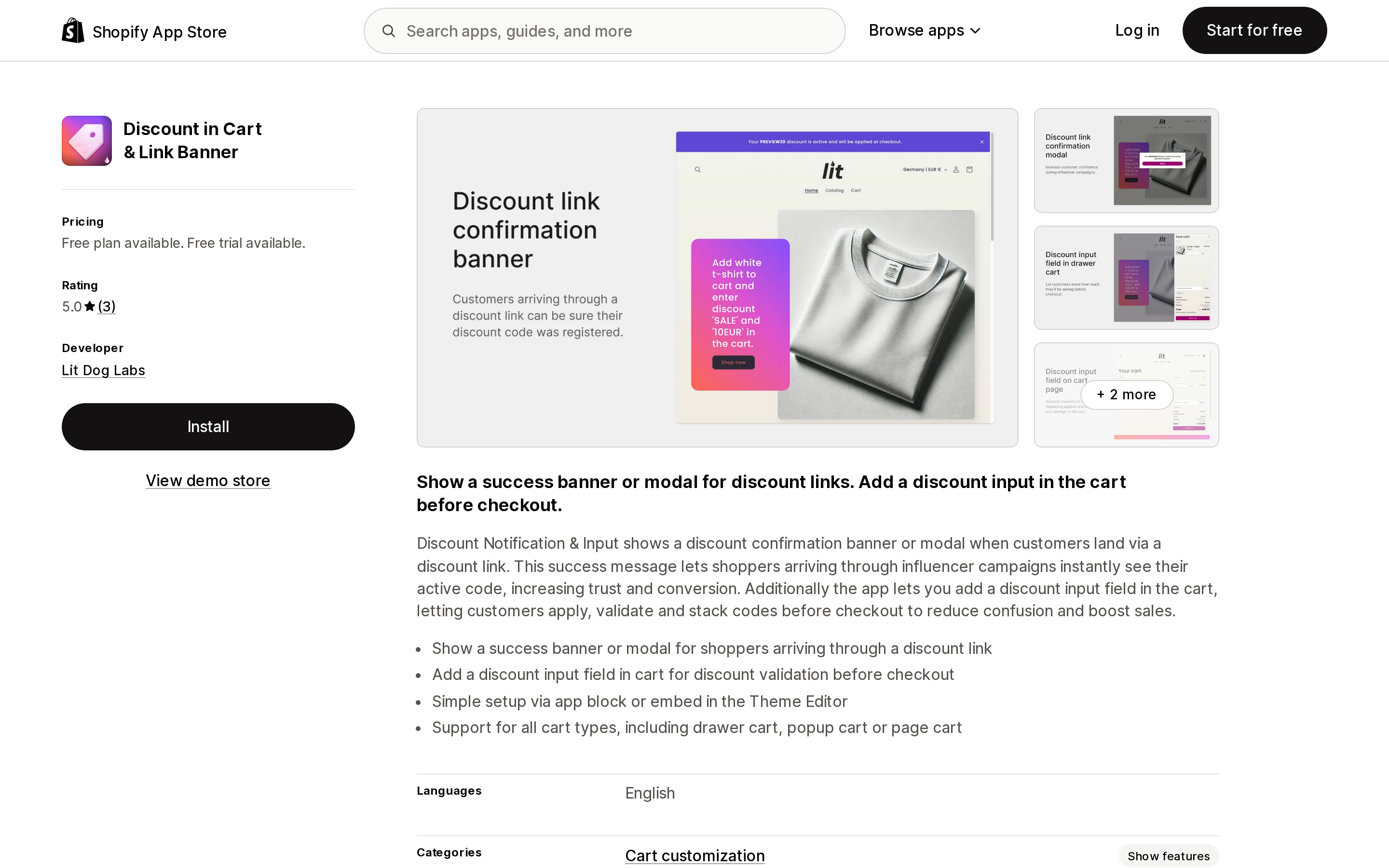
Source: Shopify App Store (Discount in Cart & Link Banner), retrieved September 7, 2026
Discount in Cart & Link Banner does exactly two things. It shows a confirmation banner or modal when a shopper arrives through a native discount link, so they know the code took. And it adds a discount input with validation to the cart — drawer, popup or page — via an app block or embed in the theme editor. Under store data access it lists only products.
The Free plan includes both features with "Powered by" branding; Unlimited removes the branding for $2.99/month or $19.99/year, with a 7-day trial. It has three reviews, all five stars, the newest from January 2026, and launched in August 2024, so it is small. But if you're on Dawn or a third-party theme and the whole requirement is "let customers enter a code in the cart and confirm the link worked," this is the size of app the problem deserves. On Horizon, you don't need it; turn on the theme setting.
KeepCart: Stop Coupon Leaks
Source: Shopify App Store (KeepCart: Stop Coupon Leaks), retrieved September 7, 2026
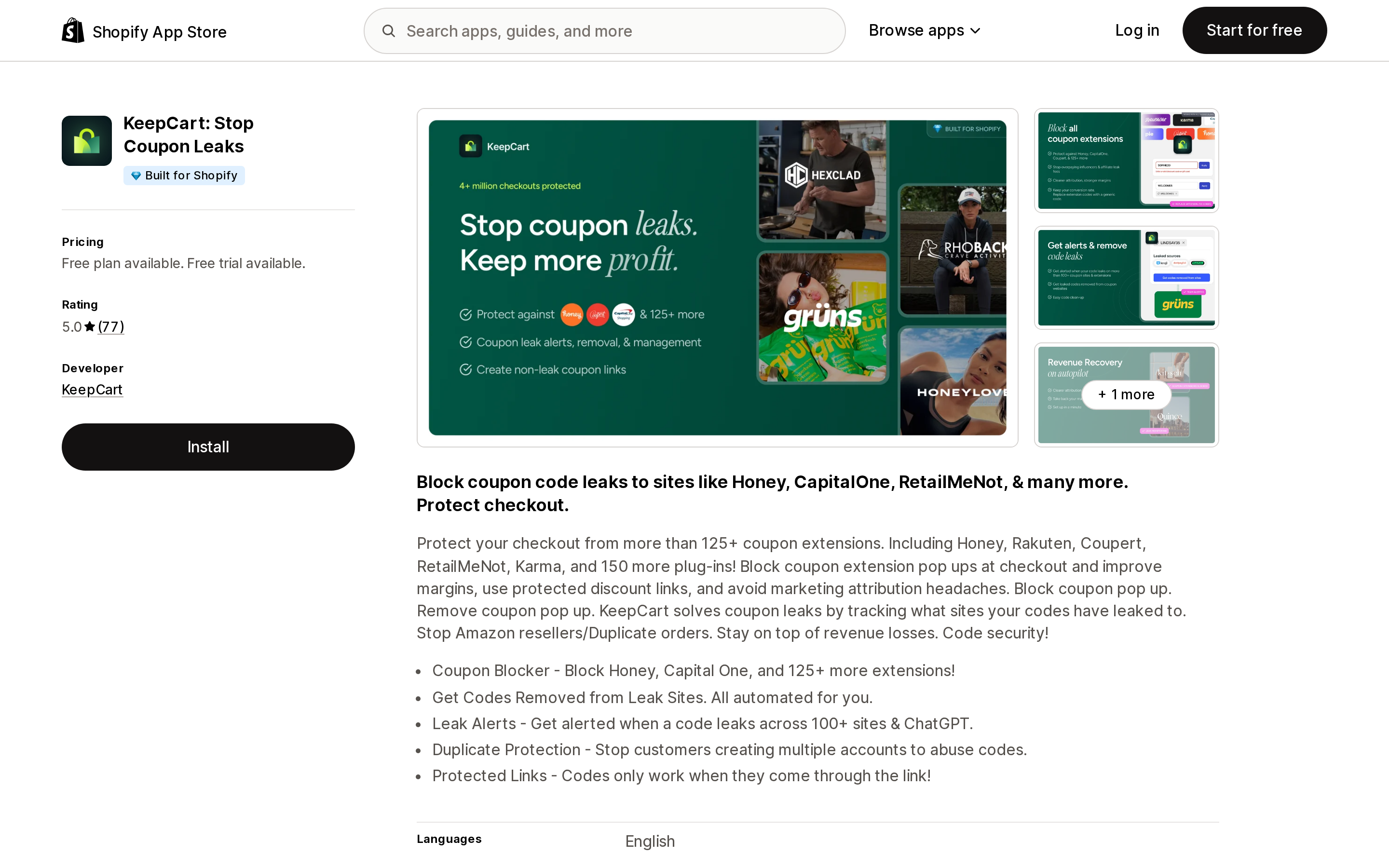
KeepCart: Stop Coupon Leaks addresses the auto-apply problem from the merchant's side of the ledger. Browser extensions such as Honey, Capital One Shopping and RetailMeNot auto-apply leaked codes at checkout; KeepCart blocks a listed 125+ extensions, alerts you when a code appears on leak sites, requests takedowns, and — the feature relevant here — offers "Protected Links" where "codes only work when they come through the link." That is the link-only restriction native Shopify lacks. The listing doesn't state the mechanism; Shopify's FAQ implies it would be a Discount Function rejecting the code at checkout.
The Free tier includes a monthly scan of coupon sites and extension analytics. Blocking Basic is $39/month, which the listing marks "Best for Non Shopify Plus Plans"; Blocking Starter is $99/month for up to 5,000 orders/month; Blocking Growth is $199/month for up to 10,000. All paid tiers have a 30-day trial. It's Built for Shopify, Chicago-based, and shows 5.0 across 77 reviews, several from US stores in August 2026.
A note on Discount Direct
Source: Shopify App Store (Discount Direct), retrieved September 7, 2026
Discount Direct shows up in the top results for this query because it's free and its name matches. It launched in February 2017, has three reviews averaging 3.8, and the newest review is from September 2018 — one of them reports the link working "only occasionally" on iPhone. Nothing on the listing has changed the picture since. Native discount links do what it was built for.
Side by side
| Native link / permalink | Horizon cart field | Abra Promotions | Discount Ninja Promo Engine | Checkout Links | Discount in Cart & Link Banner | KeepCart | |
|---|---|---|---|---|---|---|---|
| Cost | $0 | $0 | Free (1 promo) / $99 + 1.5% over $10k / from $299 | $49–$399 + per-order overage | $25 | Free / $2.99 | Free / $39–$199 |
| Pricing unit | — | — | promotions; attributed revenue | discounted orders influenced | flat | flat | orders per month |
| Applies code from a link | Yes | — | Yes, session-based | Yes | Yes, to checkout | Confirms native link | Link-only codes |
| Code persistence | Cart + browser until removed | — | 5 min – 14 days inactivity | Not stated on listing | Per checkout | Native | Native |
| Code entry in cart | Via theme / Cart API | Yes | — | — | — | Yes | — |
| Strikethrough on product pages | No | No | Yes | Yes (theme-level) | No | No | No |
| Built for Shopify | — | — | Yes | No | Yes | No | Yes |
| Trial | — | — | 14 days | 14 days | 7 days | 7 days | 30 days |
Which one, by situation
You send a code in email, SMS or social and want it applied when the customer lands. Use the native link. Add ?redirect= to send them to the right collection, pick a marketing campaign for UTMs, and stop there.
You want a specific product and a code loaded in one tap from an ad. Build a cart permalink with discount= and storefront=true, or payment=shop_pay if you're confident in the quantity. If you're running dozens of these and need tracking, popups, or Flow triggers, Checkout Links at $25/month is the purpose-built version.
You want customers to enter a code in the cart. On Horizon, it's already on. On Dawn or a third-party theme, either have your developer wire the discount parameter on /cart/update.js, or install Discount in Cart & Link Banner for free or $2.99/month.
You need shoppers to see the discounted price on product pages while a link-activated promotion is live, with gifts and tiers layered in. That's Abra Promotions or Discount Ninja Promo Engine. Price them against your own numbers — Abra's revenue share versus Discount Ninja's per-order overage produce very different bills at the same volume — and, for Discount Ninja, factor in how often you update your theme.
Your problem is codes being applied by extensions you never sent. KeepCart, starting with the free scan to see whether you actually have a leak.
What you should not do is install a promotion engine because a how-to post said Shopify can't auto-apply codes. Since 2025 the native path covers the link, the stacking, and the cart. Pay for the parts it doesn't.
Sources
- Managing and editing your discounts — Promote a discount using a shareable link or QR code (Shopify Help Center)
- Discount codes FAQ (Shopify Help Center)
- Cart permalinks (Shopify Help Center)
- Discount codes from shareable links can now combine with existing codes in the cart (Shopify Changelog, July 15, 2025)
- Cart AJAX API: Discounts support on /cart/update.js (Shopify developer changelog, May 21, 2025)
- Cart API reference (shopify.dev)
- Shopify/horizon on GitHub — settings_schema.json, cart-summary.liquid, en.default.json
- Shopify/dawn on GitHub — sections/main-cart-footer.liquid
- Abra Promotions (Shopify App Store) and Abra Links (Private Promos) documentation
- Discount Ninja Promo Engine (Shopify App Store)
- Checkout Links (Shopify App Store)
- Discount in Cart & Link Banner (Shopify App Store)
- KeepCart: Stop Coupon Leaks (Shopify App Store)
- Discount Direct (Shopify App Store)
Shopify's free link-in-bio page, Linkpop, retired on July 7, 2025 — linkpop.com now redirects to shopify.com. On August 15, 2026 Shopify's Help Center began saying the $5 Starter plan, the plan built around sharing product links on social, isn't available to new stores. And Shopify's own July 21, 2026 blog post on link-in-bio tools links to exactly two Shopify App Store listings: LinkShop, and Linktree — an app in the Marketplaces category, billed outside your Shopify invoice, rated 3.6 across 18 reviews. We priced seven link-in-bio apps on September 18, 2026. The dimension that matters isn't the monthly fee, which runs from $0 to $15. It's where the page lives: four apps serve it from your own storefront through a Shopify app proxy, which means it sits behind your store password — and on the new $0 Agentic plan, that password never comes off. Verified against the Shopify Help Center, shopify.dev, the Shopify App Store, and live store pages.