
What you will learn
On this pageContentsCloseOpen
Your supplier feed updates at 9:00 a.m. The products on your storefront change at 11:40 a.m. Somewhere in between, you sold four units of something you no longer have.
The usual diagnosis is that you have too many apps installed and they are competing for your store's API capacity. It is a reasonable guess, and Shopify's documentation contradicts it in a single sentence.
The one sentence that decides this
From Shopify API limits on shopify.dev:
GraphQL Admin API rate limits are based on the combination of the app and store. This means that calls from one app don't affect the rate limits of another app, even on the same store.
Each app you install gets its own bucket on your store. Your inventory sync app is not slowed down by your review app, your loyalty app, or your ERP connector. Uninstalling apps to free up API capacity frees up nothing, because there was no shared pool to free.
This is the opposite of how most Shopify limits work. Automatic discounts, checkout editor slots, theme sections — those are genuinely shared between your apps and Shopify's own features. The API rate limit is the exception, and it is the one merchants most often assume is shared.
What Shopify publishes, and in what unit
The limit is not requests per second. It is query cost per second, under a leaky bucket model. Every field in the GraphQL schema carries an integer cost — an object costs 1, a mutation costs 10, a connection is sized by its first or last argument — and your app's bucket refills at a fixed rate:
| API tier | GraphQL Admin API restore rate |
|---|---|
| Standard | 100 points/second |
| Advanced Shopify | 200 points/second |
| Shopify Plus | 1,000 points/second |
| Shopify for enterprise (Commerce Components) | 2,000 points/second |
Note that Shopify's table names API tiers, not plan names, and never restates the limits plan by plan. Advanced maps to Advanced Shopify; Basic and Grow both fall under Standard, which is an inference from the table's own tiering rather than something Shopify spells out.
Three caps apply on every tier, Plus included:
- A single query may not exceed a cost of 1,000 points, regardless of plan.
- Input arguments that accept an array have a maximum size of 250 items.
- Pagination is capped at 25,000 objects. Count queries are accurate to 25,000 and return 25,001 above that, meaning "how many customers match this segment" stops giving you a real number past 25,000.
Shopify also reserves the right to lower the numbers: "Shopify may temporarily reduce API rate limits to protect platform stability." Every figure above is a ceiling, not a guarantee.
One thing that is explicitly not rate-limited: the Storefront API has no fixed request-per-minute limit for real buyer traffic. A flash sale does not consume your sync app's Admin API budget. Automated crawlers are throttled, and merchants who want to crawl their own stores can find ready-to-use Web Bot Auth signatures in the Shopify admin.
The number Shopify does not publish
Ask whether a specific app can get more capacity than the table says, and Shopify's documentation is silent. A vendor's documentation is not.
Matrixify publishes this on its own tutorial page, last modified June 17, 2026:
By default, Shopify Plus stores have 500% API Call Limit increase for Matrixify app and regular Shopify stores have 300% API Call Limit increase.
So the published tier is a starting point that Shopify adjusts per app, per store. Matrixify adds that Plus stores may be able to go beyond 500%, that the criteria are not known, and that merchants should ask their Shopify Plus support contact or Merchant Success Manager.
Two things follow. First, "what rate limit do I have" has no single answer — it depends on which app is asking. Second, if a vendor's docs say nothing about elevated limits, you cannot assume they have any.
A note on vocabulary: Matrixify's page still describes the ceiling as an "API Call Limit" of 40 and 80, which is the old REST bucket. The REST Admin API became a legacy API on October 1, 2024, and since April 1, 2025 new public apps submitted to the App Store must use GraphQL only. Expect to meet both vocabularies in vendor documentation for a while yet.
The lever you actually control
You are unlikely to negotiate a per-app rate limit increase, and upgrading your Shopify plan for API throughput alone is an expensive way to solve a sync problem. The lever in front of you is the app's own pricing page — and that is where throughput is sold.
Four apps that all move inventory data into Shopify price the same job four different ways. Figures below are from the en-US Shopify App Store, checked September 15, 2026.
| App | Developer | Built for Shopify | Rating | Starting price | What the price scales on |
|---|---|---|---|---|---|
| Matrixify | ITissible | Yes | 4.9 (1,626) | Free (Demo), then $20/month | Rows per file, then parallel threads |
| syncX: Stock Sync & Inventory | SyncX | Yes | 4.7 (914) | Free, then $7/month | How often the sync runs |
| Syncio Inventory Sync | Syncio | No badge on listing | 4.7 (168) | Free, then $19/month | Number of products imported |
| Trunk ‑ Stock Sync & Bundling | Trunk | No badge on listing | 4.9 (407) | $35/month | Monthly order volume |
None of them prices on the thing Shopify actually meters.
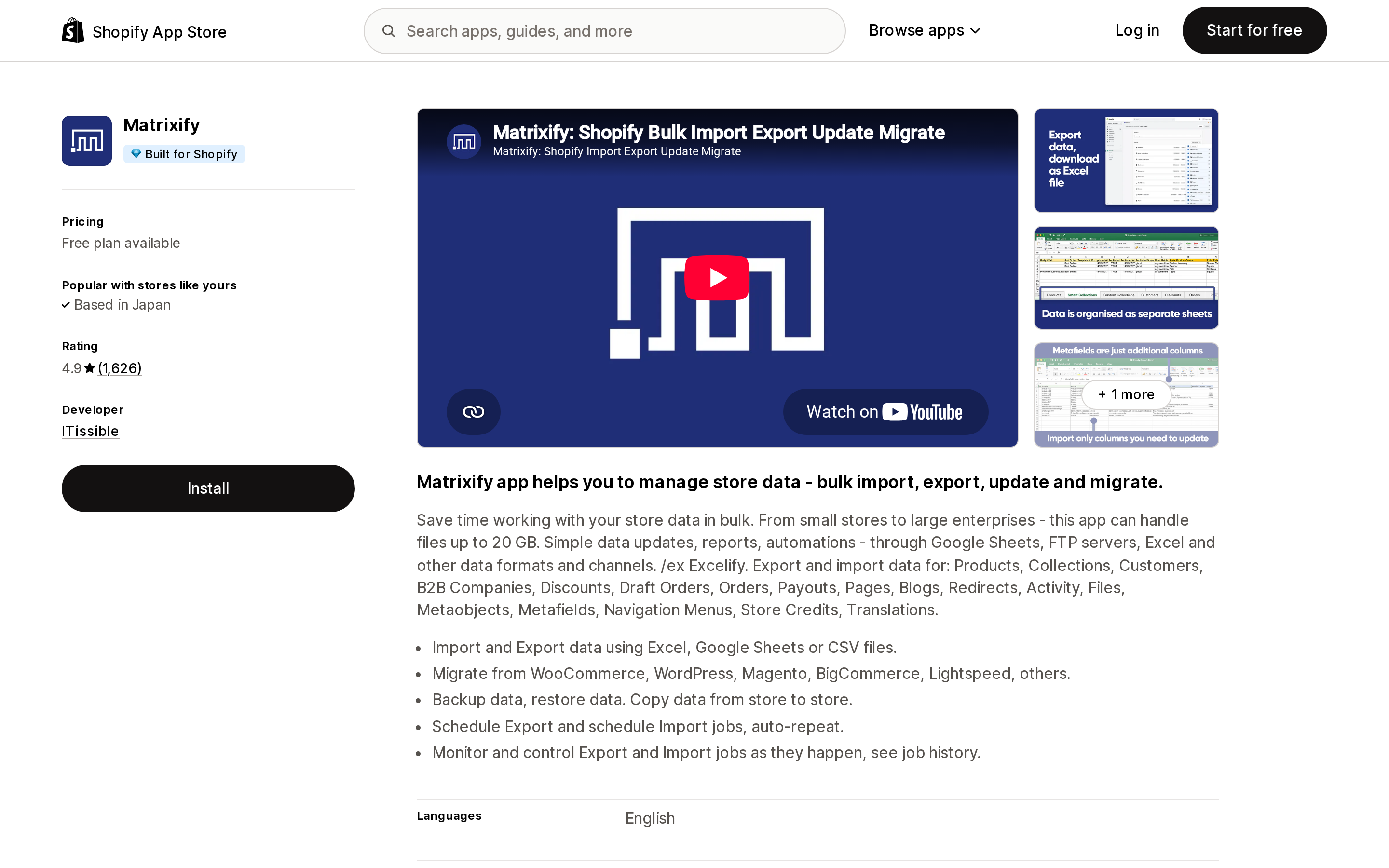
Matrixify sells parallel threads
Source: Shopify App Store (Matrixify), retrieved September 15, 2026
Matrixify's plans are Demo (free), Basic at $20/month, Big at $50/month and Enterprise at $200/month. The first three are described in rows per file — Basic handles 5,000 products and 1,000 orders and draft orders per file, Big handles 50,000 products and 10,000.
Concurrency is the part that matters for speed, and the Enterprise card on the listing states it outright: "Parallel threads in each job: 10+" and "Parallel manual jobs: 2." Matrixify's documentation fills in the rest: Demo and Basic use one process, Big has a fixed 5 parallel threads, and Enterprise scales dynamically from 10 upward — to a maximum of 250 threads, if the store's API call limit is large enough to feed them.
That last clause is the whole relationship in one line. Buying more threads only helps if Shopify's bucket can supply them. Buying a bigger Shopify plan only helps if the app is built to use the extra capacity in parallel. Neither lever works alone.
Matrixify also documents a job option to "Continue importing the next day if Shopify daily import limit is reached" — an app-level workaround for a platform-level daily cap, which is a reasonable thing to look for in any bulk tool.
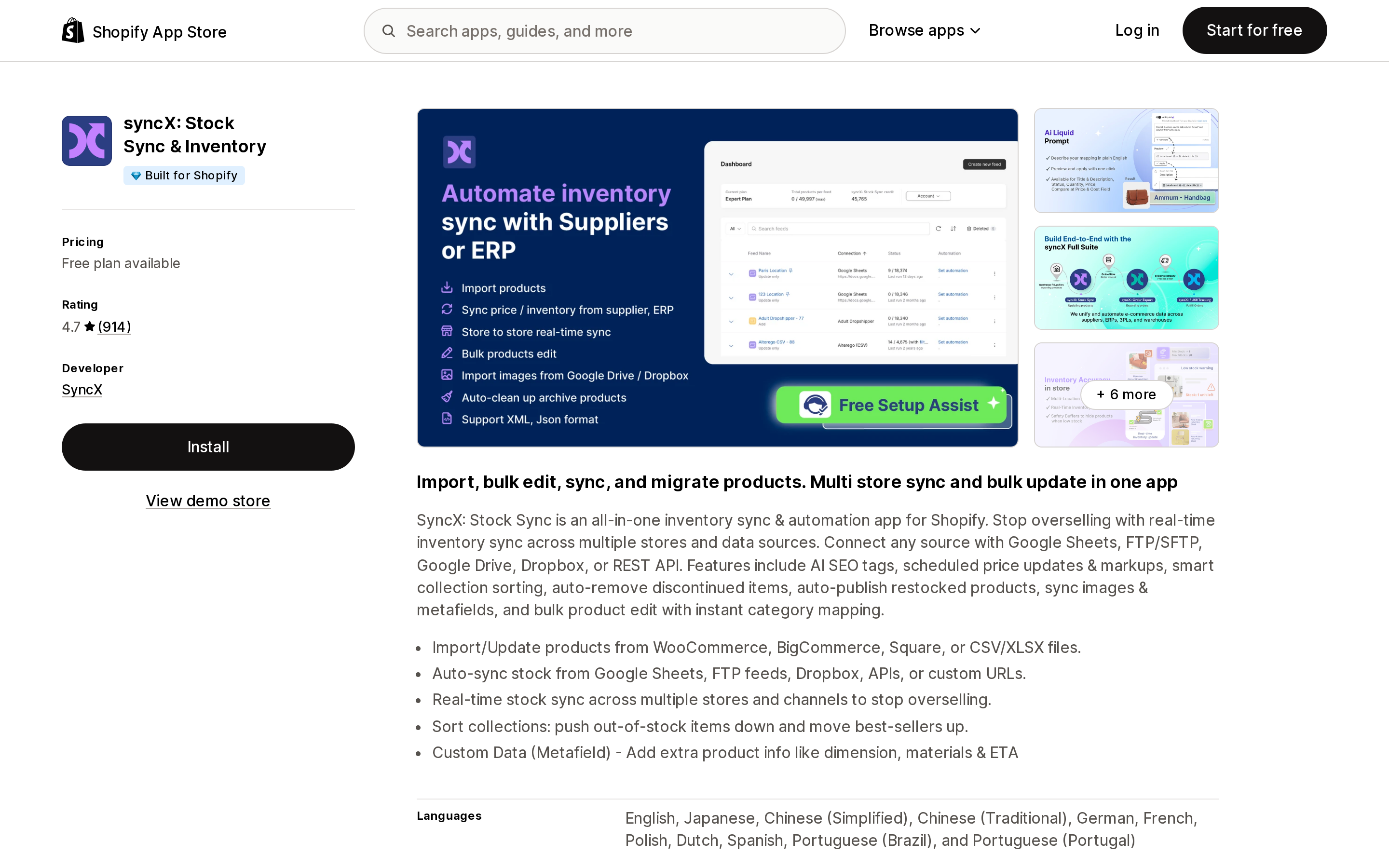
syncX: Stock Sync sells schedule frequency
Source: Shopify App Store (syncX: Stock Sync & Inventory), retrieved September 15, 2026
Here throughput is time, not threads. The Free plan covers 2,000 products, one update feed, and manual updates only — no schedule at all. Starter, at $7/month or $77/year, adds "Schedule 1 times daily (24 hr min)" for 500 to 2,500 products and up to 5 feeds. Expert, at $10/month or $110/year, moves that to "Schedule 12 times daily (2 hr min)" for 5,000 to 50,000 products and up to 30 feeds.
Read the Expert add-on line carefully: "$1 per additional faster schedule," alongside "from $7 per additional feed" and "$2 per additional 5,000 products." Sync frequency is a metered add-on. If your answer to the 9:00 a.m. feed problem is "run it every 30 minutes," that is a line item, and it is the line item that will actually change your overselling window.
One quirk worth noticing before you upgrade: the Free plan states a 2,000-product limit while Starter states 500 to 2,500. Moving from Free to Starter is not automatically a capacity increase.
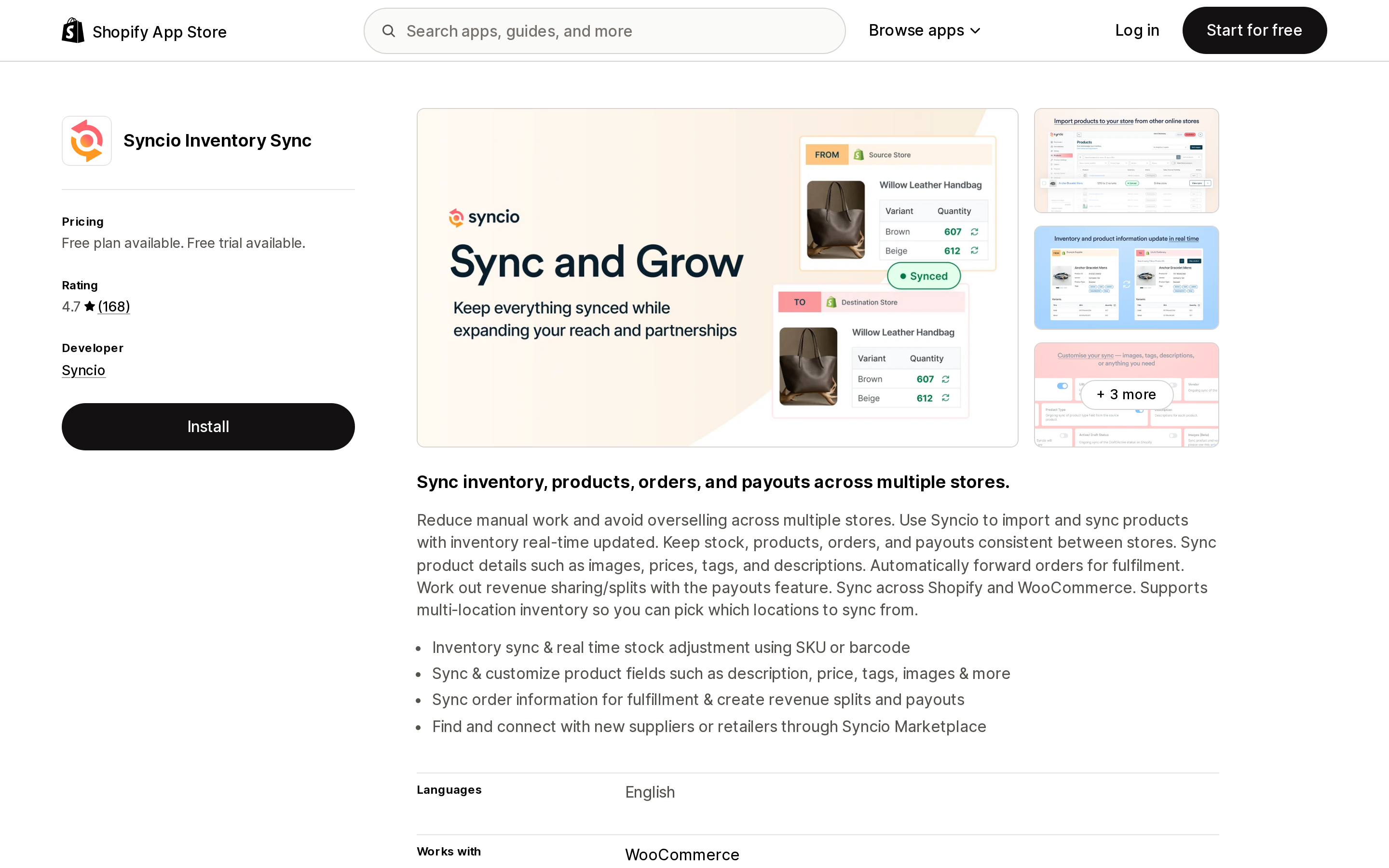
Syncio sells imported product count
Source: Shopify App Store (Syncio Inventory Sync), retrieved September 15, 2026
Syncio puts "Real-time Inventory Sync" on every plan including Free, and charges for catalog size instead: Free covers 25 imported products, Starter $19/month covers 26 to 100, Traction $29/month covers 101 to 500, Growth $39/month covers 501 to 1,000. Unlimited source stores are included at every tier.
The listing is explicit that orders, product settings and payouts carry add-on charges billed separately, and that source store plans are priced on the vendor's own site. The App Store number is one side of a two-sided arrangement, so price it from both ends before committing.
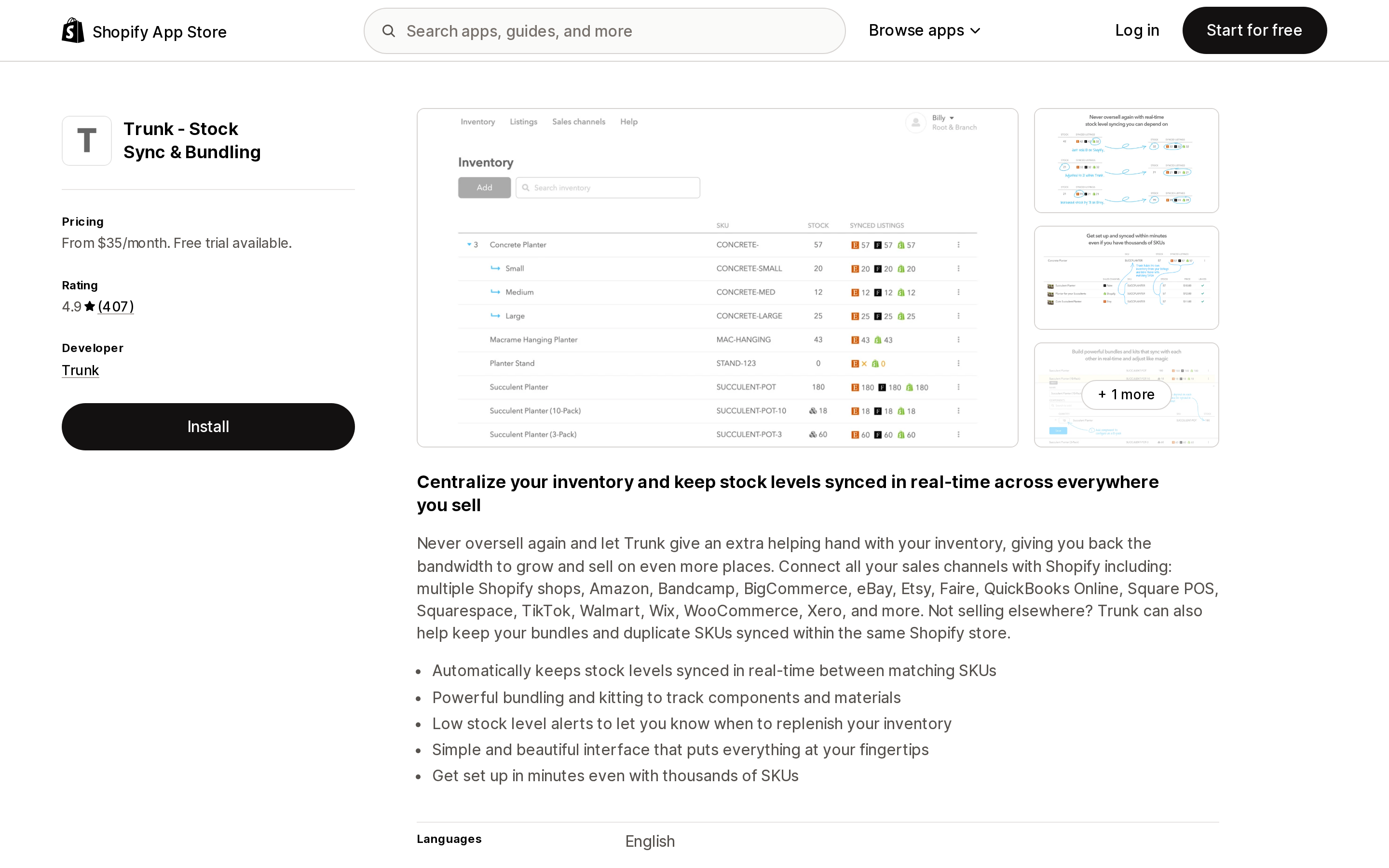
Trunk bills on orders
Source: Shopify App Store (Trunk ‑ Stock Sync & Bundling), retrieved September 15, 2026
Trunk has no free plan and no catalog tiers. Essential starts at $35/month and Pro at $39/month, and both scale on monthly order volume: on Essential, $45 for 101–200 orders/month, $59 for 201–400, $89 for 401–800. Pro runs $59, $79 and $119 at the same steps, and adds bundling, kitting and duplicate SKU syncing. Both include real-time stock level syncing across unlimited sales channels, with a 14-day free trial.
This denominator moves with your revenue rather than your catalog, which suits a small catalog with high turnover and penalizes a large catalog with low turnover.
What "real-time" can and cannot mean
Three of these four apps advertise real-time syncing. Shopify's own webhook documentation sets the ceiling on that claim, and it is worth knowing where it sits.
Shopify does not guarantee webhook ordering within a topic or across topics for the same resource — a products/update can arrive before the products/create it belongs to. And delivery itself is not guaranteed. Shopify's instruction to app developers is blunt: your app shouldn't rely on receiving data from webhooks, and should run reconciliation jobs that periodically re-fetch data to stay consistent.
So "real-time" describes the trigger, not a guarantee. A well-built real-time app is a webhook listener plus a scheduled reconciliation pass, and the reconciliation pass is what protects you on the day a delivery goes missing. When you evaluate a sync app, the useful question is not whether it says real-time. It is whether the vendor documents what happens when a webhook never arrives.
For heavy reads, the escape hatch is bulk operations, which Shopify states "don't have the max cost limits or rate limits that single queries have." As of API version 2026-01 an app can run five bulk operations of each type per shop simultaneously, up from one. If your app is still doing paginated reads of your whole catalog, it is choosing the slow road.
Two throttles that are not the rate limit
Merchants meet these and file them as "API problems," and the fixes are different.
The 500,000-variant creation throttle. Once a store has 500,000 product variants, no more than 10,000 new variants can be created per day through productCreate, productUpdate or productVariantCreate. Shopify's documentation states these additional limits don't apply to stores on the Shopify Plus plan. Matrixify's own page on the throttle adds that it does not count against updates — that you can update price, inventory counts and images on any number of existing products without hitting it — which is the vendor's account rather than Shopify's wording, since productUpdate appears in Shopify's list of throttled mutations.
The 25,000-object pagination cap. Not a throttle at all, but a hard ceiling on how deep any app can page. This is why an export sometimes returns a suspiciously round number of rows.
Before you spend anything
The order to work through:
- Ask the app for its logs. Throttling produces visible errors —
429 Too Many Requestsresponses, and the throttle status Shopify returns in the GraphQLextensions.costfield of every reply. If the vendor cannot show you throttling errors, your lag is not a rate limit problem, and no amount of Shopify plan upgrade will fix it. - Check what you are paying the app for. A 24-hour minimum schedule is not a rate limit. It is a $7 plan. This is the most common cause of "slow sync" and the cheapest to fix.
- Ask the vendor whether it has an elevated limit on your store. Matrixify shows the current increase in the app when a job runs. Vendors that have negotiated increases generally say so.
- Only then consider the Shopify plan. Standard to Advanced doubles the restore rate; Advanced to Plus multiplies it by five. That is real, and it is rarely the binding constraint for a store under a few hundred thousand SKUs.
- Stop uninstalling apps to make room. There is no room to make.
Choosing between the four
- One-off migration or a large periodic import, and you control the window: Matrixify. Buy threads only if the window is genuinely fixed; Basic at $20/month moves a lot of data, slowly.
- Recurring supplier feeds where hours of lag are acceptable: syncX: Stock Sync. Price the faster-schedule add-ons into the monthly figure, not just the plan.
- One catalog shared across stores you own, needing push-on-change: Syncio, priced from both the destination and source sides.
- One SKU pool across Shopify plus Etsy, Amazon or eBay, with order volume you can forecast: Trunk.
- Reconciling an ERP or accounting system rather than a feed: none of the above is the primary tool. Start with the connector your ERP vendor supports, and apply the same questions to it.
The through-line is that your Shopify plan sets a ceiling most stores never touch, and the app's plan sets the floor almost everyone is standing on. Check which one you are actually hitting before you pay to raise either.
Sources
- Shopify API limits — shopify.dev, retrieved September 15, 2026
- Perform bulk operations with the GraphQL Admin API — shopify.dev, retrieved September 15, 2026
- About webhooks — shopify.dev, retrieved September 15, 2026
- Shopify API Call Limit explained and how it impacts the Export and Import speed — Matrixify, page modified June 17, 2026
- Shopify Variant creation limit — Matrixify, page modified August 11, 2026
- Starting April 2025, new public apps submitted to Shopify app store must use GraphQL — Shopify developer changelog
- Shopify App Store listings (en-US) for Matrixify, syncX: Stock Sync & Inventory, Syncio Inventory Sync and Trunk ‑ Stock Sync & Bundling, retrieved September 15, 2026
Shopify added a Bin name column to the inventory CSV on August 25, 2025. It holds one bin per variant per location, it is created only by CSV import, and it prints on Order Printer pick lists. What it does not do is leave Shopify. Shopify staff confirmed on the developer forum in October 2025 and again in January 2026 that there is no public API access to the field, and the developer forum was still reporting the gap in June 2026. That single fact shapes the whole category: EasyScan and iPacky store bins in metafields, Bins-USA and ShelfPilot store them in their own databases, and a free app called Simple Bin Locations copies metafield bins into order notes so packing slips can show them. Shopify's own multi-bin model, with per-bin quantities and an unbinnedQuantity field, exists today only as a feature preview on development stores. Pricing, plan gates, and where each app keeps the bin data, verified on the Shopify App Store, the Shopify Help Center, shopify.dev, and the Shopify community forums on September 18, 2026.